Apoc's Simple Flashlight
Product Description
Sometimes, you just want to add a simple light to your avatar without adding "weight" in the form of additional meshes. Do you really need to hold a physical flashlight, or do you just want the functionality? Much like my free Audio Trolling Tool, this is something I originally created for myself, but decided to share with the community. It isn't anything fancy or special, and that's exactly the point. Every avatar should have a simple flashlight, especially if you like exploring dark horror worlds. I'm releasing this for free, but I do appreciate tips <3 Enjoy!
Features
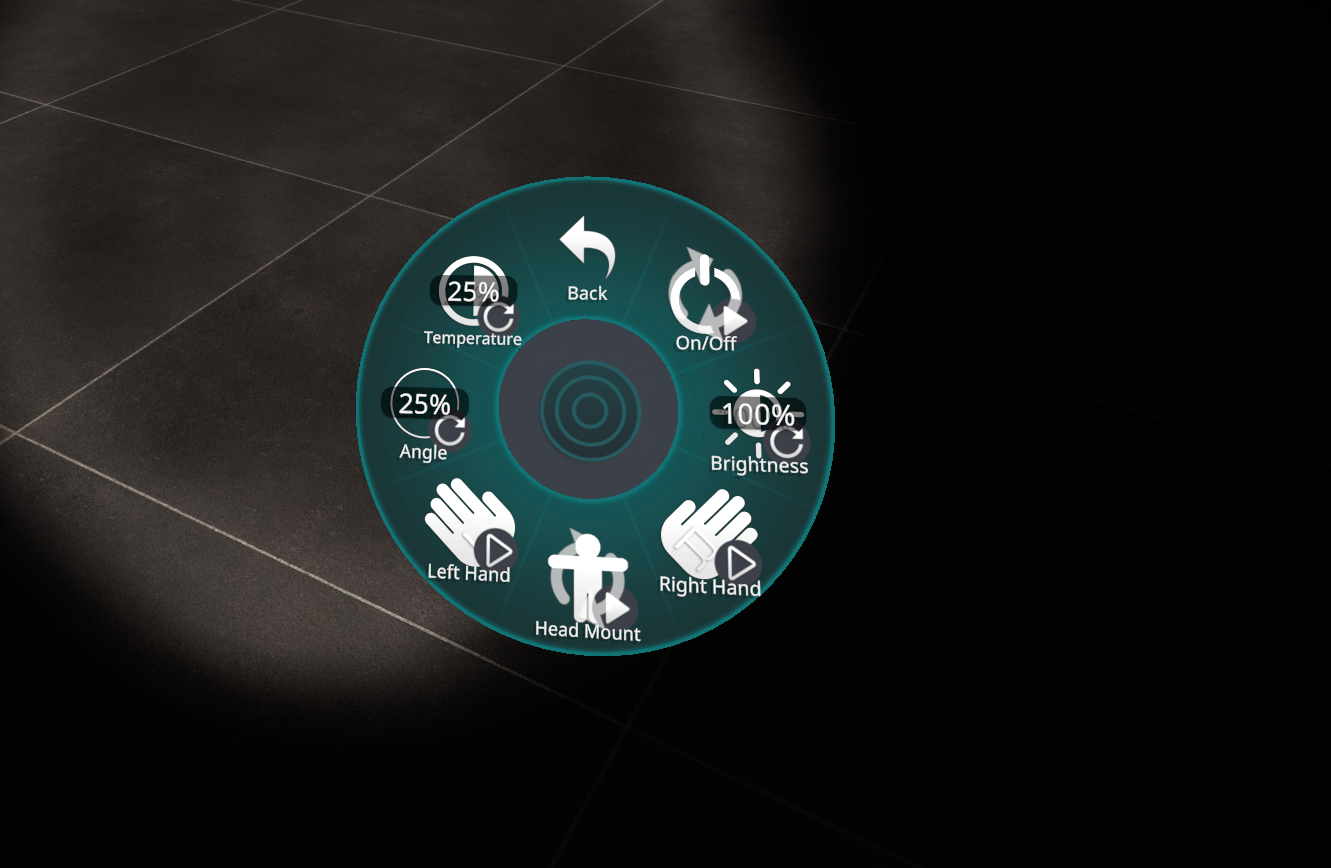
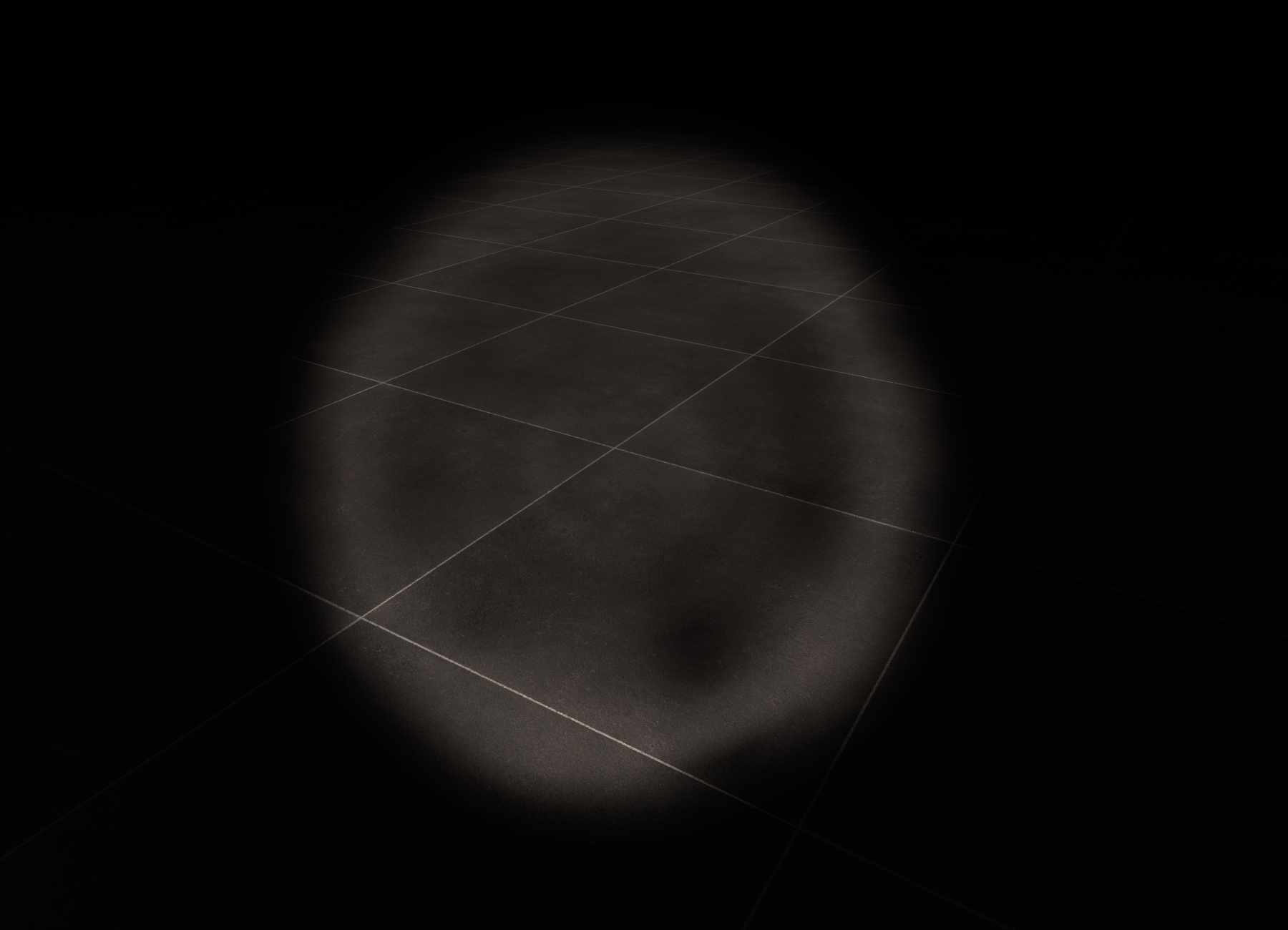
- Realistic spotlight with 3 attachment points, head, left hand, and right hand
- Adjustable Brightness
- Adjustable Angle
- Adjustable Color Temperature
Requirements
- VRCFury
- PC Only
Resource Usage
- 1 Boolean parameter
- 1 INT parameter
- 3 Float parameters (Angle/Brightness/Temperature)
- 1 Light
- 1 Constraint
Installation
This might look like a lot, but it's actually very simple. These instructions assume you want perfect alignment and symmetry, but it is absolutely not necessary, so long as it is aligned well enough for you to use it. It doesn't matter if you leave it enabled or disabled before upload, the script will handle everything else! By default, this installs to the same "Tools" menu as my other tools, but you can change it by editing the path under "Full Controller" and "Override Menu Icon" on the prefab. All my future tools will follow this same format, for consistency.
- Import VRCFury (If you haven't already)
- Import "Apoc's Simple Flashlight.unitypackage" to your avatar project
- Navigate to "_apoc/Prefabs" and find the "Flashlight" prefab
- Left-click the "Flashlight" prefab, then drag and drop it onto the root of your avatar
- Select the Flashlight prefab on your avatar, and using the Inspector window, tick the check box to enable it
- Expand the Flashlight prefab in the hierarchy
- Left-click the "Head Mount" and move it to align with your avatars head, wherever you want the light to emit from (the cone graphic will help you align this perfectly, and deletes itself automatically during upload)
- Left-click the "Left Hand" component on the flashlight, and align it with the left hand on your avatar
- Using the inspector window, find the "Transform" section near the top, right-click the title bar, and select "Copy > Component"
- Left-click the "Right Hand" component next, then right-click the "Transform" section near the top of the Inspector window, and select "Paste > Component Values"
- Locate the Position X value for the "Right Hand", and remove the preceding "-", inverting it from negative to positive
- Locate the Rotation Y value, and invert the value from "-90" to "90" in the same way you edited the Position
- Left and Right hands should now be perfectly symmetrical, click upload!
Allowed
- Edits for personal use
- Uploading privately or publicly to any avatar on your VRChat account
- Use in content creation (VTubing, YouTube, TikTok, other social media, etc.)
- Redistribution in part or as a whole in commercial avatar projects, so long as I am credited
Not Allowed
- Redistribution/sharing that is not part of an avatar project, or without crediting me
- Claiming this as your own work
- Using this asset in any way that violates VRChat TOS
Need help? Want to report a bug?
Join my Discord server: https://discord.gg/xgaAm9WjgE
Join My VRC Group!
Check out my Avatar World!
https://vrchat.com/home/world/wrld_4f88eb43-1663-40cc-9652-050c482b01fe