
Watching Night Fog — Halloween Horror Fog for VRChat | Hide in the Fog · Dead Forest · Eyes & Blood Moon | 3 Colors · Trees & Eyes On/Off · Tree & Eye Count
Product Description
This product contains AI-generated content.
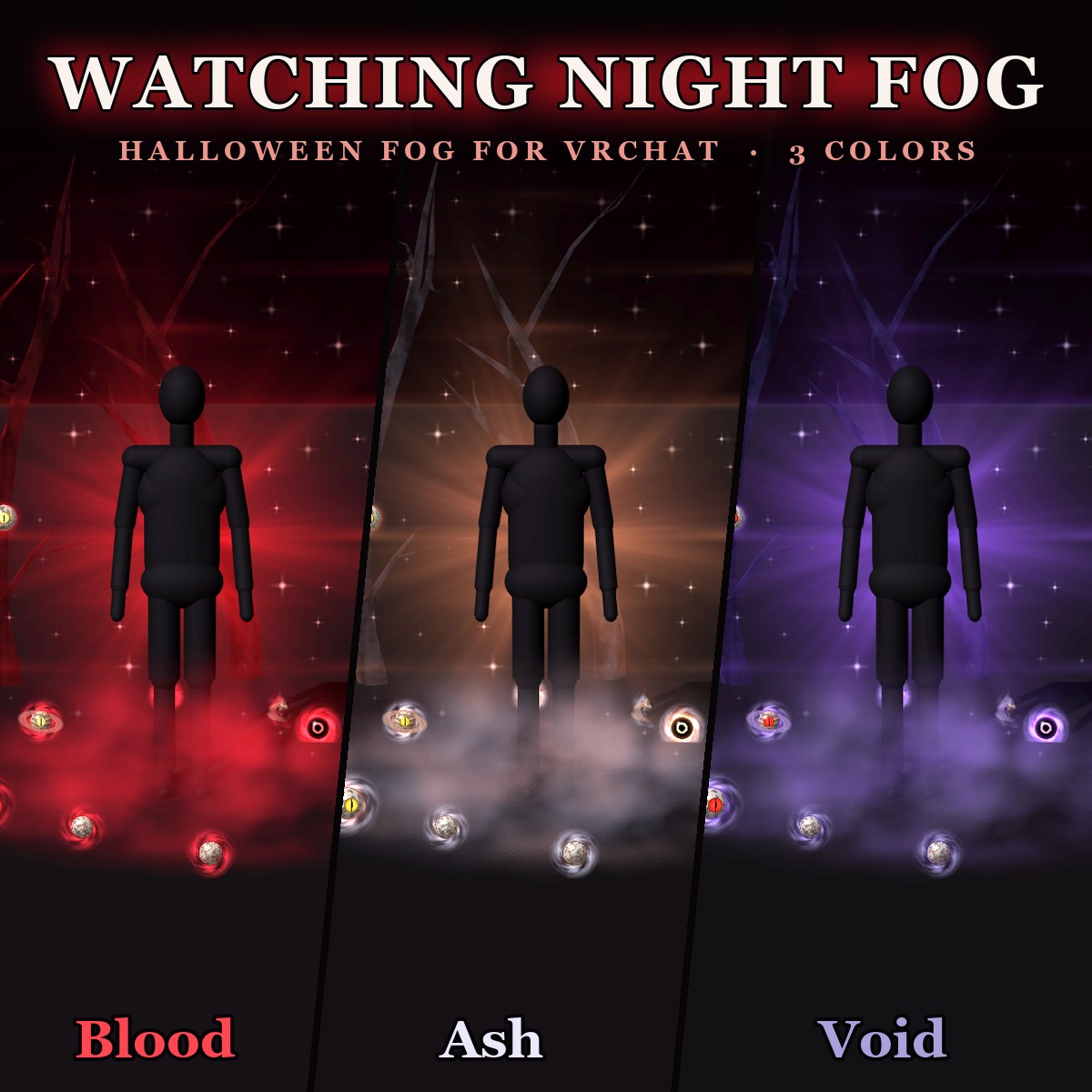
🎃 A red fog for Halloween nights. It lies around your feet, full of eyes, and a dead forest grows out of the ground around you. Turn on "Hide in fog" and the fog rises over you until you are gone, and a blood moon with an eye comes up behind you.
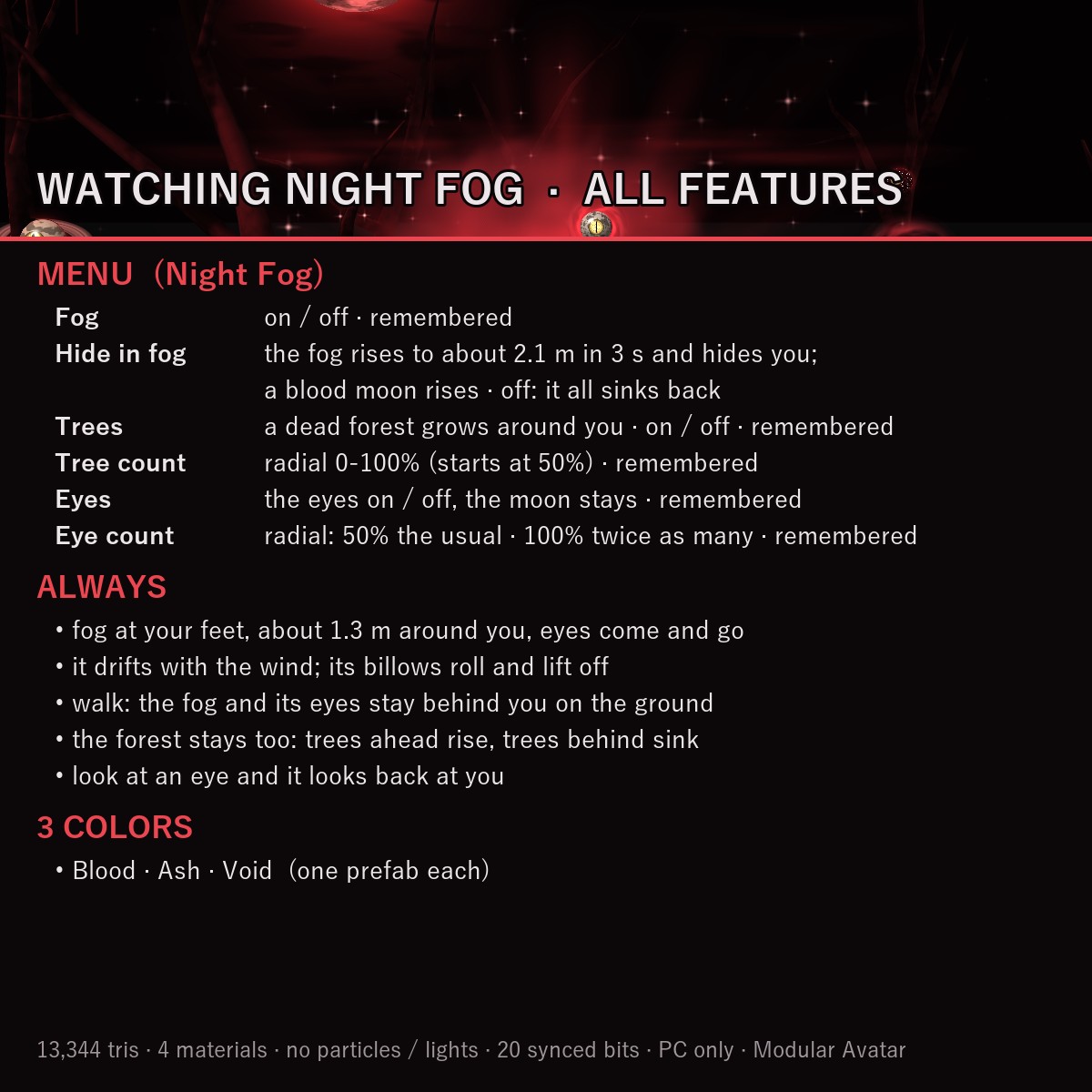
EVERYTHING IN THE MENU ("Night Fog")
• Fog — the whole effect on / off (on when you first wear it, remembered)
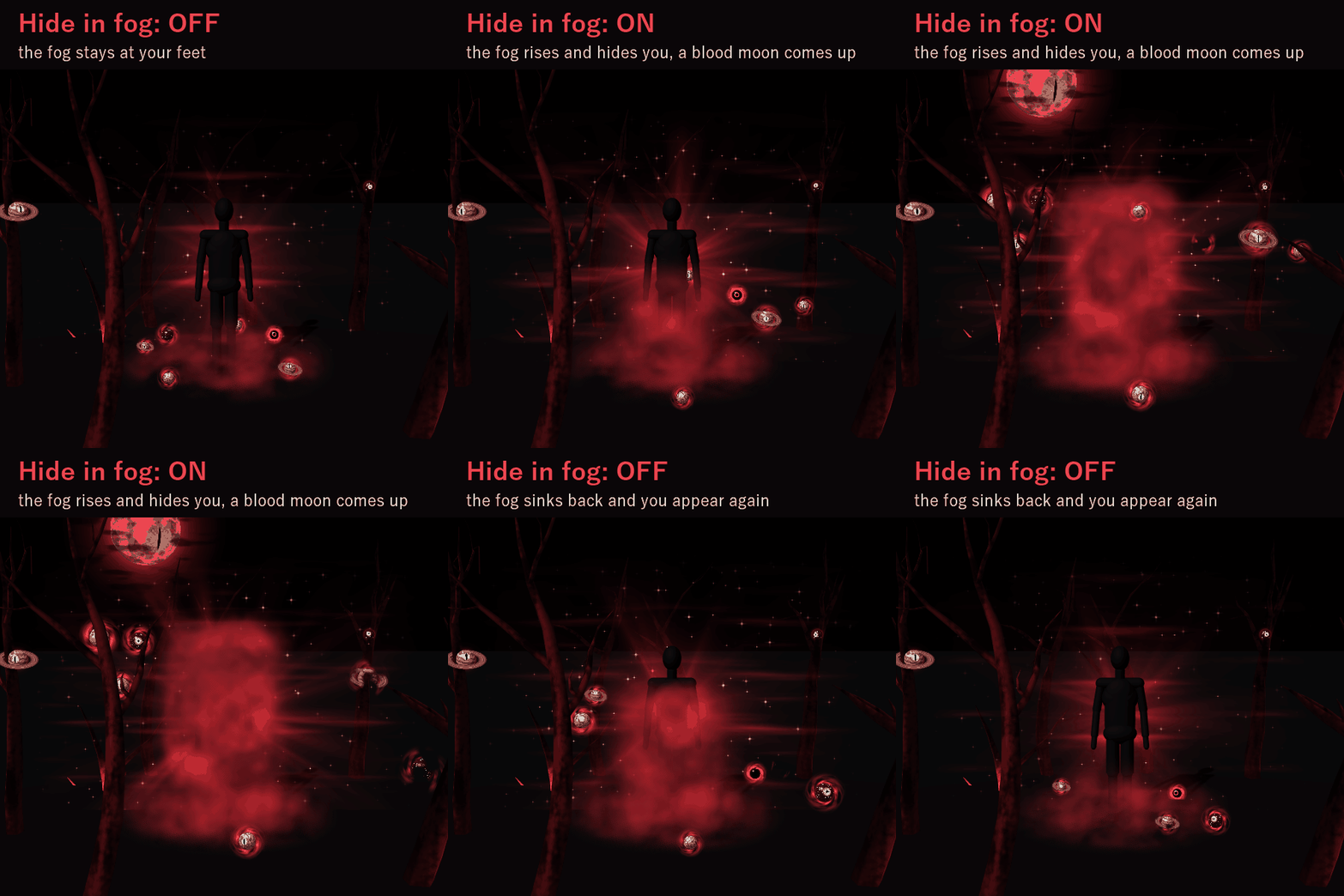
• Hide in fog — raises and lowers the fog (always starts lowered)
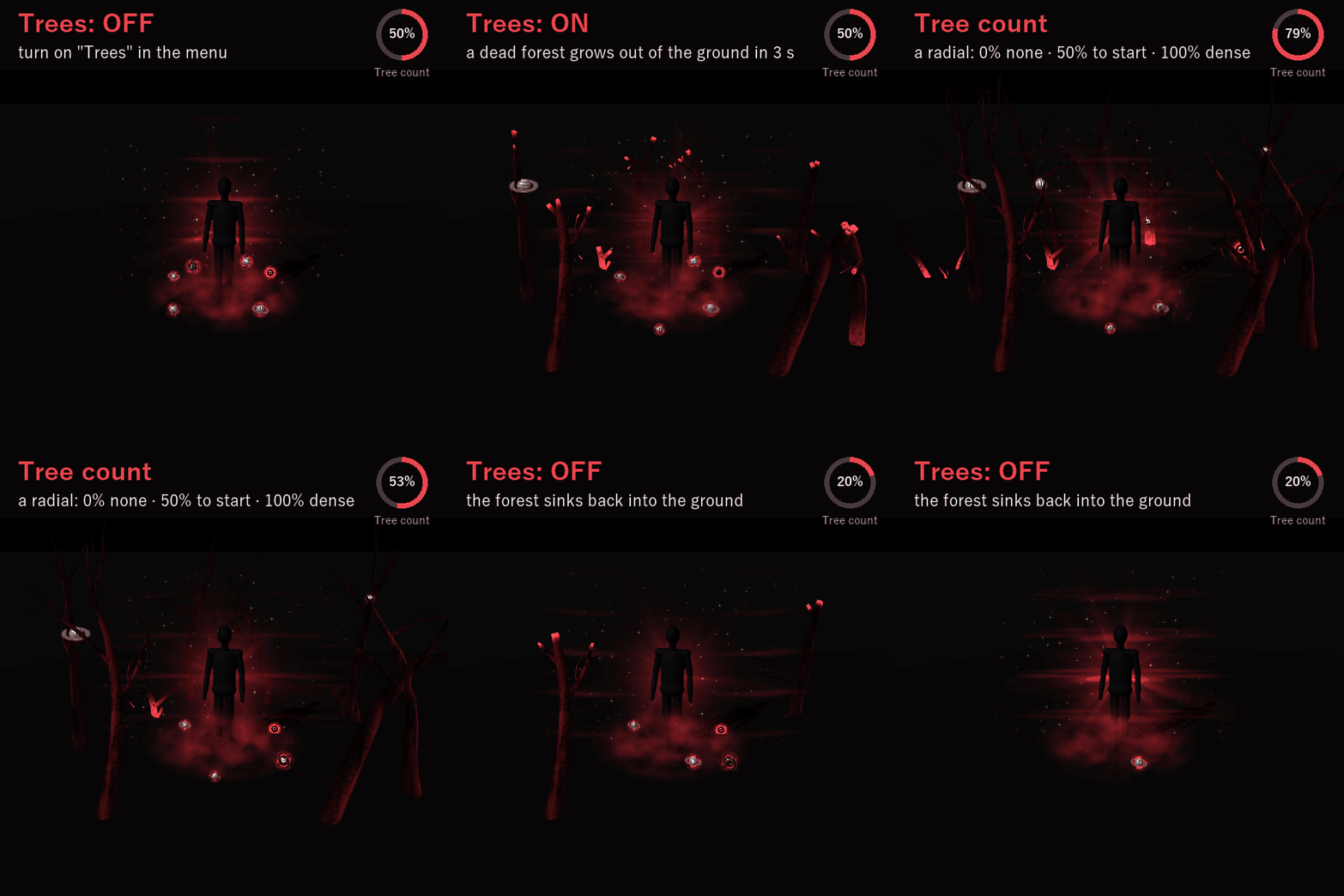
• Trees — the dead forest on / off (on to start, remembered)
• Tree count — a radial: how many trees stand, 0% (none) to 100% (a dense forest), starts at 50% (remembered)
• Eyes — the eyes in the fog and on the trees on / off; the moon stays (on to start, remembered)
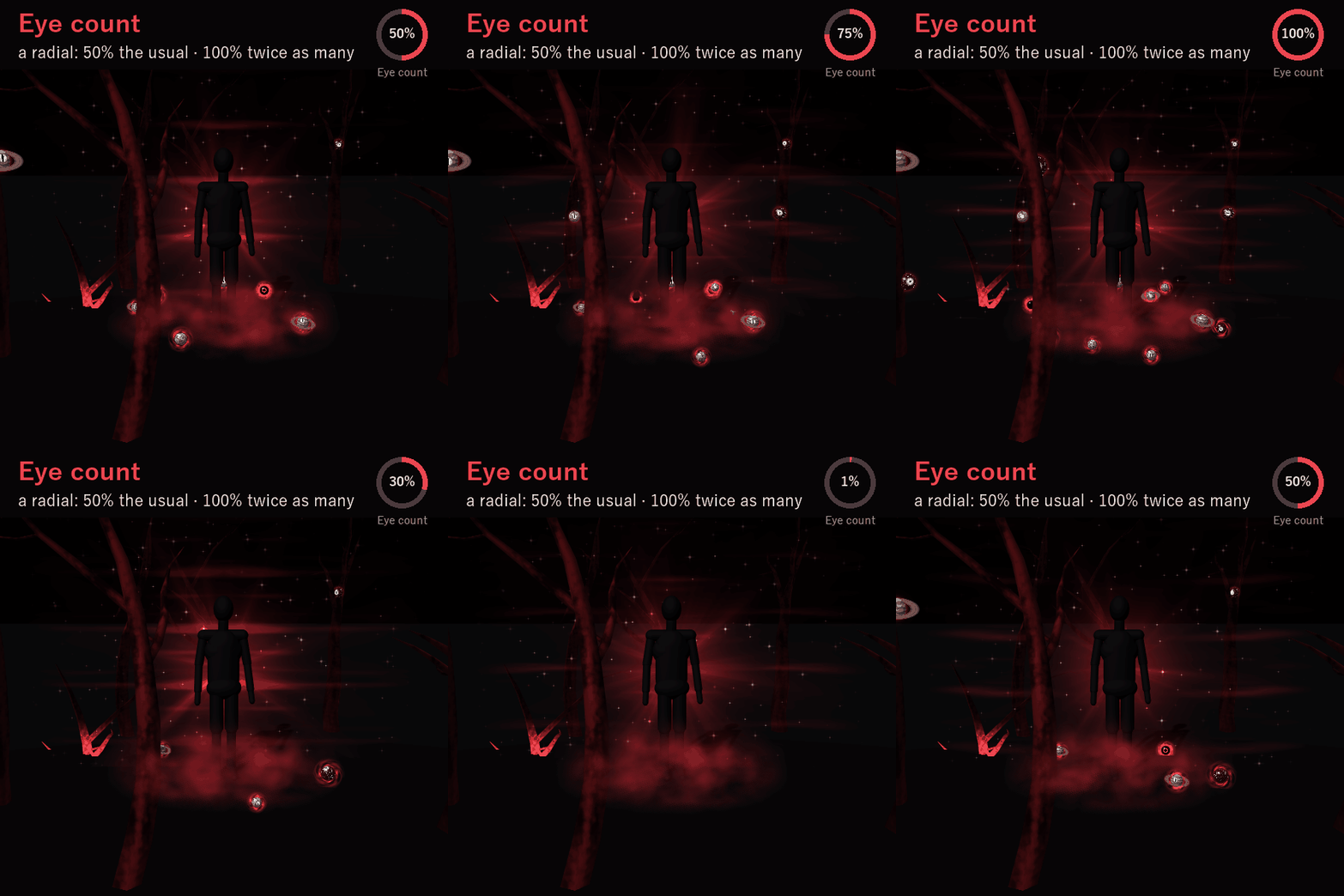
• Eye count — a radial: how many eyes. 50% is the usual, 100% twice as many, 0% none; starts at 50% (remembered)
RAISE AND LOWER THE FOG (Hide in fog)
• ON — the fog rises from your feet to about 2.1 m in 3 seconds and hides you completely. Only the eyes look out.
• OFF — it sinks back down to your feet and you appear again.
• The blood moon rises and sinks with it. The forest has its own toggle, so you can hide with or without the trees.
THE FOG
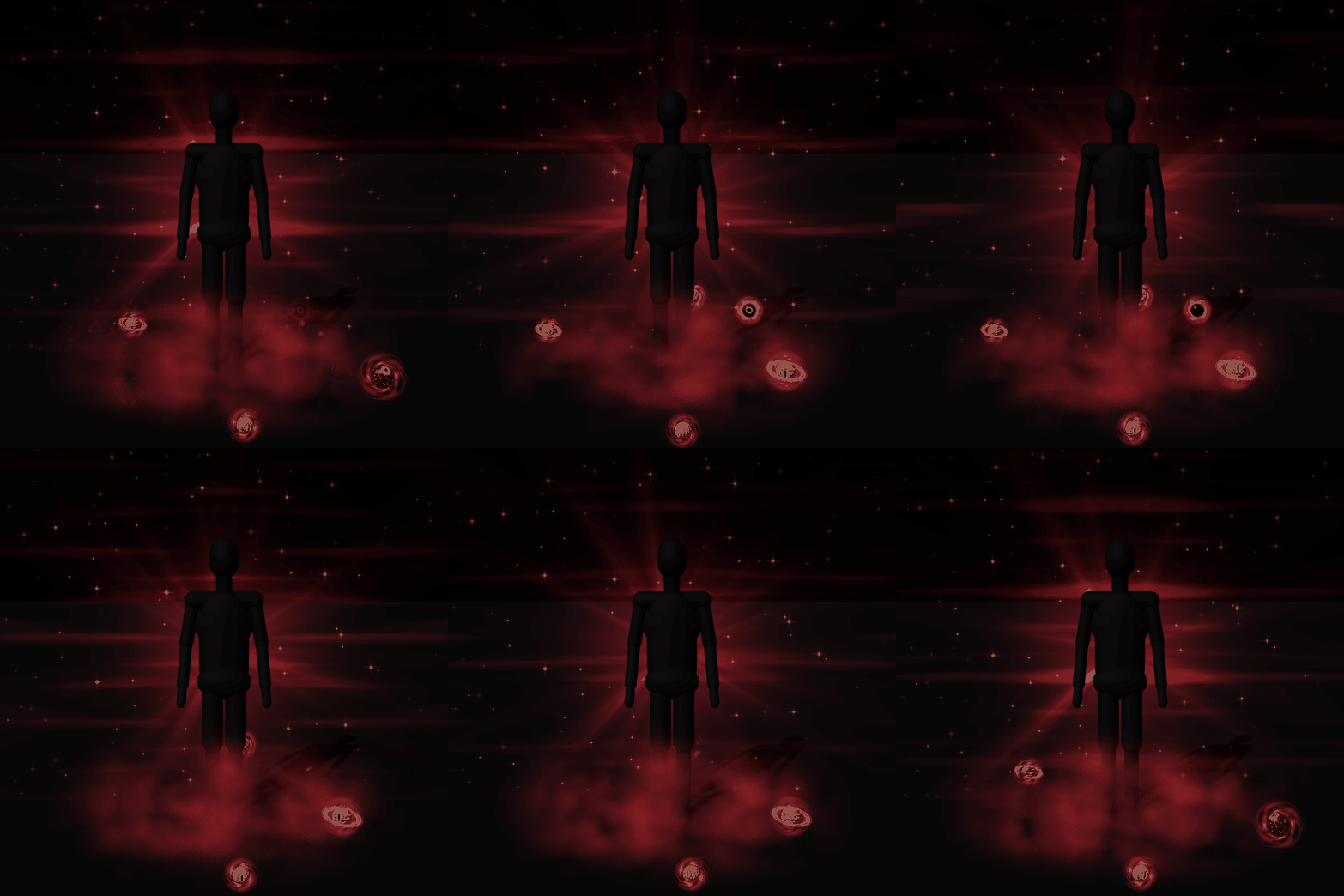
✨ It lies about 1.3 m around your feet and creeps slowly with the wind; its billows roll and lift off at the top
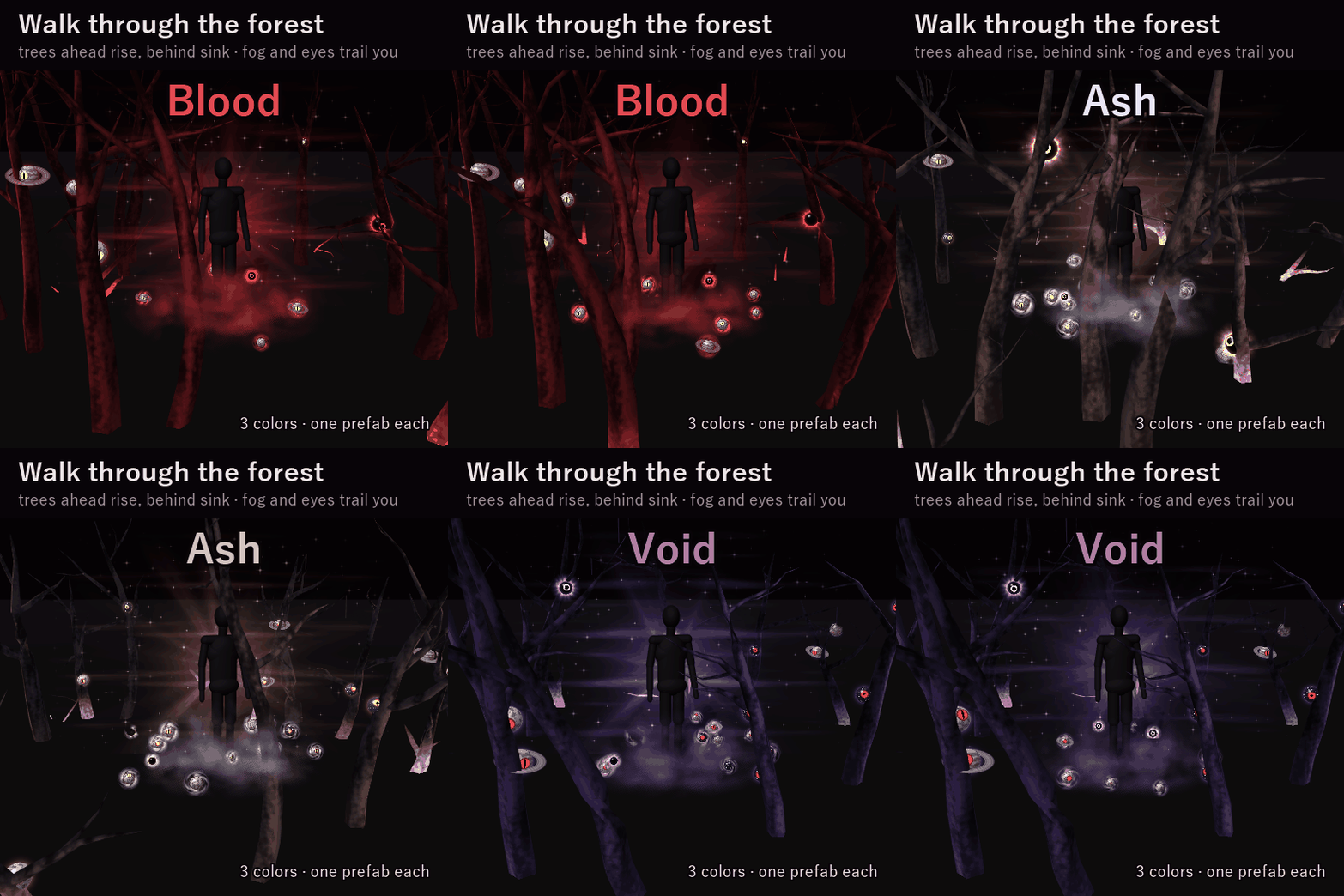
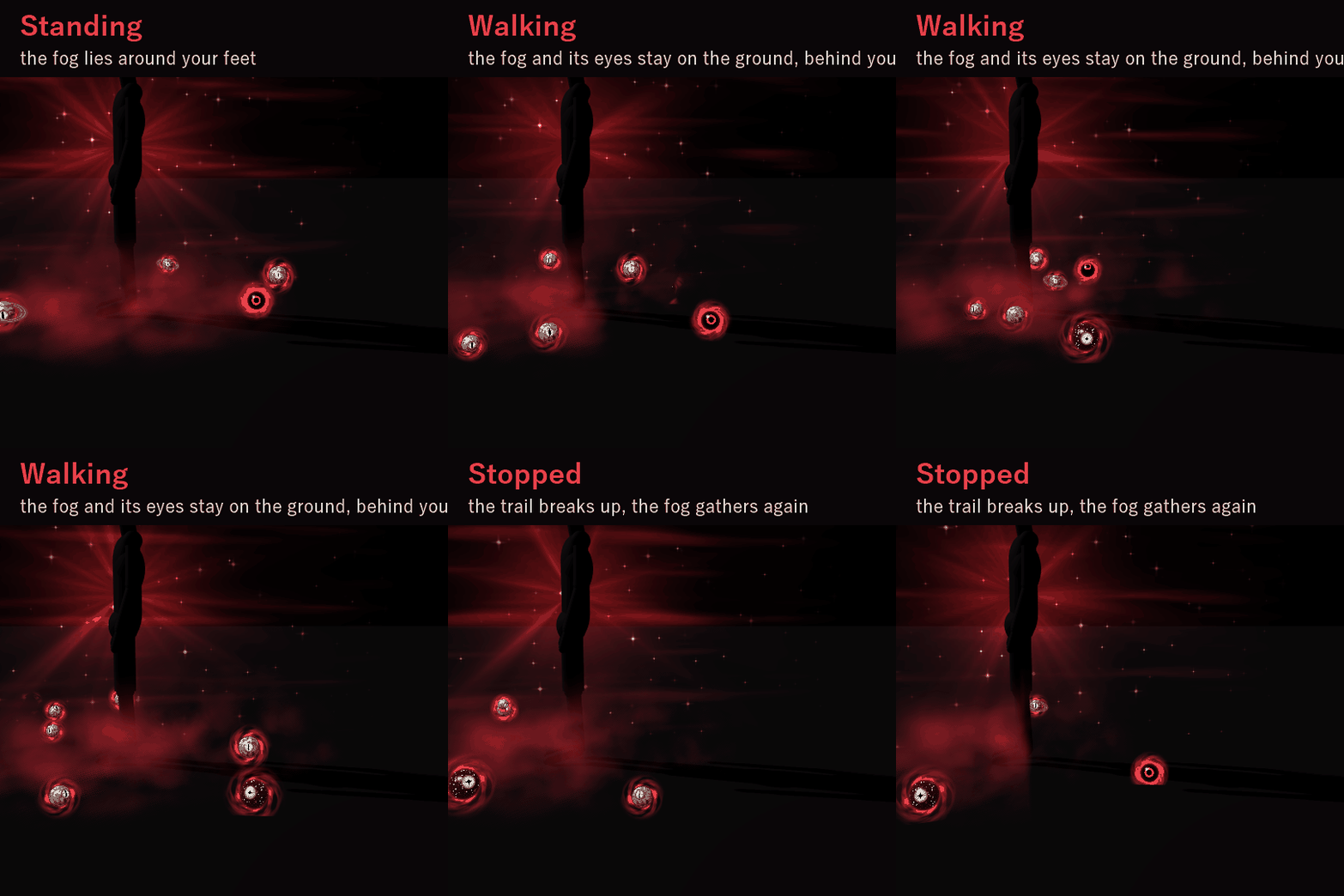
✨ Walk and it stays on the ground: it gathers around you where you step, trails behind you and breaks up into wisps
✨ Red light streams up behind your back
THE EYES
✨ 10 eyes in the fog open, look around and fade back into it (20 at Eye count 100%)
✨ Walk and they fall behind you too: each one opens near you, stays on the ground as you pass, closes behind you, and a new one opens
✨ 39 more eyes hang from the branches and sit in the trunks (71 at Eye count 100%)
✨ Look straight at an eye and it looks back at you
✨ A blood moon with a slit eye rises in the sky behind you, under drifting cloud
THE DEAD FOREST
✨ The trees grow up from their roots with glowing tips, and sink back into the ground when you turn them off
✨ The forest stays on the ground: walk, and the trees ahead rise out of the ground while the ones behind you sink back into it
✨ No trees grow within about 1.5 m of you, so they don't get in your way
3 COLORS
• Blood — red fog, gold eyes
• Ash — pale fog, gold eyes
• Void — violet fog, red eyes
One prefab per color.
EASY TO PUT ON
Modular Avatar prefab: drag it onto your avatar and upload. The "Night Fog" menu, parameters and animator layers are added for you.
WHAT'S INCLUDED
• NF_1.0.0.unitypackage — 3 prefabs (Blood / Ash / Void), 4 shaders, materials, menu and animator
• README (English and Japanese)
SPECS
• Tris: 13,344 (every tree and eye is counted, whatever the settings)
• Mesh renderers: 4 / Materials: 4
• Particles: none / Lights: none
• Synced parameters: 20 bits (4 Bool + 2 Float)
REQUIREMENTS
• Modular Avatar (available through VCC)
TESTED WITH
Unity 2022.3.22f1 / VRChat SDK 3.10.5 / Modular Avatar 1.18.7
PC only (custom shaders, no Quest version).
GOOD TO KNOW
• Lots of eyes: it is meant to look a little creepy.
• The moon is drawn about 7 m behind you, so in a small room the walls can hide it.
• People who block custom shaders in their Safety settings won't see the effect.
• The trail follows VRChat's own movement speed (VelocityX / VelocityZ), so it adds no synced parameters.
TERMS
• OK to use on your avatar in VRChat and other platforms
• OK to stream, record, and post on social media
• Editing is fine
• Please don't redistribute or resell the files, edited or not
AI DISCLOSURE (AI-Assisted)
The shaders, the code that builds this effect and the text on this page were written with help from an AI assistant. The preview images are rendered in Unity from the actual effect; no AI image or 3D generators were used.
If you have trouble putting it on, feel free to message me.