
Product Description
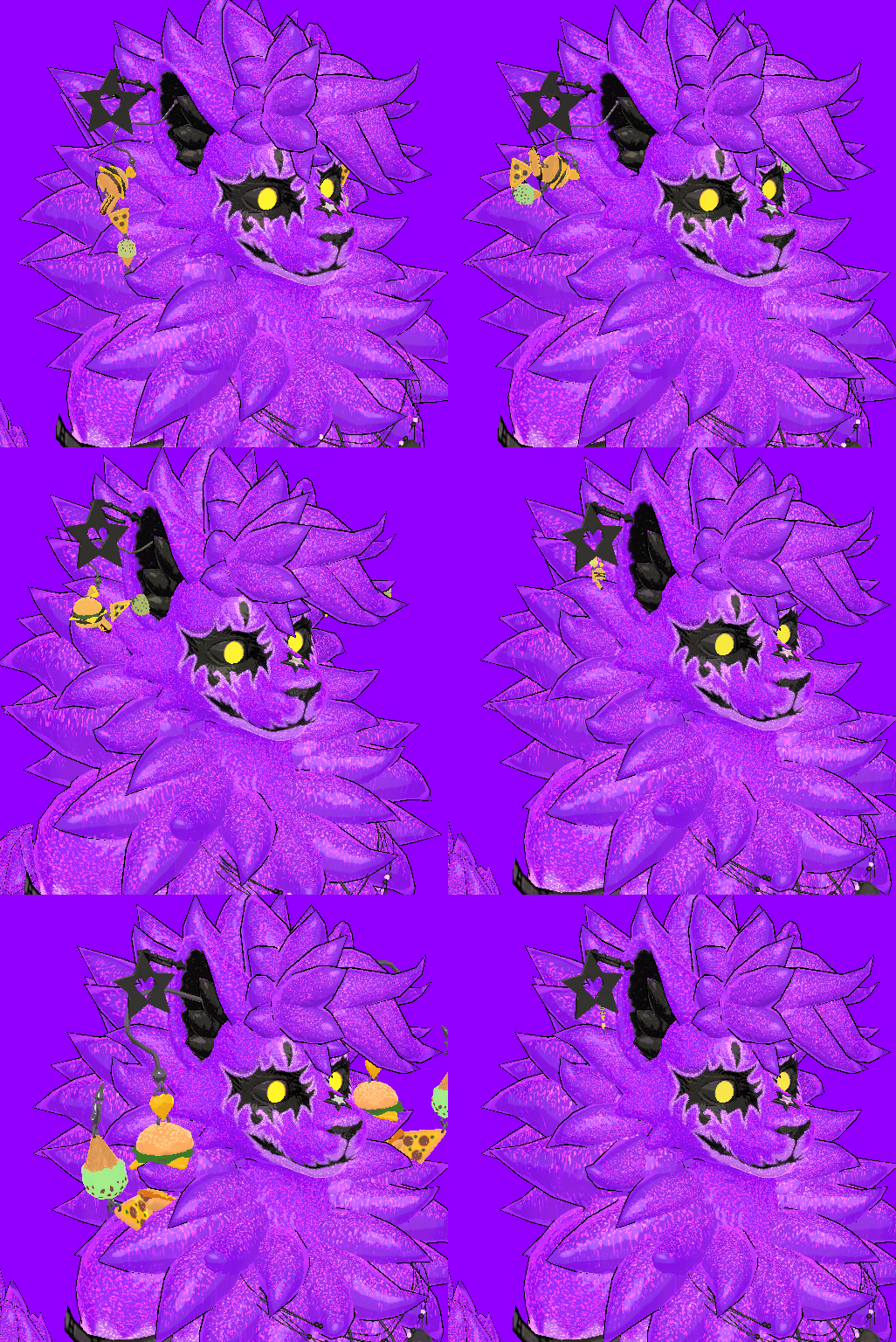 A playful set of dangling food-themed earrings for VRChat avatars, built to add a bit of silly personality without weighing your avatar down.
Swap between different treat styles and let the earrings bounce naturally with PhysBones while you move.
• Dangling PhysBone movement
• Designed for VRChat avatars
• Simple, clean setup
• Easy to position and scale to suit different ears
• Lightweight and performance-friendly
• Fun food-themed accessory for social avatars
PC + Android supported
Requires VRCFury
- Install VRChat Creator Companion if needed, and make sure VRCFury and Gesture Manager are installed.
- Open your avatar project and select the avatar in the Hierarchy.
- While out of Play Mode, open the Treet Earrings Unity package and click Import.
- Drag the prefab from DarqueDev → Set - Treet Wear → Earrings onto the avatar root.
- Roughly position the earrings over the avatar’s ears.
- In the Hierarchy, right-click the prefab → Unpack Prefab Completely. Click away and back onto it if the fields remain greyed out.
- In the two Armature Link Target Object fields, assign the left and right ear bones. Ideally use the end bone of each ear’s physics chain.
- For Android, swap the material to the included Android material in DarqueDev → Set - Treet Wear → Earrings → Materials → Android.
- Enter Play Mode → Scene view → select Gesture Manager. Enable DarqueDev → Treet Earring → Enabled, then jiggle the avatar to check positioning and physics.
- If everything looks good, upload the avatar separately for PC and Android.
License:
Free to use (personal/commercial), modify, share in projects
Don’t resell or redistribute as-is