Product Description
This product contains AI-generated content.
■ Content
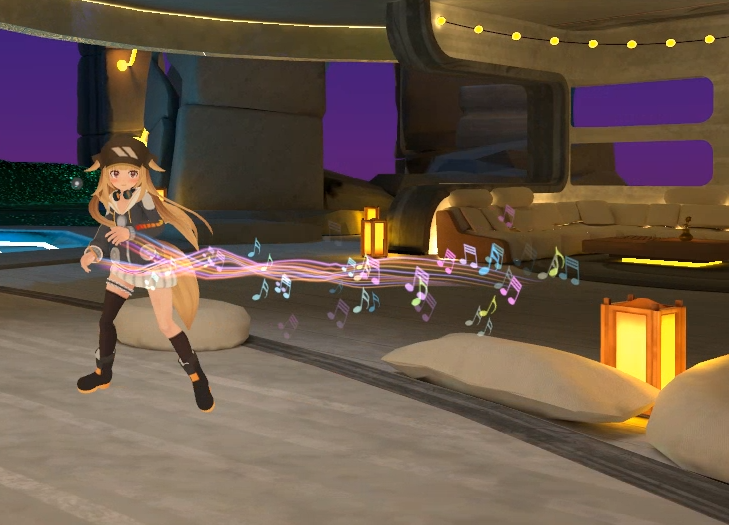
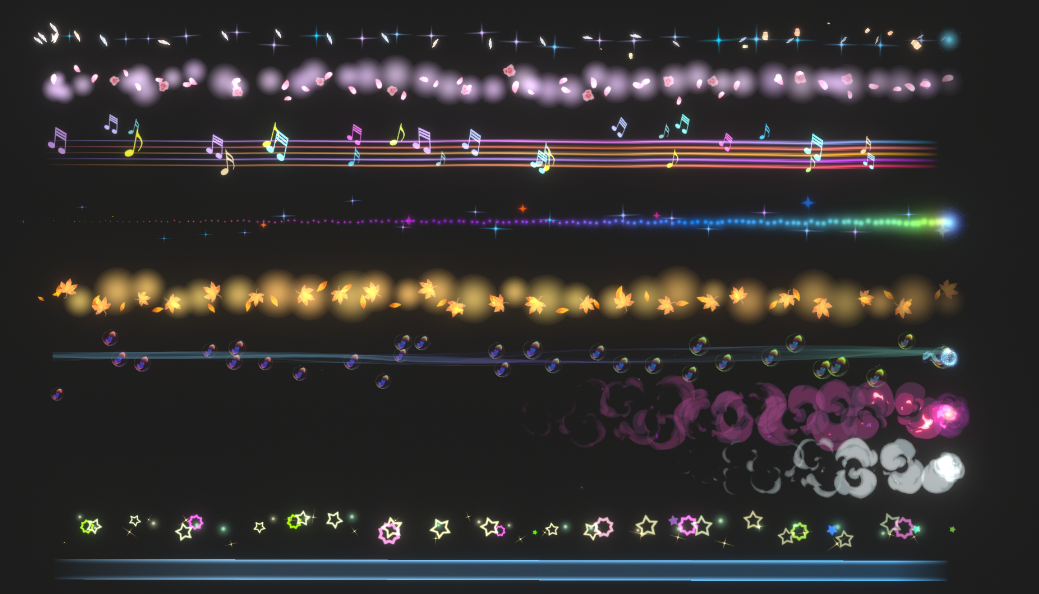
Hand Trail Effects
Includes 11 different hand trail effects, applicable to both left and right hands.
Installation is very simple.
1. Import this Unity toolkit.
2. Place the "LeftHand Trail" file located in the "Eric_VFXStudio/VRChatVFX_HandTrails/Prefabs" directory below the character's left hand, and place the "RightHand Trail" file below the character's right hand.
3. If an "Auto-Fix" option appears before uploading, select it. If it does not appear, you can upload directly.
✅ You can toggle this effect on/off by selecting "LeftHand Trail" and "RightHand Trail" in the "Controls" menu.
Compatible with PC and Quest.
■System Requirements
Unity Version: 2022.3.22f1
VRChat Creator Companion Version: 2.4.4
ModularAvatar
https://modular-avatar.nadena.dev/en/
■Terms of Use
Copying and resale are prohibited.
................................................................................................