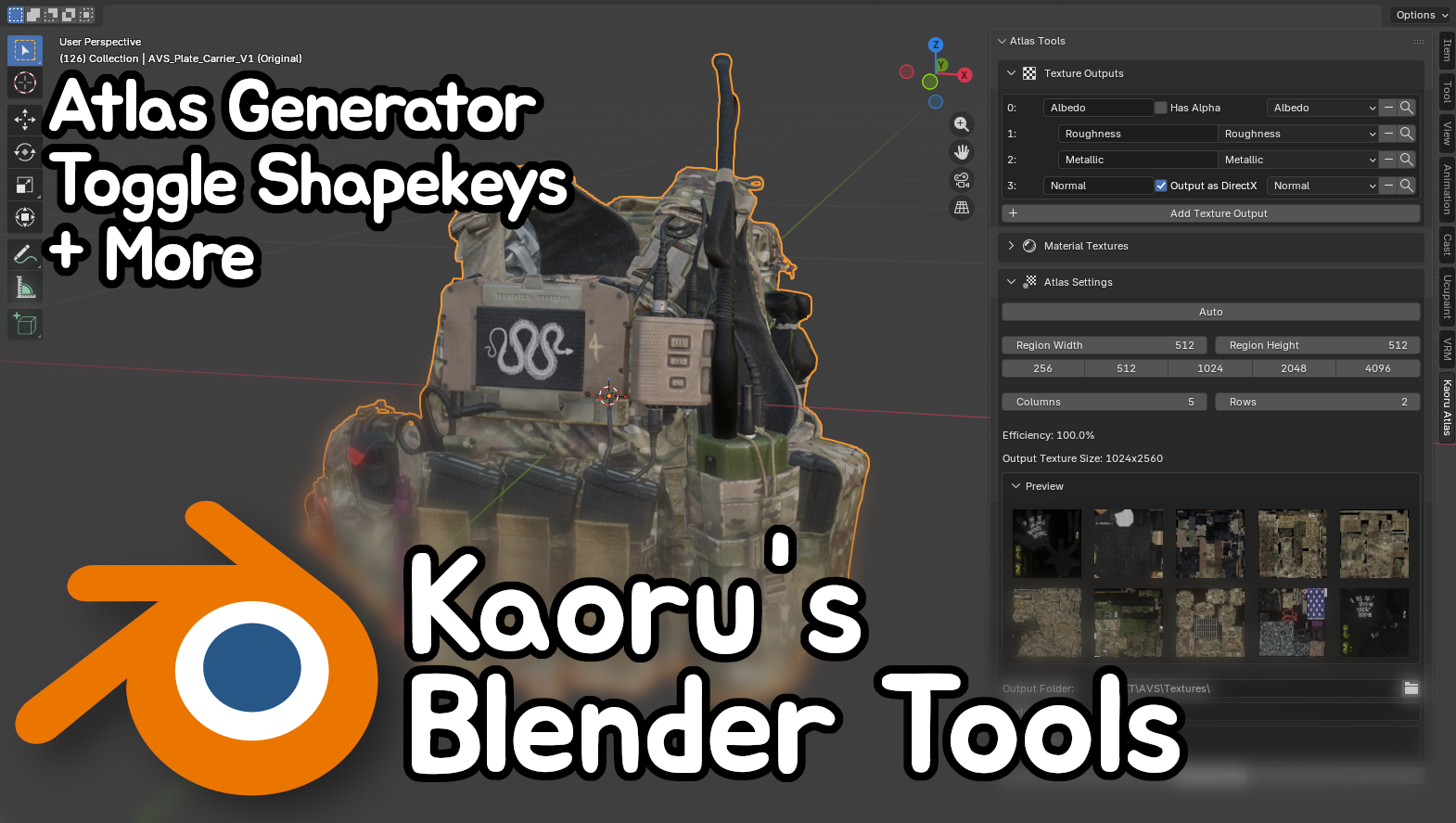
Kaoru's Blender Tools | Atlas Generator | Toggle BlendShapes + More
Product Description
Collection of scripts I use for creating my models, packaged up as a Blender addon. Compatible with Blender 4.5 and 5.0. Additional tools will be added and updated in the future.
If you're using this asset to create free or paid models, I'd greatly appreciate you linking to this asset on your product page.
I am not responsible for any data loss or issues caused by this addon.
Make sure you save often and create backups. This addon might crash your Blender.
For support or questions, join my Discord server.
Terms of Service
License for this asset is only valid for 1 seat and may not be transferred.
For commissions, the artist must own this asset, you may not use the asset owned by another person.
Redistribution in any form is strictly prohibited. Modification for own purposes is allowed.
Failing to abide by the Terms of Service will result in your license being revoked without refund and account banned from my store.
Atlas Generator
Combine multiple materials into one.
Supports PBR and custom textures. PBR textures will be linked to material inputs. Custom textures (Unmapped) will be added to the shader graph with no links.
Supports Smoothness textures for Unity with the ability to invert Roughness textures.
Normal textures an be output in DirectX or OpenGL format. Input Normal textures can be marked as either format and will be converted to the output format.
Quickly select textures. Dropdowns only show textures referenced by the given materials. Use RegEx to batch search textures.
Undoing the atlas generation is known to occasionally crash Blender, make sure to save before or after generating the atlas. A copy of the mesh with the original materials and UVs is created after the atlas is generated.
This tool assumes all the UVs are within 0 and 1 on both axis (aka within 1 UV tile). Failing to enforce this limit will result in parts of the mesh using the wrong textures.
All textures will be resized to the region resolution, even if the aspect ratios don't match.
A single material will always take up 1 texture region, if you need smaller regions, generate an atlas for the specified materials, join the generated mesh and create another atlas.
Toggle BlendShape Generator
Reduce your skinned mesh count by using BlendShape toggles instead of object toggles.
Select the vertices you want to hide and use the "Create Toggle Shapekey" operator.
Selected vertices will have their position set to the closest position on the skinning bones, hiding the clothes inside of the body and minimizing the amount the vertices move when skinned.
Split Shapekeys into Objects
Splits all the shapekeys on mesh into individual meshes
Mass Rename Shapekeys
Rename shapekeys using RegEx
Rename All UV Maps to UVMap
Renames all the UV channels to UVMap(.001). Useful for merging meshes with custom UV names