
Playing Cards - Fan Out, Shuffle in the Air, Draw a Card | VRChat
Product Description
This product contains AI-generated content.
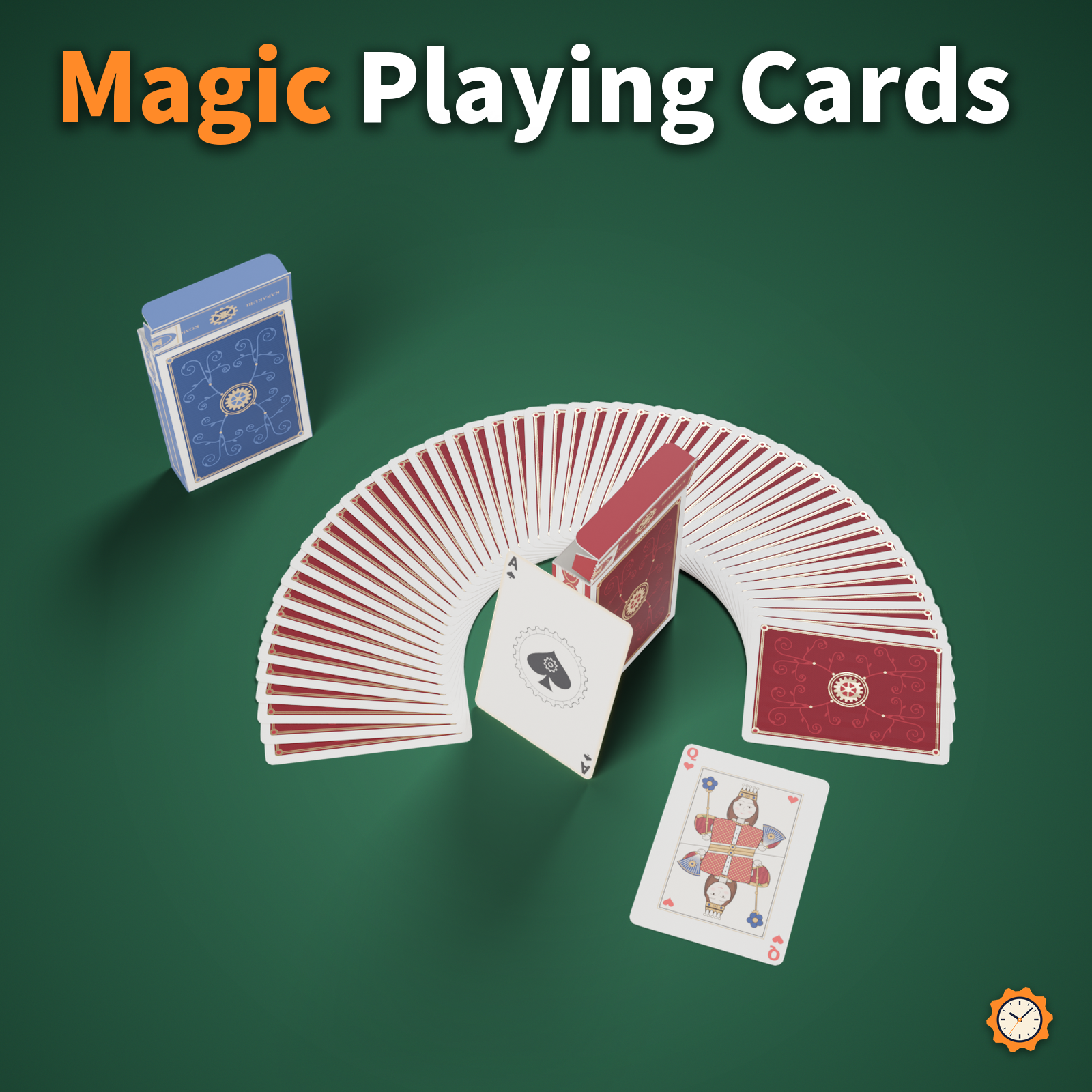
A real 52-card deck you can hold. Use the menu to fan it out, shuffle it in the air, and draw a card from the deck to show to others.
Everyone around you sees the same drawn card (the random number is drawn on your own device and synced, so all viewers use the same number). Use it as is for "pick a card" tricks, or games like High-Low and Indian Poker.
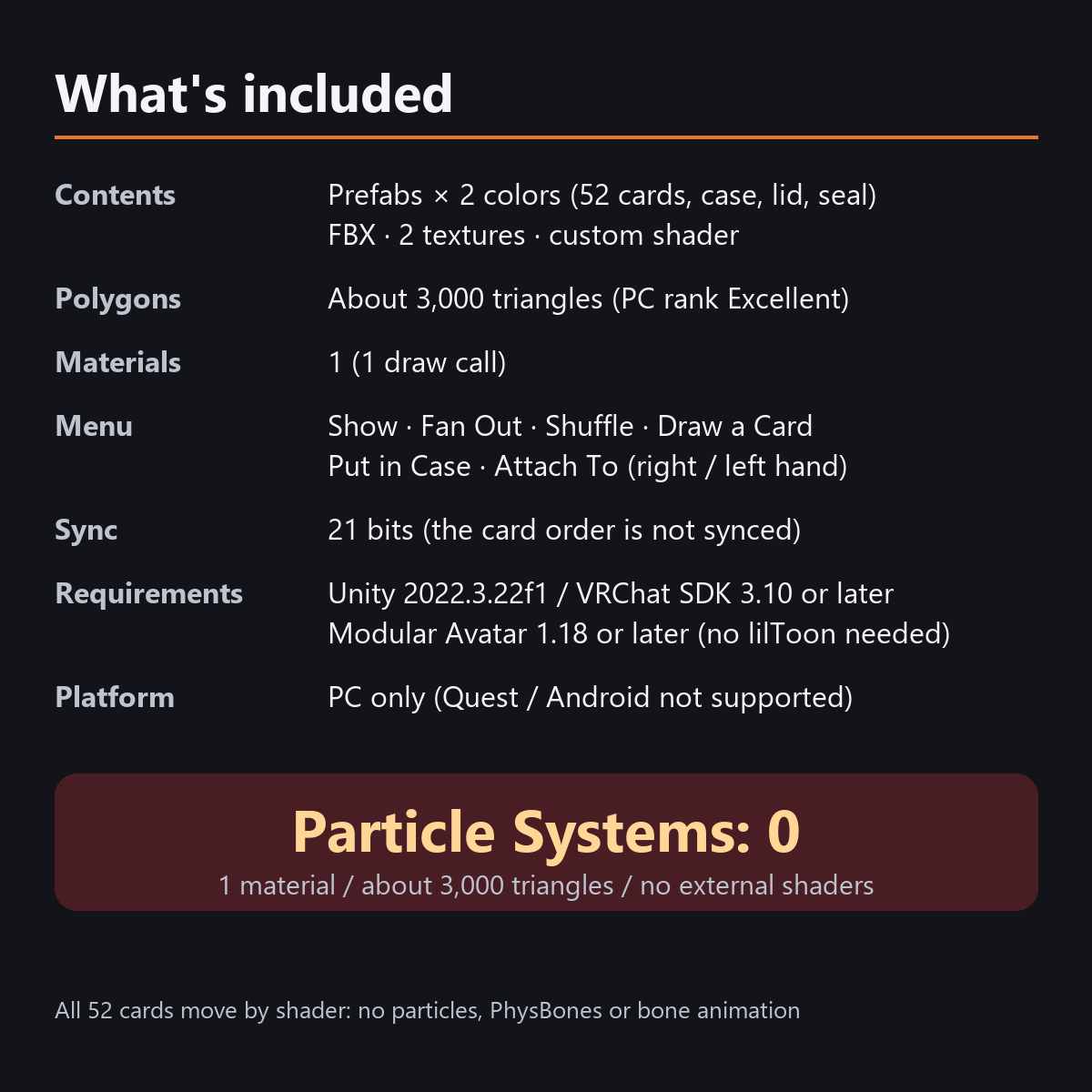
All the motion is done by a custom shader, with no particles and no animated bones. The 52 cards and the case are one mesh and one material, 2,672 triangles (counted in Unity).
Features
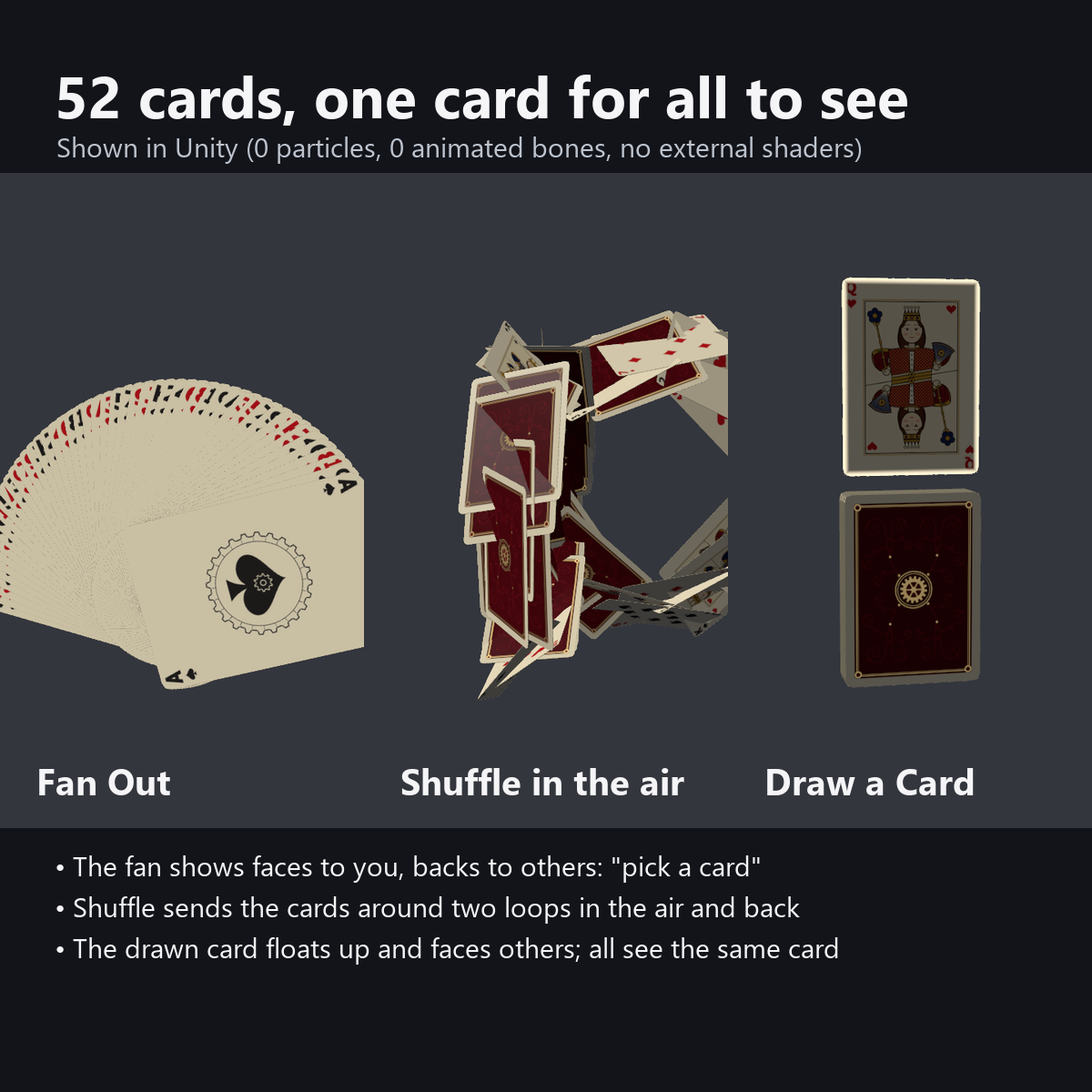
- Fan Out: the 52 cards spread into a fan in your hand, each card slightly after the one above it. The faces (with the indexes in the top-left corners) face you, and the backs face others
- Shuffle in the air: cards leave the top of the deck one by one, travel around two loops in the air, left and right, and return to the deck (about 2.4 seconds). After that, the order in your hand changes
- Draw a Card: the drawn card floats up above the deck, turns to show its face to others, and its edge glows softly (it returns to the deck after about 6 seconds). You can also draw while the fan is open
- Same card for everyone: the random number is drawn only on your device and synced, so others see the same card. Even if the same card comes up twice, the draw motion plays each time
- Put in Case: a case appears under your hand, the deck slides in, the lid closes (the torn seal lines up again), and the case returns to your hand. The state is saved
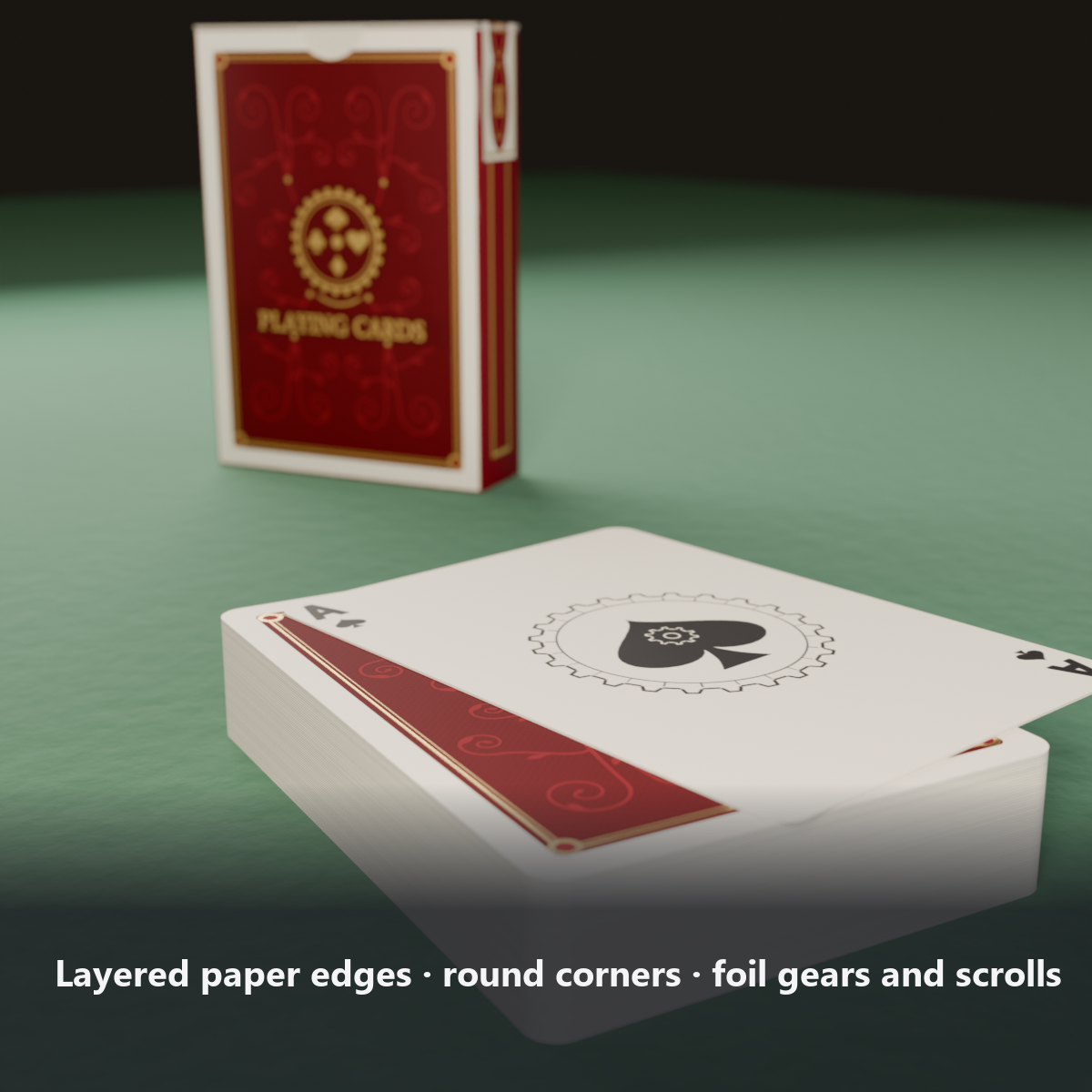
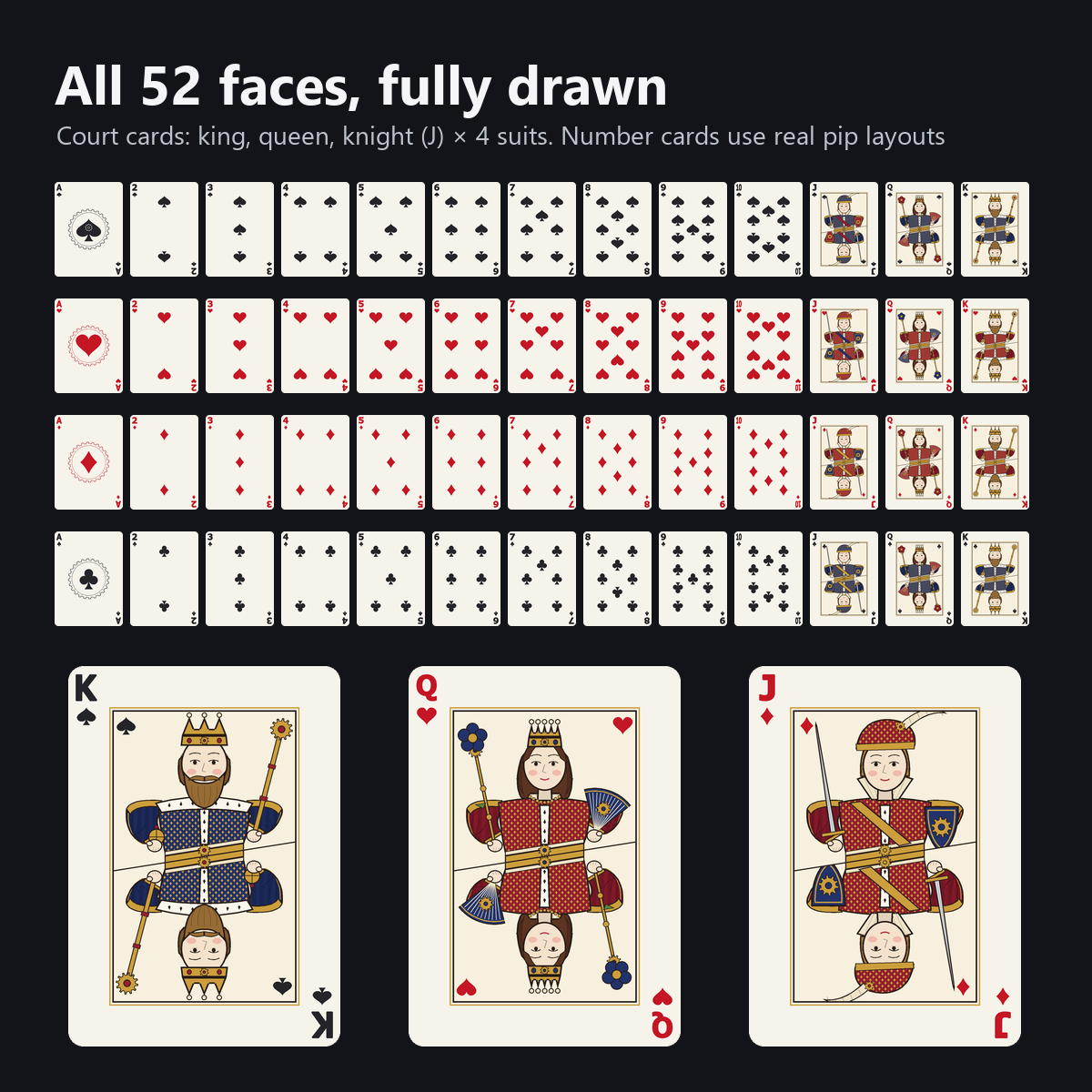
- Details: 52 cards with rounded corners and 0.3 mm thickness, white edges showing the paper layers, gold foil gears and arabesque on the backs, the shop crest on the case, a linen texture on the faces, and court cards (king, queen, knight in fur-trimmed robes with a diamond pattern). All designs are original
- Your own card back: put a picture in the material and all 52 backs show it, keeping the white border and the foil frame
- No hand gestures needed: it works only with the menu, so it does not conflict with your facial expressions and works on desktop
- Attach To: switch between right hand and left hand in the menu
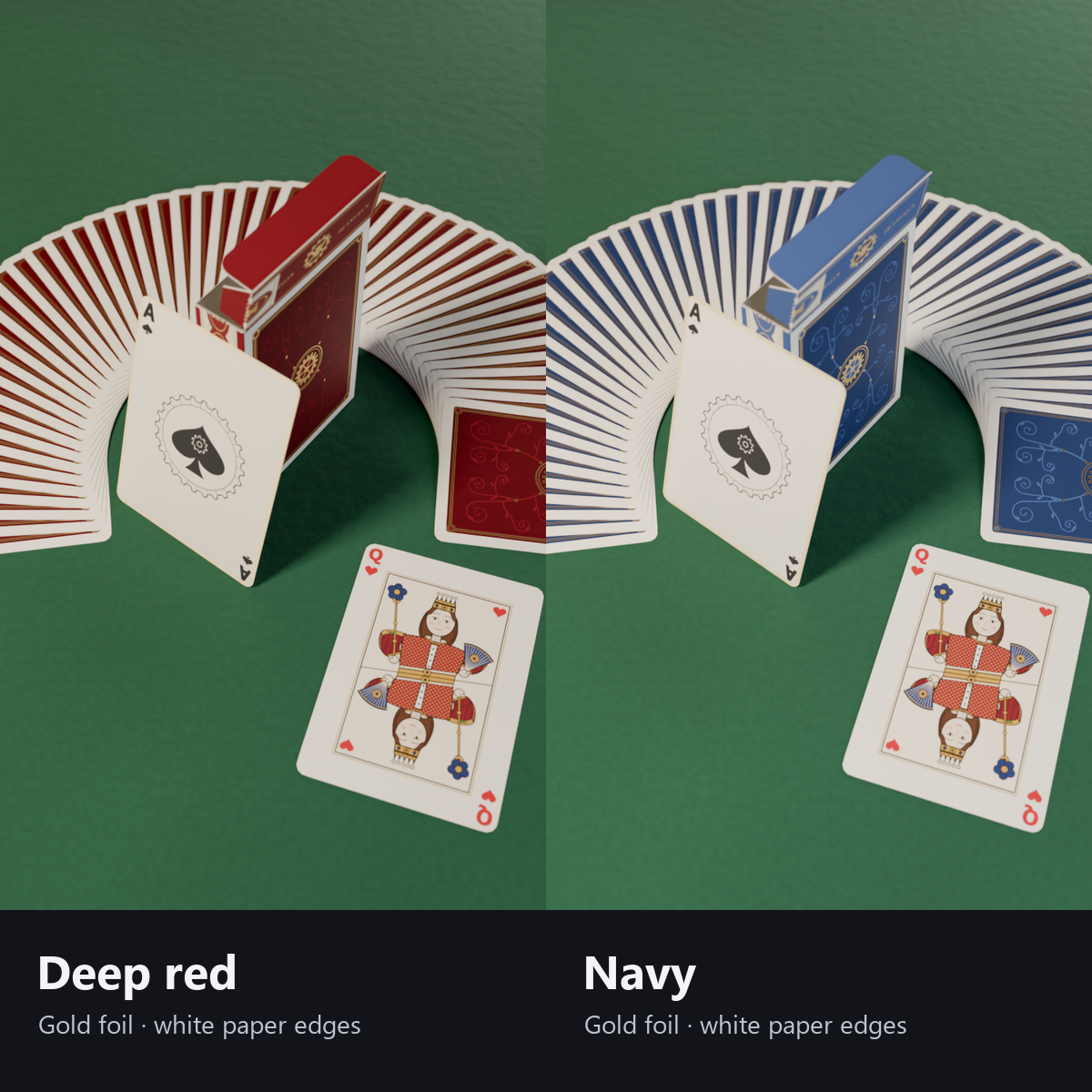
- 2 colors: deep red / navy (both with gold foil and white paper edges)
- No external shaders needed (custom shader included; no lilToon needed)
- Modular Avatar ready: put it under your avatar and fit it to the right hand
Your own picture on the backs
Check "Use custom back picture" on the material and add a picture. All 52 card backs then show your picture (the white border and foil frame stay). Good for a deck with your favorite artwork or your team logo.
Menu (English menu prefab)
- Playing Cards > Show: cards on/off
- Playing Cards > Fan Out: deck <-> fan (faces toward you, backs toward others)
- Playing Cards > Shuffle: each press shuffles in two loops in the air and back to the deck
- Playing Cards > Draw a Card: each press draws one card and shows its face to others (same card for everyone)
- Playing Cards > Put in Case: deck <-> case (saved). While in the case, fan, shuffle and draw do nothing
- Playing Cards > Attach To: Right Hand / Left Hand
What's included
- Prefabs x 2 colors (52 cards, case, lid and seal in one mesh)
- FBX, 2 textures (card faces and backs, shared by both colors), material, custom shader, animations
- English-menu prefabs (_EN) next to the Japanese-menu prefabs. Use one or the other on an avatar, not both.
- Instruction manual and Terms of Use in English and Japanese
Specs
- Added to your avatar (counted in Unity): 2,672 triangles, 1 mesh, 1 material slot (the 52 cards and the case in one), 0 PhysBones
- Synced parameters: 21 bits
- All counts follow VRChat's rules (hidden parts are counted too) and show how much one prefab adds to your avatar.
- The VRChat performance rank depends on the total with your avatar, so this item alone does not decide it.
- Particle Systems: 0 / PhysBones: 0 / AudioSources: 0 / animated bones: 0
- No extra skinned mesh
Requirements
- Unity 2022.3.22f1 (an avatar project made with VRChat Creator Companion)
- VRChat SDK (Avatars) 3.10 or later
- Modular Avatar 1.18 or later
- lilToon is not needed (custom shader included)
Please note
- PC only. Not supported on Quest / Android.
- The random card is drawn on the device of the person who presses the button. With a slow connection, the card may turn to face a viewer a moment late (it turns about 0.6 seconds after the press, so this is usually fine).
- The card order changed by Shuffle is only shown on your own device (others see the backs of the fan). The drawn card is the same for everyone.
- This is not a fortune-telling item. Please use it as a prop for magic tricks and games.
- No hand pose is included.
- If a viewer's Safety settings turn off shaders, the cards are shown as a single-color box.
- It does not move in the Unity editor (it moves in VRChat when you use the menu).
- There is no sound.
- The cards moving with the menu (fan, shuffle, draw, case): they move only inside VRChat (including Build & Test) or with Gesture Manager. If they look still in the Unity Editor, nothing is broken.
Terms of use
- You may upload it to VRChat and similar services on your own avatars, edit it, and use it in streams, videos and photos (commercial or not).
- You may not redistribute, resell or share the data (edited or not), or use it to train AI.
- Full text: TermsOfUse_EN.txt in the download (Japanese original: TermsOfUse_JA.txt).
Update history
- v1.2 (2026-10-13): Uploads without pressing Auto Fix in VRChat SDK 3.10 (fixed texture Streaming Mip Maps, mesh Read/Write, Legacy Blendshape Normals). The shaders support Single Pass Instanced rendering in VR (the look outside VR is unchanged). Manual and description updated (counts are now what the item adds to your avatar, measured in Unity; how it looks in the Editor). The included documents now have English-only file names. The GUIDs are the same as before, so importing it over the old version replaces it.
- v1.1: English-menu prefabs (_EN) and English documents
- v1.0: First release
Also on BOOTH
This item is also sold on BOOTH, the Japanese marketplace.
How this was made (AI-Assisted)
The 3D shapes, materials, shaders and texts of this item were made with scripts written with AI assistance. A person checked how it looks and moves in Unity before release.