
Product Description
This product contains AI-generated content.
AI-Assisted: the 3D shapes, materials, animation, shaders and listing texts were made with scripts written with AI assistance. A person checked how it looks and moves in Unity before release.
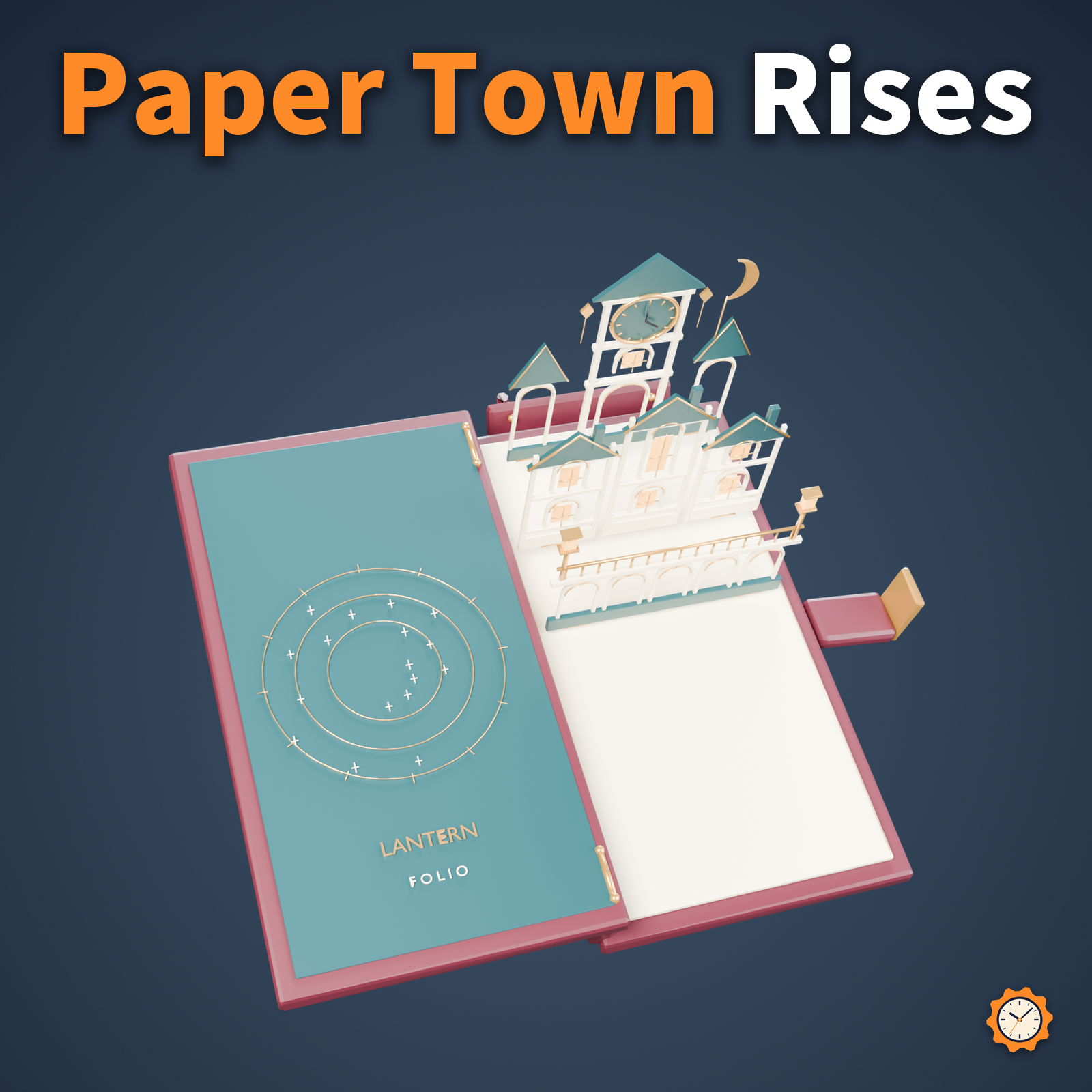
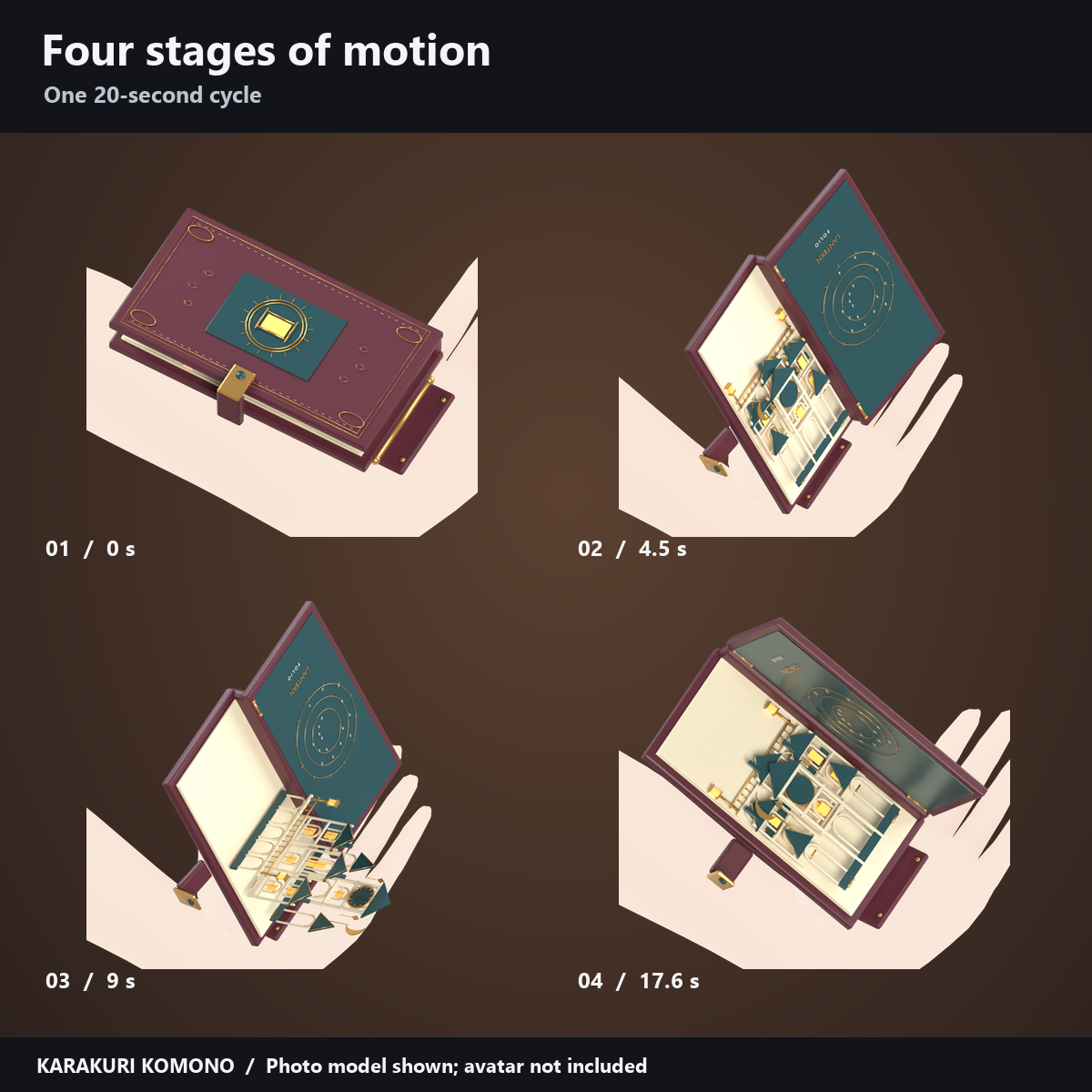
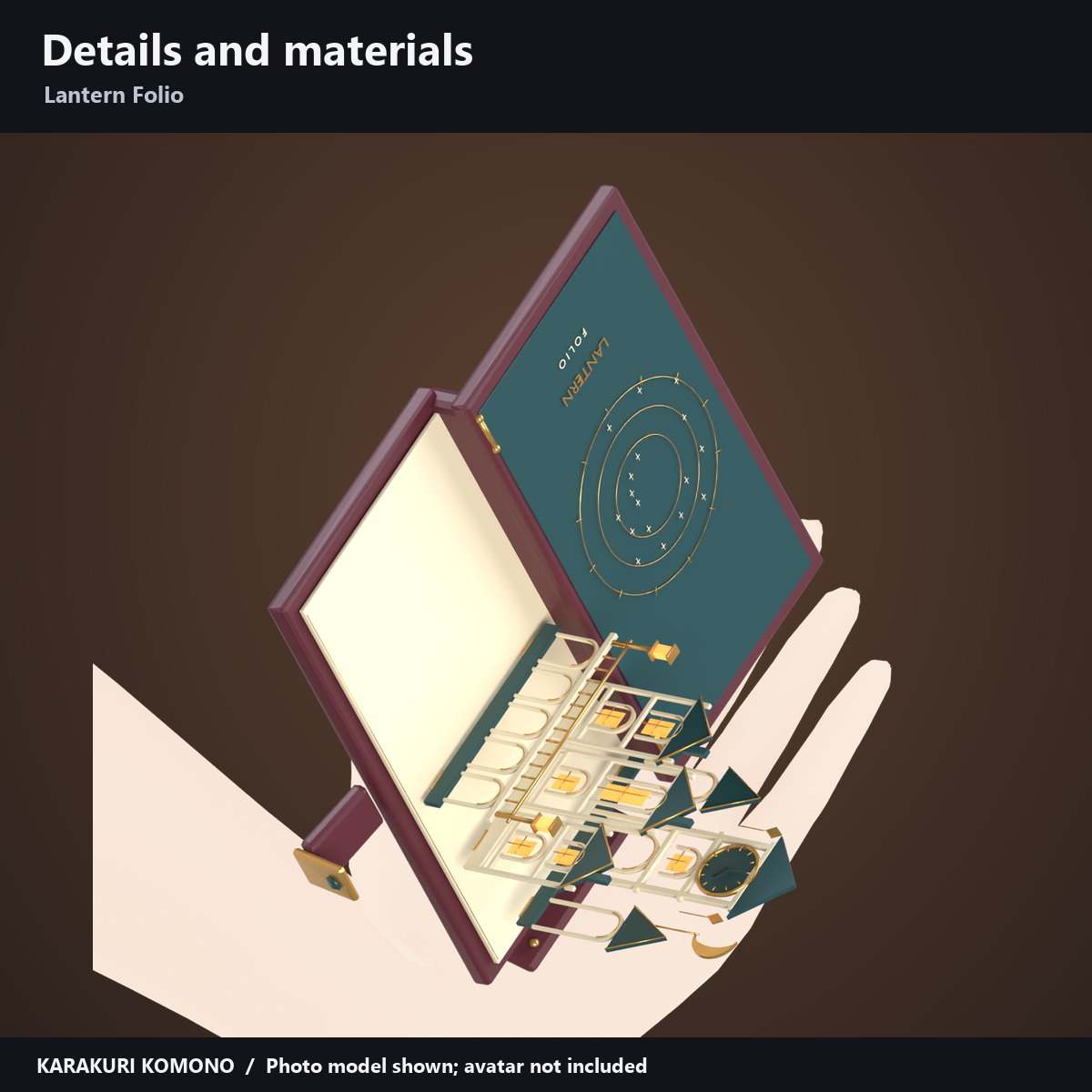
A book held on the palm opens and raises a three-layer paper town in a 20-second cycle.
Attachment and controls
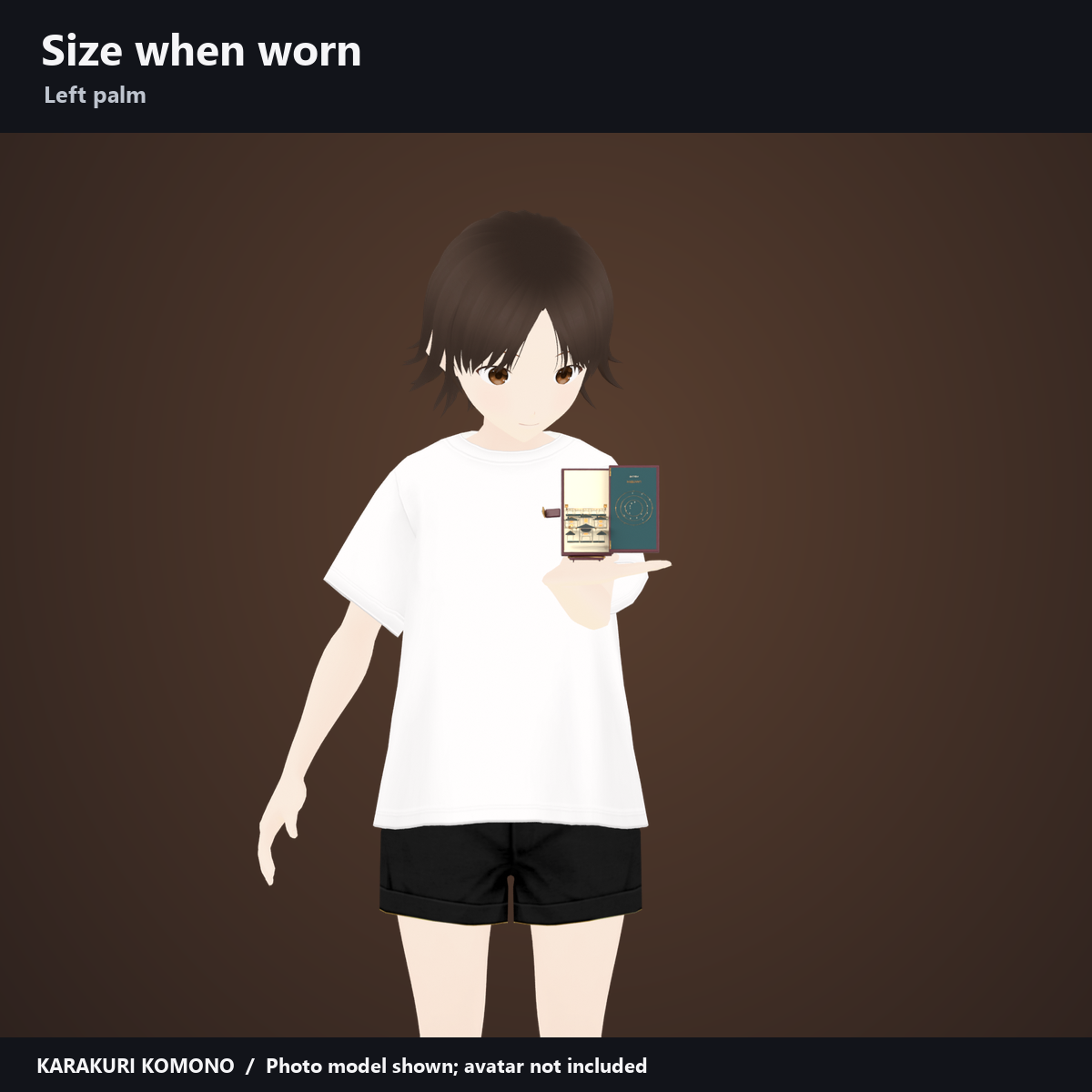
- Attachment: The closed book lies flat on the left palm. It rises to about 70 degrees as it opens, with the paper town unfolding toward the fingertips.
- Controls: "Visible", "Open the story" (automatic playback) and "Photo pose (Auto OFF)". Turn automatic playback off before using the dial. Use "Hold in right hand" to switch hands (left by default).
- Maximum open width: about 12.5–13.4 cm. These sizes cover the Chocolat and Shinano presets; adjust position and scale to fit your avatar.
Added per avatar (measured in Unity)
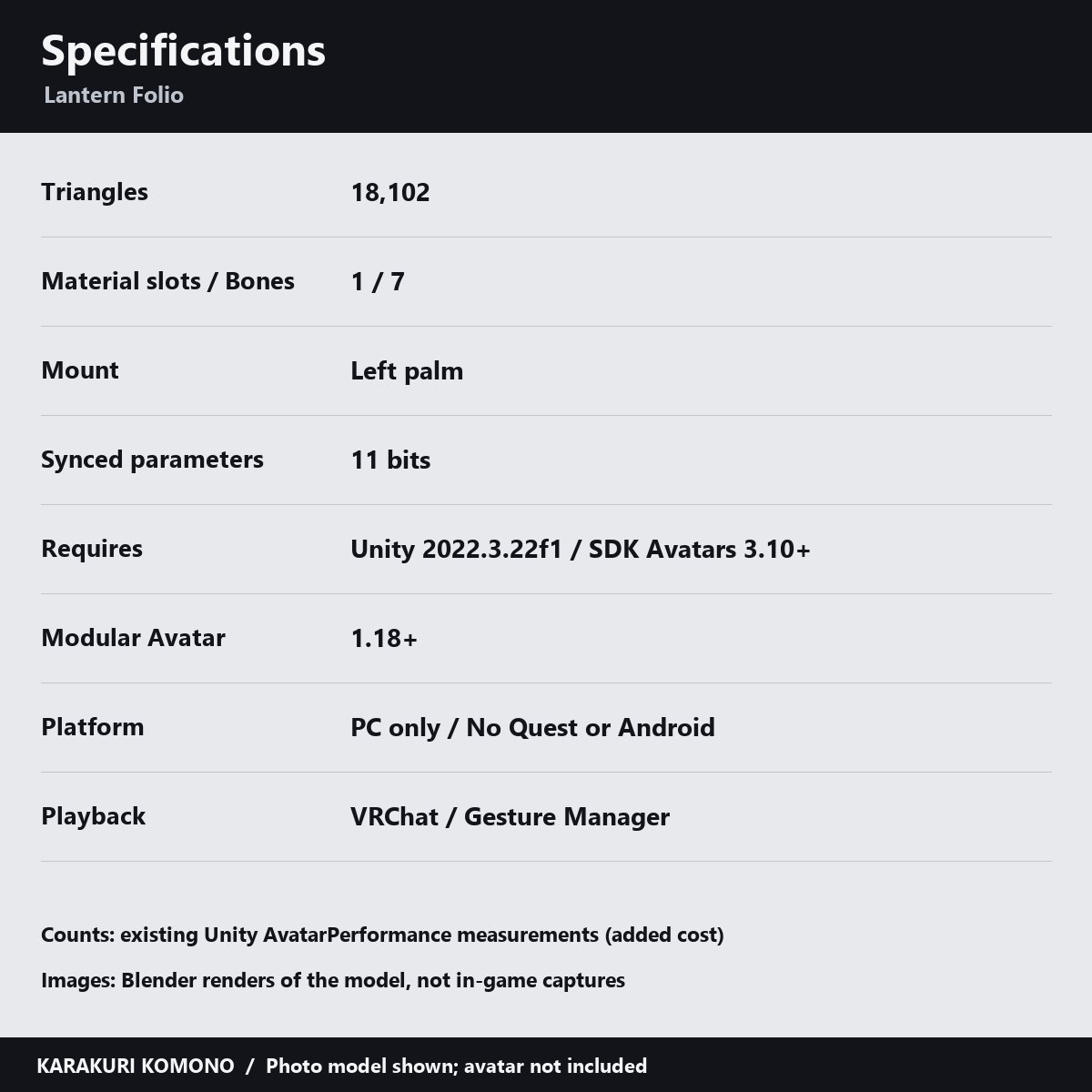
- Added per avatar (measured in Unity): 18,102 triangles, 1 material slot, 7 bones, 1 skinned mesh; synced parameters: 11 bits. Constraints: 3 (handheld version).
Please note
- No editable text input; not intended as a world lighting tool.
- The handheld version follows hand position while keeping the avatar up and forward directions. It does not follow hand tilt or finger gestures and may overlap clothing when the arm is lowered.
- PC only; no Quest/Android support. Use one copy per avatar.
- Placing the prefab in the Unity editor alone does not play the motion. Use VRChat or a tool such as Gesture Manager to run the menu and motion.
- The included manual records Unity testing; in-client appearance, both eyes in VR and synchronization on other players' screens have not been checked. The automatic loop advances separately for each viewer, so motion can be out of step.
Requirements
- Requirements: Unity 2022.3.22f1, VRChat Avatars SDK 3.10 or later and Modular Avatar 1.18 or later. A custom shader is included; lilToon is not required. See the included Manual_Folio_EN.txt for installation. Avatars and clothing are not included.
How this was made
AI was used for geometry, material, animation and shader code and text. Product images and demo videos render the actual model in Blender. Wear examples use photo models, not the supported avatars. These are not in-game captures; lighting and material appearance may differ in VRChat.
Terms of use
TermsOfUse_EN.txt. Editing and use on your own avatar are permitted; redistribution of the data is not.
Version history
v1.0 (2026-10-28): initial release.