
Product Description
Polytool is a Unity tool that helps you optimize your avatars!
It makes optimizing simple, fast, and easy for anyone. Choose a preset and go!
Polytool was created to optimize any VRChat avatar, but it can also optimize any other models.
Features
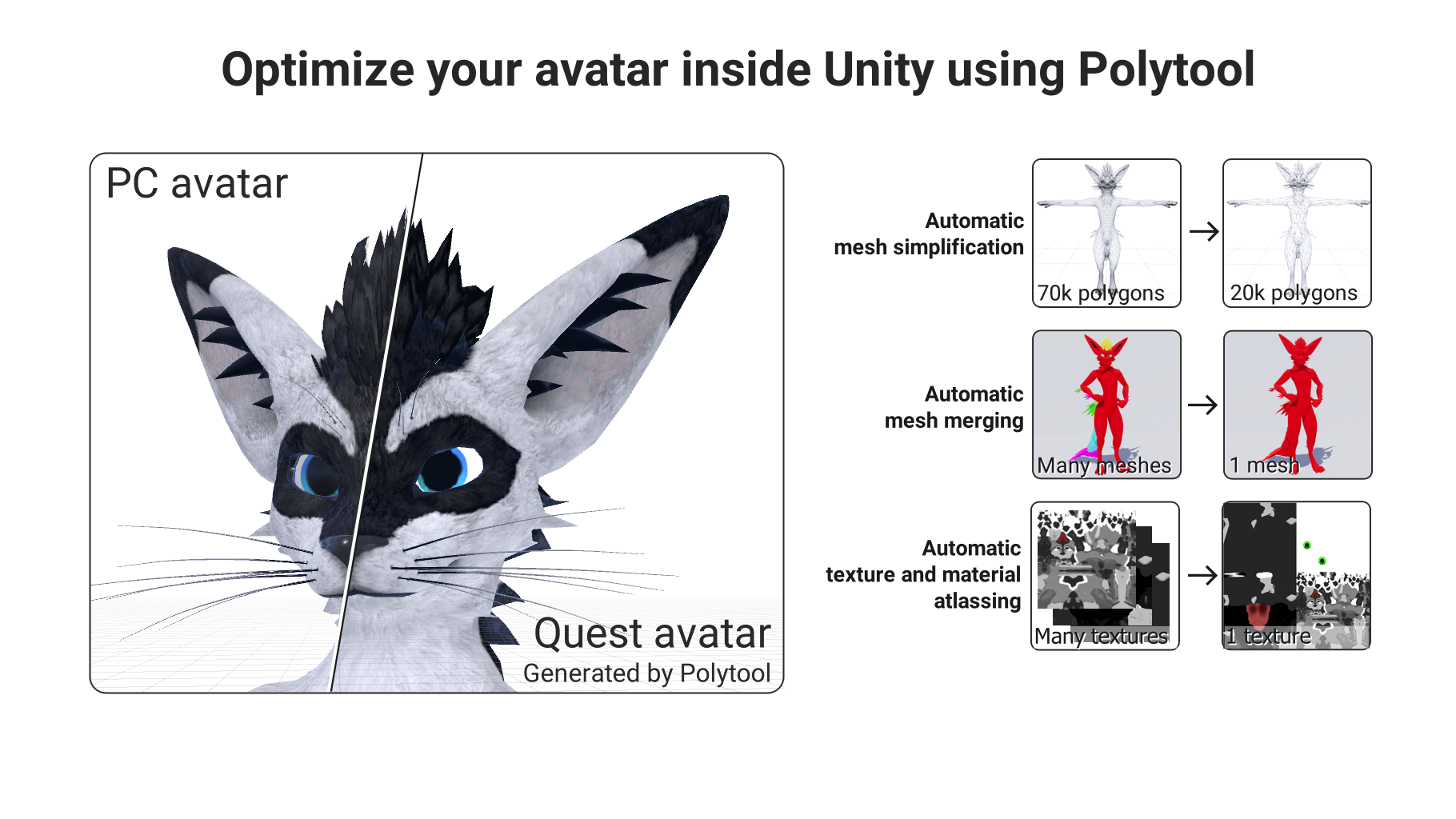
- Automatic mesh simplification/decimation
- Merging skinned and static meshes into a single mesh (automatic weight painting for static meshes, too!)
- Material merging with automatic texture atlasing
- Automatic bone reduction and merging
- Preserves armatures, blendshapes, animations, UVs, and weight painting
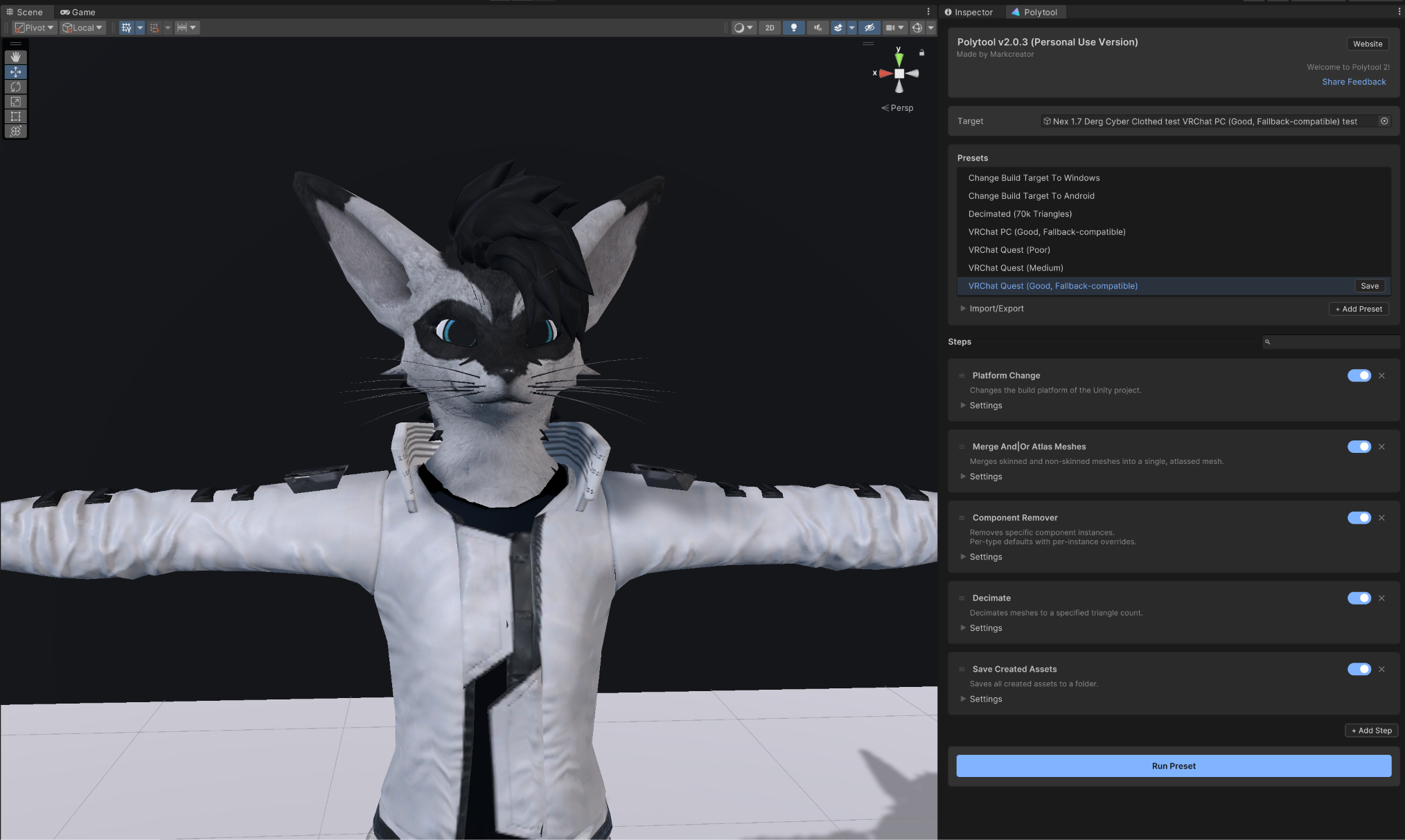
- Built-in optimization presets for VRChat Quest avatars
- Preset editor to create and share custom optimization workflows
Limitations
- As with any automated system, your results may vary depending on your situation. You might have to play with the settings of the different functions and be mindful of how many meshes and materials you include to hit your desired level of quality. I can recommend playing around with the trial version to see if you can get a result you are happy with.
- I can't test every possible avatar, so you may run into a situation that doesn't work as expected. Please report these and I will do my best to look into them!
- When decimating, depending on your mesh, you may have to adjust the Denominator Precision slider if you are experiencing mesh errors like triangles flying off.
- Polytool is a solution for people who value convenience and ease of use or don't have the technical skills to spend hours in Blender and Unity to implement specific performance requirements. If you are already very skilled at things like mesh and material optimization, Polytool might not the best solution for you.
Getting Started
To get started, import the Polytool package into your Unity project.
To open the interface, you can access the "Polytool" tab at the top of Unity or right-clicking an object in your Unity scene and choosing "Polytool".
You can play around with the various presets and settings without worrying about your original assets. Polytool always makes copies of whatever it touches.
Some operations can take a while, so it is important to be patient with Unity and let it do its thing while it figures everything out!
License
At this time I am only offering a personal use license.
This means you can use Polytool to create and manage your personal avatars and assets. You cannot take (free or paid) commissions using this package or include any of Polytool's generated assets in any packages (free or paid) that you distribute.
You can upload avatars generated by Polytool as public avatars onto the VRChat platform, as long as they are intended for public sharing.
A commercial license is not available right now. But if you have any questions about acceptable use, contact me.
Support
If you are experiencing any problems or have trouble getting something to work, feel free to reach out to me and I will try to get back to you as soon as possible.
You can join our Discord server (link on the download page) to participate in our community of creators and get any help you need!
Also available on Lemon Squeezy and Gumroad
Privacy Policy - License Agreement
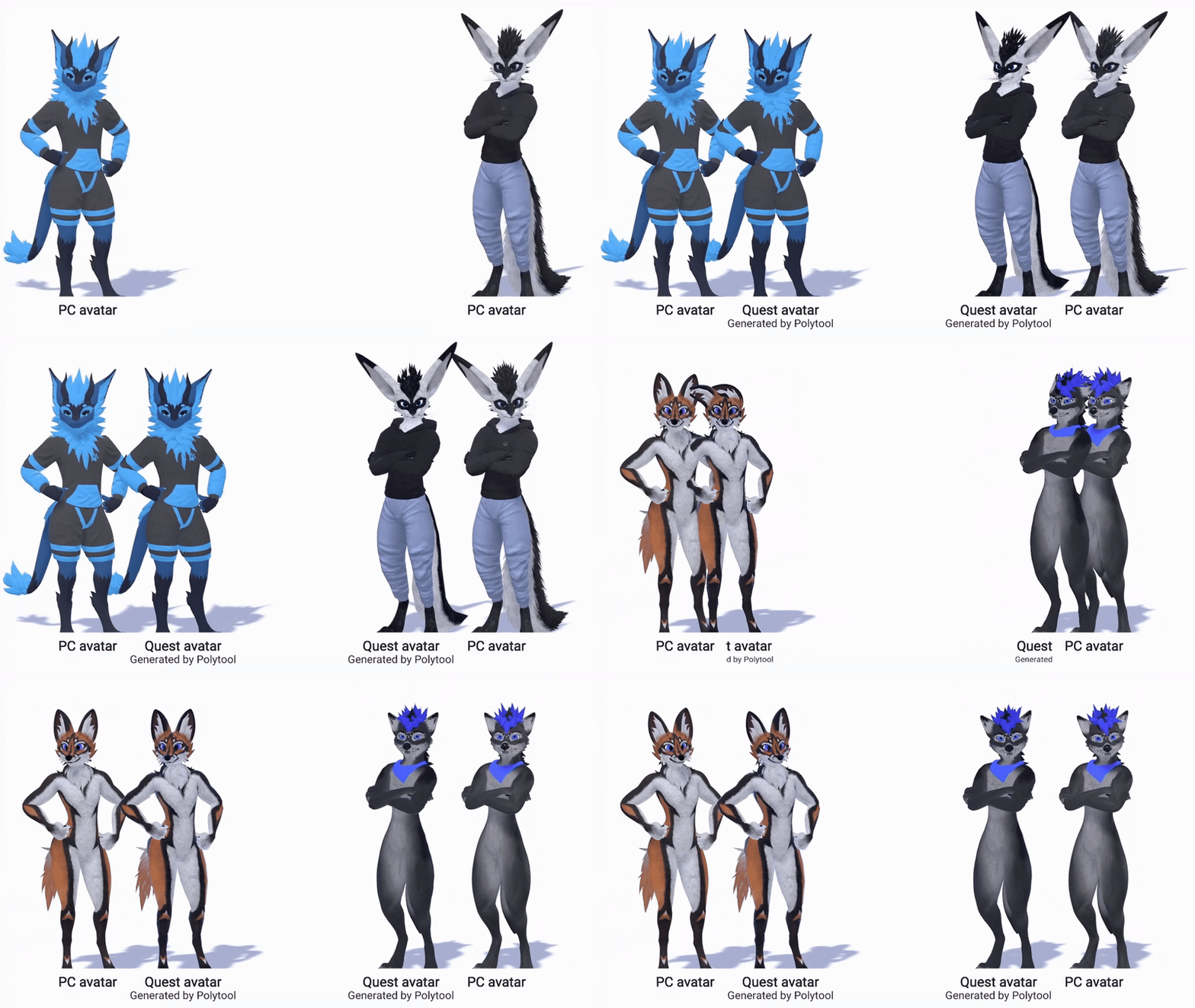
The avatars in the demos are the Leggy, Rexouium, Canis, and Nardo.