
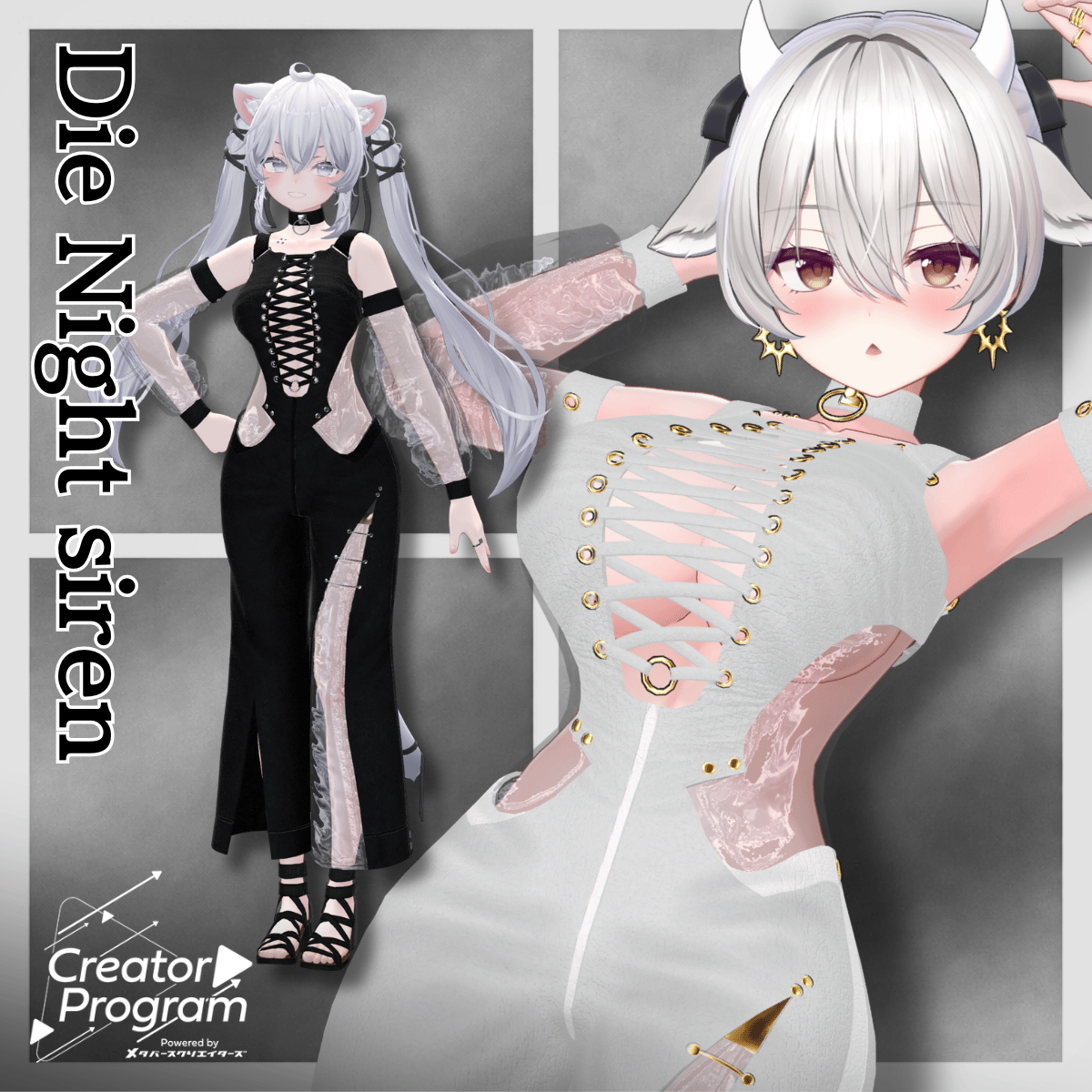
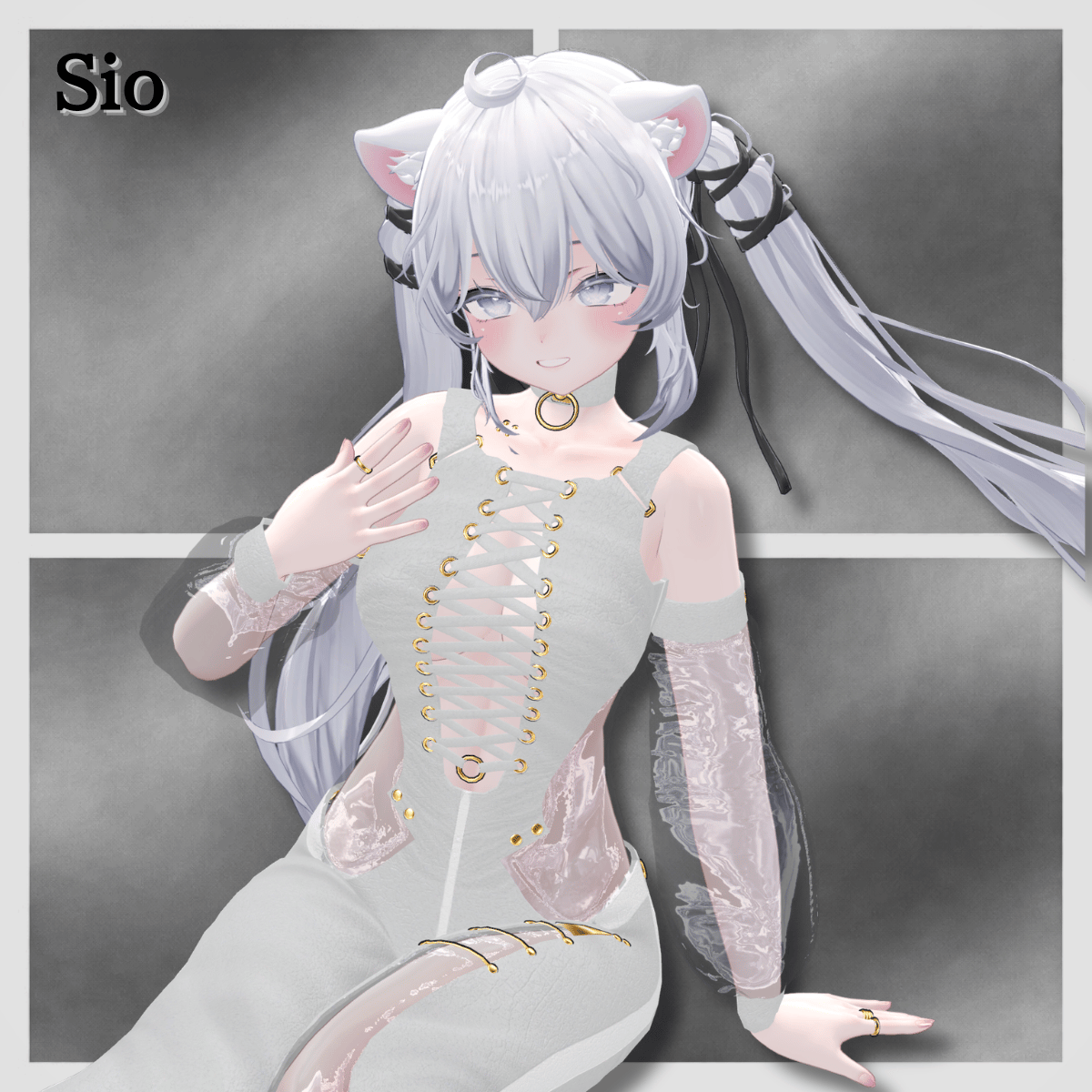
Product Description
ReadMe
◆ Die Nacht sirene ◆
Creator: Tokage House
※ This product is a clothing model for avatars. Avatar body data is not included.
※ Due to the nature of downloadable products, returns and refunds are not available. Please review the product description and terms of use before purchasing.
◆ Item Overview
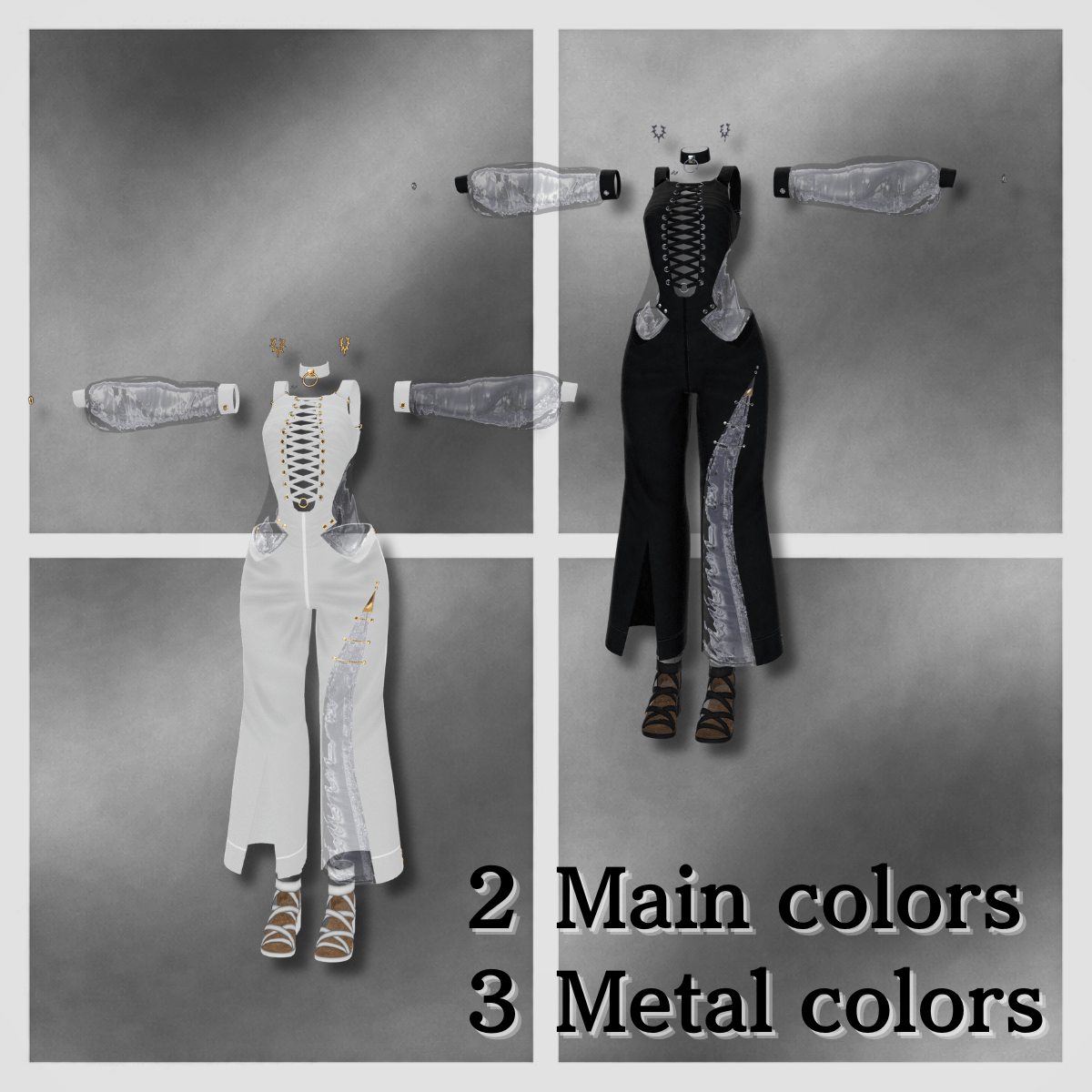
● Contents
Die Nacht sirene (for each avatar).Unitypackage
FBX
Textures
ReadMe.txt (this document)
Shaders used
liltoon
https://lilxyzw.booth.pm/items/3087170
Required assets
Modular Avatar
https://modular-avatar.nadena.dev/ja/docs/intro
● Model Data
Polygon count: Total 35,614 polygons
Main: 23,246
Shoes: 3,452
Choker: 1,008
Collarbone piercing: 1,104
Earrings: 5,892
Rings: 912
Mesh count: 6
Material count: 4
Import folder path
Assets > MetaverseCreators_CP > Tokagehausu > Die Nacht sirene > (folder for each avatar)
◆ Compatible Avatars
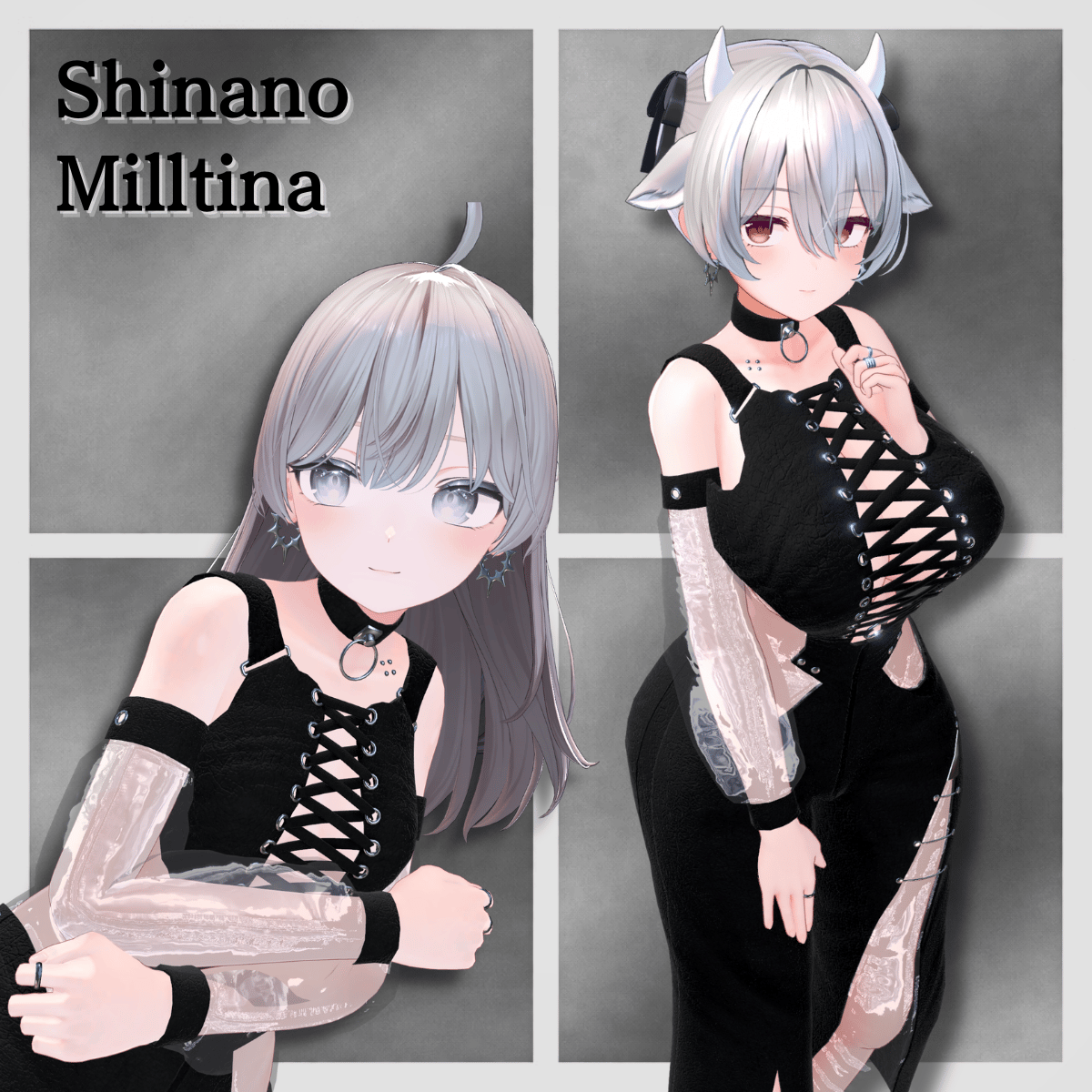
Shinano
https://booth.pm/ja/items/6106863
Sio
https://booth.pm/ja/items/5650156
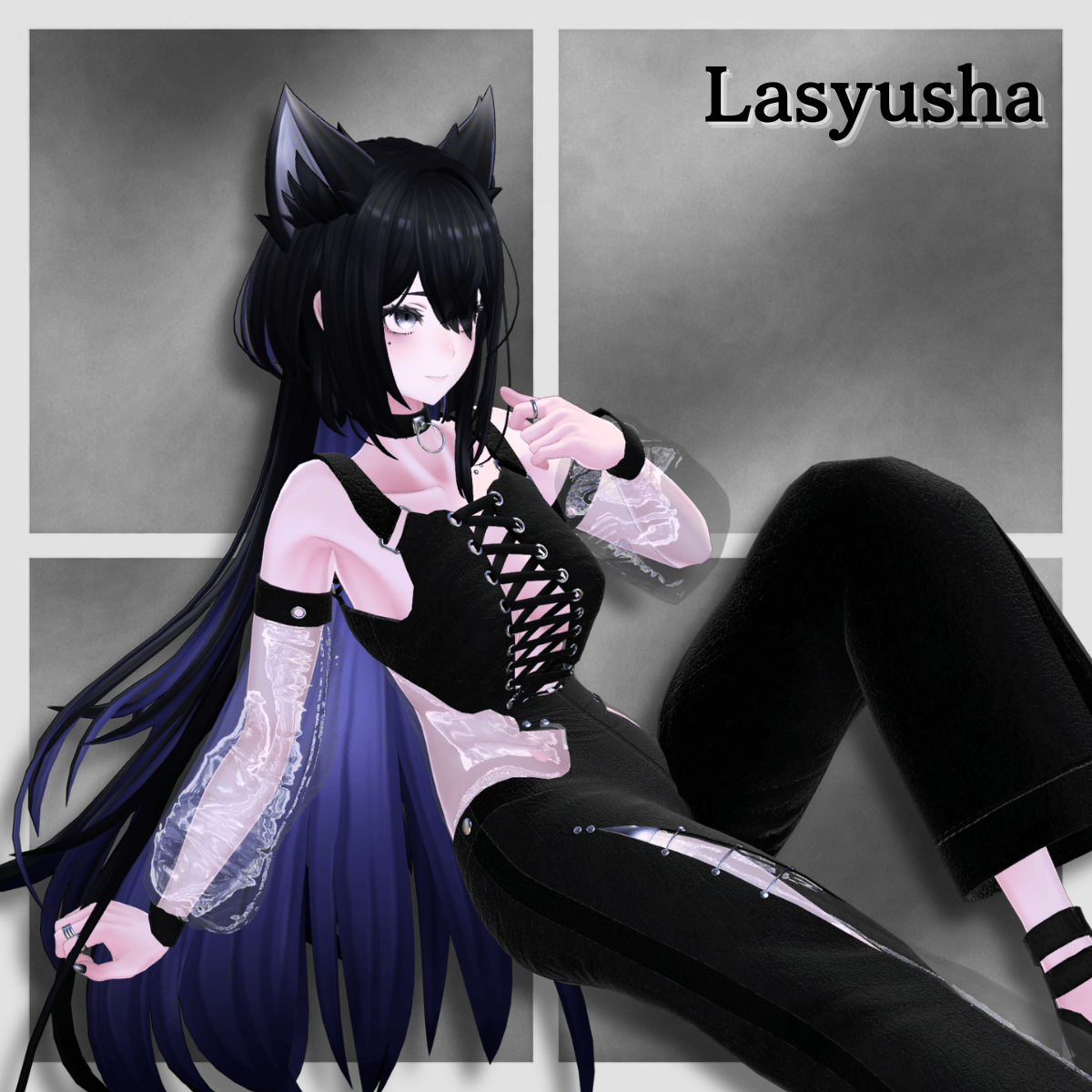
Lasyusha
https://booth.pm/ja/items/4825073
Milltina
https://booth.pm/ja/items/6538026
※ When dressing the avatar, a shape key is used to hide the base body (making it appear like a stick).
Supported Shape Keys
Shinano: Breast_big, Hip Big
Sio: Breast_Big
Lasyusha: Breastbig
Milltina: (Wear bra) Breasts_Normal
◆ Installation Instructions
Set up the latest VRC SDK in VCC
Install required assets (liltoon, Modular Avatar) via VCC
Import the latest package of your avatar
Import this package
Drag and drop the avatar (or prefab for outfit/customization) into the Scene Hierarchy
Hide or set unnecessary avatar clothing (default outfit, underwear, etc.) to “Editor Only” if needed
Drag and drop “Die Nacht sirene_AvatarName.Prefab” directly under the avatar
Upload the avatar via VRC SDK
※ If parts of the avatar body appear unintentionally thin after dressing, reset the corresponding shape keys to 0 and confirm the body displays correctly.
◆ Color Customization
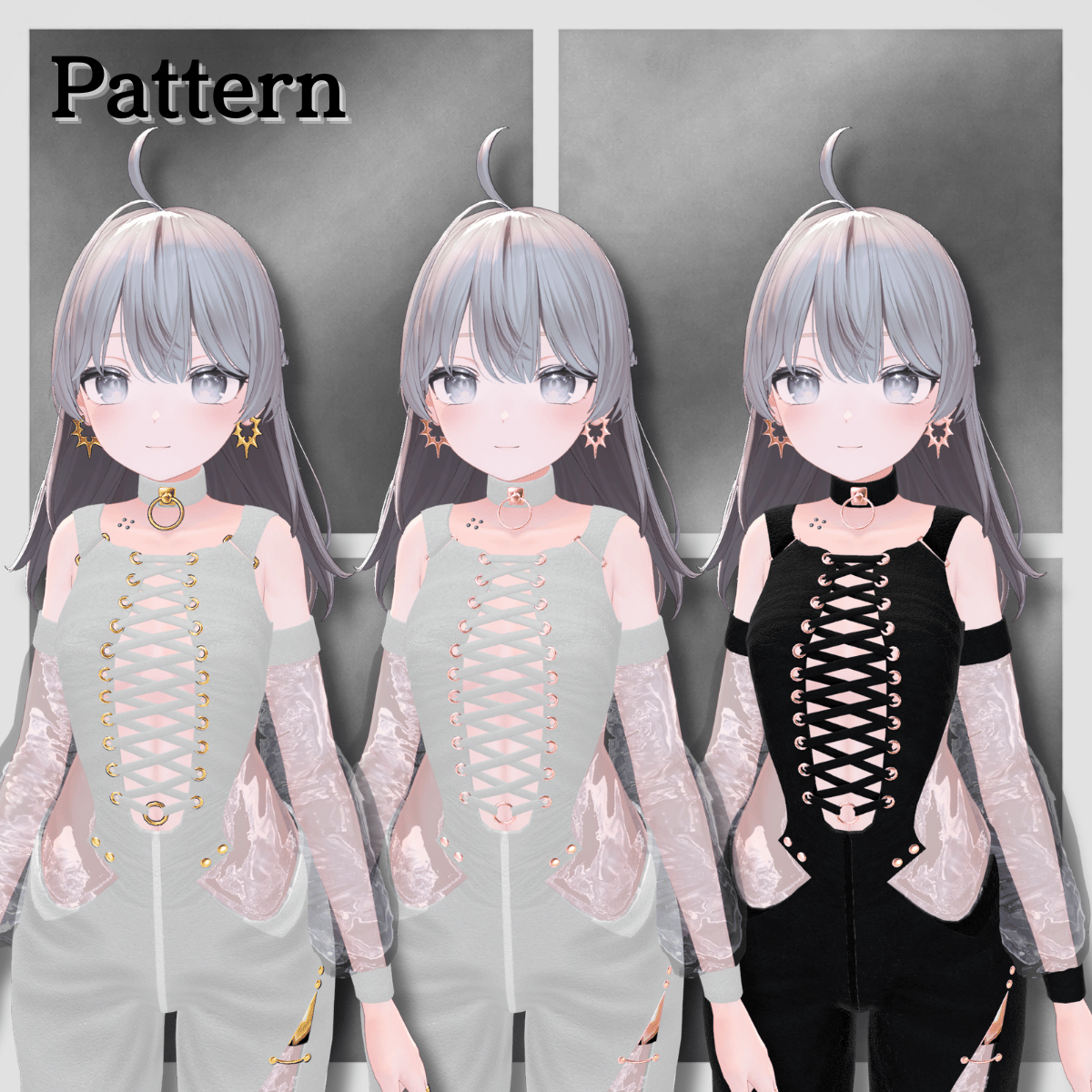
Preset combinations shown in the thumbnails are available as prefabs.
To use color combinations other than the default, replace the materials accordingly.
Swap materials from the Common > Material folder for different color variations.
◆ Terms of Use
https://drive.google.com/drive/folders/1qRMXoIxM1ZgacBPfwOigQRtXP1vCbNMn?usp=sharing
※ Please also follow the terms of the original avatar.
◆ Production Environment
Modeling: Blender Ver. 4.5 Stable LTS
Texturing: Adobe Substance 3D
Setup: Unity Ver. 2022.3.22f1
VRChat SDK - Avatars Ver. 3.9.0 (VCC)
liltoon 1.10.3
Modular Avatar 1.14.3
◆ Credits
Creator: Tokage House
https://metacreatorstyo.booth.pm/items
https://tokagehaususshop.booth.pm/
Support / Contact
https://discord.gg/bmw3PWE37M