
AegisWear - VRChat Men's Clothing / CP42
Product Description
◆ AegisWear ◆
Creator: Domuemon
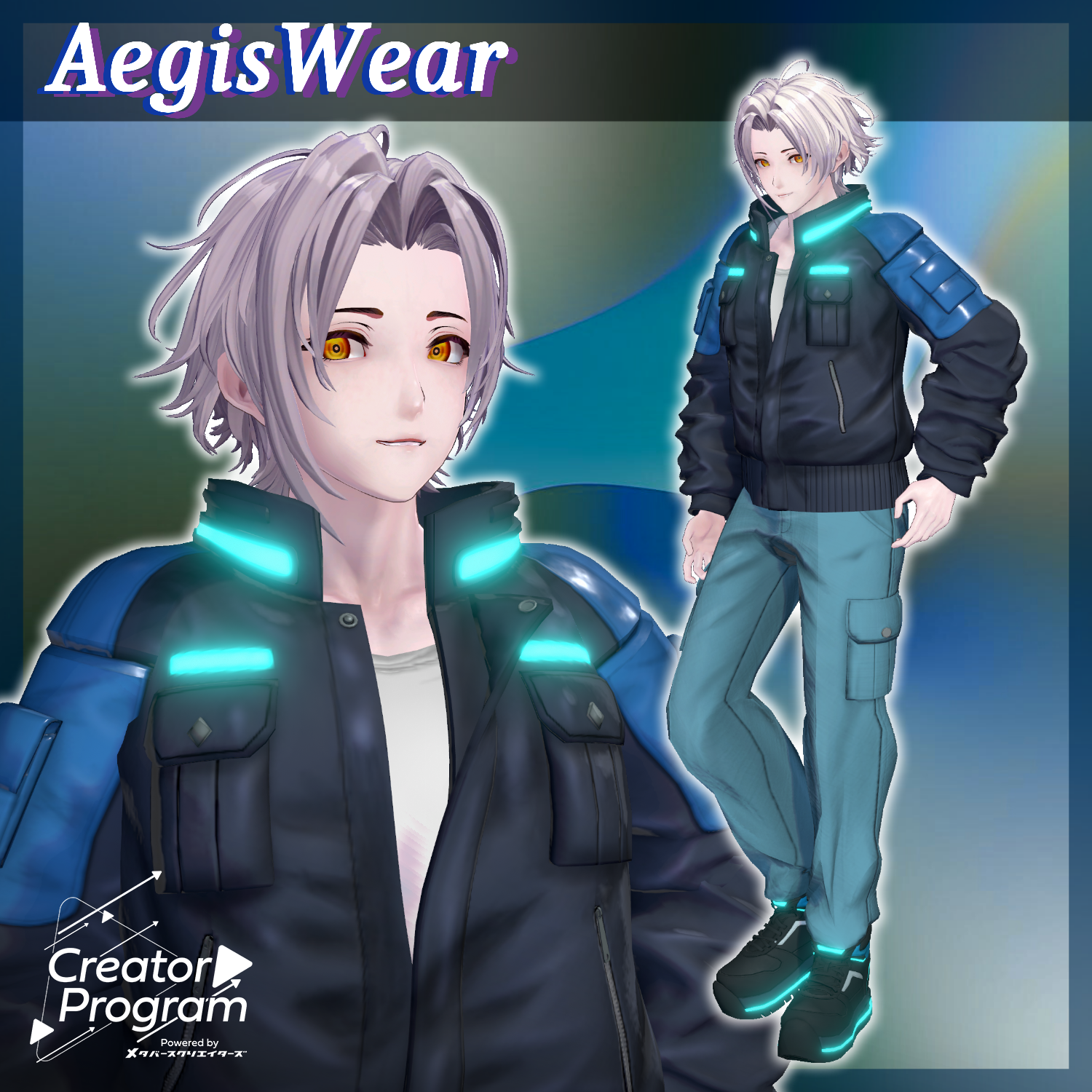
A cyberpunk-style outfit featuring a black leather jacket accented with glowing blue lines.
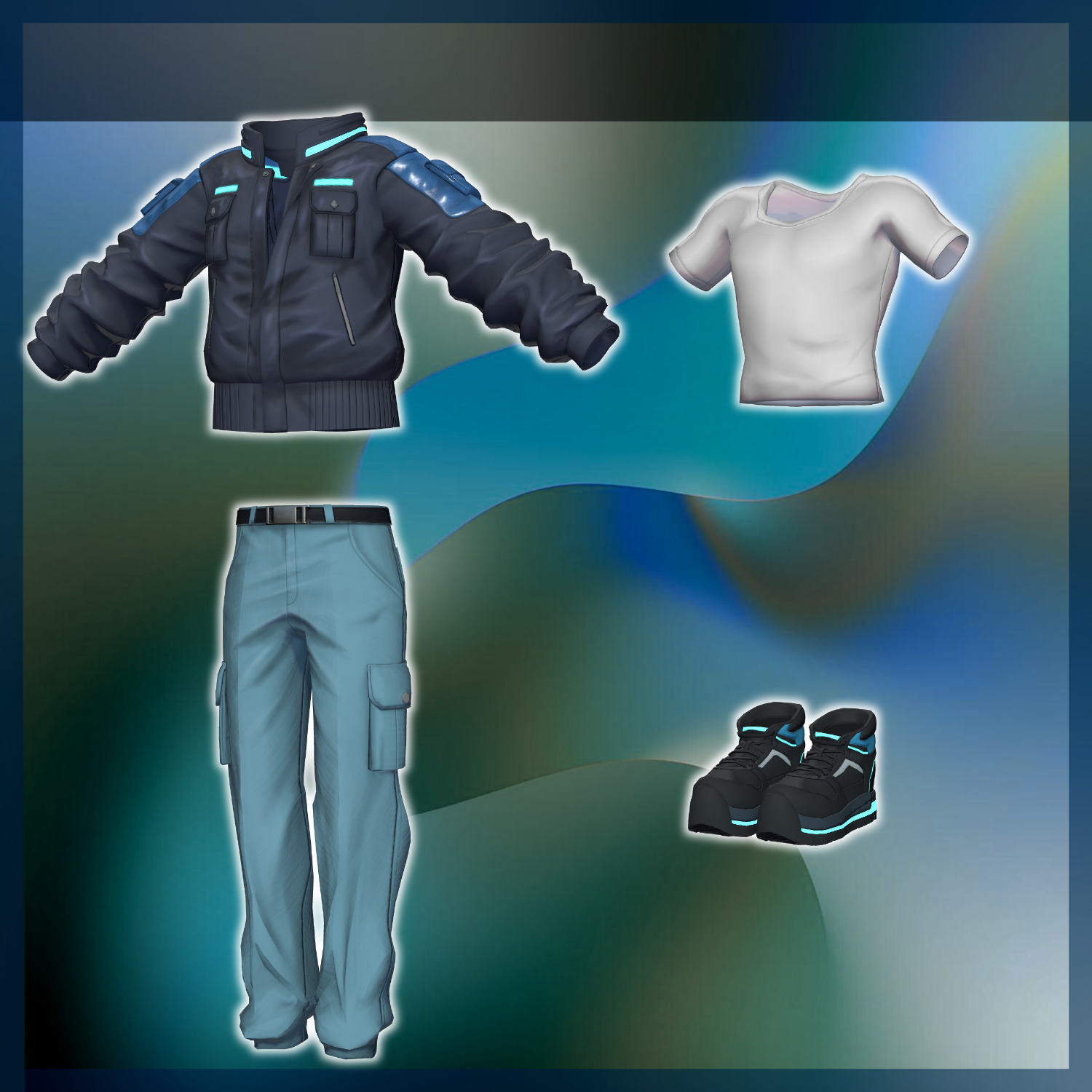
Paired with a white inner shirt, practical cargo pants, and sturdy sneakers.
Designed to feel functional and cool while remaining casual and easy to wear for everyday use.
※ This product is a clothing model for VRChat avatars. The avatar itself is not included.
※ Due to the nature of digital downloads, returns and refunds are not available. Please review the product description and Terms of Use before purchasing.
◆ Item Overview
● Included Files
Aegis_Wear_◯◯.Unitypackage
FBX files
Textures
ReadMe.txt (this document)
Shader Used
liltoon
https://lilxyzw.booth.pm/items/3087170
Required Assets
Modular Avatar
https://modular-avatar.nadena.dev/ja/docs/intro
● Model Data
△ Total polygons: 32,453
Bottom: 5,686 polygons
Inner: 2,120 polygons
Jacket: 15,131 polygons
Shoes: 9,516 polygons
Mesh count: 4
Material count: 1
Import Folder
Assets > MetaverseCreators_CP > Domuemon_Workshop > AegisWear
◆ Compatible Avatars
Original 3D Model “Komano”
https://booth.pm/ja/items/5260363
Kuuta – Original 3D Model #Kuuta3D
https://booth.pm/ja/items/4897493
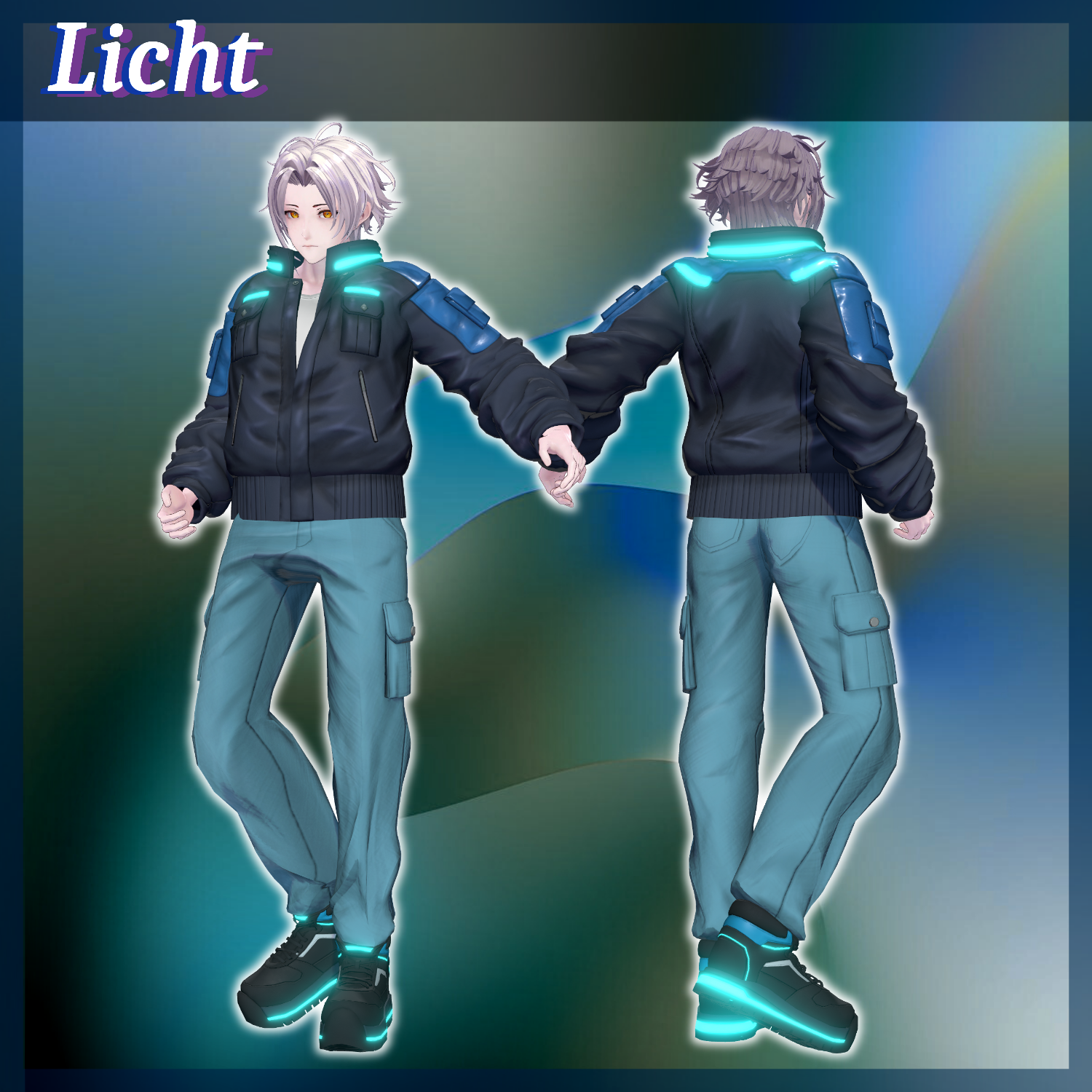
Original 3D Model “Rinjin (Licht)” #Licht3D / AC1
https://metacreatorstyo.booth.pm/items/7430852
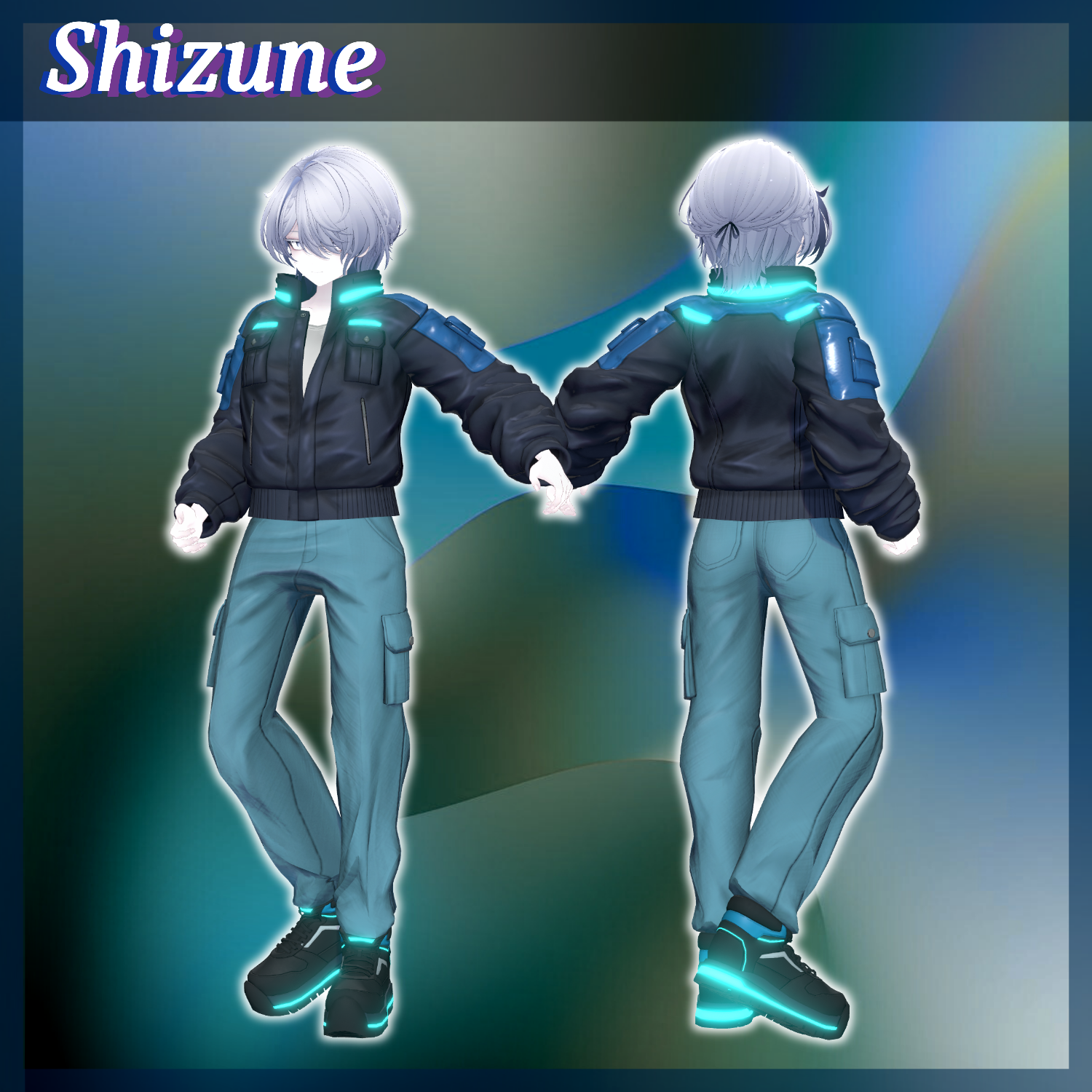
Original 3D Model “Shizune” #Shizune3D / AC3
https://metacreatorstyo.booth.pm/items/7684873
※ When equipping the outfit, shapekeys that hide the avatar’s base body (turning it into a simplified “stick form”) will be used.
◆ Installation Guide
Set up the latest VRC SDK using VCC.
Install required assets (liltoon, Modular Avatar) via VCC.
Import the latest package for your chosen avatar.
Import this product’s package.
Drag your avatar (and any clothing/editable prefab) into the Scene Hierarchy.
Hide or set to Editor Only any unnecessary clothing (default outfits, underwear, etc.).
Drag [OutfitName]_[AvatarName].Prefab directly under the avatar.
Upload the avatar using the VRC SDK.
Notes on MA Shape Changer
This outfit uses Modular Avatar’s MA Shape Changer.
When placed under the avatar, shapekeys automatically activate to slim or hide mesh regions that would otherwise clip with the clothing.
If you do not need this feature, feel free to remove the component.
PlusHead avatars:
Mesh names may differ between avatars (this outfit assumes PlusHead).
If the component does not function correctly, rename the mesh or adjust shapekeys manually.
If parts of the avatar appear unintentionally thin after fitting the outfit, reset the affected shapekeys to 0 and confirm the body appearance.
◆ Terms of Use
https://drive.google.com/drive/folders/1qRMXoIxM1ZgacBPfwOigQRtXP1vCbNMn?usp=sharing
※ Please also follow the Terms of Use for the base avatar used.
◆ Production Environment
Modeling: Blender Ver. 4.5.4
Textures: Substance 3D Painter 2023
Setup: Unity Ver. 2022.3.22f1
VRChat SDK – Avatars Ver. 3.10.1 (VCC)
liltoon 2.3.2
ModularAvatar 1.16.0-alpha.0
◆ Credits
Creator: Domuemon
Personal BOOTH: https://domuemon.booth.pm/
Contact / Support
https://discord.gg/bmw3PWE37M