
Product Description
◆ Lily Frill ◆
Creator: Yoneguri
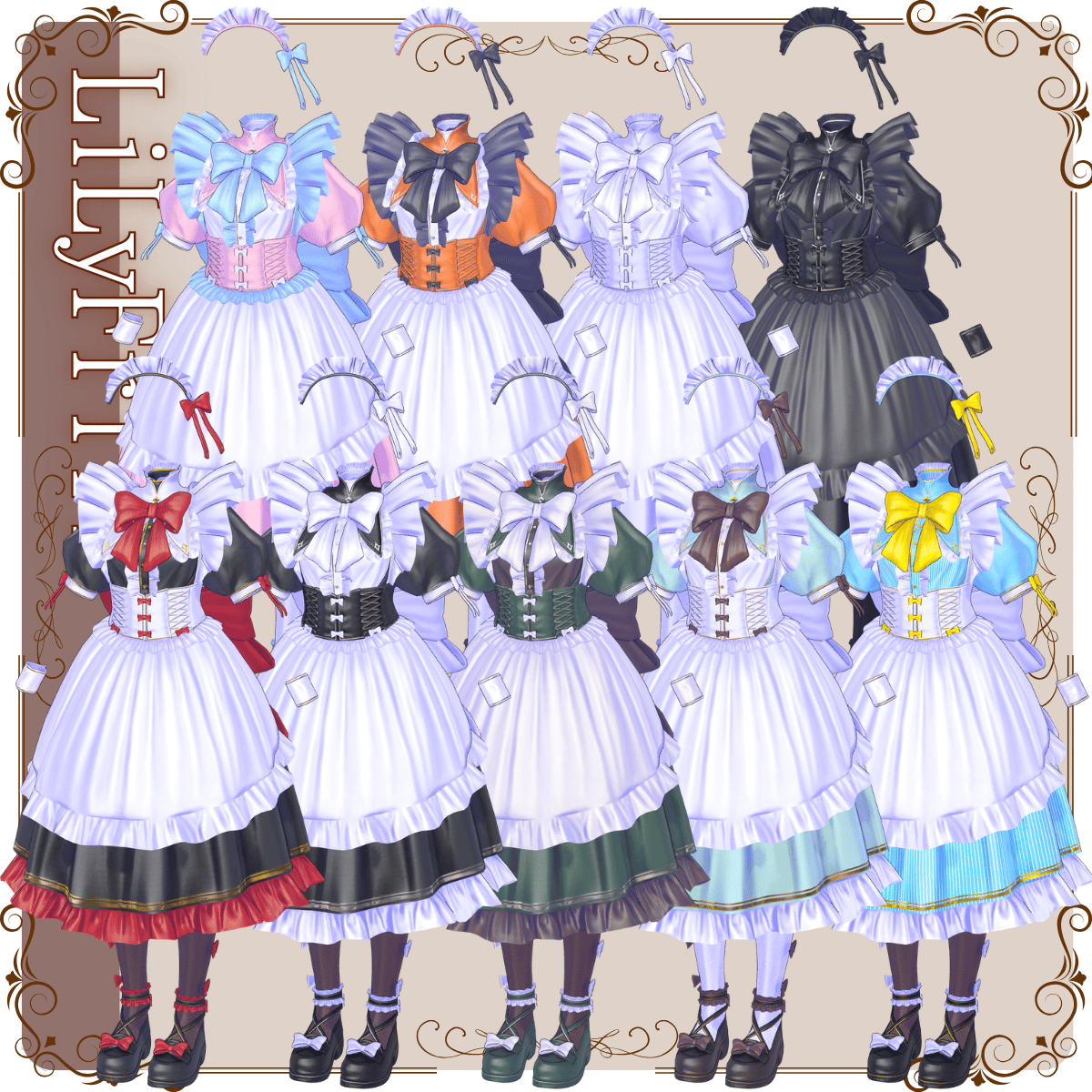
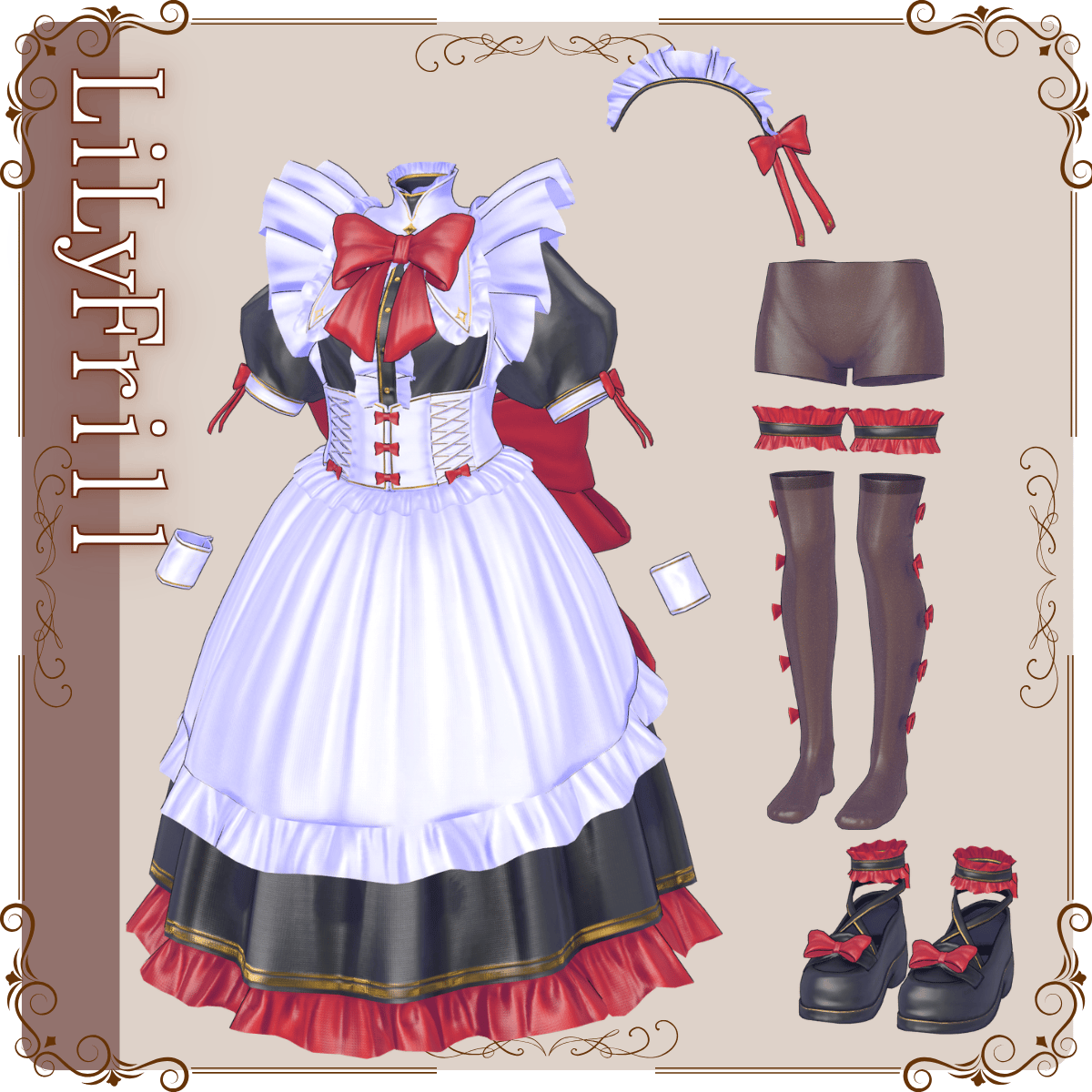
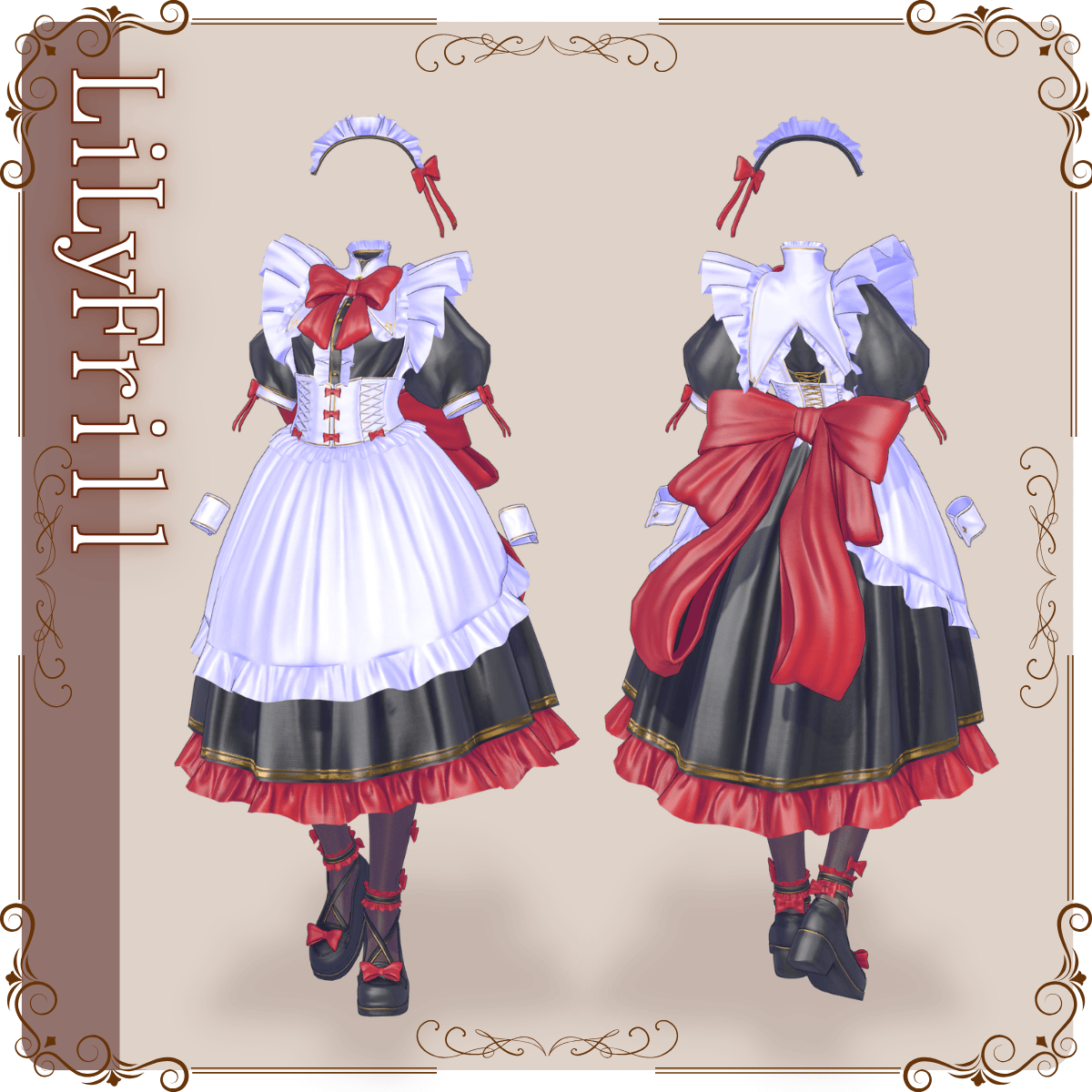
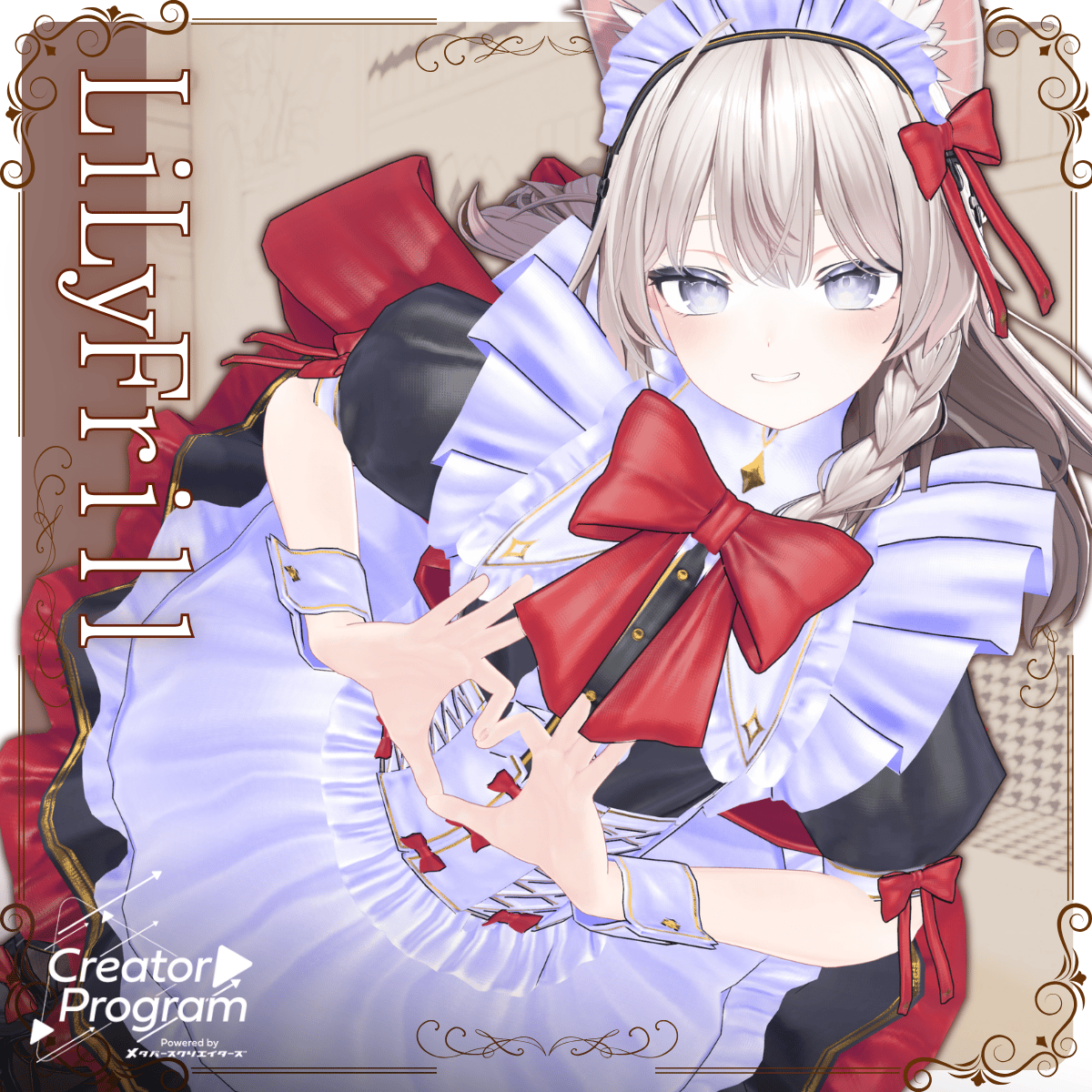
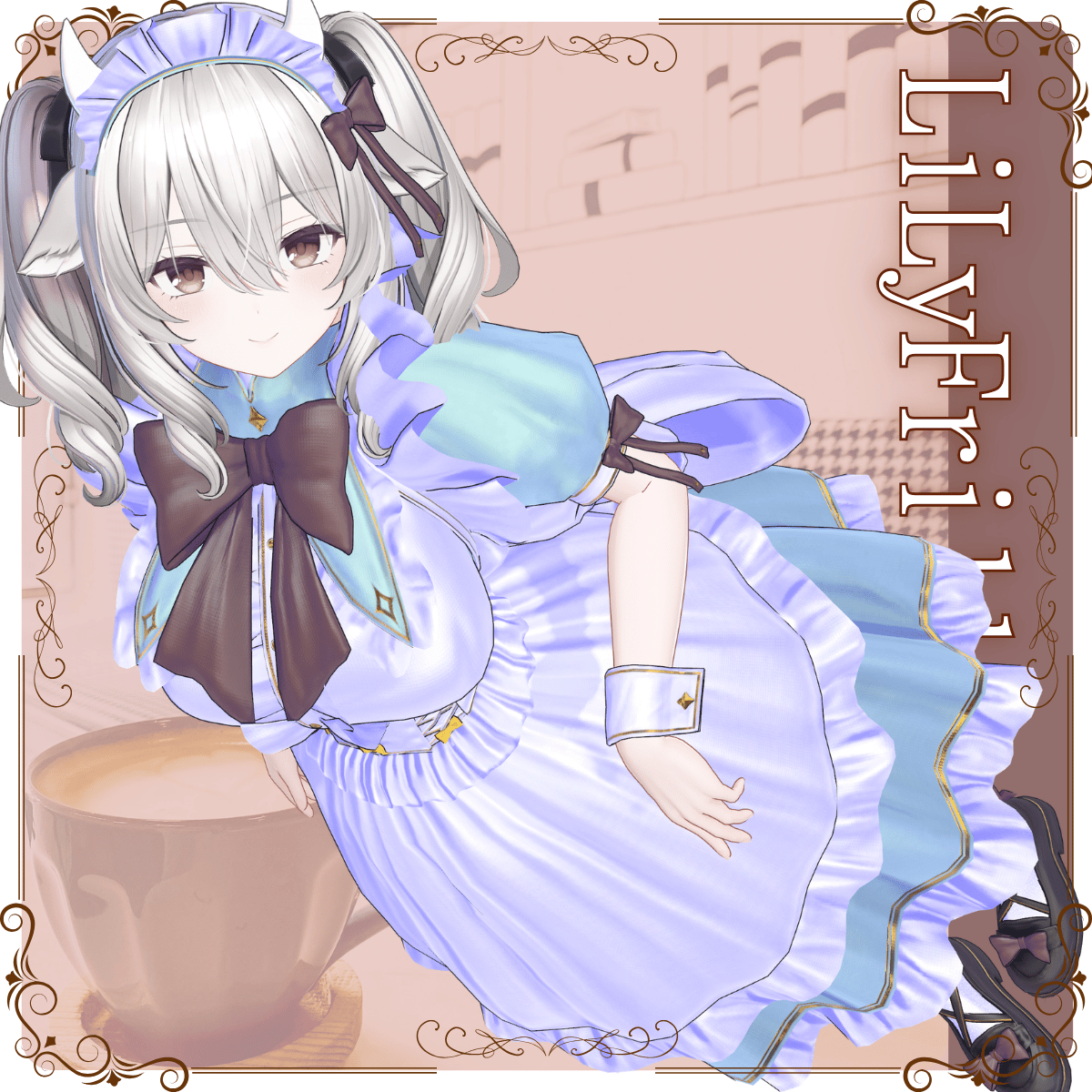
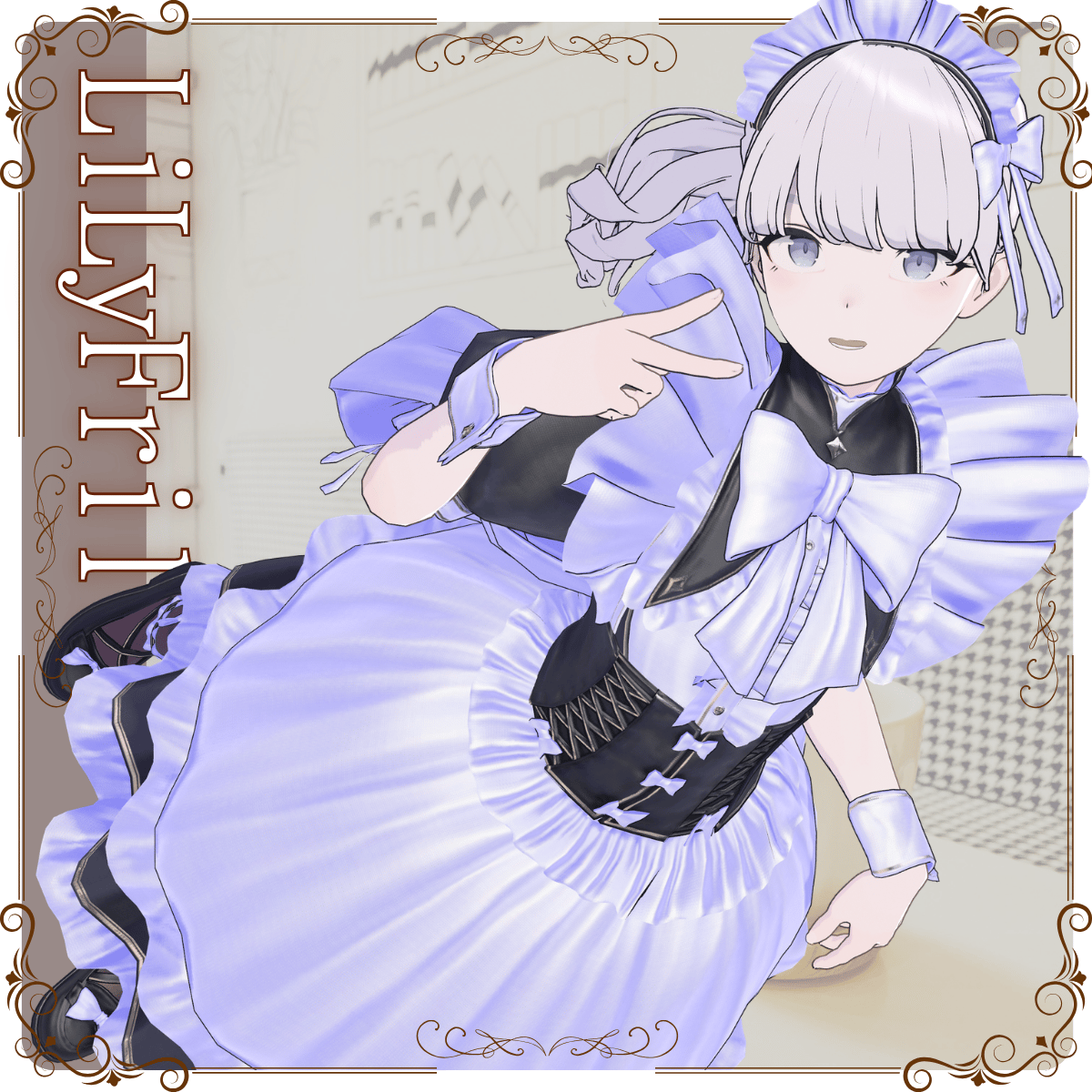
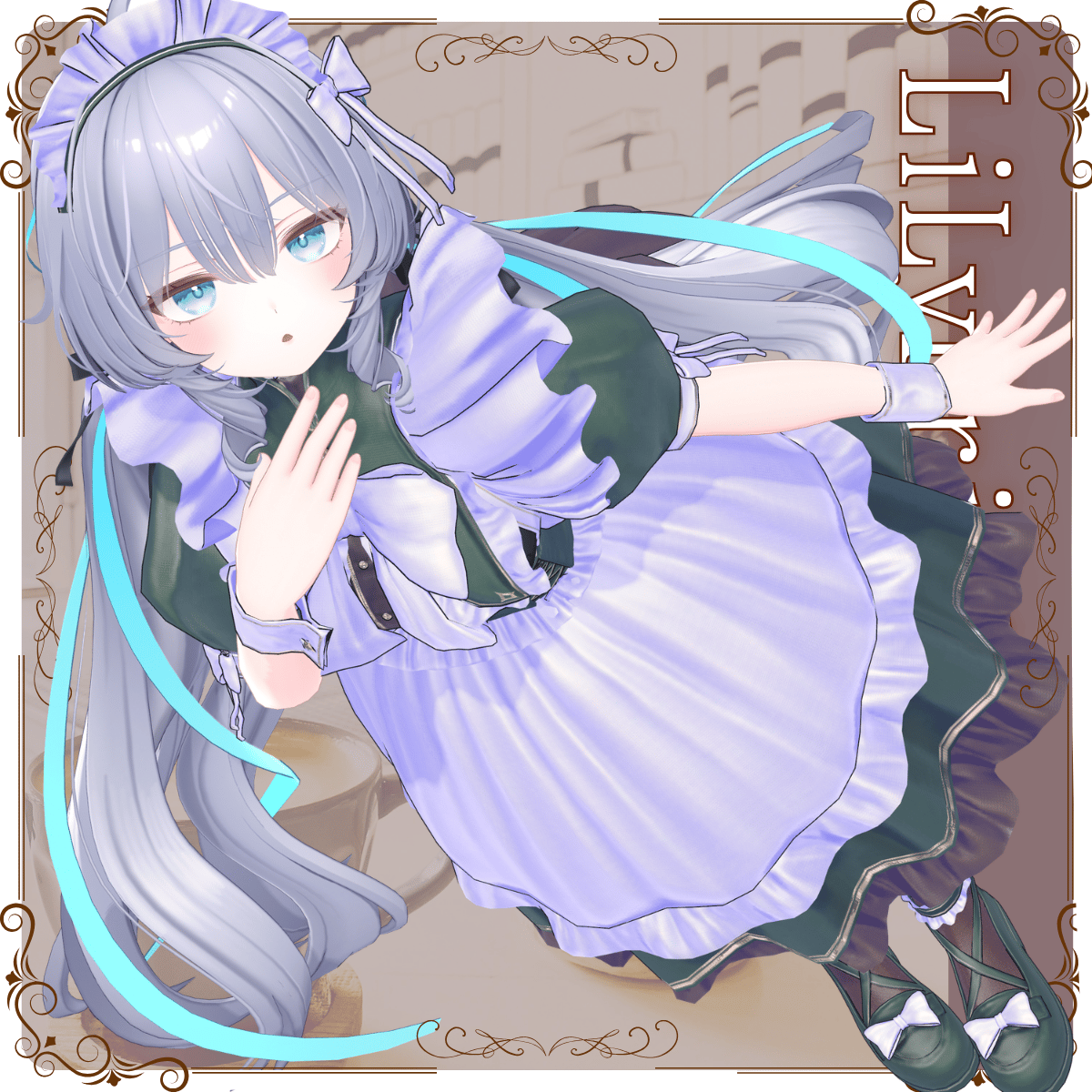
A maid outfit model for VRChat featuring a classic silhouette, enhanced with a large ribbon, frills, and a distinctive stand-up collar.
※ This product is a clothing model for avatars. Avatar body data is not included.
※ Due to the nature of downloadable products, returns and refunds are not available. Please review the product description and terms of use before purchasing.
◆ Item Overview
● Contents
LilyFrill.Unitypackage
FBX
Textures
ReadMe.txt
Shaders used
liltoon
https://lilxyzw.booth.pm/items/3087170
Required assets
Modular Avatar
https://modular-avatar.nadena.dev/ja/docs/intro
● Model Data
Polygon count: Total 51,852 polygons
Brim: 2,076
Collar: 5,694
Loafer: 6,512
Lower: 9,208
Main: 17,906
Skirt: 10,456
Mesh count: 6
Material count: 8
PB components: 23
Constraint components: 25
Import folder path
Assets > MetaverseCreators_CP > Awatorie_yoneguri > LilyFrill
◆ Compatible Avatars
Original 3D Model “Shinano”
https://booth.pm/ja/items/6106863
Original 3D Model “Milltina”
https://dolosart.booth.pm/items/6538026
Lapwing
https://booth.pm/ja/items/4993931
Original 3D Model “Ramune”
https://booth.pm/ja/items/7699667
Original 3D Model “Manuka”
https://booth.pm/ja/items/5058077
Marycia (Original 3D Model)
https://booth.pm/ja/items/6305948
Original 3D Model “Mass-Produced Nora Cat Plus” (Mascat Plus)
http://booth.pm/ja/items/4360118
Milfy (Original 3D Model)
https://booth.pm/ja/items/6571299
Plum (Original 3D Model)
https://booth.pm/ja/items/7770415
Retina & Retinietta (3D Avatar)
https://booth.pm/ja/items/6517448
Rurune (Original 3D Model)
https://booth.pm/ja/items/5957830
Sio (Original 3D Model)
https://booth.pm/ja/items/5650156
※ When dressing the avatar, a shape key is used to hide the base body (making it appear like a stick).
※ Shinano, Milltina, Ramune, Mascat, Milfy, Plum, Retina, Rurune, and Sio include prefabs for Small or Flat shape keys. Please use them as needed.
※ The Flat shape key prefab for Milltina is based on the standard Milltina prefab. In FC prefabs, the behavior of physics-based elements may differ from the standard prefab.
◆ Installation Instructions
Set up the latest VRC SDK in VCC
Install required assets (liltoon, Modular Avatar) via VCC
Import the latest package of your avatar
Import this package
Drag and drop the avatar (or prefab for outfit/customization) into the Scene Hierarchy
Hide or set unnecessary avatar clothing (default outfit, underwear, etc.) to “Editor Only” if needed
Drag and drop “OutfitName_AvatarName.Prefab” directly under the avatar
Upload the avatar via VRC SDK
※ This outfit uses Modular Avatar’s “MA Shape Changer.”
When you drag and drop the outfit under the avatar, the avatar’s shape keys will automatically activate, slimming the body or hiding parts of the mesh. This prevents clipping between the outfit and the avatar body.
If you do not need the “MA Shape Changer” set on the outfit mesh, you may remove or adjust it as desired.
※ If parts of the avatar body appear unintentionally thin after dressing, reset the corresponding shape keys to 0 and confirm the body displays correctly.
◆ Color Customization
Replace materials in the Common > Material folder to switch color variations.
You can also adjust materials to customize colors to your liking.
◆ Terms of Use
https://drive.google.com/drive/folders/1qRMXoIxM1ZgacBPfwOigQRtXP1vCbNMn?usp=sharing
※ Please also follow the terms of the original avatar.
◆ Production Environment
Modeling: Blender Ver. 5.0.1
Texturing: CLIP STUDIO PAINT, Substance Painter, Substance Designer
Setup: Unity Ver. 2022.3.22f1
VRChat SDK - Avatars Ver. 3.10.2 (VCC)
liltoon 2.3.2
Modular Avatar 1.16.2
◆ Credits
(Various original avatar creators listed with links)
Creator: Yoneguri
X: https://x.com/yoneguri_VR
BOOTH: https://yoneguri.booth.pm/
Support / Contact
https://discord.gg/bmw3PWE37M