
Product Description
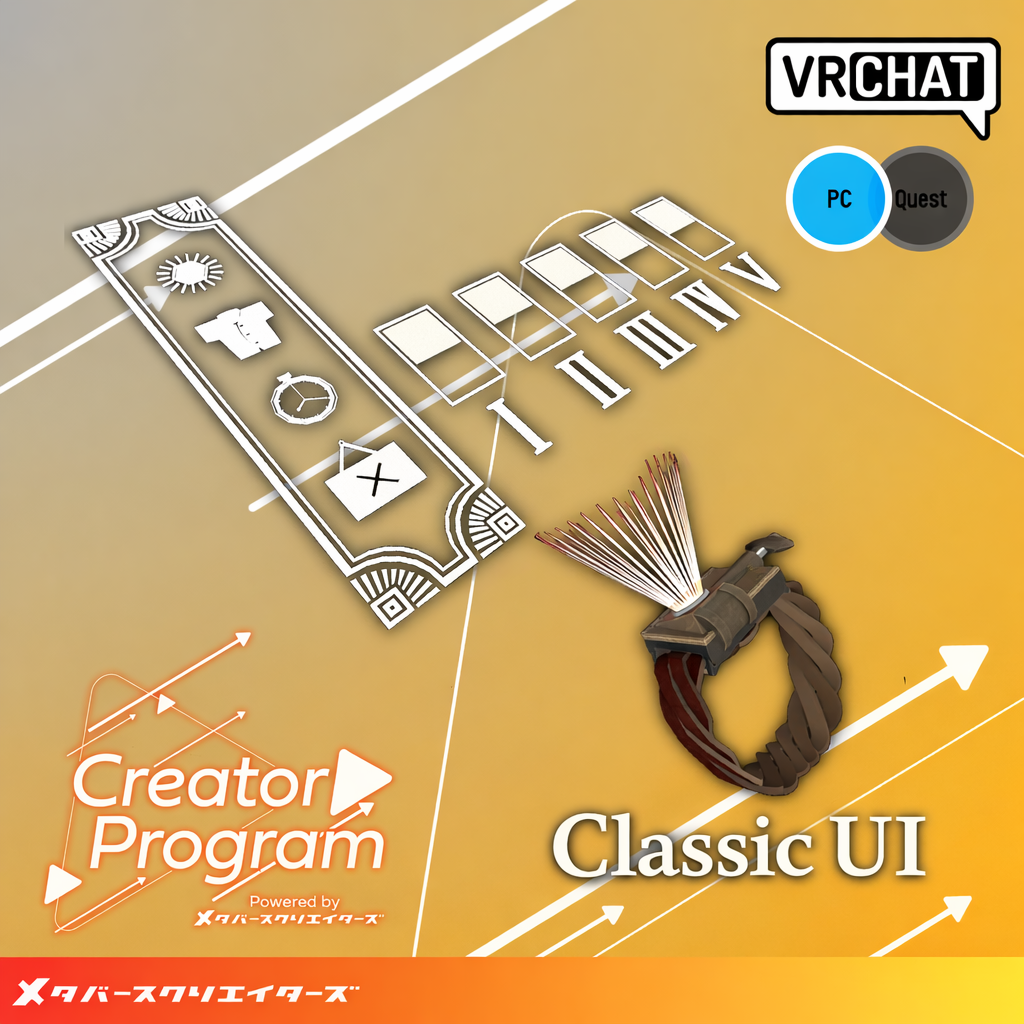
◆ Classic Umbrella Gun UI ◆
Creator: Lefekus
⚠️ This product is designed for use with VR devices.
Desktop-only use is not supported.
This is a VRChat item created as part of the Creator Program.
A retro-themed, wind-up style UI system inspired by a classic era.
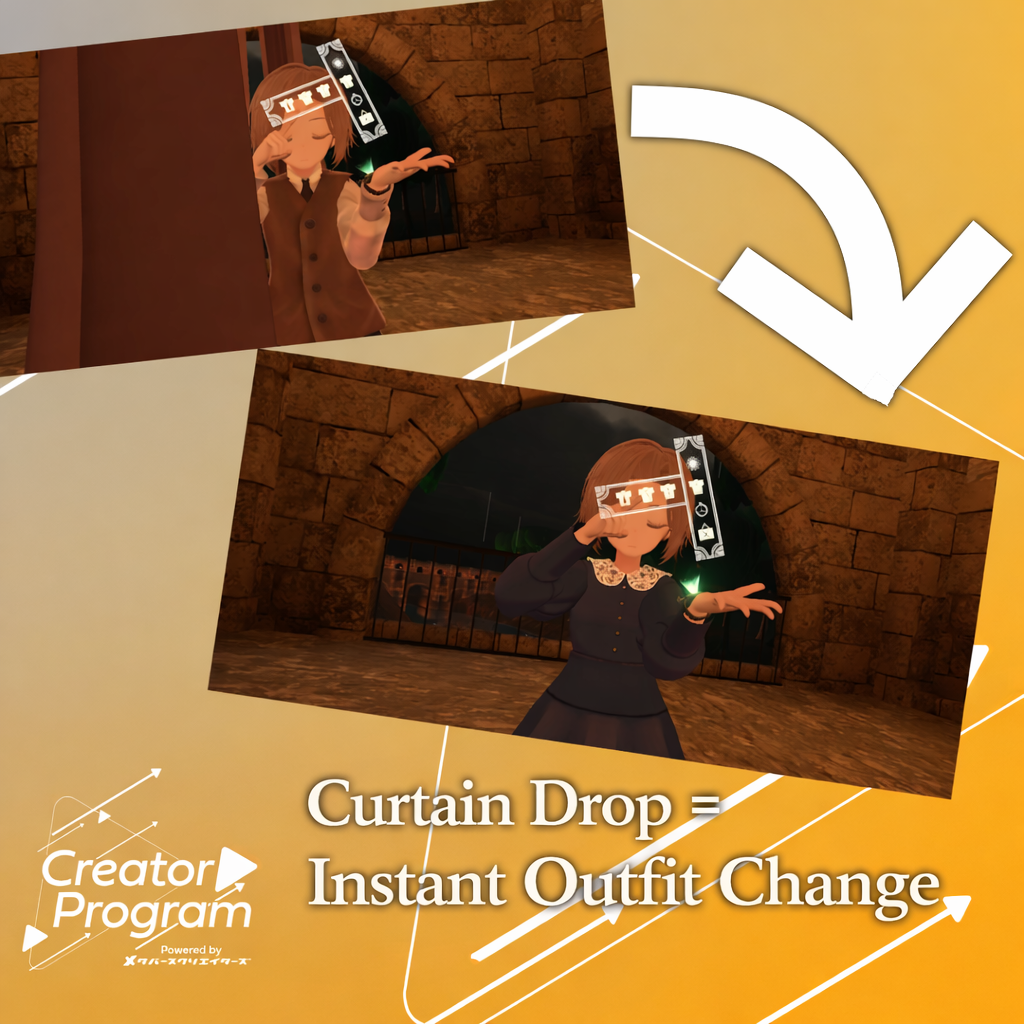
Includes features for outfit switching, item management, and personal night mode.
※ Due to the nature of downloadable products, refunds and returns are not available.
Please review the product description and terms of use before purchasing.
※ Depending on the specifications of outfits or items, compatibility may vary. Thank you for your understanding.
◆ Item Overview
● Contents
Classic_UI_x.x.x.Unitypackage
ReadMe.txt
● Shader Used
liltoon
https://lilxyzw.booth.pm/items/3087170
● Required Asset
Modular Avatar
https://modular-avatar.nadena.dev/ja/docs/intro
● Model Data
UI: 7,840 polygons
Watch: 3,668 polygons
Curtain: 4,738 polygons
Materials: 3
PB Components: 0 (Parameter Bits: 31)
Import Folder
Assets > MetaverseCreators_CP > Lefekusworks > Item_UI_Classic
◆ Installation Instructions
Set up the latest VRC SDK via VCC
Install required assets (liltoon, Modular Avatar)
Import this package into your Unity project
Drag and drop your avatar (or prefab) into the Scene
Drag and drop the prefab from:
Assets/MetaverseCreators_CP/Lefekusworks/Item_UI_Classic/Prefab
directly under your avatar
Adjust the following in the Scene as needed:
Classic_UI/Curtain (position, scale, rotation)
LeftHandRoot/Watch (position, scale, rotation)
Edit LeftHandRoot/ItemAndWear according to the video tutorial
Upload your avatar via the VRC SDK
💡 Activate the system in VRChat by tapping the watch with your finger.
⚠️ If imported in an environment with Modular Avatar 1.11.2 or earlier,
the prefab may break.
Please update Modular Avatar, then re-import the package.
◆ Features
Activate by tapping the watch in VRChat
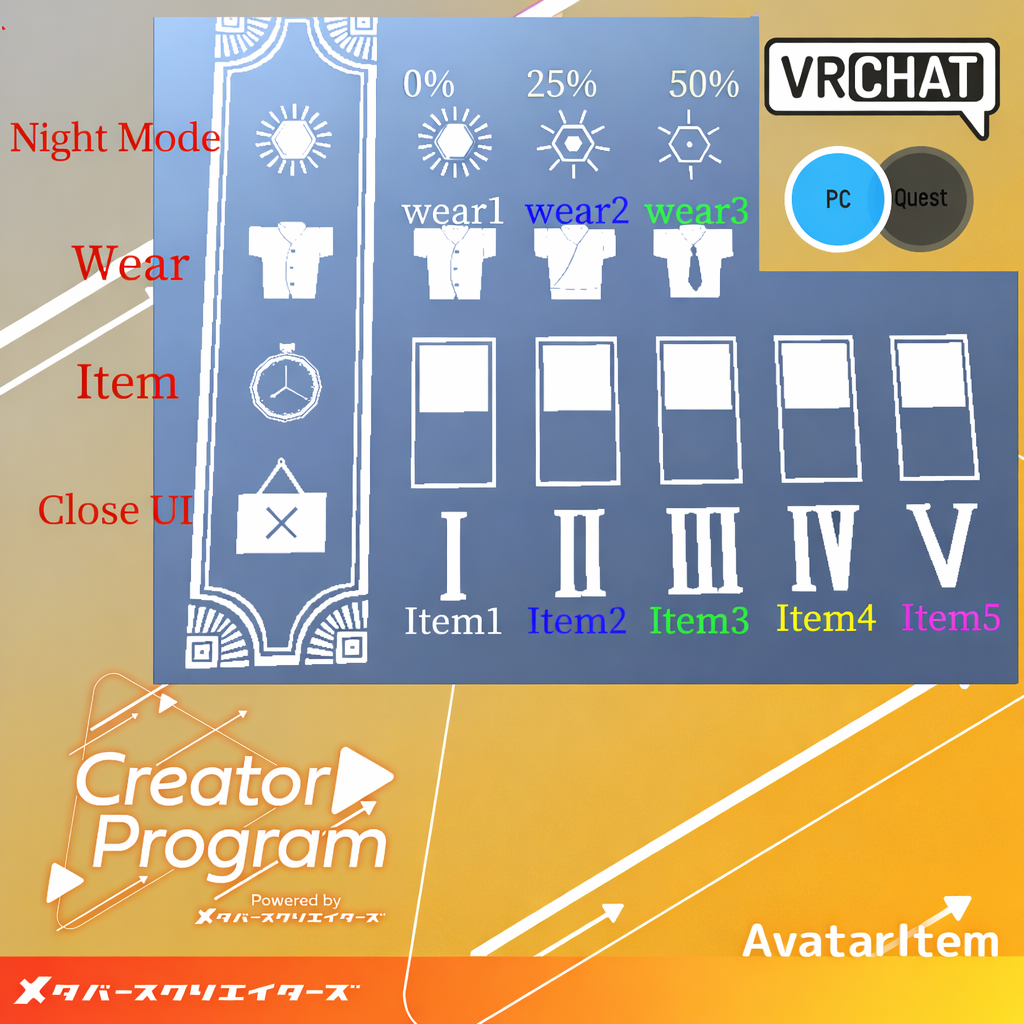
Main menu includes:
Personal Night Mode
Outfit Change
Item Toggle
Close UI
Tapping each option opens a sub-menu
Sub-menu allows toggling visibility and switching night mode
◆ Terms of Use
https://drive.google.com/drive/folders/1qRMXoIxM1ZgacBPfwOigQRtXP1vCbNMn?usp=sharing
※ Please also follow the terms of the original avatar used.
◆ Development Environment
Modeling: Blender Ver4.3
Texturing: CLIP STUDIO PAINT
Setup: Unity Ver2022.3.22f1
VRChat SDK - Avatars Ver3.8.1 (VCC)
liltoon 1.8.5
Modular Avatar 1.11.2
◆ Credits
Creator: Lefekus
BOOTH: https://swillzerrant.booth.pm/
Support / Inquiries
https://discord.gg/bmw3PWE37M