
Product Description
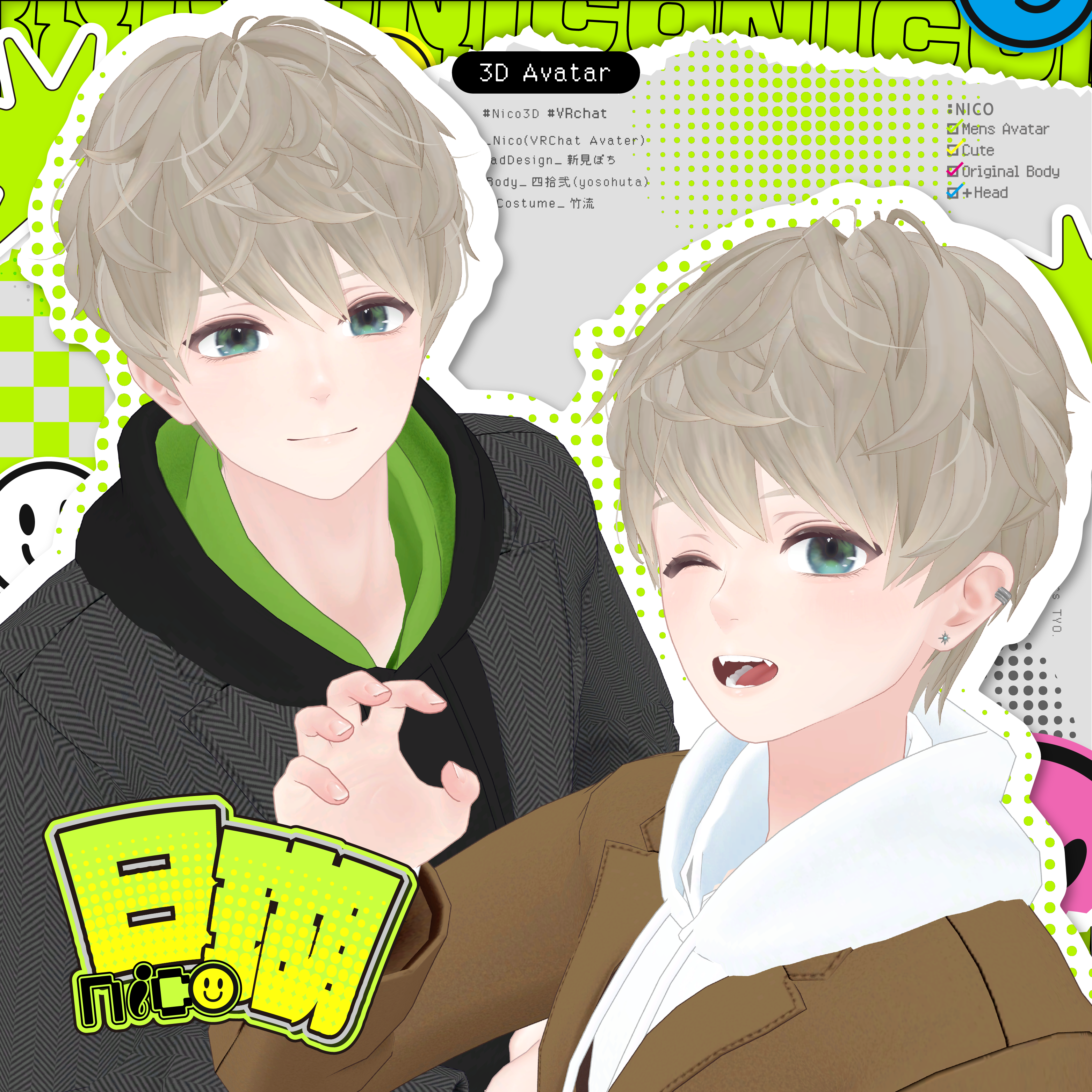
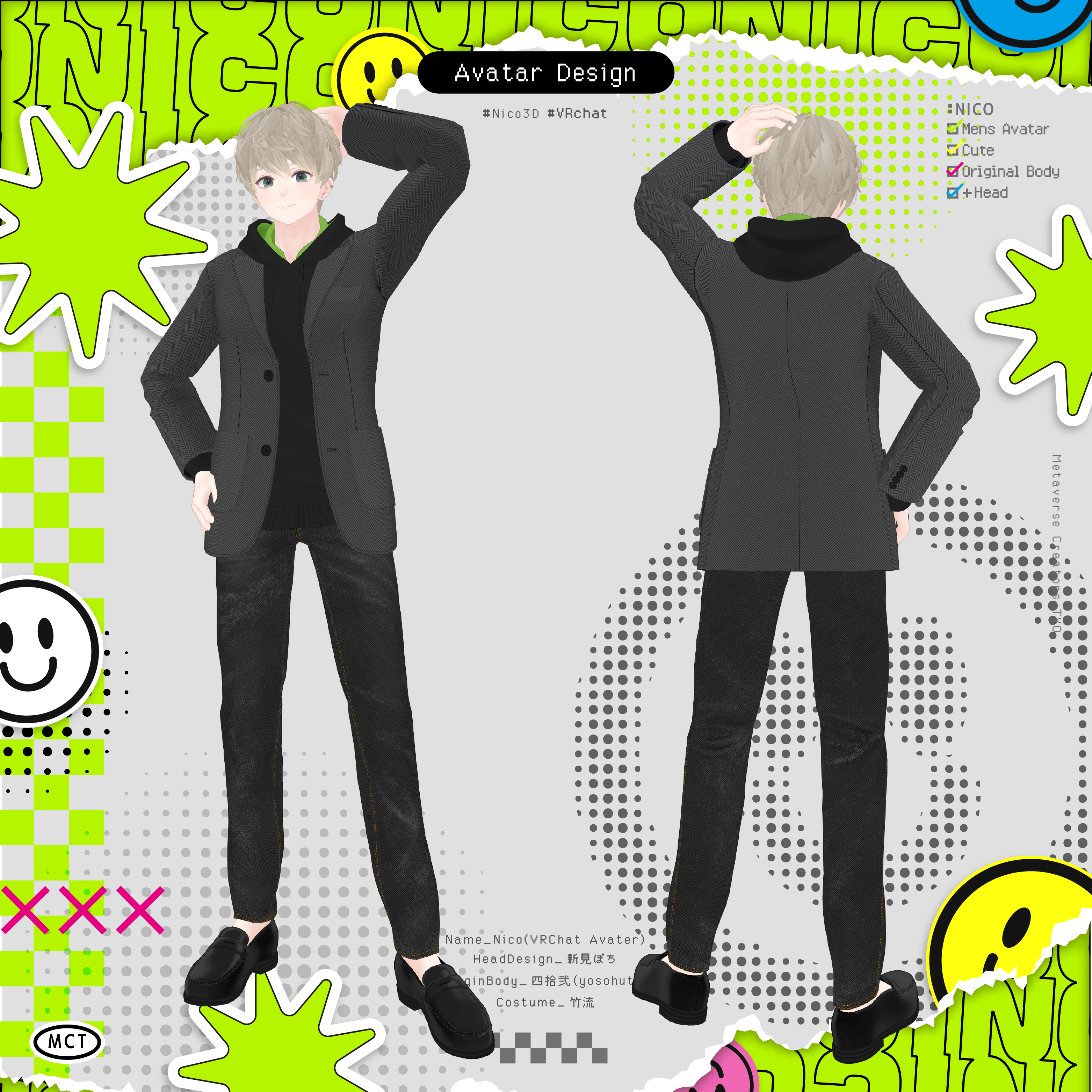
Original 3D Model “Nico -Shizune-”
#Nico3D #Nico3D
This model is set up for VRChat.
Please upload it using a Unity project created via VCC (VRChat Creator Companion).
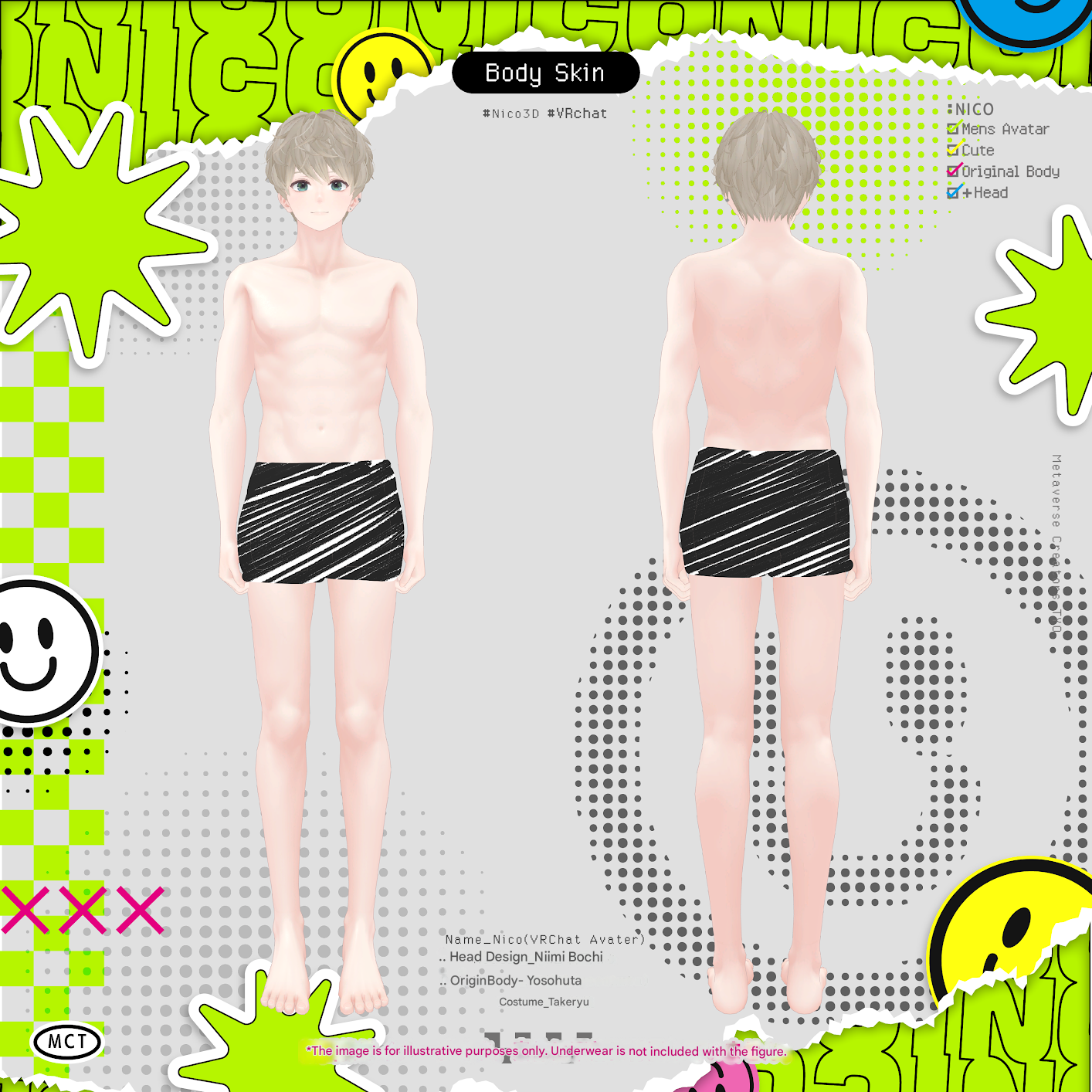
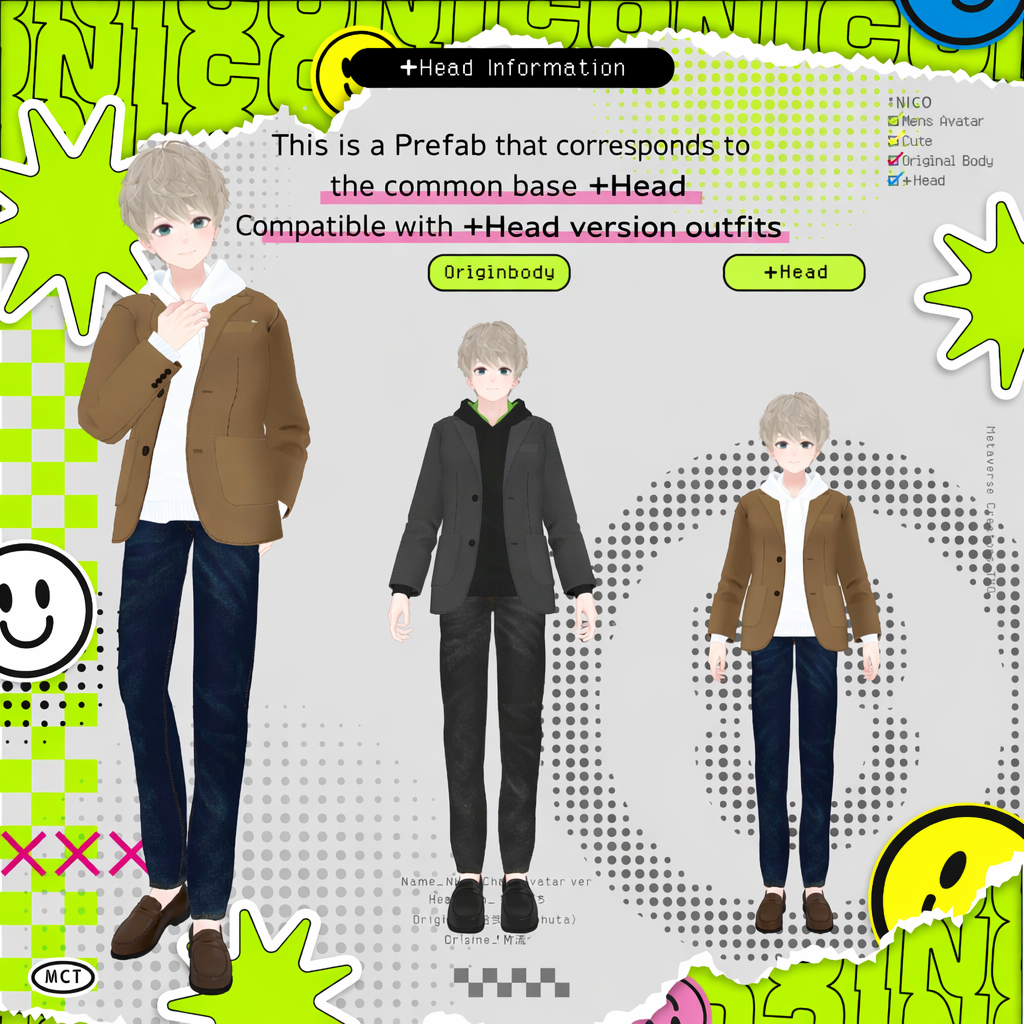
The Origin Body shares the same base body as Licht.
You can use outfits made for Licht with this avatar.
jinxxy.com/MetaCre/jvXy4
⚠️ Due to the nature of downloadable products, refunds and returns are not available.
Please review the product description and terms of use before purchasing.
◆ Item Overview
● Contents
MCT_Nico_Full.unitypackage
ReadMe.txt
Model
MCT_Nico.FBX
MCT_Nico_PlusHeadVer.FBX
MCT_Nico.blend
MCT_Nico_PlusHeadVer.blend
PSD Files
Alpha.psd
Body.psd
BodtSkin_MCT.psd
BodySkin_PlusHead.psd
Earring.psd
Eye.psd
Hair.psd
● Required Shader
liltoon
https://lilxyzw.booth.pm/items/3087170
● Required Asset
Modular Avatar
https://modular-avatar.nadena.dev/ja/docs/intro
⚠️ The UnityPackage includes ADS_Tools, which synchronizes dance and facial expressions in “Avatar Dance Stage.”
● Model Data
Total Polygon Count: 109,409
MCT_Nico (46,214)
Body: 11,696
BodySkin: 22,716
Earring: 342
Hair_Back: 4,954
Hair_Front: 6,506
MCT_Nico_PlusHeadVer (43,560)
Body: 11,696
PlusHead: 20,126
Earring: 342
Hair_Back: 4,954
Hair_Front: 6,506
MCT_TradWear (42,580)
Bottom_GPanz: 3,848
Bottom_Slacks: 3,952
Inner_Foodie: 3,744
Inner_HiNeck: 2,686
Inner_HiNeck_Half: 1,906
Inner_Yshirt: 5,188
Inner_Yshirt_Open: 5,630
InnerT_shirt: 1,624
Jacket: 6,052
Jacket_Makuri: 4,520
NeckTie: 1,296
Shoes_Loafers: 2,134
Mesh Count: 9
Material Count: 11
PB Components: 7
PB Colliders: 3
Shapekeys:
Face: 593
Base Body: 61
PlusHead Body: 30
Import Folder
● Avatar
Assets > MCT_Avatars > MTC_Nico
● Outfit
Assets > MCT_Avatars > MTC_TradWear
⚠️ Outfit Prefabs are included for both the Origin Body (shared with Licht) and the PlusHead body.
◆ Installation Instructions
Set up the latest VRC SDK in VCC.
Install required assets (liltoon, Modular Avatar) via VCC.
Import this package.
Go to:
Assets > MCT_Avatars > MTC_Nico
Place either:
MCT_Nico.prefab
MCT_Nico_PlusHeadVer.prefab
into your Scene.
Upload the avatar via VRC SDK.
◆ EX Menu
Dance Mode
When using “Avatar Dance Stage,” turn ON Dance Mode before going on stage.
Facial expressions will synchronize with the dance.
◆ Customization
For avatar modification, use:
Assets > MCT_Avatars > MTC_Nico > Prefab_ForCustom
MCT_Nico_Body.prefab
MCT_Nico_PlusHeadBody.prefab
For color customization, adjust material colors or use the included PSD and texture files.
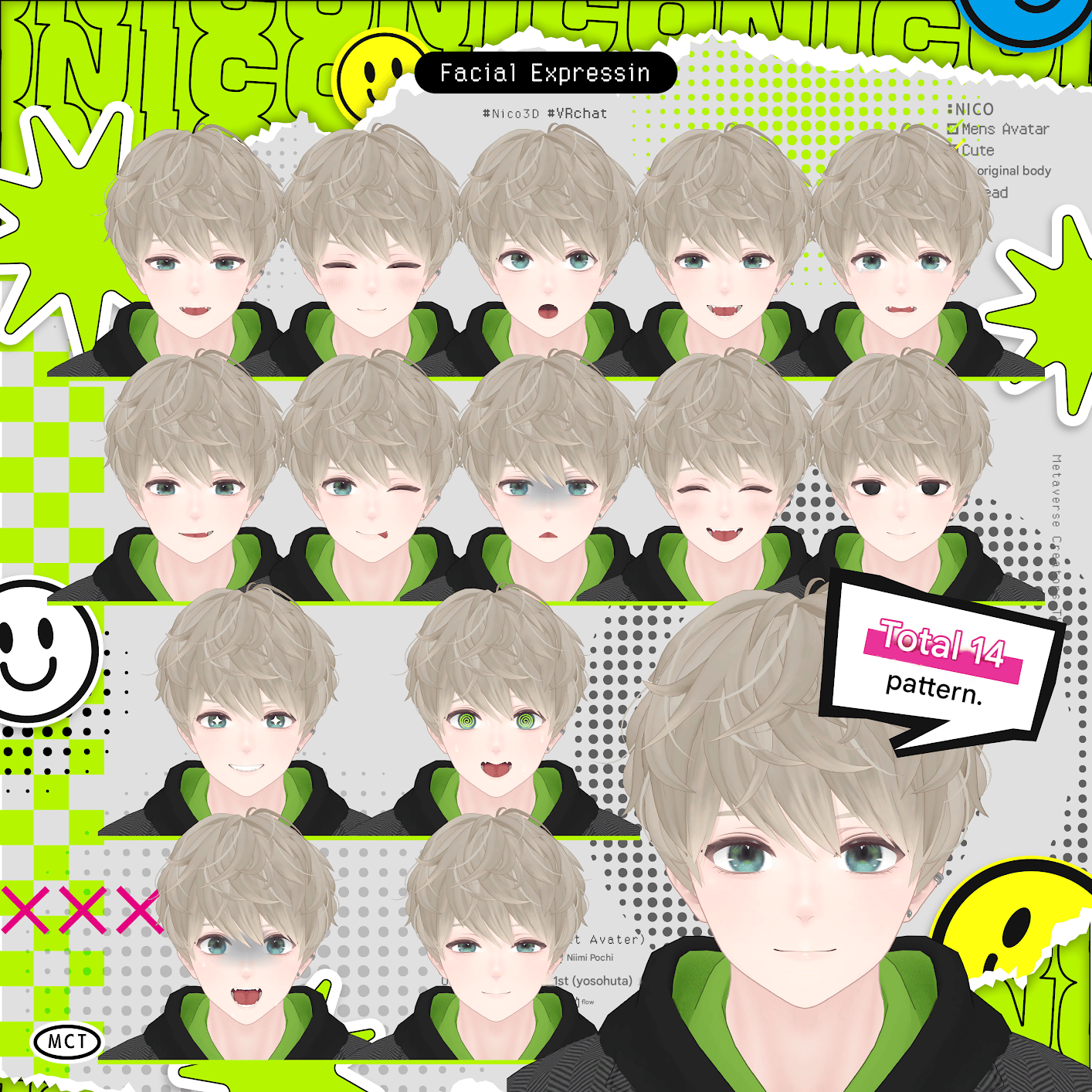
EyeExpression_Adjustment
The following shapekeys are used to adjust positioning when displaying special eye effects:
Eye_Kirari
Eye_Heart
Eye_Guruguru
Eye_Yami
Eye_Shiro
If you modify eye height or position, please adjust these shapekeys accordingly.
◆ Animator Controller
This avatar uses an AnimatorController by Mimii Lab:
https://booth.pm/ja/items/4301775
For detailed setup instructions or facial expression customization, please refer to the manual on the product page above.
⚠️ The FX Controller is based on Custom_FX_Basic.
◆ Terms of Use
https://drive.google.com/drive/folders/1qRMXoIxM1ZgacBPfwOigQRtXP1vCbNMn?usp=sharing
◆ Production Environment
Setup: Unity Ver2022.3.22f1
VRChat SDK - Avatars Ver3.10.1 (VCC)
liltoon 2.3.2
ModularAvatar 1.16.0
◆ Credits
+Head VRChat Base Body for Avatar Creators
Order Number: 72445487
https://lsw.booth.pm/items/5153266
Face & Hair Creation
Pochi Niimi
https://x.com/1nuinuinu1
https://1032.booth.pm/
Body Creation
Yosohuta
https://twitter.com/yosohuta
https://yosohuta.booth.pm/
Outfit Creation
Takeru
https://www.airgreen.net/
https://airgreen.booth.pm/
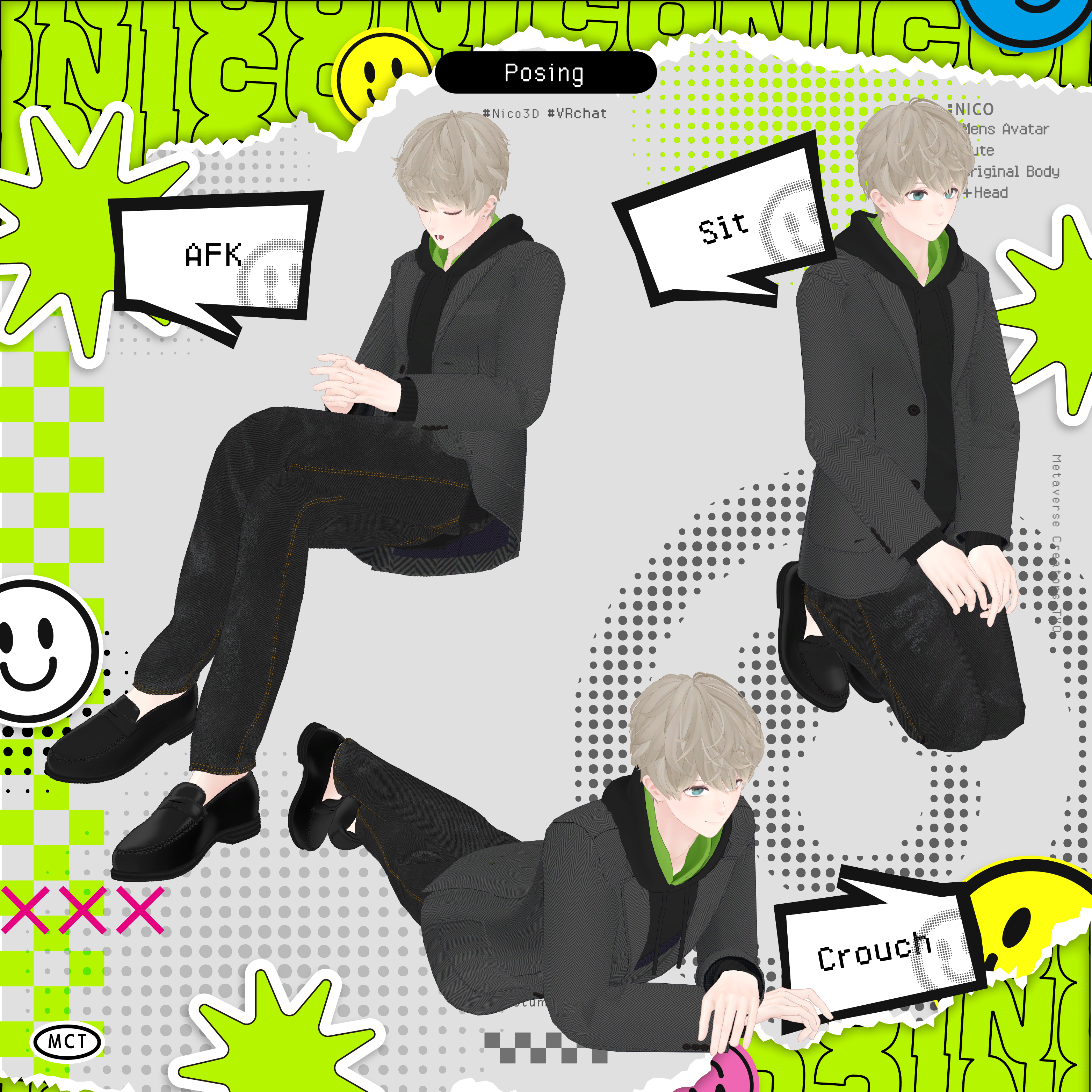
AFK / Crouch / Prone Animations
Rokuro
https://rocrocot.booth.pm/
Support / Inquiries
https://discord.gg/bmw3PWE37M