
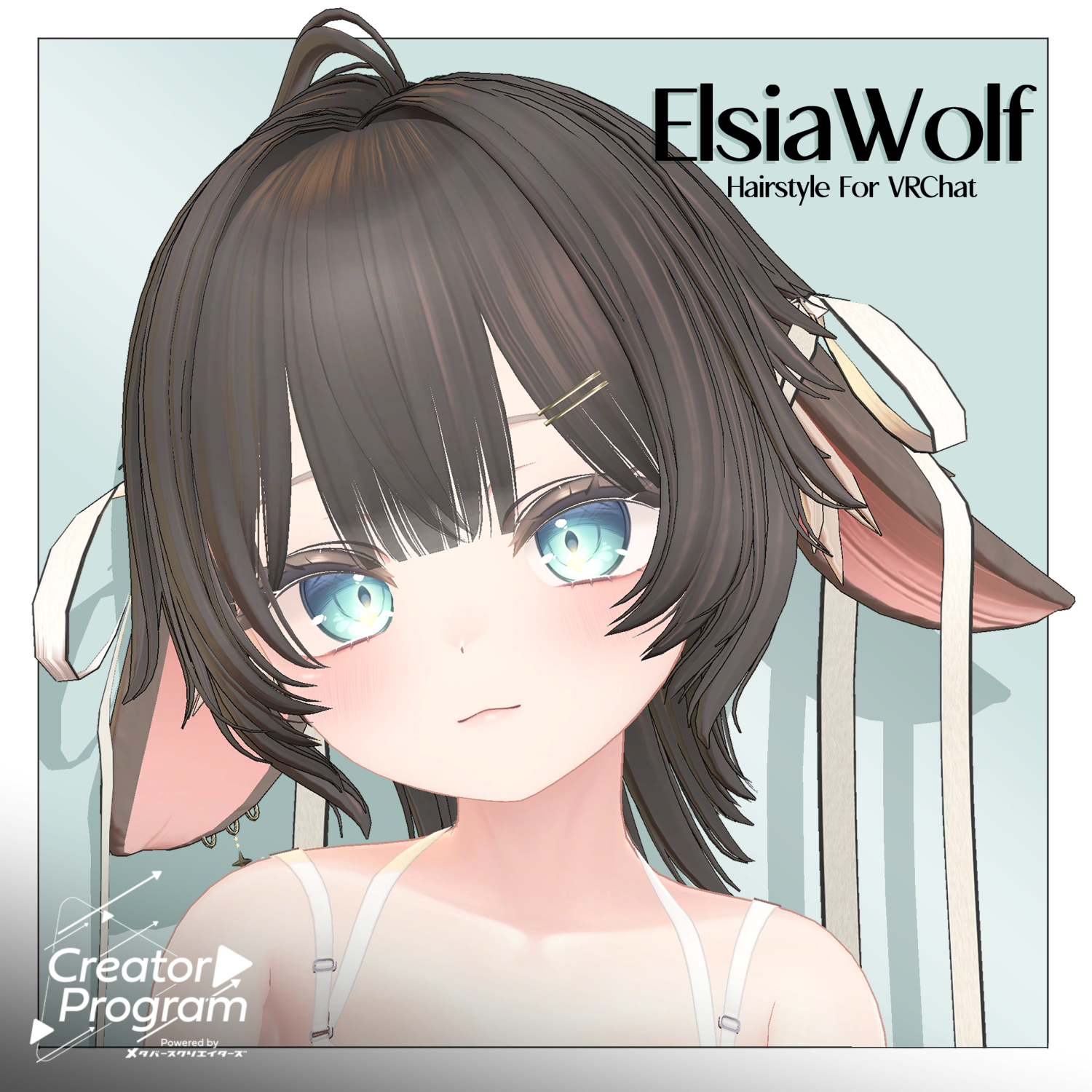
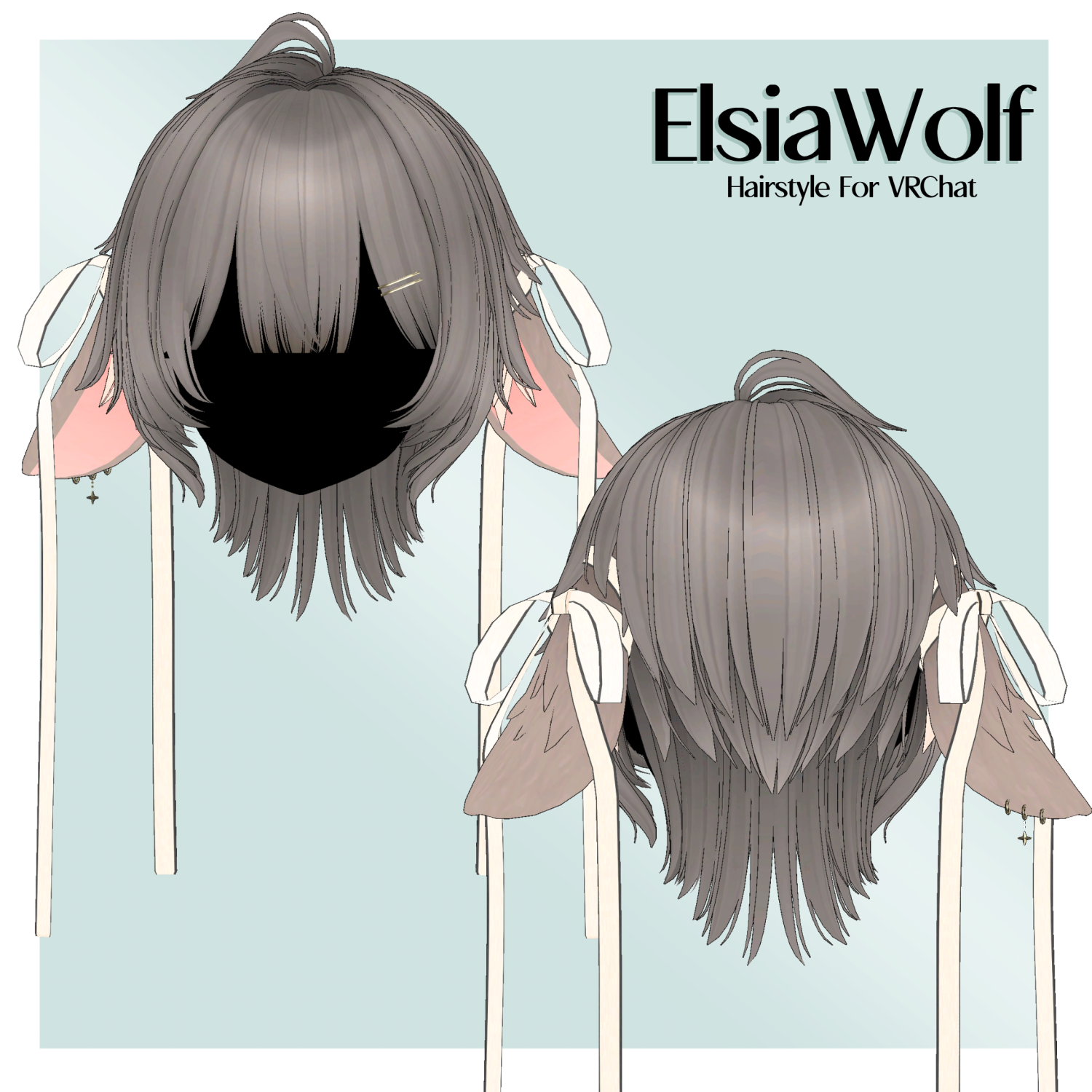
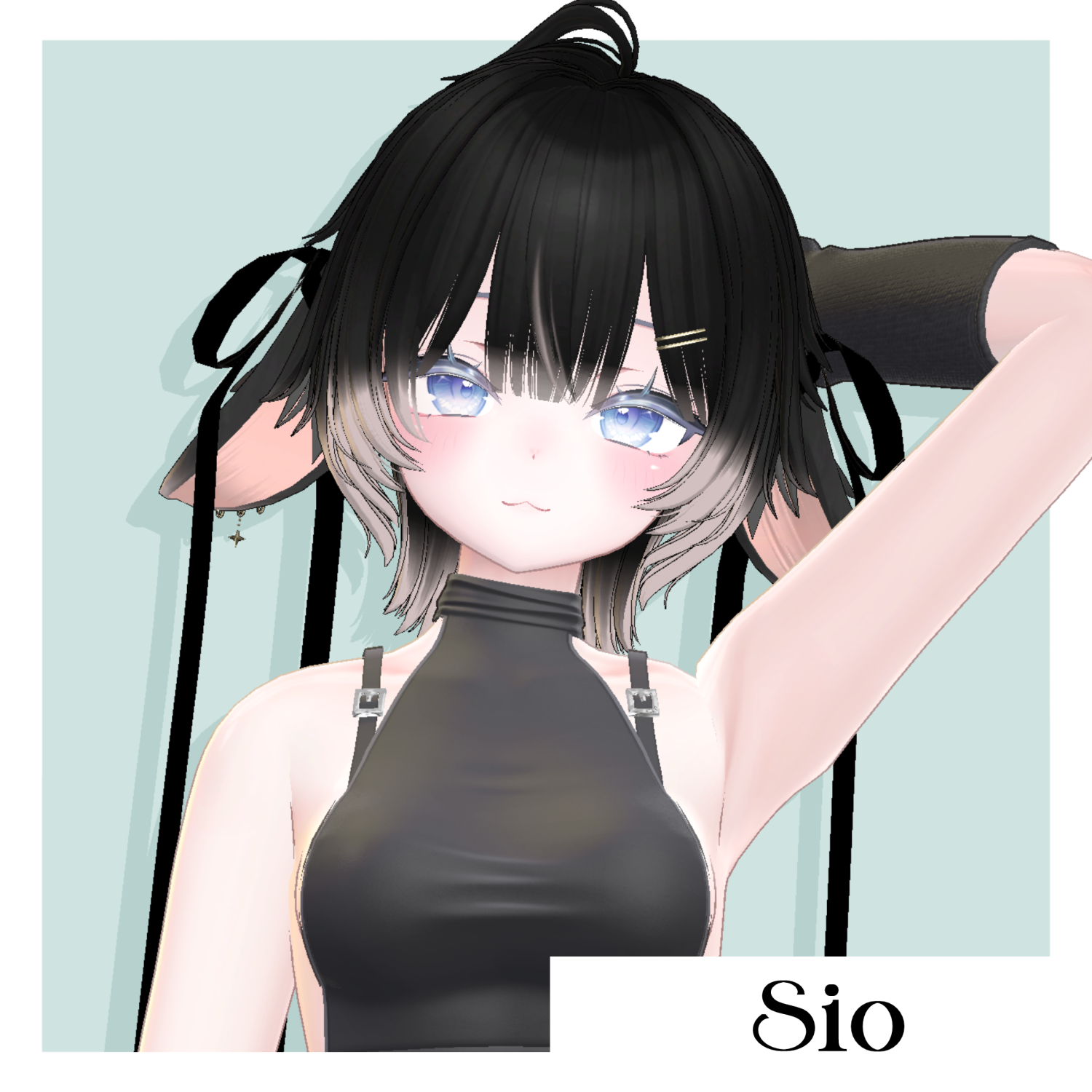
ElsiaWolf - VRChat Hair / CP50
Tags
Product Description
※ This product is a hairstyle model for avatars. The avatar base data is not included.
※ Due to the nature of digital downloadable products, returns and refunds are not possible. Please review and agree to the product description and terms of use before purchasing.
◆ Item Overview
● Contents
PackageName.Unitypackage
FBX
Textures
PSD / Clip Studio Paint files for customization
ReadMe.txt (text)
Shader used:
lilToon
https://lilxyzw.booth.pm/items/3087170
Required assets:
Modular Avatar
https://modular-avatar.nadena.dev/ja/docs/intro
● Model Data
Total polygon count: 19,871 polygons
base: 390
back: 3,860
ear: 2,524
earring: 480
front: 1,175
nape: 2,880
pin: 64
ribbon: 472
ribbon2: 76
side: 7,678
top: 272
Mesh count: 11
Material count: 2
PhysBone components: 99
Import folder:
Assets > MetaverseCreators_CP > kk > ElsiaWolf > Prefab
◆ Supported Avatars
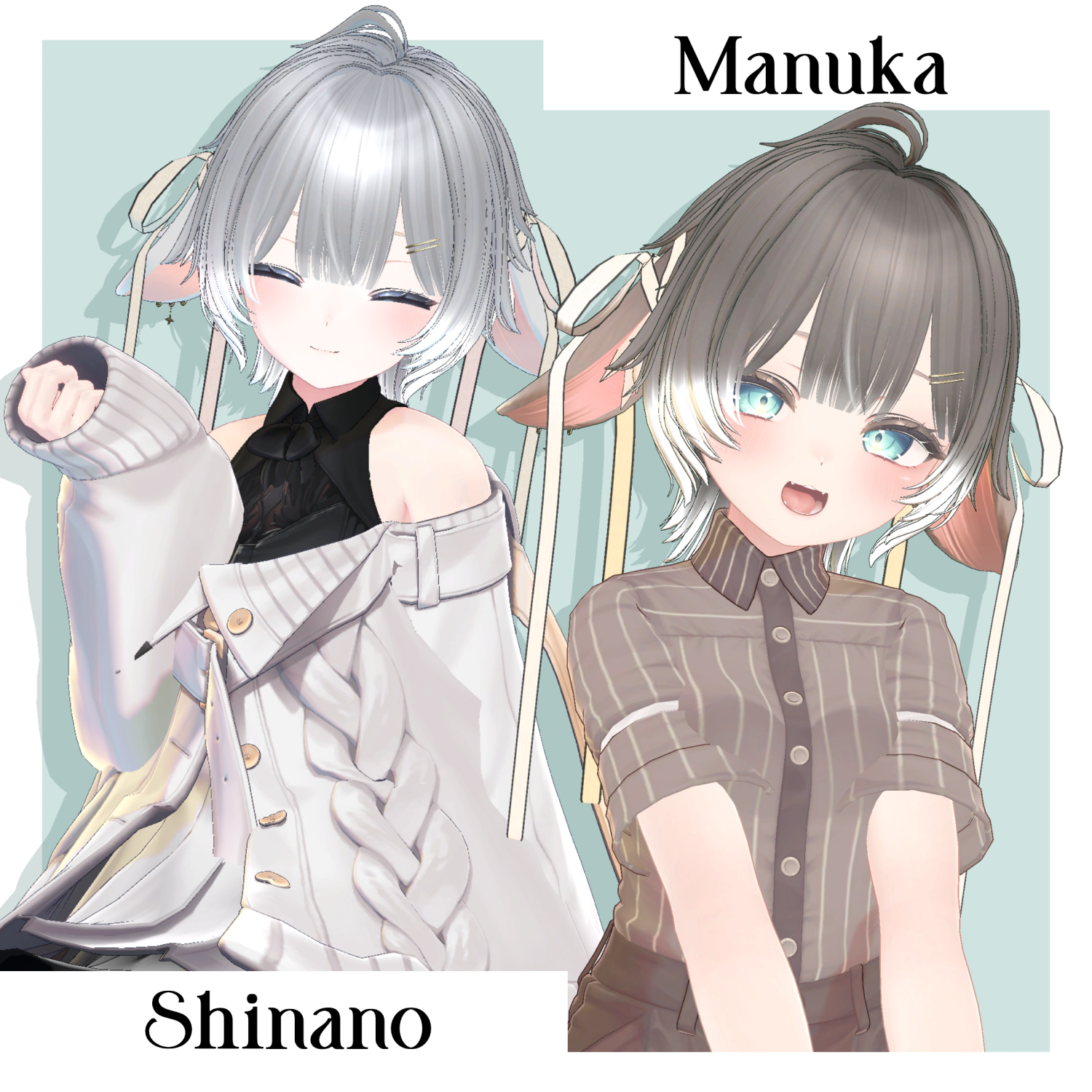
Original 3D Model “Manuka”
https://booth.pm/ja/items/5058077
Other avatars are supported in a “semi-compatible” form, adjusted in Unity from the base model:
Original 3D Model “Sio”
https://booth.pm/ja/items/5650156
Original 3D Model “Shinano”
https://booth.pm/ja/items/6106863
This product includes many shape keys for adjusting overall size and positioning. You may also try using it on avatars not listed as supported.
※ If multiple objects share the same shape key names, setting them to the same values will allow for cleaner adjustments.
● Shape Key Overview
【Common】
scale.X → widen horizontally
scale.-X → narrow horizontally
scale.Y → deepen front/back
scale.-Y → shallow front/back
scale.Z → lengthen vertically
scale.-Z → shorten vertically
lowscale.* → adjust lower part of mesh
topscale.* → adjust upper part of mesh
position.up/down/front/back → move entire mesh
lowposition.* → move lower part
topposition.* → move upper part
long → stretch along flow
short → shorten along flow
wide → widen along flow
thin → narrow along flow
【front】
hair1.long → lengthen center bangs
hair1.short → shorten center bangs
hair1.wide → widen center bangs
hair1.thin → narrow center bangs
hair2.long → lengthen side bangs
hair2.short → shorten side bangs
hair2.wide → widen side bangs
hair2.thin → narrow side bangs
【side】
momiage.front → move side hair in front of ears forward
momiage.back → move side hair behind ears backward
To shorten the ribbon so it reaches above the shoulders, disable ribbon2 in the Inspector.
◆ Installation Instructions
Set up the latest VRChat SDK in VCC
Install required assets in VCC (lilToon, Modular Avatar)
Import the latest version of each avatar
Import this product’s package
Drag and drop the avatar (or hairstyle prefab for customization) into the Scene Hierarchy
Hide or set unnecessary avatar parts (hair, ears, etc.) to Editor Only
Drag and drop “ElsiaWolf_AvatarName.Prefab” under the avatar
Upload using VRChat SDK
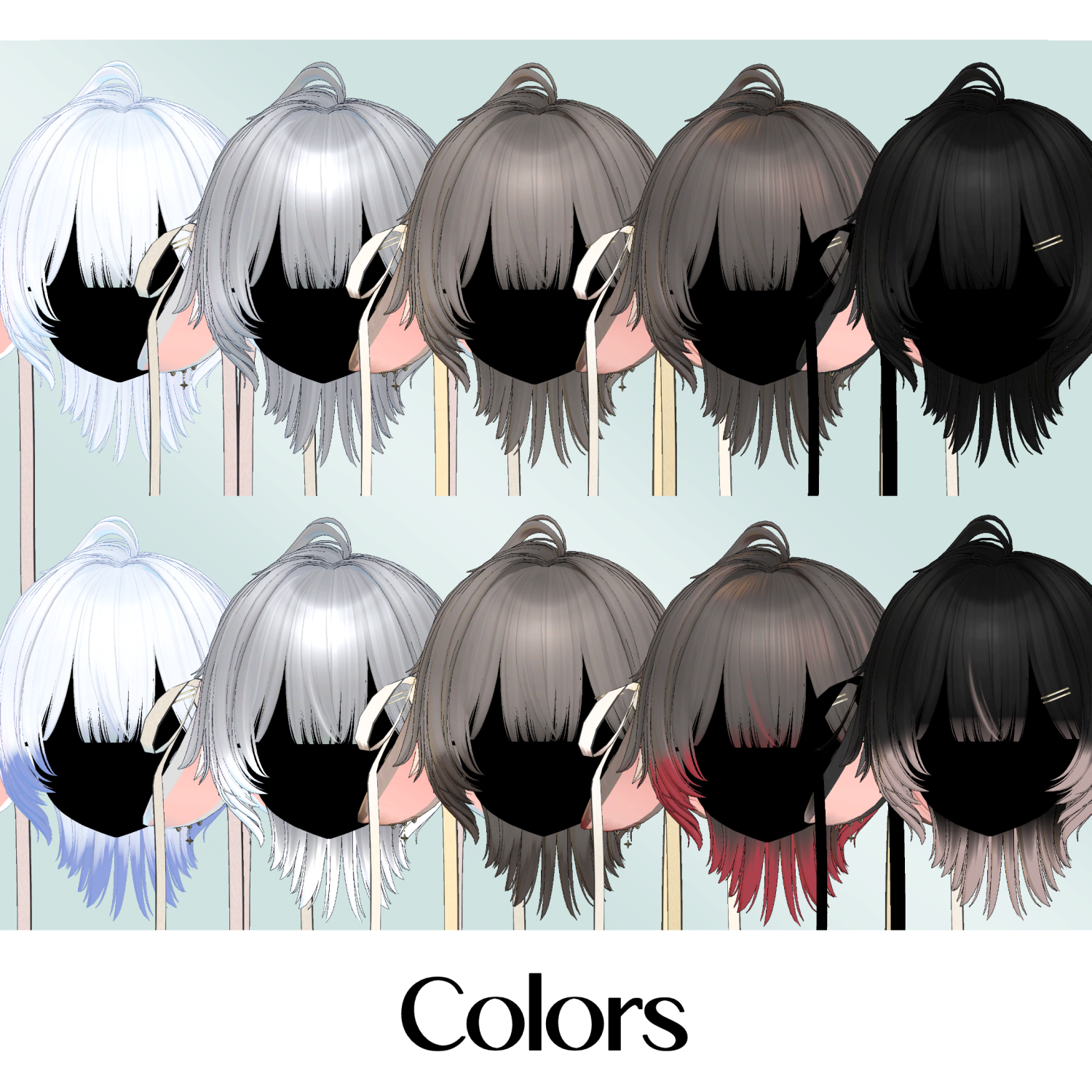
◆ Color Customization
Replace materials in the “Common > Material” folder.
You can also use the included PSD or Clip Studio Paint files to customize colors.
There are mask textures for changing hair tip color and ribbon color. Assign them to Main Color 2nd or 3rd masks in the material before adjusting colors.
◆ Terms of Use
https://drive.google.com/drive/folders/1qRMXoIxM1ZgacBPfwOigQRtXP1vCbNMn?usp=sharing
※ Please comply with the original avatar’s terms of use.
◆ Production Environment
Modeling: Blender Ver. 4.5
Texturing: CLIP STUDIO PAINT
Setup: Unity 2022.3.22f1
VRChat SDK - Avatars Ver. 3.7.6 (VCC)
lilToon 1.8.5
Modular Avatar 1.11.5
◆ Credits
Creator: kk
https://x.com/kkjapan10
https://kkjapan.booth.pm/
Support / Contact:
https://discord.gg/bmw3PWE37M