
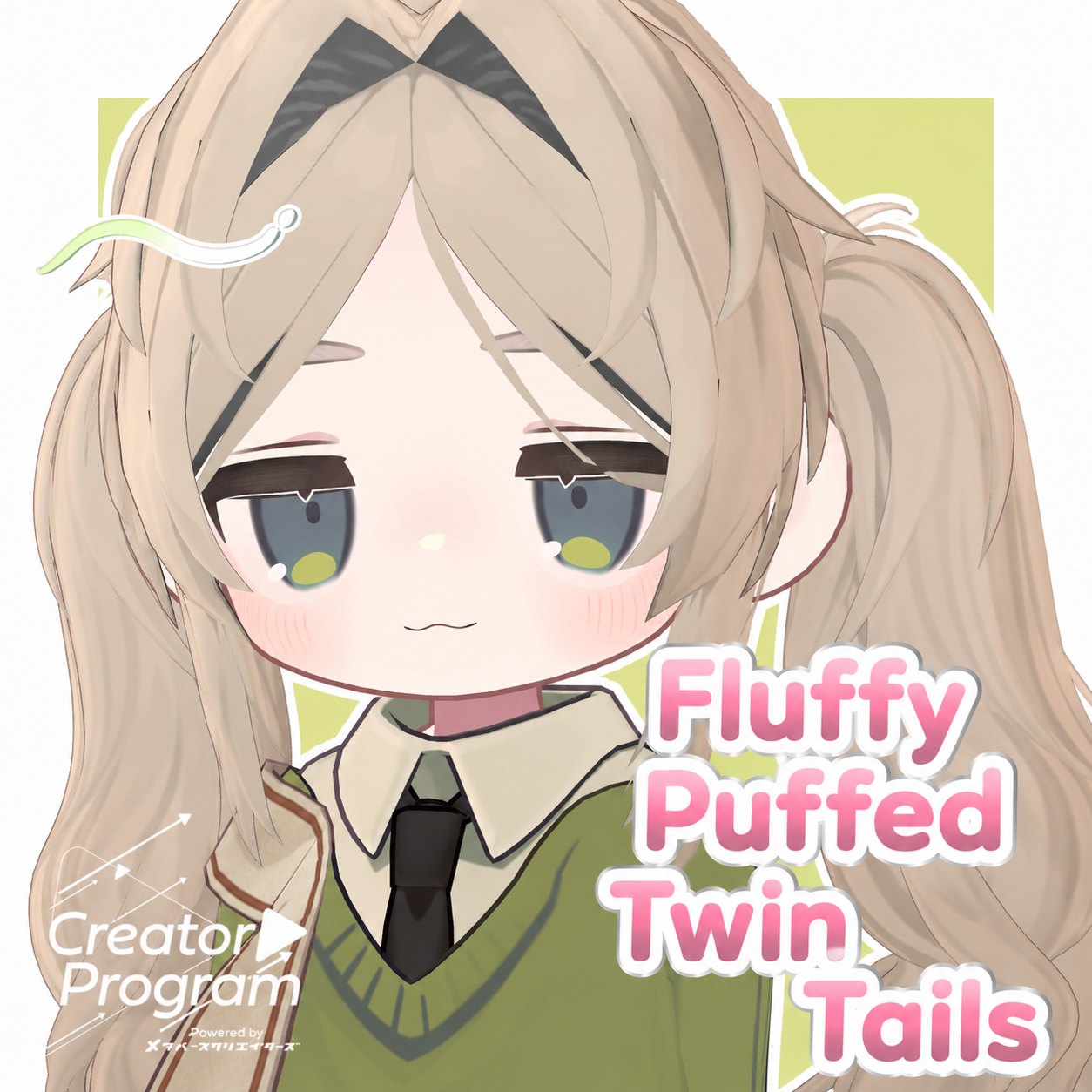
Fluffy Puffed Twin Tails - VRChat Hair / CP26
Tags
Product Description
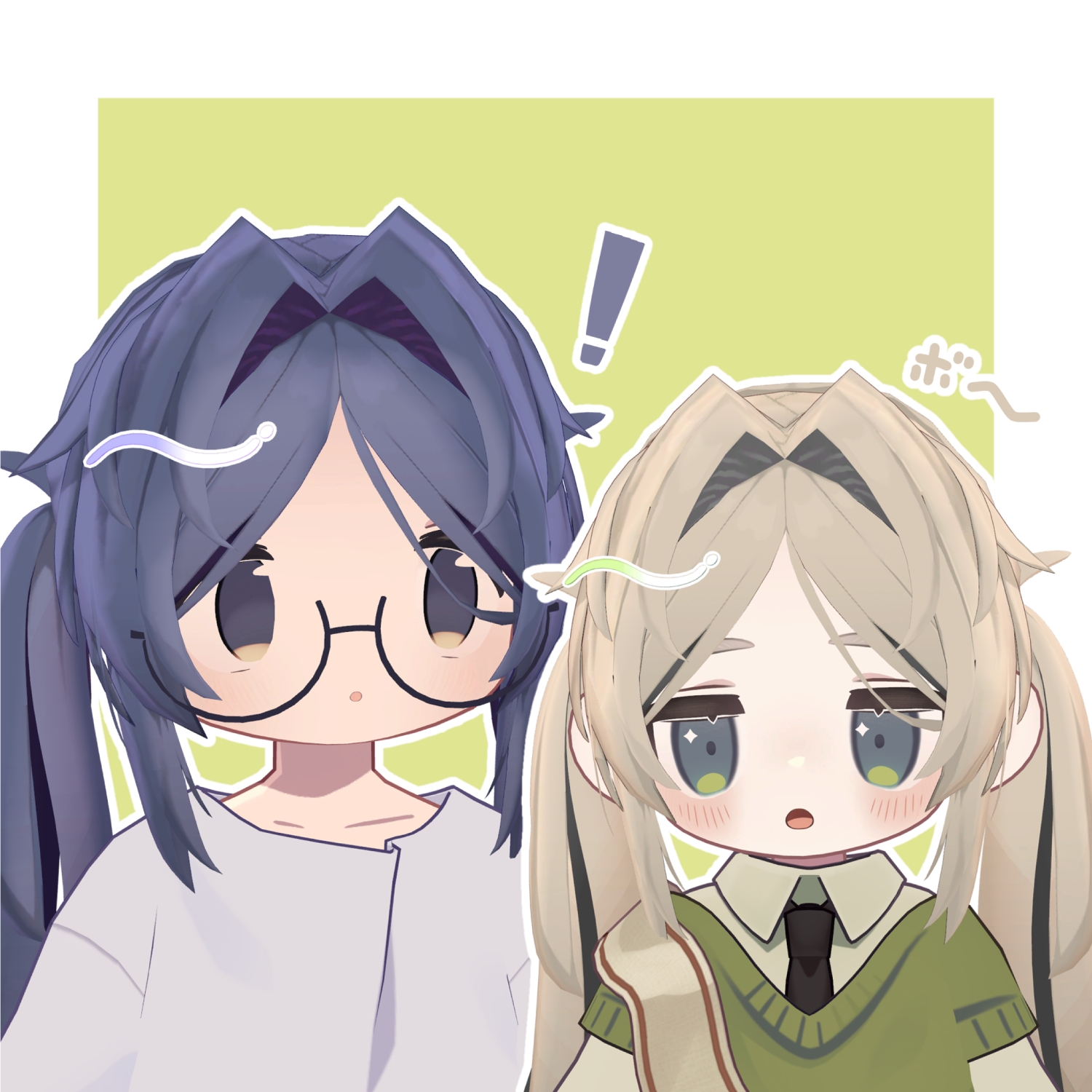
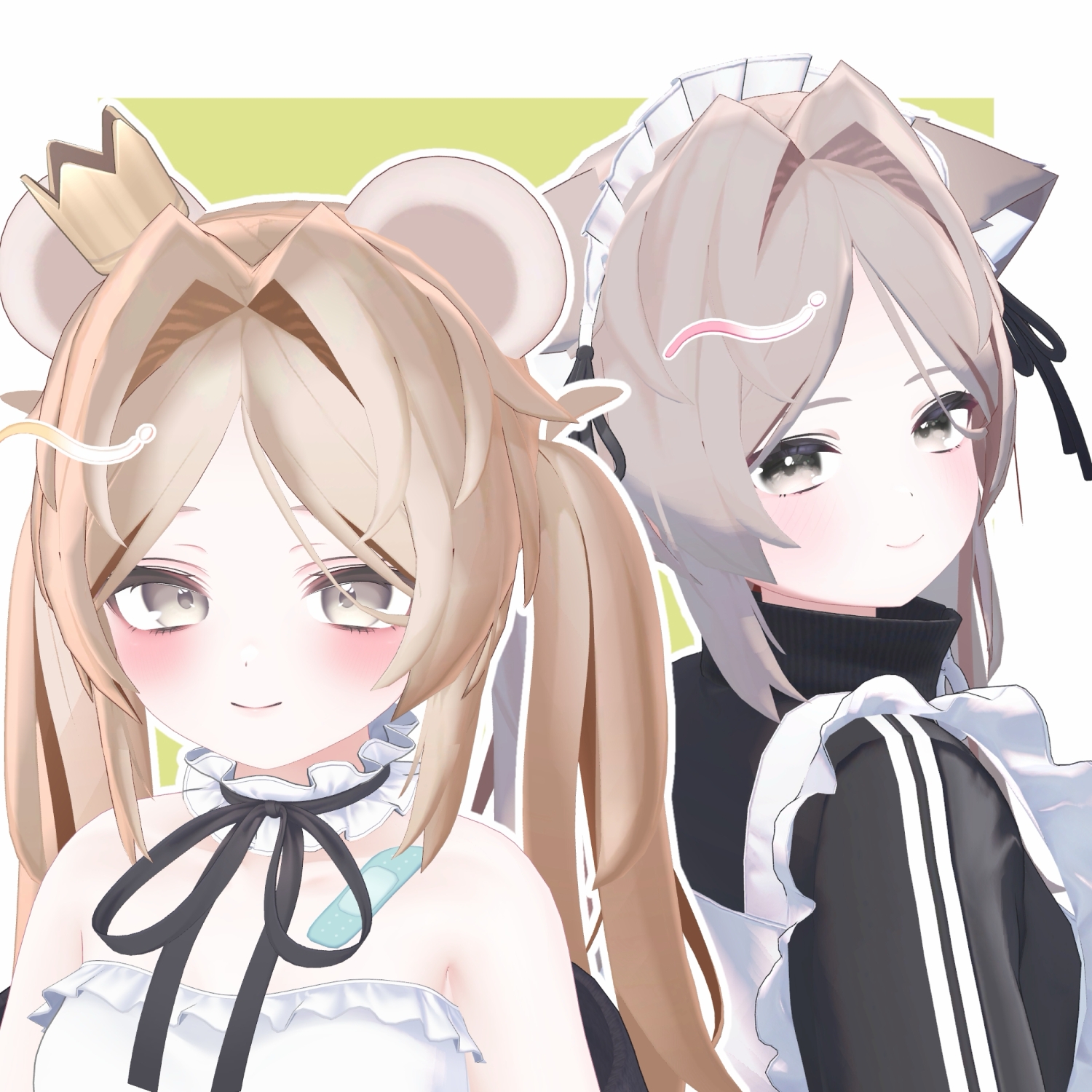
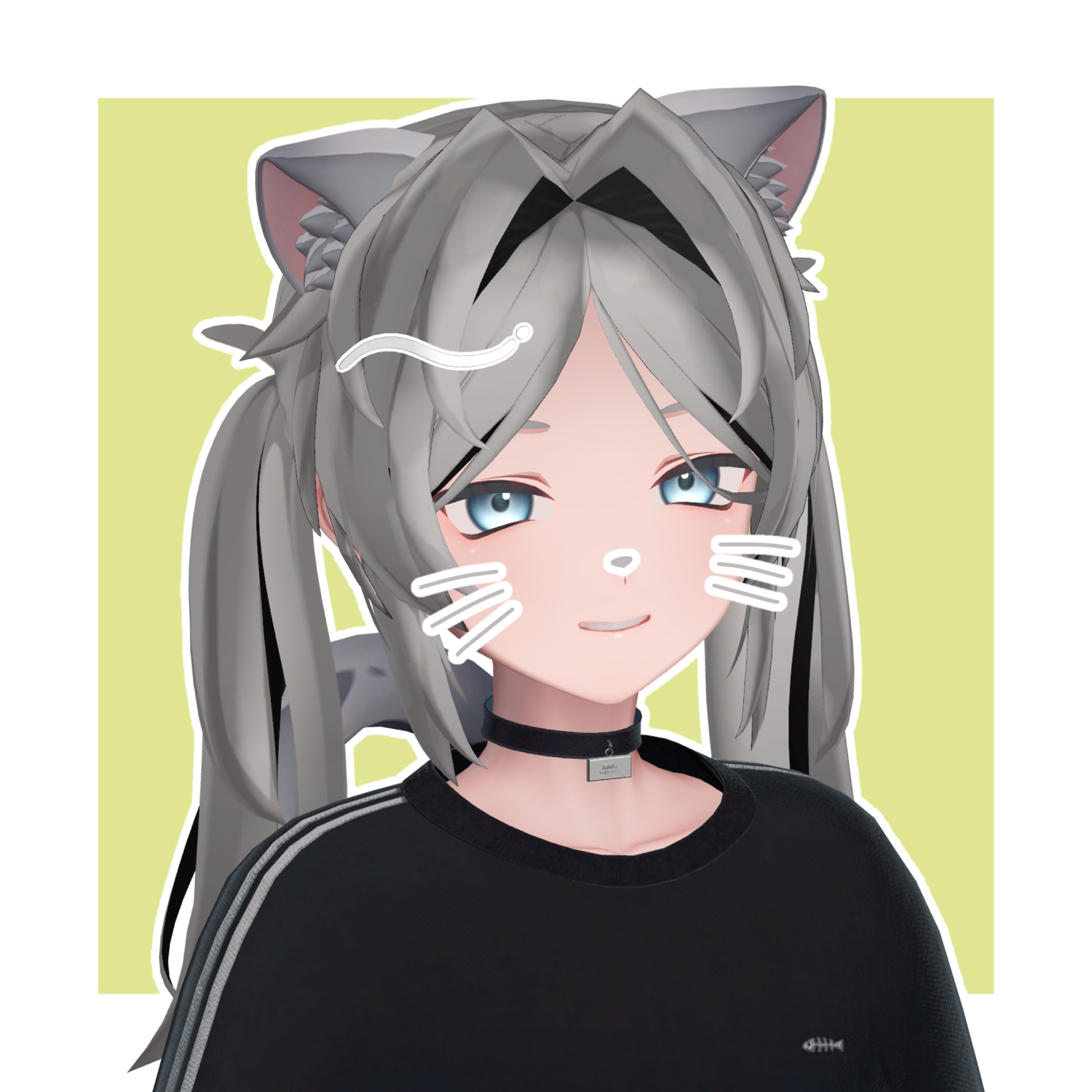
◆Fluffy Puffed Twin Tails◆
Creator: kaitakuJP
Anime-style intake twin tails with hairpins.
※ This product is a hairstyle model for avatars. The avatar base data is not included.
※ Due to the nature of digital downloadable products, returns and refunds are not possible. Please review and agree to the product description and terms of use before purchasing.
◆ Item Overview
● Contents
Fuwapoko Twin.UnityPackage
FBX
PSD
ReadMe.txt (text)
Shader used:
lilToon
https://lilxyzw.booth.pm/items/3087170
Required assets:
Modular Avatar
https://modular-avatar.nadena.dev/ja/docs/intro
● Model Data
Total polygon count: 4,786 polygons
Base: 322
Side: 1,132
Front: 204
Twin Tail: 2,752
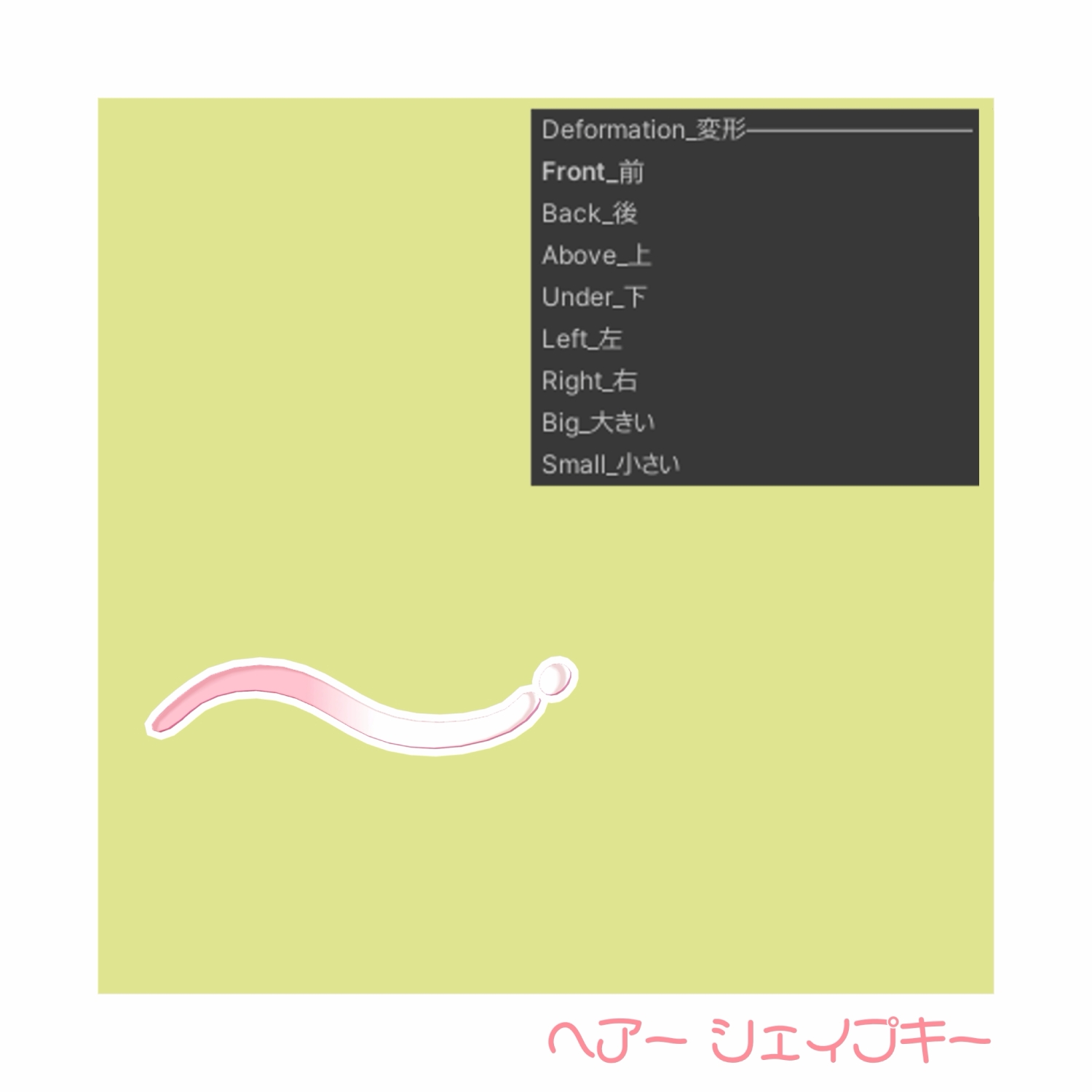
Hairpin: 376
Mesh count: 5
Material count: 3
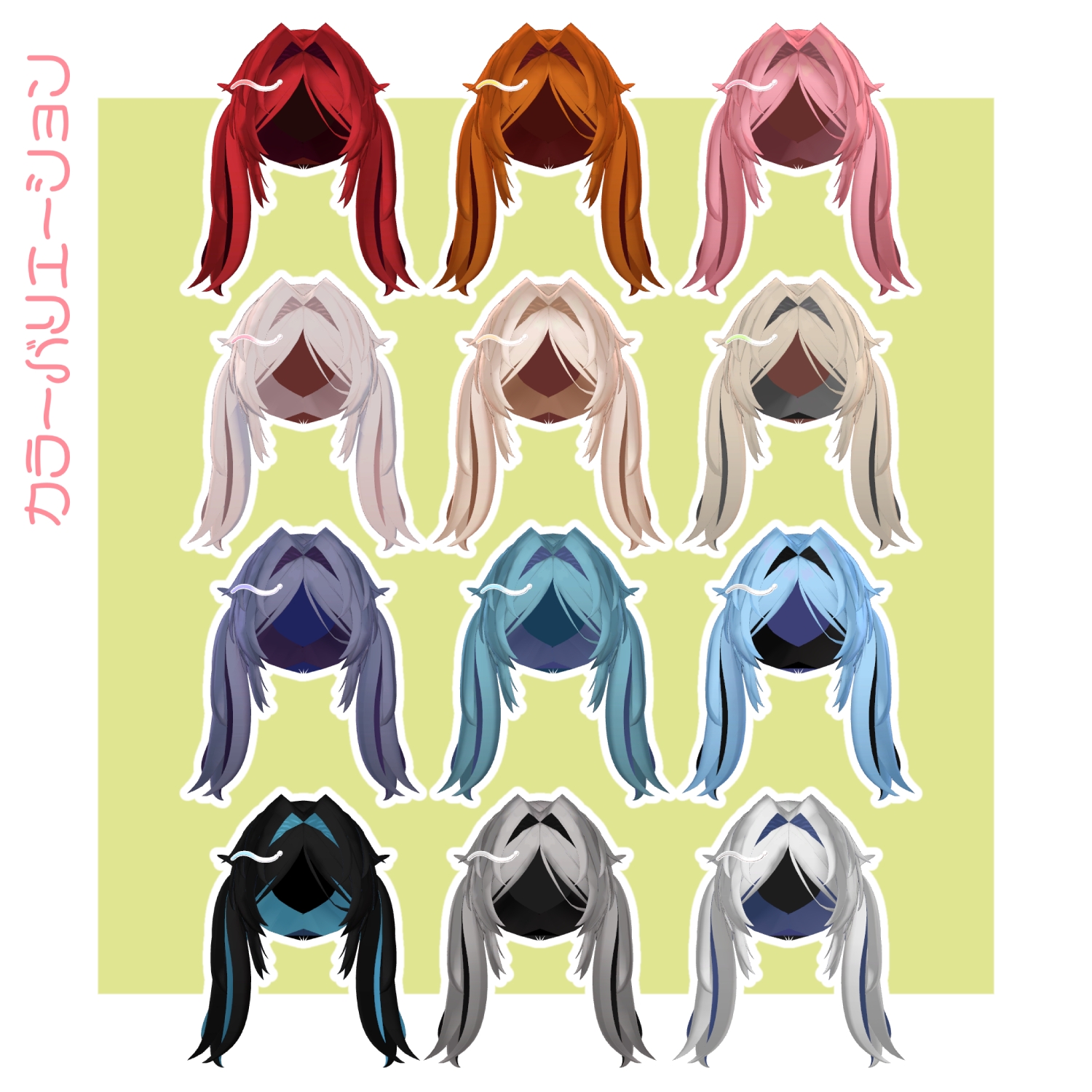
Color variations:
Hair: 13
Inner: 13
Pin: 11
PhysBone components: 8
Colliders: 1
Import folder:
Assets > MetaverseCreators_CP > kaitakuJP > Fuwapoko Twin
◆ Supported Avatars
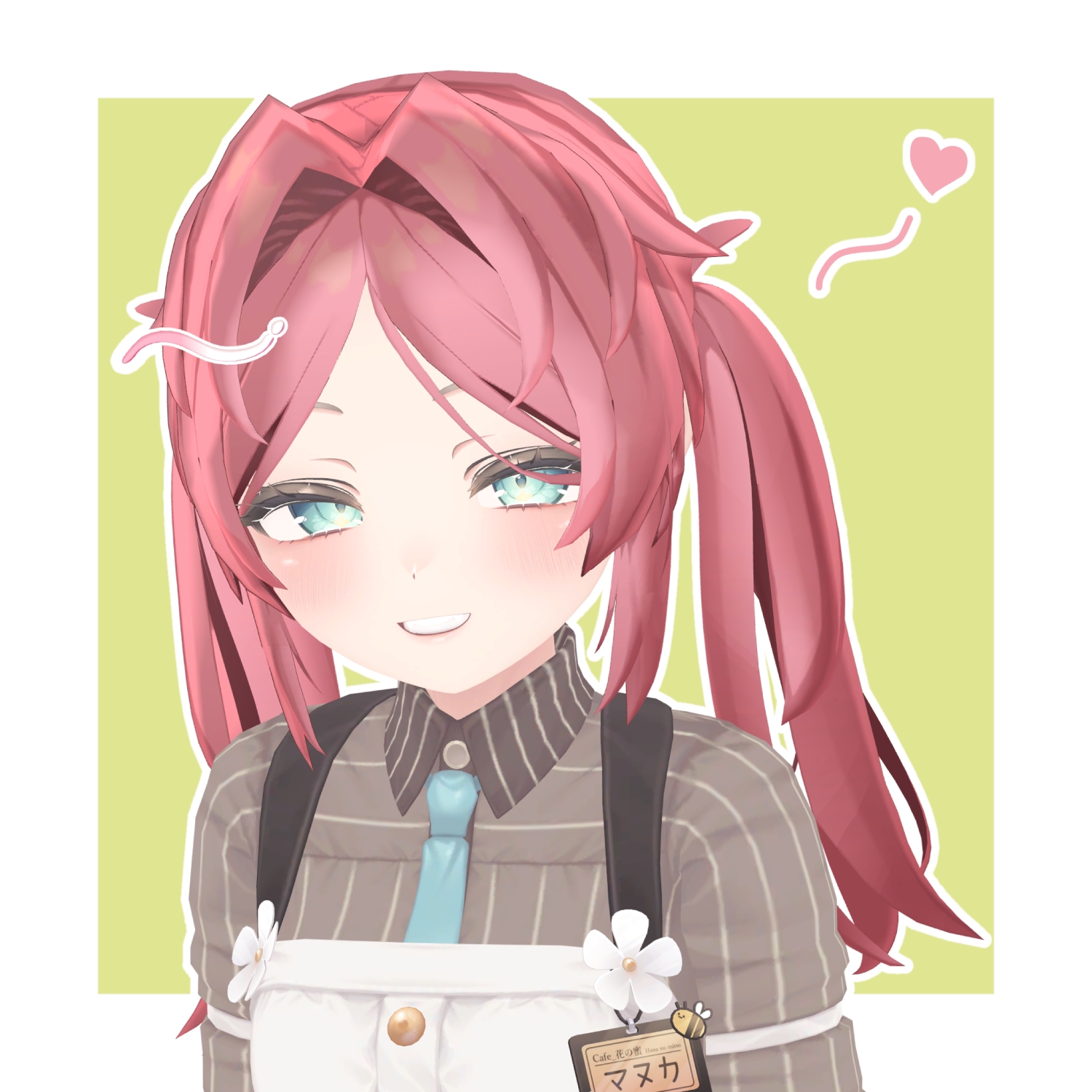
Original 3D Model “Manuka”
https://booth.pm/ja/items/5058077
Other avatars are supported in a “semi-compatible” form, adjusted in Unity:
Milfy
https://booth.pm/ja/items/6571299
Mafuyu
https://mk22.booth.pm/items/5007531
Usasaki
https://booth.pm/ja/items/3550881
Kipfel
https://mukumi.booth.pm/items/5813187
Kuuta
https://booth.pm/ja/items/4897493
Shizune
https://metacreatorstyo.booth.pm/items/7684873
This product includes many shape keys for adjusting overall size and position. You may also try it on avatars not listed as supported.
※ If multiple objects share the same shape key names, setting them to the same values will allow for cleaner adjustment.
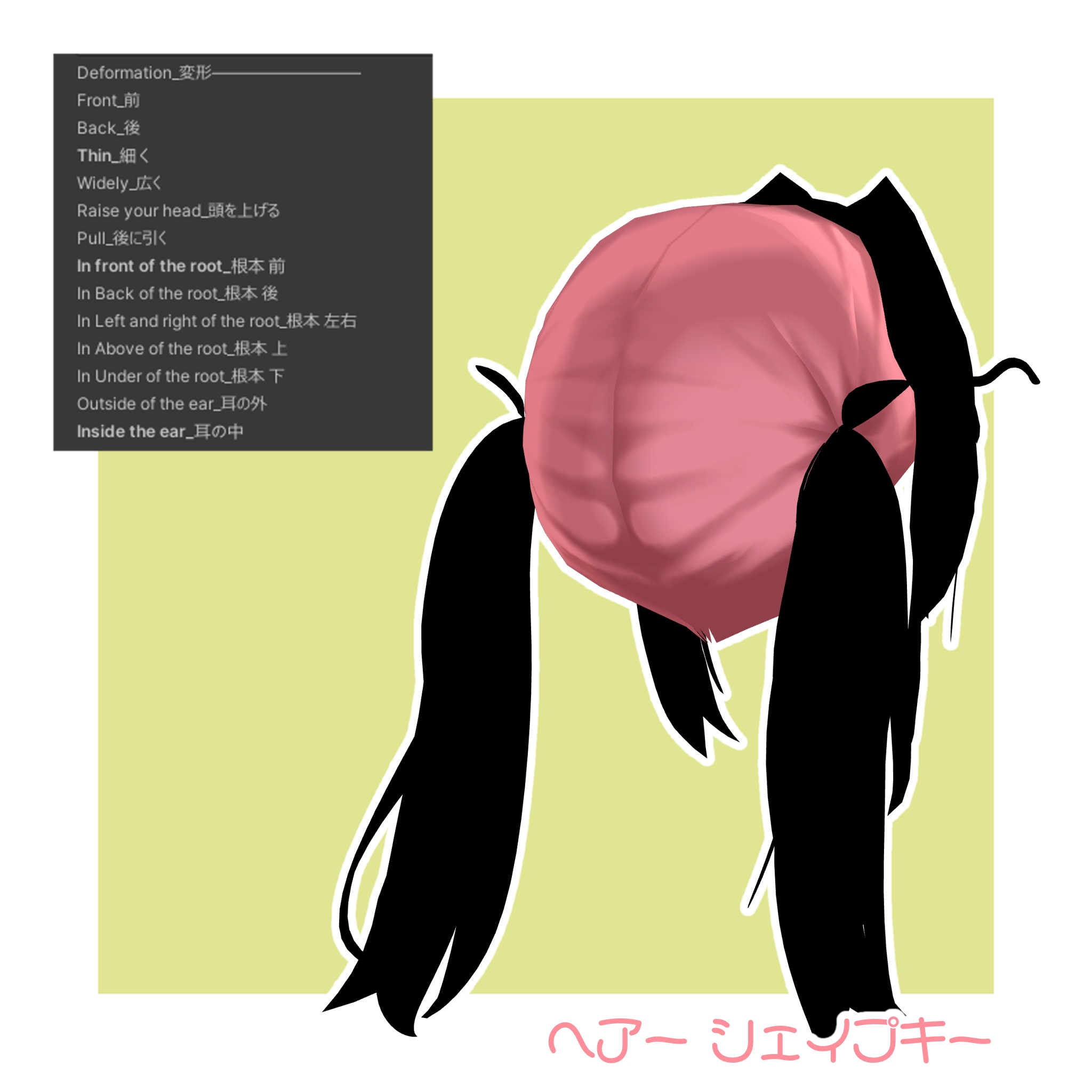
Shape Key Overview
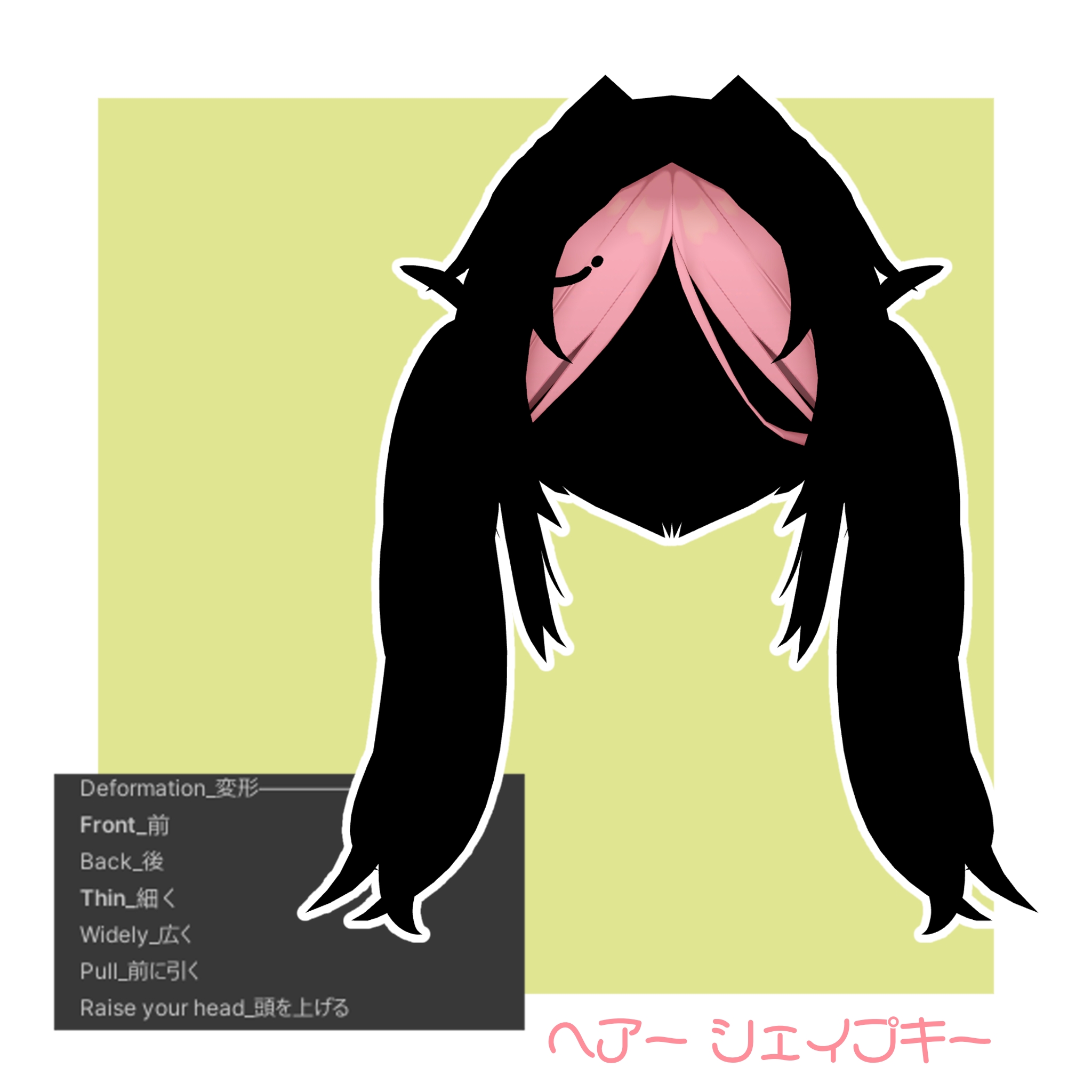
【Front Hair】
FrontHair_Front → forward
FrontHair_Back → backward
FrontHair_Thin → thinner
FrontHair_Widely → wider
FrontHair_Pull → pull forward
FrontHair_Raise your head → lift head
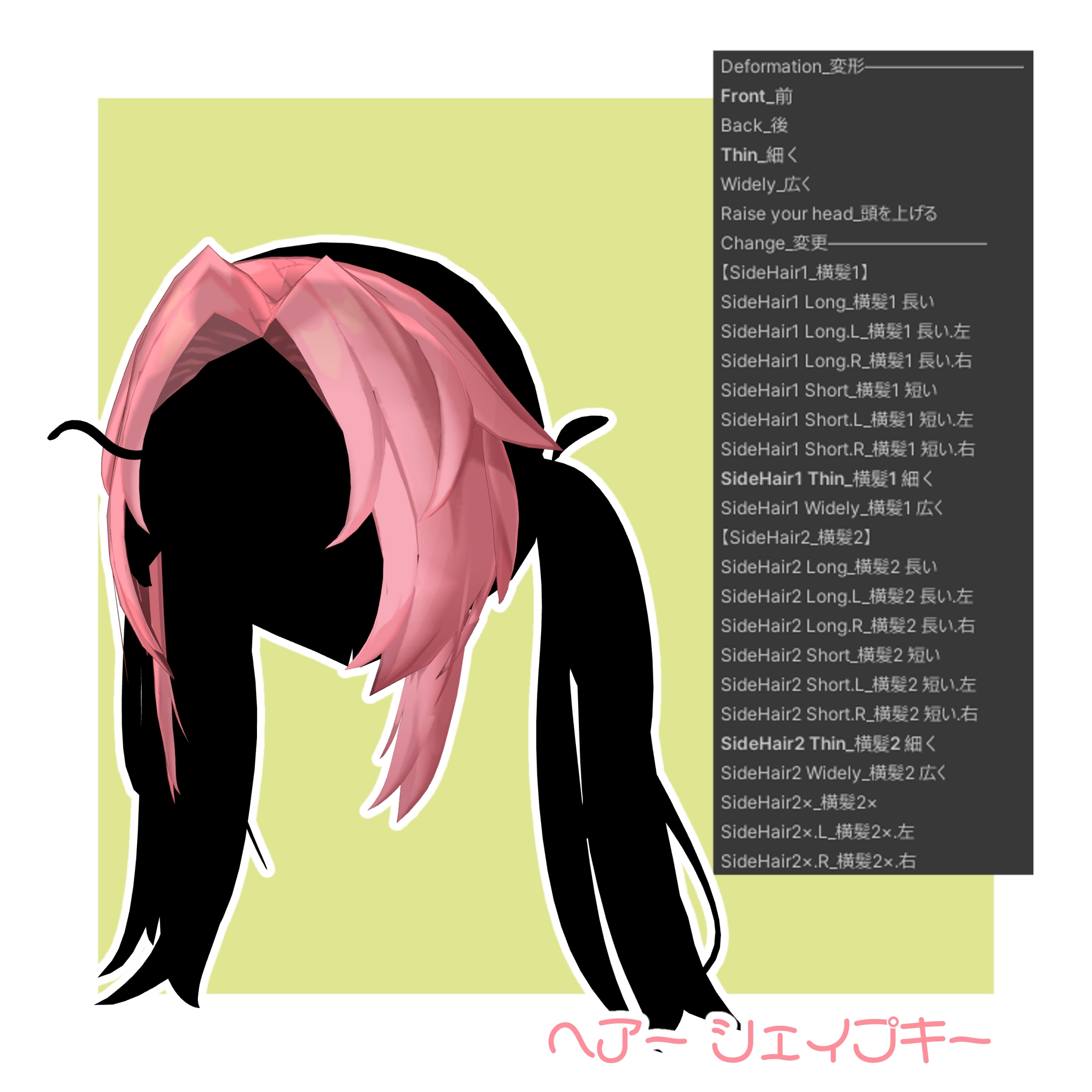
【Side Hair】
SideHair_Front → forward
SideHair_Back → backward
SideHair_Thin → thinner
SideHair_Widely → wider
SideHair_Raise your head → lift head
SideHair1 Long / Short (L/R variants) → adjust length
SideHair1 Thin / Widely → thickness/width
SideHair2 Long / Short (L/R variants) → adjust length
SideHair2 Thin / Widely → thickness/width
SideHair2× (and L/R) → additional styling control
【Base Hair】
BaseHair_Front → forward
BaseHair_Back → backward
BaseHair_Thin → thinner
BaseHair_Widely → wider
BaseHair_Raise your head → lift head
BaseHair_Pull → pull back
BaseHair_In front/back/left/right/up/down of the root → adjust root position
BaseHair_Outside/Inside the ear → move around ears
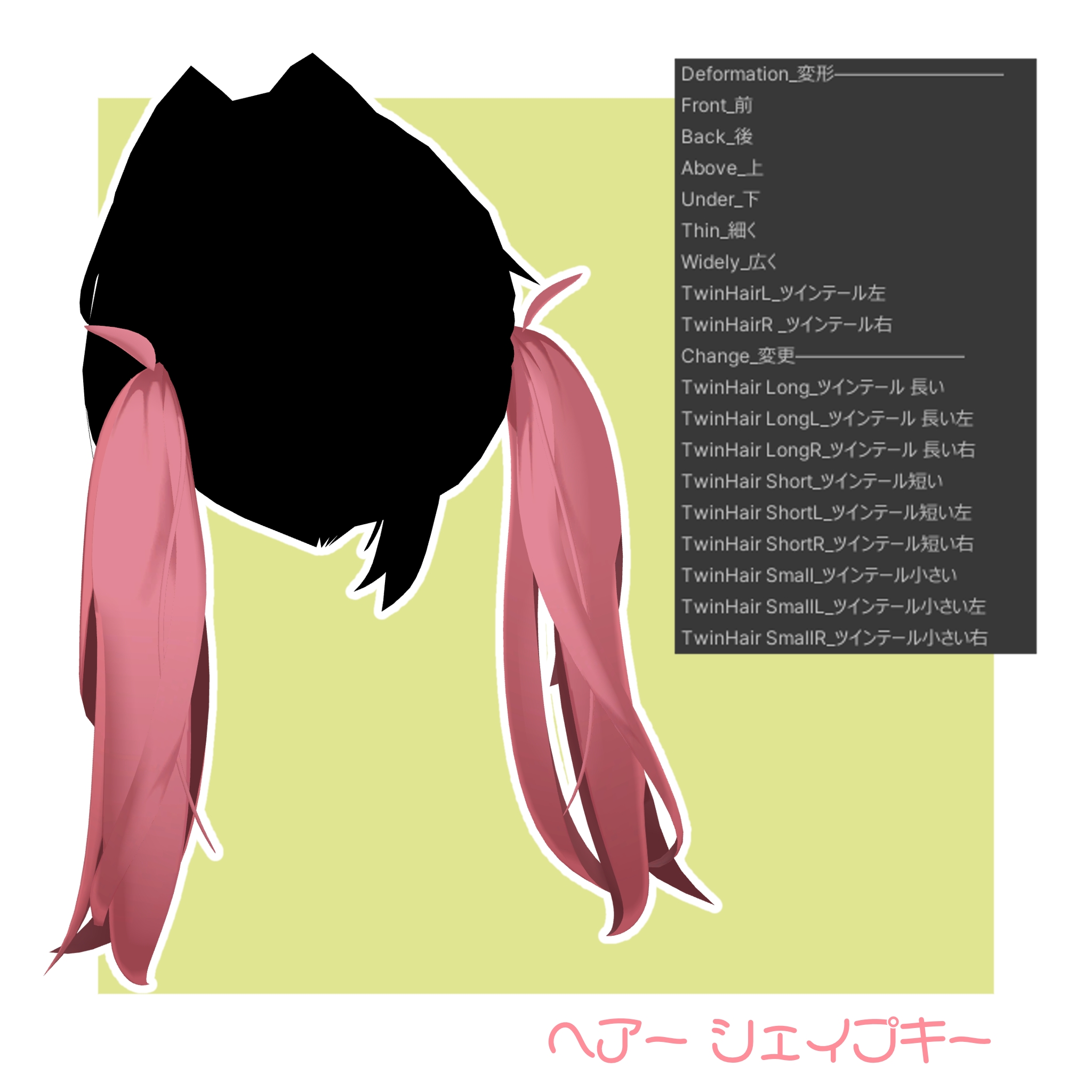
【Twin Tail】
TwinHair_Front → forward
TwinHair_Back → backward
TwinHair_Above → up
TwinHair_Under → down
TwinHair_Thin → thinner
TwinHair_Widely → wider
TwinHair.L / R → left/right twin tails
TwinHair Long / Short (and L/R variants) → length adjustment
※ To hide left/right twin tails, disable:
[○○]TwinTail_○○.prefab > PB > TwinTail_LR / Hane_LR