
Mechanical Sword Type 94 - VRChat Gimmicky Avatar Accessory / CP14
Tags
Product Description
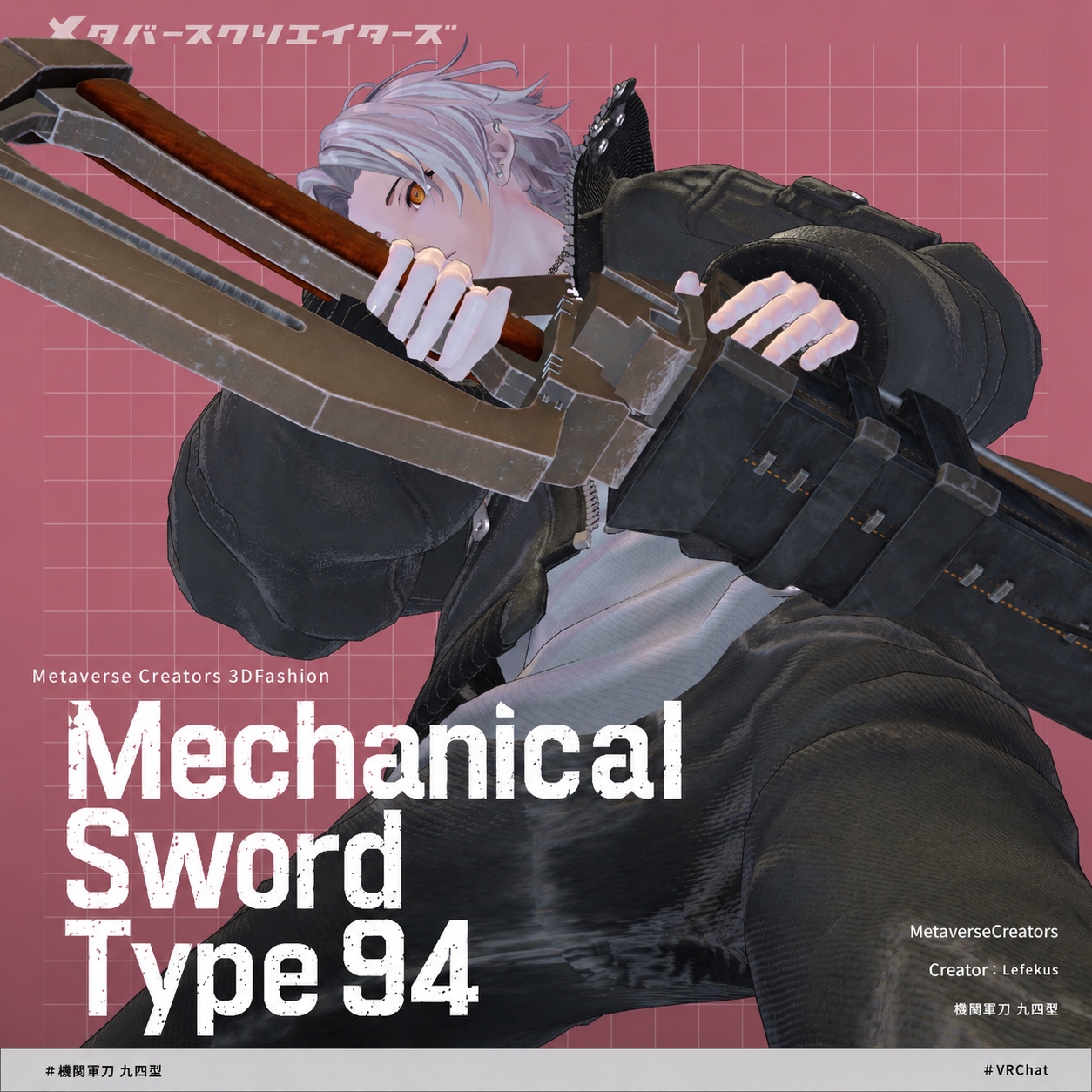
◆ Motorized Saber Type-94 ◆
Creator: Lefekus
The nation's latest motorized saber, allegedly developed using secret technology from the year Taisho 116. Its brittle micro-blades can be replaced, making it highly practical for actual combat.
It features drag-and-drop support via Modular Avatar. Even if you run out of ammo, you can rest easy with this by your side! You can still fight.
Please Note: Due to the nature of digital downloads, returns and refunds are not available. Please read and agree to the product description and terms of use before purchasing.
This product is designed to be used with VR devices; it is not intended for standalone desktop use.
◆ Item Overview
● Pack Contents
Item_Mekanical_Sword_Type92 verX.X.Unitypackage (Note: Though named Type-94 in the title, files say Type-92)
FBX
Various Textures
Blend file (Created in ver 5.0.0)
ReadMe.txt (Main text)
Shaders Used
liltoon
https://lilxyzw.booth.pm/items/3087170
Required Assets
Modular Avatar
https://modular-avatar.nadena.dev/ja/docs/intro
● Model Data
Total Polygon Count: 18,196 polys
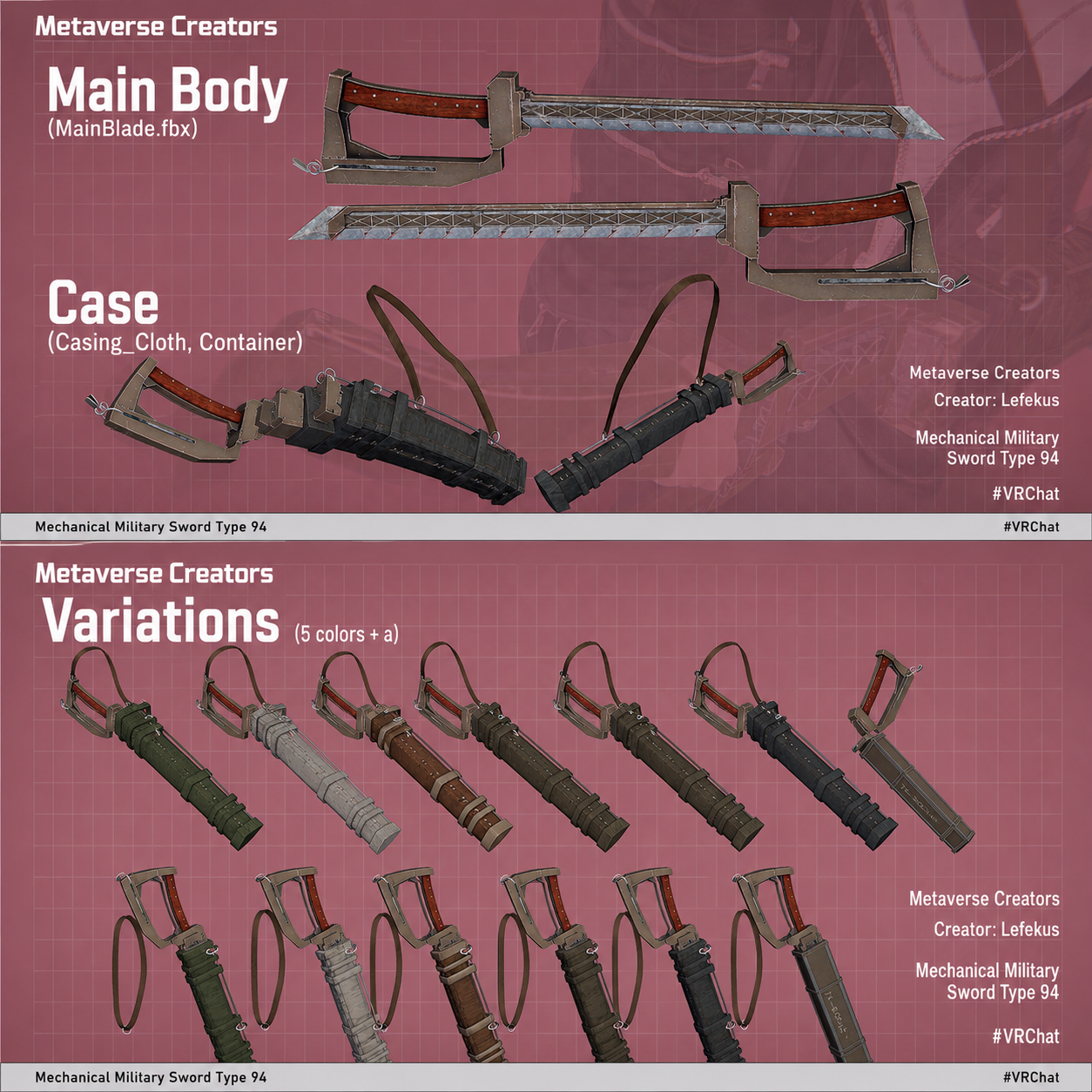
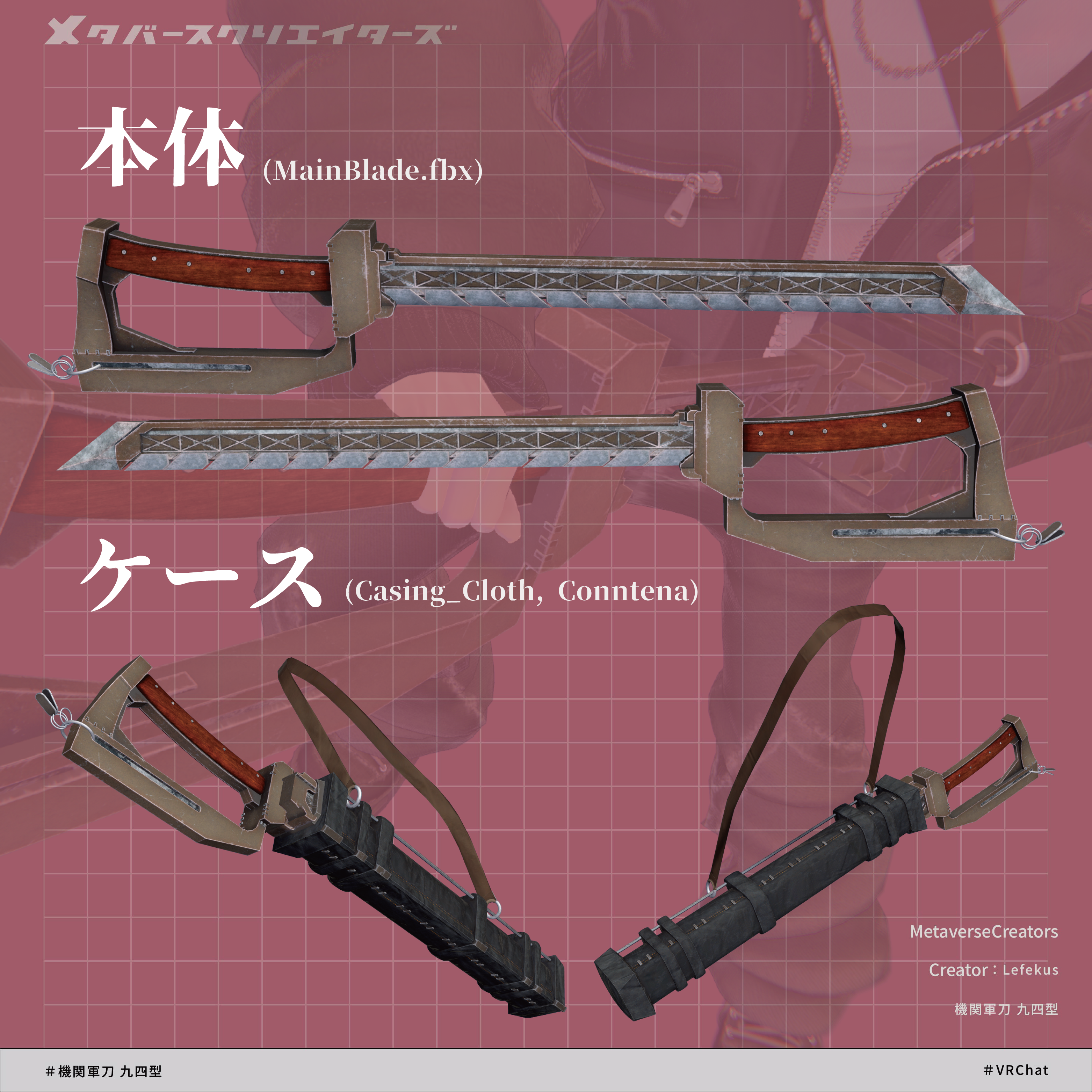
MainBlade: 7,898 polys
Casing_Cloth: 6,250 polys
Container: 240 polys
Charm: 3,808 polys
Mesh Count: 21
Material Count: 15 (9 used simultaneously)
PhysBone Components: 13
Folder Structure Upon Import
Assets > MetaverseCreators_CP > LefekusWorks > Item_MekanicalSword_type92_
◆ Installation Setup
Configure the latest version of the VRC SDK using the VCC (VRChat Creator Companion).
Install the required assets (liltoon and Modular Avatar) via VCC.
Import this product's asset package.
Drag and drop your avatar (or your outfit/modification prefab, if applicable) into the Scene's Hierarchy.
If necessary, hide any conflicting original outfits (default clothes, underwear, etc.) or set them to Editor Only.
Drag and drop Type92_[Variation Name].Prefab directly underneath your avatar in the hierarchy.
Once dropped, a purple preview will appear on the avatar. Turning it "On" shows where it will be equipped for your reference. This preview will not be included in the final avatar build (it is set to EditorOnly).
Move, scale, and rotate the Prefab data in the Scene to fit your preferred position.
Upload your avatar via the VRC SDK.
◆ Gimmick Overview
Upon setup, a "Type92_Sword" menu will be added to your Expressive (Ex) Menu.
Open the "Type92_Sword" Ex Menu and toggle "Show Sword" to ON to make it appear. Use "LeftHanded" for left-hand wielding, and "Sakate" for a reverse/backhand grip (these can be used together).
Drawing the Sword: While "Show Sword" is ON, touching the sword hilt using the Fist hand sign will prepare the draw (the hilt will follow your hand along the scabbard).
It defaults to the right hand, but if "LeftHanded" is active, it will detect your left hand's Fist sign instead.
Sheathing from Draw-Prep: While still holding the Fist sign, touch the mouth of the scabbard to sheathe it.
Unsheathing: Pull the sword completely out of the scabbard to unsheathe it, locking it to your hand.
Sheathing from Fully Unsheathed: While the sword is drawn, hold the Fist sign and touch the blade back to the scabbard to prepare to sheathe it. Keep holding the Fist sign and guide it into the mouth of the scabbard to successfully sheathe it.
Swords Trails: When unsheathed, swinging the sword faster than a certain speed will trigger a motion trail effect.
Blade Chipping & Durability: Striking walls, floors, or other players' hitboxes will trigger a spark effect, and the blade will gradually chip away.
Blade Purging & Reloading: Once the blade chips away completely, the blade body will purge and fly forward. Performing the sheathing motion while the blade is broken will automatically reload a fresh blade.
⚠️ Caution: Due to the nature of the gimmick, this asset generates a high volume of particles, and the blade shoots forward when purged. Please use mindfully.
Additionally, the sword is hidden by default. If you want it to be visible by default, set Old Mechanical Blade/CasingRoot to Active.
◆ Color Variations
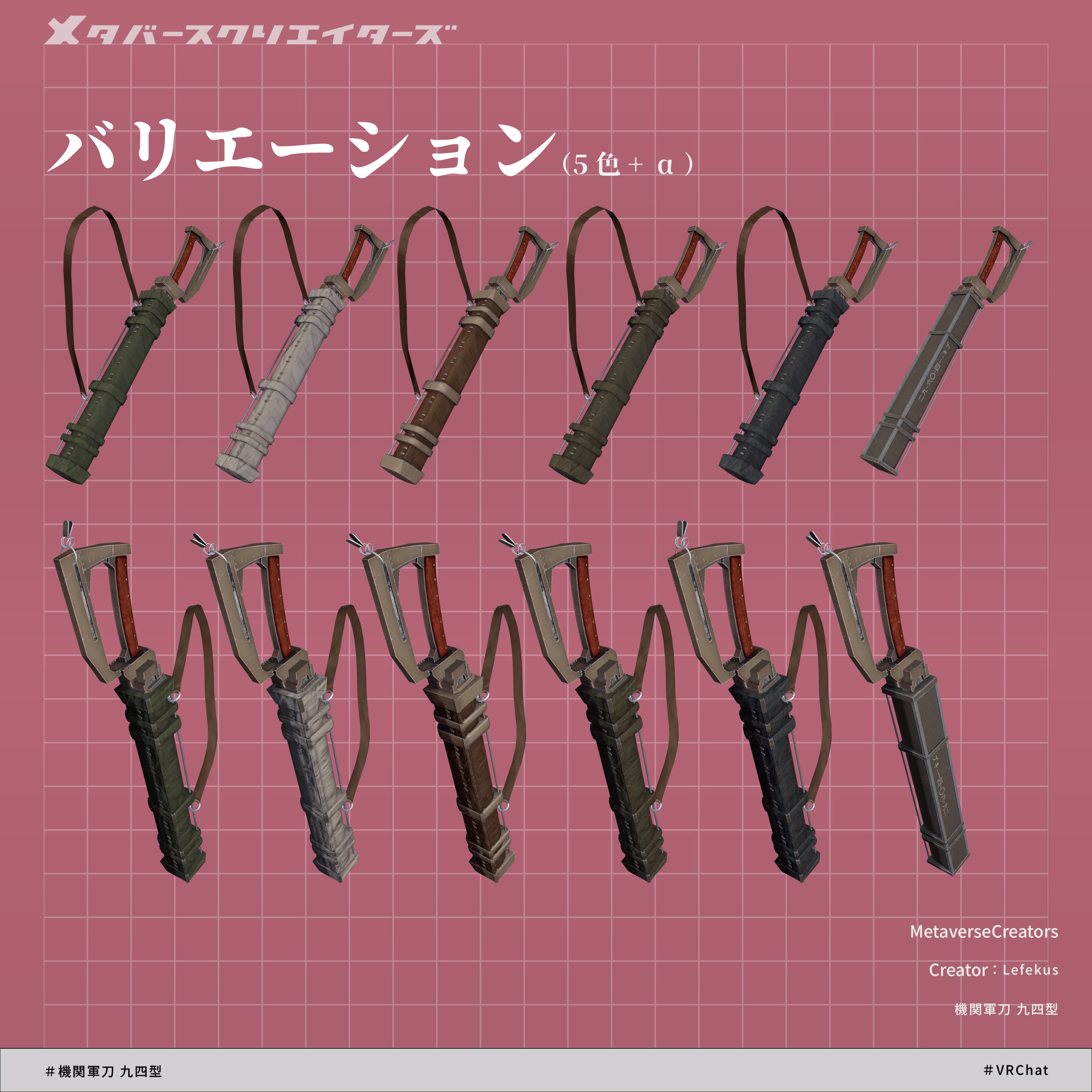
Includes 5 color variations and container prefabs: Black, White, Yellow, Green, and Leather.
◆ Terms of Use
https://drive.google.com/drive/folders/1qRMXoIxM1ZgacBPfwOigQRtXP1vCbNMn?usp=sharing
*Please ensure you also follow the terms of service of your base avatar when using this asset.
◆ Development Environment
Modeling: Blender Ver 5.0.0
Texturing: CLIP STUDIO PAINT, Substance Painter 2024
Setup: Unity Ver 2022.3.22f1
VRChat SDK - Avatars Ver 3.10.3 (VCC)
liltoon 2.3.2
ModularAvatar 1.17.0_beta
◆ Credits
Creator: LefekusWorks
BOOTH: https://swillzerrant.booth.pm
X (Twitter): https://x.com/Lefekusworkshop
Support / Inquiries: https://discord.gg/bmw3PWE37M