Product Description
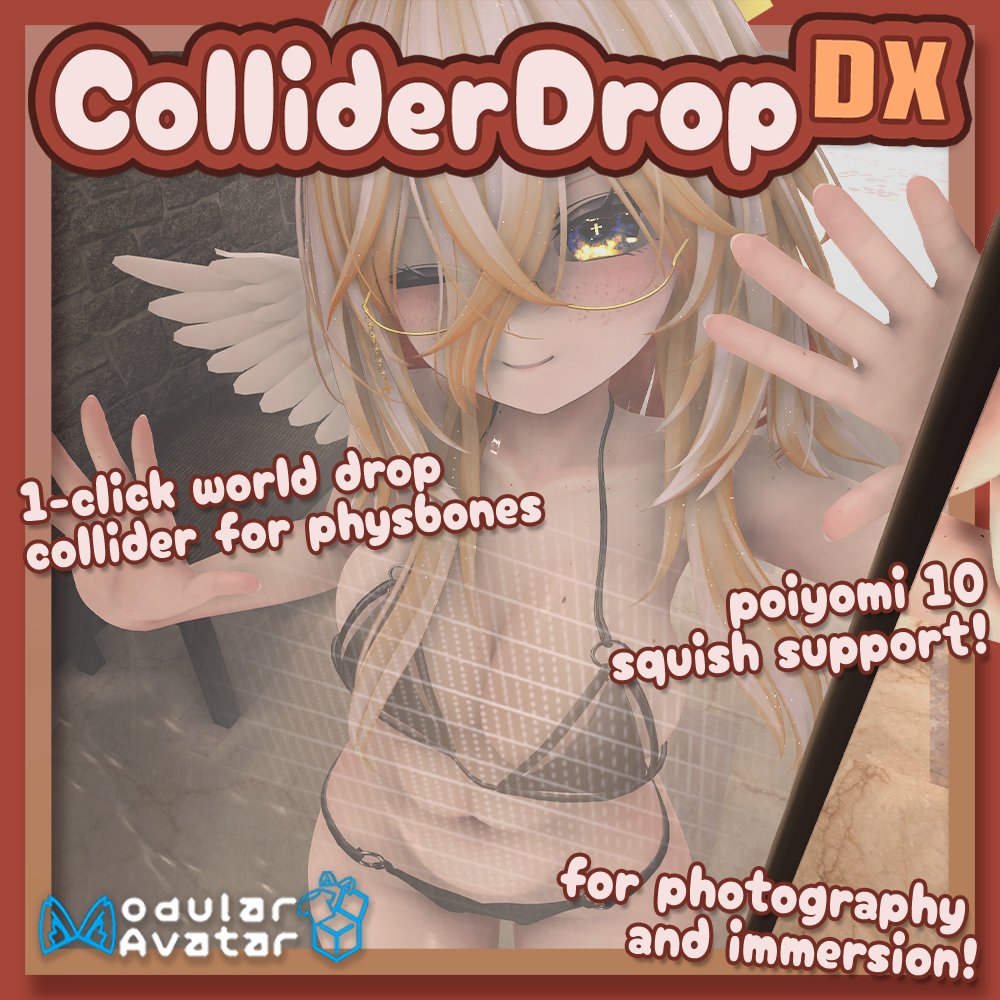
Drag-and-drop Physbone Colliders in-world to interact with your avatar's Physbones with a single click of a button! Useful for VRChat Photography and immersive experiences- now with Poiyomi 10.X Squish Support, and easier than ever to install! Now with VRCRaycast Support!
ColliderDropDX is an easy-to-add Modular Avatar (NDMF) install script designed for ease-of-use! The original ColliderDrop is also included, but is not recommended to use unless you 100% only use VRCFury!
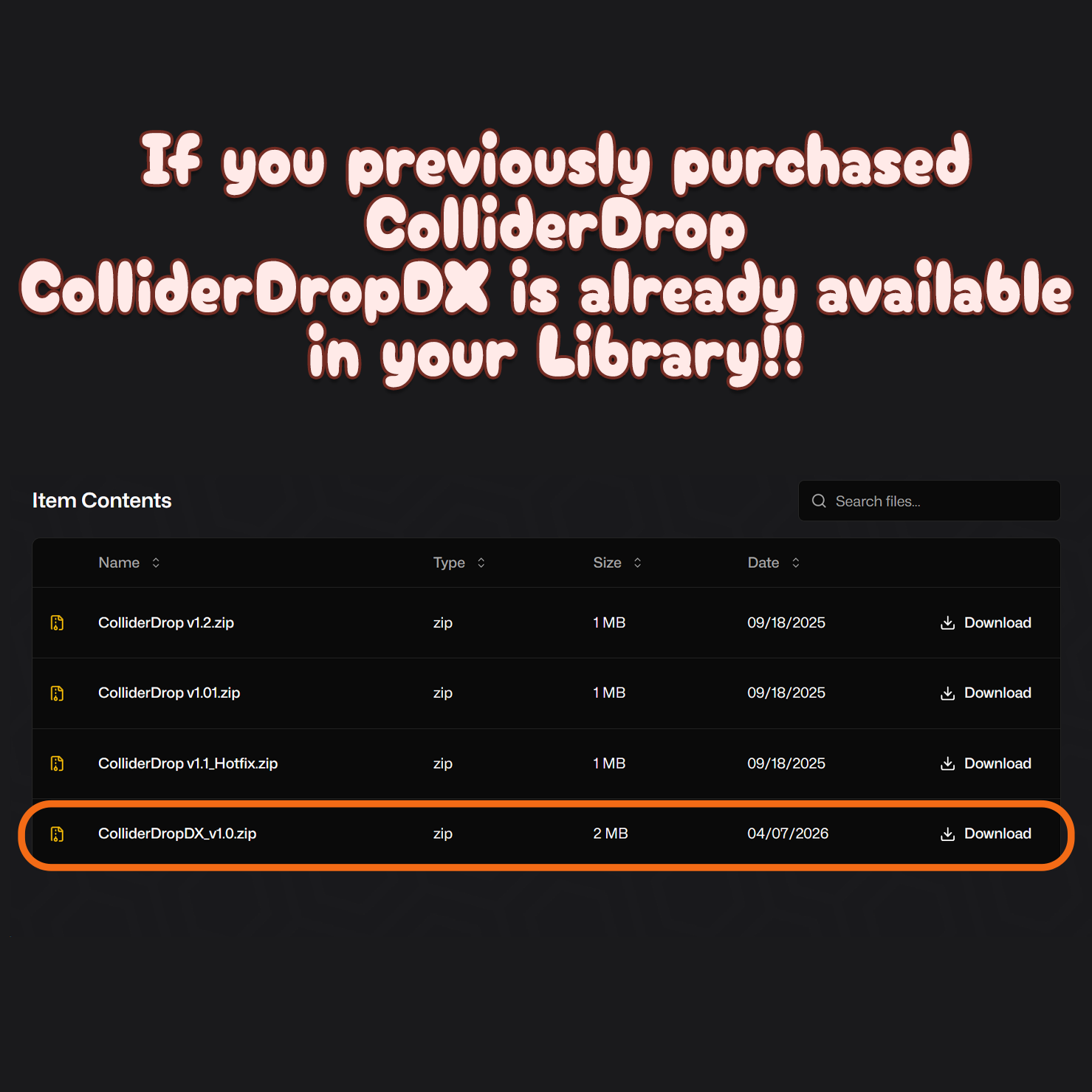
If you have previously purchased the Original ColliderDrop, ColliderDropDX is already available in your library! <3
Features
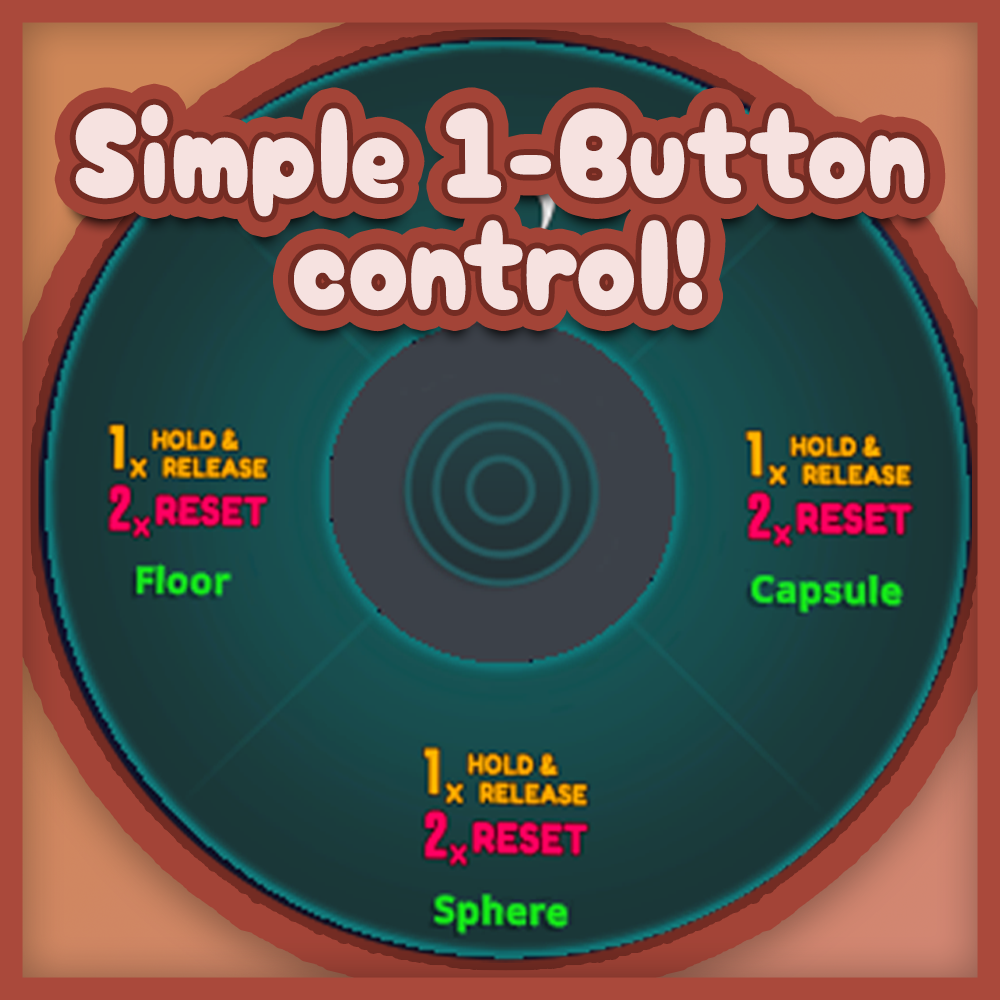
・Single menu button (per-collider) for Dragging [Click + Hold], Dropping [Release], and Resetting [Double Click]!
・Mesh is only visible to you when grabbing, and disappears (leaving the collider in-place) shortly after placing. Mesh is not visible to other users, or to your camera.
・Compatible with Marshmallow (tested) and likely other advanced physics systems. It's just a collider!
・Quest Compatible, material automatically gets replaced in-scene and on-upload!
・New VRCRaycast Option!
Floor Collider:
・Optional Poiyomi 10.x Squish Support (cost 2 lights!)
・Automatically snaps from horizontal to vertical depending on hand position/rotation!
・Snapping can be optionally turned off to have full rotation of the plane.
・When reset, the plane defaults to the floor position.
・Optional toggle to disable the plane/floor collider entirely.
・Parameters: 2 - 4 | Polygons: 2 | Materials: 1 | Constraints: 2
Sphere Collider:
・Optional float radial for scaling the sphere.
・Parameters: 2 - 10 | Polygons: 240 | Materials: 1 | Constraints: 1
Capsule Collider:
・Optional radial for scaling the capsule.
・Parameters: 2 - 10 | Polygons: 240 | Materials: 1 | Constraints: 1
Raycast Collider:
・Optional Poiyomi Pro 10.x Squish Support (cost 2 lights!)
・Optional float radial for offsetting the plane.
・Toggle to disable the collider entirely.
・Optional toggle to remove the menu.
・Optional toggle to lock the Raycast Rotation (useful for advanced floor colliders!)
・Parameters: 0 - 9 | Polygons: 2 | Materials: 0 - 1 | Constraints: 0 - 1
Installation
[Dependencies]
・Modular Avatar: https://modular-avatar.nadena.dev/ [Version 1.10.0 or Newer]
・・Non-Destructive Modular Framework [Version 1.9.0 or Newer]
・PoiyomiToon : https://github.com/poiyomi/PoiyomiToonShader/releases/latest
・・Or Poiyomi Pro 10.x to use Squish! https://patreon.com/poiyomi
1. Make sure you have the dependencies installed!
2. Import CollderDropDX.unitypackage into your project.
3. Navigate to `OrendCreations/ColliderDropDX` within your project. Drag-and-Drop the ColliderDropDX prefab onto your avatar.
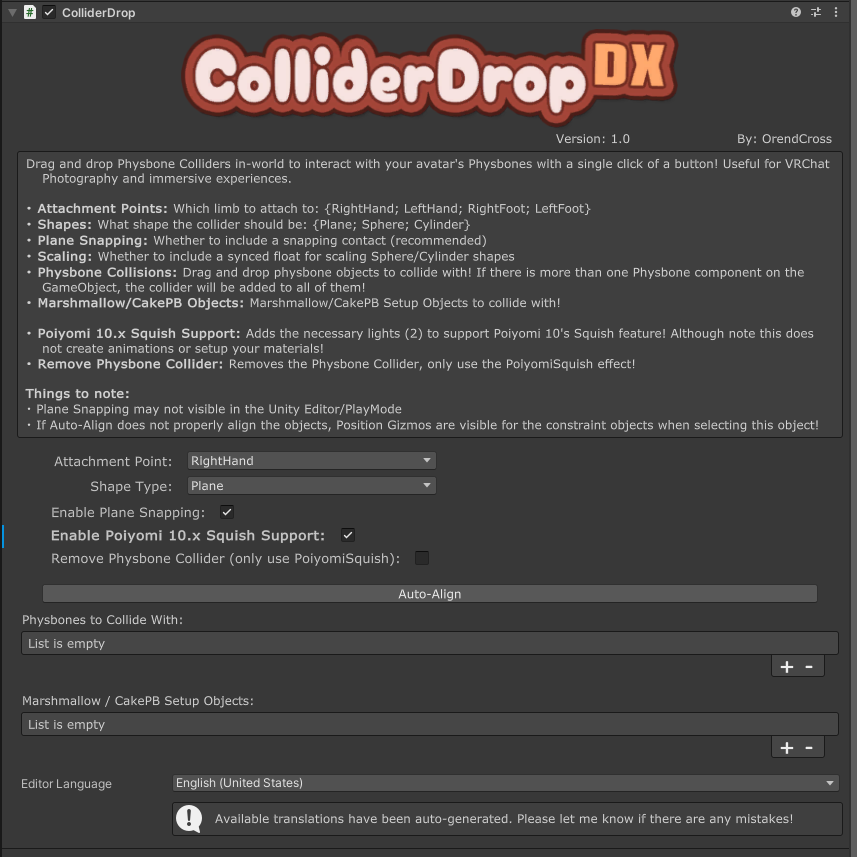
4. Choose an Attachment Point and Shape Type, and move the position gizmos if needed to better align with your avatar.
5. Drag-and-drop physbones and Marshmallow/CakePB setup objects into the respective list if you want them to collide with ColliderDrop
5a. If you are using Marshmallow and a plane collider, it is recommended to uncheck Marshmallow's default Floor Collider, as ColliderDrop's Plane Collider will return to the floor in its 'reset' state.
Limitations:
・For network users, there is technically a slight desync between the custom parameters (Playable Sync) and IK movement (IK Sync), with this desync being most exaggerated at large distances when IK movements get compressed/optimized for performance; however, I have not personally encountered noticable issues with this technical limitation using this and similar world-drop systems.
・Poiyomi Squish can look really silly when used unintendedly, and when you're placing the collider, that may happen!
・At the moment I am unsure if there is a good way to scale light components! So sadly Poiyomi Squish does not work well at large scales! >.<
Terms of Use:
( Original/Personal Product License )
By purchasing and using this product, you are agreeing to the terms of service outlined here:
・You may not share, redistribute, or resell this product in any form.
・This product is a digital asset, no refunds will be granted under any circumstance.
・I am not responsible for any damage caused by using this product.
・You may upload private, public, or commissioned avatars using this product.
( Commercial Product License )
This commercial product license relates to including this product and its files within your own product, to be sold for profit. (Examples: assets that wish to rely on this product, paid avatars, included within avatar bases, etc.)
By purchasing and using this product, you are agreeing to the Commercial Product License Agreement outlined here:
・You may include the Commercial Product License version of this product within your own products for profit, given these terms are followed.
・You may not share, redistribute, or resell this product as-is.
・Your product must not solely rely on on this product, both in function and in design.
・Your product must not be priced lower than the Original / Personal License version of this product.
・You must credit and include the link to this product on your product's page.
・You must not alter the creation of the credit information that is generated within this product's submenu.
・This product is a digital asset, no refunds will be granted under any circumstance.
・I am not responsible for any damages caused by using this product.
If you are unsure if your usage of this product does not align with these Terms of Use, please reach out to me via Twitter or Discord: @Orendcross | https://discord.gg/sAnekxwd3x
Update information
Update information
2026/04/07 v1.0
・Initial Release!
2026/04/09 v1.1
・ Exposed the Menu Installer component so users can now move the menu anywhere on their avatar's menu
・ CollisionObject Materials:
・・ Attempt to change the materials of all ColliderDropDX Objects on ActiveBuildChange even if they're disabled
・・ If the collisionObject's material has been changed by the user, do not attempt to auto-switch the materials on ActiveBuildChange
・Poiyomi Pro 10.x Squish:
・・ Resolve the `Poiyomi` -> `Poiyomi Pro` naming issue
・・ Added an EditorOnly light to the prefab to reset Poiyomi Pro's Squish effect when exiting PlayMode
・・ Prevent plugin from adding lights to avatar when uploading for Android/IOS
・・ There is now a proper disable animation for lights when using PoiyomiSquish, where previously the mesh would remember the location of the light even if it was disabled.
・ Added new 'Collide with all Physbone/Marshmallow on Avatar' setting!
・・ When active, it ignores the 'Collide with' lists, and instead adds the collider to all physbone/marshmallow objects!
・・ There is now an 'Ignore Bones' section containing list that will *ignore* specified physbones/marshmallow when 'Collide with all' is active!
2026/04/24 v1.2
・ Added VRC Raycast support!
・・ Attachment Point Dropdown will swap to a Raycast-specific index. I've narrowed the initial options that will auto-rotate for ease-of-use; however, there is an advanced option to show all human bones!
・・ You can lock the rotation of the raycast so it will always point in a single direction (good for advanced floor colliders). There is also an option for offsetting the collider with a float radial! And of course Poiyomi Pro 10.x Squish works with it as well!
・・ There is also an option to remove the Raycast Collider from the menu, so it is always on!
・ Moved information into a foldout area.. Things were getting a bit too cluttered >.<
・ Updated checkbox toggle layout
2026/04/28 v1.2.1
・ Resolved an error when no ColliderDropDX Prefabs were present in the scene.. Whoops >.<
2026/05/13 v1.2.2
・ No longer errors if the physbone component of the prefab is disabled by the user.
・ Resolved an issue with the Plane disable animation when using Poiyomi Squish, where the lights would fail to turn on after leaving the Idle state.
Avatar Credits
・Head : https://ponderogen.booth.pm/items/6106863
・Body : https://kyubihome.booth.pm/items/6082686
・Hair : https://kiriha-astra.booth.pm/items/4811188
・Wings : https://misuterareru.booth.pm/items/4594439
・Marshmallow PB : https://wataame89.booth.pm/items/4511536
・Clothing
・Bikini : https://ornamentcorpse.booth.pm/items/5864602
・Top Harness : https://c-c-matilda.booth.pm/items/6194760
World Credits
・Steamy Moments : https://vrchat.com/home/world/wrld_84535ecf-1e7c-4590-81a3-9bbbc4d1785f
・iyFST01 Night : https://vrchat.com/home/world/wrld_929ae125-f8a8-4326-a8b5-79ae73928861