
PersistKit Inspector
Product Description
PersistKit Inspector
EARLY ACCESS PLEASE REPORT ANY BUG OR REQUEST TO @RubyNouille on Discord
A Unity Editor audit tool for VRChat persistence.
PersistKit Inspector checks what your world is actually saving before you upload it. It's built for VRChat world creators who use PlayerData, PlayerObjects, save slots, settings, inventories, leaderboards, player progress, unlocks, or really any UdonSharp system where players expect their stuff to still be there next session.
Why this exists
Persistence bugs are annoying because they tend to look fine while you're building. A key is a little too generic. A prefix got left off one setting. A save slot uses a slightly different naming pattern than the rest. A PlayerObject prefab has synced fields but the persistence setup is half-done. ClientSim has local data that makes your test pass, but the uploaded world is a different story.
PersistKit is a proper review pass for all of that. Run a full audit and it scans your loaded scenes, C# source files, local ClientSim JSON, and any keys you add by hand. You get an audit asset you can reopen, edit, compare, export, and keep with your release notes.
What's in it
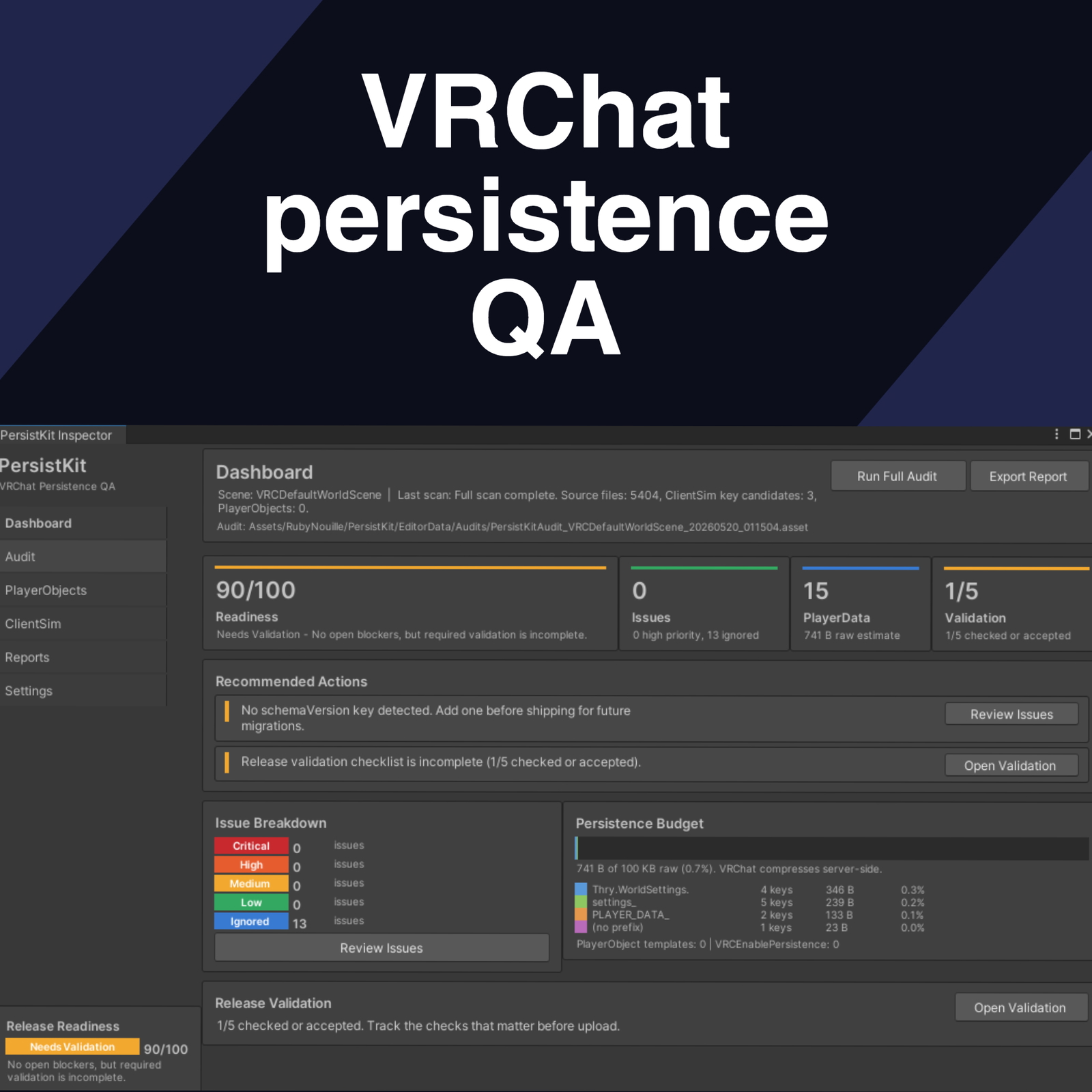
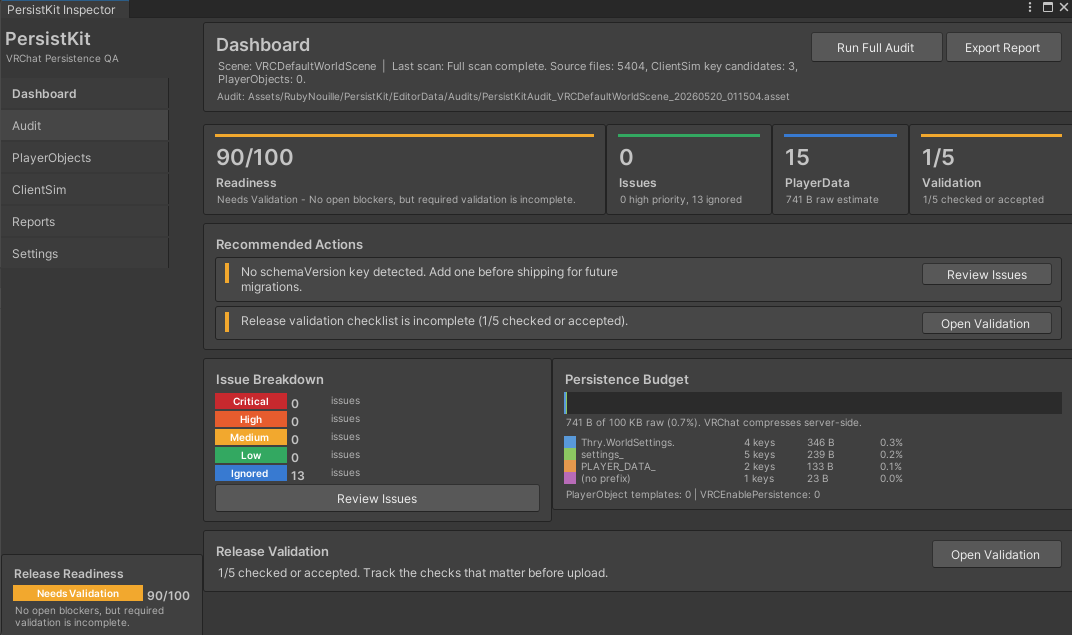
Dashboard: the quick read. Release readiness, open issues, PlayerData storage estimates, validation status, PlayerObject counts, and whatever's worth checking next.
Audit tab: the actual PlayerData findings. Source location, confidence, value type, prefix status, estimated raw size, and warnings for keys that look risky.
PlayerObject scanning: checks loaded scenes for VRCPlayerObject, VRCEnablePersistence, UdonSharp behaviours, synced fields, and setup warnings.
ClientSim tab: shows local PlayerData and PlayerObject JSON files. Tools to refresh, back up, import, export, or clear data when you need a clean local test.
Reports: export Markdown or JSON for a release record, compare two audit snapshots to see what keys got added or changed, and use the validation checklist to track which upload tests still need a human pass.
Save-slot key generator: cranks out consistent C# constants. Useful when you're using prefixed keys like rpg.A.level, rpg.B.level, rpg.C.coins instead of winging slot names by hand.
Getting started
No code changes needed. Open Tools > RubyNouille > PersistKit, pick your namespace prefix, and run a full audit.
If your world uses persistence, PersistKit gives you a better answer to the question everyone hits eventually: what are we actually saving, and is it safe to ship?