Product Description
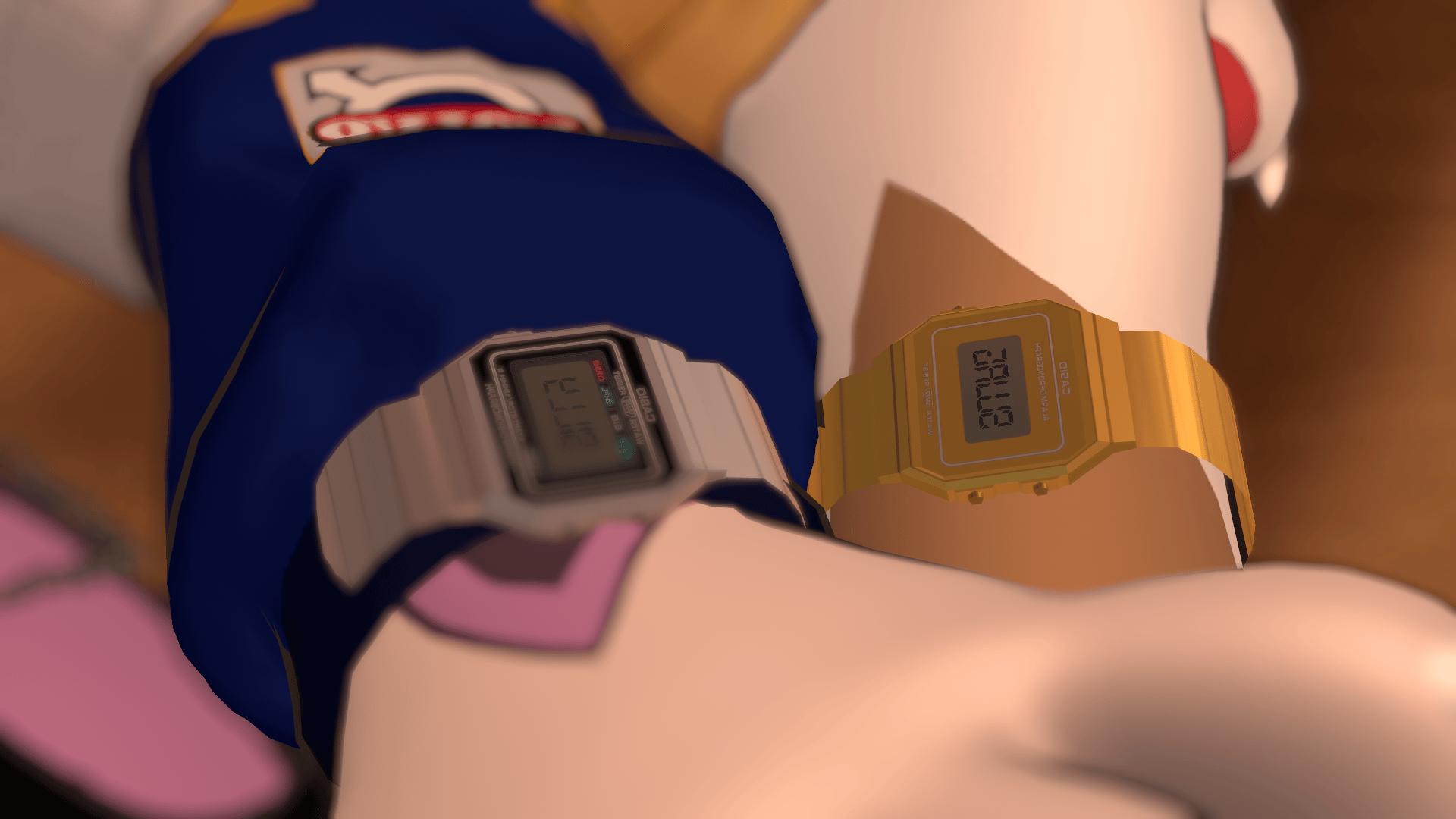
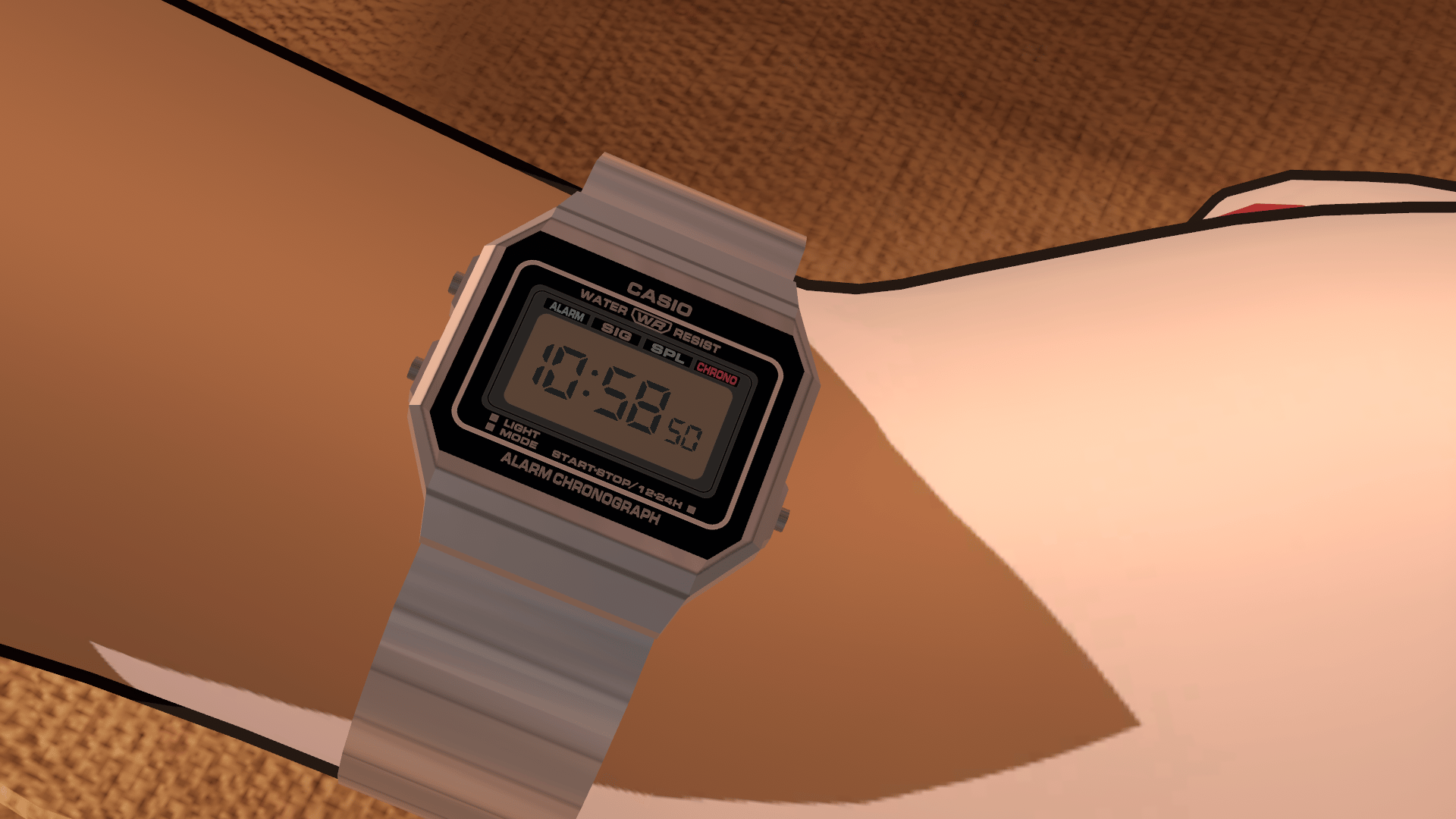
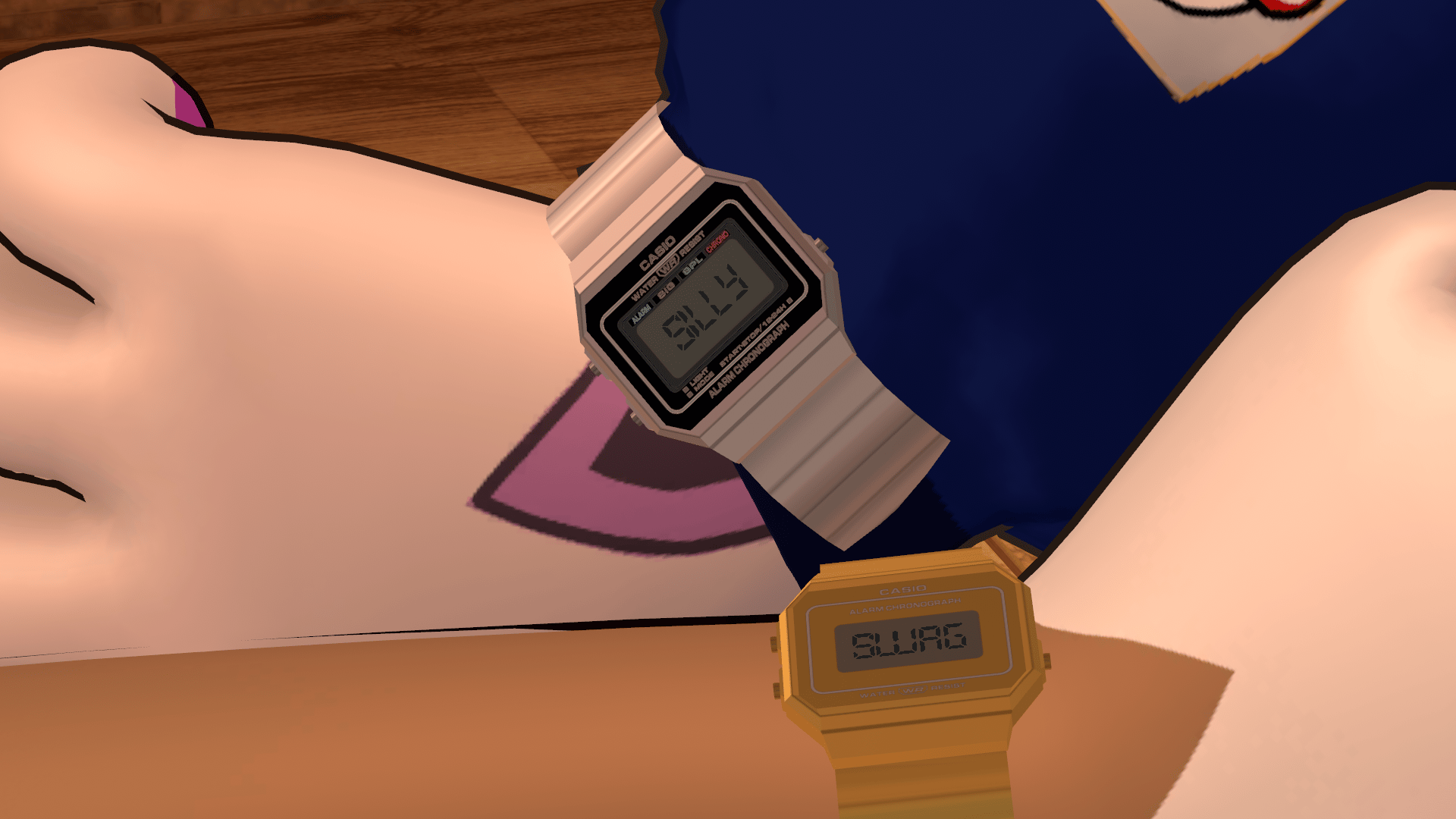
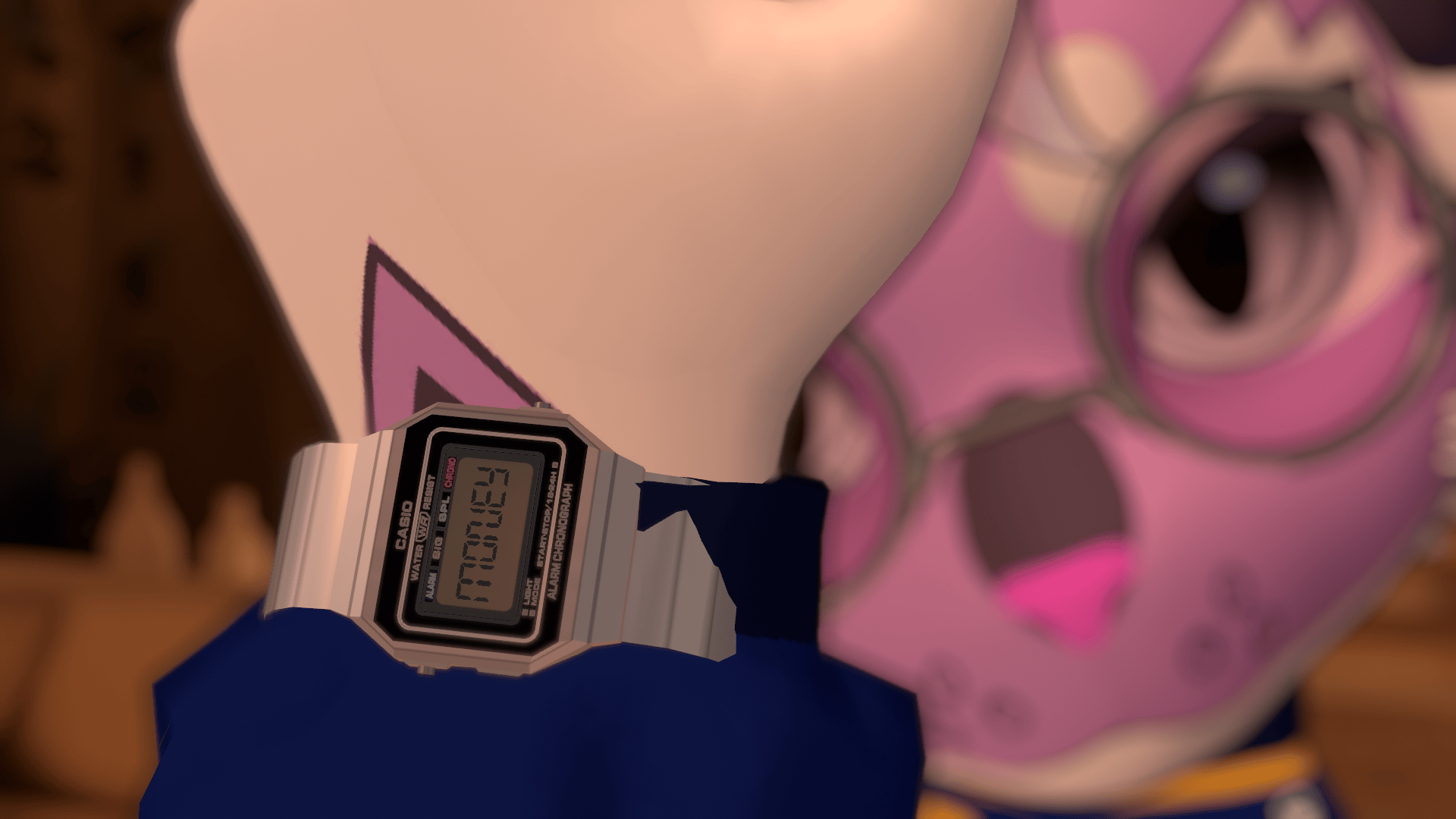
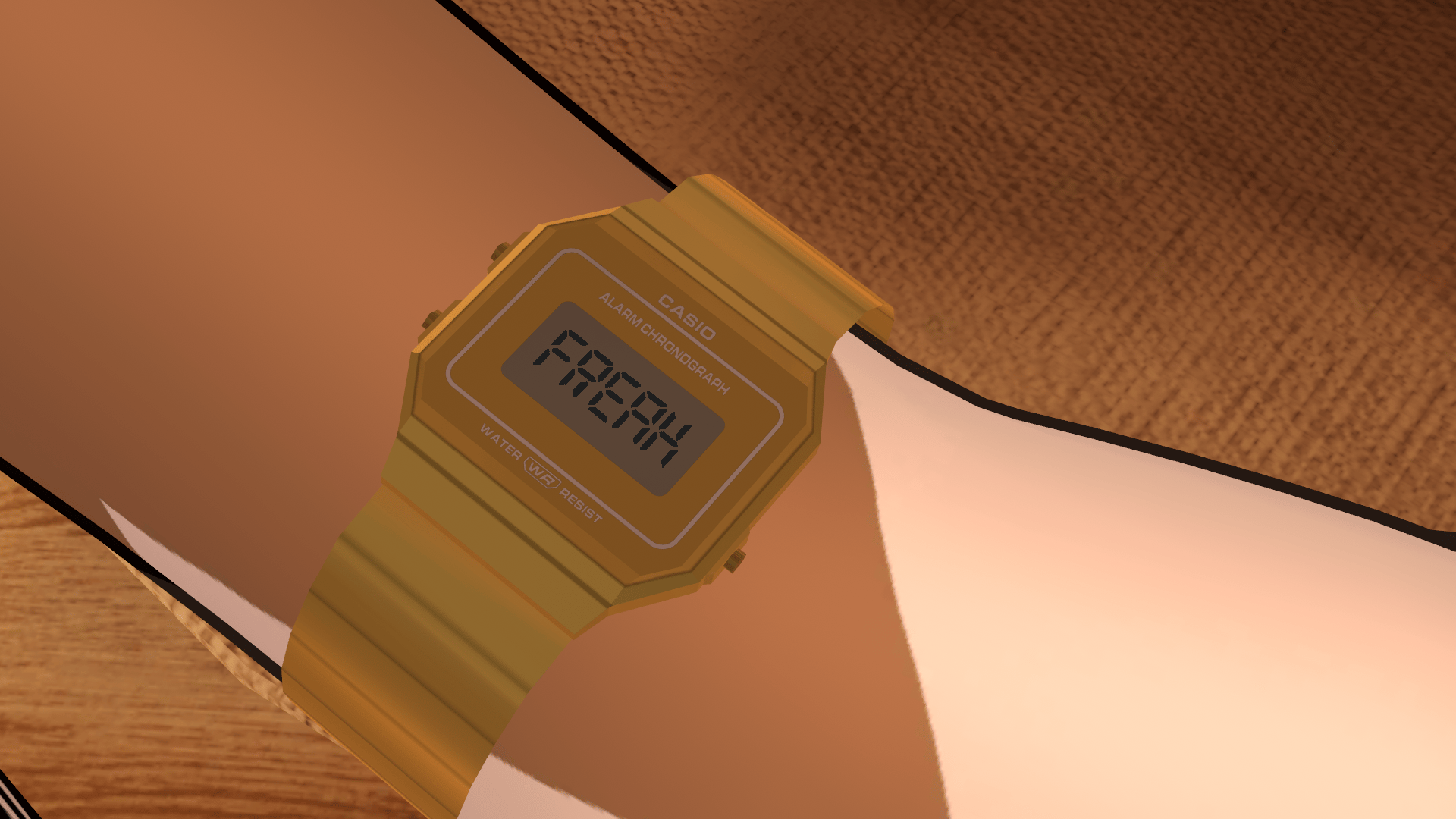
+ 1 Billion swag watch
Features:
- 2 faces: A clean and classic one
- Silver/gold toggles
- 6 funny texts to choose from (Time does NOT work)
- Adjustable and hideable band for easy fitting
- Secondary position toggle (for fitting over sleeves and whatnot)
- Left/Right wrist toggle
Requires poiyomi and VRCFury of course
Installation
- Import the watch unity package
- Drag the prefab onto your avatar
- Position the left arm object onto the left arm of your avatar in your desired position
- Adjust the blendshapes on the watch model object
- FOR ALTERNATE POSITION: Under the left arm object, disable Base Position L and enable Alternate Position L
- Position the alternate position as you like, afterwards, disable the alternate position and enable the base position
- After things are positioned where you like, copy the position data from the left arm object to the right arm
- Copy the position of Alternate Position L to Alternate Position R
- After you copy the position data, on the Right Arm object, make the X position positive to move it to the right. If you rotated the watch, make sure to flip it by making rotations positive/negative
- Do the same to the Alternate Position R object
- Export and you are done!
Enjoy!