
Punchy Baker 3
Tags
Product Description
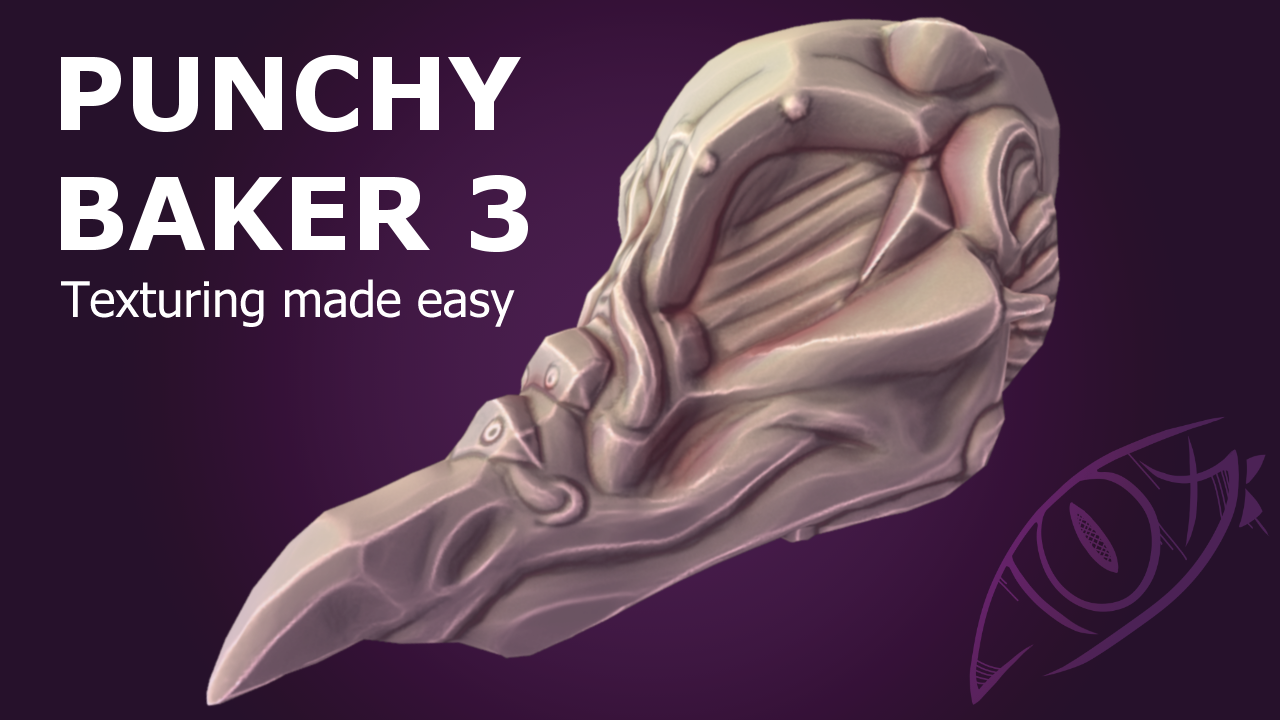
A new Improved version of Punchy Baker, now with glitch art effects, completely redesigned color blending, and performance increases.
This product is a Base Material lighting and style tool for Adobe Substance Painter 2023 and up.
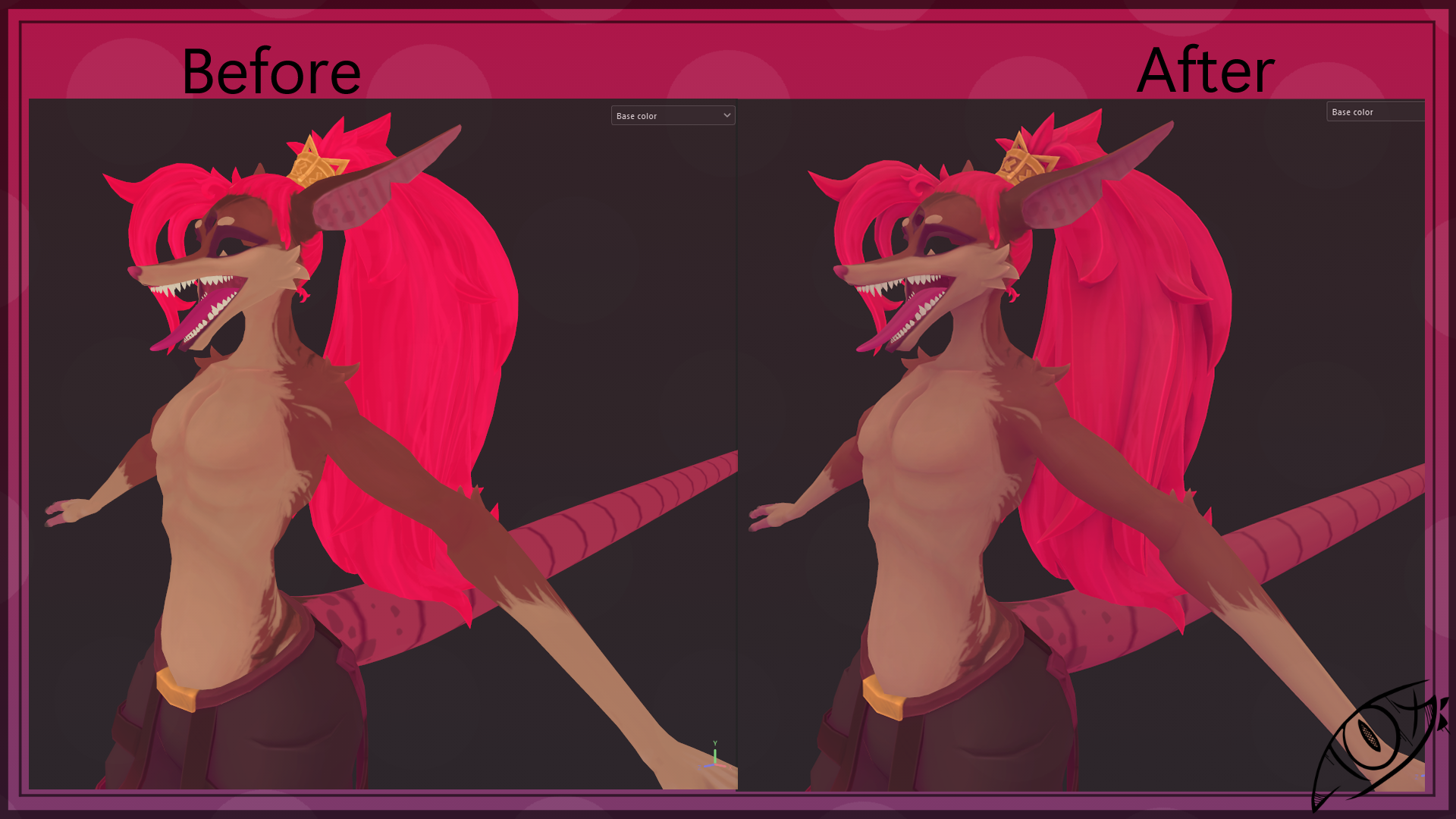
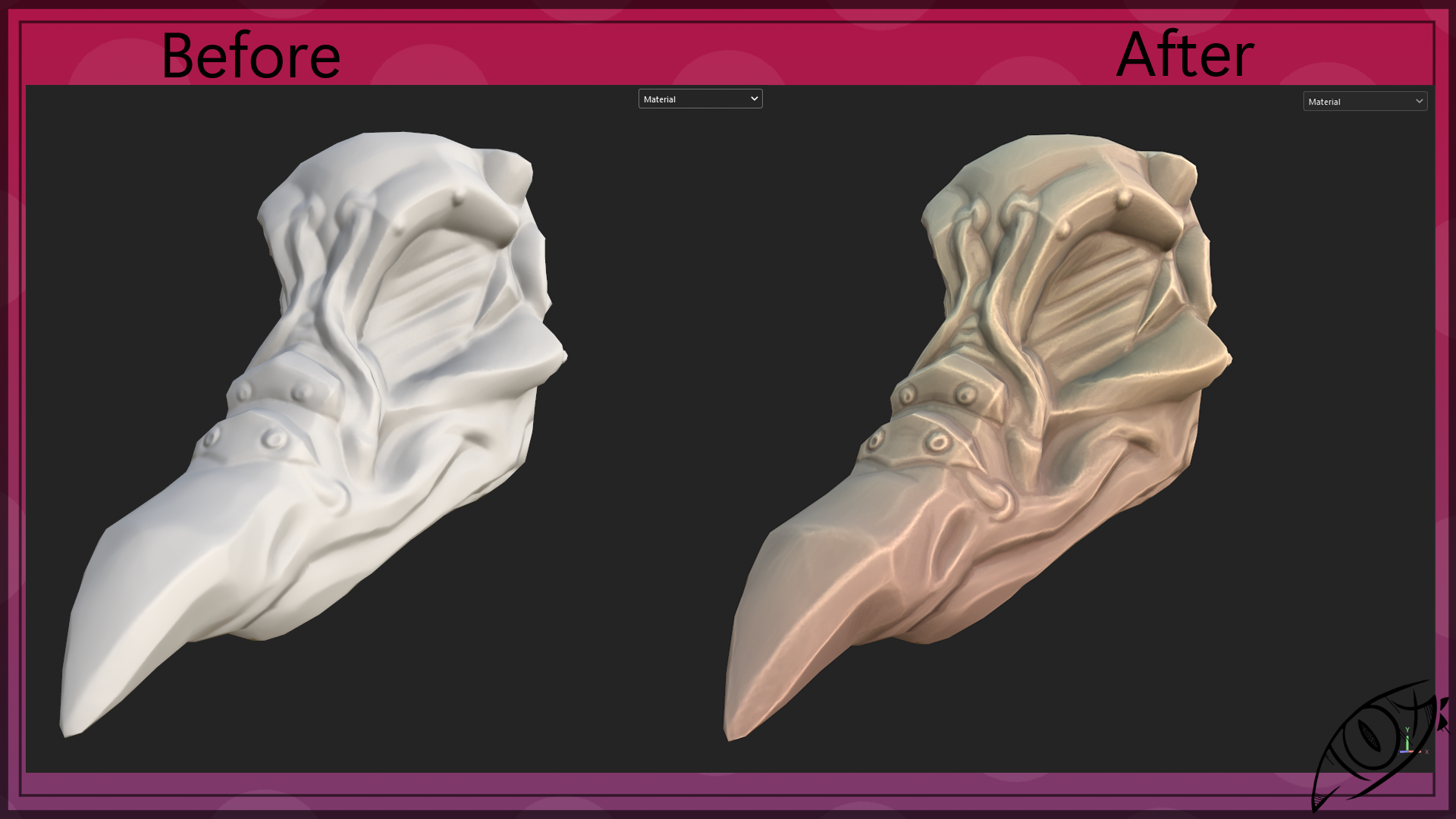
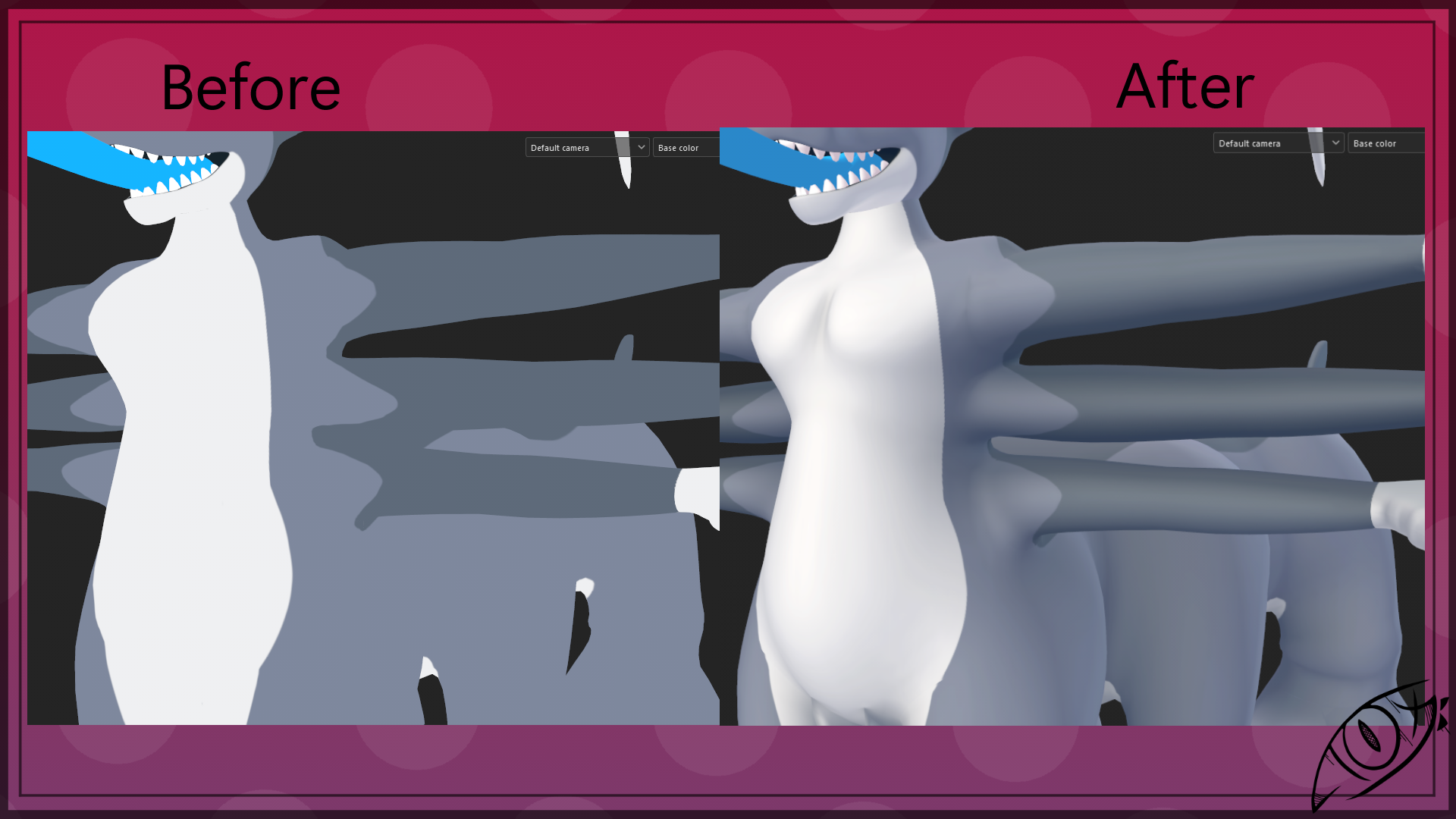
Punchy Baker is designed to assist in creating stylized texturing by allowing you to quickly add colorized lights, color, depth, and shadow to your model's base color. Ideal for painterly, retro, and NPR texturing styles. Save your time ( And wrist) instead of painting your lighting or using the boring limited built in substance lighting generator.
This new version includes new passes specifically for retro and more aggressive styles with the built in quantizer and shadow overlays.
Not sure yet? You can try the previous version for free! Though it is a bit harder to use, and produces lower quality results than this new shiny version. Punchy Baker 2
Punchy Baker 3 is a stylized lighting and effect generator.
- Light your Base Color with up to 3 directional lights.
- Colorize your shadows with any color you desire.
- Show off your model's finer details with colorized AO, Curvature and Cavity detail blending.
- Add up to 4 unique textures to your model's shadows directly with the new Shadow Texture pass. (Great for dither and crosshatch!)
- Quantize color channels directly for that retro look.
- Global direction gradient, ideal for a baked ground and sky bounce color.
- HSL adjustment for those final brightness and color tweaks.
- Use as an overlay, paint base, or final master layer.
USAGE
Punchy baker 3 REQUIRES specific mesh maps to function. Ambient Occlusion, World Space Normal, Curvature, and Position.
Please check to make sure your maps are baked, and patched correctly first or Punchy Baker 3 will provide you with some weird results.
Custom paint input , and Shadow texture require manual user inputs. These can be found at the bottom of the layer properties under image inputs. You can link in your own inputs by putting all related textures and layers in a folder and adding an anchor point, then set the relevant texture input to the correct anchor.
Custom Shadow Texture requires all of it's inputs filled, You can have a maximum of 4 unique inputs, but if you have/want to use less you can use the same anchor for any unused inputs.
IF YOU ARE USING THIS WITH A UDIM PROJECT make sure you set the fill's projection mode to "Fill ( match uv tile) " and not the default " UV projection" mode
Licensing
- Do not resell or redistribute this product by itself.
- You may redistribute Adobe Substance Painter files that use PUNCHY BAKER 3 ( Ex. Commission work ) Both parties are not required to purchase this product.
- If you are a content creator, and plan on including this in a Substance Painter file for your paid product, Please purchase the commercial version .
- I won't go out of my way to verify commercial licenses , but it really helps me continue to produce more cool content if you support me -