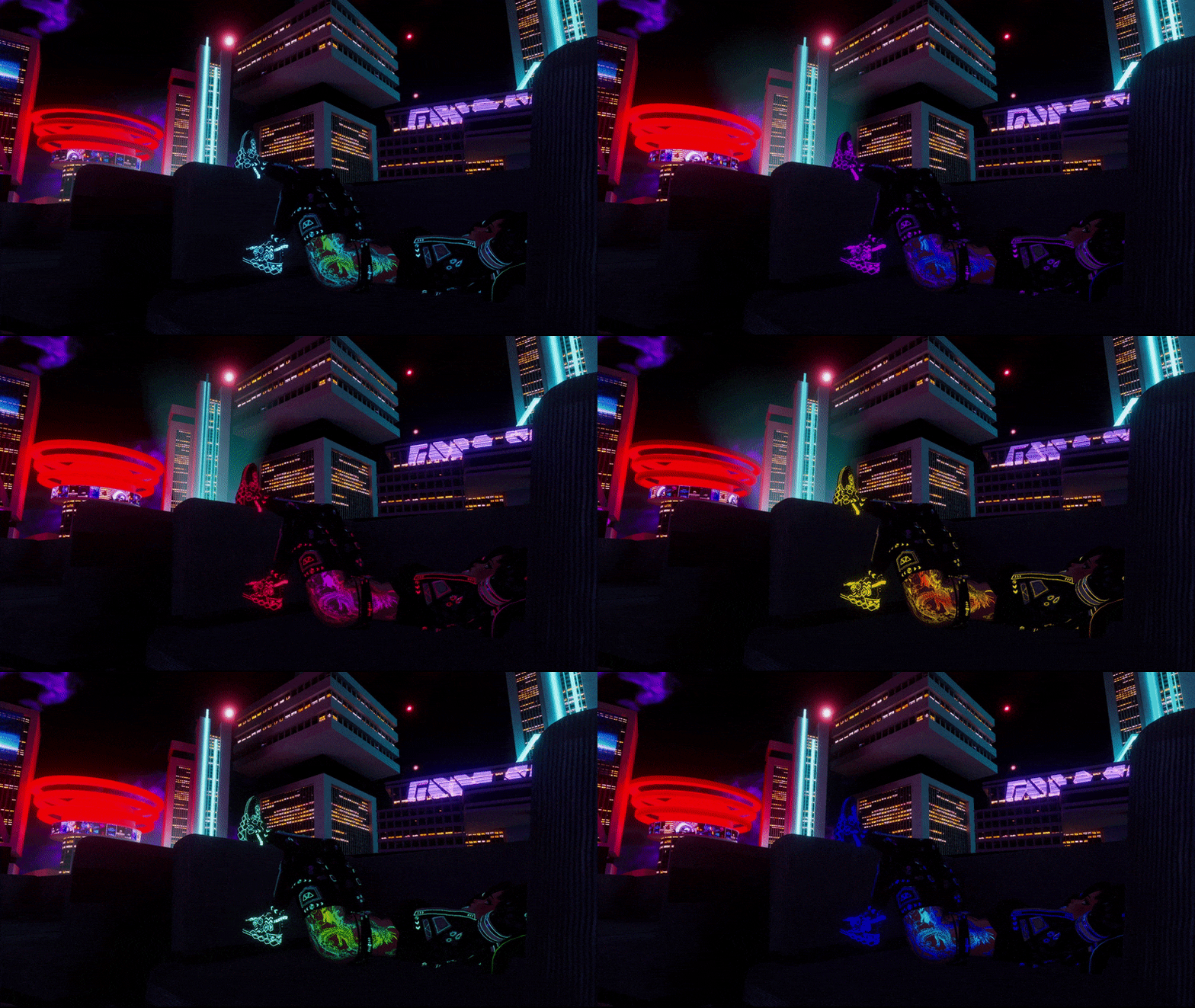
![[DISCORD FREEBIE] Binoculars & Telescope - with actual Zoom](https://jinxxy-c.jinxxy-cdn.com/cdn-cgi/image/format=auto,onerror=redirect/523e3113-2898-5b84-ab24-47b65e3e1e76/3828051752515536839/940943629860539392.gif)
![[DISCORD FREEBIE] Binoculars & Telescope - with actual Zoom](https://jinxxy-c.jinxxy-cdn.com/cdn-cgi/image/format=auto,onerror=redirect/523e3113-2898-5b84-ab24-47b65e3e1e76/3828051752515536839/940943644084633600.gif)
![[DISCORD FREEBIE] Binoculars & Telescope - with actual Zoom](https://jinxxy-c.jinxxy-cdn.com/cdn-cgi/image/format=auto,onerror=redirect/523e3113-2898-5b84-ab24-47b65e3e1e76/3828051752515536839/940615584352136192.gif)
Product Description
Bad eye sight or just keeping your distance? I got you covered!
These working Low Poly Binoculars / Telescope will help you to look at your friends from further away so you can stay self-isolated like the anti-social person you are! (Me too don't worry :>)
You can also use them at Events to see your favorite person up close!
This Asset is even optimized enough to be used on most Optimized (Good) Avatars! (Check Asset Stats below)
To get this Asset for free, make sure to join my Discord and check out the Announcements channel (Pinned) for the 100% off code!
Toggles
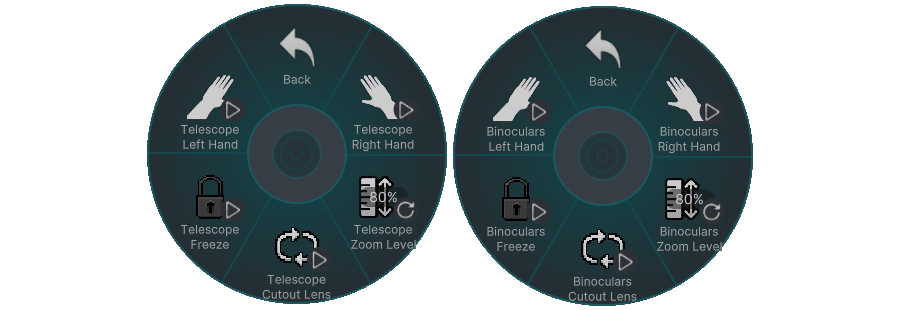
Asset Stats
1360 Triangles / Polygons (Binocular) | 904 Triangles / Polygons (Telescope)
2 Material Slots each
2 Mesh Renderer (Binocular) | 1 Mesh Renderer + 1 Skinned Mesh Renderer (Telescope)
0 Bones (Binocular) | 1 Bone (Telescope)
How to install/upload (instructions included in the download too)
1) Install VRCFury through the Creator Companion or with the Installer ( https://vrcfury.com/download )
2) Import Poiyomi Toon 9 (exact version I used: Poiyomi v9.2.79 (newer is fine too)).
Alternatively you can also import it beforehand through the VRC Creator Companion!
3) Open your Project.
4) Import the included unity package for the Asset.
5) Go to "Assets > Zy's Assets > Binoculars & Telescope" and drag the Binoculars.prefab or Telescope.prefab onto your Avatar in the Hierarchy.
6) Make sure the Preview Object is enabled, to see where the Binoculars or Telescope will be on your Avatar when it's activated, and adjust the Constraint Targets Position and Rotation accordingly.
Now it is installed and you can upload your Avatar.
Rules
- This Asset can be used on Personal, Commercial, Free, Nitro and Public Avatars.
- Do not share this asset/package with anyone, if you get it for someone else please use the Gift function and type in THEIR credentials
- Do not resell this asset in any shape or form. If you edit it and then resell it, that's not allowed either!
- Do not claim this asset as your own.
- No refunds. If you got any issues join my discord and ask for help in the avatar-help channel or contact me!
- If you don't use the VRChat Creator Companion for the project I will not give you any support, if you run into issues with scripts or imports.
Credits
Poiyomi v9.2.79 - https://github.com/poiyomi/PoiyomiToonShader/releases/tag/v9.2.79
Shader - https://github.com/Leviant/ScreenSpace_Ubershader/tree/master
Join my Discord if you need help with the Asset and to stay up to date with new releases and discount codes! <3
https://discord.gg/WGBG3A6W6H