Product Description
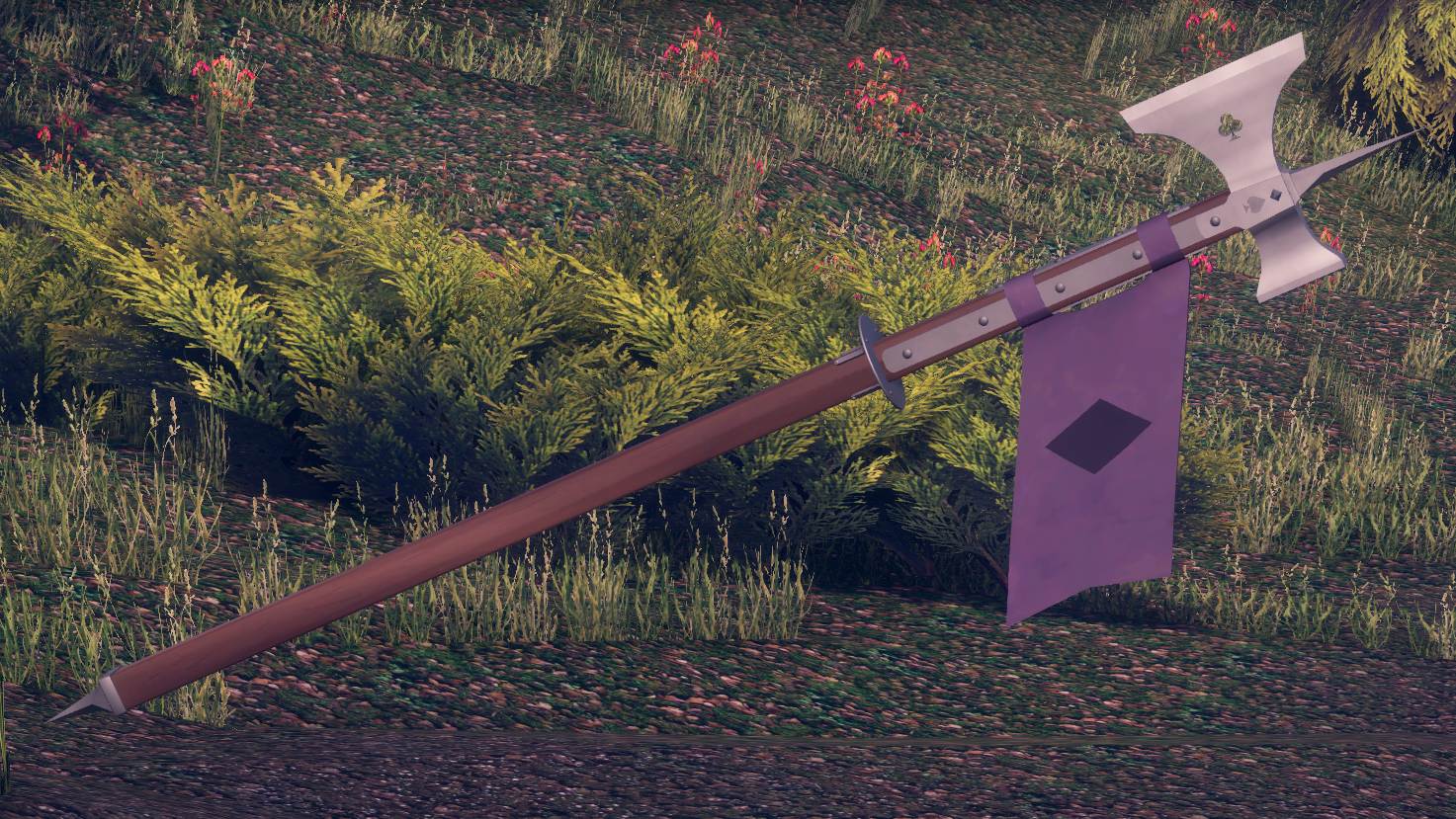
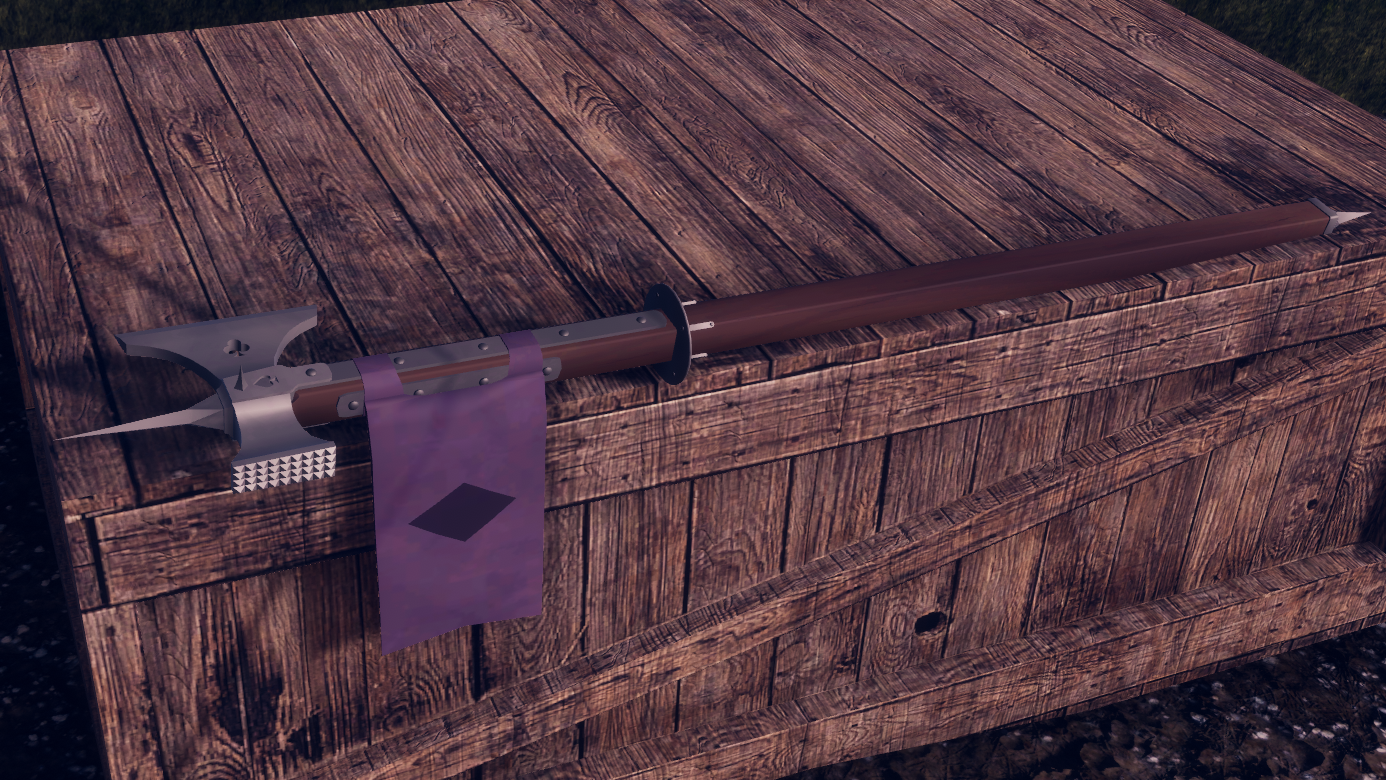
It's a card symbol-themed poleaxe. It does what a poleaxe does.
You uh, you have a blade, and a blunt end... and a pike... and a rear pike...... and you can flip it to use the other side of the head....
Really, I'm not sure what you're expecting me to put here.
It's two handed! You can do autistic shit with it! (see below)
You can uh... you can flip it! Did I mention you can flip it yet?
Note that a smoother flipping option is available (see bottom of page) but requires a more in-depth installation process.
Rally up your friends to give you attention in a brand new way!... with the flag. It has a flag. First person preview.
Open right hand while holding with both hands to flip. Instructions below on how to make it smoother, although it complicates installation a bit due to me not figuring out a way to do it purely with constraints. Above is the snappy, slightly janky version.
REQUIREMENTS:
- Poyiomi Shaders (atp any)
- Avatars 3.0 Manager
- Unity 2022.3.22f1 (or whatever VRChat is using at your given time)
INSTALLATION INSTRUCTIONS:
- Drag the prefab into your avatar's root gameobject
- If you want to move anything from its default position:
- Unlock all parent constraints on poleaxe, aimpart, aimpart_disabled, upobject
- Move aimpart to left hand, aimpart_disabled to in front of the right hand, the poleaxe to the right hand, and upobject to the right hand
- Within the parent constraints, set the sources to the following:
- poleaxe, aimpart_disabled, upobject: right wrist
- aimpart: left wrist
- Using Avatars 3.0 Manager (top bar, VRLabs), merge your FX controller with the poleaxe's one, along with its parameters
- In your avatar's menu, create a new submenu, presumably using the menu icon, for the AxeMenu provided
- that's it
FOR SMOOTHER FLIPPING:
- Remove the parent constraint on upobject
- Move upobject to under the right wrist bone
- In the axeflip animation and flipbuffer animations, remove all keyframes; replace with rotation of the now moved upobject
- Within the AxeFX animator controller, adjust the transition periods to your liking. I personally recommend 0.15~0.25 depending on desired speed
(this is necessary as the upobject is parent constrained to the wrist, but this also blocks any rotation through animation. had I done this from the start, you'd need to change the animation for every avatar, rather than having generalized installation instructions.)
Below is a showcase of what this looks like. In this case it's 0.15
TERMS OF USE
- you bought the files, you keep the files. YOU keep the files. if anyone else wants them, they have to buy it too, don't be spreading my shit
- you are buying the right to use the asset, not the right to the asset. I still own the poleaxe. it's mine.
- for legal reasons I have to mention that if you somehow manage to break something with this, which, I'd be genuinely impressed, it's not my responsibility
- you are required by law to take at least one head off with this thing a month
- you are subsequently also required by law to charge like a maniac with the pike on the front while yelling your heart out
- tell people where you got it if they ask, it helps me pay my bills