
Product Description
Overview
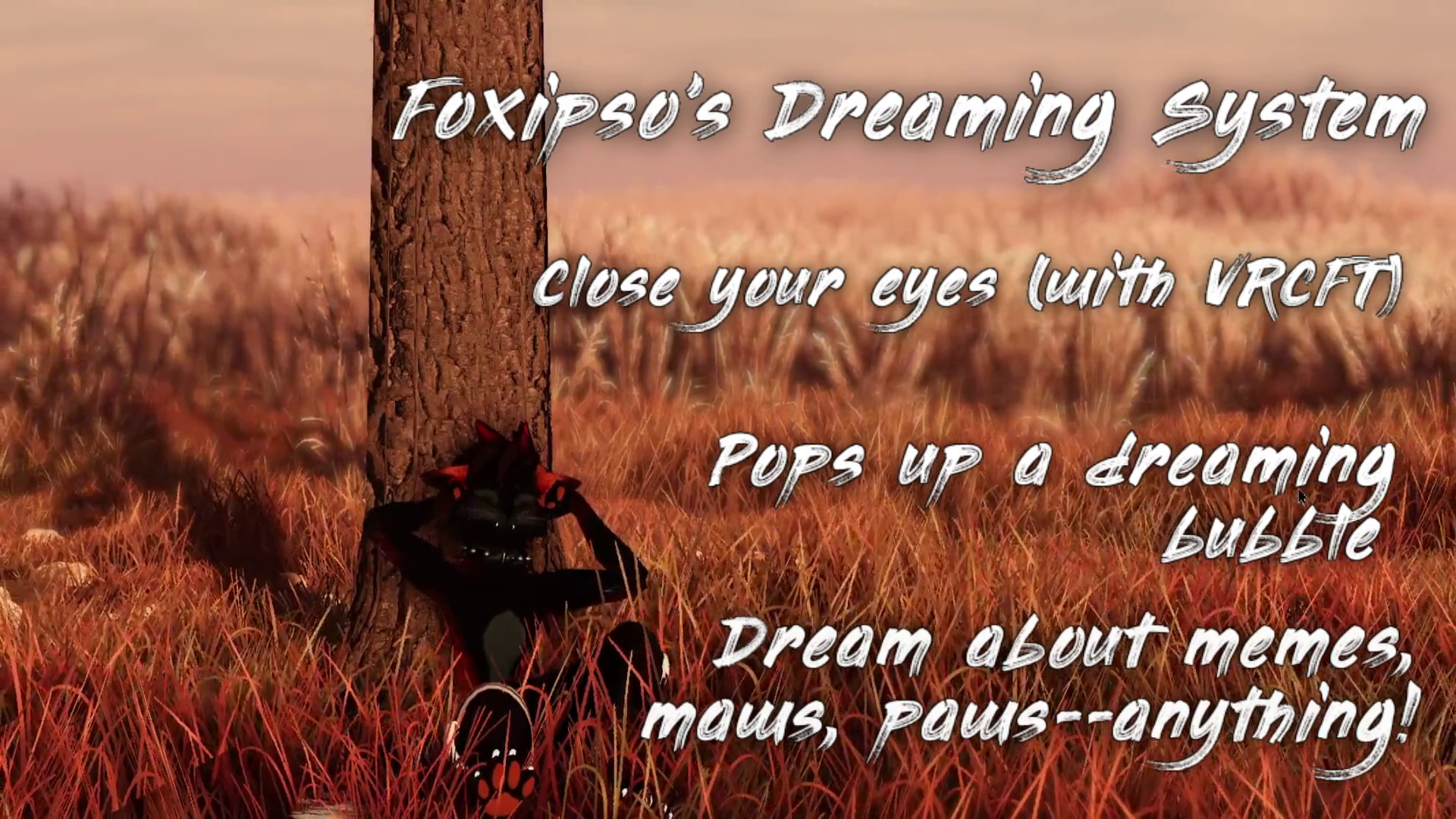
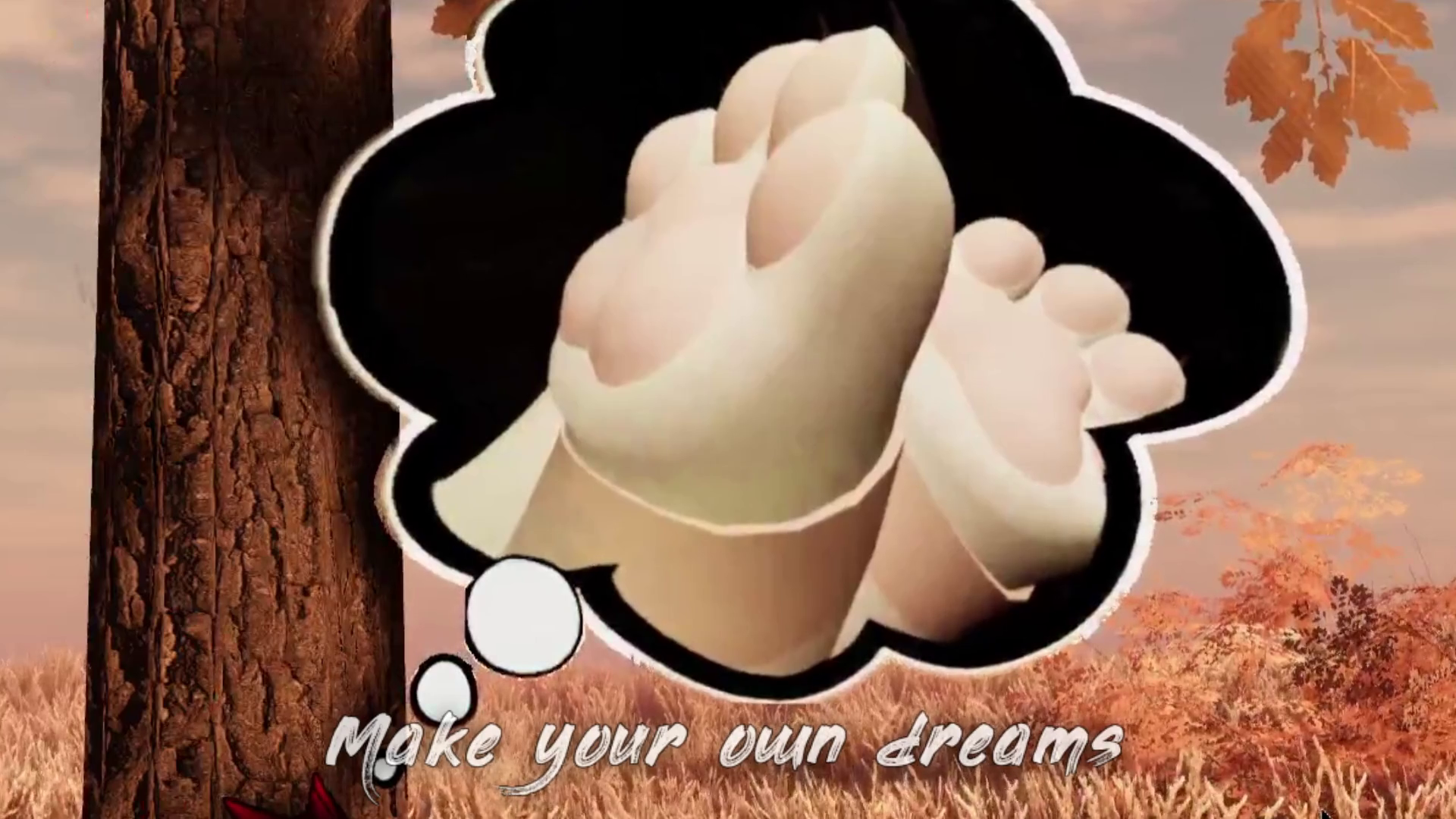
Do you find yourself falling asleep in VRChat? With this dreaming system, now when your eyes are closed for a while a dream bubble will appear containing a dream of your choosing! Dream about maws, paws, memes, beans, your favorite VRC screenshots, or anything else you create (video instructions included). The system monitors your eyes with VRCFT, via a gesture of your choosing, when you're AFK, or if manually triggered. If the bubble is disruptive, your friends can just pop it three times in a row, and it won't appear until you wake up and sleep again.
Your eyes are monitored using the OSC parameters FT/v2/EyeLid{Left,Right}, which are most common, and by default must be closed (values under 0.15) for 5 seconds to trigger dreaming. You can change all these parameters, however. A video is included for setting the duration. If your avatar uses different OSC params for your eyelids, follow the written instructions to easily change the parameter names.
To keep your avatar optimized, it's recommending creating just a single dream and keeping the FPS around 8 and output size 1-10 MB, but there's no hard limit. A version is also included to cycle through multiple dreams, though at the expense of more texture size and material slots.
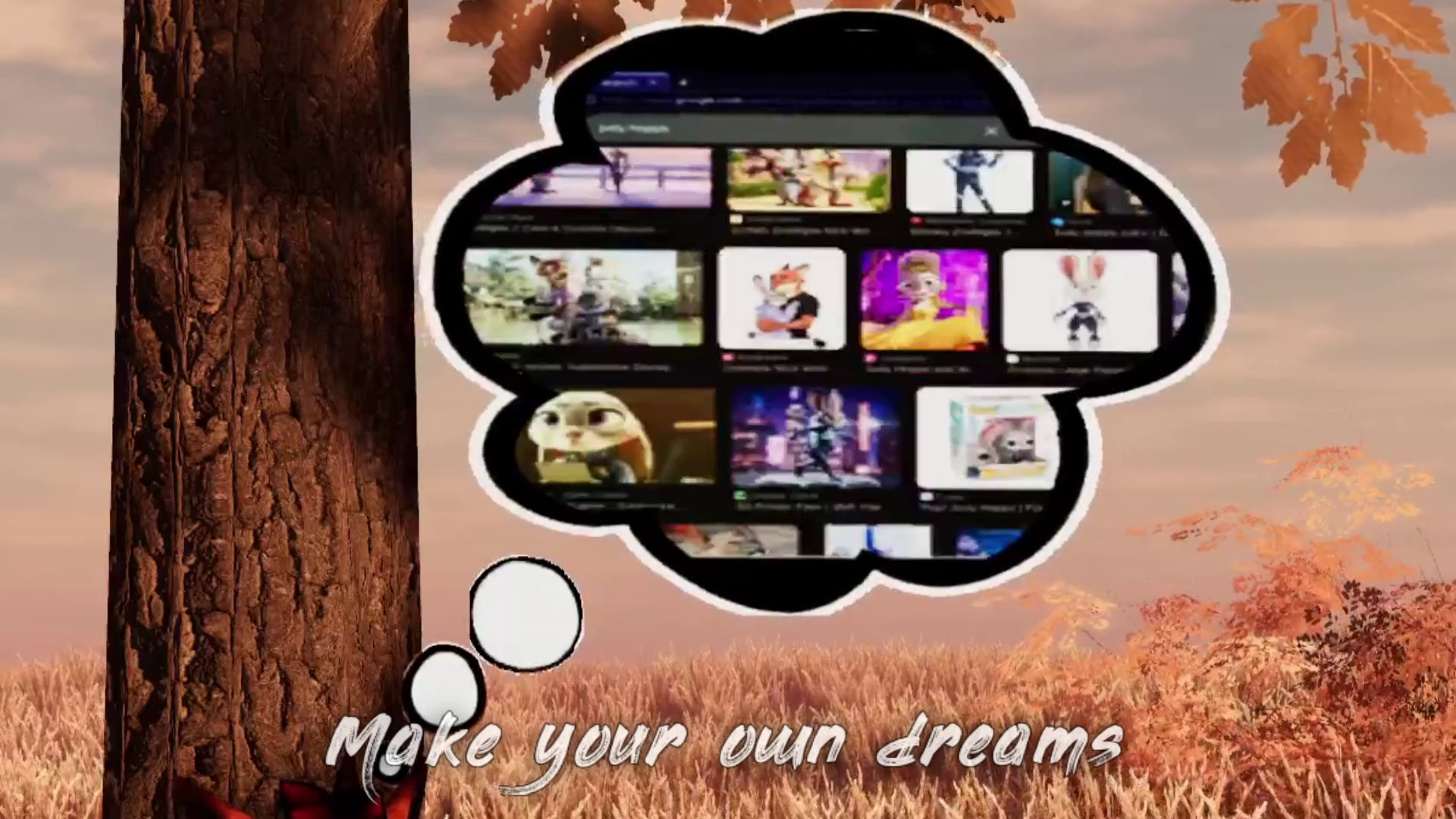
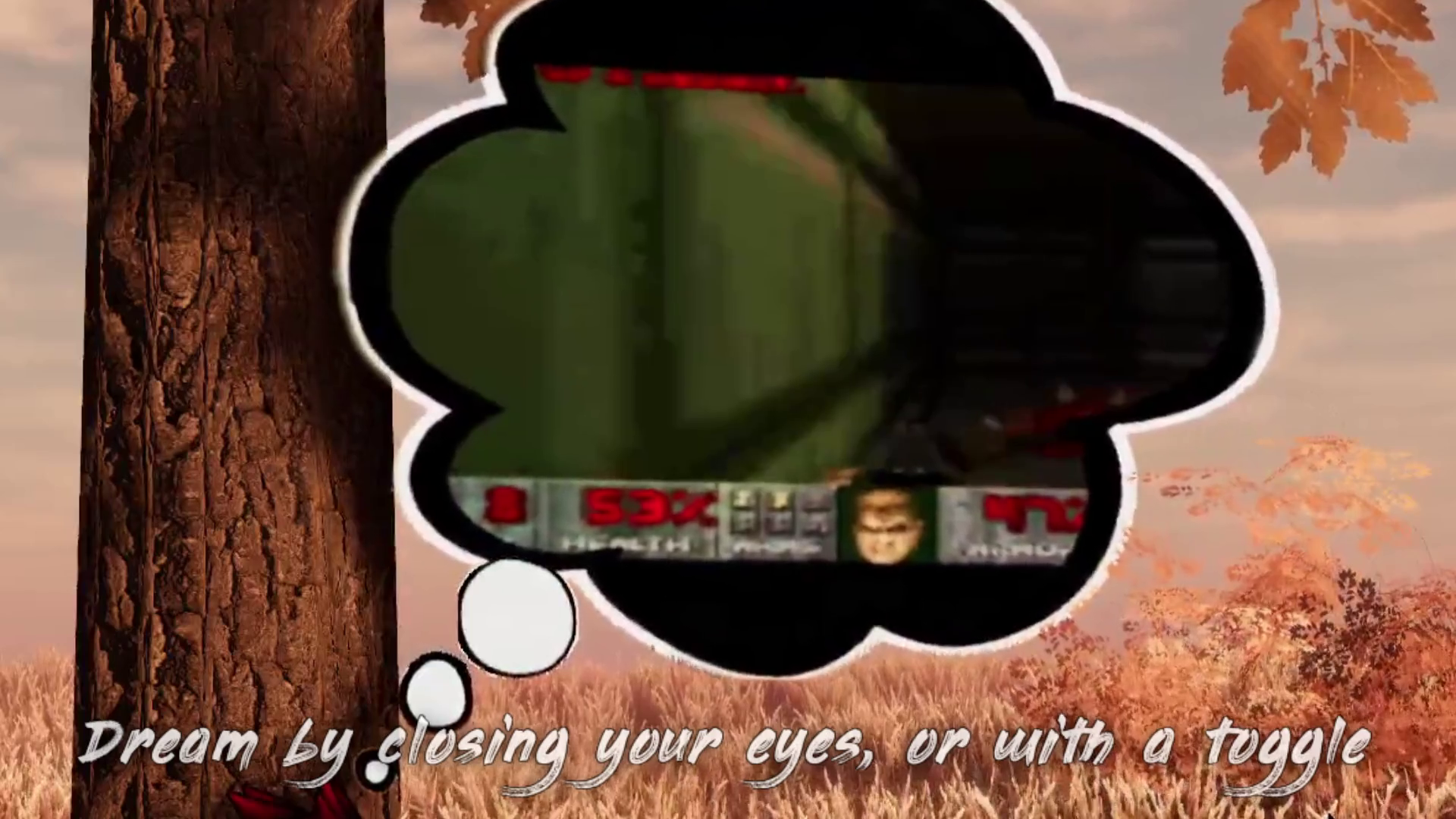
Six dreams are included: Petting a red fox (Nick), petting a silver phase red fox (Moxy), Doom DOS footage, Maxwell Spin, OIIA spin, and Web Search Furry. A video is included on how to create your own using Blender.
Social Media
Join my Foxipso's Den Discord and/or Follow me on X/Twitter for product updates, support, discounts, and announcements!
Installation
Installation is straight-forward and involves dragging in a unitypackage, dragging one of the two prefabs onto your avatar, and optionally creating your own dreams (installation instructions and video included). Testing with Gesture Manager is recommended.
Note
This works best with Face Tracking. For non-FT users, you'll want to use the Manual On button, the AFK detection mode, or toggle it with a gesture (default right hand Fist--can be changed, instructions included).
By default, the system uses the VRCFT prefix FT for the eye lid parameters (FT/v2/EyeLidLeft and FT/v2/EyeLidRight) to detect when your eyes close. Some avatars use custom prefixes and thus won't work without updating the parameter names (e.g., KIT/v2 and EchoFT/v2). Changing the parameter names is straight-forward and written instructions are included.
Version History
Version 1.0 - February 19th, 2026
- Initial Release
Thanks To
- BorkSalt for the bean pics