
Product Description
Overview
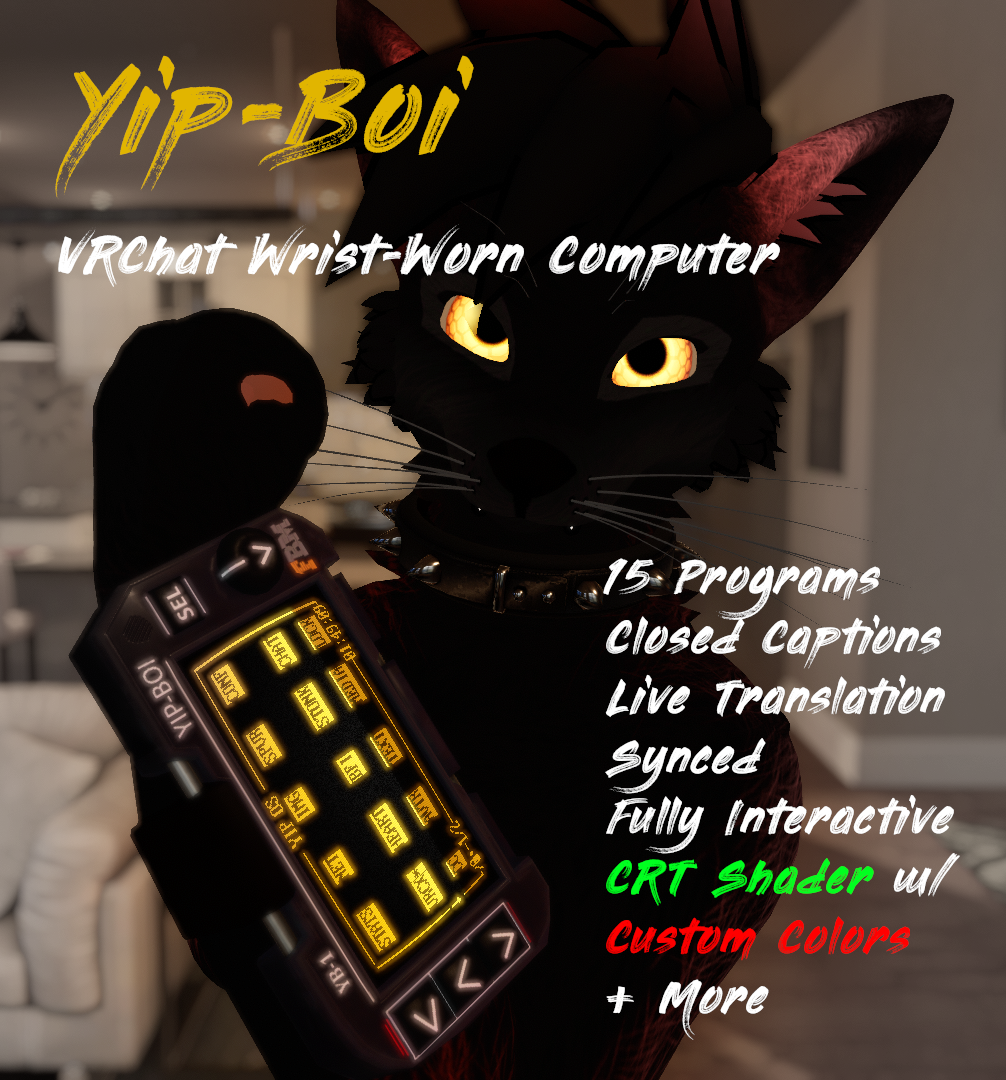
This is a wrist-mounted PDA with a working CRT screen for VRChat! The Yip-Boi YB-1 straps to your arm and gives you a fully interactive computer on your wrist, capable of displaying real data and running real programs--all driven by a free and open-source desktop companion application called Yip OS.
At its heart is a contraption called a Williams Tube: a VRChat camera and glyph-based write head inspired by the real historical device, which was one of the earliest examples of RAM storage and retrieval. The Yip OS desktop app (Windows or Linux) sends OSC commands to this invisible camera and write head floating under your avatar, rapidly rendering font glyphs and graphics from a ROM stored as textures in a custom shader. The persistent render texture accumulates these writes like phosphor traces on a real CRT.
Note: Because this runs over OSC, draw speed is limited, especially for remote users. You'll rapidly become familiar with the CONF program and the WRITE delay feature--use NORM or SLOW when you want remote users to see the screen, use FAST or ULTRA when your local refresh rate is more important (like using the Closed Caption/translation feature).
Also Note: The rendering method means that lag, dropped packets, or the invisible camera below your feet clipping through the UI will sometimes produce garbled text. The REFR option in the CONF program will redraw the screen at a set interval to combat this, but keep in mind that especially remote users may complain about missing characters, especially at higher write speeds.
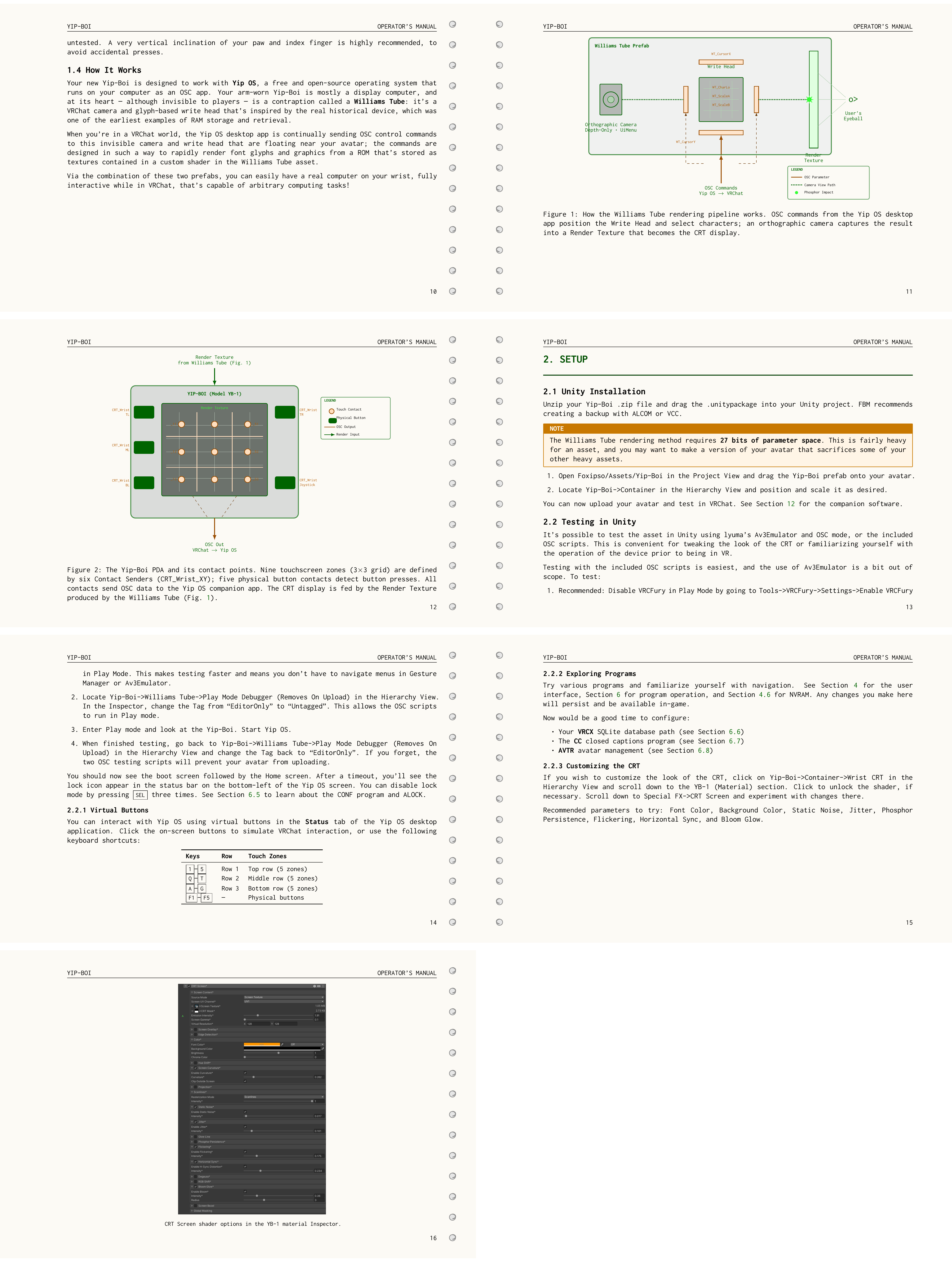
The CRT screen renders data in beautiful monochrome (green, amber, white, blue--you can customize it like crazy), has a touchscreen interface, packs an expandable 4K graphical ROM, two 256-character font sets (English, glyphs, and foreign characters), and beeps with a PC speaker. Interaction is accomplished by tapping the tippy tip of your index finger claw-tip against the various contact points. The leather band uses a blendshape to fit a wide variety of arm sizes and won't pinch or tug at your fur.
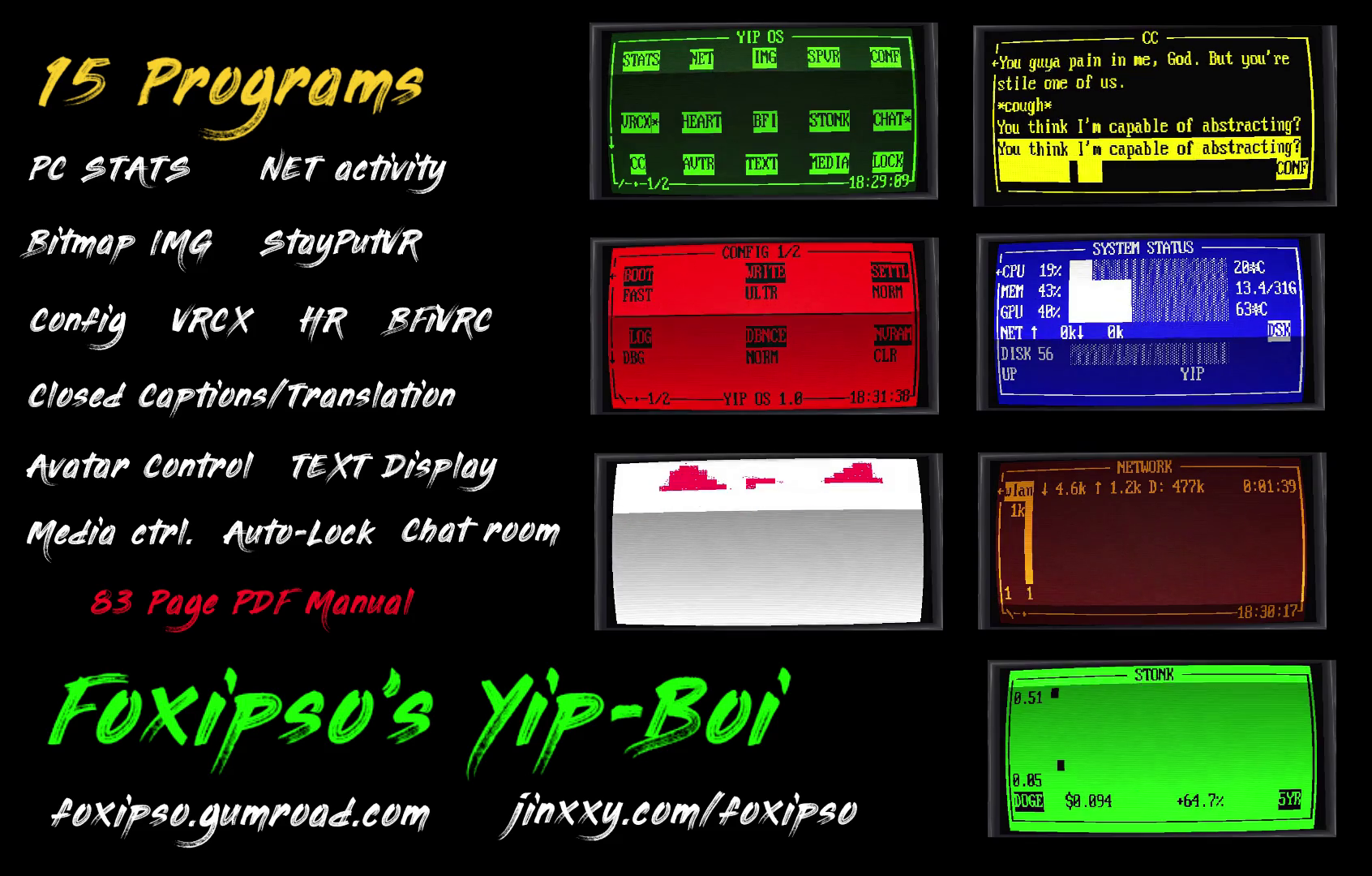
Yip OS v1.2 comes with the following programs
- STATS - System monitor (CPU, GPU, temps, memory, network, disk usage)
- CC - Closed captions powered by whisper.cpp with Vulkan GPU acceleration and live translation. Press SEL to live-sync the contents to your VRChat chatbox
- INTRP - Live 100% local translation between two languages of your choice, listening to two audio devices (commonly mic and loopback)
- DM - Pair with another Yip-Boi user and have direct text conversations, live, entirely within VRChat, via Speech To Text (Whisper) or text (entered in the desktop UI), with notifications. Pairing is accomplished via automatic QR code scanning
- TWTCH - Live Twitch chat for any channel. Most recent message is highlighted
- NET - Real-time network utilization graph with oscilloscope sweep rendering
- HEART - Heartbeat monitor via OSC with BPM, high, low, and average
- BFI - BrainFlow EEG monitor integration (BFiVRC by ChilloutCharles)
- CONF - Configuration utility for device and OS settings
- VRCX - Read-only integration into VRCX's SQLite database (friend feed, world history, notifications)
- AVTR - Avatar manager (change avatars, toggle parameters -- all from your wrist)
- CHAT - Live Telegram group chat viewer for @YipBoiChat
- IMG - Bitmap image display via vector quantization (1-bit dithered 32x32 blocks)
- TEXT - Arbitrary text display, with VRChat ChatBox input support
- MEDIA - Media player controls (track info, play/pause, next/prev)
- STONK - Stock and cryptocurrency price graphs via Yahoo Finance
- SPVR - StayPutVR integration (lock/unlock VR-tracked devices)
- ULTRA - Furality Ultra schedule integration, with audio and haptics notifications
- LOCK - Screen lock to prevent accidental input
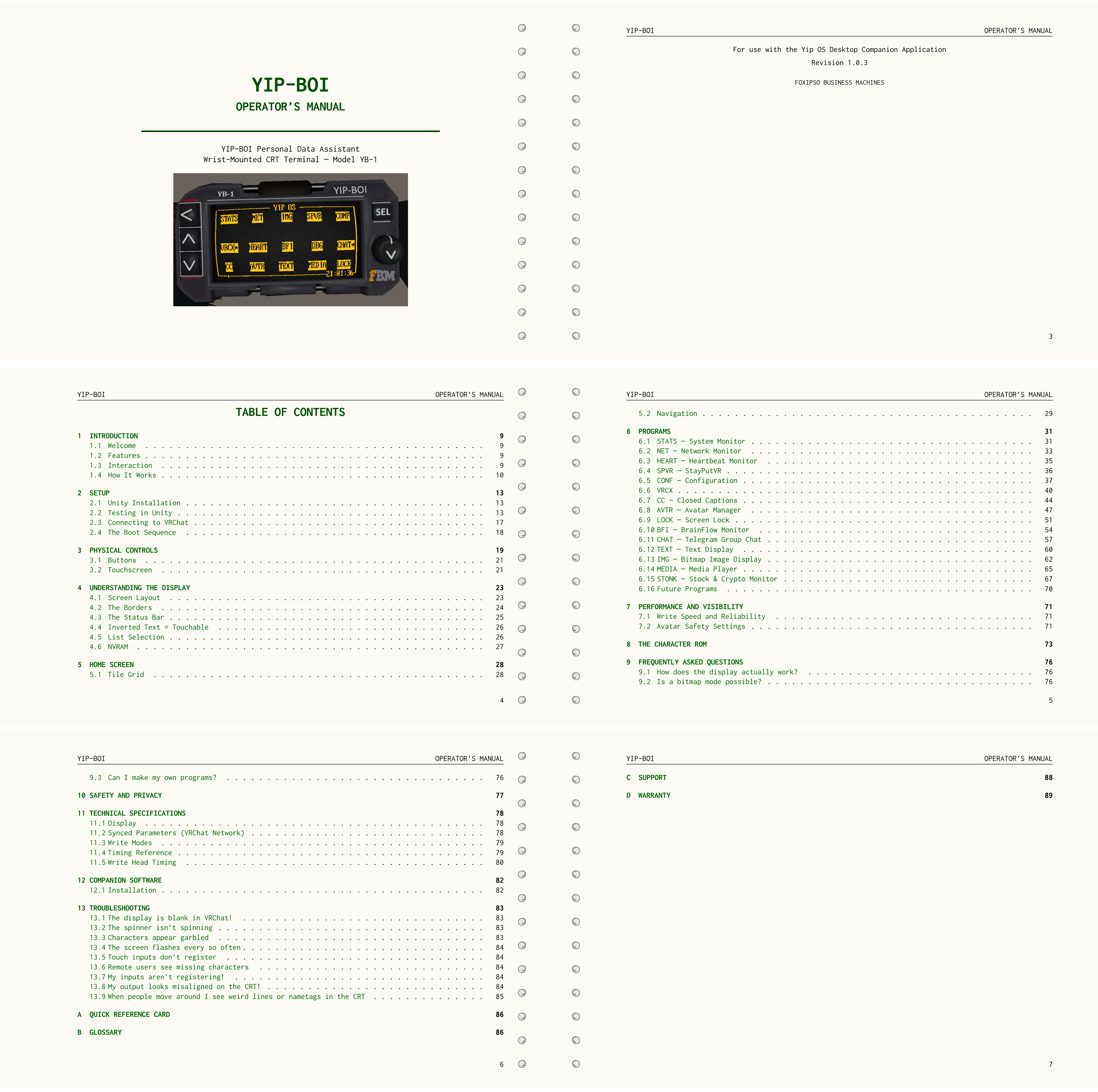
The manual goes over all these programs and is included, and available for free with Yip OS: https://github.com/InconsolableCellist/YipOS/blob/master/yip_os/docs/latex/manual.pdf
This is basically a fully featured retro computer on your wrist, and you can even replace the model with your own and make whatever device you wish, as long as you have a screen and input buttons that send the same OSC parameters.
Programs that display graphs (NET, HEART, BFI) use sweep rendering with a circular buffer and sweep cursor. The CC program runs whisper.cpp entirely on your local machine (GPU w/ CPU fallback)--no audio is sent to external servers--and automatically translates non-English speech to English, making it both a captioning and a live translation tool. (Non-english translation requires different character sets and more synced params, possible in a future update). The IMG program draws images character-by-character like a dot matrix printer.
The CHAT program allows you to read a public Telegram chatroom, and anyone who purchases this asset gets access to join and post there! Request to join and have your license key handy.
The DM program allows you to set your screenname and pair with other users entirely within VRChat: one user's device will display a QR code when you hit "PAIR" and the other user will hit "SCAN", which initiates automatic scanning of your VRChat game window for visible QR codes. When the pair code is read it establishes a unique session between you two and checks for new messages every 120 seconds, with a "!" notification icon in the status bar and next to "DM" when you have an unread message. Compose your messages in the DM program by speaking (Whisper required, setup the CC program) or typing it into the desktop UI.
The INTRP program lets you select two languages ("they speak ____. I speak ____.") And translates/transcribes both, live, and uses no cloud services. Select between French, Italian, Spanish, German, and Japanese. Processing is done on CPU (slow) or CUDA-based Nvidia devices (recommended).
The ULTRA program is for the upcoming Furality Ultra convention. It displays the schedule and lets you mark which events you wish to go to with SEL. Then 15 minutes before the event starts, and 1 minute before, it plays an audio notification and vibrates your controllers, as well as displays a "*" in the YipOS interface.
Anyone who's capable of writing code can extend Yip OS, make their own programs, and/or contribute pull requests upstream. The companion application is written in C++ and supports all modern libraries and language features.
- Yip OS is free and open-source: https://github.com/InconsolableCellist/YipOS
- The Poiyomi CRT module is GPL and thus free and open source: https://github.com/InconsolableCellist/CRT-Shader
- Whisper.cpp is (C) Georgi Gerganov: https://github.com/ggml-org/whisper.cpp/
The Yip-Boi prefab and Yip OS app are easy to install. The assset comes with a 90-page period-accurate PDF instruction manual, also available here: https://github.com/InconsolableCellist/YipOS/blob/master/yip_os/docs/latex/Yip-Boi%20Operator's%20Manual%20v1.0.pdf
Stats
- Parameters: 28 synced bits (2 floats, 1 int, 4 bools)
- Display: 40x8 character grid, 512x512 render texture, monochrome CRT
- Character ROM: 2x 256 glyphs (16x16 atlas) (ASCII and extended Latin + Japanese)
- Macro Atlas: 4096x4096 BC4 (11 MB VRAM)
Yip-Boi YB-1 Model
- Materials: 1 (custom shader, Poiyomi Free + Foxipso's CRT)
- Triangles: 1,809
- Contact Points: 6 screen (doesn't count towards avatar stats) + 5 physical buttons
Williams Tube (rendering method)
- Materials: 1 (custom shader, Foxipso's Williams Tube)
- Camera: 1, orthographic
- Write Head: 2 triangles
Installation & Usage
Desktop Application
First install Yip OS via one of the three provided Setup exes. Pick using the following:
* If you don't have an NVIDIA GPU and/or don't intend to use GPU acceleration for the INTRP program, or you don't know what's going on, just install this:
- YipOS v1.2 Setup.exe (30 MB)
- This version still allows for Vulkan GPU acceleration in CC, but in INTRP it'll use CPU only
* If you do have an NVIDIA GPU and want to use GPU acceleration in INTRP:
A) Make sure you have the NVIDIA CUDA 12.8 toolkit from https://developer.nvidia.com/cuda-12-8-0-download-archive
- YipOS v1.2 Setup (CUDA Lite).exe (30 MB)
B) If you don't mind a larger installer (500 MB) and want CUDA 12.8 bundled:
- YipOS v1.2 Setup (CUDA).exe (500 MB)
Asset installation requires VRCFury and is quite easy. Create a backup with ALCOM or VCC and then:
1. Drag the .unitypackage into your Unity project. Click import
2. Open Foxipso/Assets/Yip-Boi in the Project View and drag the Yip-Boi prefab onto your avatar in the Hierarchy view
3. Locate Yip-Boi->Container in the Hierarchy View and position and scale it as desired
4. Upload your avatar
Important Notes
- ALOCK (Autolock) is enabled by default with a 30 second timeout. If your inputs aren't registering look for the lock icon in the status bar. Press SEL three times rapidly to unlock. You can adjust or disable this in the CONF program. Also view the included video for usage tips.
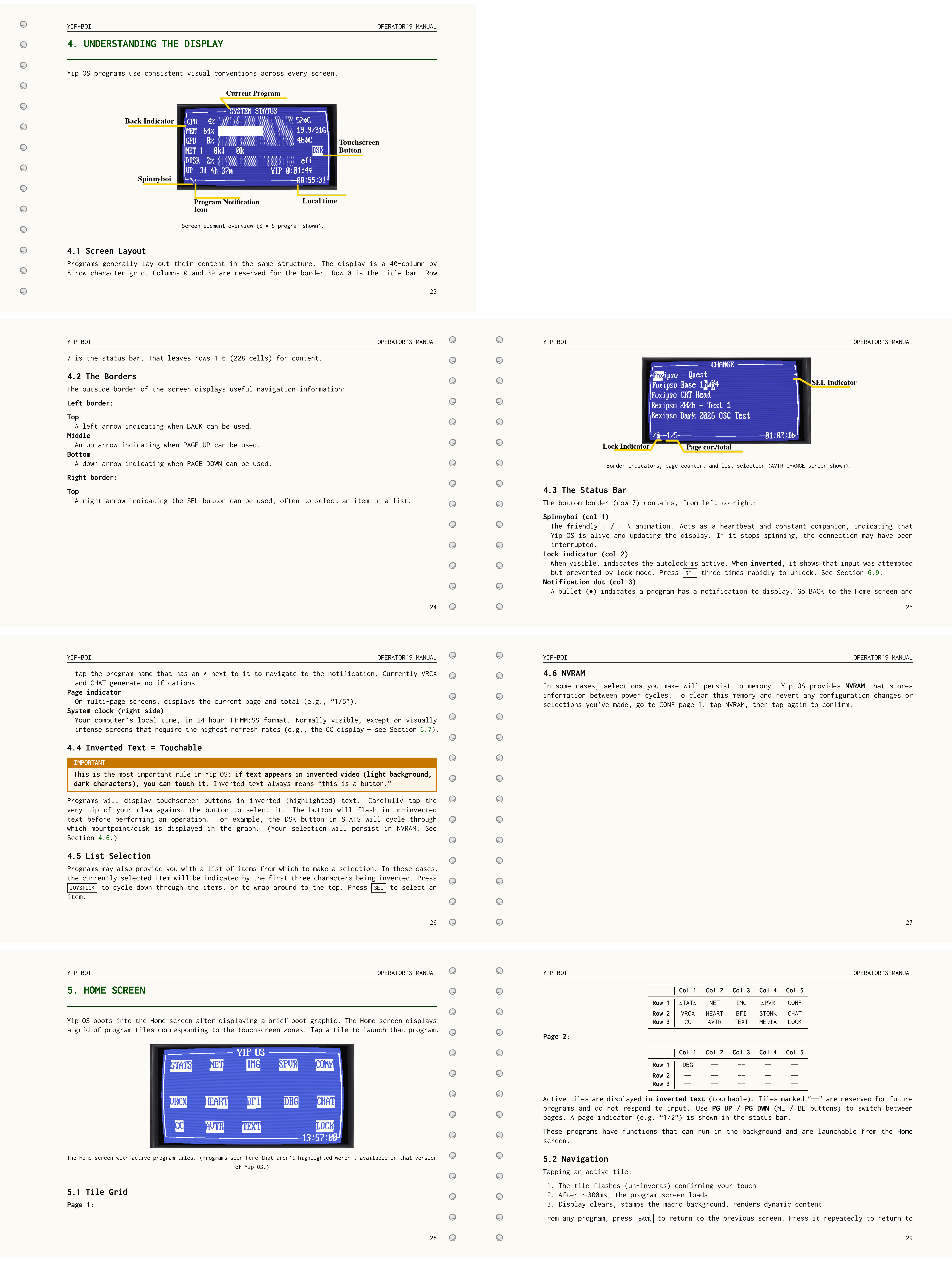
- Inverted text (light background, dark characters) = touchable button.
- VRCX, AVTR, TWTCH, DM, and CHAT are disabled by default for privacy. Enable them manually in the desktop app.
- The CC program requires downloading a free whisper.cpp GGML model from https://huggingface.co/ggerganov/whisper.cpp/tree/main and placing it in %APPDATA%\yip_os\models\ (Windows) or ~/.config/yip_os/models/ (Linux)
- The INTRP program lets you select two languages ("they speak ____. I speak ____.") And translates/transcribes both, live, and uses no cloud services. Select between French, Italian, Spanish, German, and Japanese. Processing is done on CPU (slow) or CUDA-based Nvidia devices (recommended).
- The device displays real, potentially personal information to other users depending on your interaction settings. See the Operator's Manual for safety and privacy details.
- For detailed usage of all programs and features, see the included Operator's Manual (PDF), installation video, and tips video.
Package Contents
- Yip-Boi v1.1.3.unitypackage
- README.txt
- Yip-Boi Operator's Manual v1.1.3.pdf
- YipOS v1.1.3 Setup.exe
- YipOS v1.1.3 Setup (CUDA Lite).exe
- YipOS v1.1.3 Setup (CUDA).exe
- 1. Installation Instructions.mp4
- 2. Quick Tips.mp4
- 3. DM Feature Tips.mp4
Version History
Version 1.2 - May 14th, 2026
Furality Ultra schedule program w/ audio notifications and haptics
Integration with upcoming YipAI
Bug fixes
Version 1.1.3 - April 12th, 2026
- Interpreter Program (INTRP) (CUDA or CPU)
- Foreign language support (CC, INTRP) (French, Italian, Spanish, German, Japanese) Fully local
- Direct Message (DM) support
- CC chatbox sync (press SEL)
- Twitch chat (readonly)
- HEART manual parameter selection (desktop UI)
- Bug fixes
Version 1.0 - March 21st, 2026
- Initial release
Acknowledgements
- Thanks to Sacred for testing/optimization tips and BorkSalt for testing and finding a bug!
Support
This asset is an actual computing device on your wrist, and as such is somewhat complicated. Please reach out with any of the included contact methods (like in the Foxipso's Den Discord) for help, support, or bug reports.