
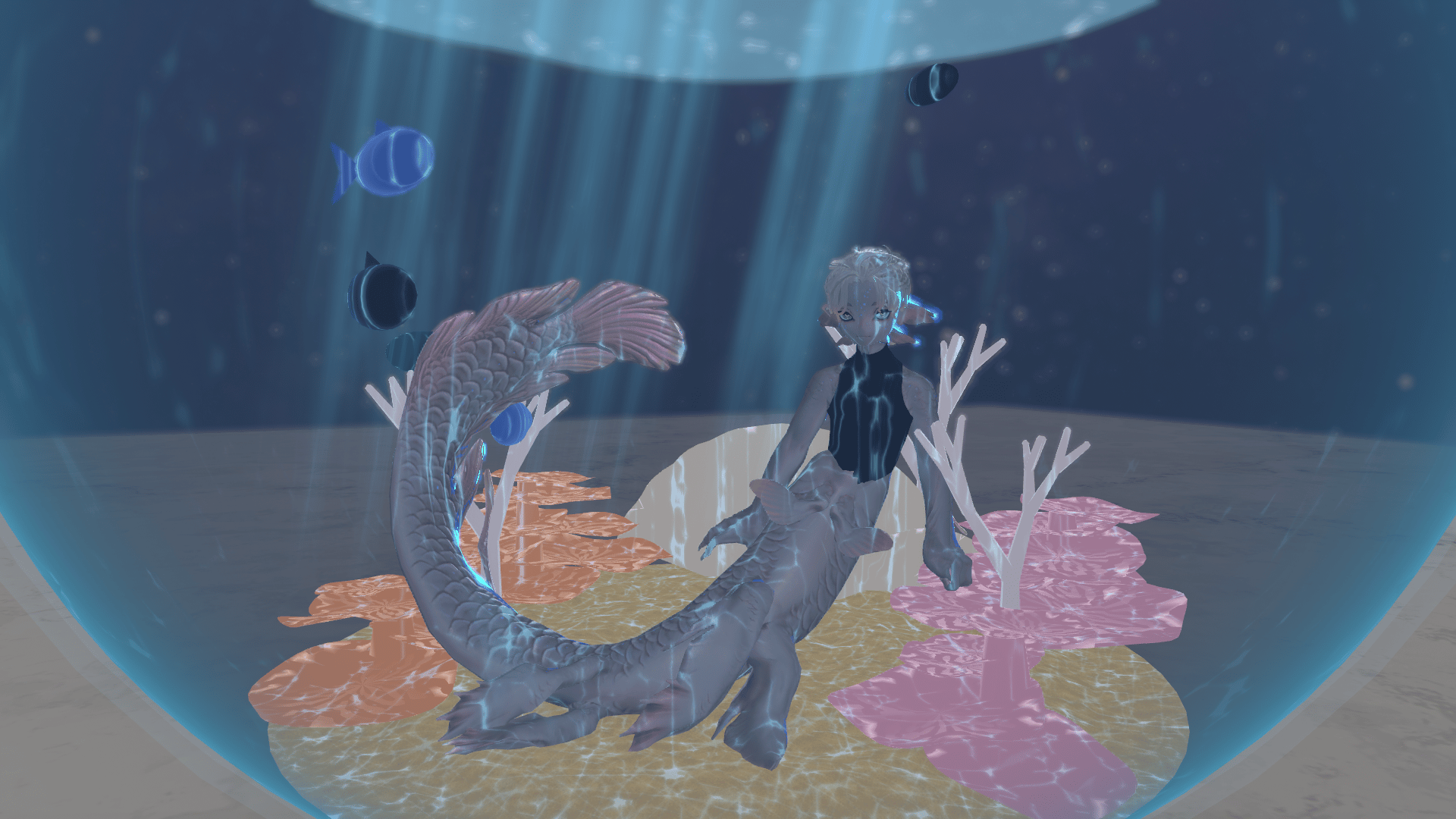
Mermaid Fishbowl - Giant Fishbowl Gimmick for VRChat
Product Description
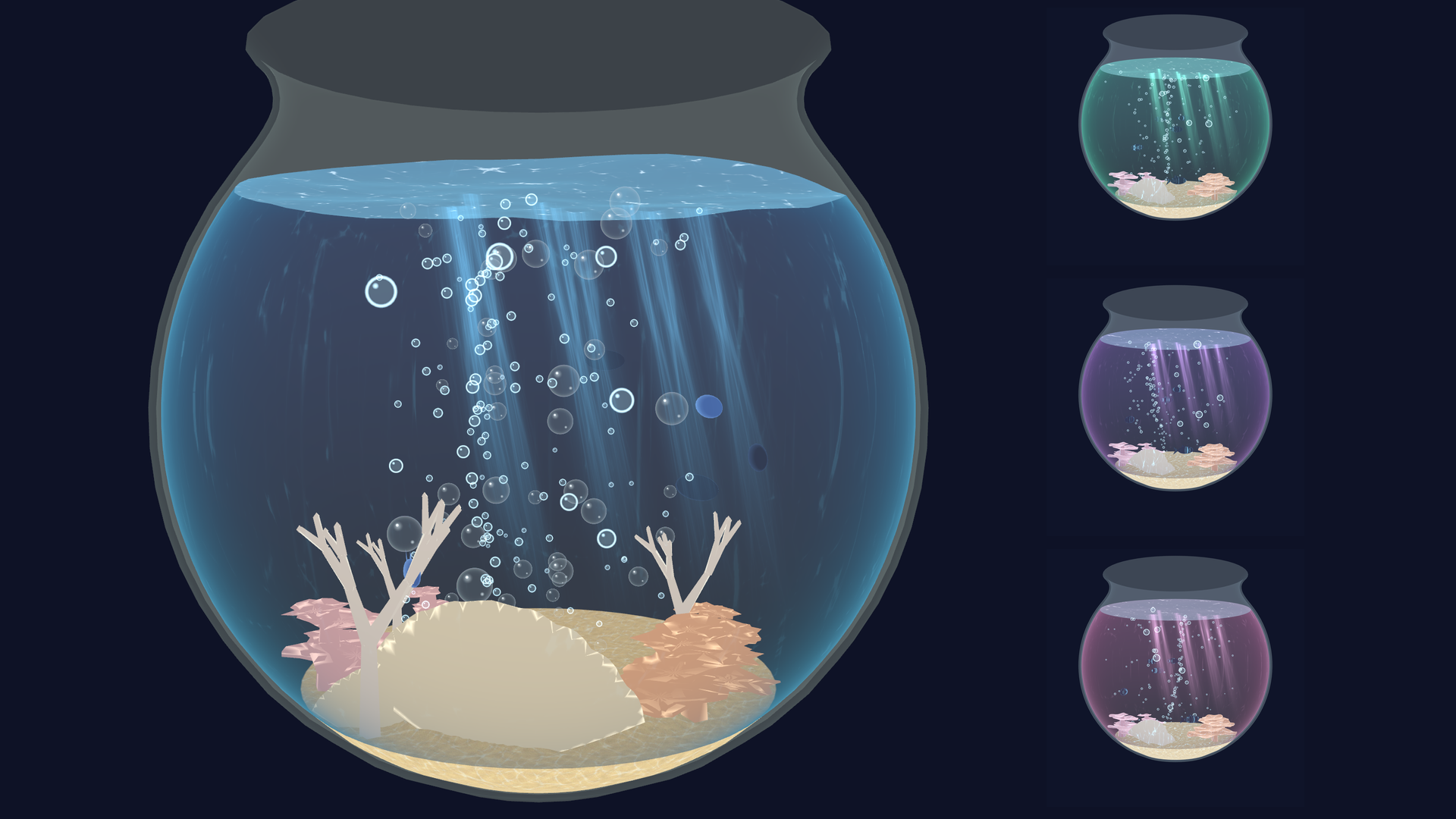
A big, round fishbowl gimmick for mermaid avatars. Drop the prefab on your avatar and upload — that's it. (Modular Avatar)
■ Features
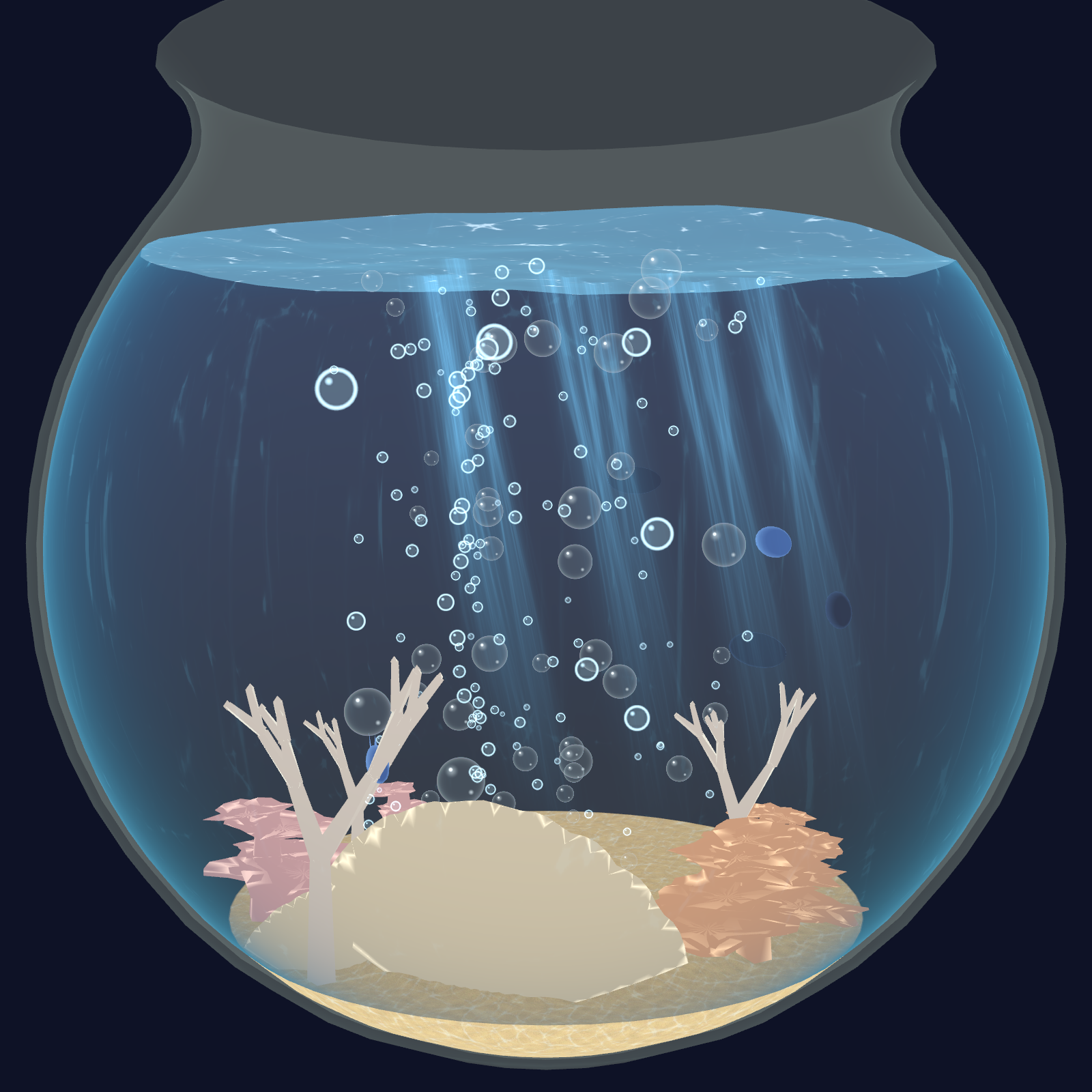
- 4 m wide fishbowl. Turn it on and you stand on the sand inside (your view rises with you)
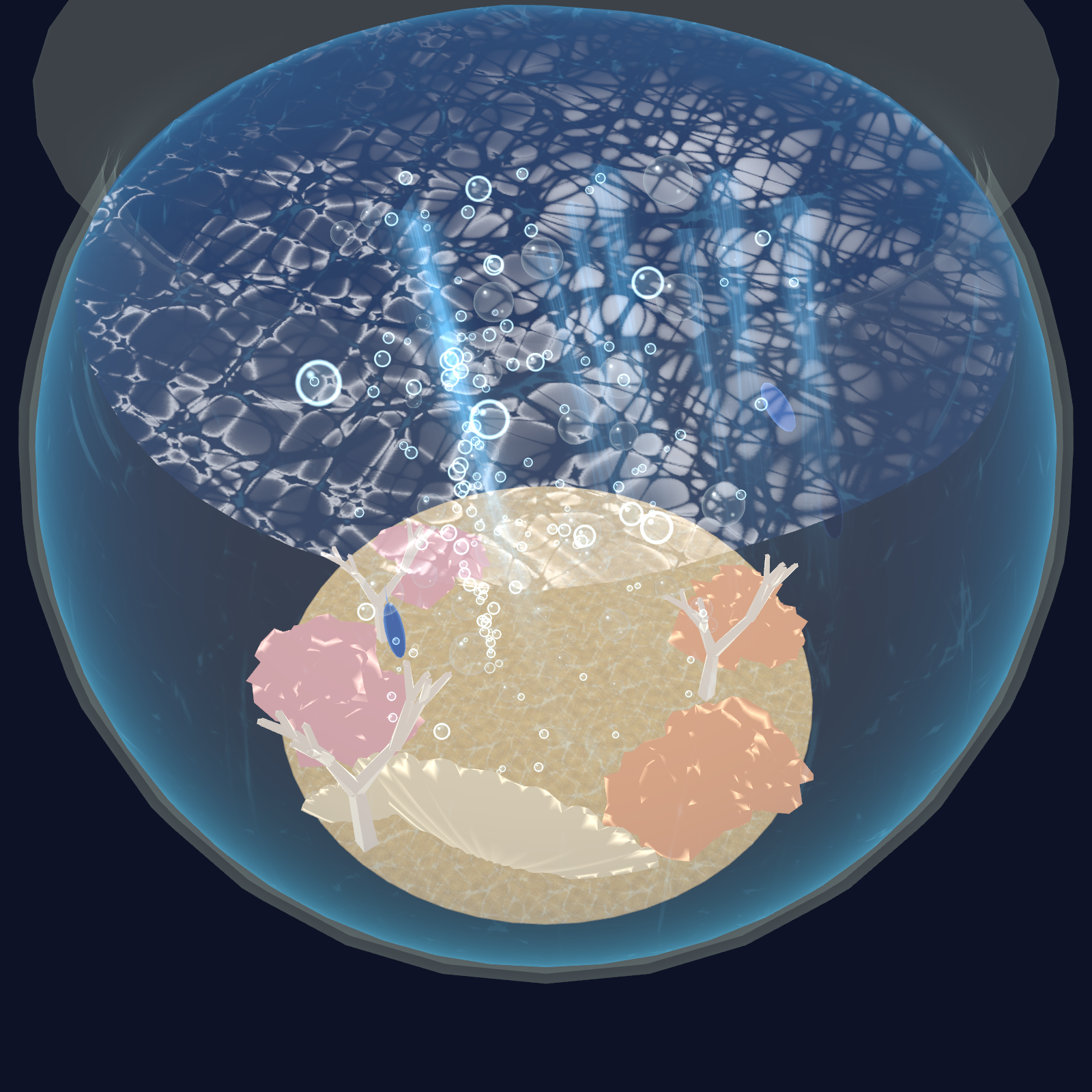
- Sloshing water surface that waves along the glass when you move
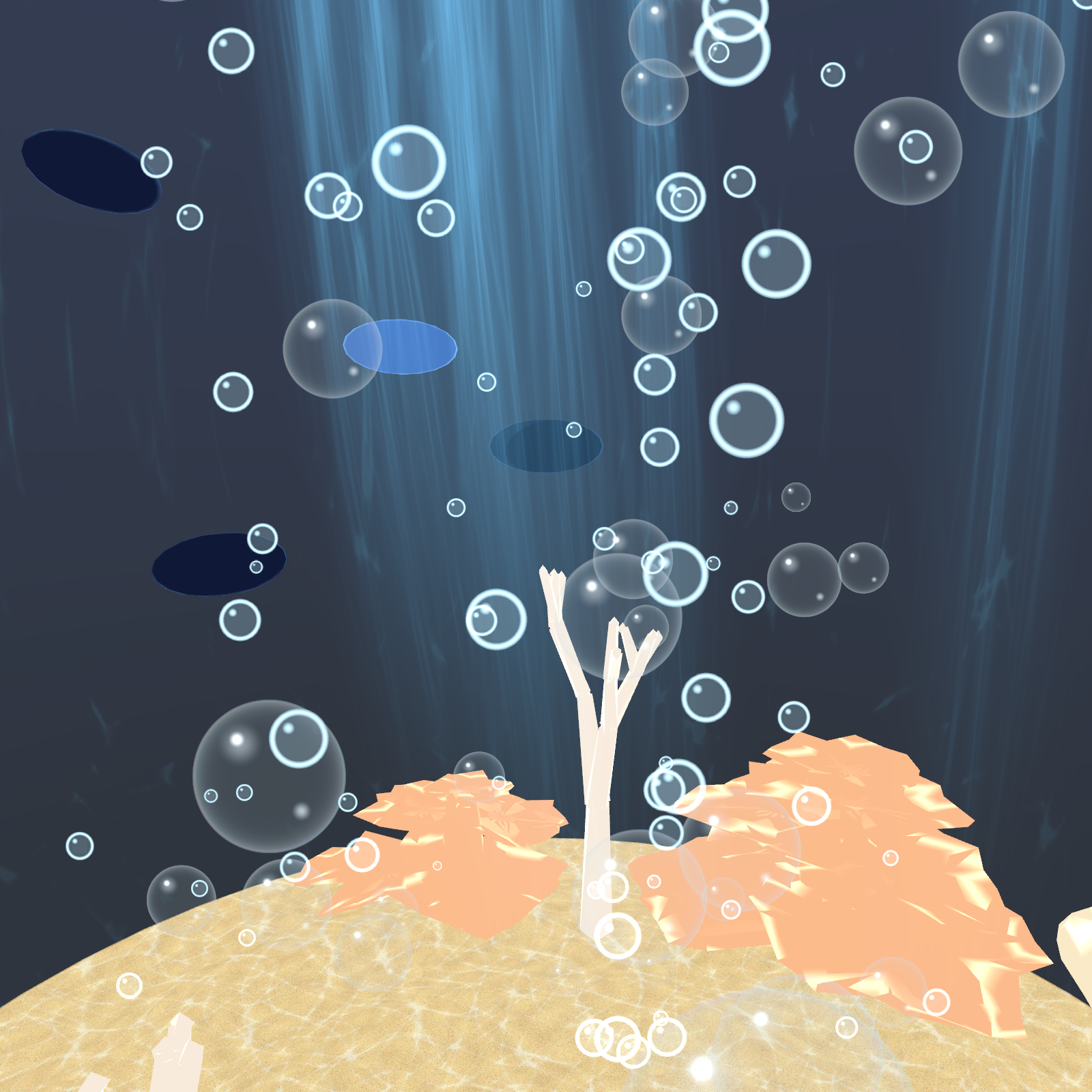
- Underwater caustic light on your avatar, sand and coral (adjustable strength)
- Light rays, bubbles, translucent water bubbles, swimming fish, coral and shells
- World Lock: leave the bowl in place and swim around inside
- Radials for water level and water color (navy → teal → emerald → purple → pink)
- Height adjust (±50 cm) for avatars that float or sink — the view follows automatically when you release the dial
- Works with VRChat avatar scaling and GoGo Loco
- All menu labels in English
■ Requirements
- VRChat SDK3 Avatars 3.7 or later
- Modular Avatar 1.10 or later (includes NDMF)
- lilToon 1.8 or later
■ How to install Modular Avatar / lilToon (if missing or outdated)
1. Open these pages and click "Add to VCC", then click "I Understand, Add Repository" in VCC
- Modular Avatar: https://modular-avatar.nadena.dev/
- lilToon: https://lilxyzw.github.io/lilToon/
(If the button doesn't work: VCC → Settings → Packages → Add Repository, and paste
https://vpm.nadena.dev/vpm.json / https://lilxyzw.github.io/vpm-repos/vpm.json )
2. VCC → Projects → "Manage Project" on your avatar project
3. Press "+" next to Modular Avatar and lilToon (or "↑" to update to the latest version)
4. Reopen Unity
* Modular Avatar is no longer distributed as a unitypackage. Please install it through VCC (or ALCOM).
■ Install
1. Import MermaidFishbowl_v1.0.2.unitypackage into Unity
2. In the Project window, drag Assets/Fishbowl/Fishbowl.prefab onto your avatar in the Hierarchy
(the top object with the VRC Avatar Descriptor)
→ Fishbowl must sit DIRECTLY under the avatar root. Do not put it inside Armature, clothes or hair
→ Keep its position, rotation and scale as they are (Position 0, 0, 0)
3. Upload as usual. Your original avatar is not modified
4. In game: Expression Menu → Fishbowl → Show Fishbowl
■ Menu (Expression Menu > Fishbowl)
- Show Fishbowl: turn the bowl on/off
- World Lock: the bowl stays where it is / off = follows you
- Coral / Shell / Fish / Bubbles / Clear Bubbles / Light Rays: toggle each one
- Stand on Sand: off = you stay at your normal height even with the bowl on
- Height Adjust (radial): ±50 cm
- Water Level / Water Color / Caustics (radials): water level / color / light strength
■ Troubleshooting
- No "Fishbowl" in the menu → check that Fishbowl is directly under the avatar root and that Modular Avatar is installed
- Error when uploading → update Modular Avatar and lilToon to the latest version in VCC
- Too many parameters (over 256 bits) → this gimmick uses 41 bits; remove other gimmicks or unused synced parameters
- Floating / sinking → adjust with Height Adjust (your view follows when you release it)
- View is off → nudge Height Adjust and release it
■ Specs
- PC only (no Quest / Android)
- About 21,000 polygons, 41 synced parameter bits
- Includes 1 light, so the performance rank may show Poor
■ Terms
- OK to use and edit on your own avatars
- No redistribution, reselling, sharing, or public avatars
- See the included TERMS.txt for details
■ Changelog
- v1.0.2: menu labels are now in English, README/TERMS list English first. Same features.