
Chess Table | Shared VRChat Chess with CPU Opponent & Clocks
Product Description
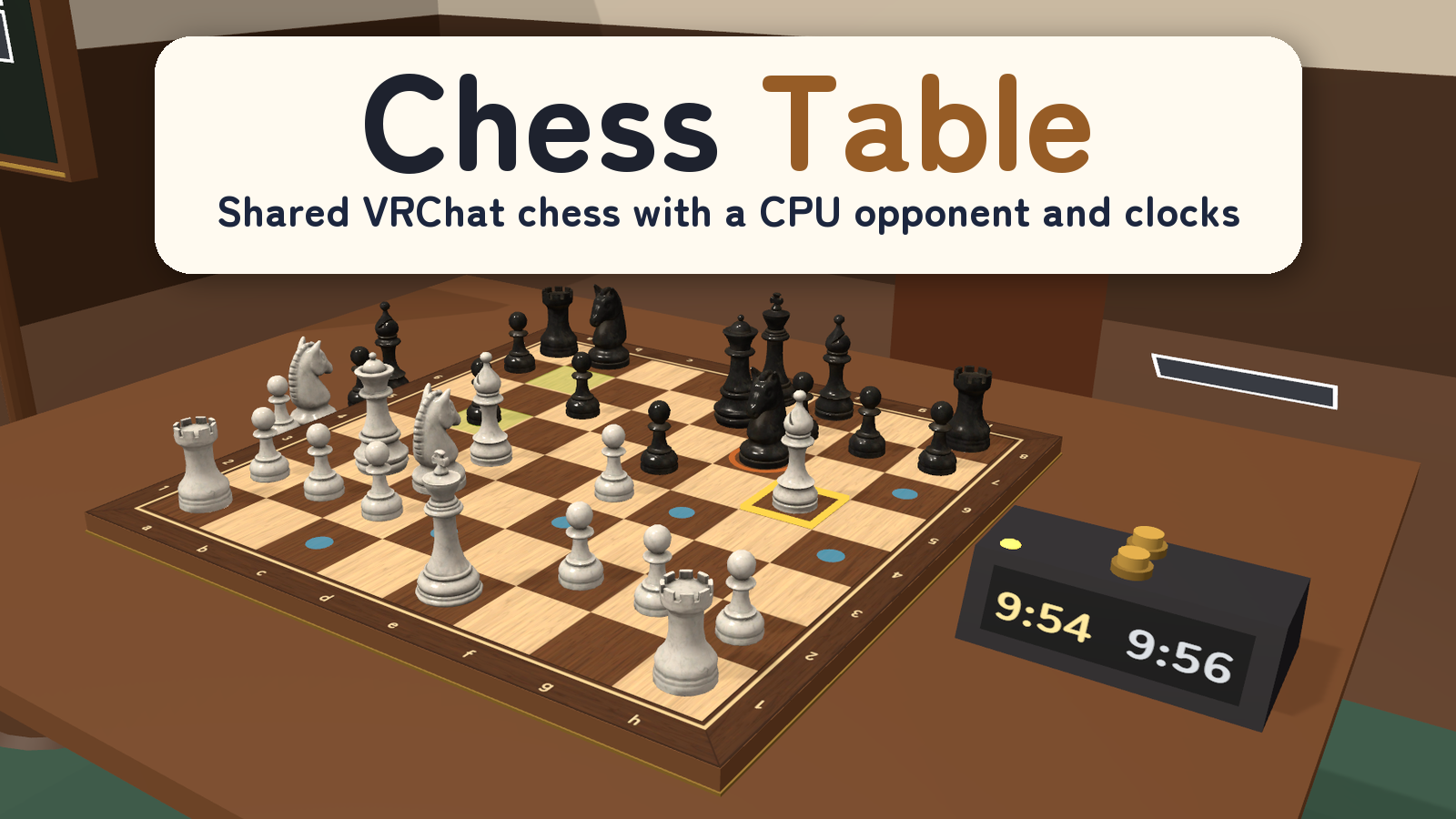
Take the white or black seat, choose your clock, and make your first move.
Chess Table brings a shared chess board to your VRChat world, with a CPU opponent, seated controls and a double-sided settings board. Play with a friend or choose one CPU at Easy, Normal, Hard or Expert strength.
Watch it in action
Watch the English v2.0.0 preview
A game to settle into
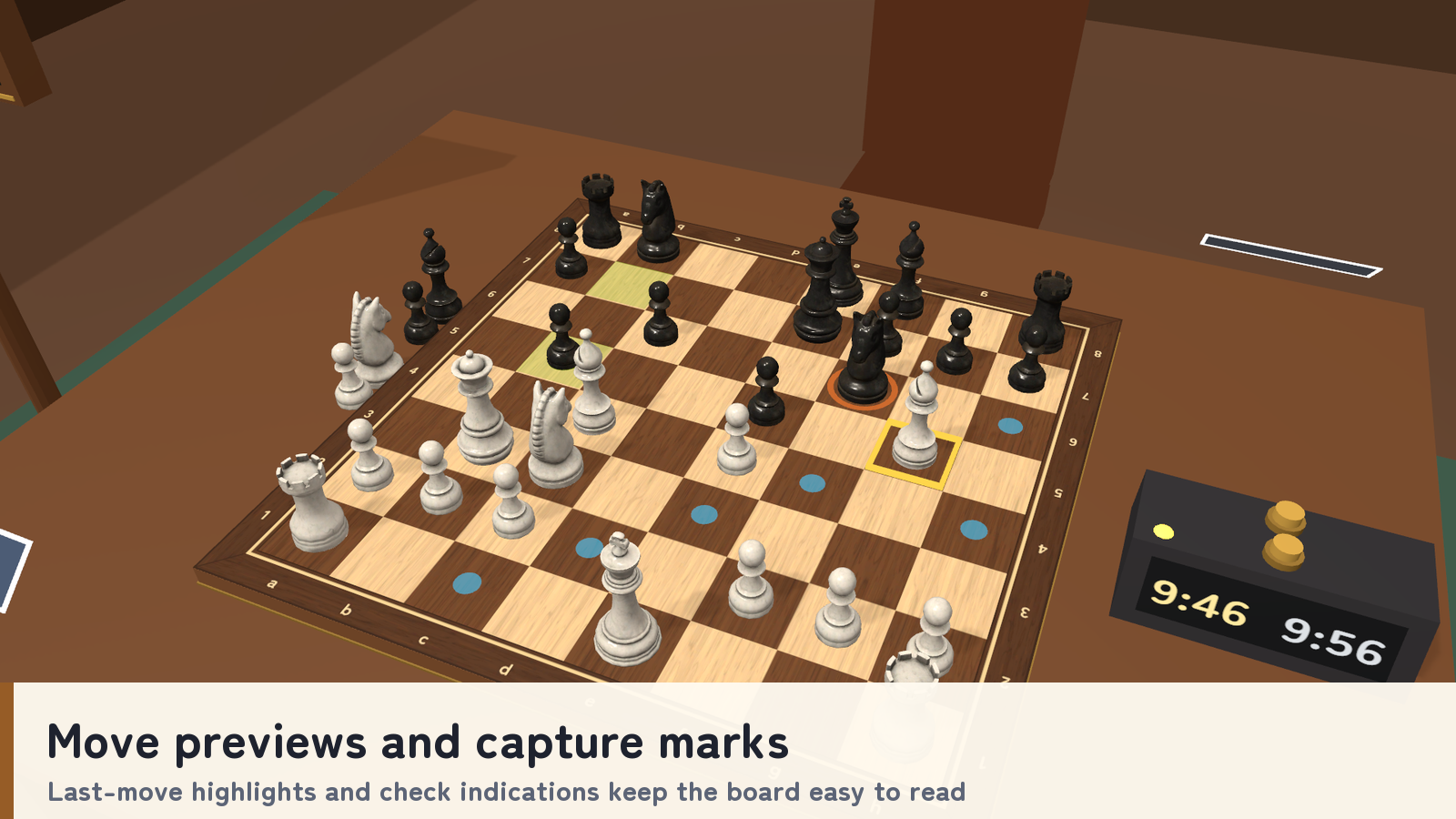
- Move previews, capture marks, opponent previews, last-move highlights and check indications keep the board readable.
- Castling, en passant, promotion choices, checkmate and the draw rules listed in the manual are included.
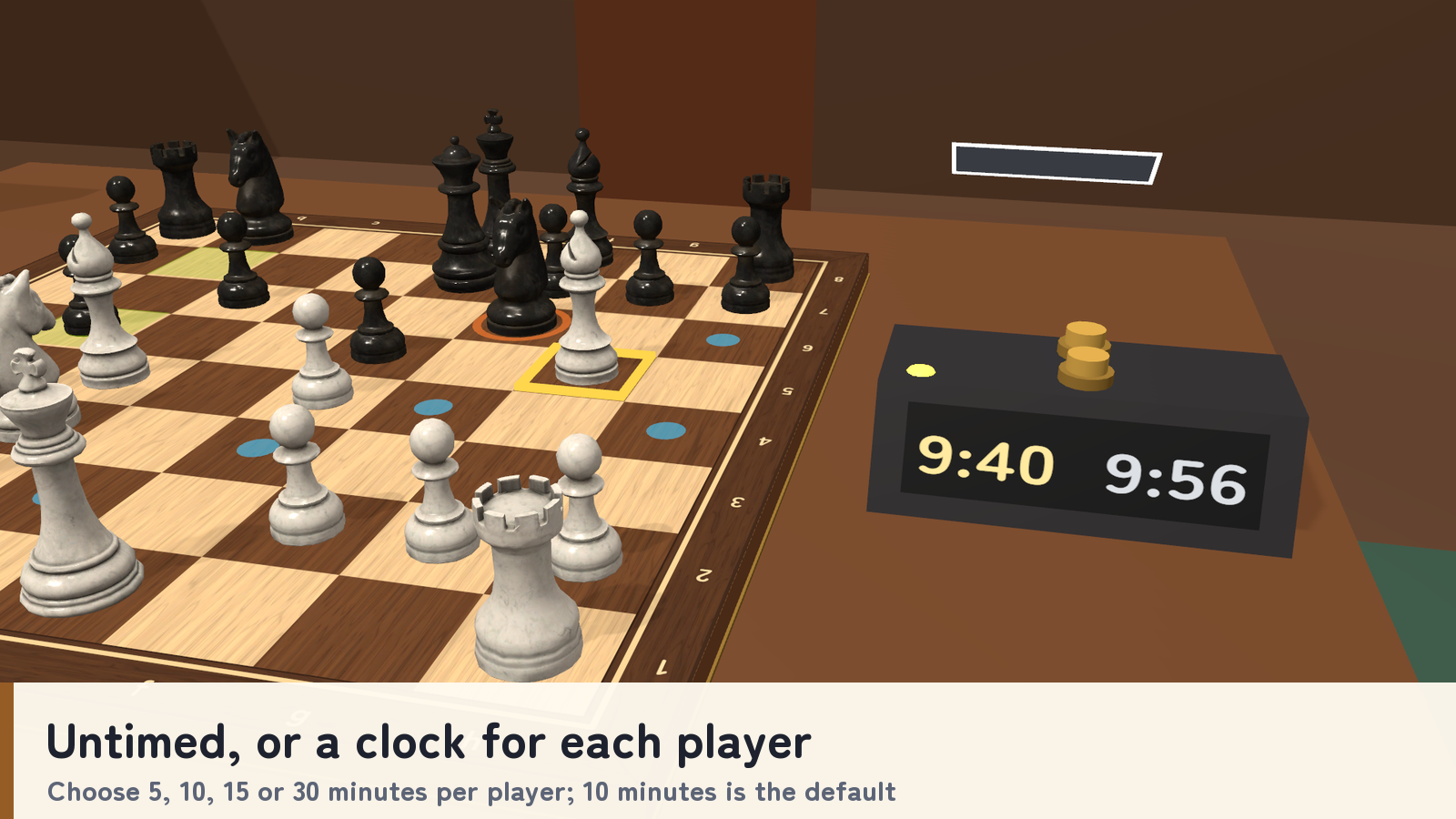
- Choose untimed play or a 5, 10, 15 or 30-minute clock per player. The default is 10 minutes.
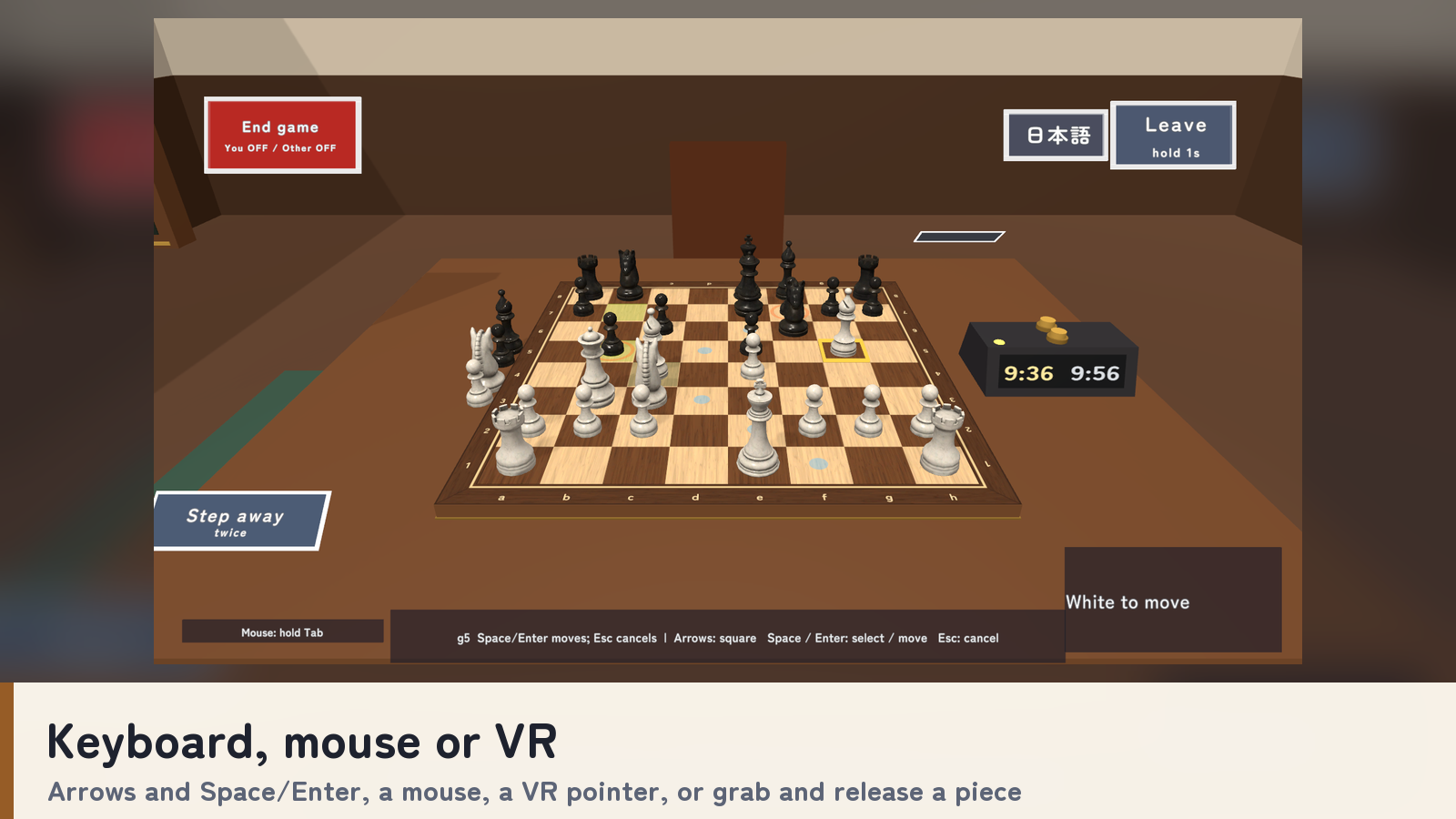
- Select a piece and its destination with the keyboard arrows and Space/Enter, a mouse, a VR pointer, or VR grab and release.
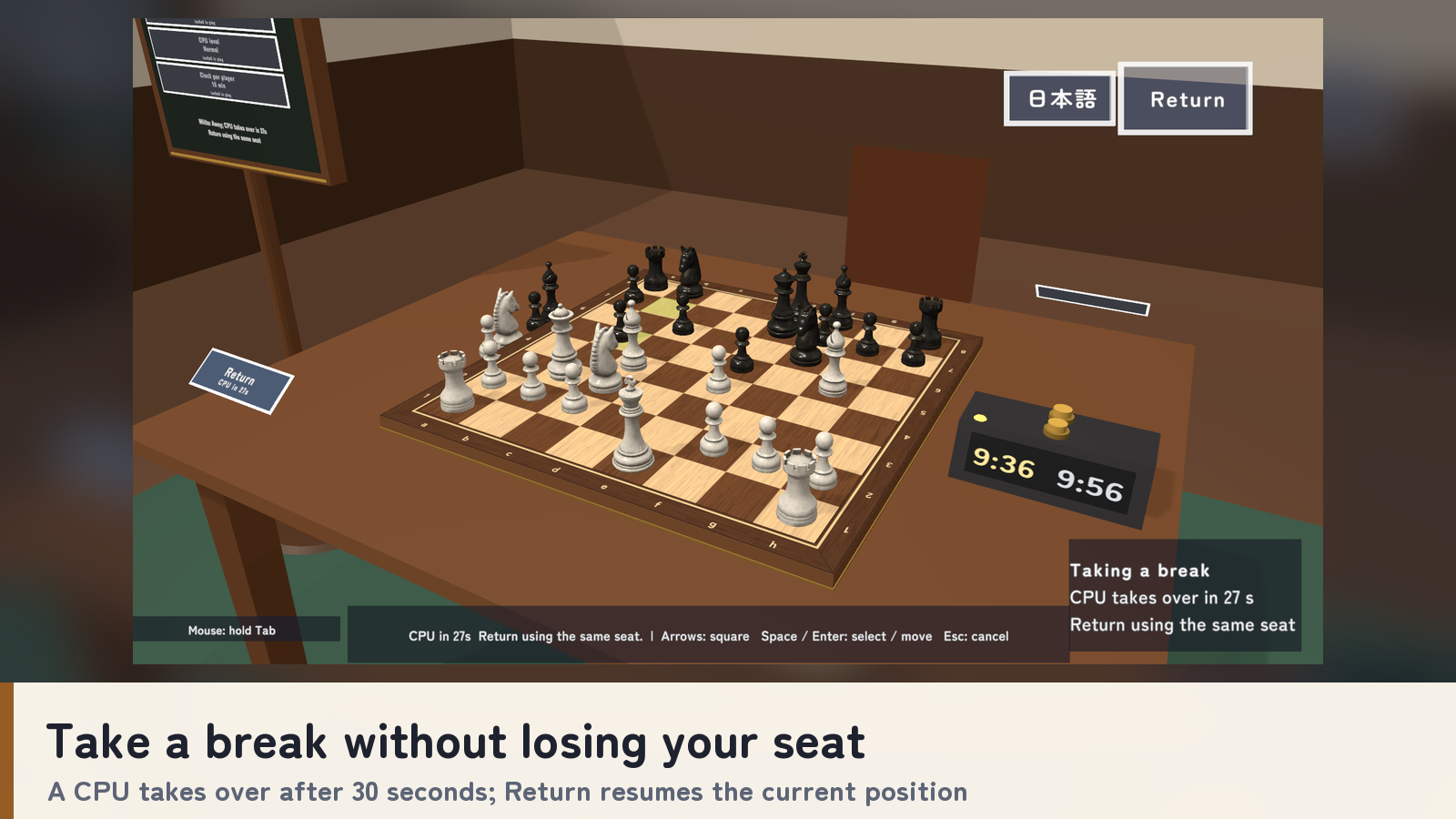
- Take a break without losing your seat: a CPU takes over after a 30-second grace period, and Return resumes the current position.
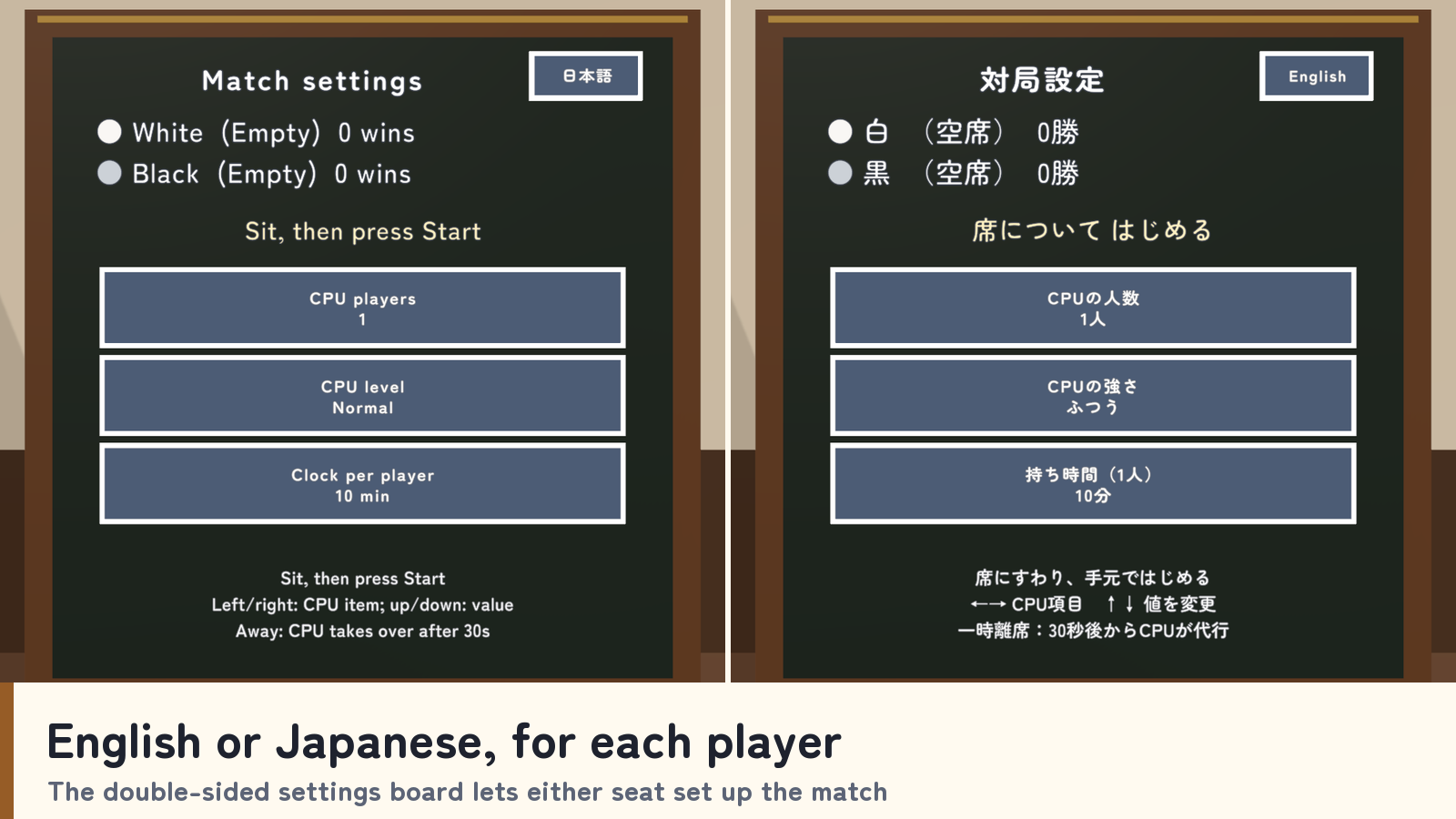
- Each player chooses English or Japanese, and the double-sided settings board lets either seat set up the match.
Included files
- ChessTable_v2.0.1.unitypackage with table, board, 32 pieces, clock, chairs, settings board, personal controls, scripts and 14 sound effects.
- Japanese README.txt and a standalone English README_EN.txt covering setup, controls, rules and terms.
- Editable Blender source, FBX models and supplied artwork in the ChessTable_Blender folder.
Requirements and setup
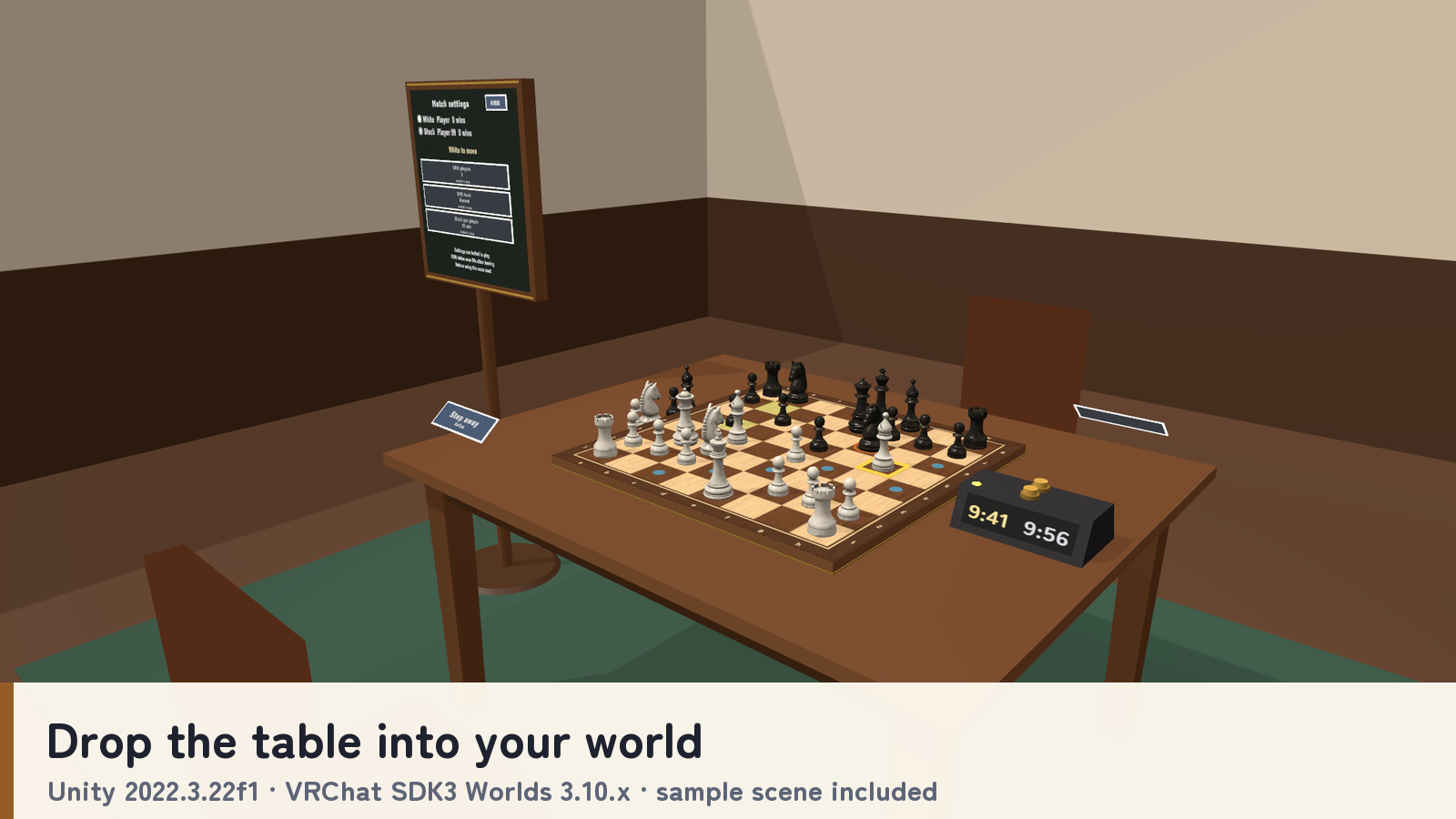
Unity 2022.3.22f1, VRChat SDK3 Worlds 3.10.x including UdonSharp, and TextMesh Pro. Import TMP Essential Resources if needed, then import the unitypackage into a Creator Companion world project.
Place Assets/ChessTable/ChessTable.prefab on a level floor. Keep its scale unchanged and include one EventSystem for desktop mouse UI. The sample is Assets/ChessTable/Sample/ChessTable_Sample.unity. The table is about 1.56 m by 1.26 m, with a tabletop about 0.74 m high. Quest/Android material variants are included.
Terms of use
- You may include this asset in public VRChat worlds, including commercial, corporate and event worlds.
- Modification is allowed. Credit is optional and appreciated.
- Do not redistribute or resell the asset data, including modified versions, or bundle it with other assets for sale.
- Contact the creator in advance for use outside VRChat worlds, including other games or video productions.
- The creator is not liable for problems arising from use of this asset.
Credits and support
CPU search: js-chess-engine, Copyright (c) 2020 Josef Jadrny, MIT License; see LICENSE-js-chess-engine.txt. Piece models and textures: Poly Haven Chess Set by Riley Queen, CC0. Font: Zen Maru Gothic, SIL Open Font License 1.1.
For purchase questions, use the contact option on the store where you purchased the product. Include your product, Unity and SDK versions, steps and any error message.