
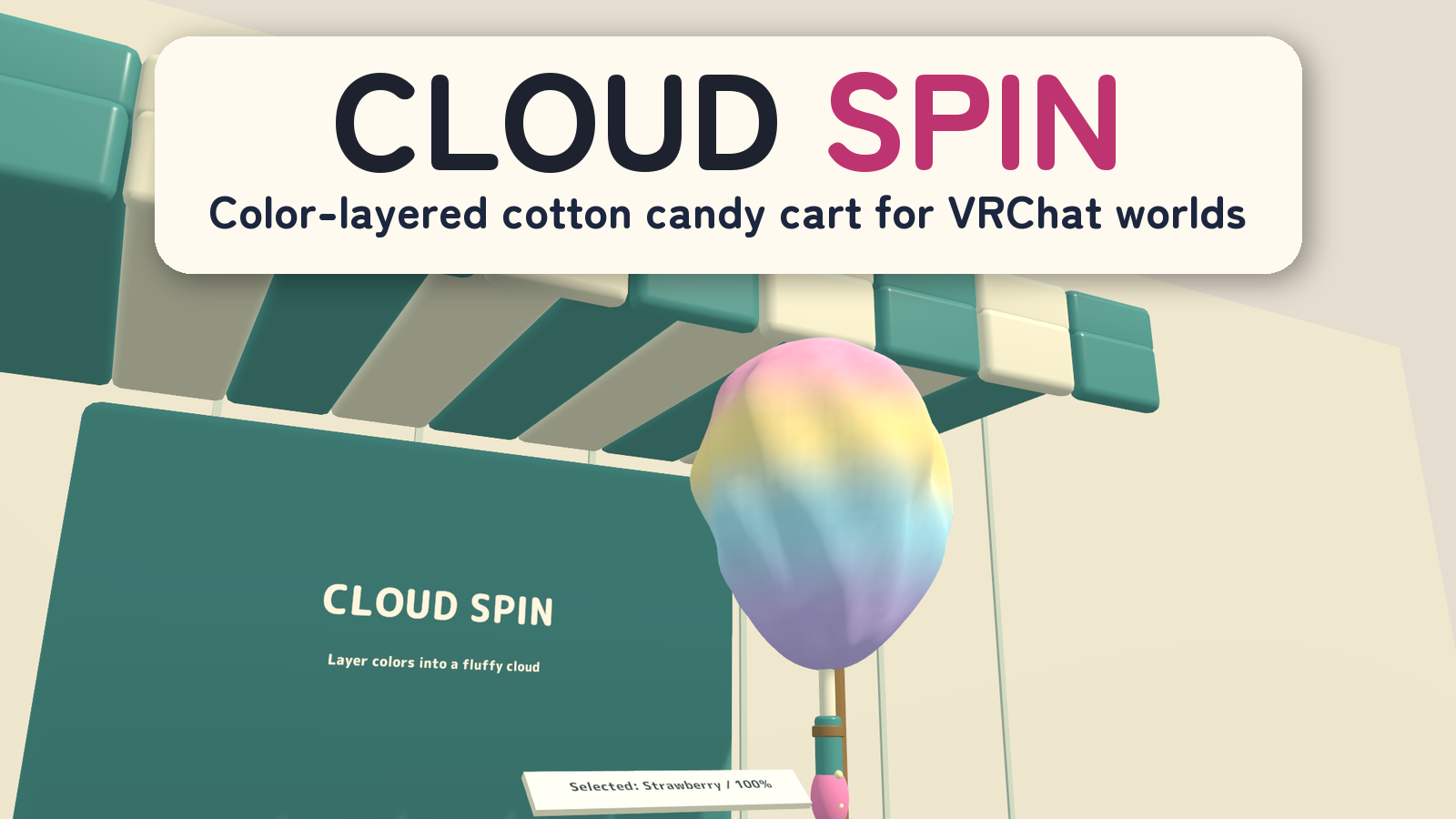
CLOUD SPIN | Color-Layered Cotton Candy Cart for VRChat Worlds
Product Description
Wind colorful cotton candy, then share a few sweet bites.
CLOUD SPIN is a cotton-candy cart for VRChat worlds. Two players can work with separate sticks, change sugar colors as they wind, and build a soft gradient into one continuous cotton-candy shape.
2 independent sticks · 5 sugar colors · Four bites per serving · PC VR / Desktop / Android
Watch it in action
Watch the English introduction on YouTube
Made for shared play
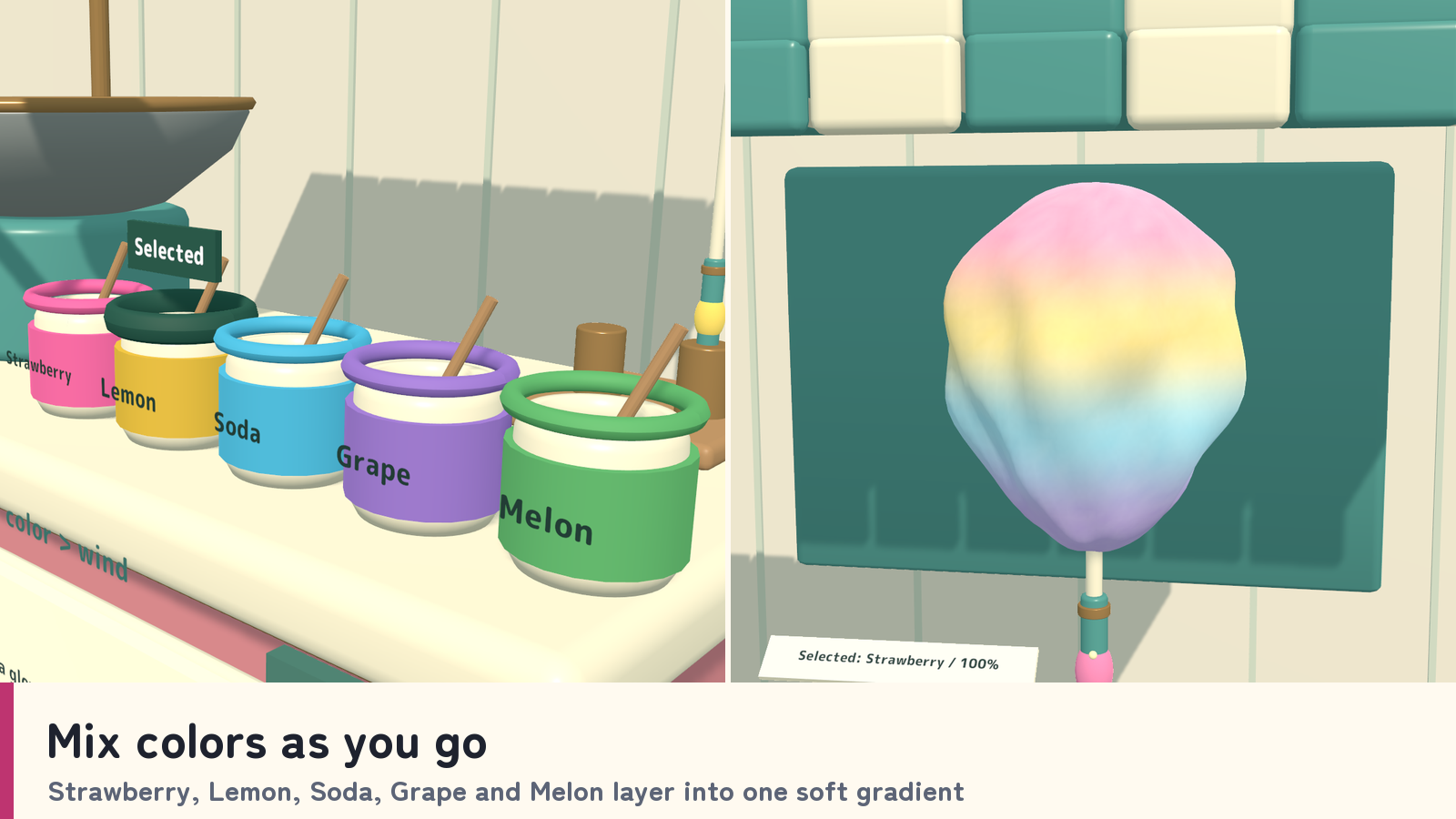
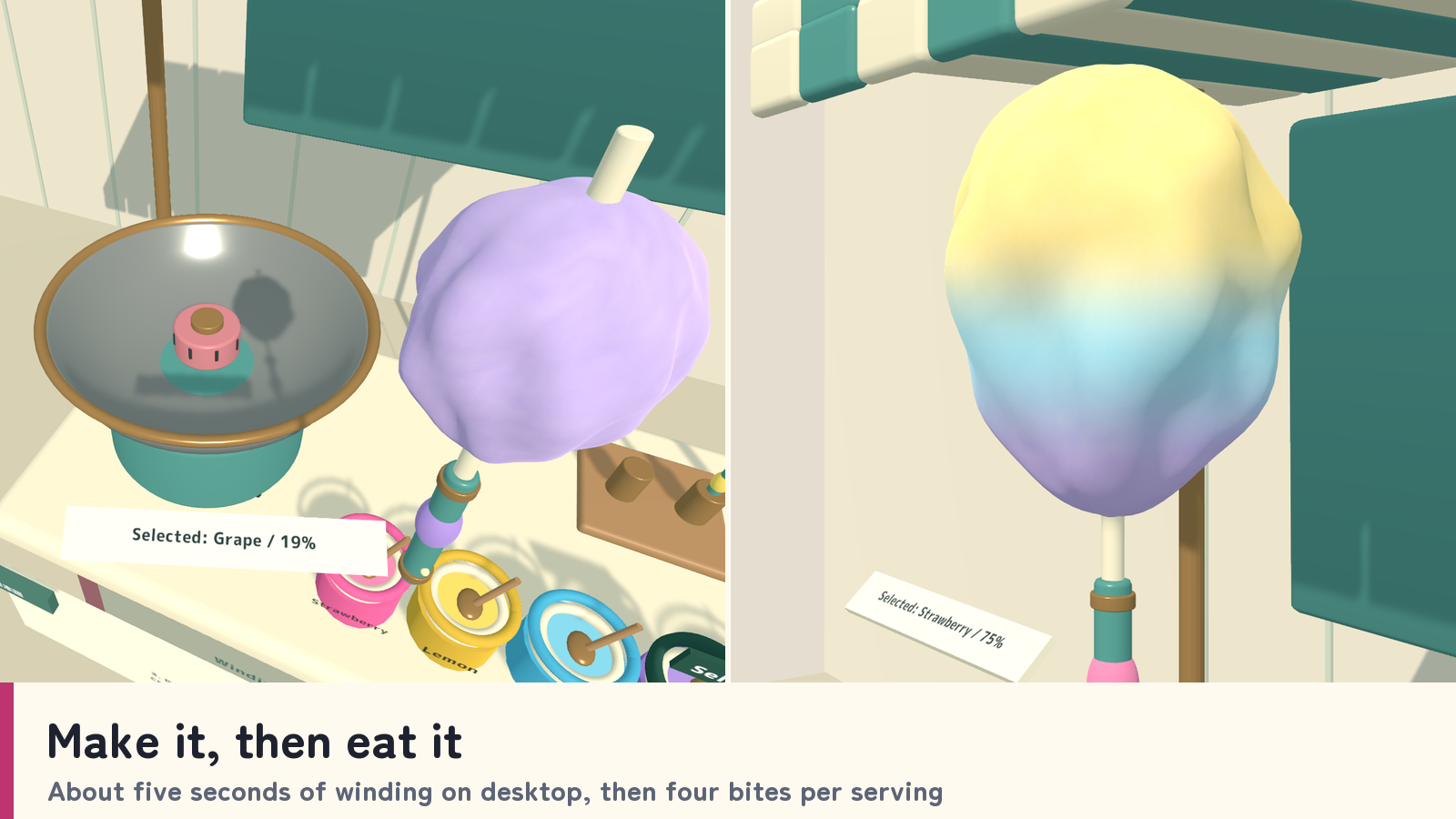
- Mix colors as you go. Strawberry, Lemon, Soda, Grape and Melon sugars color newly wound cotton. Up to four stored color bands blend across one continuous mesh.
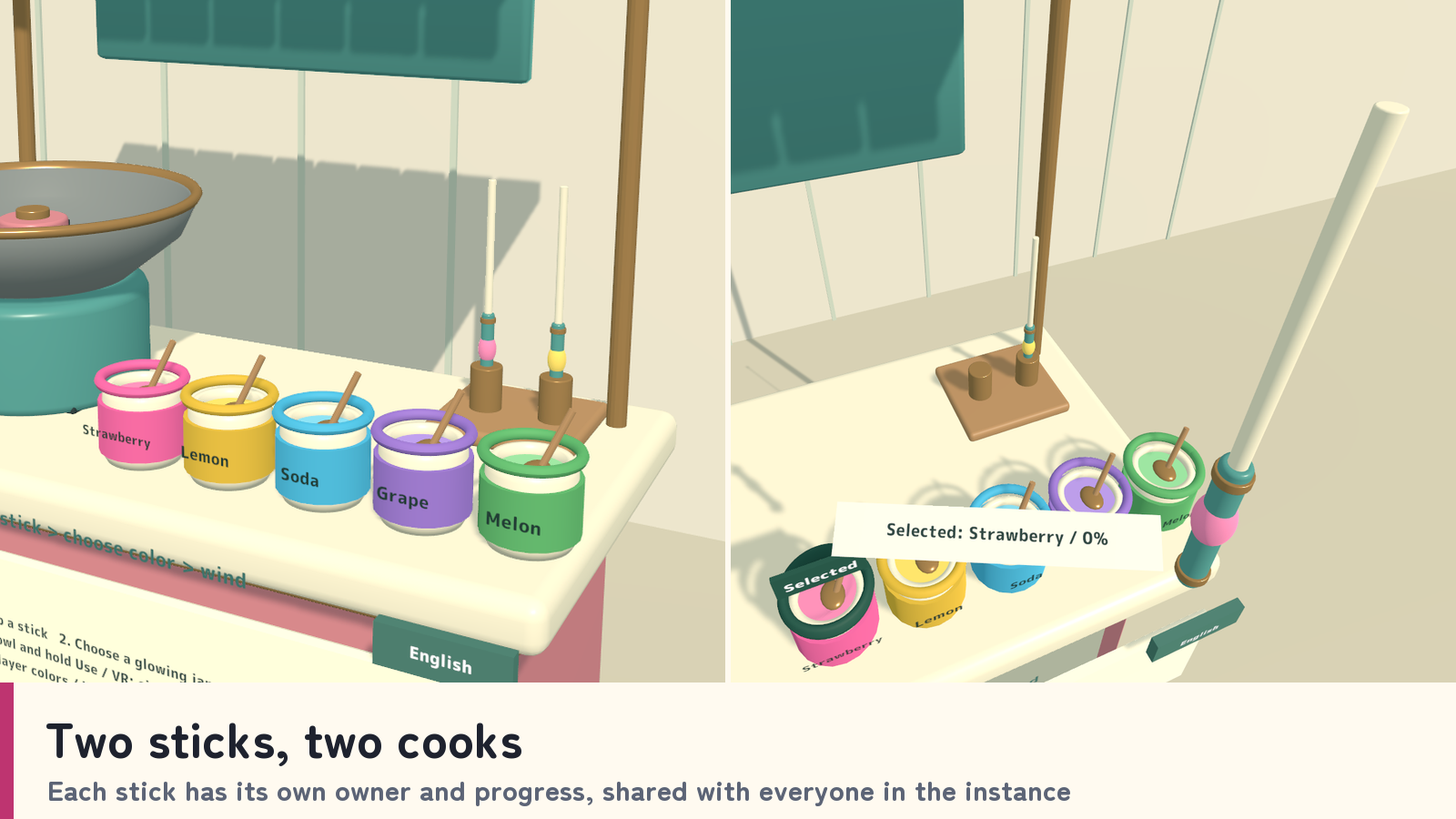
- Two sticks, two cooks. Each stick has its own owner and progress, so two people can wind at the same time.
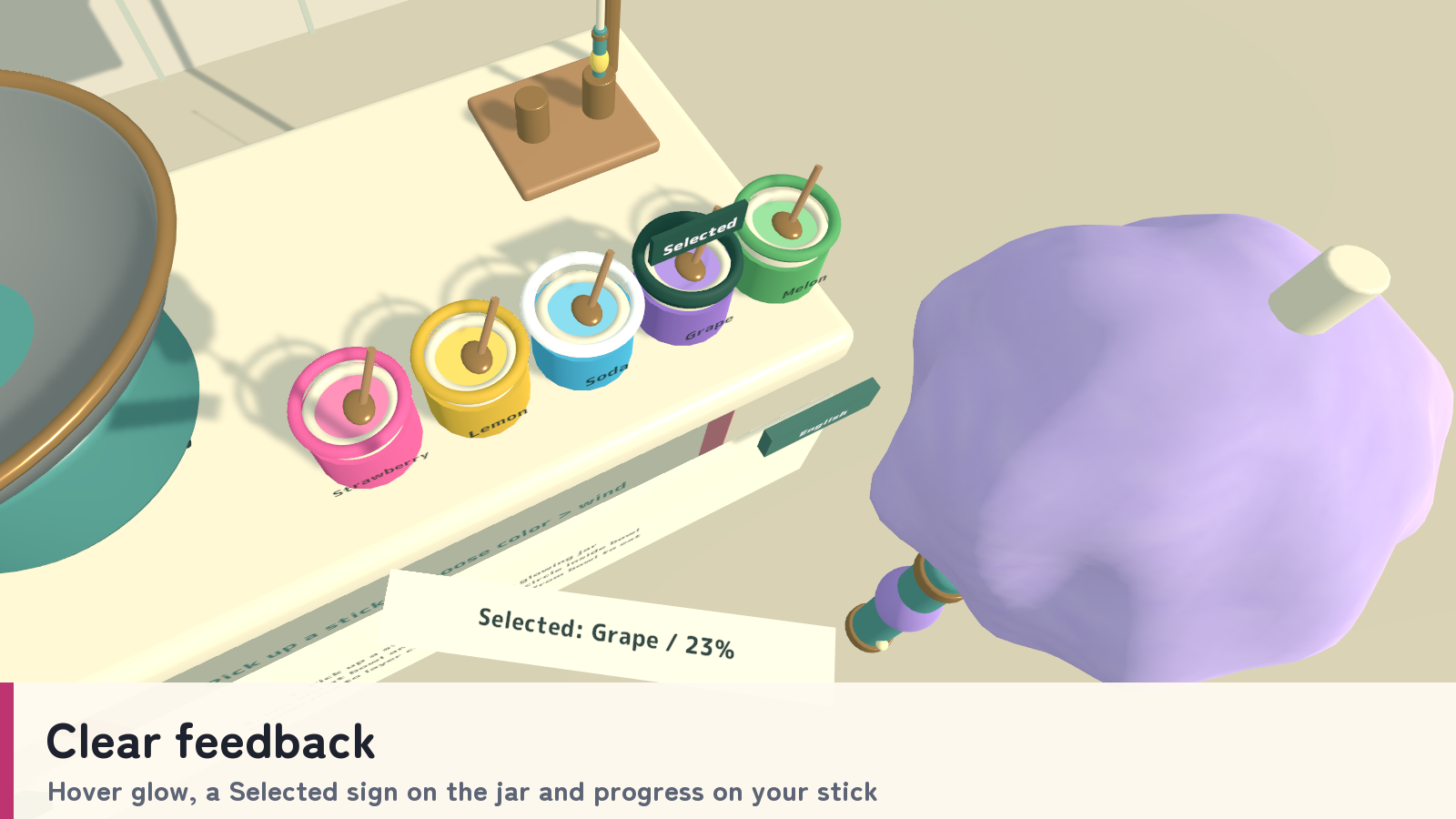
- Clear feedback. Hover highlights, selected-jar indicators and a held-stick progress display help players see their next action.
- Make it, then eat it. A full serving takes about five seconds of desktop input or roughly two circles around the VR winding ring. Eat the finished cotton candy in four bites.
- Shared serving state. Stick positions, colors, layers and progress are shared with everyone in the instance.
How to play
- Pick up a stick and select a sugar color at the cart.
- On desktop, aim at the bowl and hold Use to wind. In VR, circle the stick tip inside the inner ring, or hold Use while the tip is inside.
- Choose another sugar during winding to color the next part of the serving. Previously wound sections keep their color.
- Use the stick away from the bowl to eat one quarter of the serving per bite. A dropped, unheld stick returns empty after 45 seconds; a held stick is preserved.
Your own display language
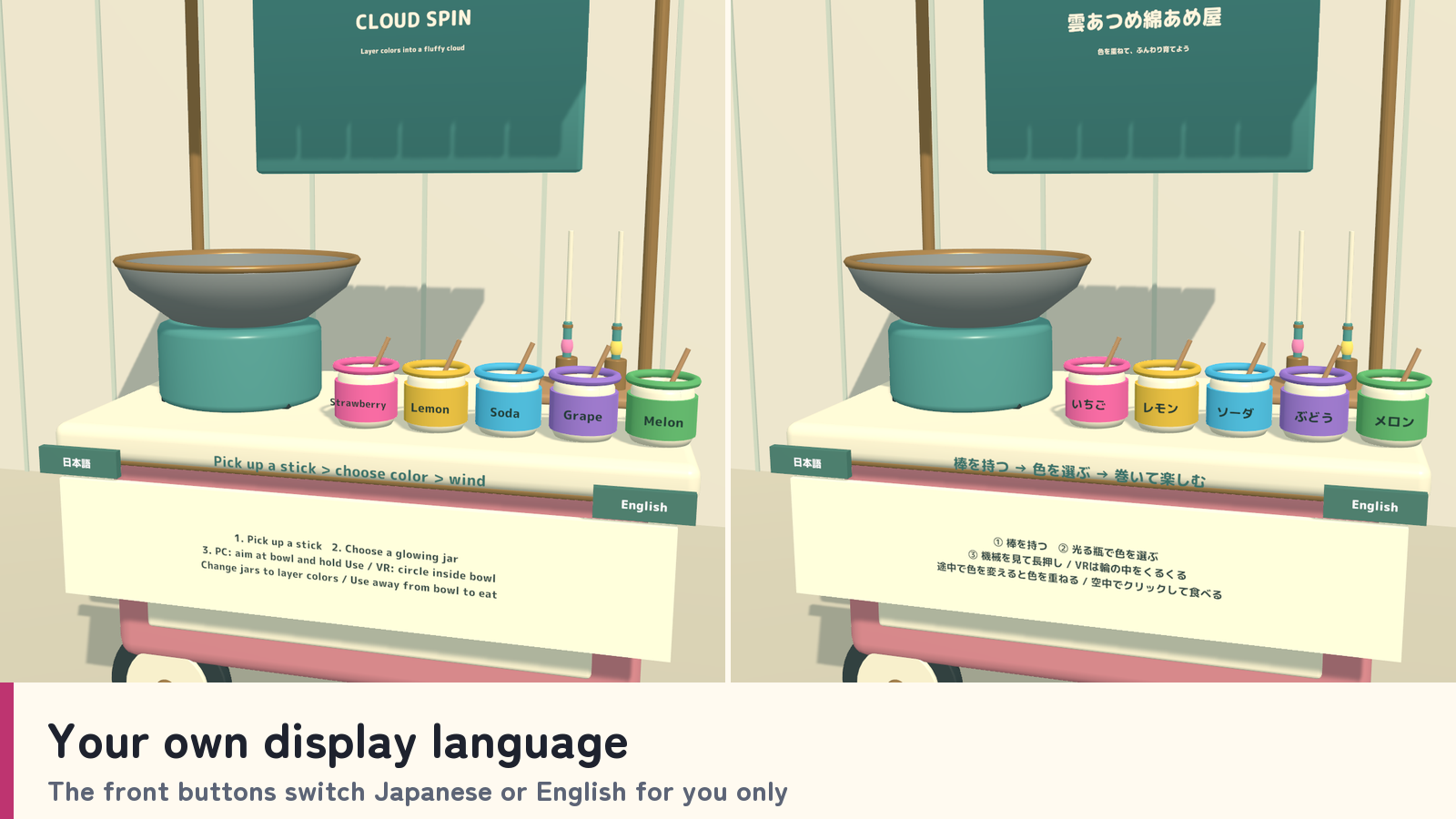
The front language buttons change Japanese/English text for the current player. Standard prefabs follow each player’s VRChat language, using English for languages other than Japanese; the _EN prefabs start in English. Manual selection lasts for the visit and does not alter the shared candy or cooking state.
What you get
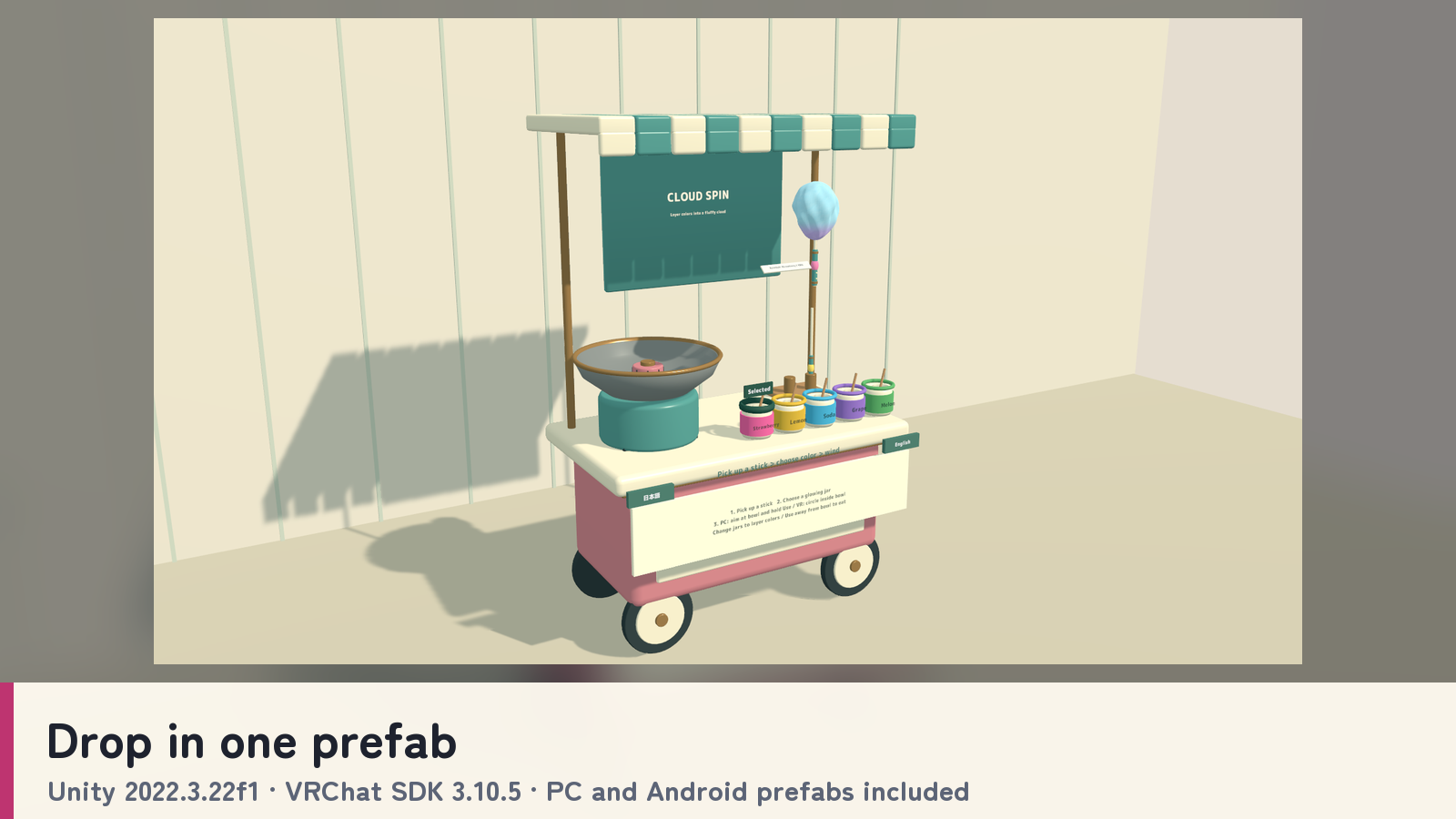
- Four cart prefabs and four sample scenes: PC and Android, each in a standard and an English-start version.
- Models, materials, shaders, UdonSharp scripts and action sounds.
- The continuous cotton-candy mesh used for layered color gradients.
- Blender source, FBX models and a generation script.
- Japanese/English guides, license terms and third-party notices.
Requirements & setup
Use a VCC Worlds project with Unity 2022.3.22f1, the Built-in Render Pipeline and VRChat SDK – Worlds 3.10.5 with UdonSharp.
- Import TMP Essential Resources from Window → TextMeshPro, then import CloudSpin_v2.0.0.unitypackage.
- For English at startup, place CloudSpin_Set_EN.prefab in a PC world or CloudSpin_Set_Android_EN.prefab in an Android world. Standard prefabs that follow each player’s VRChat language are included too.
- Adjust the placement using a uniform scale, then use the SDK’s Build & Test.
Commercial use & customization
Individuals and organizations may incorporate this product into VRChat worlds they create or manage for commercial or non-commercial use. Modification, events, videos and streams are permitted. Credit is optional.
The original assets are licensed for incorporation into your own work. Redistribution or resale as standalone assets or reusable source data is not included. Each collaborating creator who uses the source data must purchase the product. See LICENSE_EN.txt and the included third-party license texts for the full terms.
Support
Questions or setup help? Ask in this product's Q&A on Jinxxy. Please include the product name, your Unity and VRChat SDK versions, the steps you took, and any error message.