
MOON PINBALL | Cooperative Tabletop Pinball for VRChat Worlds
Product Description
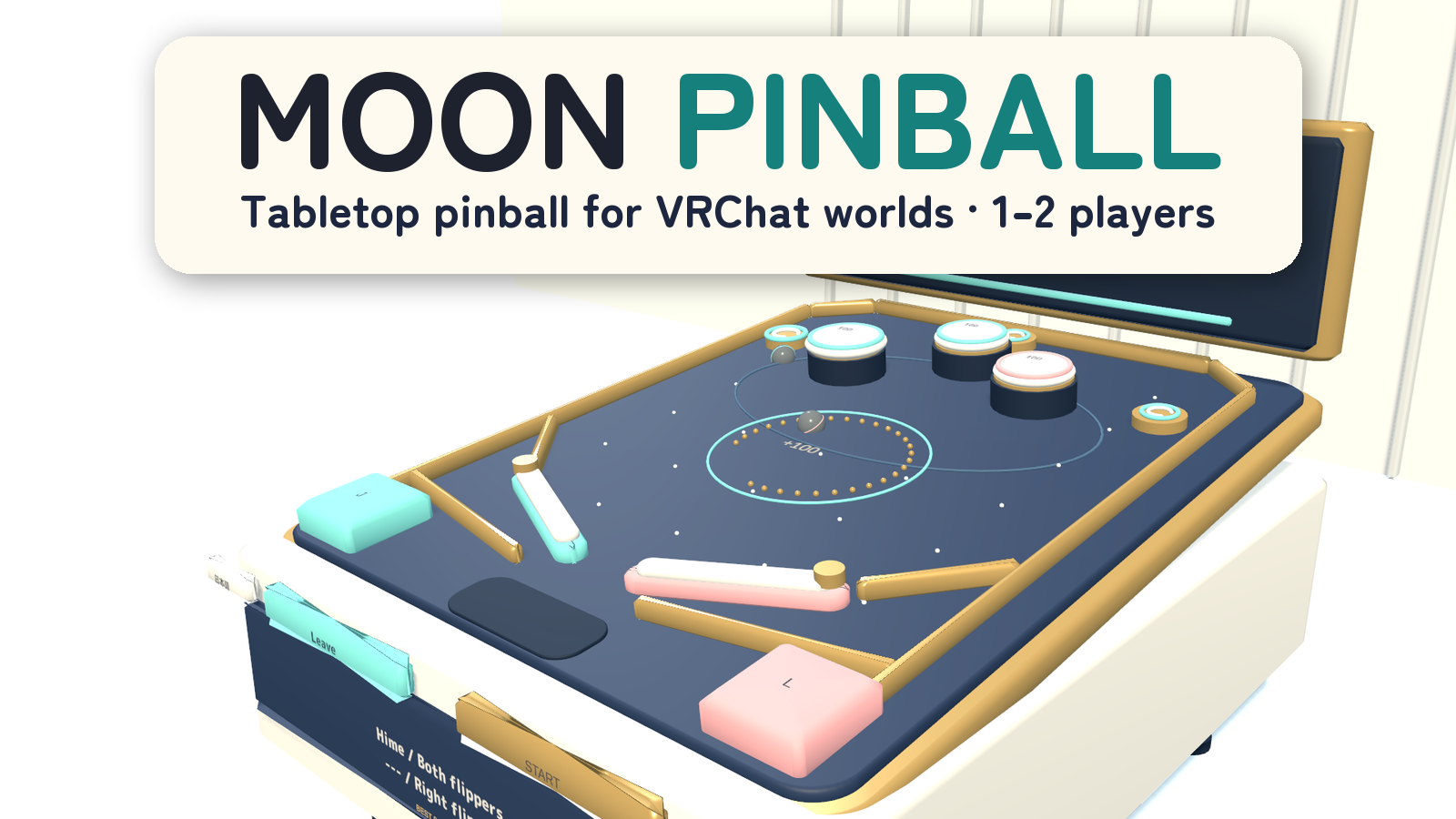
Share the flippers and light all three moons for multiball.
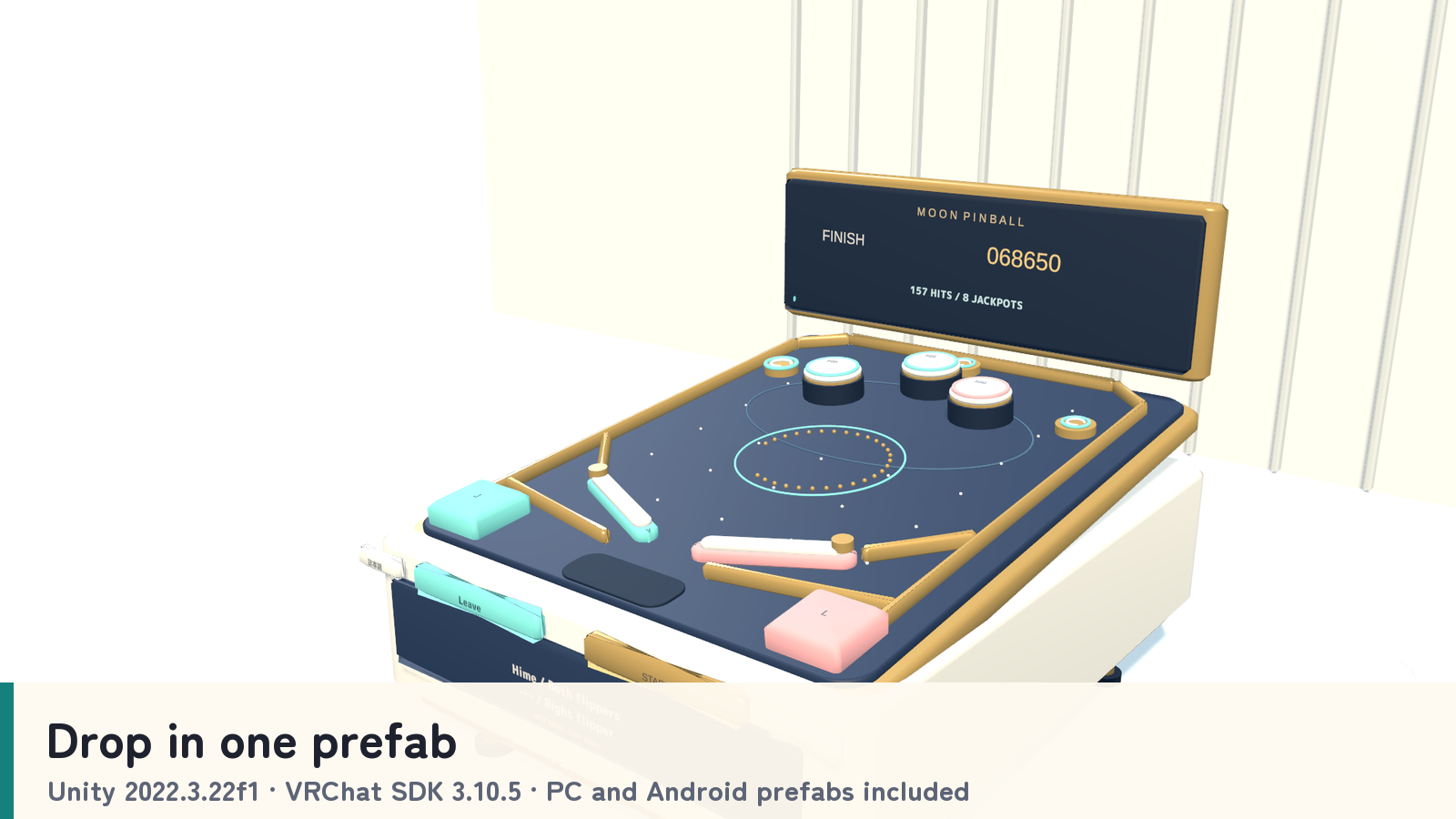
MOON PINBALL is a 60-second tabletop pinball game for VRChat worlds. One player can use both flippers, or two players can take a side each while friends watch the shared board, timer and score.
1–2 players · Two-ball multiball · Shared tabletop action · PC VR / Desktop / Android
Watch it in action
Watch the English introduction on YouTube
Made for shared play
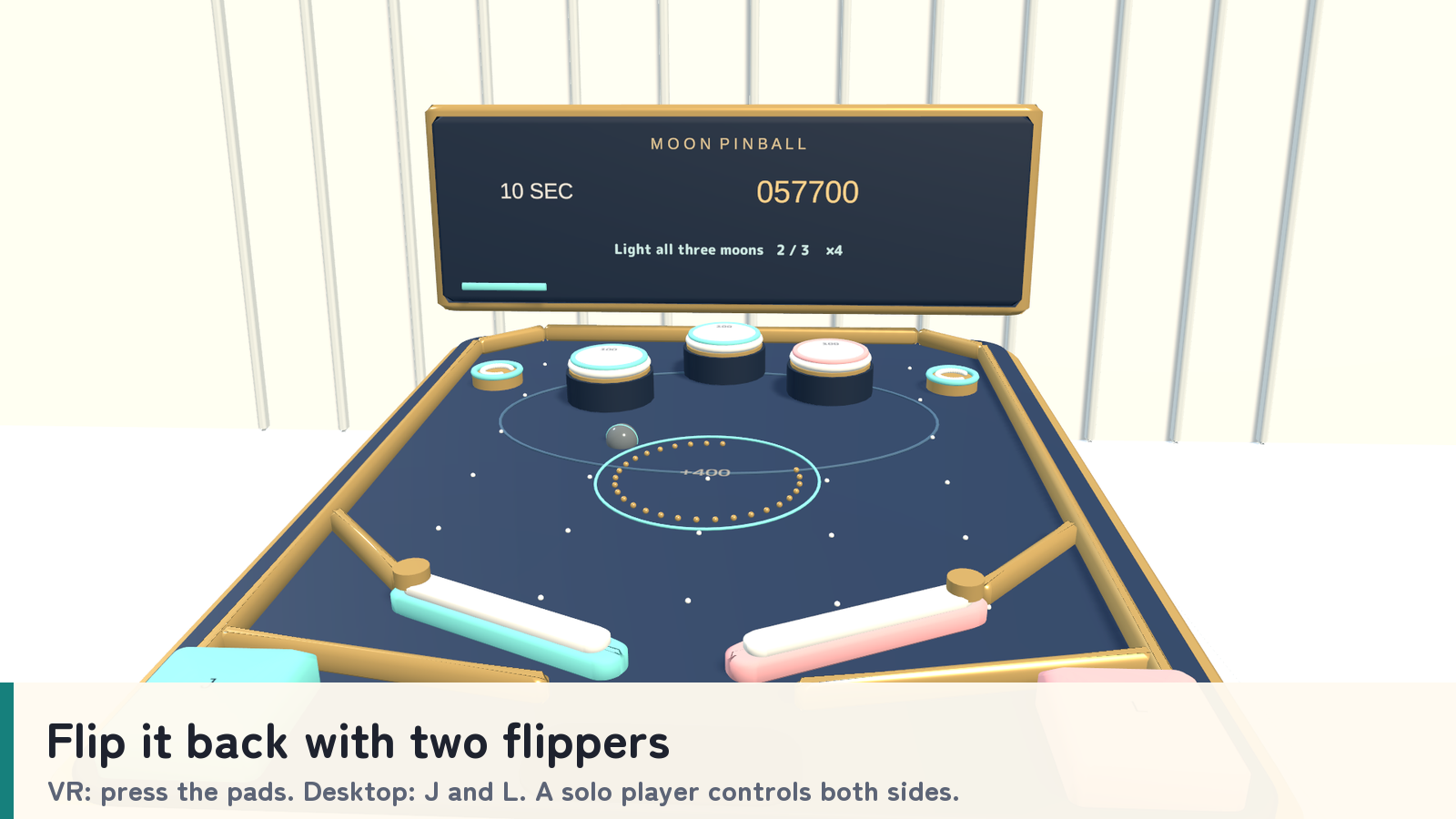
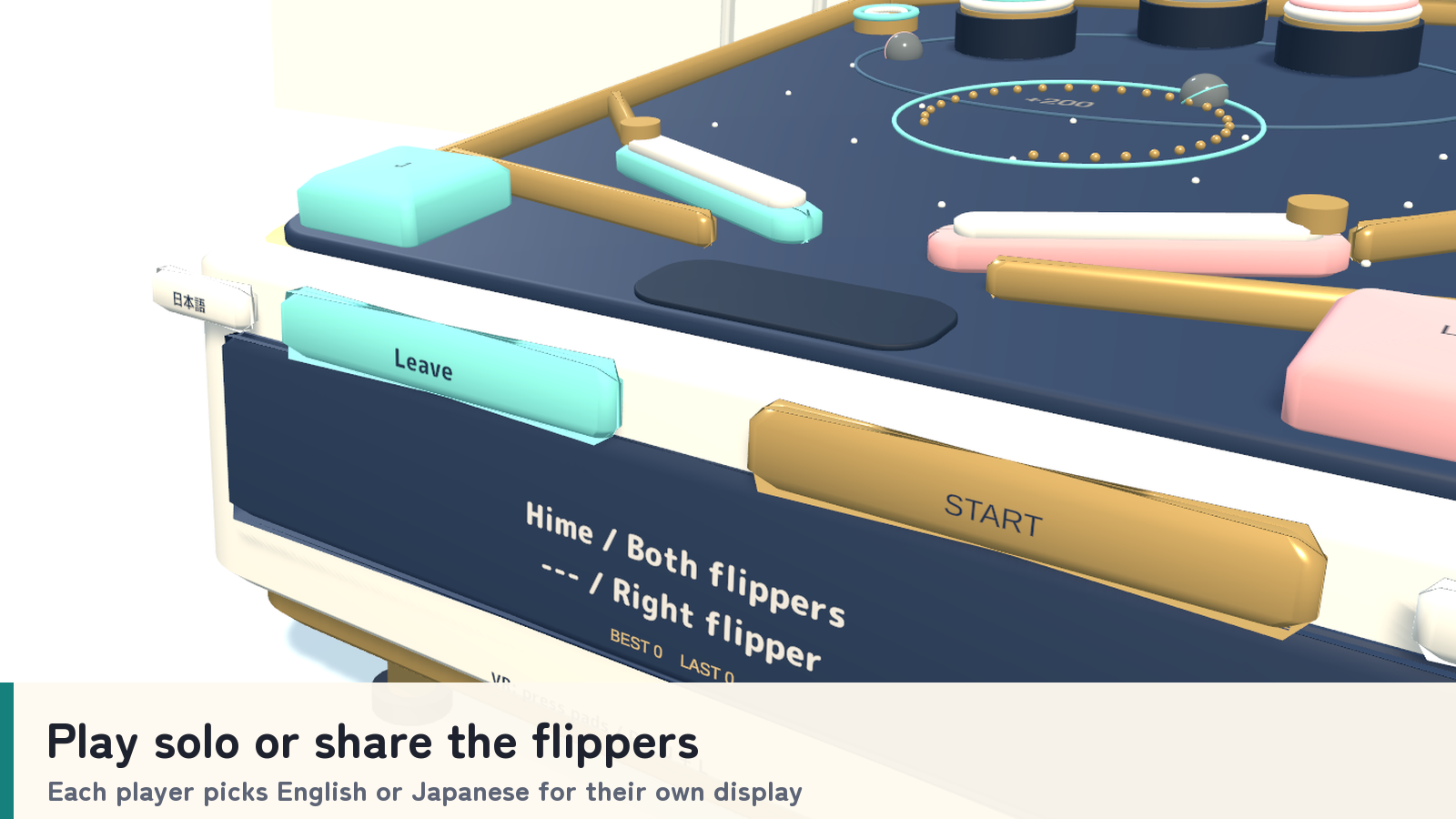
- Play alone or share a side. Mint and rose controls operate the two flippers. Desktop players can use J and L, or interact with the pads.
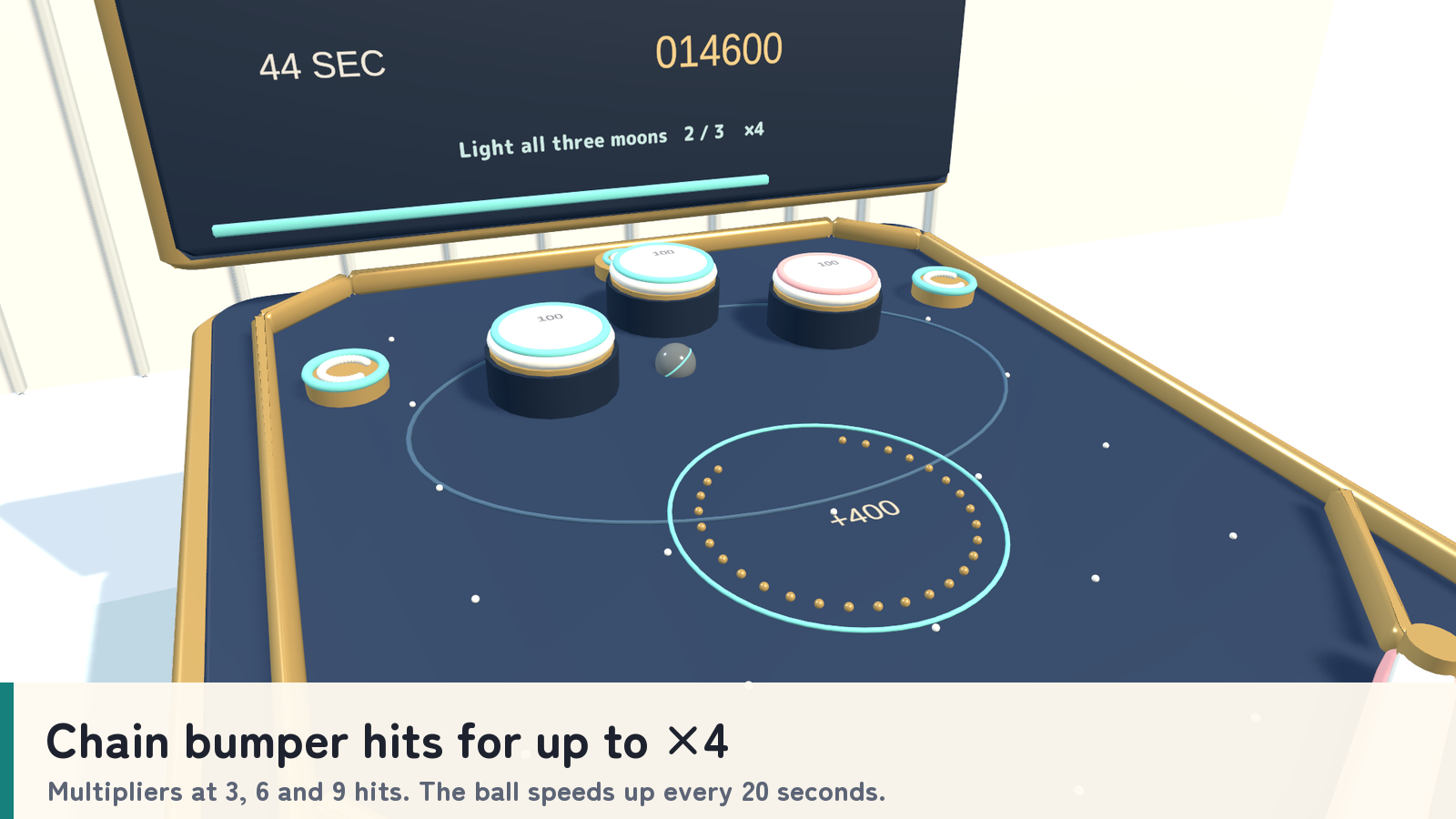
- Build a bumper combo. Bumpers score 100 points. Consecutive hits within 1.6 seconds increase the multiplier at three, six and nine hits, up to ×4.
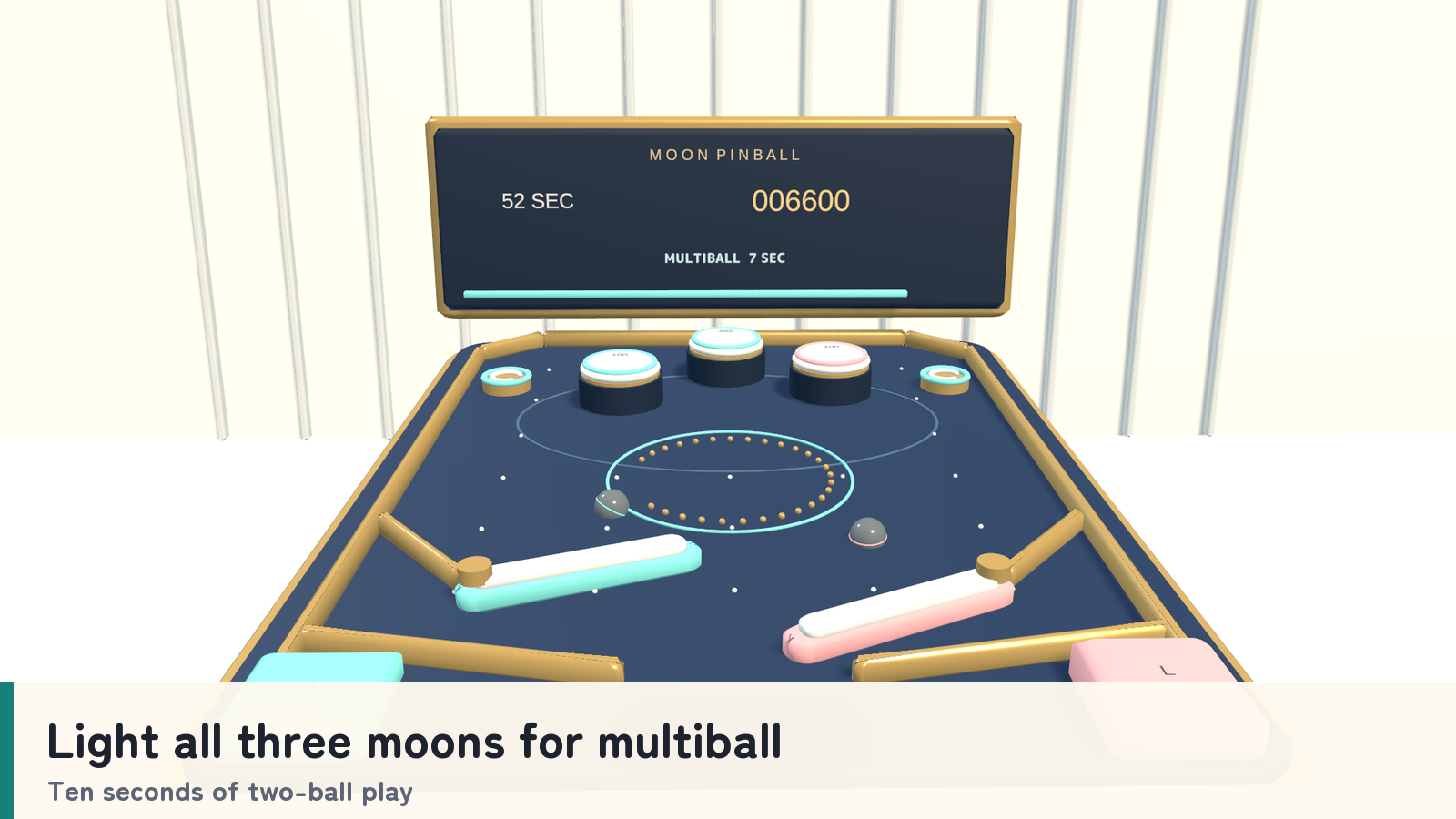
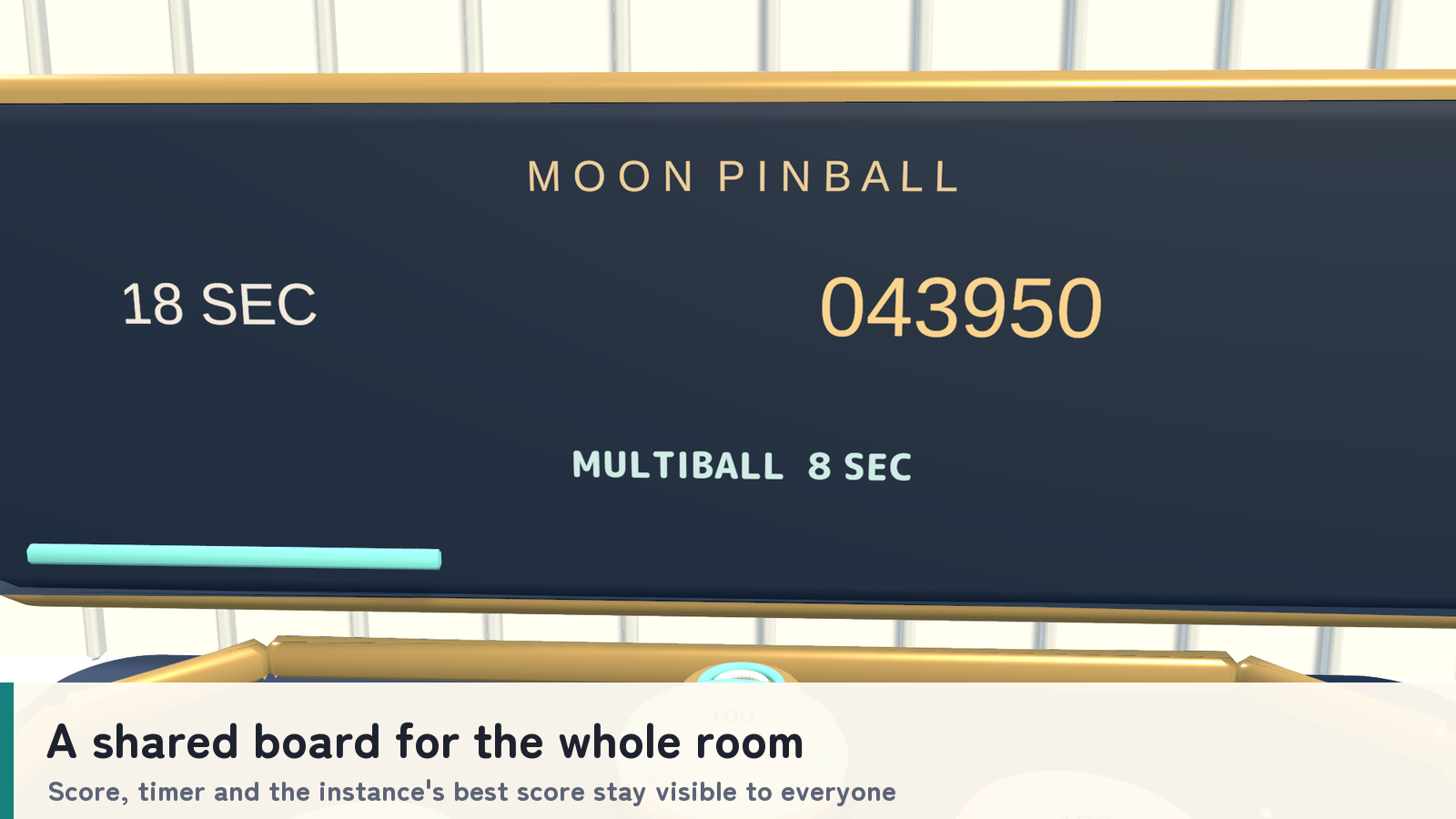
- Light the moon targets. An unlit moon scores 250 points and an already lit moon scores 100. Light all three for a 750-point bonus and ten seconds of two-ball multiball.
- A faster final stretch. Ball acceleration and bumper rebound increase every 20 seconds. A drain costs 200 points (never below zero), resets the combo and launches a new ball.
- Keep the room involved. The score, round clock and board are shared. The best score is kept for the current instance.
How to play
- Press Join, then select START. Play begins after a 1.5-second lead-in.
- In VR, use the mint and rose control pads. On desktop, press J for the left flipper and L for the right, or Use the pads.
- Keep the ball in play, chain bumper hits and light the three moon targets.
- Stay within 4.5 meters of the game. If one player leaves, the remaining player takes both flippers; new participants join between rounds.
- Finish the 60-second round and compare the shared result before the next game.
Your own display language
Japanese and English labels and guides can be switched independently for each player. Standard prefabs follow each player’s VRChat language; the _EN prefabs start in English. A language change leaves the shared game state intact.
What you get
- Four tabletop game prefabs and four sample scenes: PC and Android, each in a standard and an English-start version.
- Unity-generated models, materials, UdonSharp scripts and game audio.
- The C# setup script used to rebuild the set (Sources/MoonSetup.cs).
- Japanese/English guides, license terms and included third-party notices.
Requirements & setup
Use a VCC Worlds project with Unity 2022.3.22f1, the Built-in Render Pipeline and VRChat SDK – Worlds 3.10.5 with UdonSharp.
- Import TMP Essential Resources from Window → TextMeshPro, then import MoonPinball_v2.0.1.unitypackage.
- For English at startup, place MoonPinball_Set_EN.prefab in a PC world or MoonPinball_Set_Android_EN.prefab in an Android world. Standard prefabs that follow each player’s VRChat language are included too.
- Adjust the placement using a uniform scale, then use the SDK’s Build & Test.
Commercial use & customization
Individuals and organizations may incorporate this product into VRChat worlds they create or manage for commercial or non-commercial use. Modification, events, videos and streams are permitted. Credit is optional.
The original assets are licensed for incorporation into your own work. Redistribution or resale as standalone assets or reusable source data is not included. Every collaborator who receives the source data must purchase the product. See LICENSE_EN.txt and the included third-party license texts for the full terms.
Support
Questions or setup help? Ask in this product's Q&A on Jinxxy. Please include the product name, your Unity and VRChat SDK versions, the steps you took, and any error message.