
POCKET GROVE | Woodland Capsule Machine & Shelf for VRChat Worlds
Product Description
Turn the handle, meet a tiny woodland friend, and make a shared display.
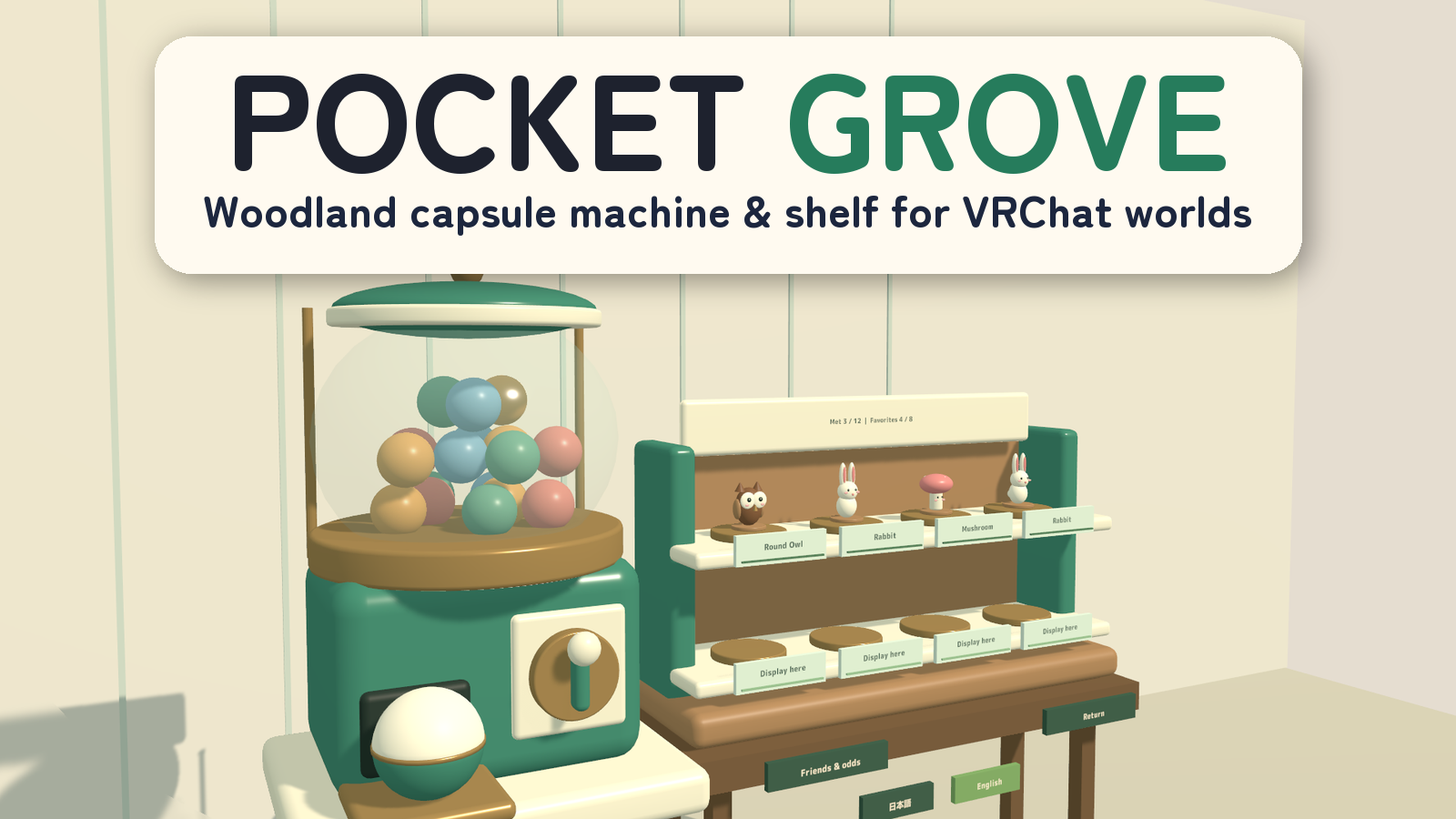
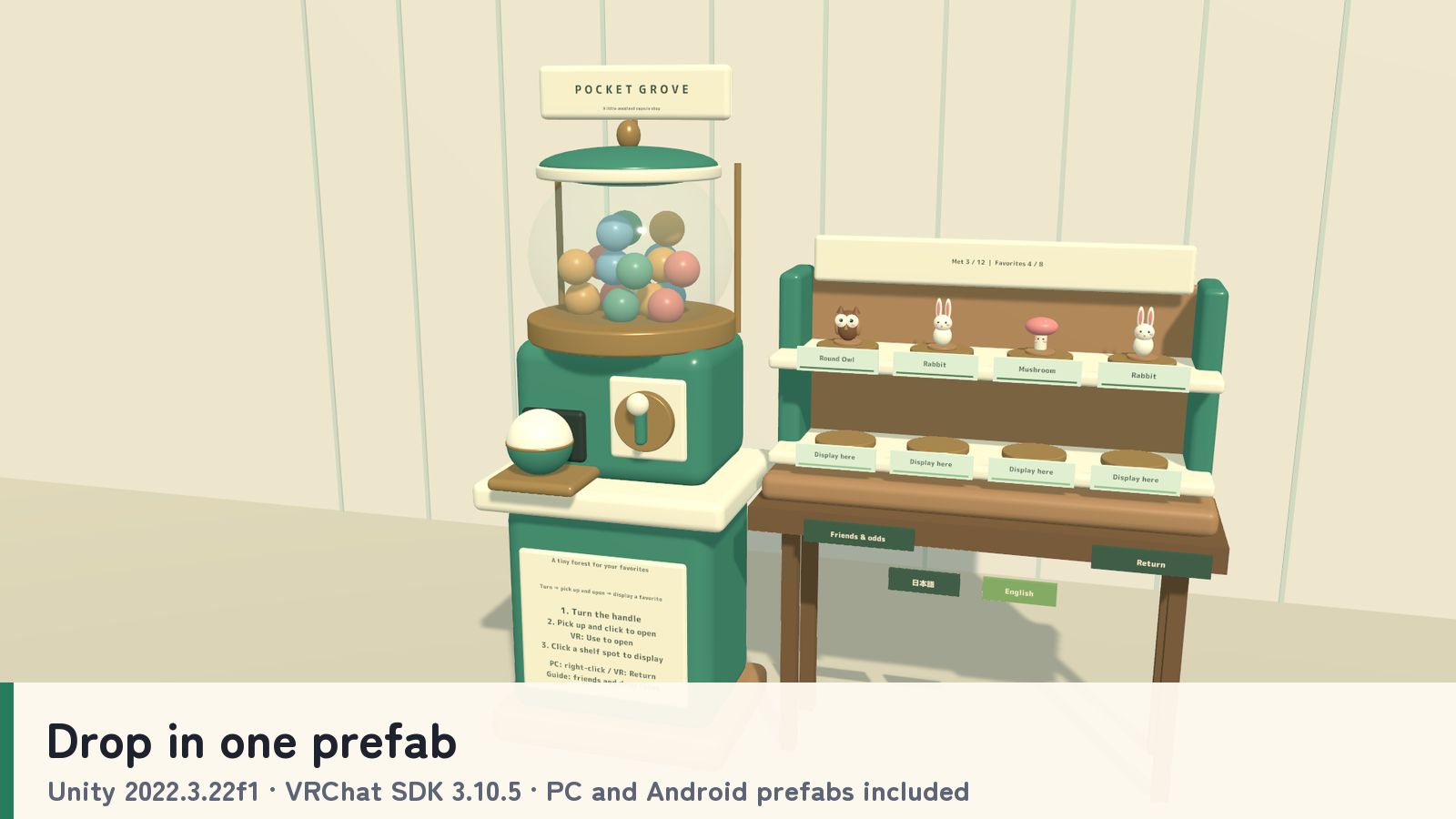
POCKET GROVE is a capsule-toy machine and display shelf for VRChat worlds. Open capsules to discover twelve original woodland figures, show them to friends, and arrange favorites across eight shelf positions.
12 woodland figures · 8 display spots · 10 pooled capsules · PC VR / Desktop / Android
Watch it in action
Watch the English introduction on YouTube
Made for shared play
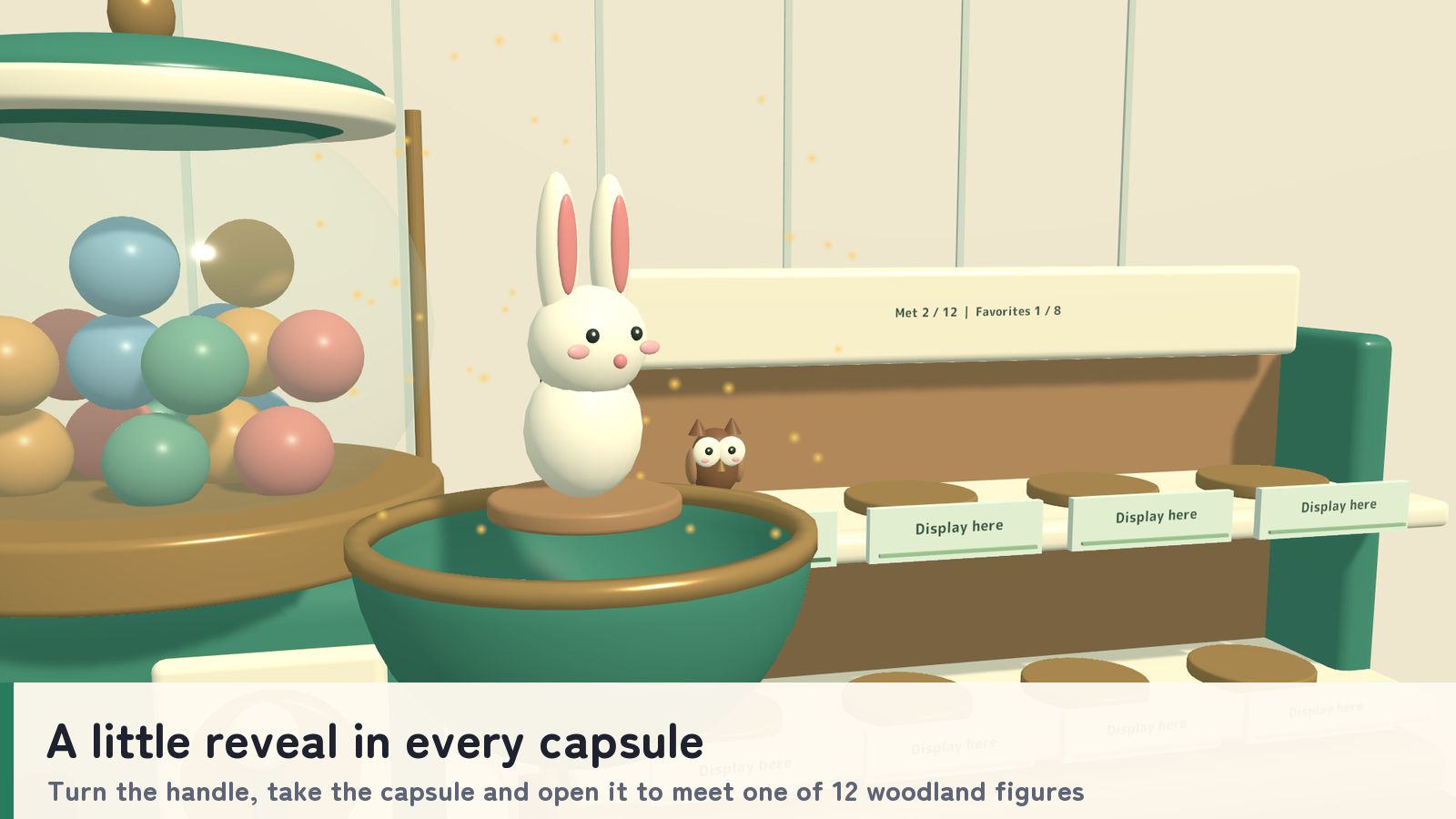
- A little reveal in every capsule. Turn the machine handle, take the capsule from the tray and open it. The lid falls away as the figure appears.
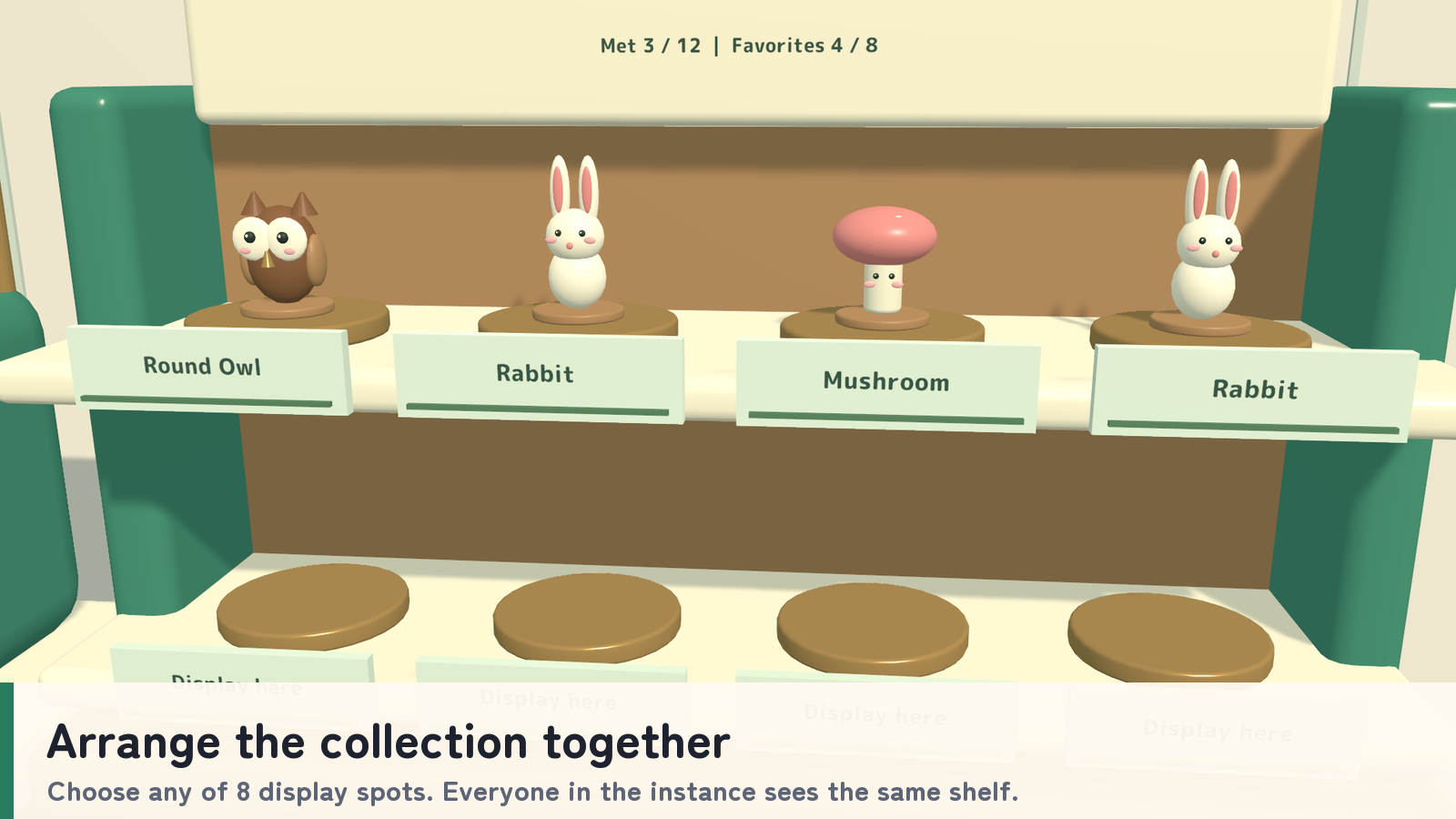
- Arrange the collection together. Choose an empty shelf position while holding an opened figure. Pick displayed figures back up to show, rearrange or return them.
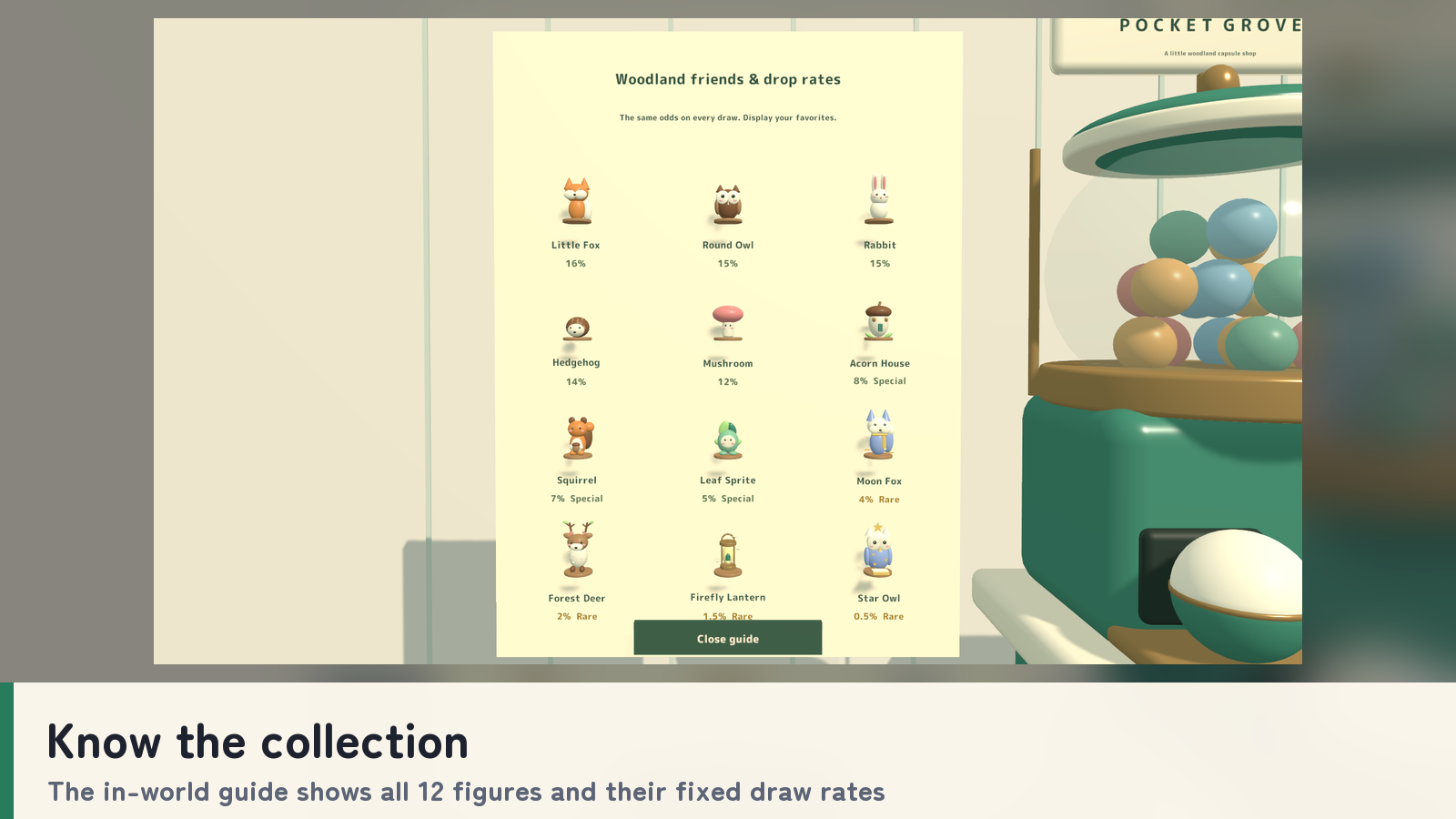
- Know the collection. An in-world guide previews all twelve figures and their fixed draw rates. Consecutive duplicates are possible.
- Shared for the current instance. Draws, openings, shelf placement, returns and discoveries are shared live with everyone in the instance.
- Keep the area tidy. Loose floor items return after 35 seconds. Held and displayed figures are preserved, and manual returns use a green visual effect.
How to play
- Turn the handle and take the capsule from the output tray. Clear the tray before the next draw.
- Pick up the capsule and Use it to open it.
- Hold the figure and choose an empty Display here slot on the shelf, or keep it in hand to show a friend.
- Return a held item with right-click on desktop or the Return button in VR. If the ten-capsule pool is full, return an item before drawing again.
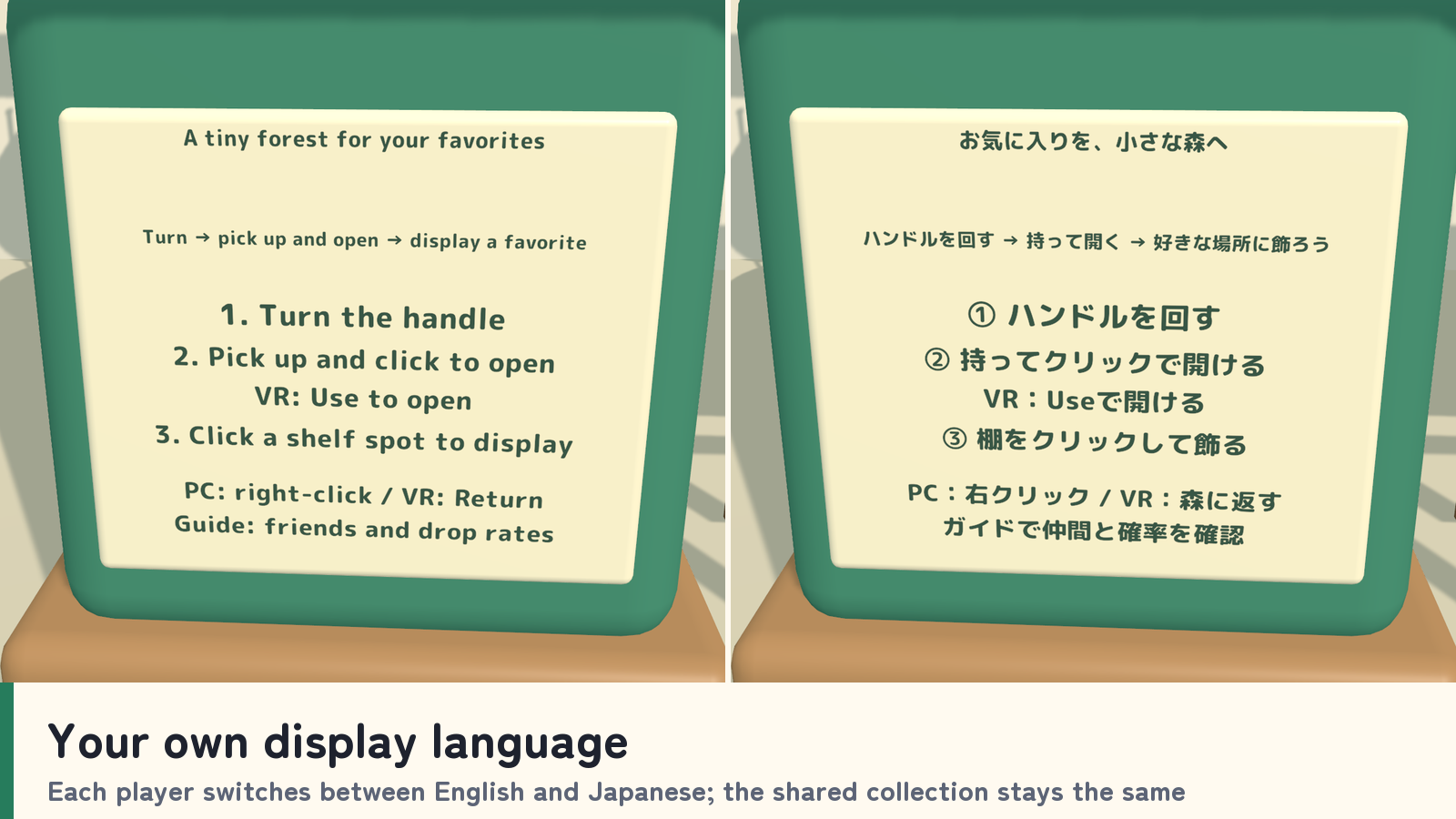
Your own display language
Instructions, figure names, tiers, the collection guide, discoveries and status hints can be displayed in Japanese or English for each player. Standard prefabs follow each player’s VRChat language; the _EN prefabs start in English. Manual selection lasts for the visit and does not change the shared collection.
What you get
- Four machine-and-shelf prefabs and four sample scenes: PC and Android, each in a standard and an English-start version.
- Twelve original figures, machine and shelf models, materials and UdonSharp scripts.
- Seventeen FBX models, Blender source and generation scripts.
- Six action sound effects.
- Japanese/English setup and usage guides, license terms and third-party notices.
Requirements & setup
Use a VCC Worlds project with Unity 2022.3.22f1, the Built-in Render Pipeline and VRChat SDK – Worlds 3.10.5 with UdonSharp.
- Import TMP Essential Resources from Window → TextMeshPro, then import PocketGrove_v2.0.2.unitypackage.
- For English at startup, place PocketGrove_Set_EN.prefab in a PC world or PocketGrove_Set_Android_EN.prefab in an Android world. Standard prefabs that follow each player’s VRChat language are included too.
- Adjust the placement using a uniform scale, then use the SDK’s Build & Test.
- When building separate PC and Android scenes for the same world, retain the matching root structure and network IDs as described in README_EN.txt.
Commercial use & customization
Individuals and organizations may incorporate this product into VRChat worlds they create or manage for commercial or non-commercial use. Modification, events, videos and streams are permitted. Credit is optional.
Use in paid worlds and worlds using the Creator Economy is included.
The original assets are licensed for incorporation into your own work. Redistribution or resale as standalone assets or reusable source data is not included. Each collaborating creator who uses the source data must purchase the product. See LICENSE_EN.txt and the included third-party license texts for the full terms.
Support
Questions or setup help? Ask in this product's Q&A on Jinxxy. Please include the product name, your Unity and VRChat SDK versions, the steps you took, and any error message.