
STAR TILT | 60-Second Cooperative Marble Tilt Game for VRChat Worlds
Product Description
Tilt together, slow the marble, and catch the next star.
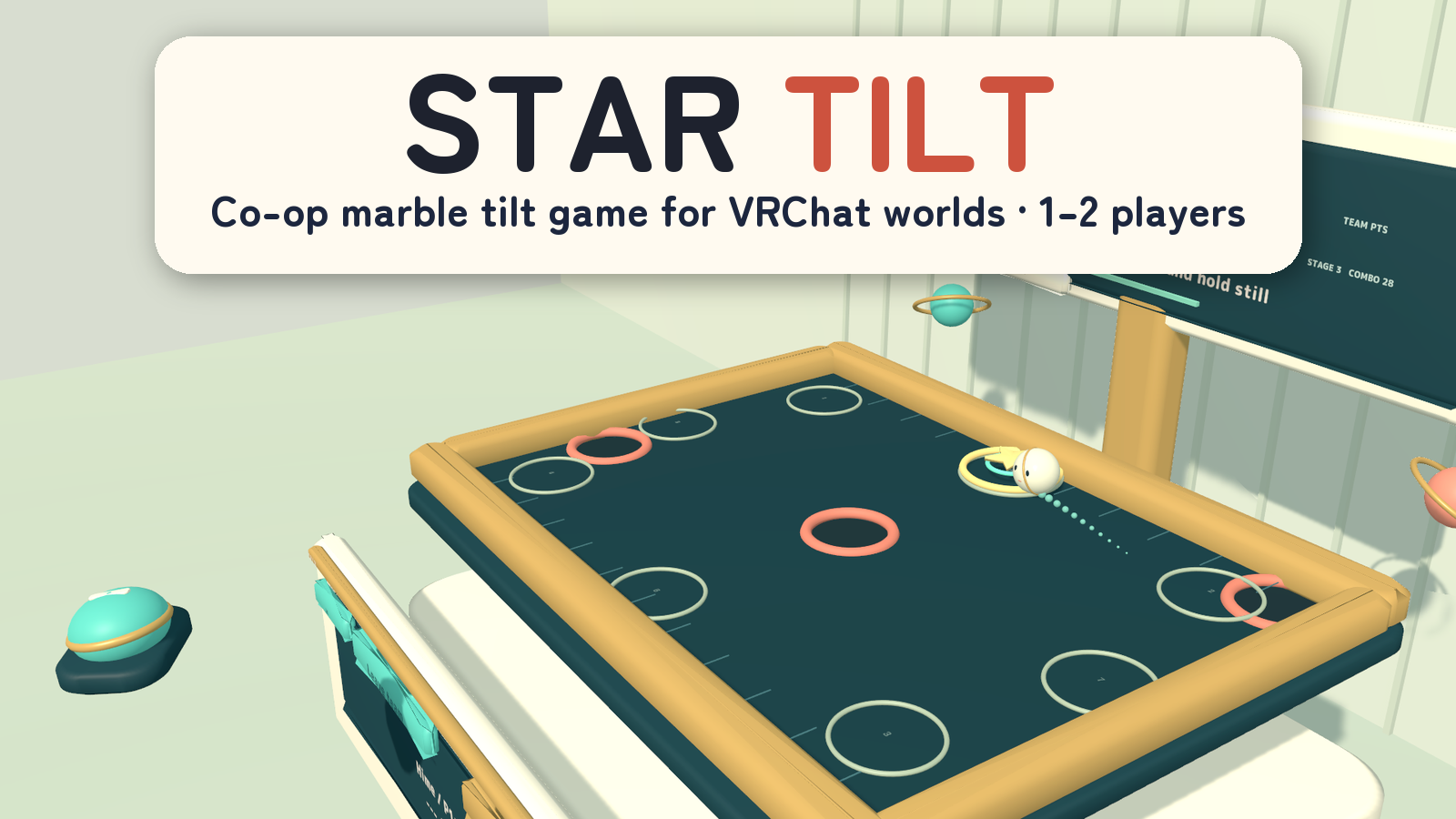
STAR TILT is a cooperative marble-tilt game for VRChat worlds. Play alone with both axes, or split horizontal and vertical control between two players. The challenge is to guide one shared marble across the board and settle on each star before the round ends.
1–2 players · 60-second rounds · One shared marble · PC VR / Desktop / Android
Watch it in action
Watch the English introduction on YouTube
Made for shared play
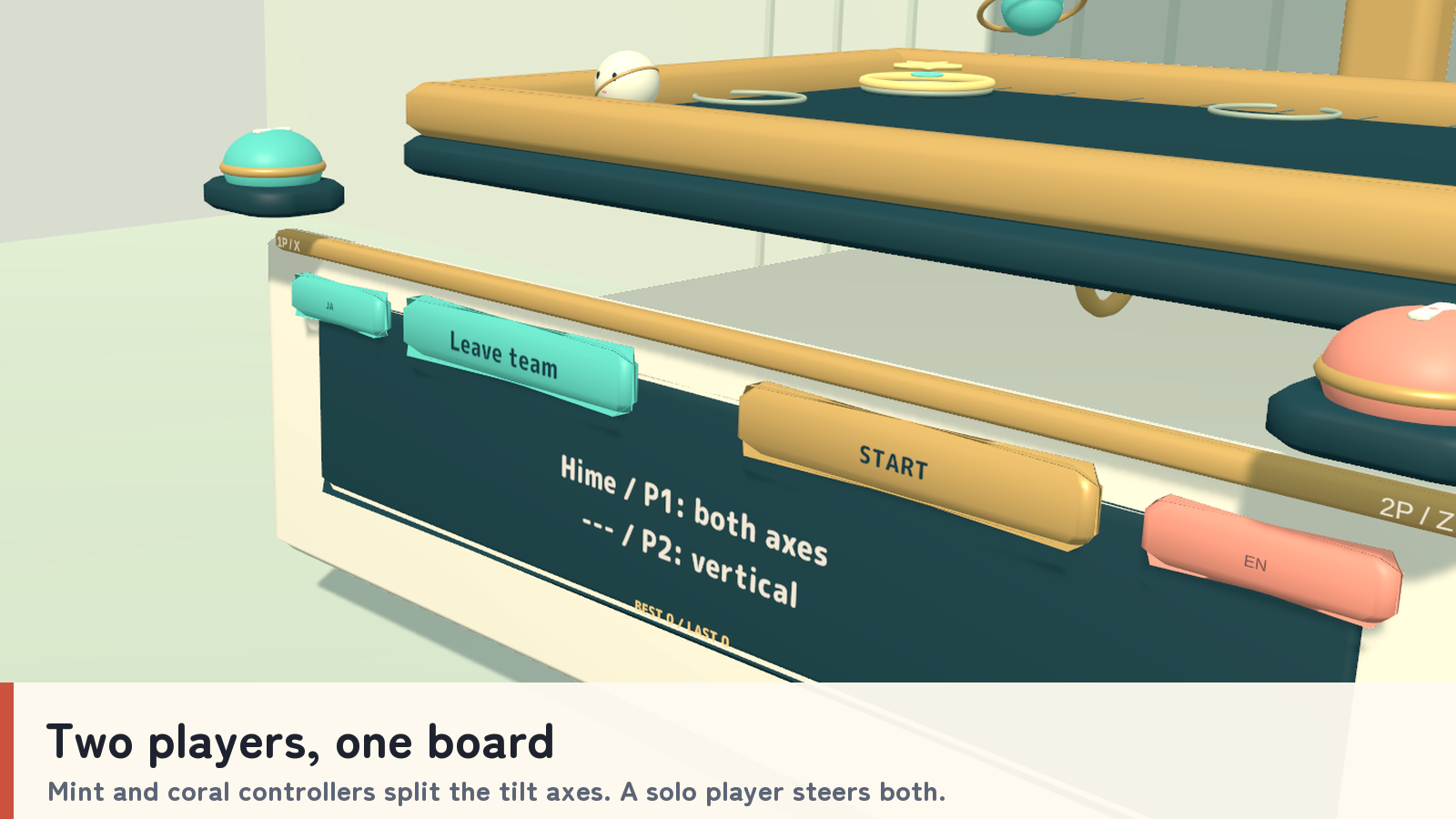
- Two players, one board. Mint and coral controllers divide the tilt axes during cooperative play. A solo player can control both axes.
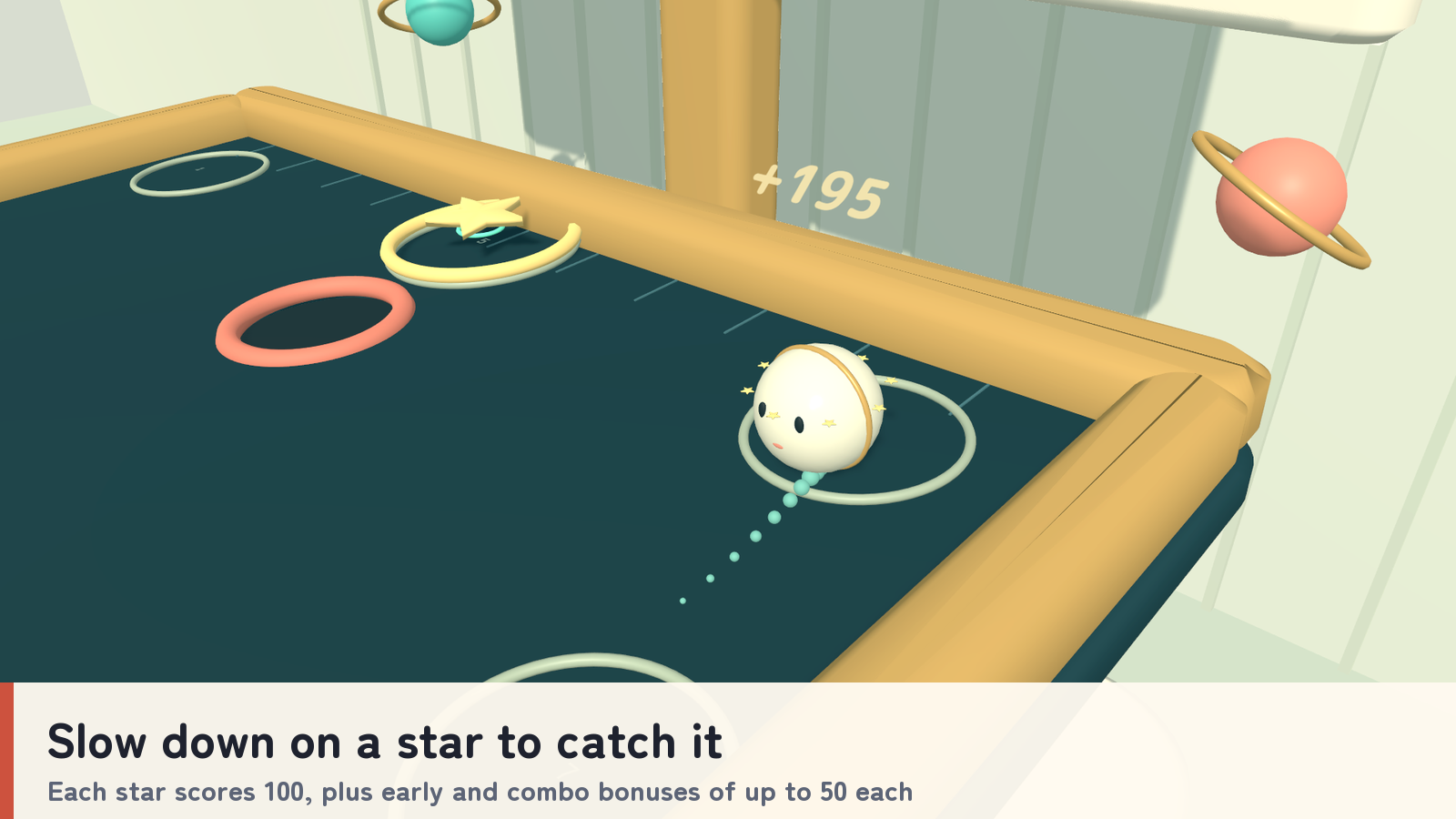
- Catch by slowing down. Hold the marble near a star for about 0.22 seconds to collect it. Stars score 100 points, with early-collection and combo bonuses of up to 50 each.
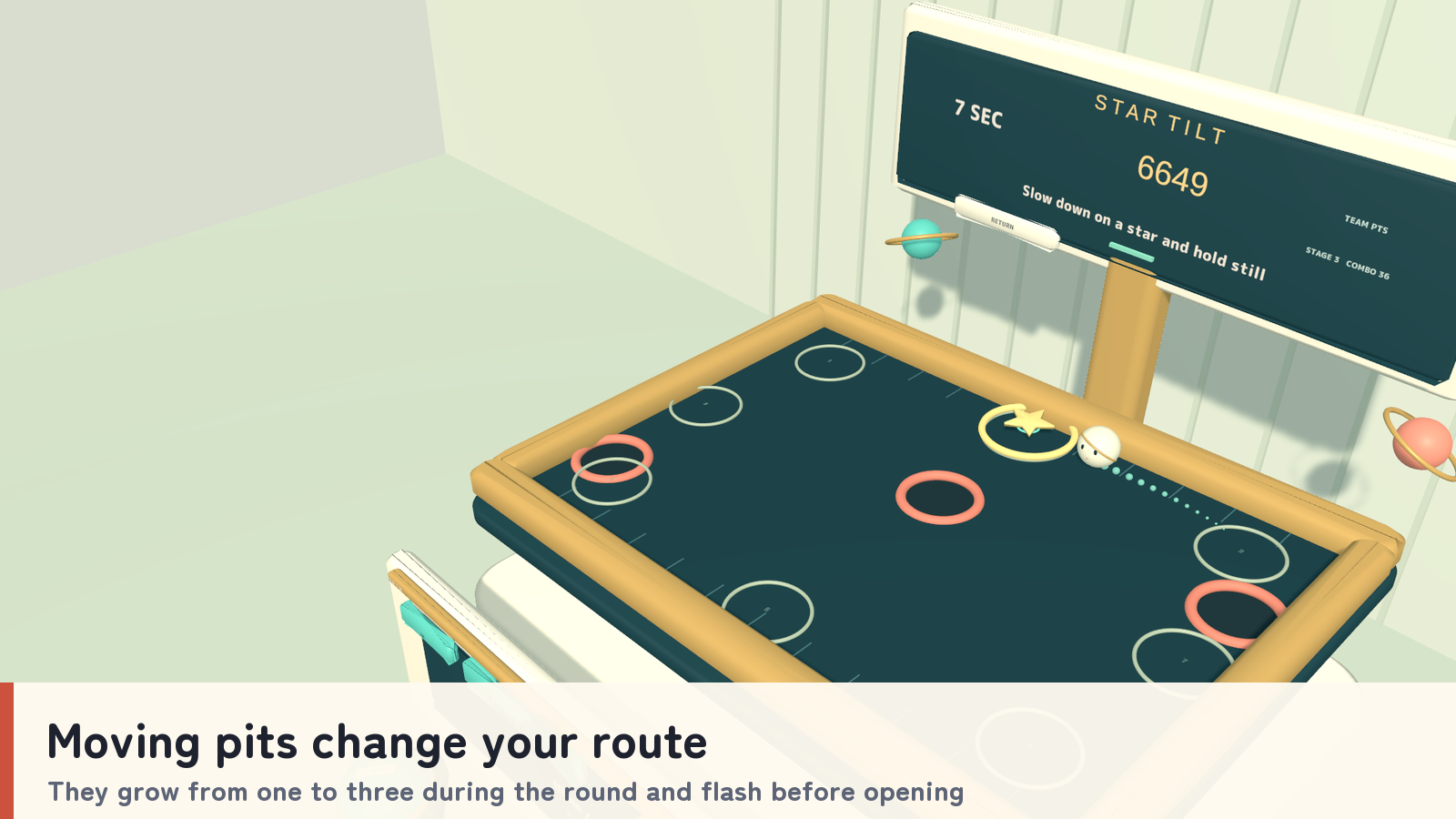
- Changing routes. Moving pits increase from one to three across the round and flash before opening. Guide the marble around them and across the board.
- A forgiving recovery. A fall costs 50 points, but your score never drops below zero. The marble returns to the previous star position after a short delay and receives brief protection.
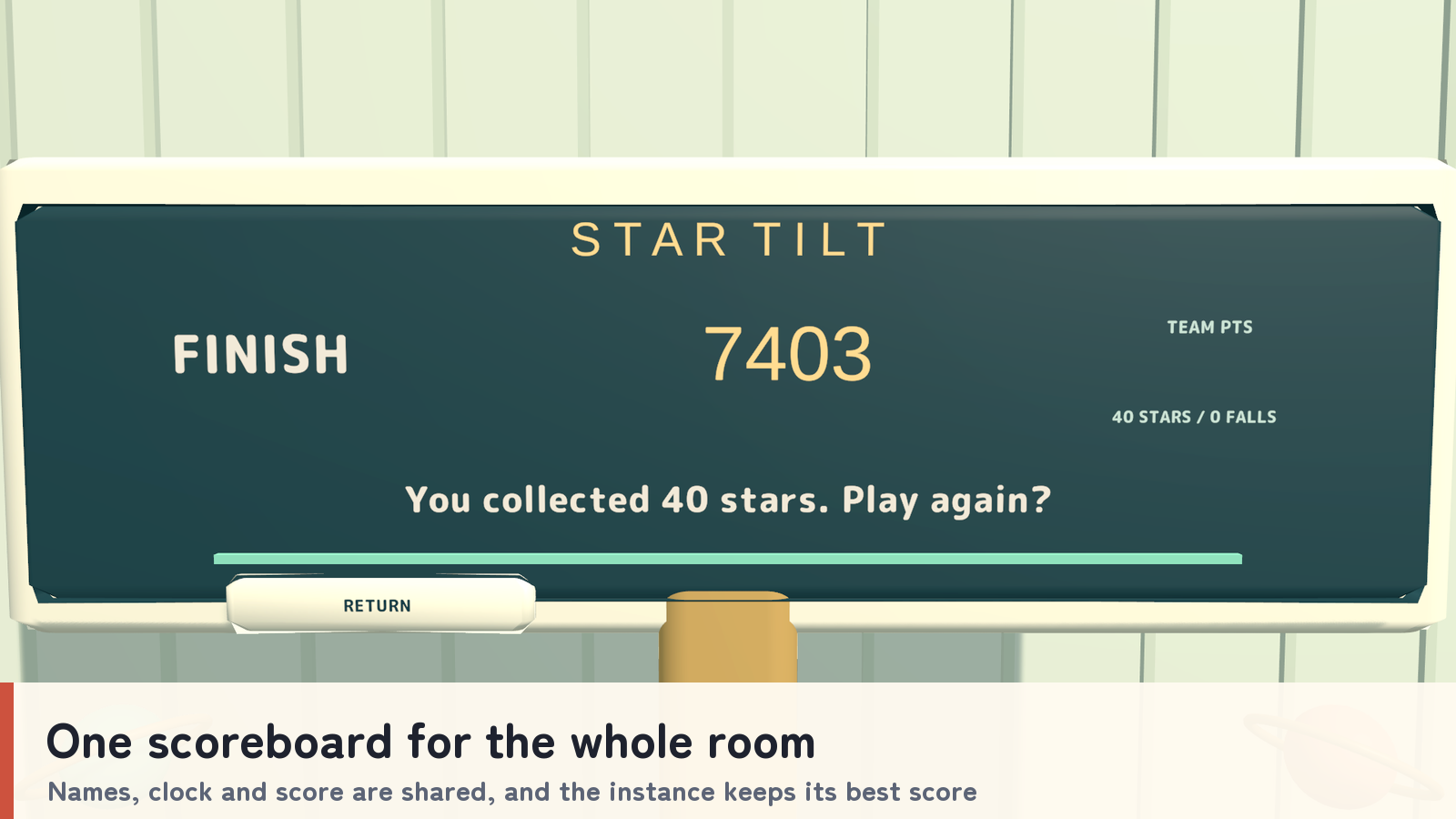
- Shared progress. Player names, time, score and marble state are shared, with the best score kept for the current instance.
How to play
- Press Join, pick up your controller, then Use it or select START. The round begins after a two-second countdown.
- In VR, move the controller left/right and forward/back to tilt; its center is calibrated shortly after pickup. Hold Use to brake.
- On desktop, hold Use and look left/right/up/down. The view direction when you press defines the center; look back toward it to brake, or release Use to level the board.
- Slow down over each star while avoiding the pits. Stay within 4.5 meters of the game.
- If one player leaves during the round, the remaining player controls both axes while the clock and score continue. New players join between rounds. Unheld controllers can be returned manually and also return after 15 seconds.
Your own display language
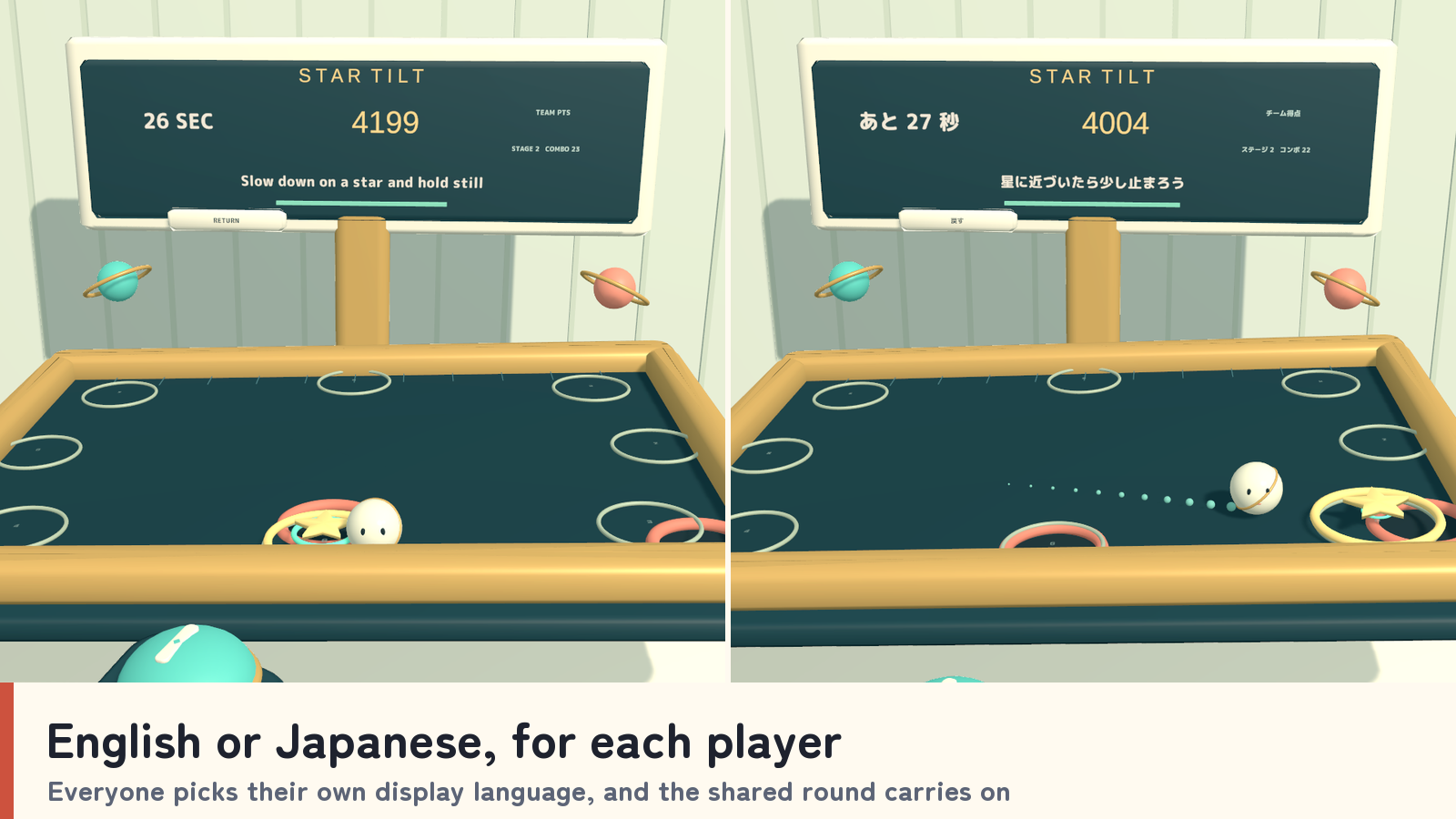
Japanese/English guides and labels are a personal display choice. Standard prefabs follow each player’s VRChat language; the _EN prefabs start in English. Changing language does not reset or change the shared round.
What you get
- Four game prefabs and four sample scenes: PC and Android, each in a standard and an English-start version.
- Unity-generated models, materials, UdonSharp scripts and game audio.
- The C# setup script used to rebuild the set (Sources/TiltSetup.cs).
- Japanese/English guides, license terms and third-party notices.
Requirements & setup
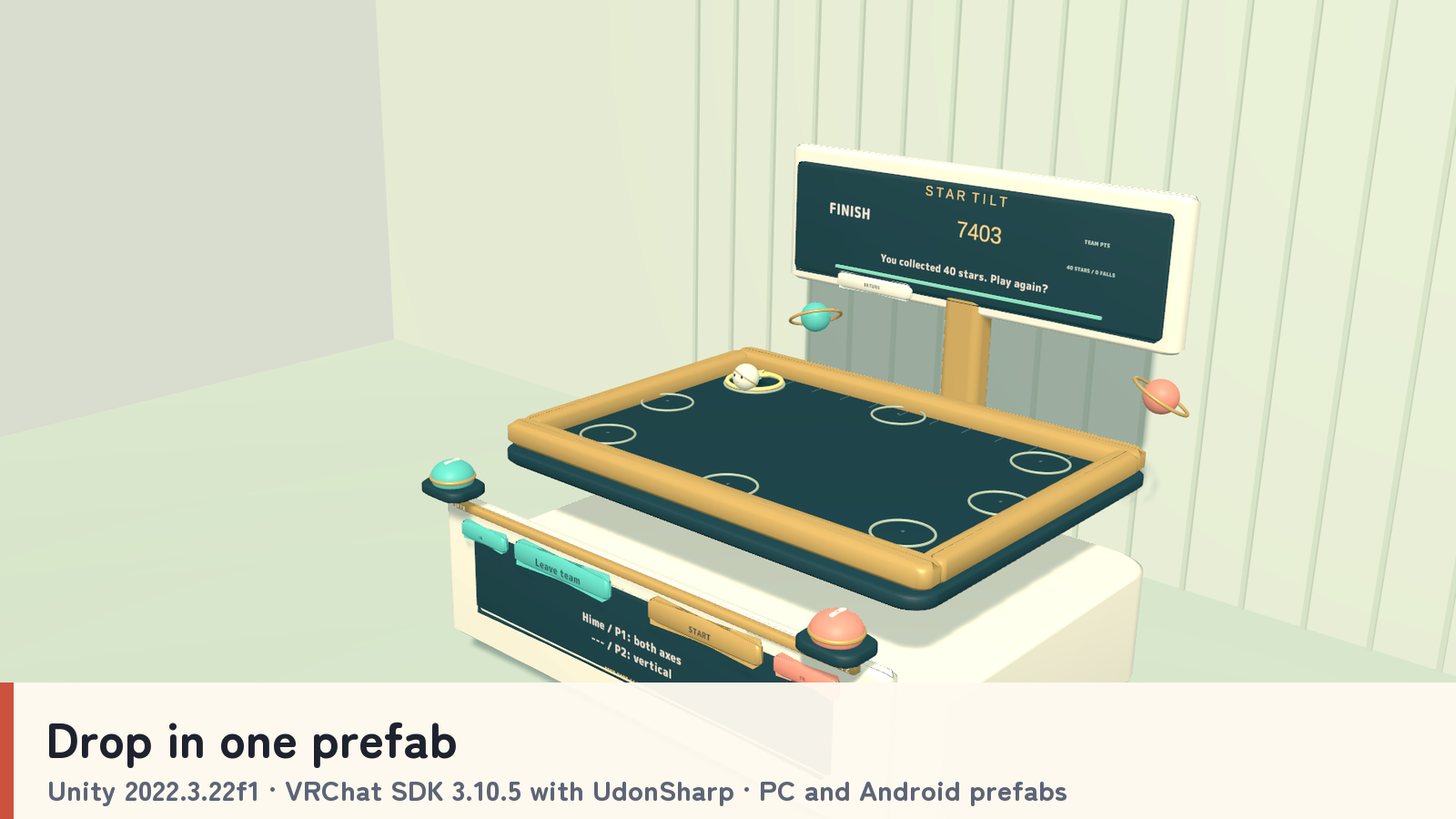
Use a VCC Worlds project with Unity 2022.3.22f1, the Built-in Render Pipeline and VRChat SDK – Worlds 3.10.5 with UdonSharp.
- Import TMP Essential Resources from Window → TextMeshPro, then import StarTilt_v2.0.1.unitypackage.
- For English at startup, place StarTilt_Set_EN.prefab in a PC world or StarTilt_Set_Android_EN.prefab in an Android world. Standard prefabs that follow each player’s VRChat language are included too.
- Adjust the placement using a uniform scale, then use the SDK’s Build & Test.
Commercial use & customization
Individuals and organizations may incorporate this product into VRChat worlds they create or manage for commercial or non-commercial use. Modification, events, videos and streams are permitted. Credit is optional.
The original assets are licensed for incorporation into your own work. Redistribution or resale as standalone assets or reusable source data is not included. Each collaborating creator who uses the source data must purchase the product. See LICENSE_EN.txt and the included third-party license texts for the full terms.
Support
Questions or setup help? Ask in this product's Q&A on Jinxxy. Please include the product name, your Unity and VRChat SDK versions, the steps you took, and any error message.