
Product Description
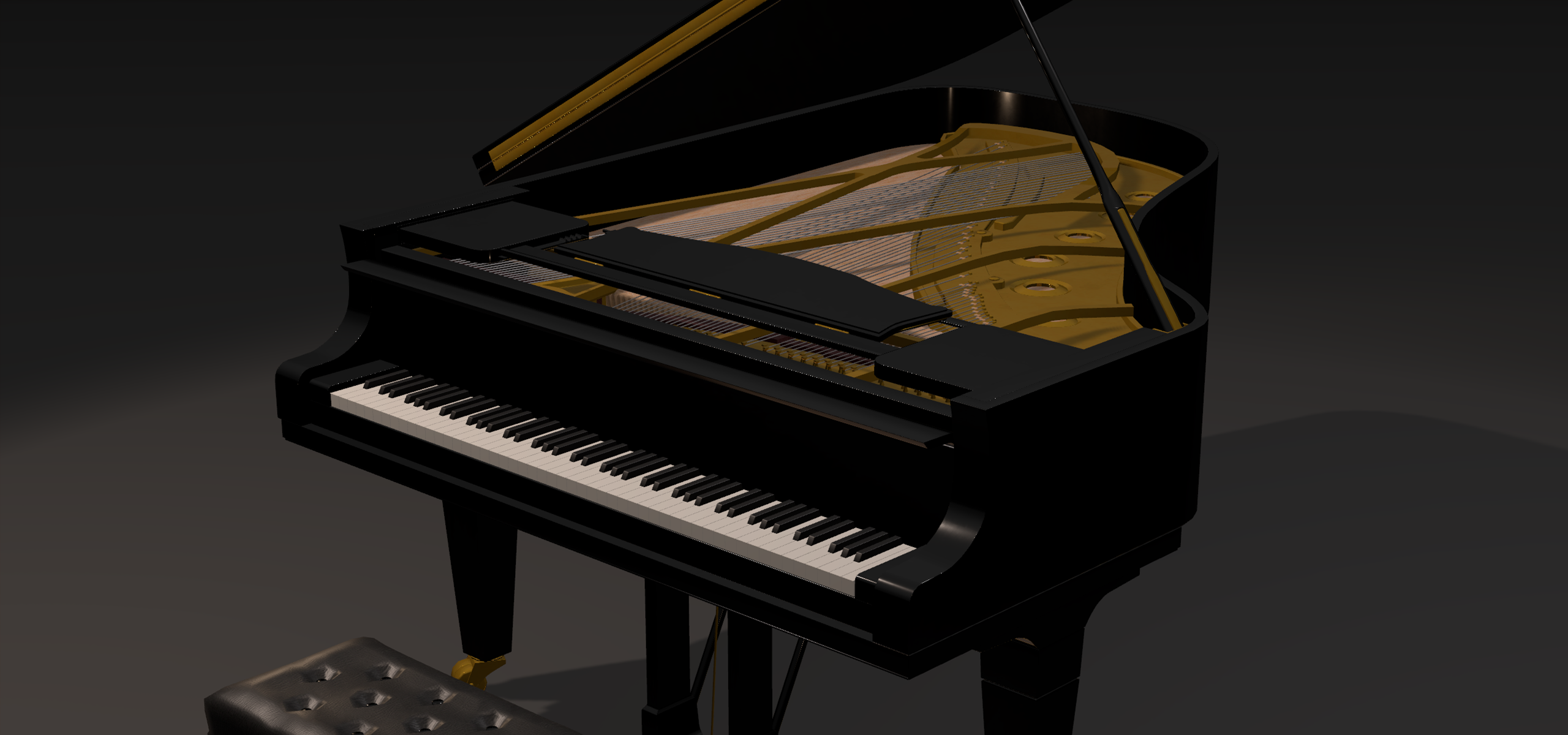
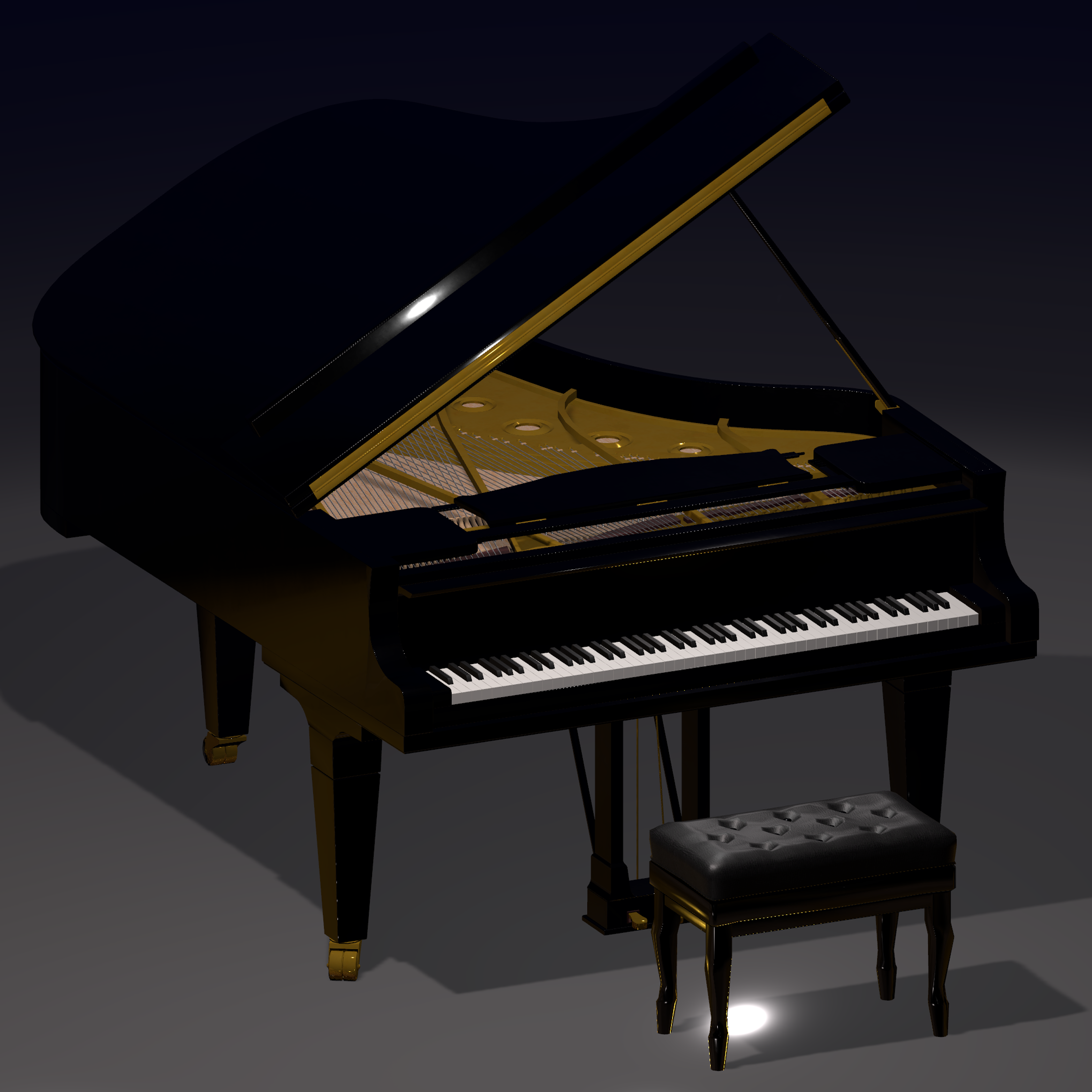
If you're here you probably like piano or music. Well I have good news for you, because this is the most realistic MIDI piano asset ever made for VRChat
🎹Presentation
- IMPORTANT: This asset will add 33.5MB to the download size of your map. You can reduce this to 15.4MB by switching the sounds to mono instead of stereo.
- Two versions of the prefab are provided, one with Graphlit materials https://z3y.github.io/vpm-package-listing/ (add Graphlit) and one with Unity Standard
🤍 Want to try the asset by yourself?
You can try it on my world Jojos Piano World on VRChat
It features:
- A fully working MIDI Piano
- High quality audio with 24 voices, can be increased to up to 32 (VRChat limitation)
- Velocity working
- All 3 pedals working, including half pedaling
- Fully animated: keys, hammers, pedals, lids, book holder
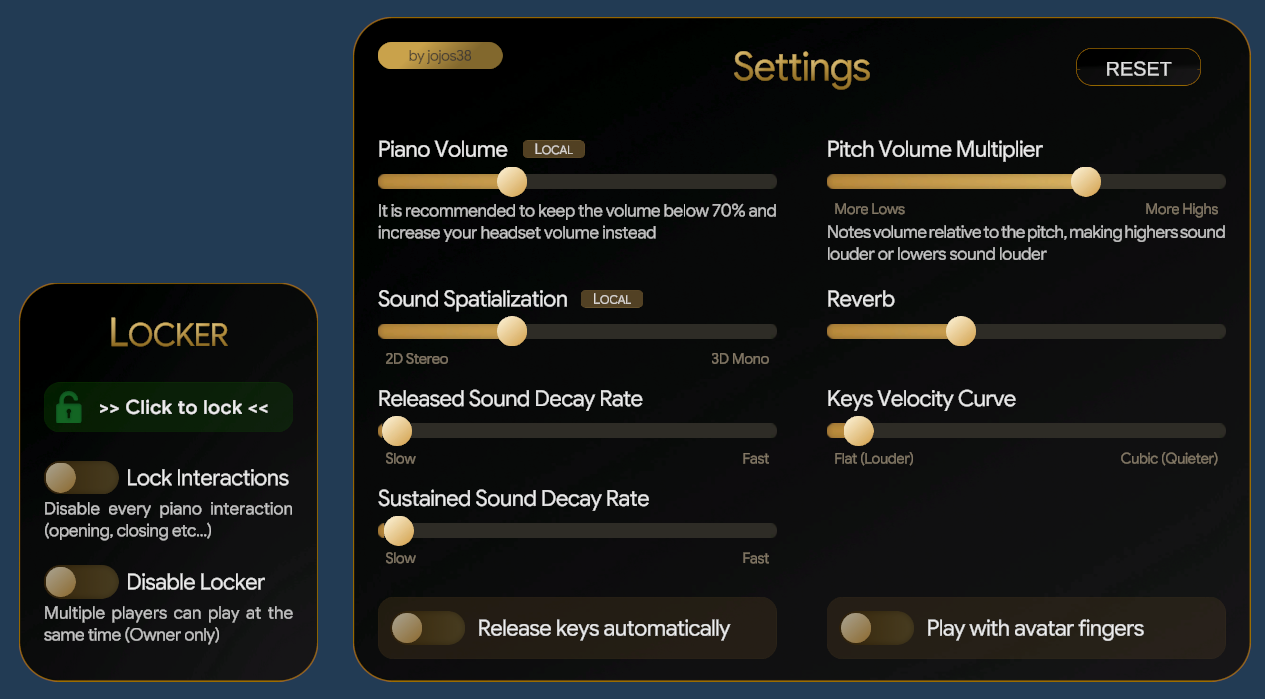
- Fully customizable, in Unity Editor and in-game with the menu
- Fully networked with minimal lag and latency
- Experimental support to AudioLink (add the PianoAudioLinkBridge prefab in your scene and select your AudioLink instance in it)
- Can be used with fingers and feet if you don't have a MIDI keyboard (although not recommended)
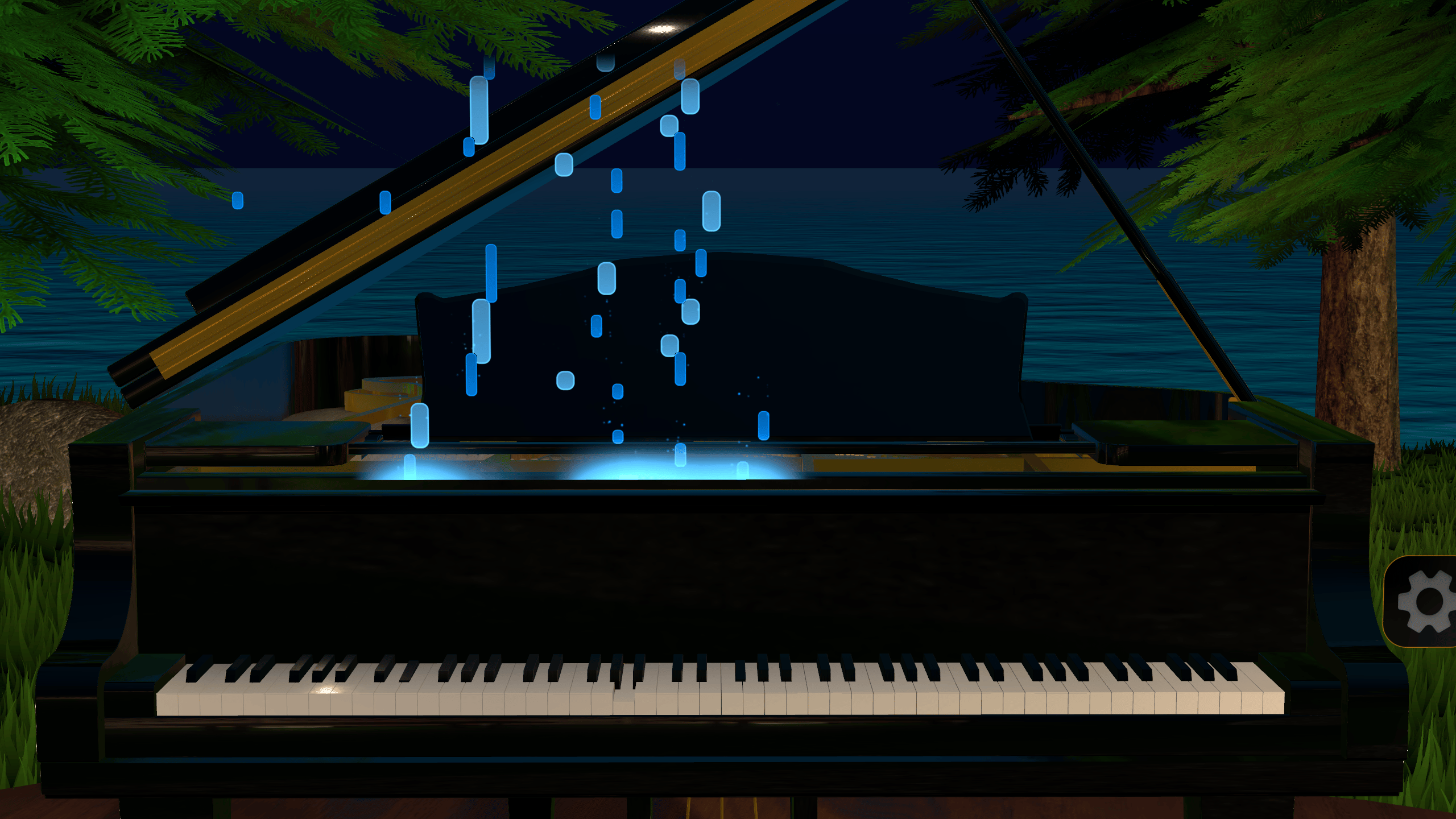
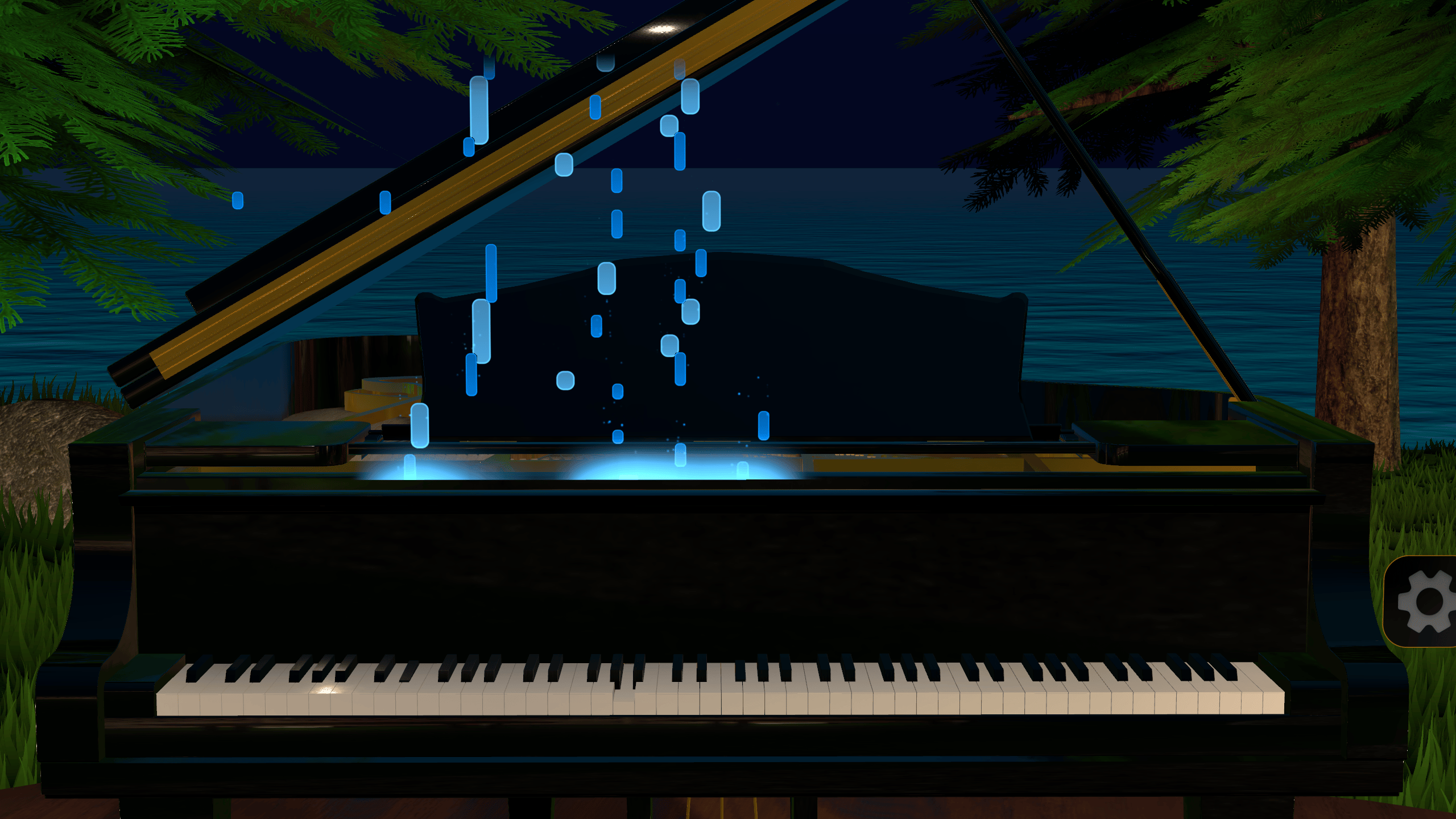
- Provides a falling notes visualizer for others to see what you play
- Easy on performances (9 materials, 42.5k triangles, optimized code)
- Data persistence integrate, saves user settings and restore thems
- Can be used by several players at the same time (but not audio synchronized due to VRChat limitations)
- Clean code that easily allow for custom adjustments
- Quest compatible
📸 Photos and videos

✨Getting started
To start using the asset, simply drag and drop the Piano prefab in your scene
If you want to use the Unity Standard materials instead of Graphlit, use the Piano_StandardMat prefab instead
If you want to add more voices to the piano instead of the default 24, simply open the Piano prefab in your scene and go to Scripts/PianoVoiceManager/PianoVoices and duplicate the last voice to add more (up to 32)
Important: If you already have another MIDI asset on your map, you will have to to keep only one MIDI listener (either from my asset or the other)
🔎FAQ
Is this asset Quest compatible?
Yes
How much size will this asset add to the map?
This asset will add 33.5MB to the download size of your map. You can reduce this to 15.4MB by switching the sounds to mono instead of stereo
Can I use this asset on any map?
Absolutely
Can I change the [sounds/materials/menu/settings...]
Yes, everything is customizable
Why all the materials are purple when I drag the asset into my scene?
The default materials are using Graphlit, you can use the Piano_StandardMat prefab instead to get working materials.
You will need to add Graphlit if you want to use the provided materials. You can also easily convert them to any other shader
I encountered a bug, what do I do?
I tried to test my asset as much as possible, but it being very complex, it is not impossible that bugs are remaining. If you encounter any bug, please join my Discord and we can look at it together
💻Updates
v1.2.1
- I forgot to enable back the key lids, sorry!
- An image from the menu was missing
v1.2.0
- Note visualizer! You now have a falling notes display above the keyboard, you can move it and scale it however you want!
- Sounds for all animations, opening and closing lids, pressing the pedals and more!
- Improved networking, the playback for others should be even more accurate, at the cost of added latency
- You can now use the pedals with feet with full body tracking
- Fixed a bunch of small bugs
v1.1.0
- Brand new menu!
- Added an experimental audio link support, to use it add the PianoAudioLinkBridge prefab in your scene and select your AudioLink instance in it
- Fixed a few issues with the prefabs
v1.0.4
- Added an auto-unlock feature after 3 minutes of inactivity (only if there are at least two players on the instance)
v1.0.3
- Added credits
- Fixed a bug with the decay rate slider
v1.0.2
- Fixed a random crash upon joining the world
- Added a sound spatialization slider
v1.0.1
- Fixed data persistence not working except for owner
- Fixed reset button not grayed out for non owner of the piano
- Fixed reset button not syncing to other players
- Fixed menus still having the pointer even when disabled
❤️Credits
The 3D model included in this asset is provided for free. It is a major rework of the model by Amatsukast, thanks to them for providing their work for download Grand Piano - (@Amatsukast)