Package Checker 📦| FREE
Product Description
INTRODUCTION
Package Checker ensures your users have the correct package versions installed.
You can lock avatars and assets to specific package versions and users will be prompted to fix missing packages and versions issues. Package Checker respects your user's decision and can be dismissed and disabled easily. It also comes with a built-in auto-fix feature that attempts to install the required unity packages and versions for your users that can opt-in on.
OVERVIEW
- Import PackageChecker.unitypackage into your project
- Generate a lock file from your project
- Export your avatar/asset WITH the PackageChecker folder (which contains the generated lock file)
- Users import your avatar and asset as normal and will be prompted if packages are incorrect
USAGE (CREATORS)
Generate Lock File
- In Unity's top menu, go to: Tools > NOPPERS > PackageChecker > Generate Lock File
This captures your current package versions and saves them.
Export Your Asset
- Export your avatar/asset as a Unity package as you normally would.
IMPORTANT: You MUST include the entire PackageChecker folder and the lock file for the checker to work.
USAGE (USERS)
If All Packages Are Correct
Nothing happens - success is silent. Users can start working immediately.
If Packages Are Missing or Wrong Versions
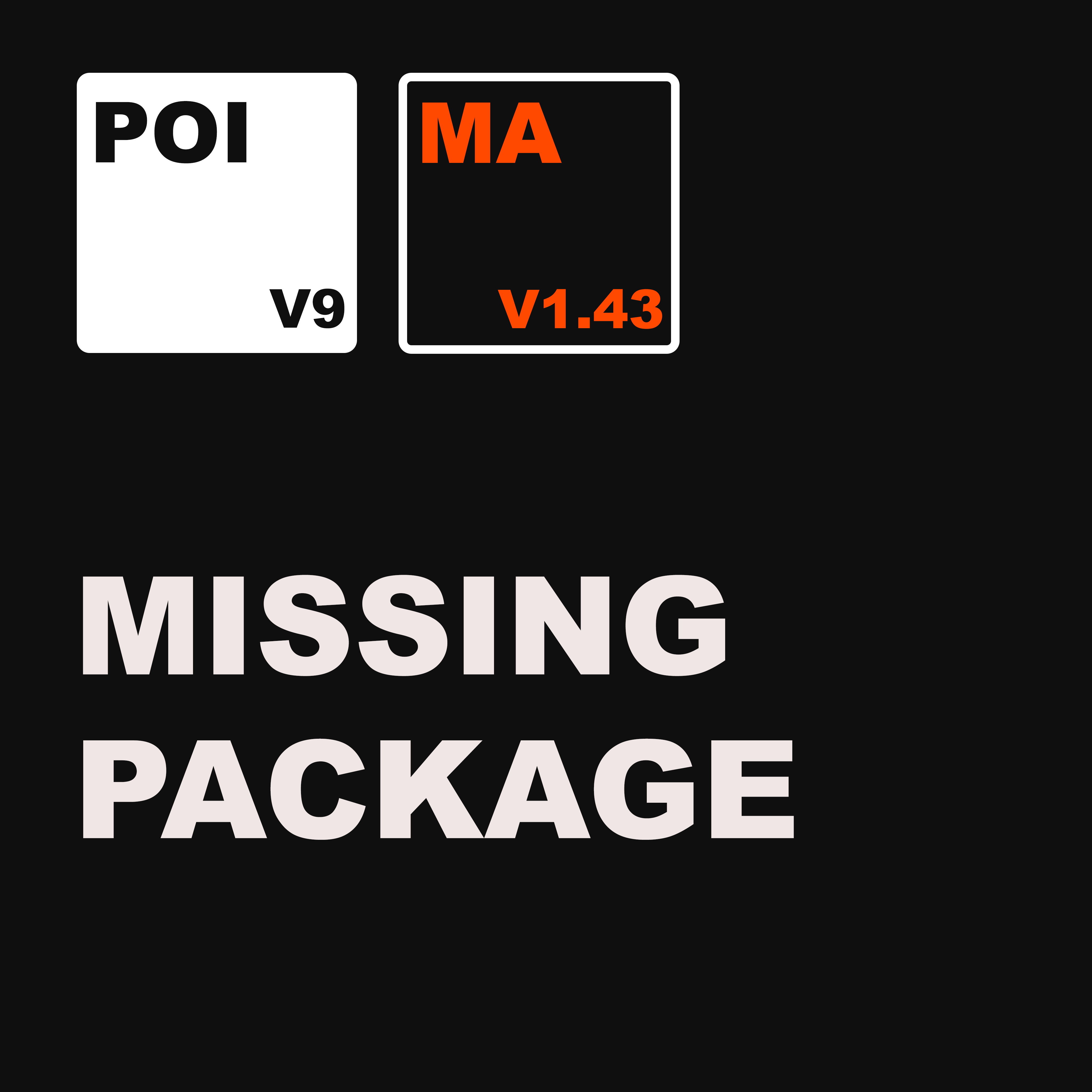
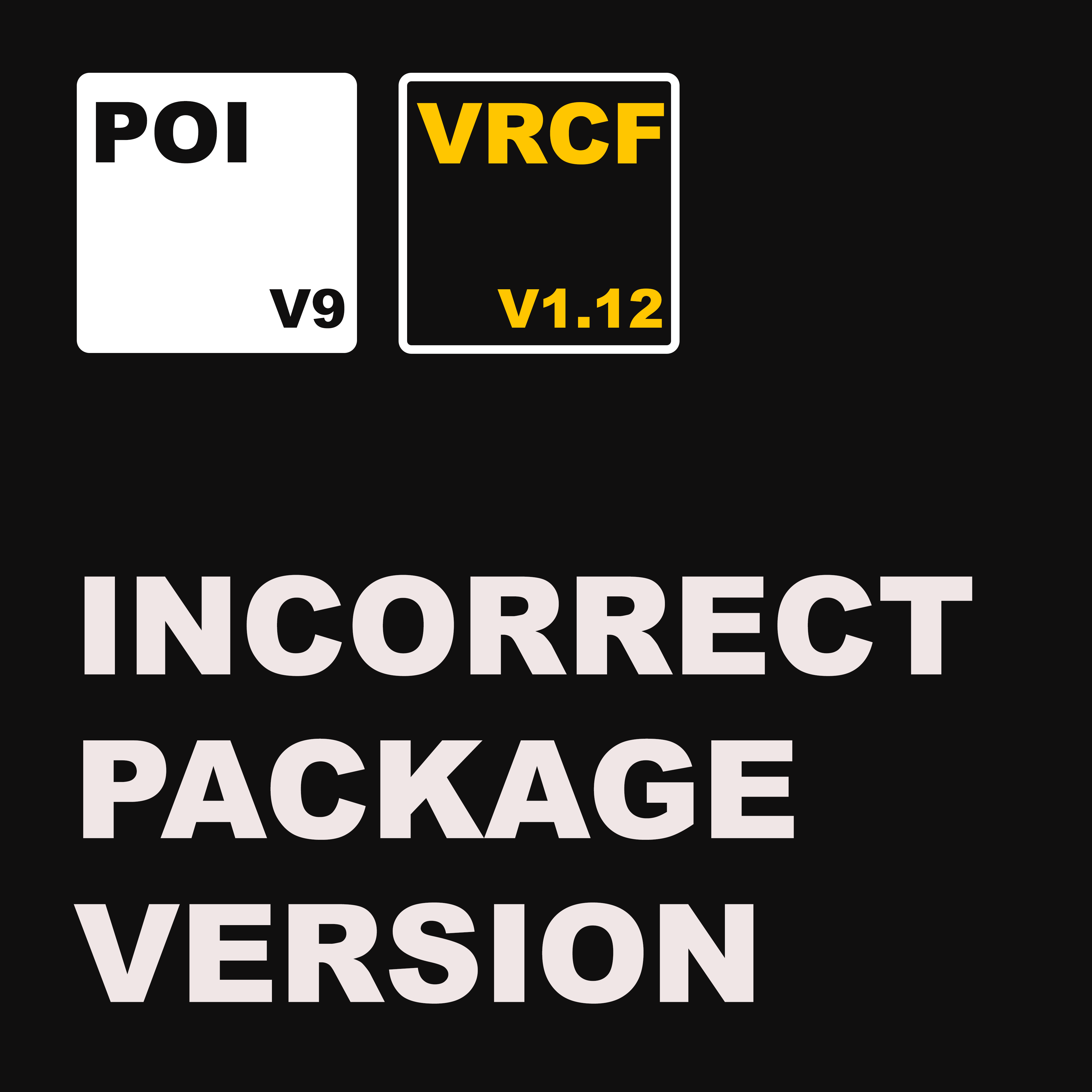
A popup window will appear listing the issues.
Users will be guided with these options:
Fix Manually Through VCC
- Open VRChat Creator Companion
- Install/update the required packages
Try Experimental "Fix All" Button
- Attempts to auto-fix packages
- Requires users to have necessary repositories in VCC
Dismiss Popup Temporarily
- Closes the popup
Disable Lock Files Completely
- Turns off package checking
LICENSE
- MIT
SOURCE
github.com/npprs/PackageChecker
SUPPORT
Please reach out if you have any feedback! I am always looking to learn and improve.
Discord: https://discord.gg/ykrfJMfGNk
REQUIREMENTS
- UNITY 2022
- VCC