
Candy Ribbon Halo | Peppermint Swirls & Satin Bow, 5 Colors (Modular Avatar)
Product Description
This product contains AI-generated content.
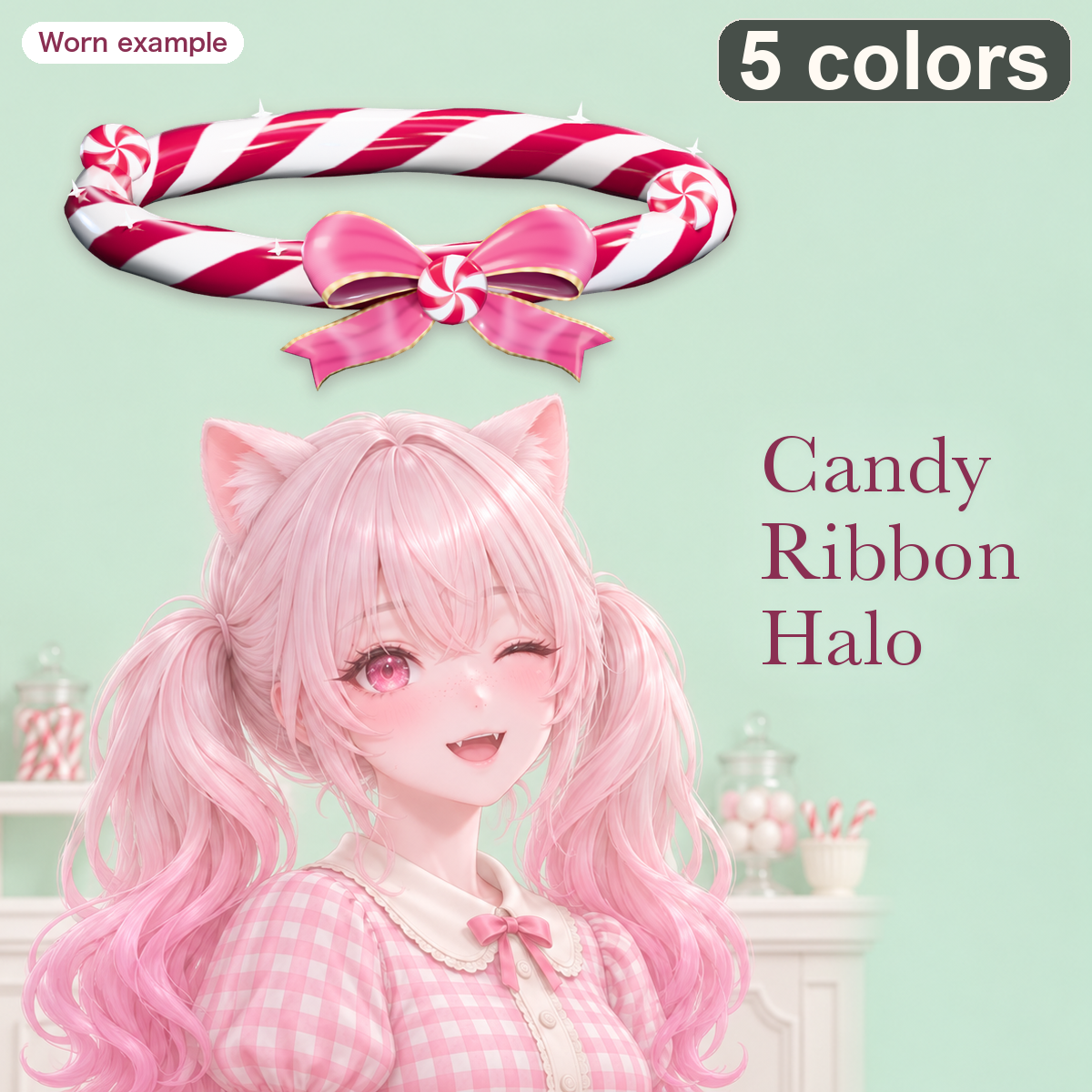
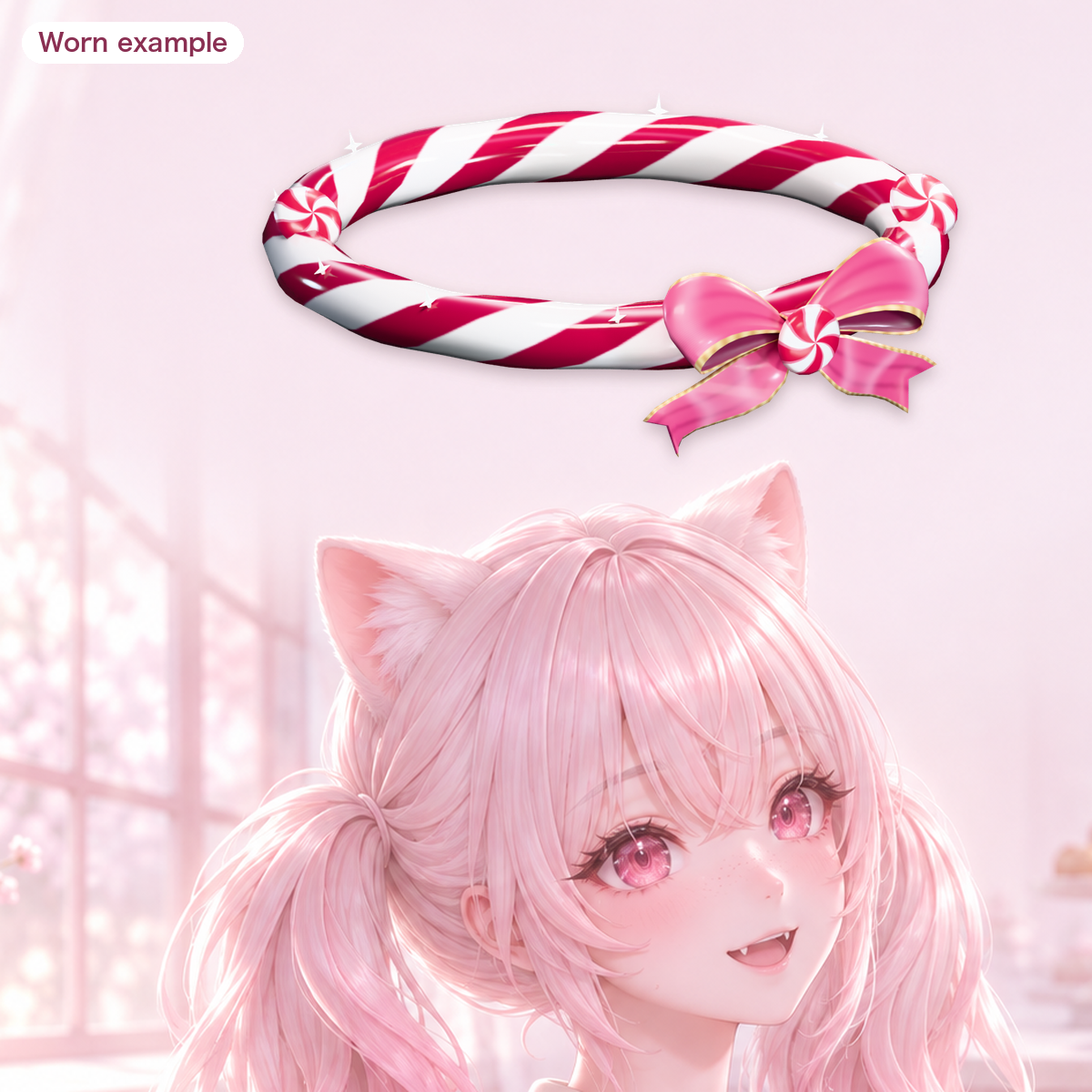
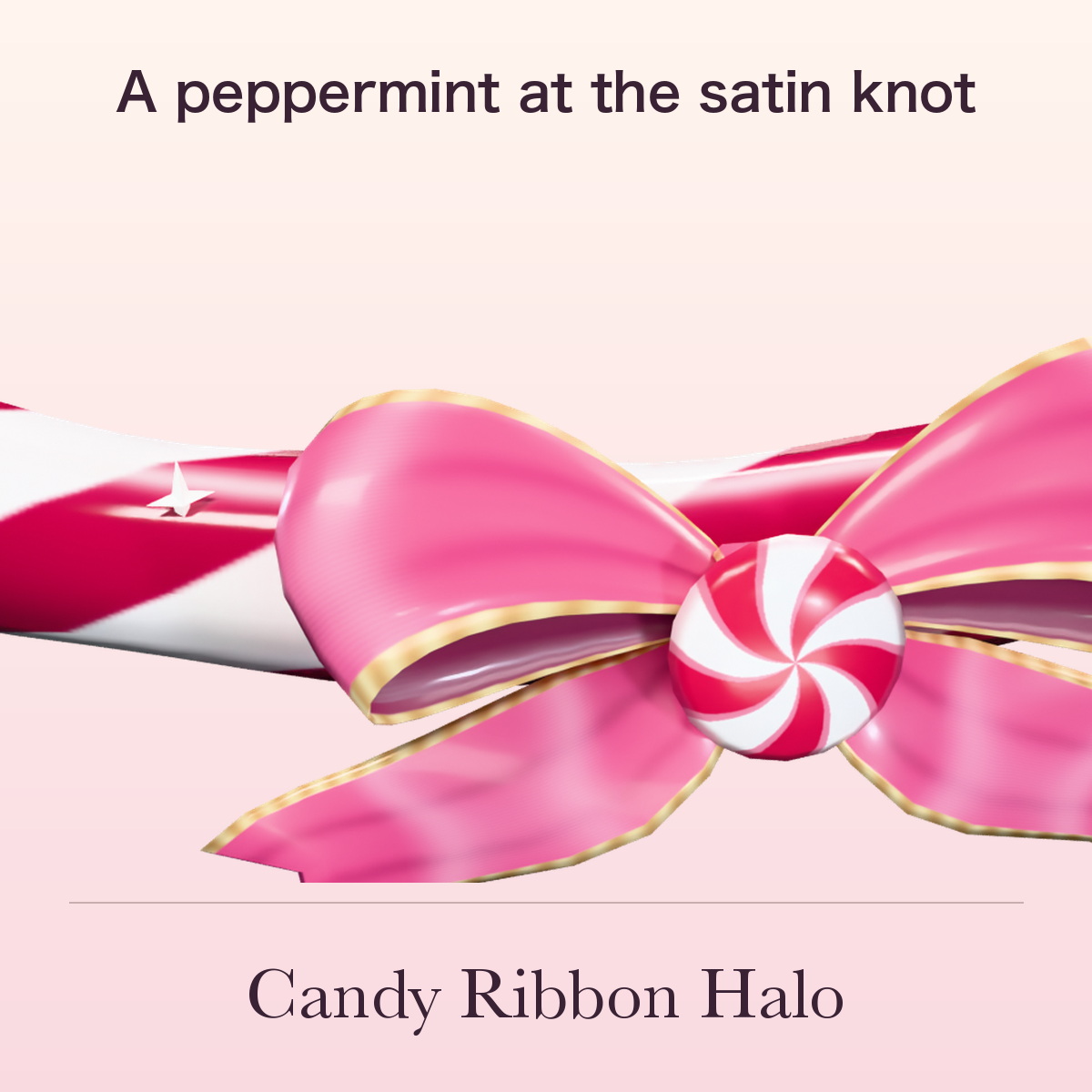
A striped Christmas candy halo with a pink bow, three peppermint sweets and tiny sugar sparkles. Both ribbon tails sway with movement.
A Christmas accessory for VRChat avatars, in five colors.
Candy Ribbon Halo is an original 3D accessory for VRChat avatars.
Triangle count: PC 3,960 / Quest 1,998
What's included
- PC and Quest versions in a Unity package, FBX, GLB and the editable Blender file
- Color palettes, material textures and the PC candy pop effect (WAV)
- Instructions in Japanese, English, Korean and Chinese, and terms in Japanese and English
Setup in Unity
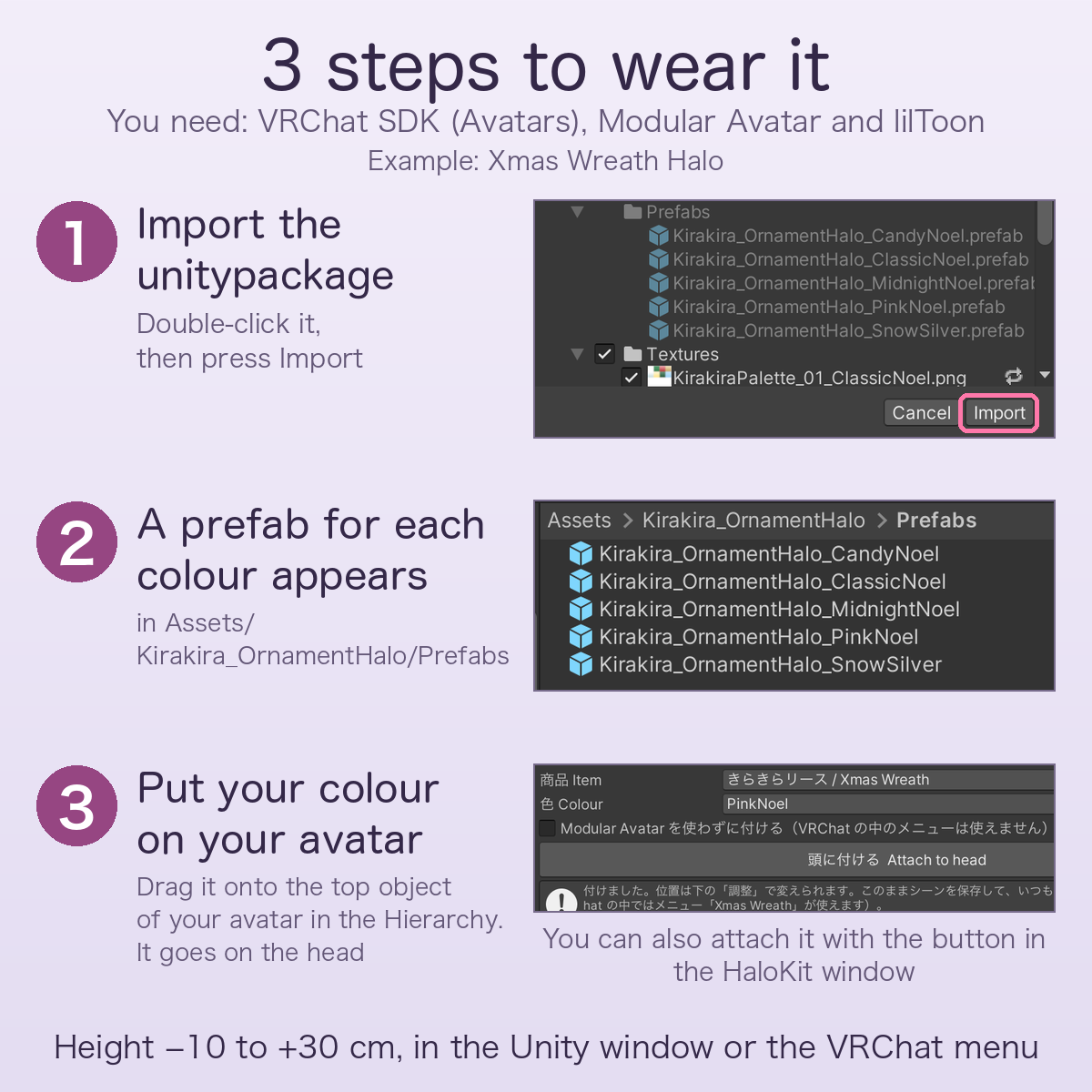
You need: VRChat SDK (Avatars), Modular Avatar and lilToon (add them from "Manage Project" in VCC / ALCOM).
1. Double-click CandyCane_Halo_v1.0.unitypackage and press "Import".
2. After a moment, one prefab per colour appears in Assets/CandyCane_Halo/Prefabs (the HaloKit window also opens).
3. Drag the prefab of the colour you like onto the top object of your avatar in the Hierarchy. It goes on the head.
That's it. Save the scene and upload as usual.
If no prefab appears, run Tools > CandyCane > Rebuild Prefabs.
Features and controls
- PhysBone motion: Two ribbon tails.
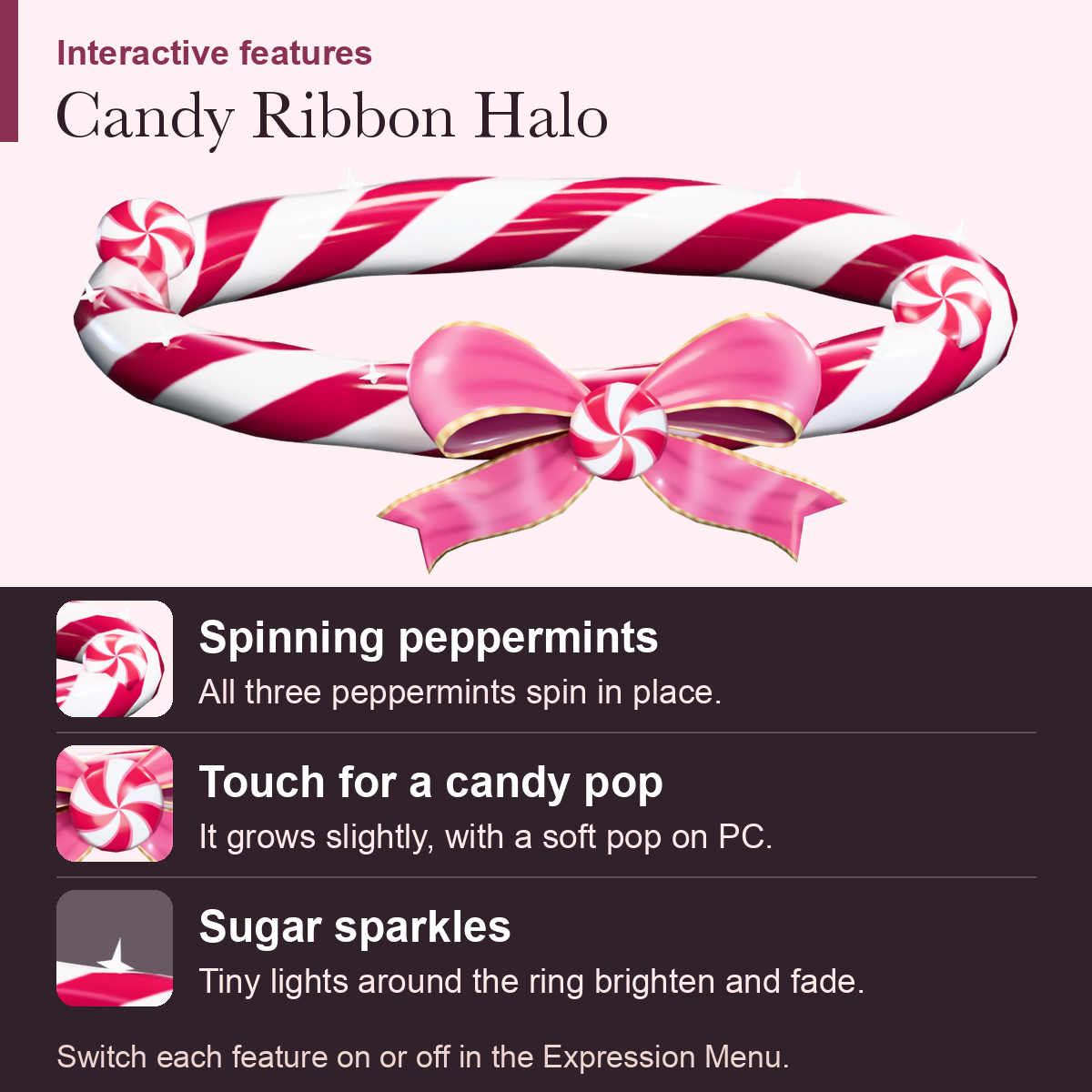
- The three peppermints spin in place, one on the bow and one on either side of the ring. The tiny sugar stars slowly brighten and fade.
- Touch the halo with a hand or finger and the front peppermint briefly swells. On PC, you also hear a soft pop. Spin, sparkle and touch response start on. You can switch them off separately.
- The 7 Expression Menu controls are Show, Hide tails, Hide side candies, Spin, Twinkle, Touch and Height.
- Select your color in HaloKit. Adjust the height from −10 to +30 cm in Unity or in the Modular Avatar menu.
Quest (Android)
- Switch the Unity build target to Android and use a prefab ending in _Quest.
- What this item adds (Quest version): 1,998 triangles, 1 mesh(es), 1 material(s), 1 PhysBone(s), 1 contact(s), 0 constraint(s), 1.03 MB of textures.
- Attachment, color switching, height adjustment and Android bundle creation were checked in Unity.
Supported environment
Unity 2022.3.22f1, VRChat SDK (Avatars) 3.10.6, Modular Avatar 1.18.7 and lilToon 2.4.1.
Specifications
- Triangles (PC version): 3,960
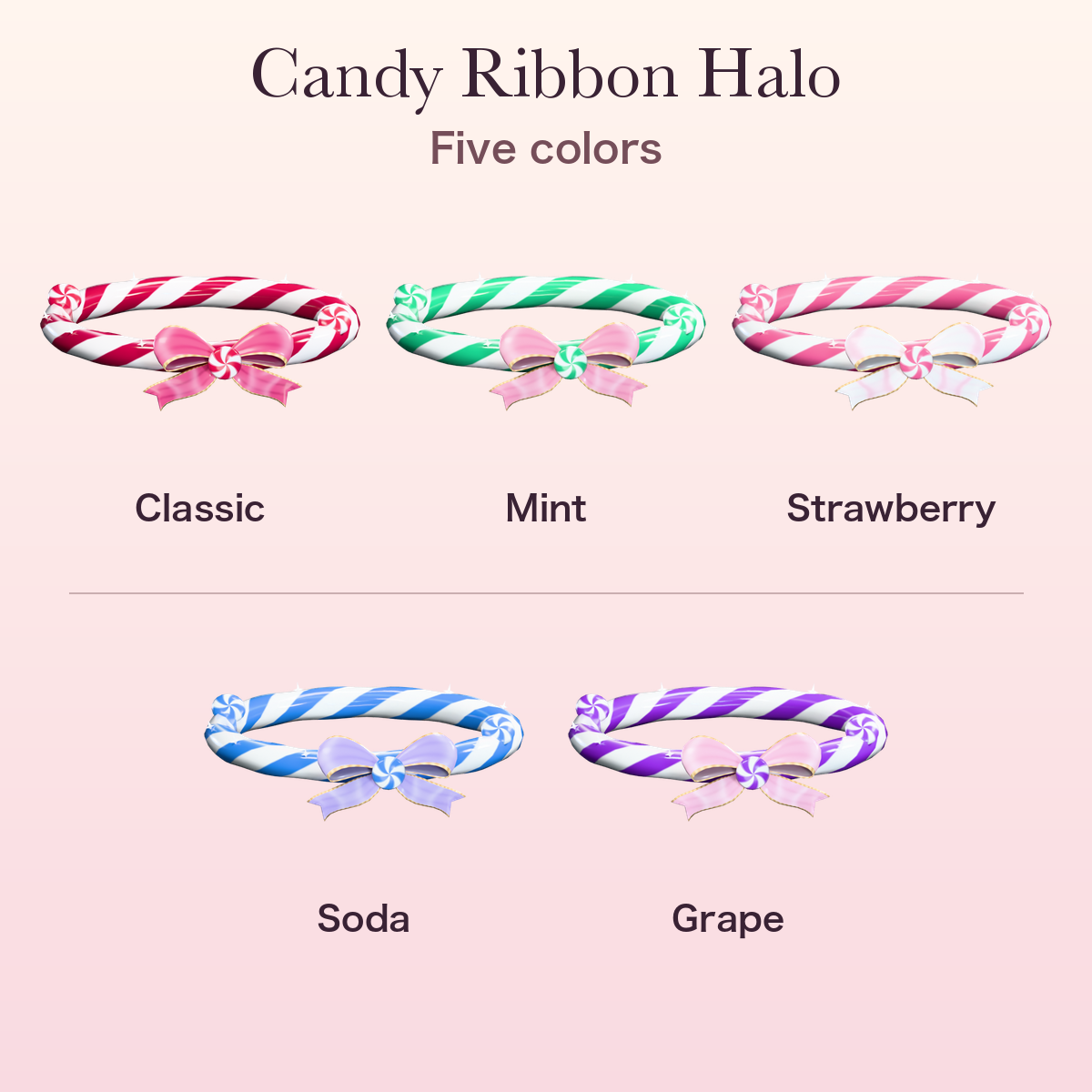
- Colors: 5 (Classic, Mint, Strawberry, Soda, Grape)
- PhysBone components: 2 on PC, 1 on Quest.
- The menu uses 14 synced bits.
- Default offset above the Head bone: 31.8 cm.
License summary
The bundled terms of use are authoritative. By purchasing you agree to them.
- Allowed: use in VRChat and other social VR, streams, videos, photos and games (monetized use is fine); modification (recoloring, reshaping, combining with other models); use without credit.
- Not allowed: redistributing or reselling the data, modified or not; uploading it in an extractable form (for example on a publicly cloneable avatar); claiming it as your own work; use against public order and morals, defaming others, political or religious activity; NFTs; use as AI training data.
- The seller is not liable for damage arising from use.
Notes
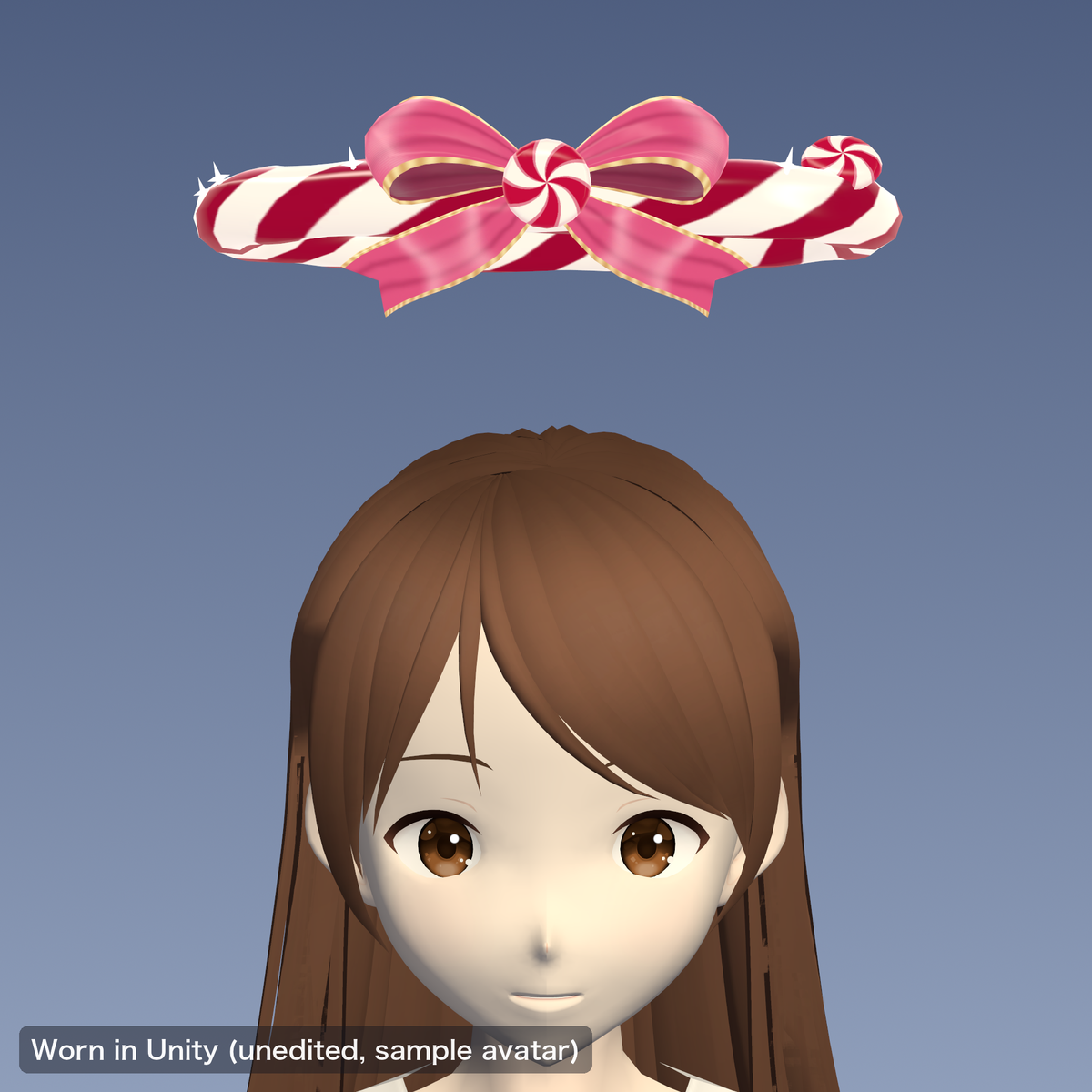
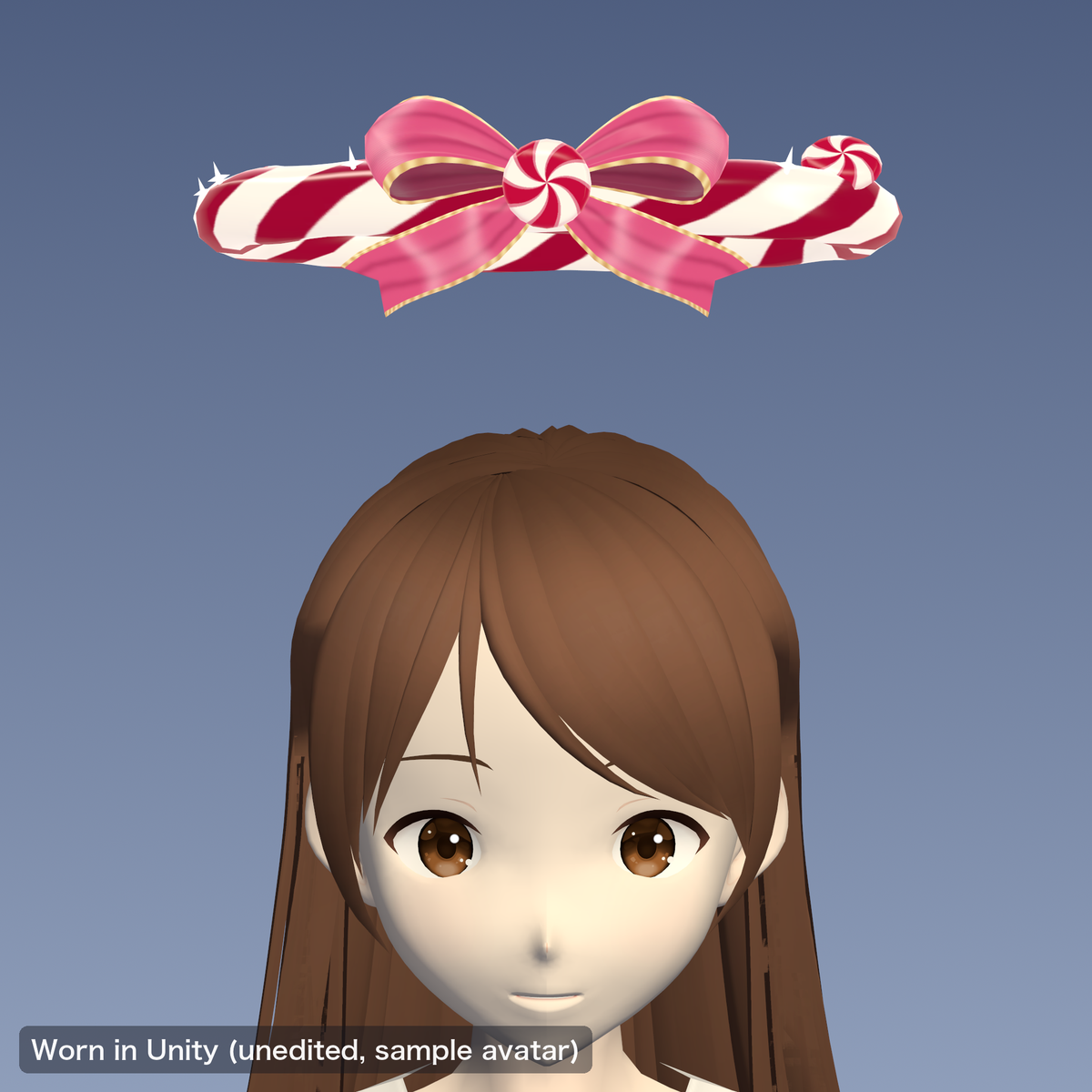
- See the Unity sample-avatar photo for the fit. The illustrated character is not included.
- This is a digital download. After downloading, change-of-mind refunds are unavailable. Jinxxy's Refund Policy and your statutory rights apply. Use of the files is governed by the bundled license.
Credits and AI disclosure
The halo in each illustrated shot is a Blender render of the included model.
AI was used in the creation of this product.
Full license terms
Candy Ribbon Halo - Terms of Use
Date: November 16, 2026 Seller: kAwaIi
By purchasing or downloading this data you agree to these terms. If the Japanese and English versions differ, the Japanese version applies.
ALLOWED
- Use by individuals and companies in social VR such as VRChat, streams, videos, photos and games
- Use in monetised streams and videos
- Modification (recolouring, reshaping, combining with other models)
- Commissioning someone to modify it, when both parties have purchased this data
- Use without credit (credit is appreciated)
NOT ALLOWED
- Redistributing or reselling the data, modified or not
- Uploading it in a form others can extract (for example on a publicly cloneable avatar)
- Claiming the data as your own work
- Use that is against public order and morals, that defames others, or for political or religious activity
- Use in NFTs or any form that claims ownership of the data
- Use as training data for AI
DISCLAIMER
The seller is not liable for any damage arising from use of this data.
The terms in effect at the time of purchase apply to that purchase.
Contact: https://00ookawaiioo00.booth.pm/