Product Description
From my hole I once again throw: another thing!
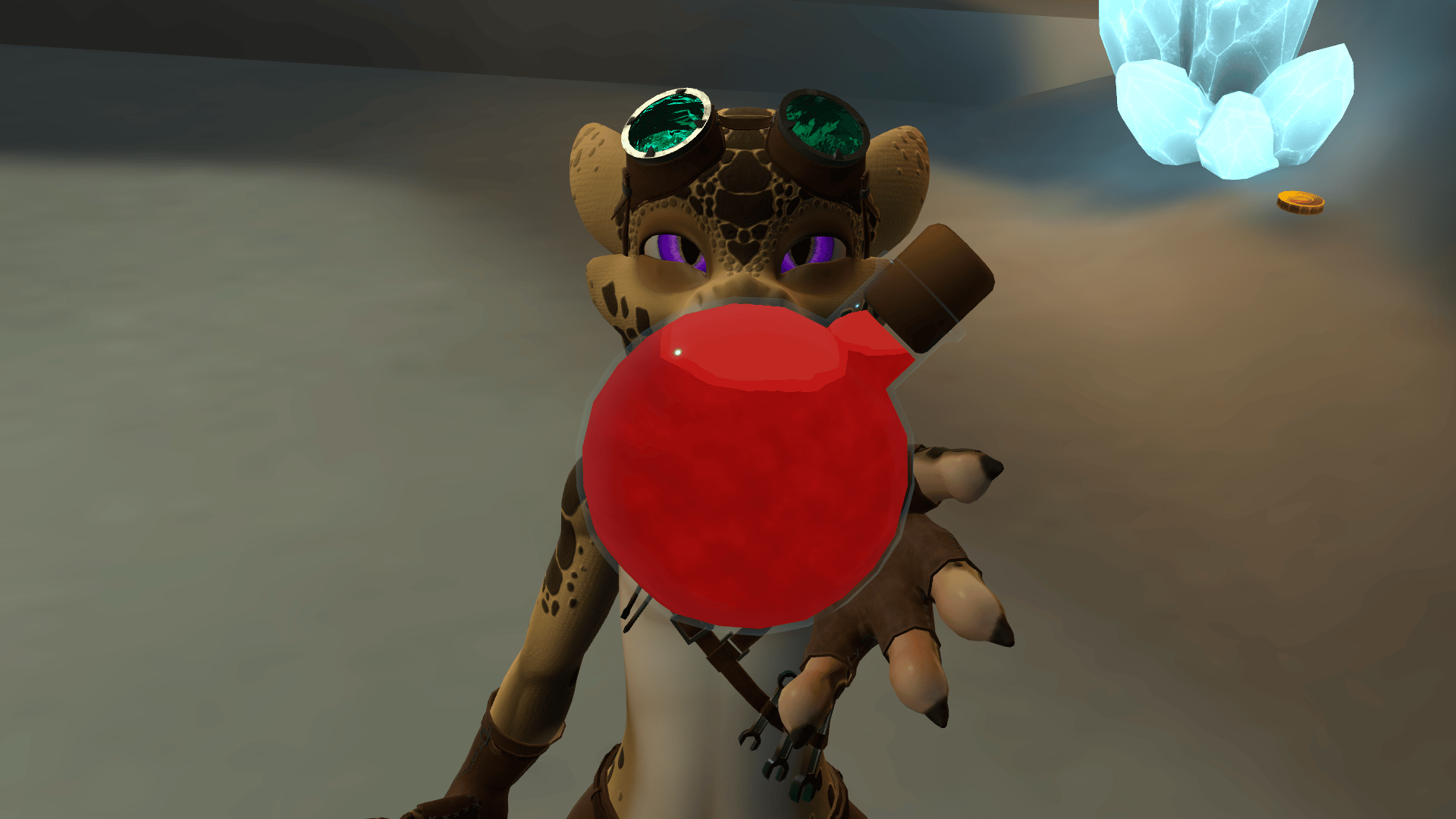
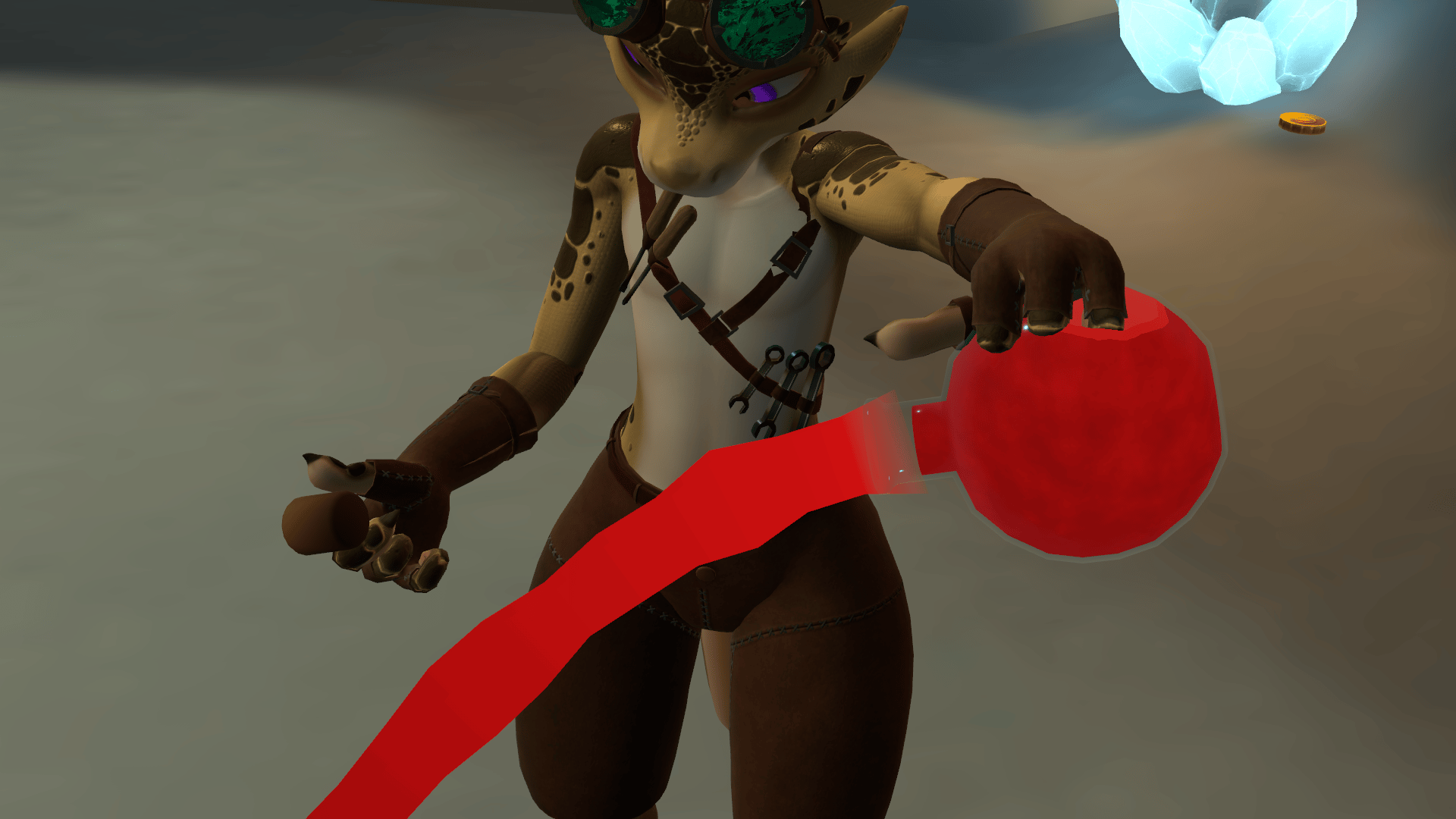
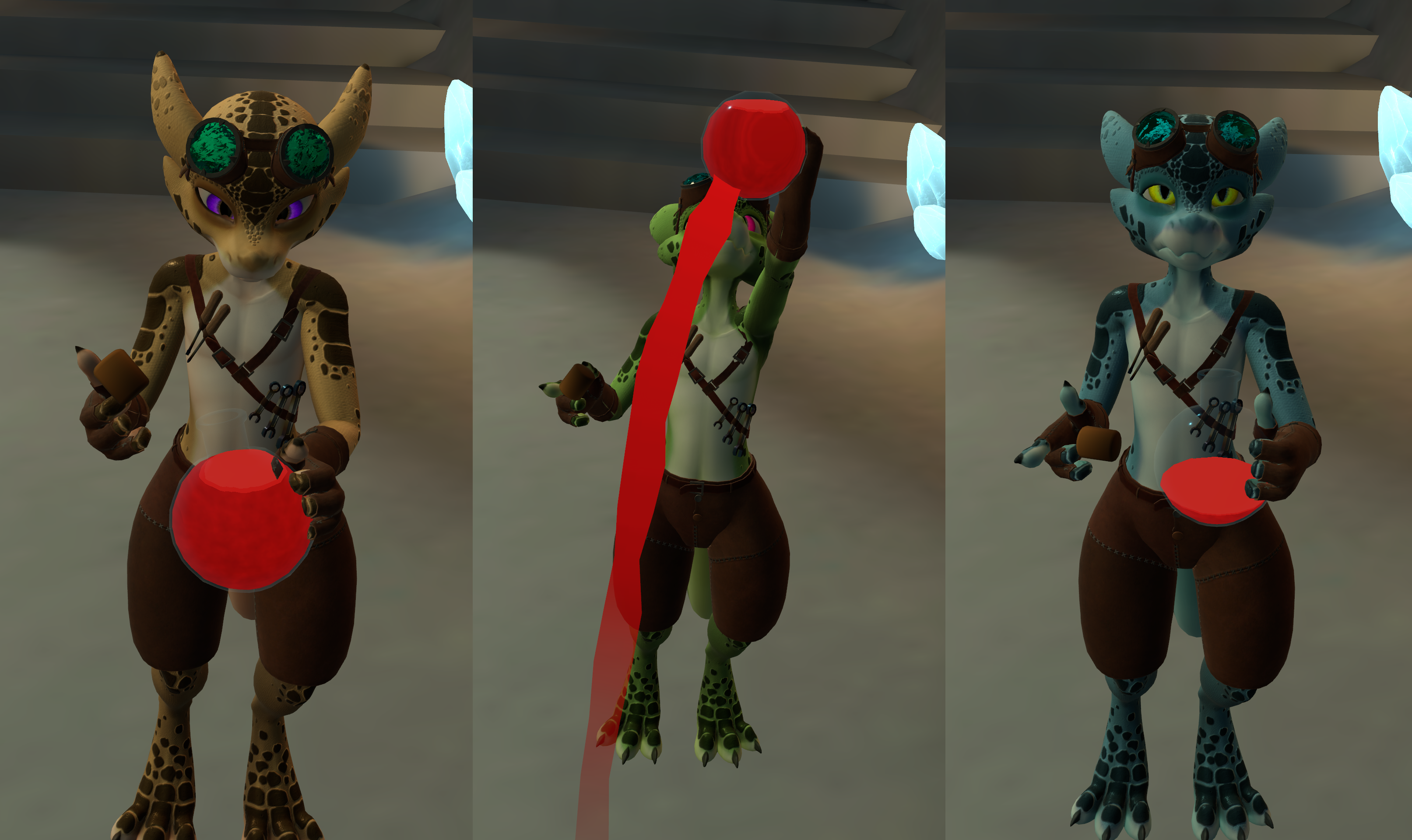
This time, it's a Pack of Potions, for your Party... needs, I dunno I suck at rhyming...
Features:
Three prefabs: the Effects System, a Throwable potion, and a Drinkable potion.
Option for both Gradual and Instant Delayed-Action trigger for potion effects
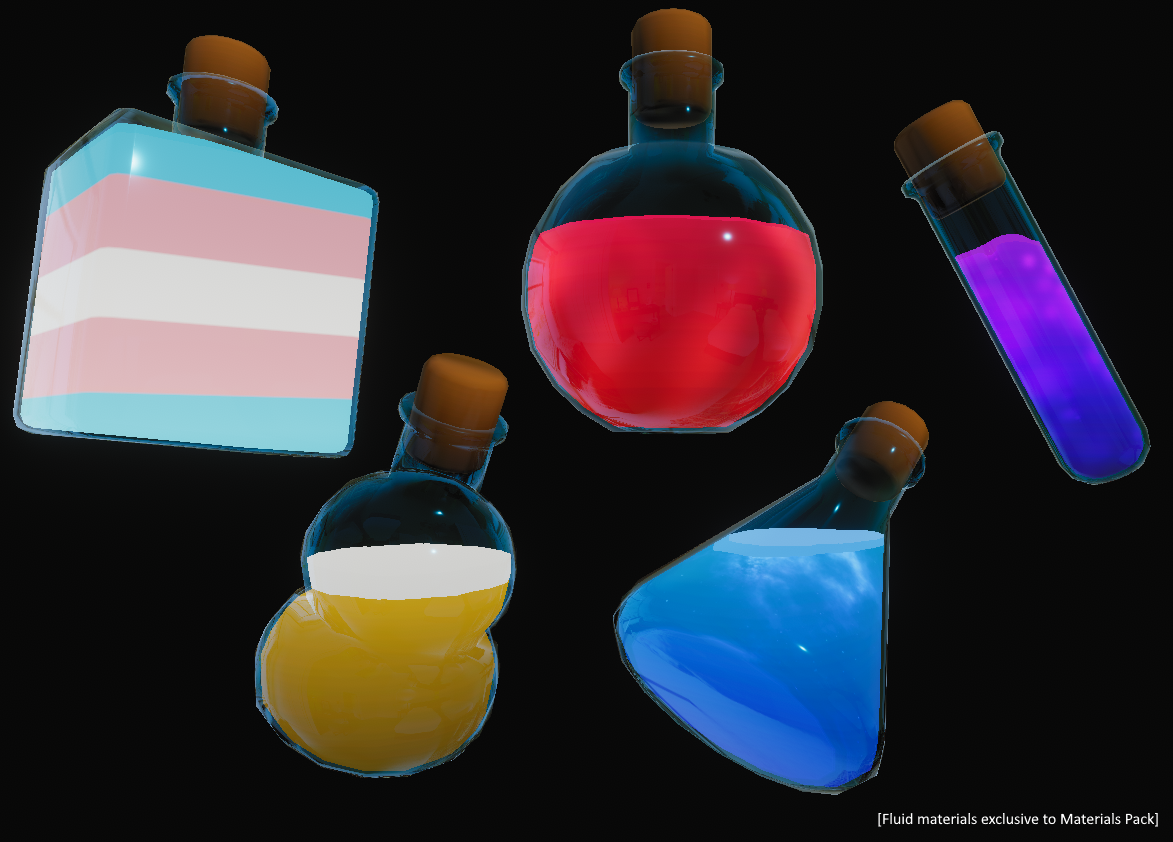
A whole set of potion-bottle meshes to choose from (some Unity experience required, basically just swap the meshes in the given prefabs)
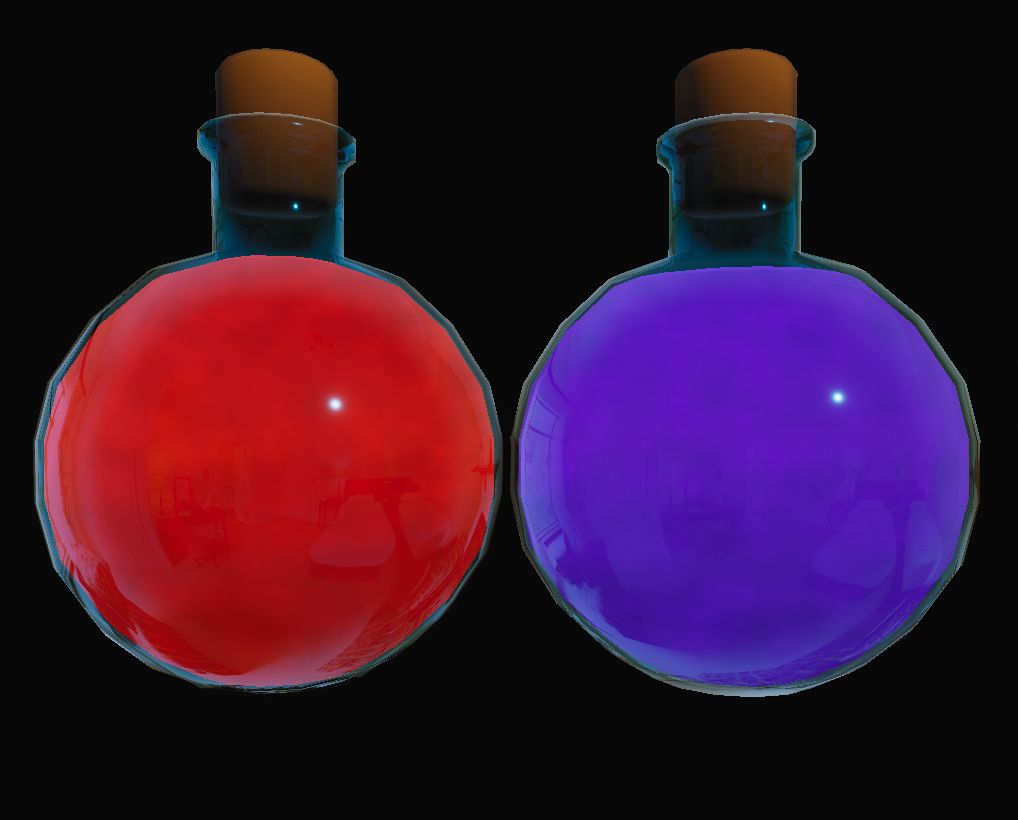
A fully custom potion shader with support for both Gradient and Detail textures
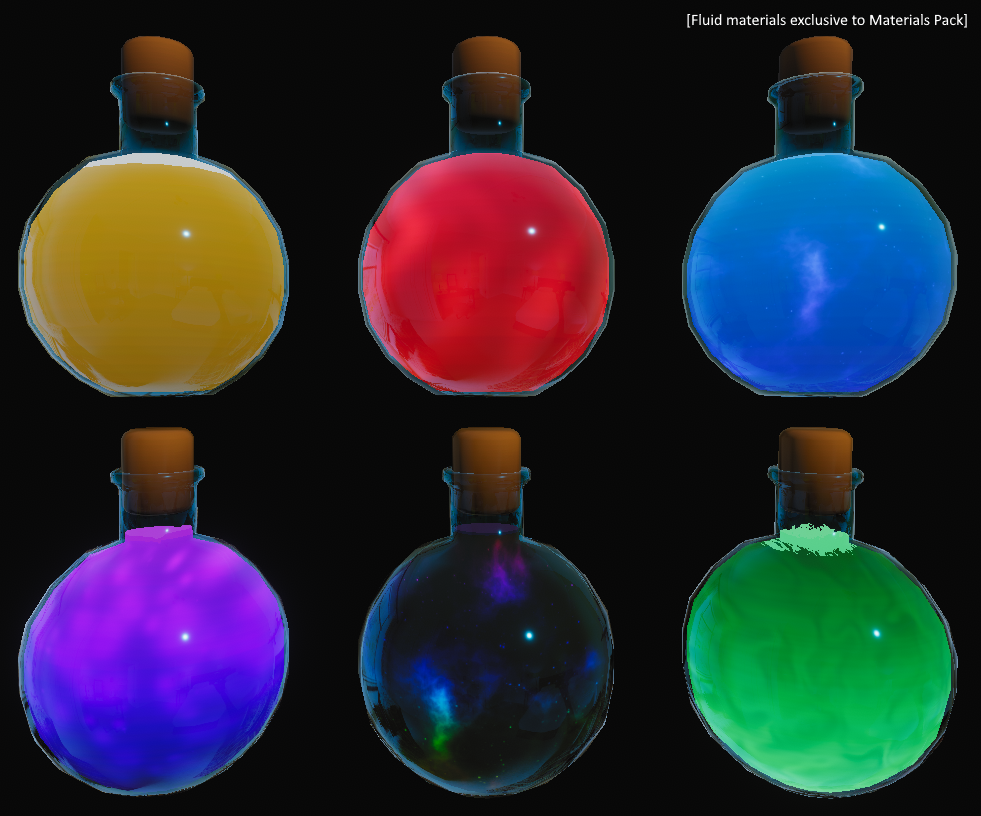
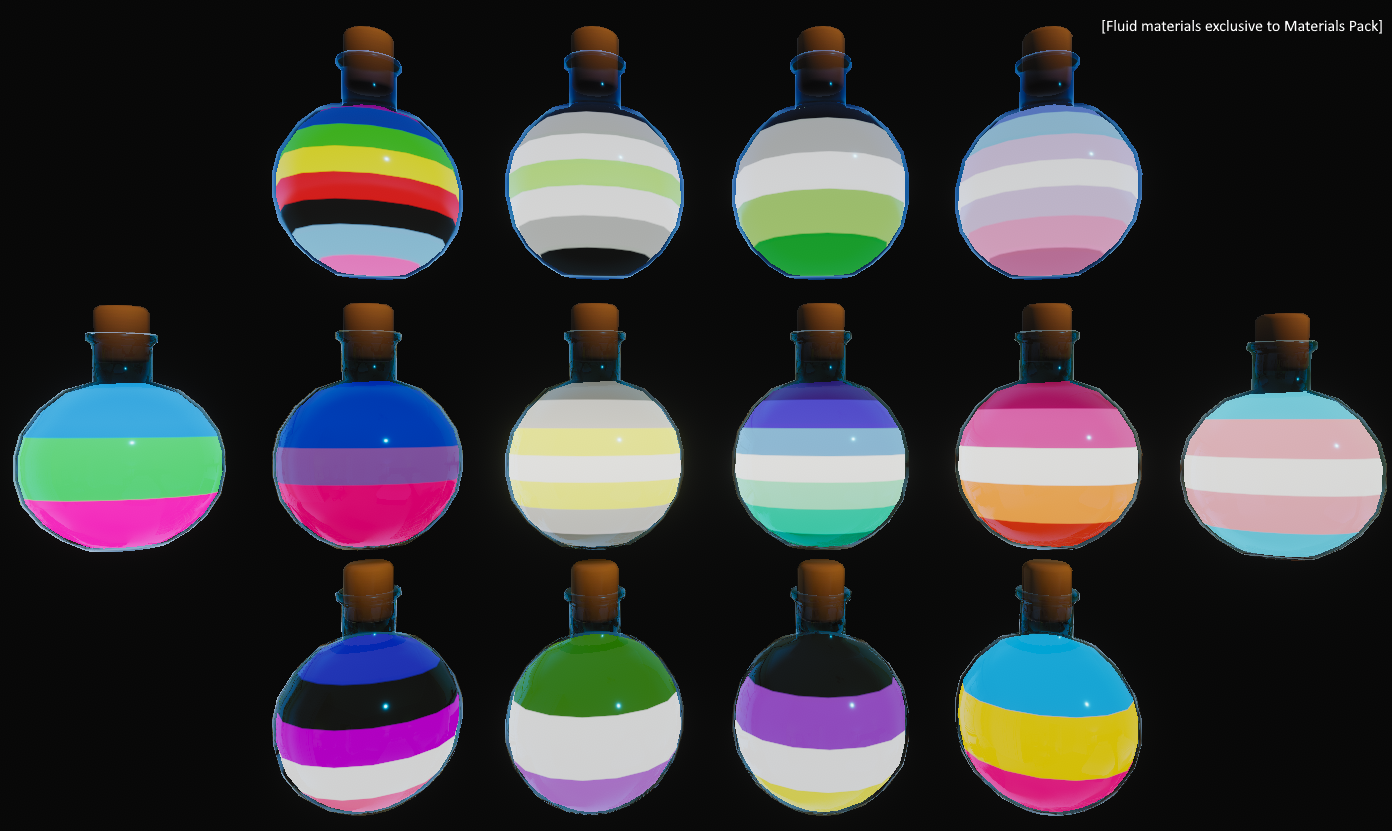
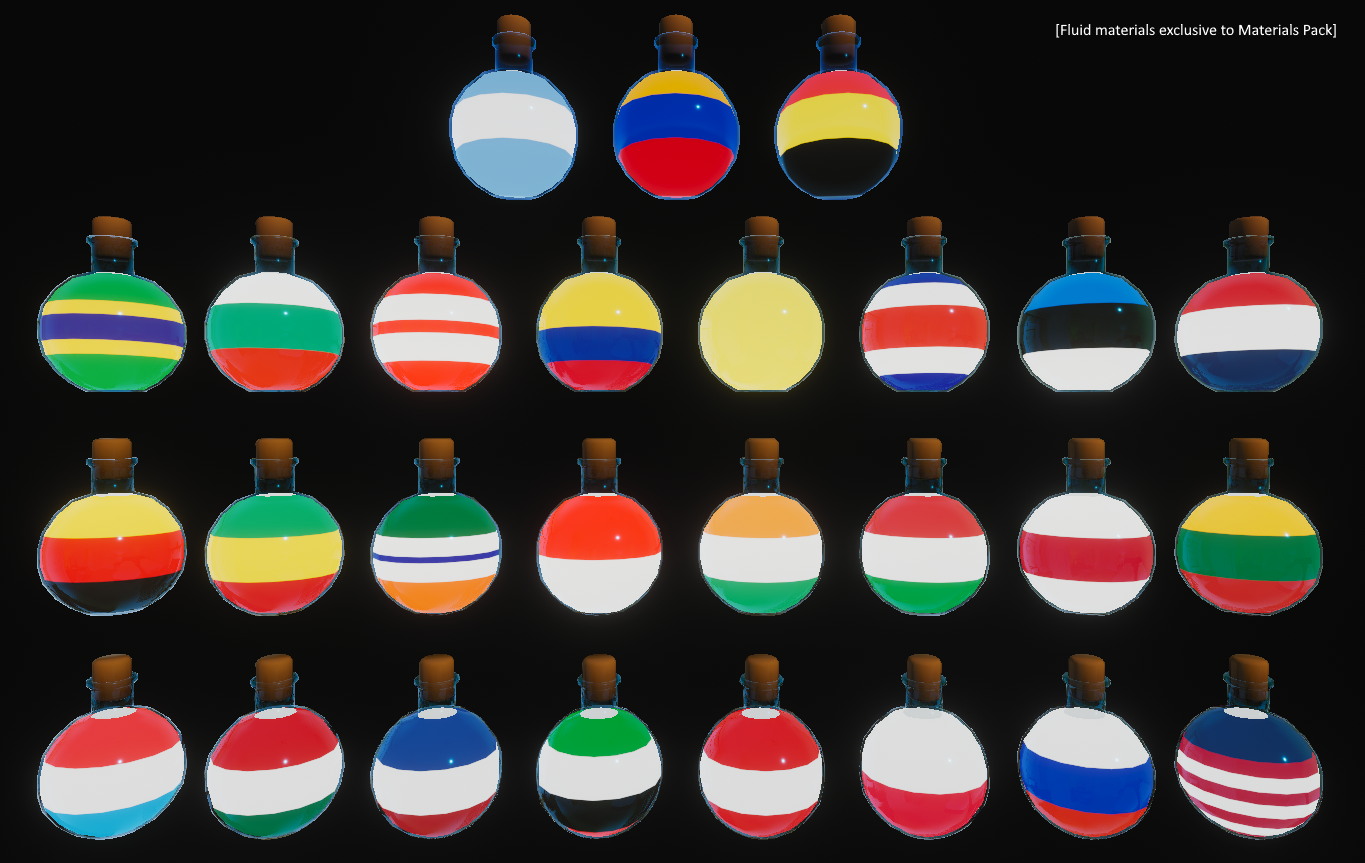
FAR too many material presets to pick from including Fantasy potions, Pride flags, Country flags, and Beer! [Note: extra materials requires the Materials Pack]
--------------------------------------------------------------------------------------------
Requirements (Install these first):
-VRCFury: https://vrcfury.com/
-Poiyomi Toon Shader: https://www.poiyomi.com/download
Additional: Some Unity knowledge (creation/modification of simple animation files) IS required for full functionality, more advanced Unity knowledge (adjusting MeshRenderers) is optional for more advanced customization.
--------------------------------------------------------------------------------------------
Installation:
Drag and drop any or all of the prefabs from the Props/Potions folder onto the root of your avatar. All three prefabs are not required if you only want partial functionality, but the Receivers prefab is REQUIRED if you or your friends want to actually be affected by the potions.
If you are using the Effect Receivers prefab, first scale and position each contact object so the contacts are in roughly correct locations (SplashTarget should cover as much of the main body as possible, MouthTarget should be small and positioned near your avatar's mouth), then open the "Animation_Effect Template" animation file and modify it with your desired effects - Effect Inactive on the first frame, Effect fully active on the last frame. OR, find the Effects Animation Controller and place a custom animation file into the "Gradual Effect" Motion node. Note: some Unity experience IS required here.
If you are using the Throwable AND/OR Drinkable potion prefabs, open each and position the "RightHandTarget" object near your avatar's right hand where you want the bottle to be grabbed. Note that if you wish to swap hands, some animation parameters will need to be modified to switch from right-hand gesture controls to left-hand.
--------------------------------------------------------------------------------------------
In-Game Use:
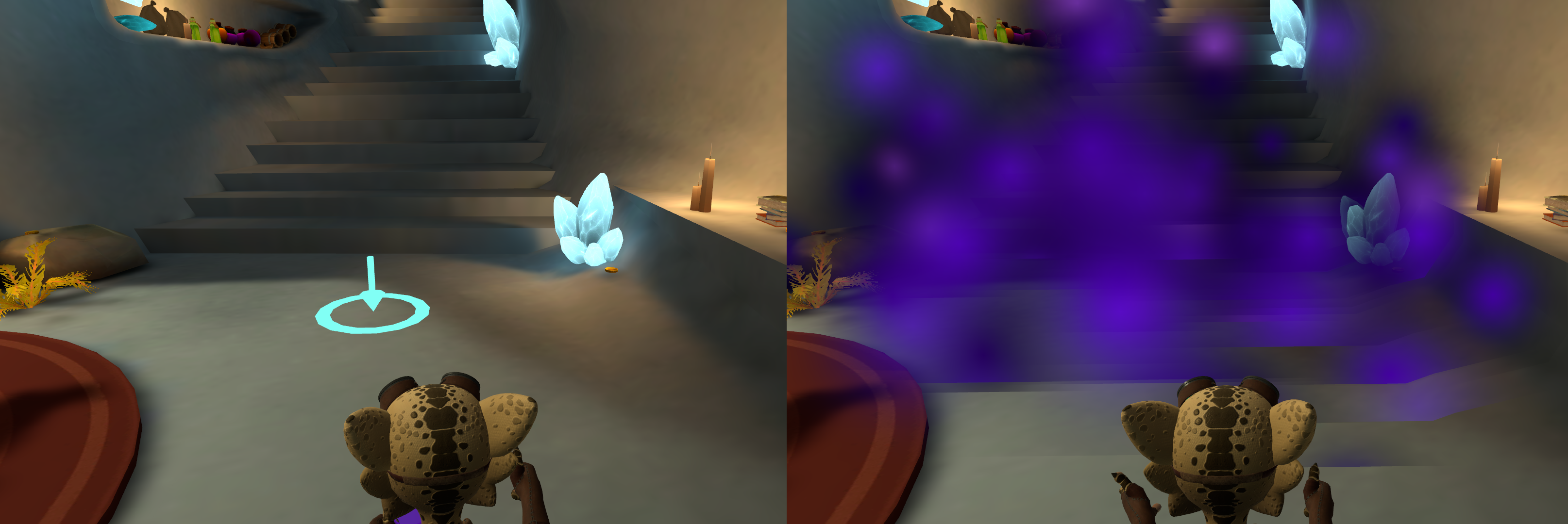
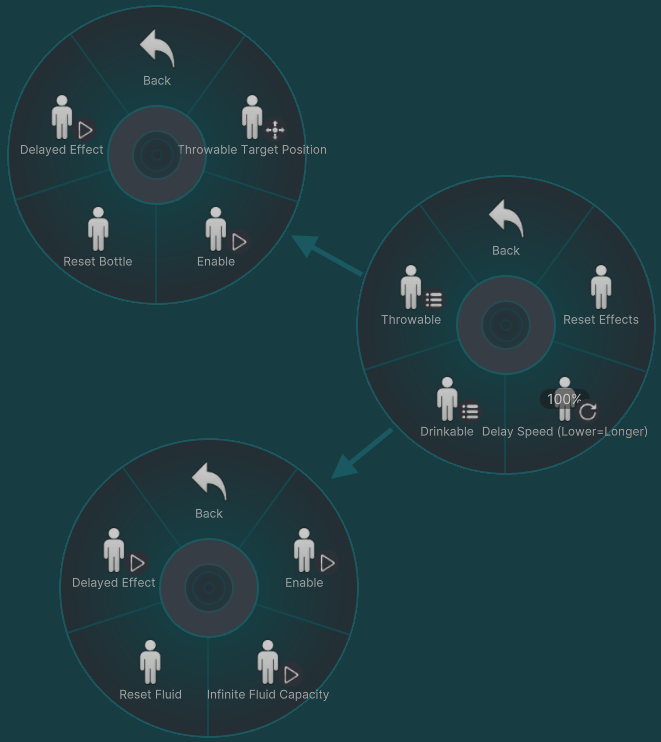
For the throw-able potion: Enable the potion in your Menu, move the targeting reticle with the menu directional controls, then once locked in make the Open-Palm gesture (all buttons released) on your right hand to throw the potion towards the reticle's location. Note that the targeting reticle will ONLY appear for you locally and will be invisible to other players. Stand in the resulting particle cloud to trigger your effect animation
For the drink-able potion: grab the cork (Physbone) with your other hand, then tilt the potion to pour. Pour into your mouth (Or towards the MouthTarget if you positioned it in a different place) to "drink" and trigger your effect animation
--------------------------------------------------------------------------------------------
Terms of Use:
Sharing of the Unitypackage and/or any of its contents is NOT ALLOWED. You may use the prop within a commissioned avatar, but both you and the end user of the avatar should own this product.
NO AI was used in the making of this asset. This asset and all it's contents are disallowed from use in any form of AI-generated or assisted content.
Reviews are always appreciated =3