Avatar Studio-Lights
Product Description
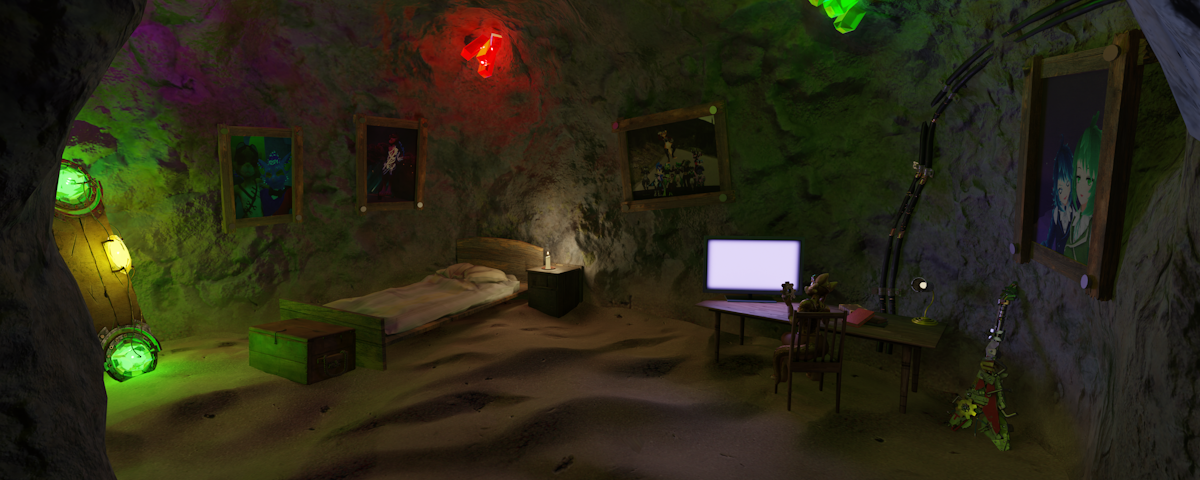
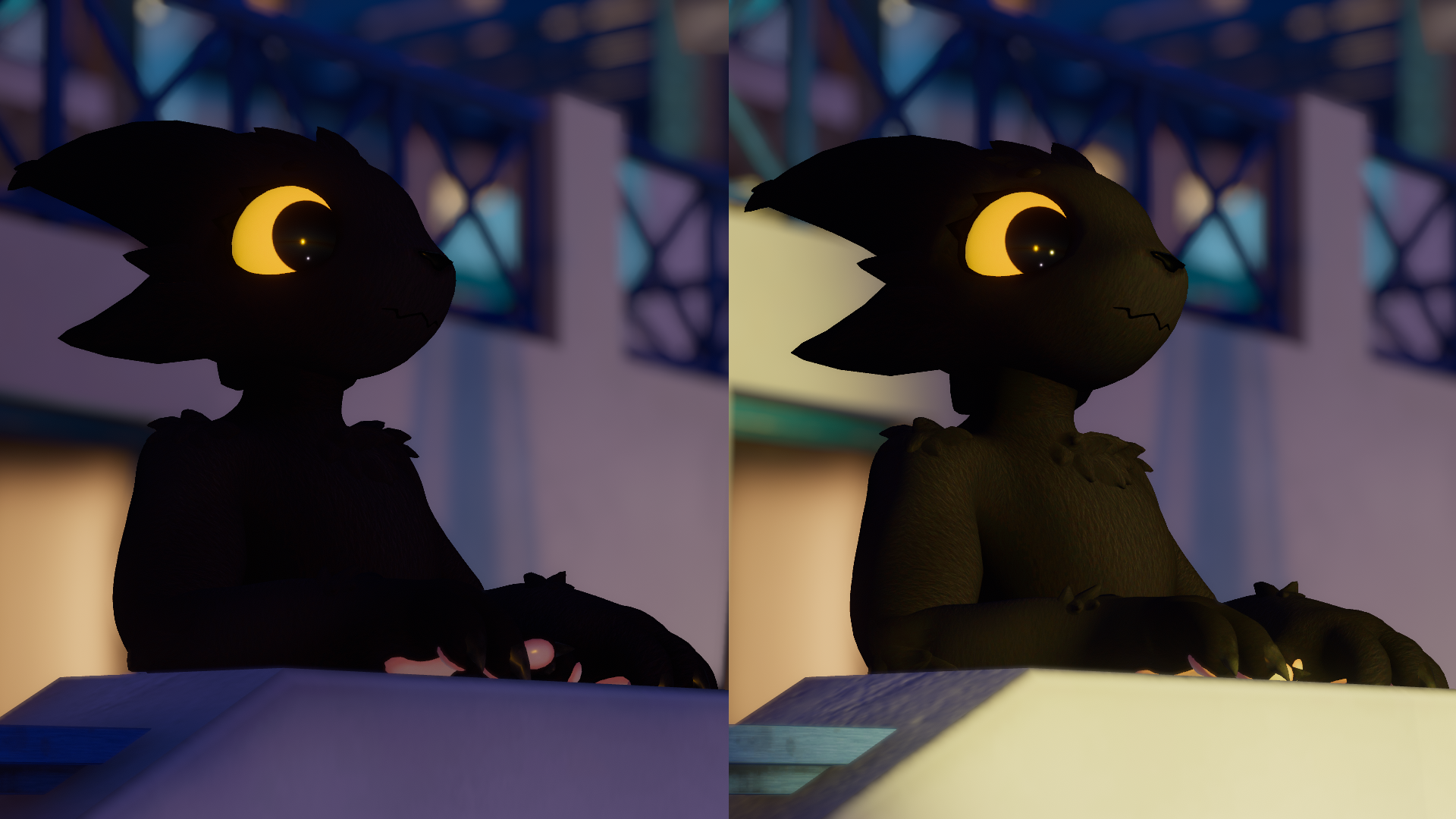
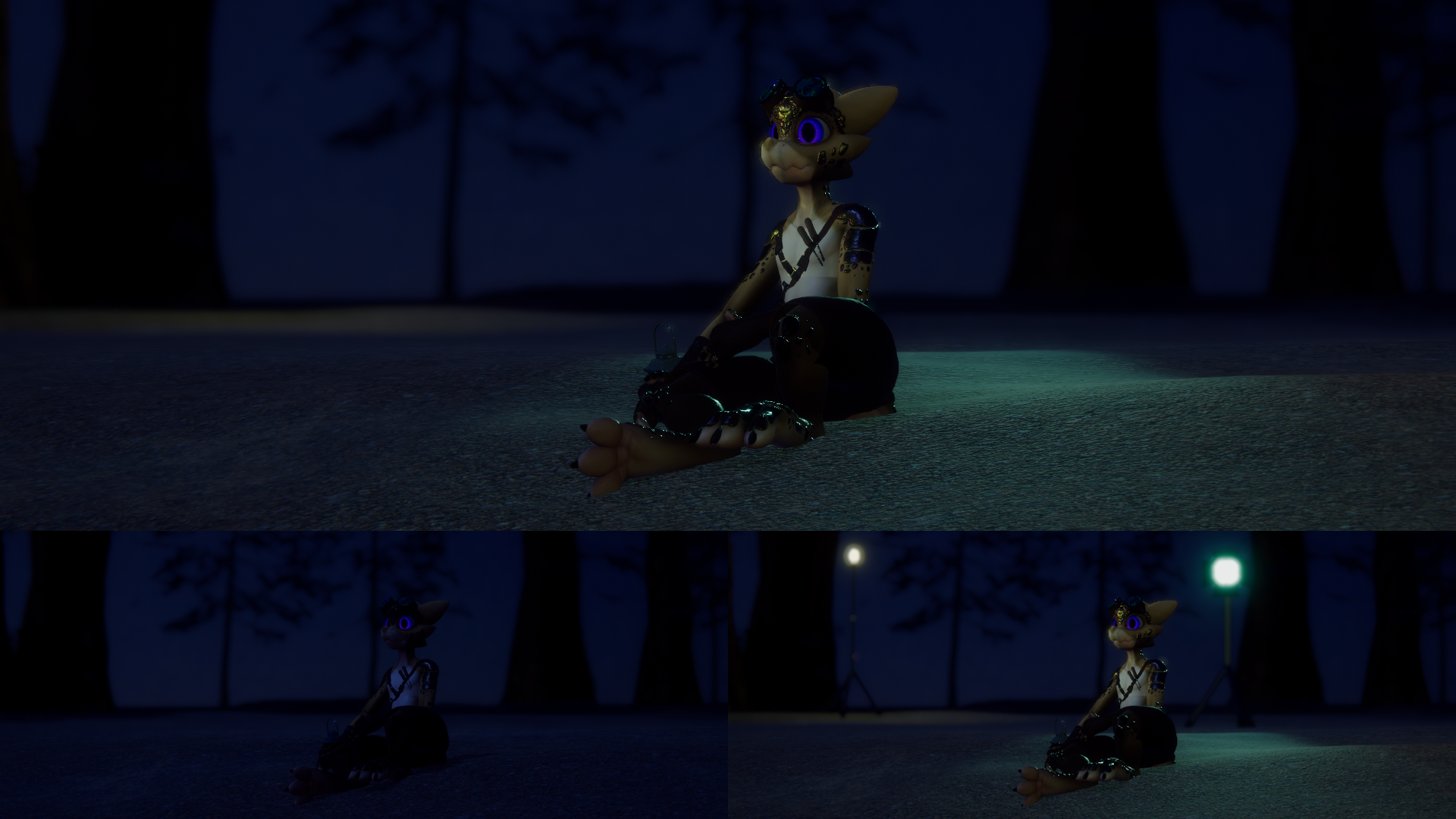
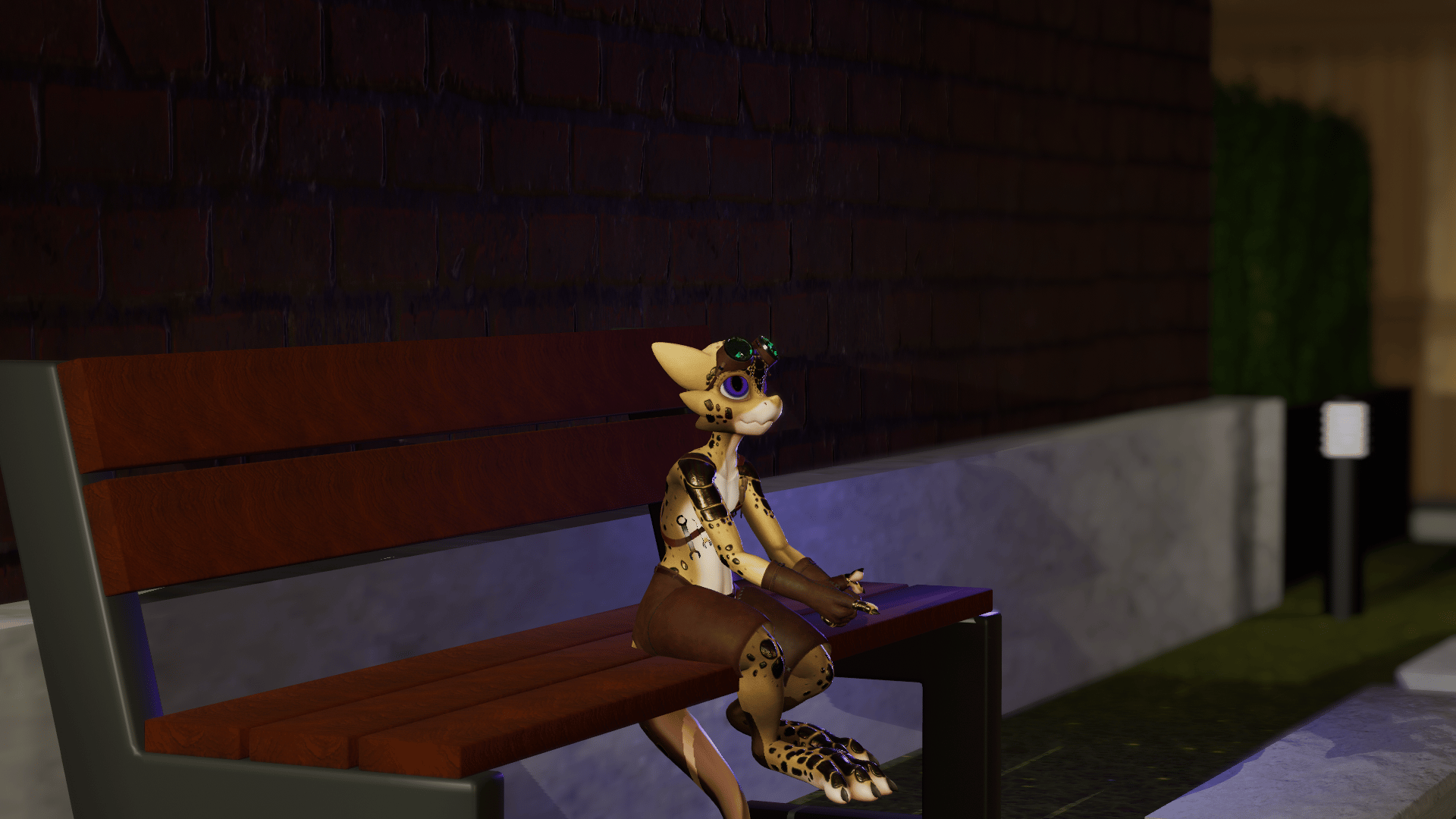
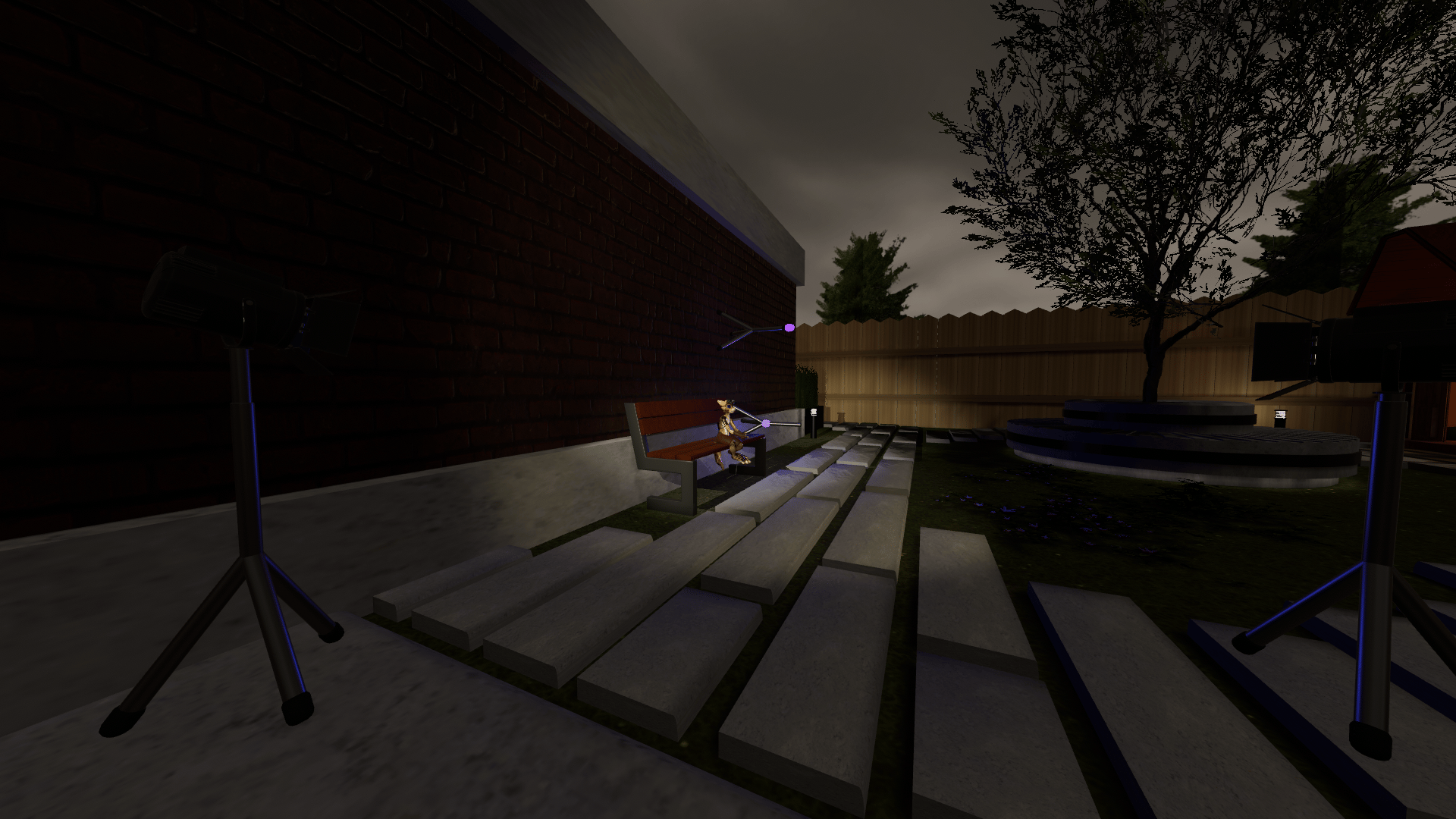
A full Studio lighting system for your avatar - light up (almost) ANY scene, no matter what world you're in. Perfect for VRC Photography, Filming, Streaming, or anything else!
--------------------------------------------------------------------------------------------
UPDATE V1.1:
BIG changes behind the scenes! Parameter count has been almost Quartered - Great news for Face-tracking users. The entire system now uses around 57 bits, down from ~160 in V1.0
On top of this: the parameter change has allowed for expansion of the system. Active light count has been DOUBLED! Now up to eight lights can be used at once!
A number of other smaller changes have also been made. Proper Icons have been added to (most of) the rest of the menus, and a few small bugs have been squashed.
--------------------------------------------------------------------------------------------
Features:
Drag-and-drop VRCFury installation.
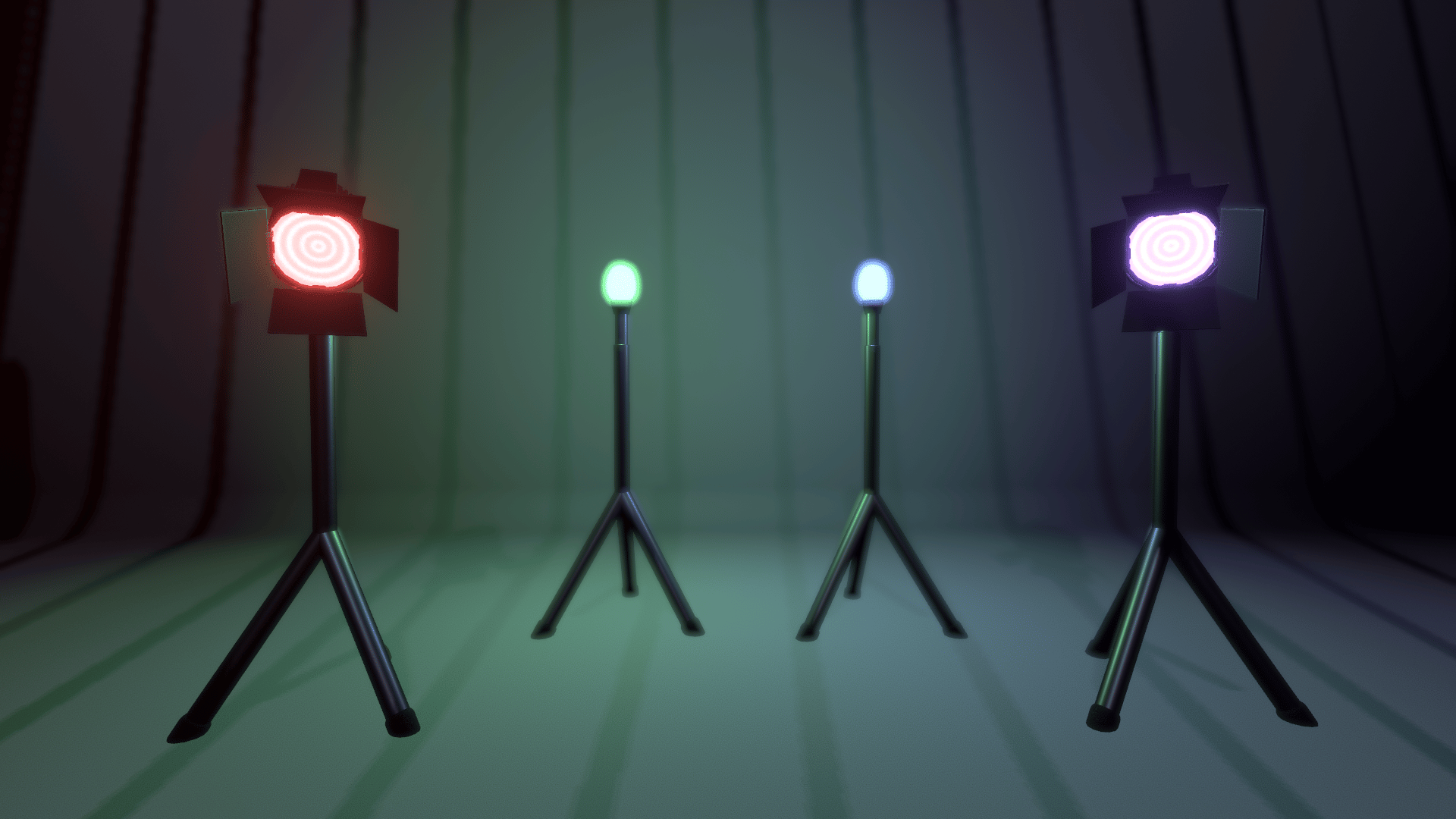
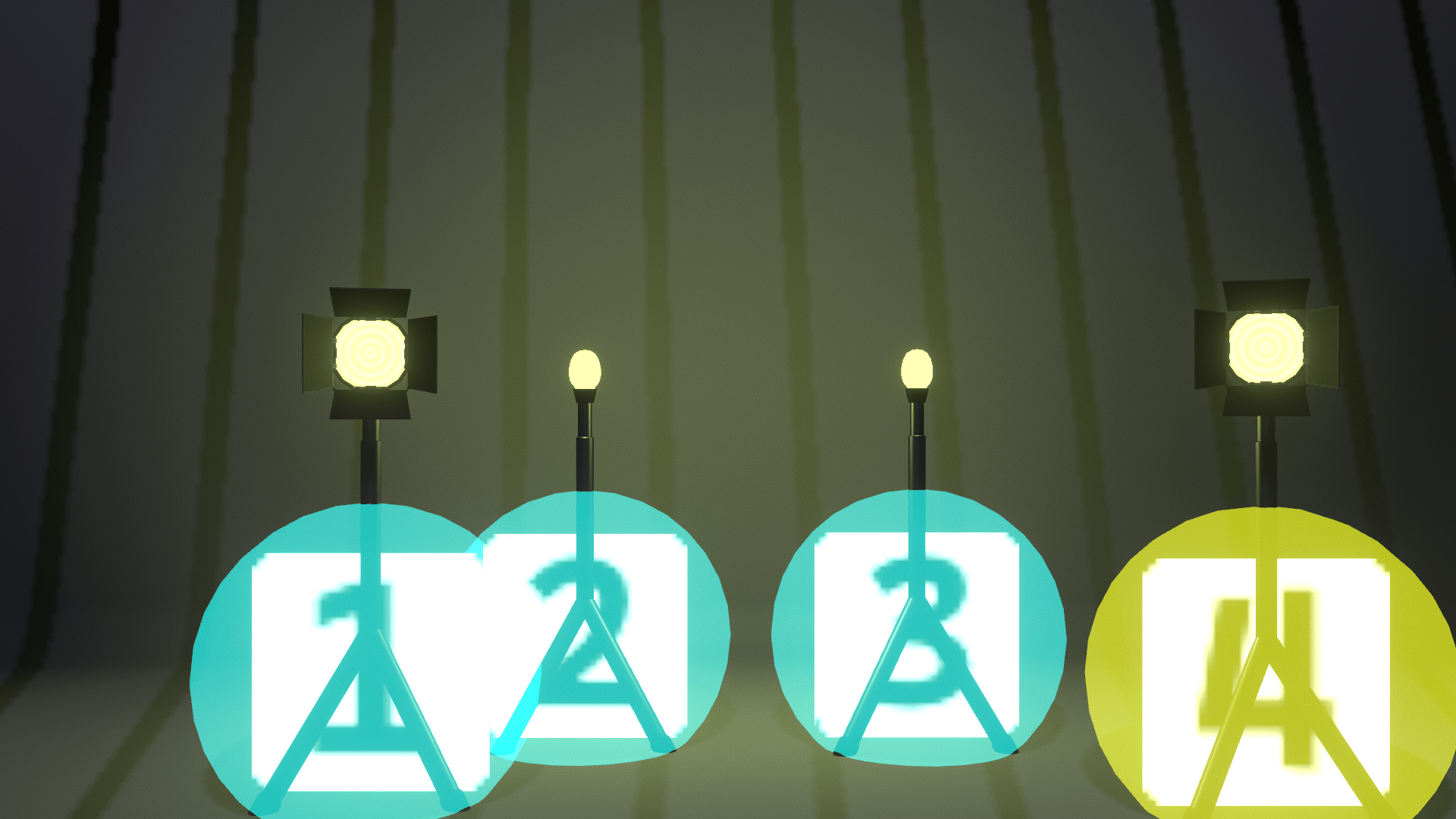
Four EIGHT fully customizable lights - each with individual customization of Range, Colour, and Brightness.
Per-light toggle for Spotlight mode and Shadow-casting.
Hide-able lamps (making the visual models invisible while leaving the lights in place)
A custom select-and-modify Menu system. Adjust each light individually using the same menu panel
Full World-Constrained point-and-click positioning, height-adjustment, and spotlight-aiming system.
Manual position-reset switches for each light, OR the whole system in case of mistakes.
--------------------------------------------------------------------------------------------
Requirements (install these first):
-VRCFury: https://vrcfury.com/
--------------------------------------------------------------------------------------------
Installation:
Drag-and-drop the Studio Lights System prefab into the root of your avatar
Position the contained Left Hand and Right Hand objects near your avatar's hands - roughly near the index finger
See README after purchase for usage instructions. Note: the custom editor currently DOES NOT support Desktop mode, though this may be added in a future update.
--------------------------------------------------------------------------------------------
Updates:
V1.0 - Initial release of the system
V1.1 - Param-swap update, decreasing parameter-sync bits and increasing maximum light count
--------------------------------------------------------------------------------------------
Known Issues:
Light position and settings (colour, intensity, etc.) will not be synced for late-joiners, ensure all players to be in a scene are present in the world before beginning light setup.
In rare circumstances if making changes too fast, light positions or colours can become de-synced between players. This can be fixed with a light-position reset (in case of position) OR by re-entering Edit mode. To ensure end-point sync in multi-user scenarios, the Lighting System should be set up by the Camera Operator.
--------------------------------------------------------------------------------------------
TOS:
Sharing of the Unitypackage and/or any of its contents is NOT ALLOWED. You may use the light system within a commissioned avatar, but both you and the end user of the avatar should own this product.
IN-GAME Usage of the light system is ALLOWED for all purposes, including commercial. The only thing I'll ask is if used commercially (for streams, public art showcases, etc.) please include some form of credit to me (JuicedPotato) for the lighting system, and/or a link-in-description to my store page.
NO AI was used in the making of this asset. This asset and all it's contents are disallowed from use in any form of AI-generated or assisted content.
Thank you =3