
Product Description
Freebie cus I made this in an afternoon when I wasn't feeling so great. :) I hope it can be a reminder to myself and others to keep moving forward.
Whatever you're going through, it'll be okay. <3
---------------------------------------------------------------------------------------------------------------------------------
Materials: 1
Shader: Poiyomi Toon (for hue shift)
Textures: 2 (Albedo + Emission)
Modeled, Textured + Rigged 100% from scratch by me, KawaiiFira
---------------------------------------------------------------------------------------------------------------------------------
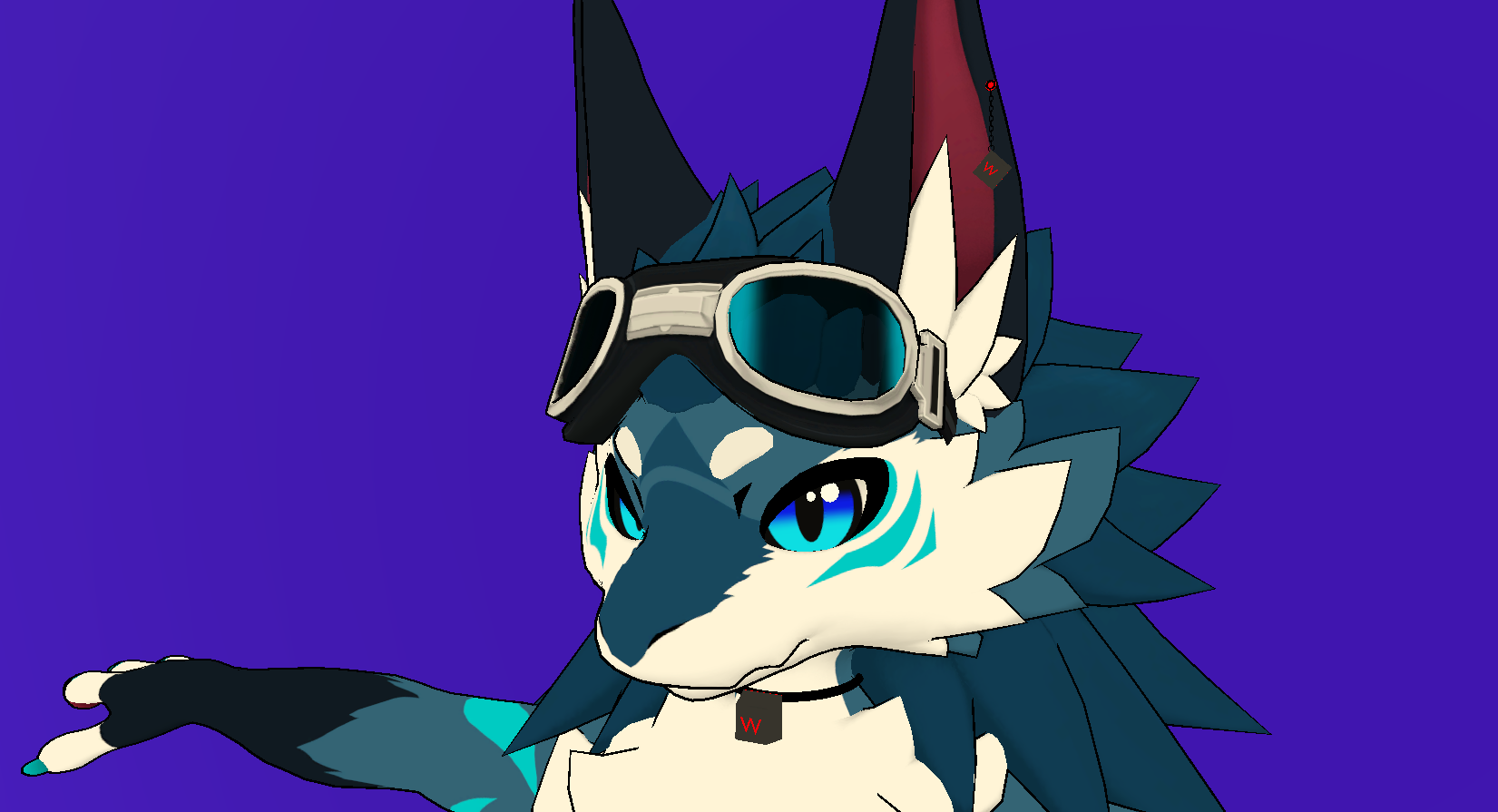
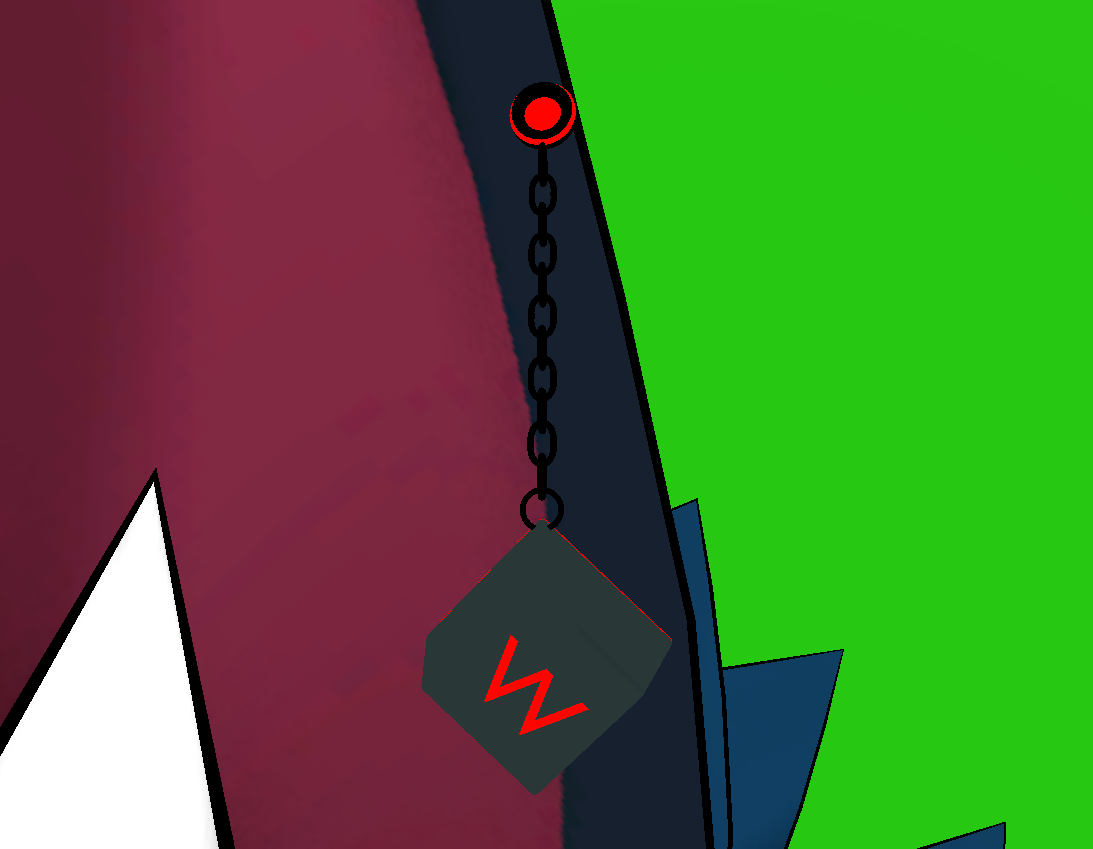
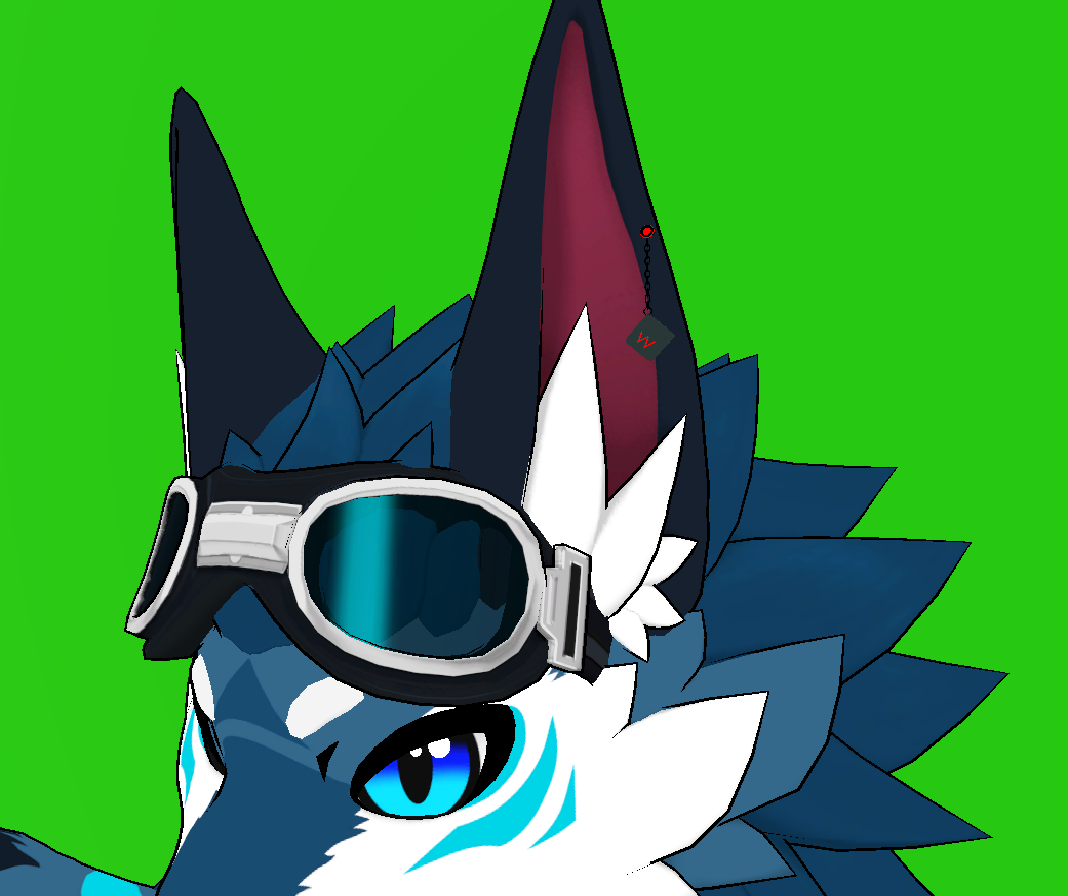
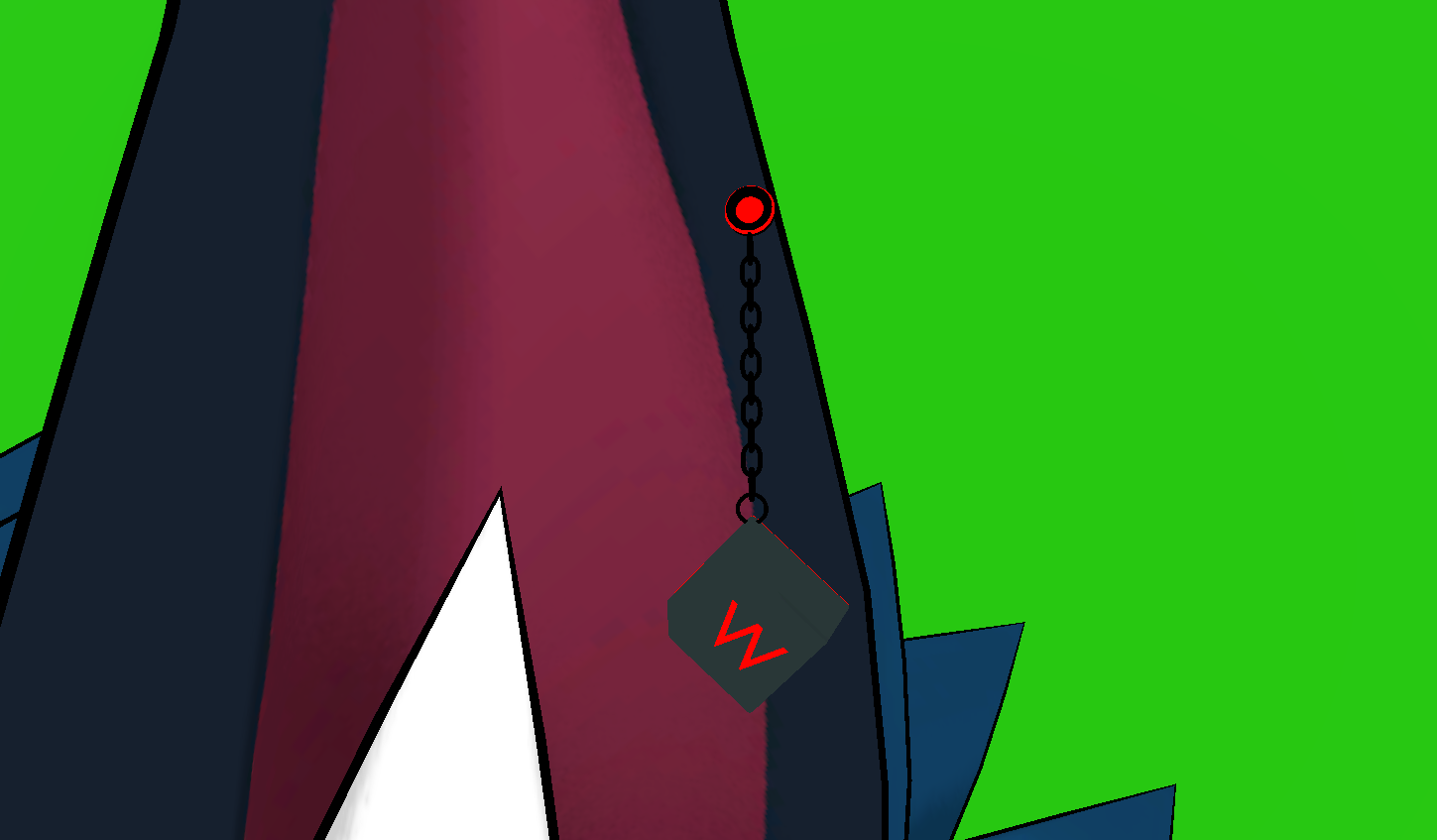
Earring/Keychain is rigged and set up with physbones, easiest added with a VRC Position Constraint
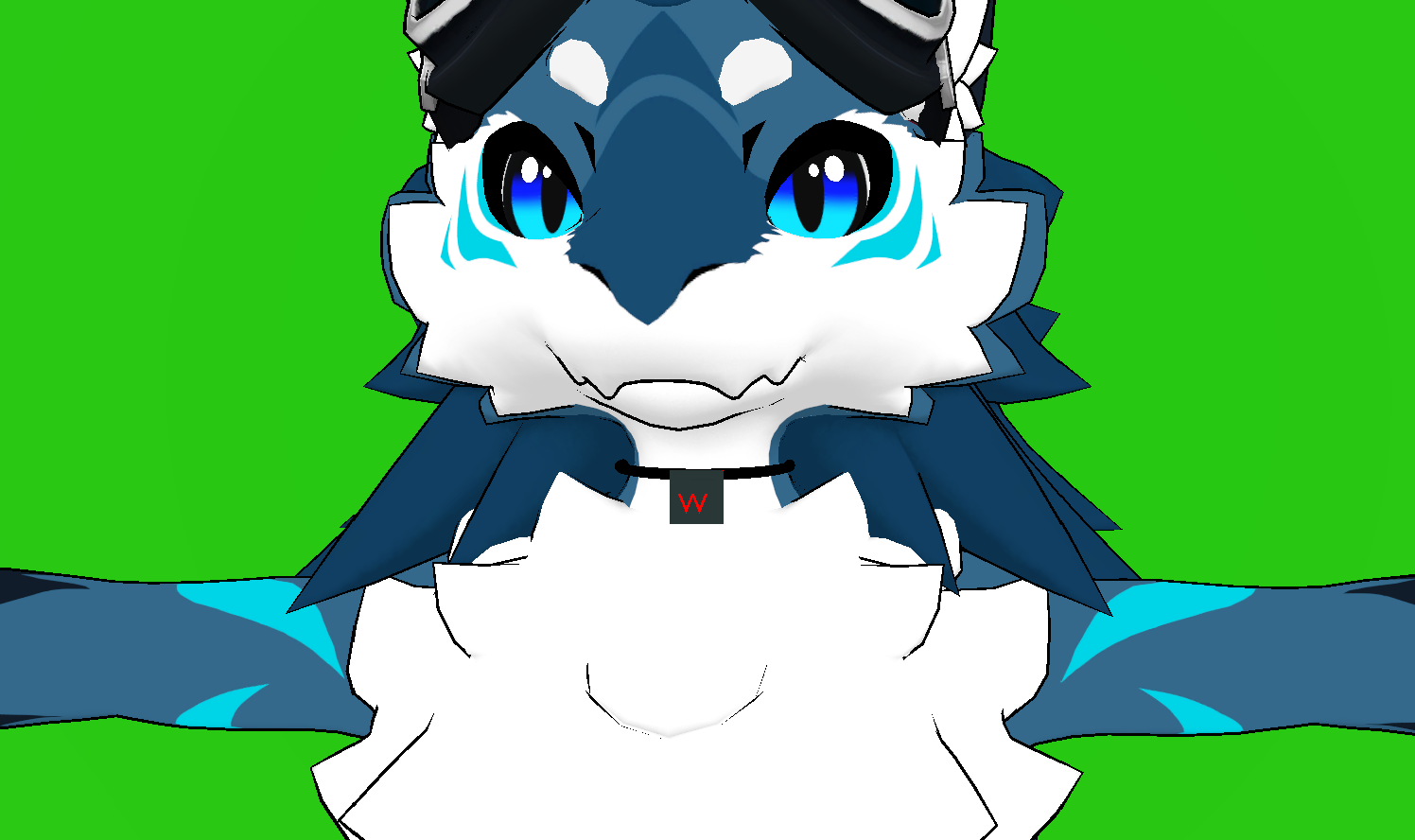
Choker- Is made with 2 separate meshes, but is 1 material. This is for easiest setup and editing to fit models :) You can also separate the key if you'd rather put it on another choker. ^^
---------------------------------------------------------------------------------------------------------------------------------
- You can use this on completed for sale models
- Can be used on public/private avatars
- For use in VRChat Only
-Do not claim or resell as your own
-Can be used in VRChat Worlds
---------------------------------------------------------------------------------------------------------------------------------
Probably useless information:
- I have set it up with Poiyomi Toon's hue shift, so it is constantly rotating colors. However, if you use VRChat Mobile Toon Lit, it won't hue shift, and the default colors of the texture is red :) This can be edited easily in the texture with a photo editing software. ^^
-Poiyomi toon isn't REQUIRED, you can use other textures, it's just for the hue shift. If you're familiar with unity, it won't completely break the asset if you chose to change the material. :)
-With the choker, because it is two meshes, you may have to drag it both on the W Key and the choker part itself for it to be same material.
-If you want to edit the choker color, paint over the bottom right area of the texture, that is where I placed the uv map for it. ^_^ it is cut off by a gray line to show the area where it is, so the fill tool should work! :3 The key itself is the off gray, and the emission is the red. The chains is uv wrapped to the bottom left.
---------------------------------------------------------------------------------------------------------------------------------
Enjoy! <3
Kind Regards,