
Product Description
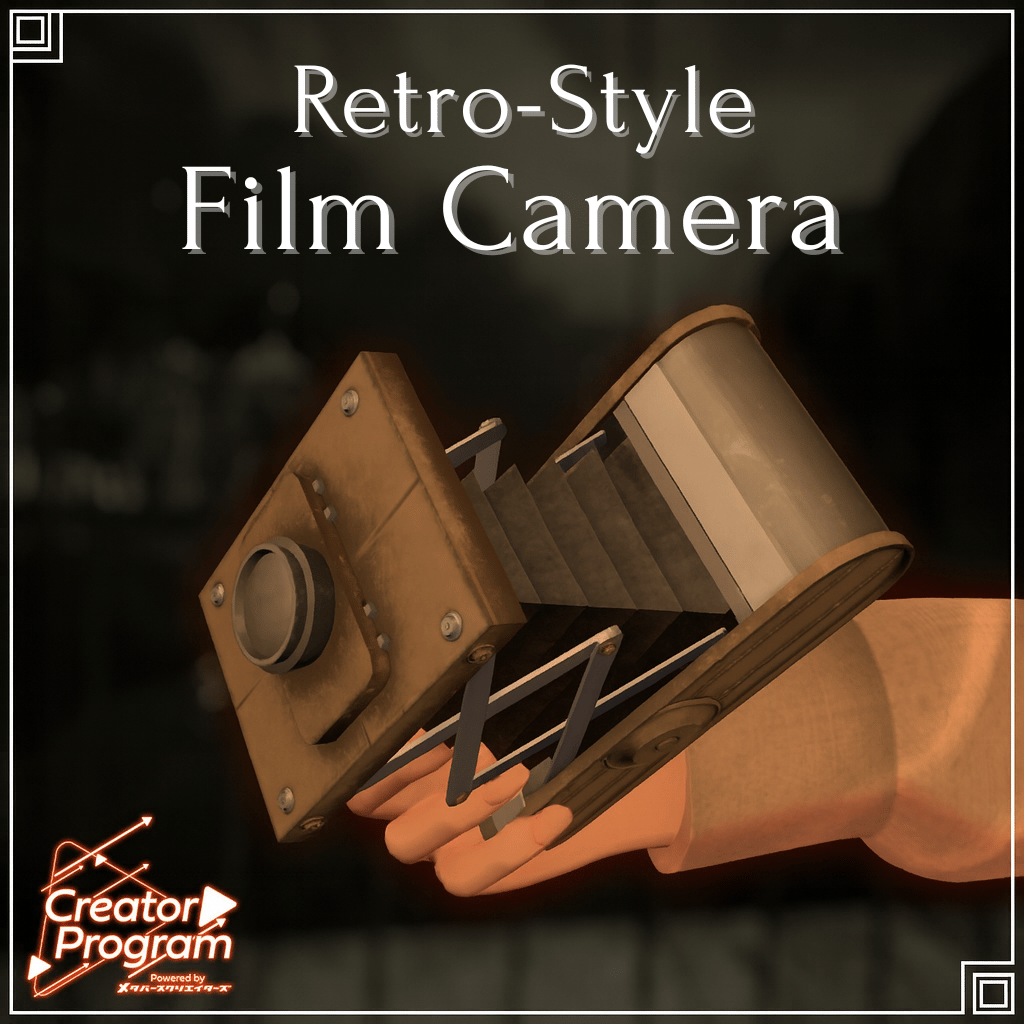
◆ Item Overview
● Included Files
LetroCameraGimmick_x.x.x.Unitypackage
ReadMe.txt (this document)
Shader Used
liltoon
https://lilxyzw.booth.pm/items/3087170
Required Assets
Modular Avatar
https://modular-avatar.nadena.dev/ja/docs/intro
SSPictureFrame
https://booth.pm/ja/items/2181334
● Model Data
Camera: 12,018 polygons
Materials: 3
PhysBone components: 1 (Parameter Bit 0)
Import Folder
Assets > MetaverseCreators_CP > Lefekusworks > Item_Retro_Camera
◆ Installation Guide
Install the latest version of the VRC SDK via VCC.
Install required assets (liltoon, Modular Avatar, SSPictureFrame).
liltoon: https://booth.pm/ja/items/3087170
Modular Avatar: https://modular-avatar.nadena.dev/ja
SSPictureFrame: https://booth.pm/ja/items/2181334
Import this package into the Unity project you wish to use.
Drag your avatar (and any clothing/editable prefab) into the Scene Hierarchy.
Drag this product onto the target avatar and adjust position via Unity’s transform tools.
To change the scale, adjust the Scale of the RetroCamera prefab itself.
Upload the avatar using the VRC SDK.
※ Depending on avatar clothing or other item gimmicks, the camera may not display correctly.
※ If Modular Avatar 1.11.2 or lower is installed when importing this package, the prefab will break.
Update Modular Avatar, delete the broken prefab, and reimport the package.
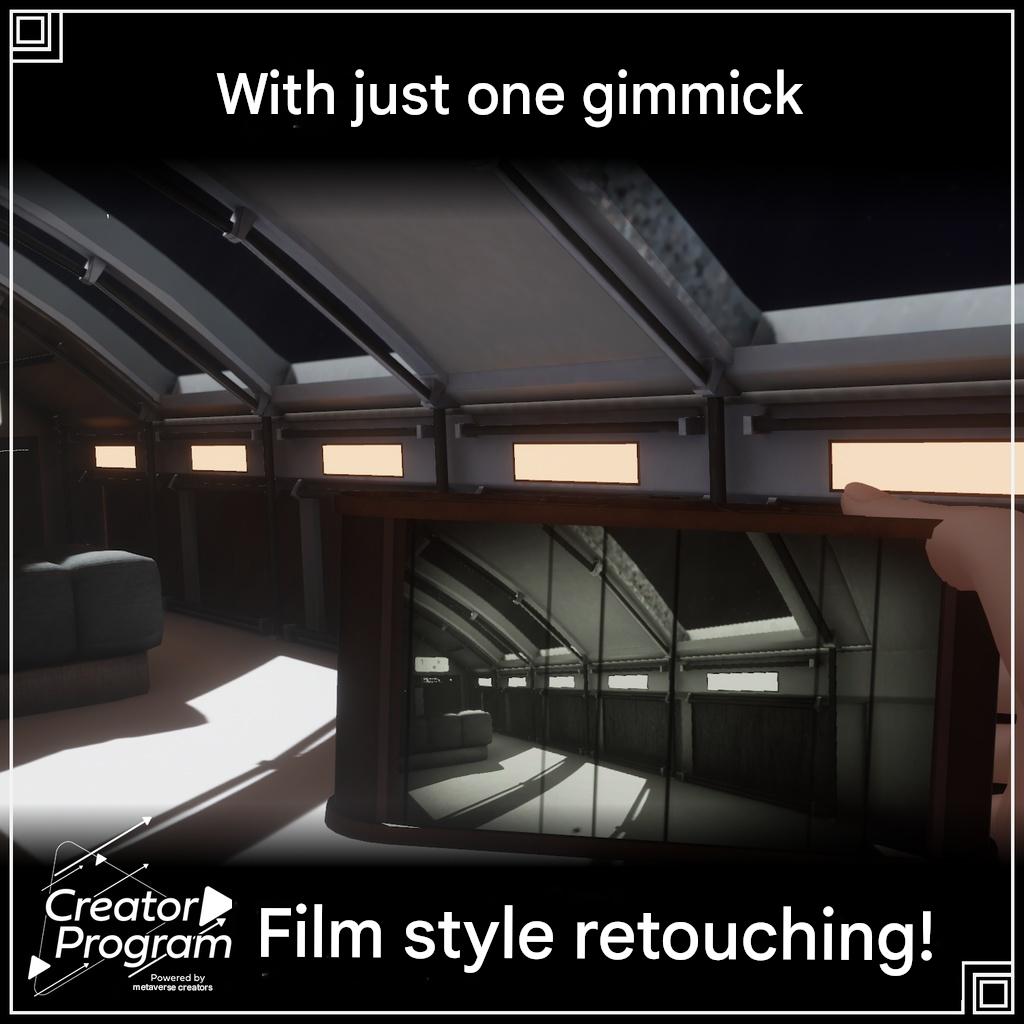
◆ Gimmick Overview
Launch the camera via the EX Menu in VRChat.
When set to On, the camera appears in your hand and replaces your standard VRC camera.
Exposure and zoom can be adjusted from the EX Menu.
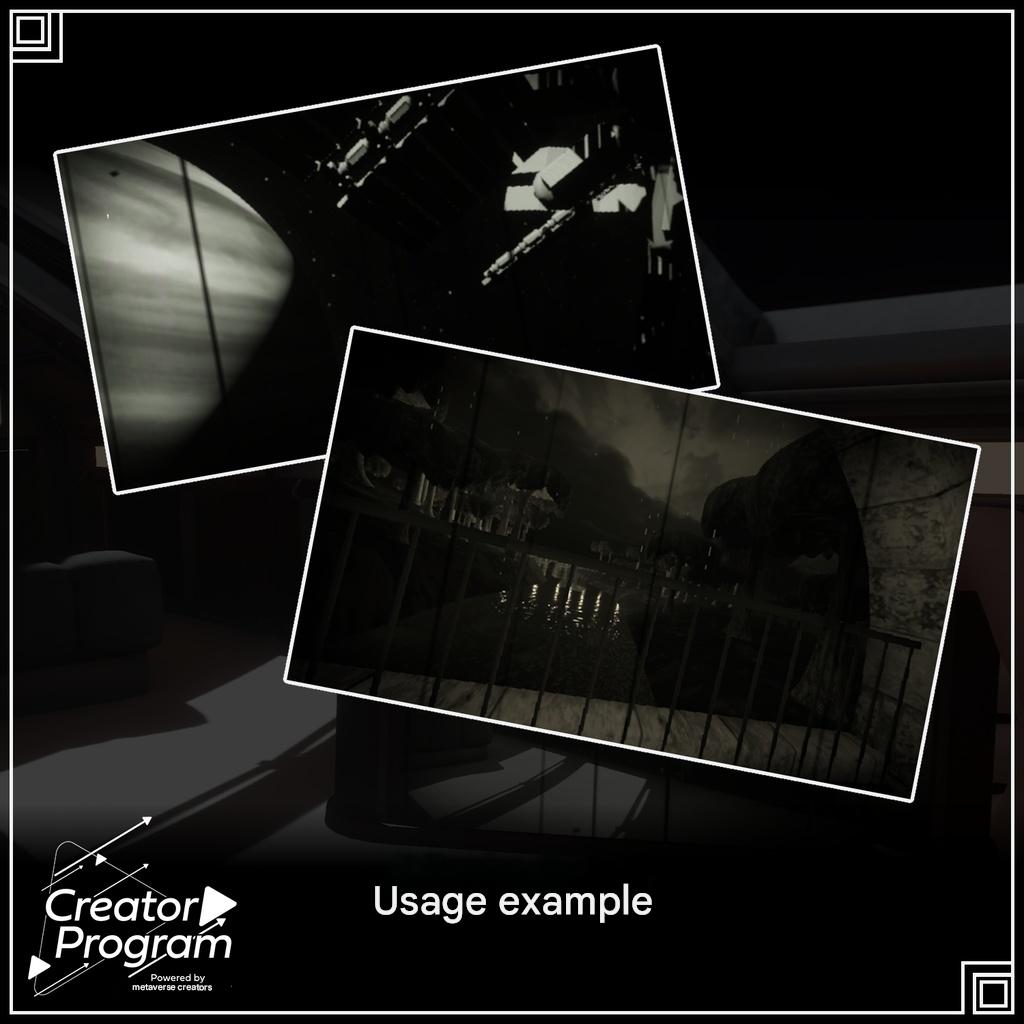
Capture using the VRC Camera, or record through OBS using the Stream Camera.
※ Depending on avatar settings or clothing, visual behavior may vary.
◆ Terms of Use
https://drive.google.com/drive/folders/1qRMXoIxM1ZgacBPfwOigQRtXP1vCbNMn?usp=sharing
※ Please also follow the Terms of Use for the base avatar you apply this item to.
◆ Production Environment
Modeling: Blender Ver. 4.4
Textures: CLIP STUDIO PAINT
Setup: Unity Ver. 2022.3.22f1
VRChat SDK – Avatars Ver. 3.8.1 (VCC)
liltoon 1.8.5
Modular Avatar 1.11.2
◆ Credits
Creator: Lefekus
BOOTH (personal): https://swillzerrant.booth.pm/
Contact / Support
https://discord.gg/bmw3PWE37M