
Product Description
◆ Nordic Knit Cardigan ◆
Creator: Aburi Melami
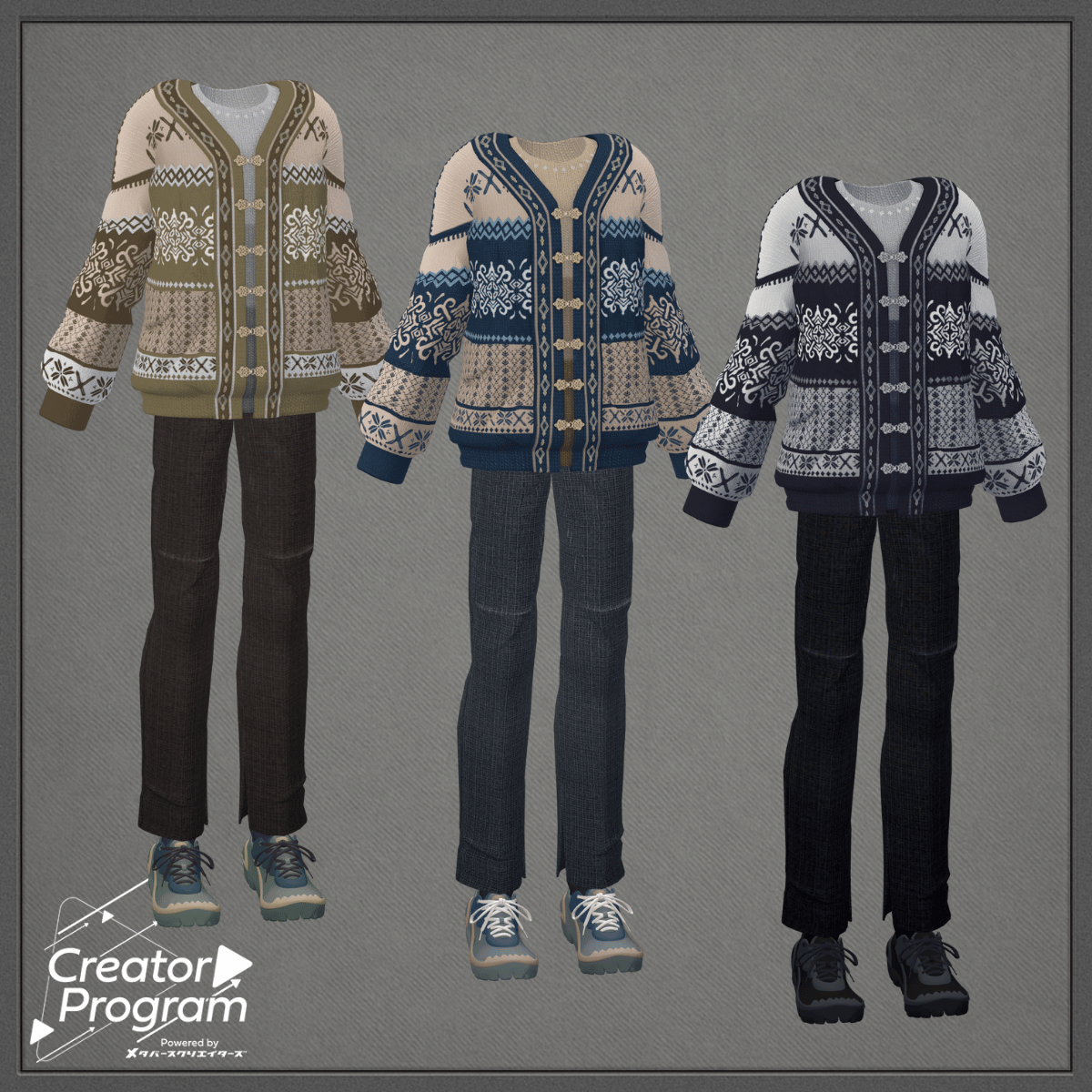
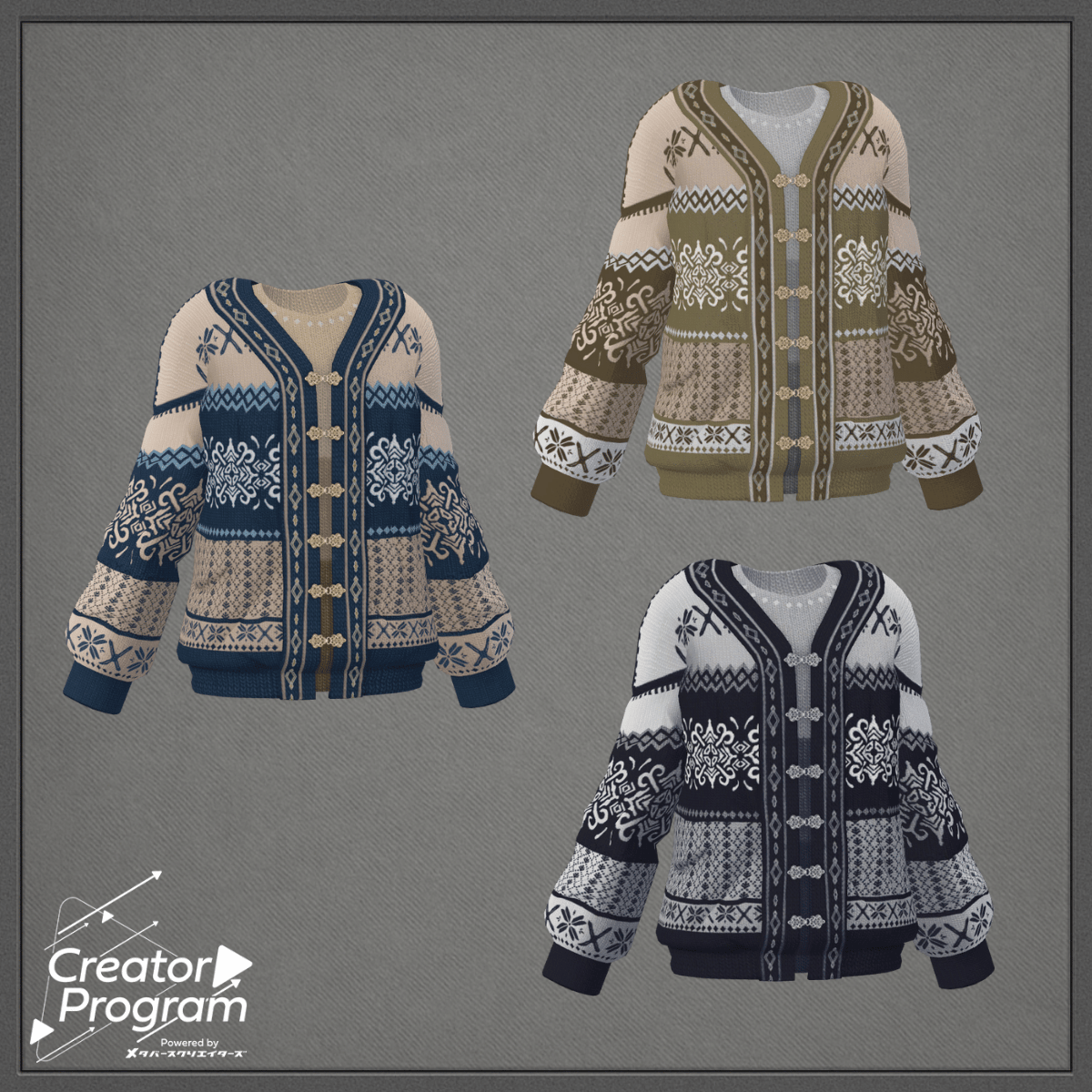
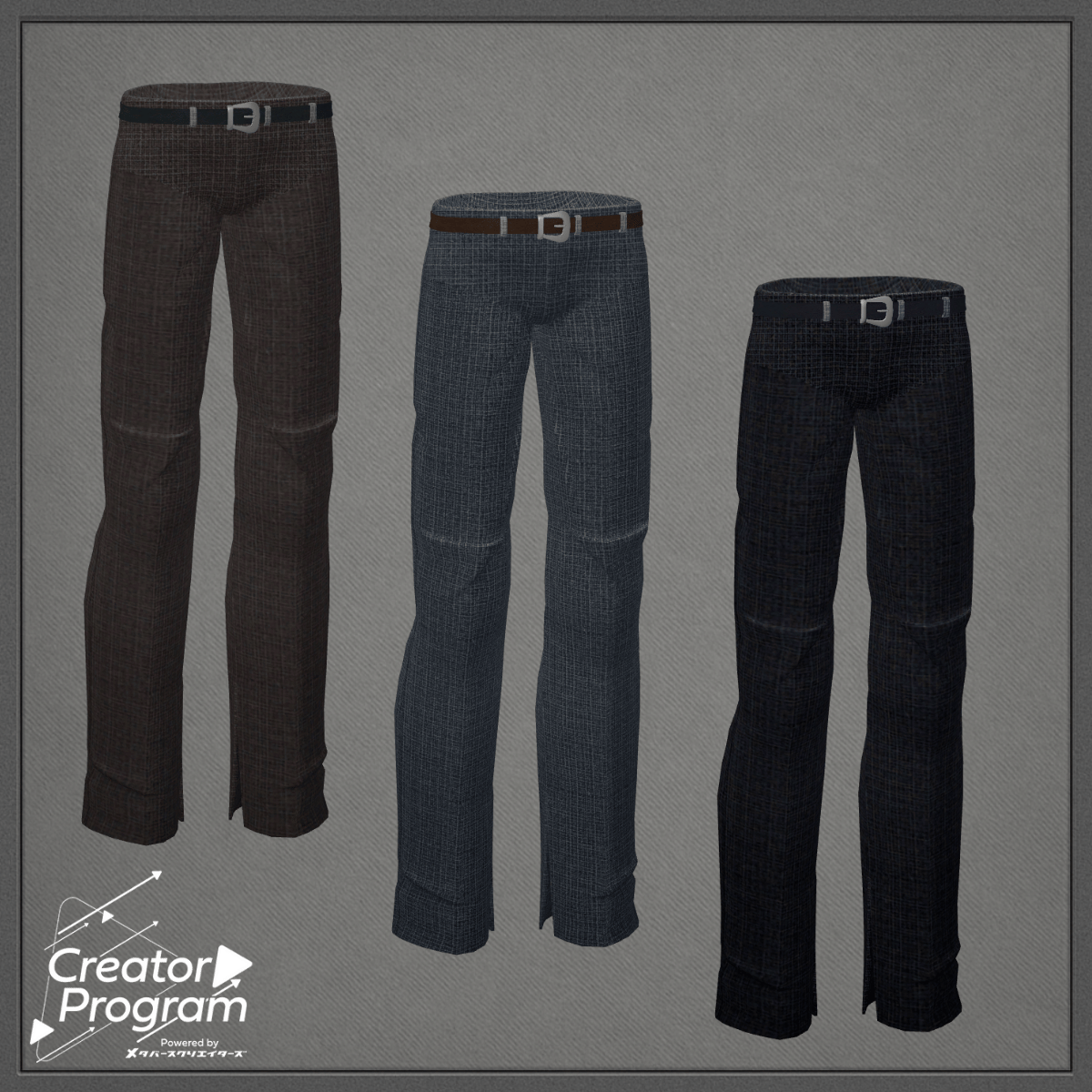
An outfit combining a Nordic/Tyrolean patterned knit cardigan with a vintage feel and work pants featuring side slits for accent.
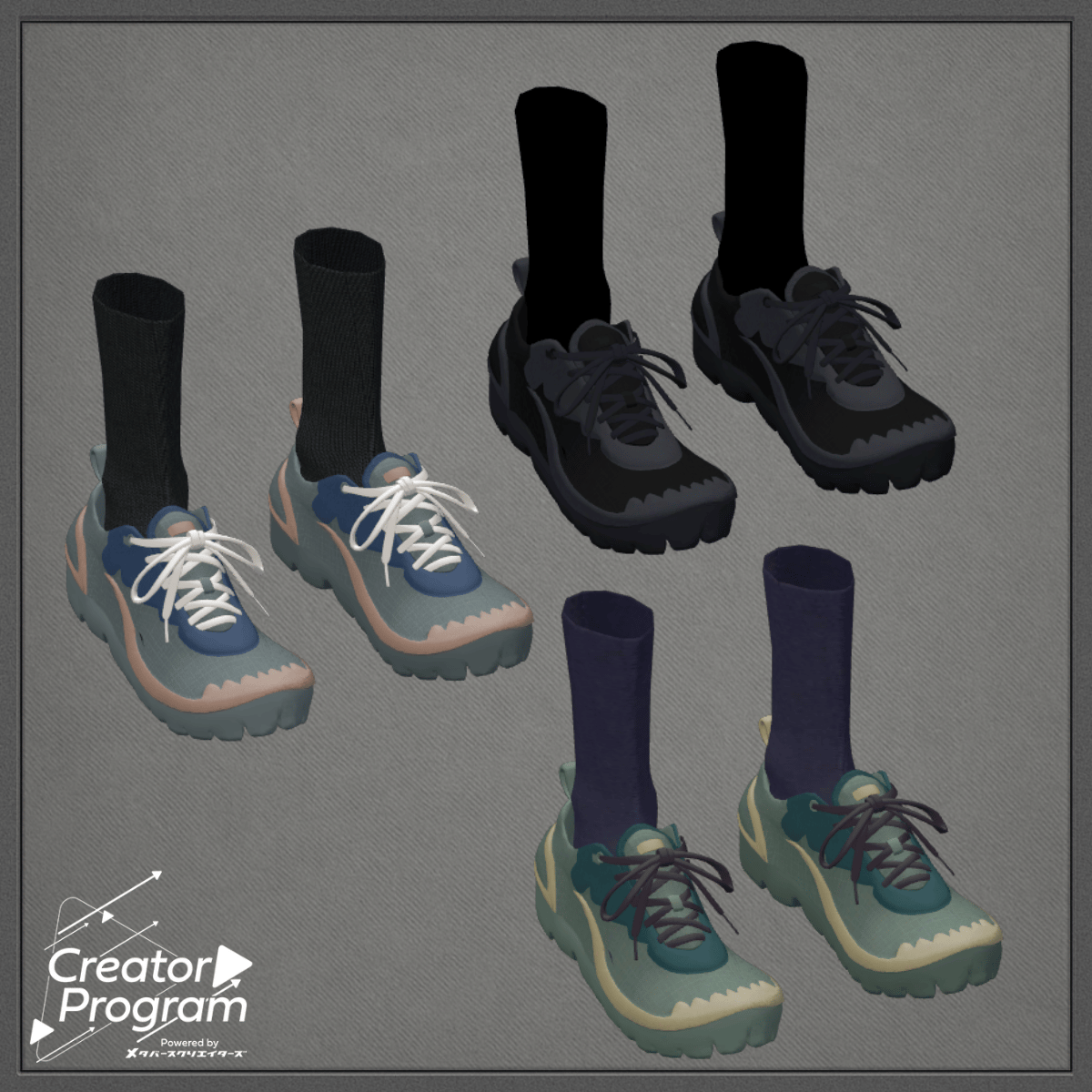
The look is completed with basic sneakers characterized by thick soles, creating a calm yet impactful coordination.
⚠️ Notes
This product is a clothing model for avatars. The avatar body itself is not included.
Due to the nature of digital products, returns and refunds are not available.
Please review the product description and terms of use before purchasing.
◆ Item Overview
● Contents
NordicKnitCardigan_◯◯.unitypackage (◯◯ represents the variation name)
ReadMe.txt
● Shader Used
liltoon
https://lilxyzw.booth.pm/items/3087170
● Required Asset
Modular Avatar
https://modular-avatar.nadena.dev/ja/docs/intro
● Model Data
△ Polygon Count: 45,134
├ Tops:16,772
├ Bottom:6,982
└ Shoes:21,380
Meshes: 3
Materials: 2
PB Components: 0
Import Folder:
Assets > MetaverseCreators_CP > AbuliMelami > NordicKnitCardigan
※ When dressing the outfit, shape keys that hide the base body (making it rod-like) are used.
◆ Installation Instructions
Set up the latest VRC SDK in VCC.
In VCC, install the required assets (liltoon, Modular Avatar).
Import the latest package of the target avatar.
Import this outfit package.
Drag and drop your avatar (or customization prefab) into the Scene Hierarchy.
Hide any unnecessary clothing (default outfit or underwear) and set them to Editor Only.
Drag and drop NordicKnitCardigan_AvatarName.Prefab directly under your avatar.
Upload the avatar through VRC SDK.
● About “MA Shape Changer”
This outfit uses ModularAvatar’s “MA Shape Changer” feature.
When you drag the outfit prefab directly under your avatar, the body shape keys automatically turn ON, slimming the body or hiding overlapping meshes so the outfit fits seamlessly.
If you do not wish to use “MA Shape Changer,” you may delete or adjust the component as needed.
※ For avatars using “+Head,” the mesh names of body parts may differ.
Since this model’s mesh names are set for “PlusHead,” the component may not function properly.
In that case, please adjust manually by renaming the mesh or editing the shape keys.
※ If parts of the body appear unintentionally thinned after dressing, reset the relevant shape key values to 0 and confirm proper display.
◆ Recoloring
Replace the materials for each color variation found in Common > Material.
◆ Terms of Use
https://drive.google.com/drive/folders/1qRMXoIxM1ZgacBPfwOigQRtXP1vCbNMn?usp=sharing
Please follow the terms of the original base avatar when using this product.
◆ Production Environment
Modeling: Maya 2023
Texturing: Adobe Substance 3D Painter
Setup: Unity Ver2022.3.22f1
VRChat SDK - Avatars Ver3.7.6(VCC)
liltoon 1.9.0
ModularAvatar 1.12.5
◆ Credits
Creator: Aburi Melami
URL: https://x.com/AbuliMelami
Support / Inquiries:
https://discord.gg/bmw3PWE37M