
Product Description
Important Note: ※This product is intended for use with a VR device, and its use as a standalone desktop application is not supported.
◆ Gilded Outlaw ◆ Creator: Lefekus
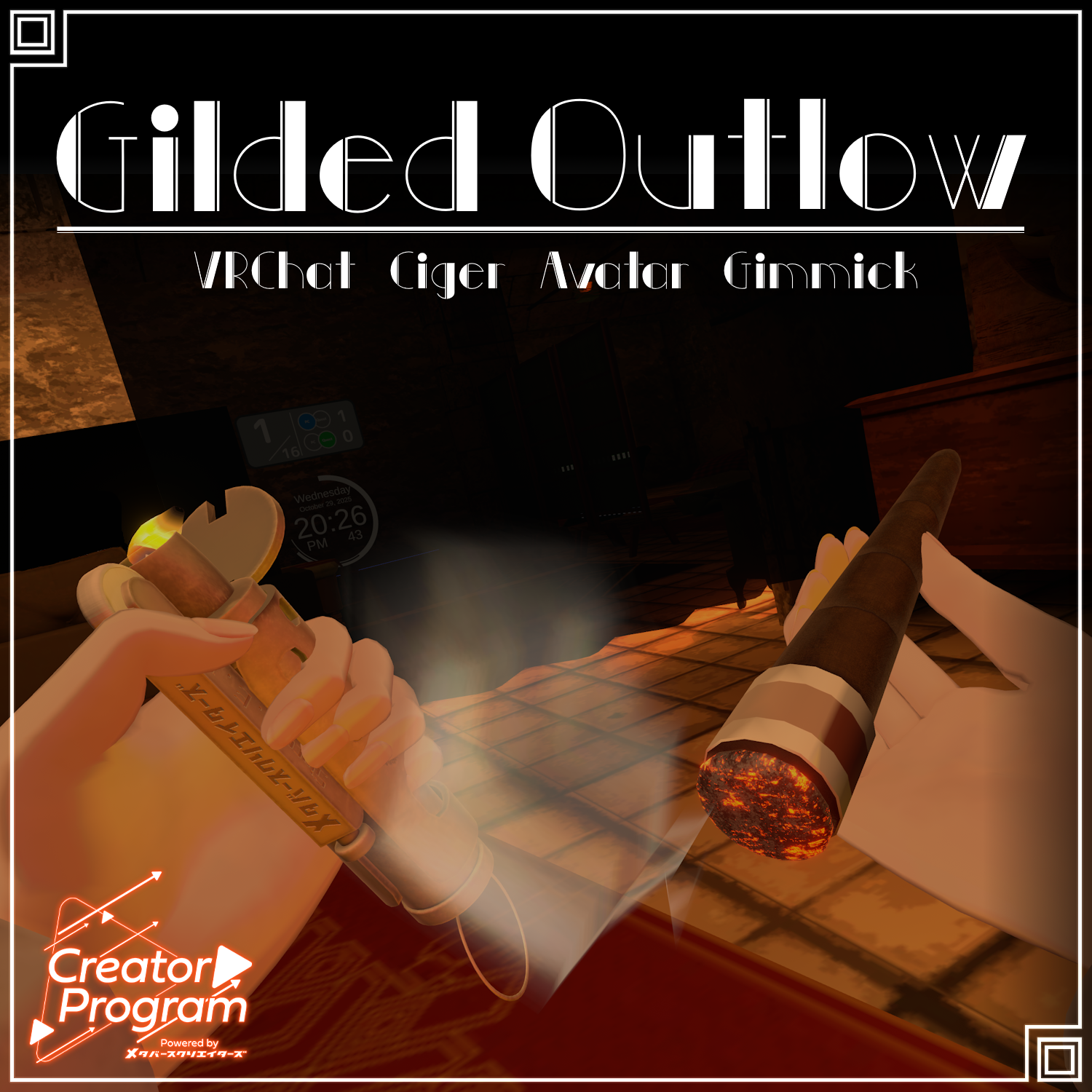
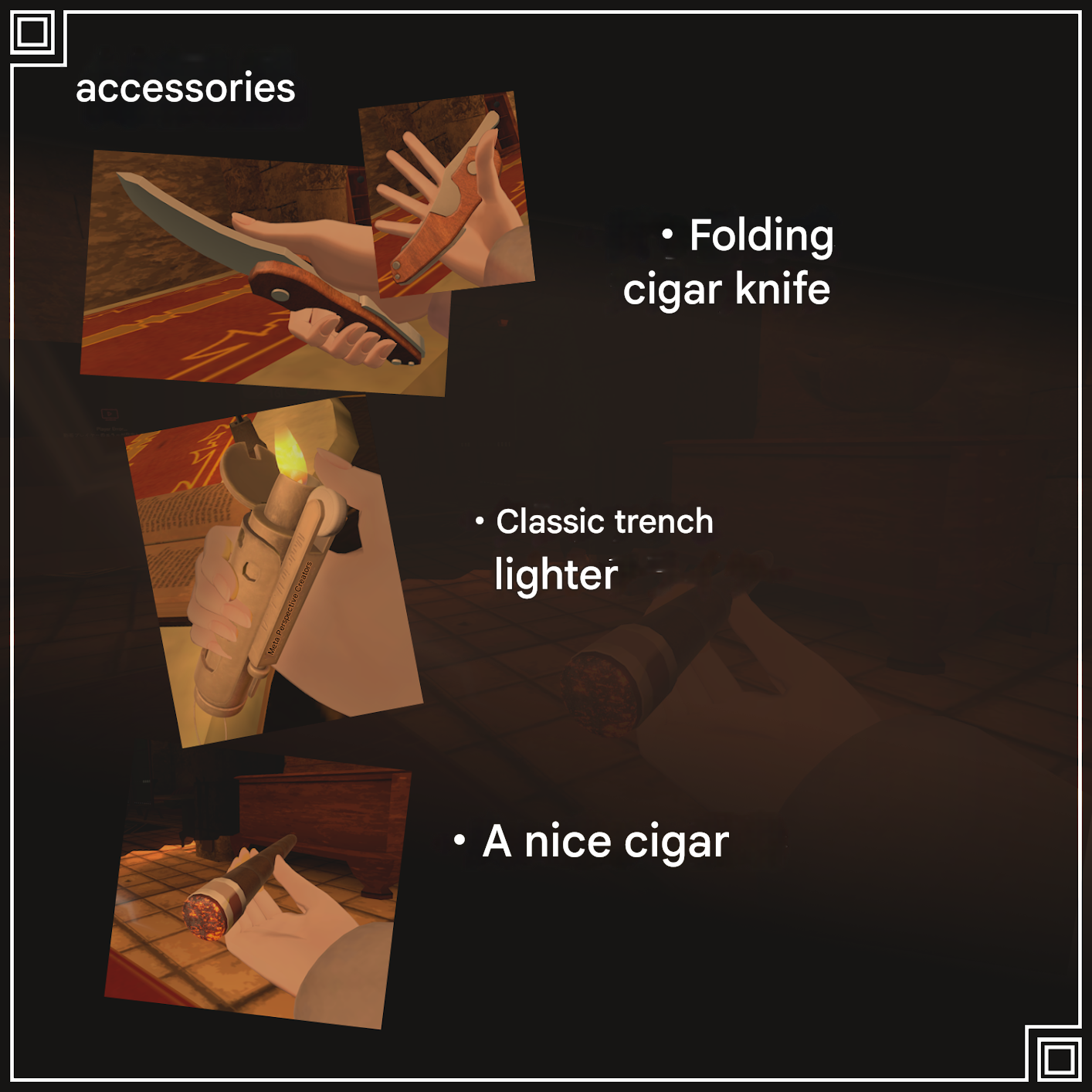
This is an item for VRChat created as part of the "Creator Program" project. It is a cool, outlaw-style cigar set reminiscent of the Gilded Age from 100 years ago. It includes a trench lighter, a cigar cutter/knife, and a cigar (3 items total). Use it well and become a Gilded Outlaw! ※Please understand that there is a possibility that this item may not integrate correctly depending on the specifications of your avatar's clothing or other items.
◆ Item Overview
● Contents
Gilded_Outlow_1.0.3.Unitypackage
ReadMe.txt (The body of this text)
Used Shader
liltoon https://lilxyzw.booth.pm/items/3087170
Required Assets
Modular Avatar https://modular-avatar.nadena.dev/ja/docs/intro
● Model Data
Cigar: 1,536 polygons
Knife: 1,680 polygons
Lighter: 8,592 polygons
Number of Materials: 7
Number of PB Components: 8 (8 parameter bits)
Import Folder Path Assets > MetaverseCreators_CP > Lefekusworks > Item_Gilded_Outlow
◆ Setup Procedure
Set up the latest version of the VRC SDK using the VCC (VRChat Creator Companion).
Install the necessary assets (liltoon, Modular Avatar) within the VCC.
Import this data's package into the Unity project you wish to use.
After placing your avatar in the Scene, drag and drop the Prefab located directly under Item_Gilded_Outlow.
To change the position, modify the following objects:
GildedOutlow_BonePloxy_RightHand_RightHandRoot (Right Hand)
GildedOutlow_BonePloxy_LeftHand_LeftHandRoot (Left Hand)
GildedOutlow_Mouth (Mouth)
To change the size, modify the three objects located directly under GildedOutlow_Root_Root.
Upload the avatar from the VRC SDK.
In VRChat, you can activate it by tapping the clock with your fingertip!
◆ Gimmick Overview
The cigar, cigar knife, and trench lighter can be taken out from the EX Menu (GildedOutlow).
LighterOn: Holds the lighter in the right hand. If Lefthand Main is On, it holds it in the left hand. You can ignite and extinguish/store the fire by changing your avatar's gesture to Fist (1st gesture).
Knife: Holds the knife in the right hand. If Lefthand Main is On, it holds it in the left hand. You can deploy and store the knife by changing your avatar's gesture to Fist (1st gesture).
Cigar: Holds the cigar in the left hand. If Lefthand Main is On, it holds it in the right hand. You can bring it close to your mouth to hold it in your mouth. You can light it by cutting the tip with the knife and lighting it with the lighter.
Lefthand Main: Swaps the default handedness (which hand holds which item).
◆ Terms of Use
https://drive.google.com/drive/folders/1qRMXoIxM1ZgacBPfwOigQRtXP1vCbNMn?usp=sharing ※Please use the item while adhering to the terms of use of the original avatar.
◆ Production Environment
Modeling: Blender Ver 4.4
Texture: Substance Painter 2024
Setup: Unity Ver 2022.3.22f1
VRChat SDK - Avatars Ver 3.8.1 (VCC)
liltoon 1.8.5
Modular Avatar 1.11.2
◆ Credits
Creator: Lefekus
URL [Creator's Personal BOOTH]: https://swillzerrant.booth.pm/
Inquiry Support: https://discord.gg/bmw3PWE37M