
Product Description
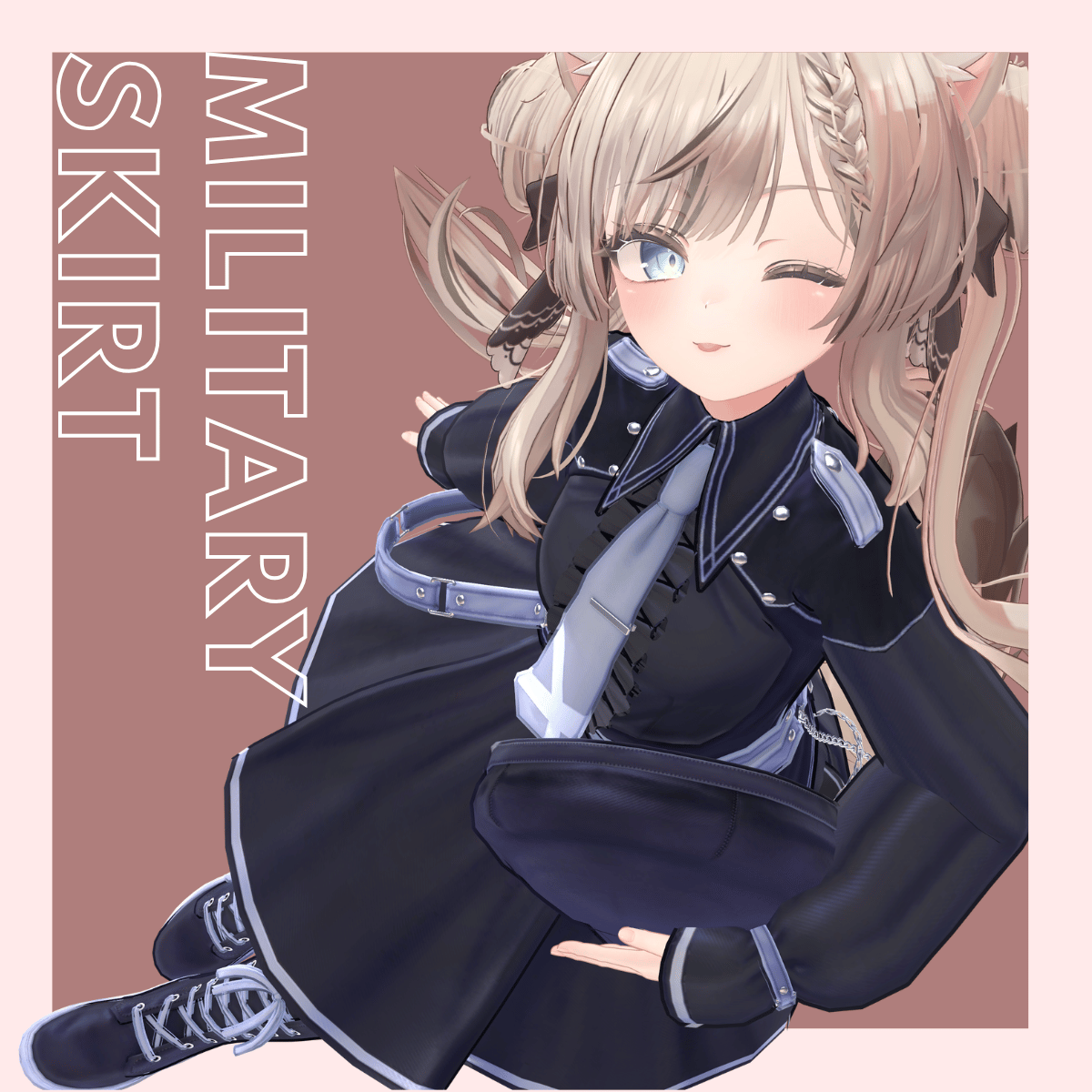
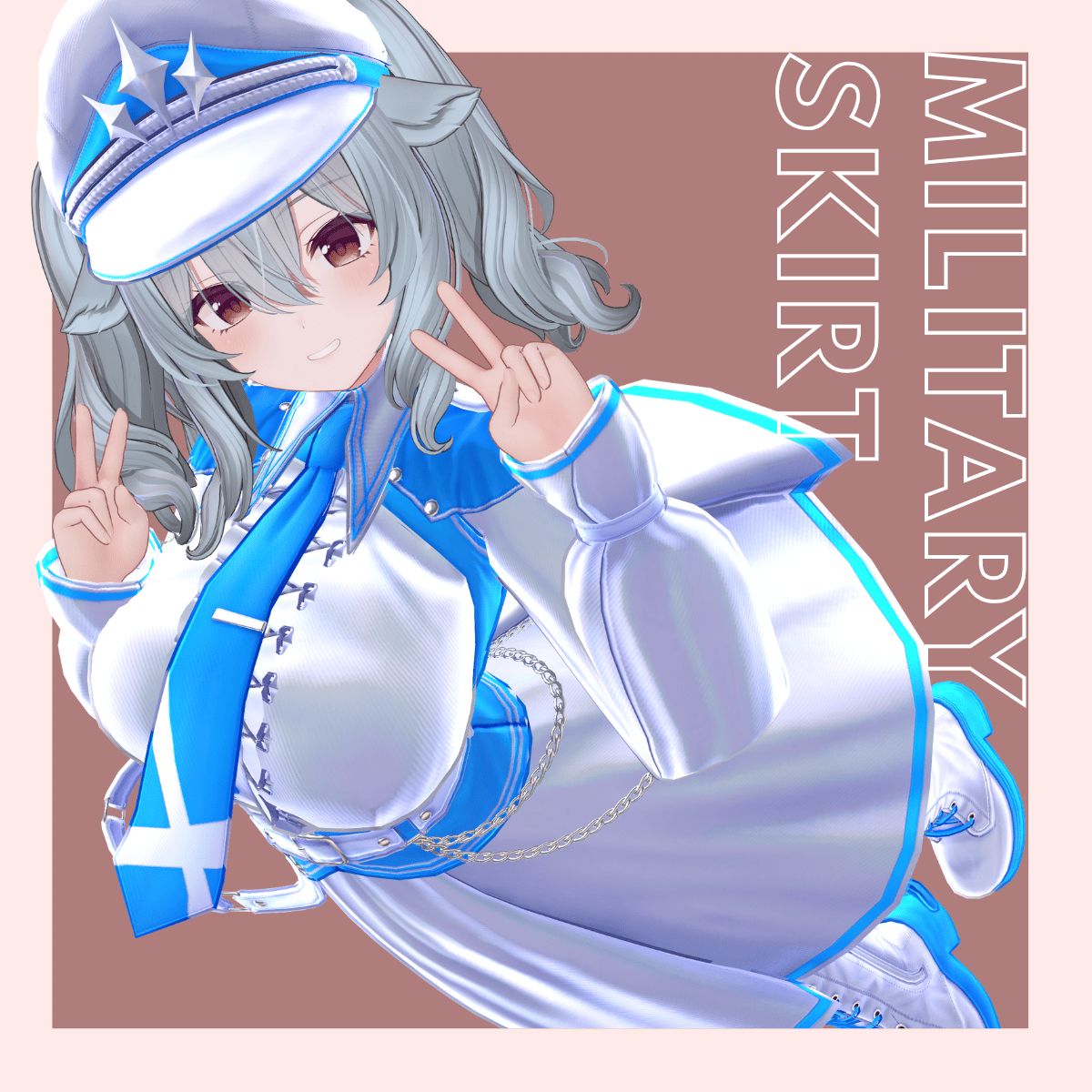
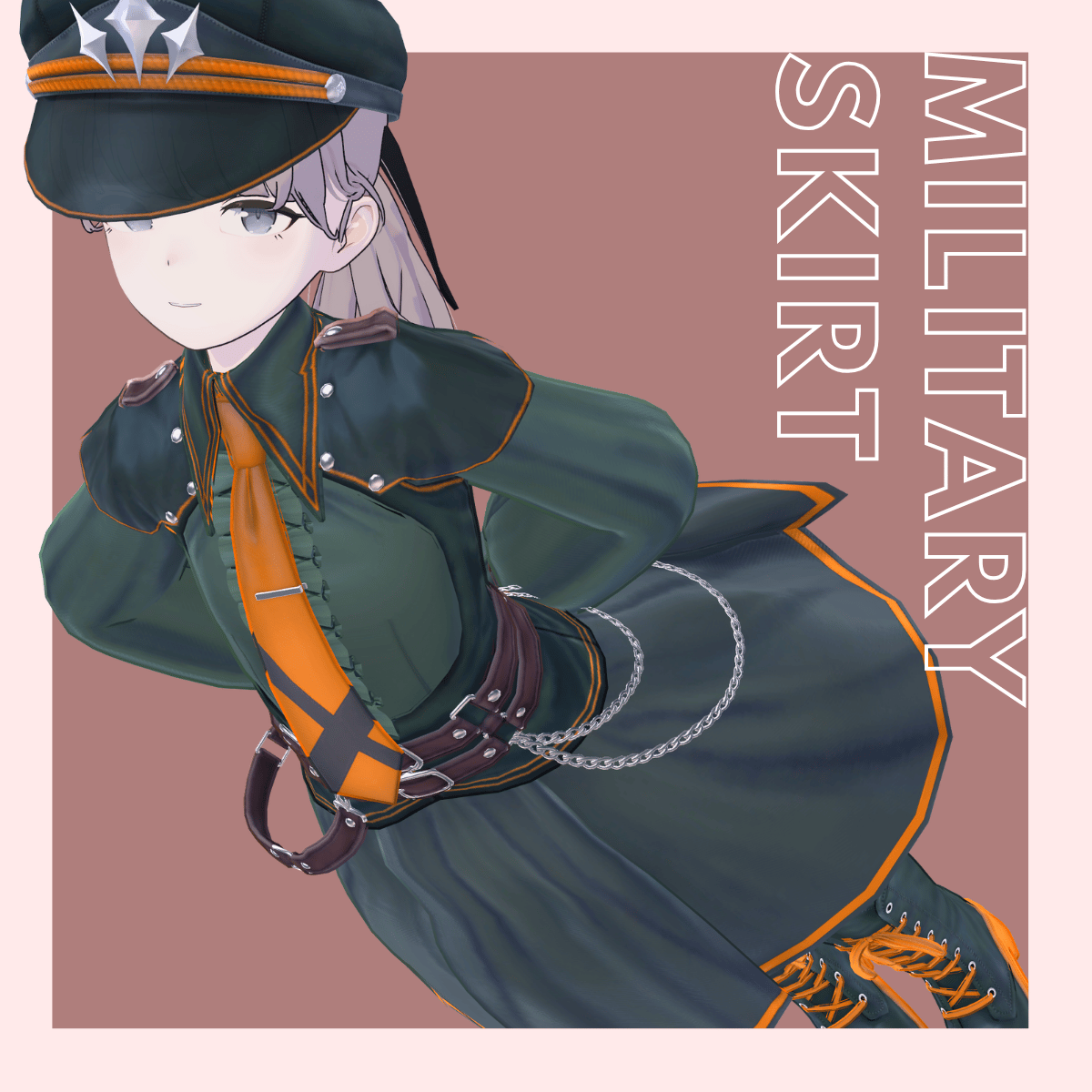
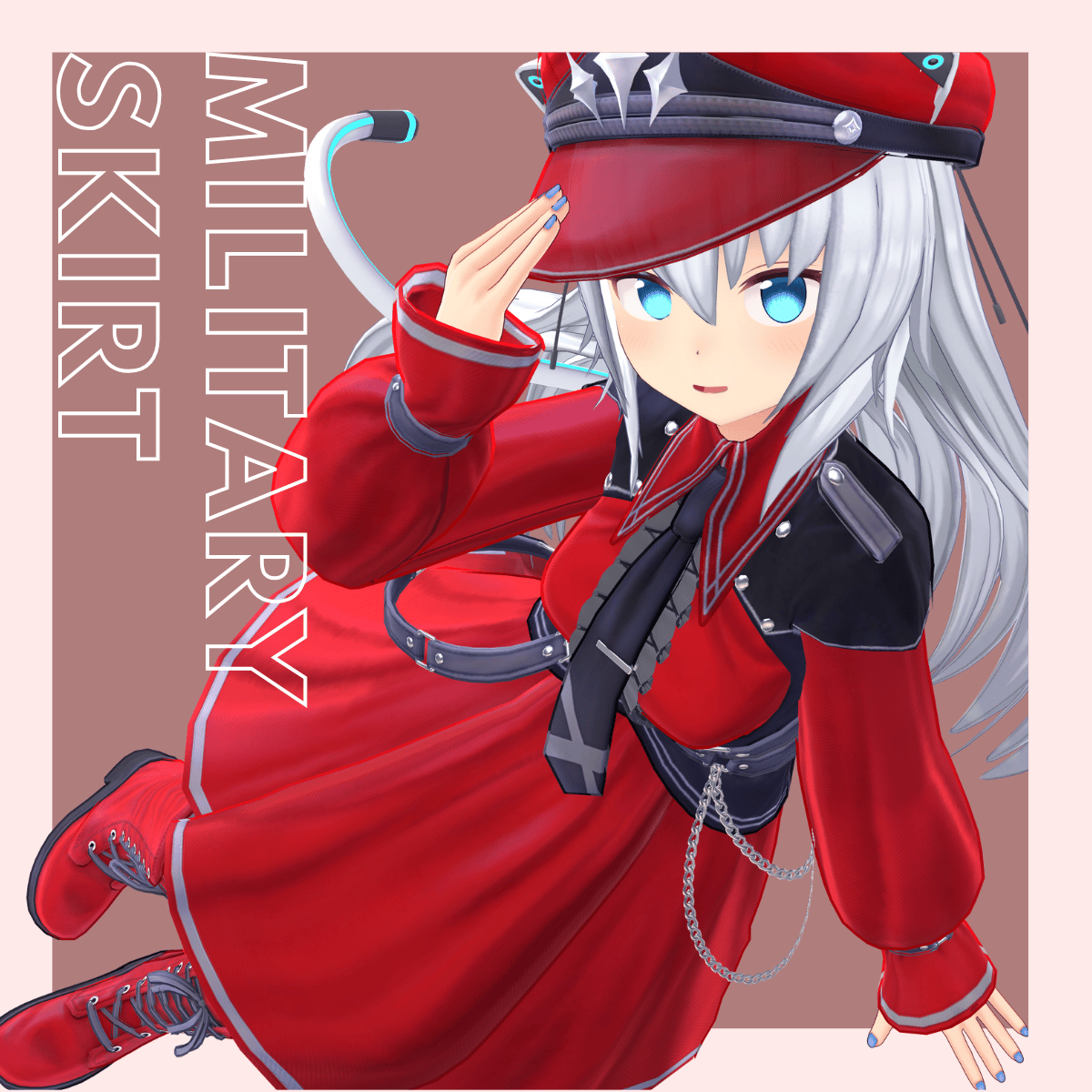
◆ Military Skirt ◆
Creator: Yoneguri
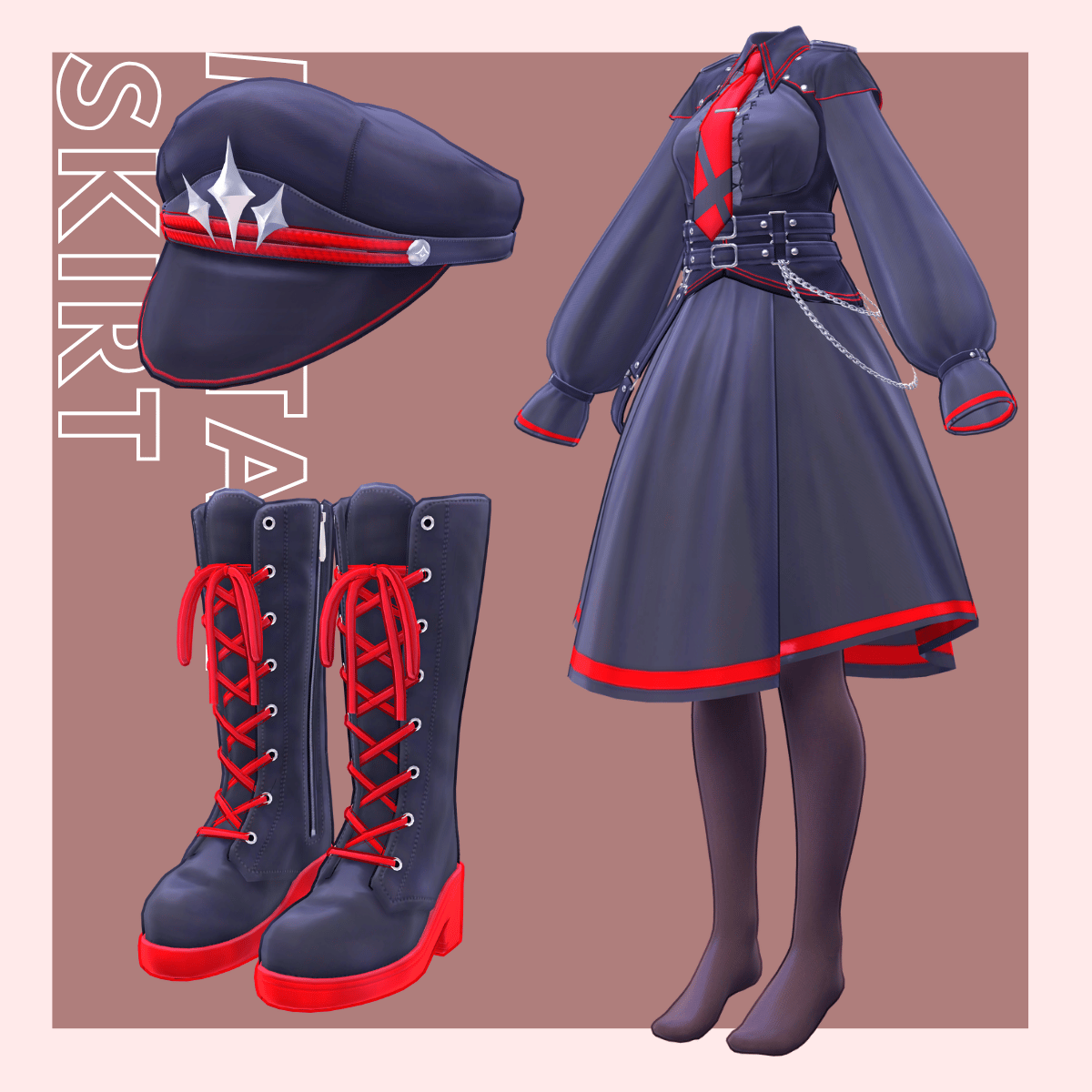
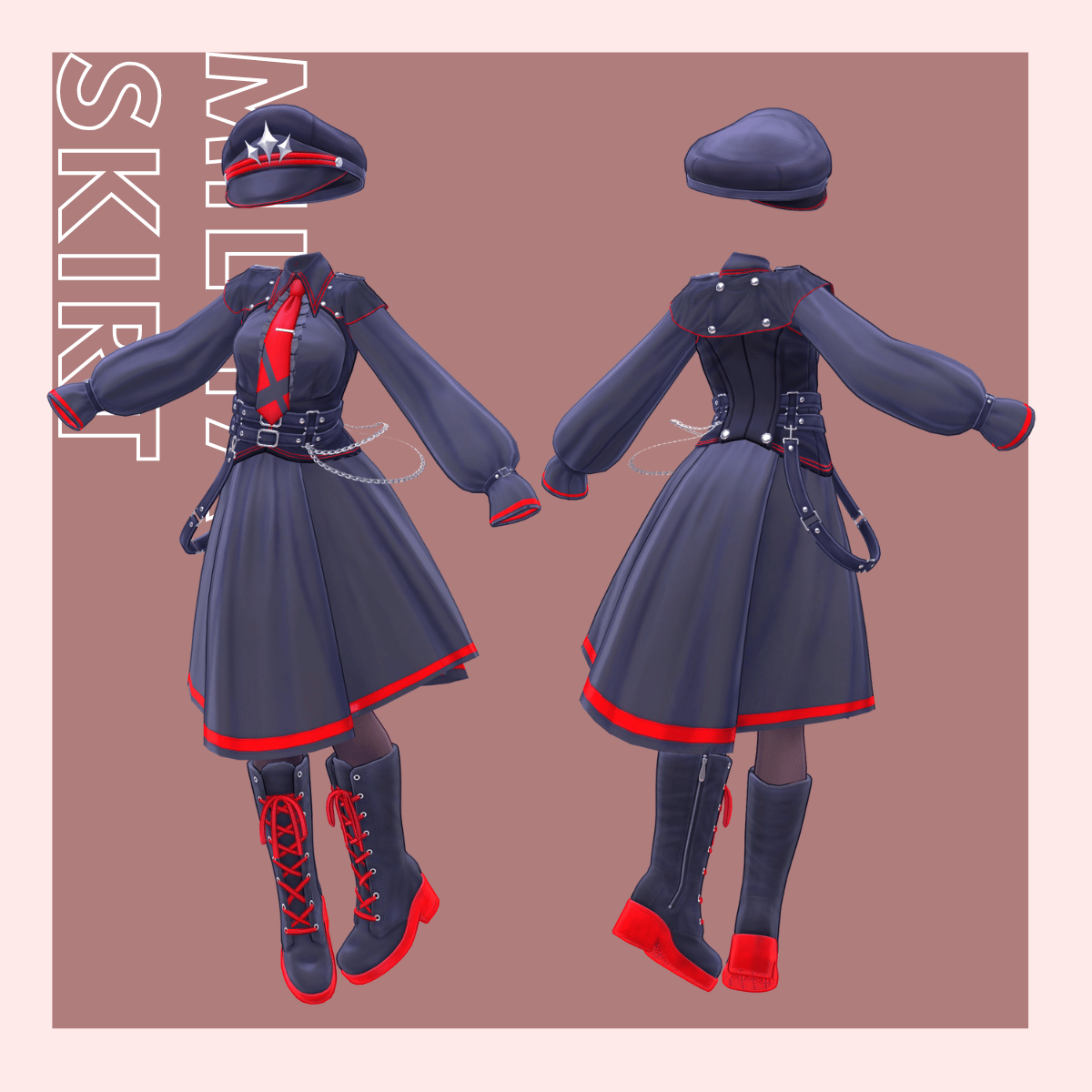
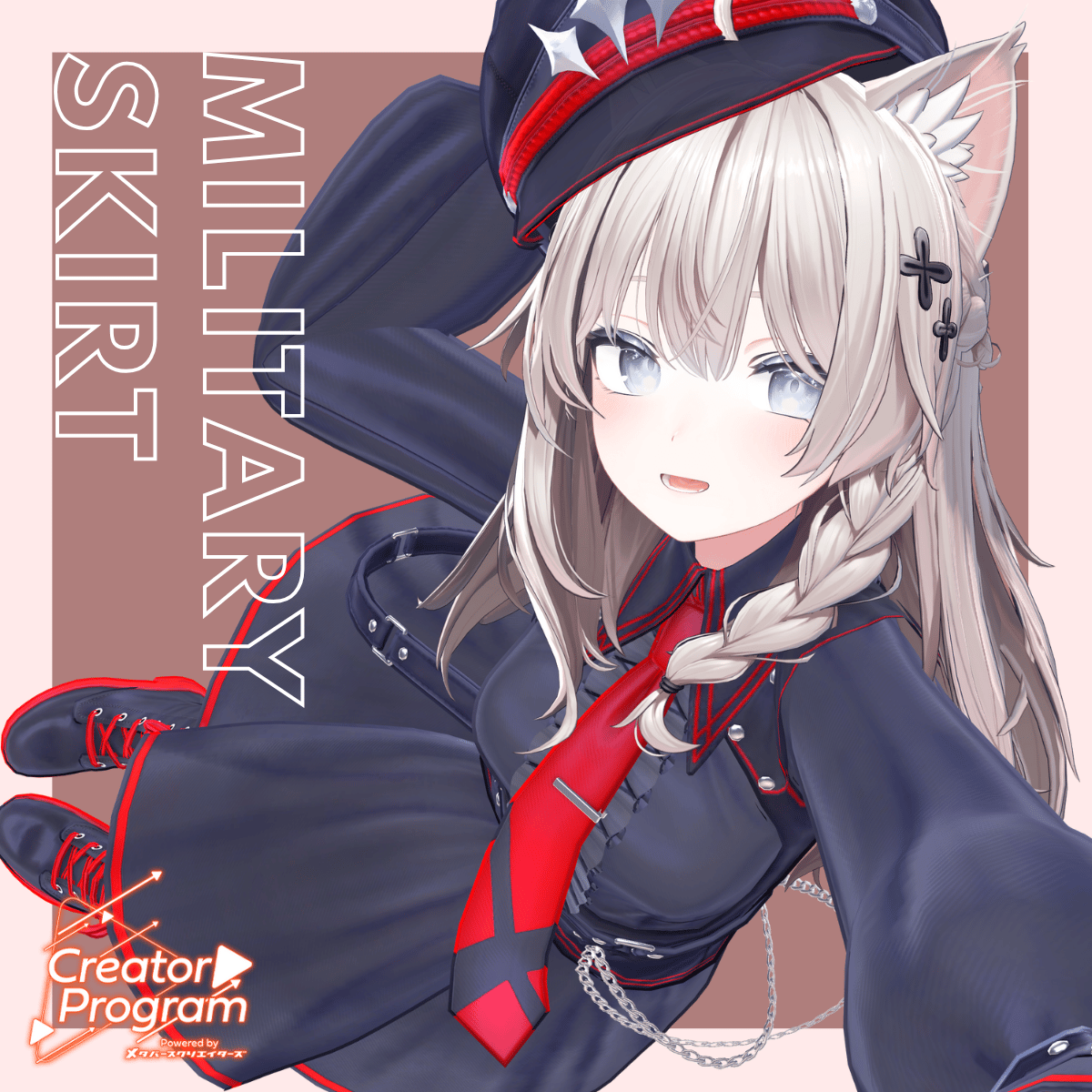
A VRChat outfit combining a frilled one-piece dress with a military-style hat, necktie, and boots.
The outfit blends elegance with a uniform-inspired aesthetic.
※ Important Notes
This product is a clothing model for VRChat avatars. The avatar body is not included.
Due to the nature of digital downloads, returns and refunds are not available.
Please review and agree to the product description and Terms of Use before purchasing.
◆ Item Overview
● Included Files
MilitarySkirt.Unitypackage
FBX
Textures
PSD for modifications
ReadMe.txt
● Shader Used
liltoon
https://lilxyzw.booth.pm/items/3087170
● Required Asset
Modular Avatar
https://modular-avatar.nadena.dev/ja/docs/intro
◆ Model Data
Total Polygons: 41,658
Cloth (One-piece): 23,692
Gunflap: 1,910
Necktie: 964
Cap: 2,596
Boots: 12,496
Mesh Count: 5
Material Count: 5
PhysBone Components: 23
Constraint Components: 17
Import Folder
Assets > MetaverseCreators_CP > Awatorie_yoneguri > MilitarySkirt
◆ Supported Avatars (English Names)
Shinano – Original 3D Model
https://booth.pm/ja/items/6106863
Miltina – Original 3D Model
https://dolosart.booth.pm/items/6538026
Manuka – Original 3D Model
https://booth.pm/ja/items/5058077
Lapwing – Original 3D Model
https://kujishift.booth.pm/items/4993931
Mass-Produced Norakko Plus (Masscat Plus) – Original 3D Model
https://booth.pm/ja/items/4360118
Notes
This outfit uses shapekeys that hide the avatar’s body (stick-figure hide method).
For Shinano, Miltina, and Masucat Plus, special prefabs are included for Small and Flat shapekey versions.
◆ Installation Instructions
Set up the latest VRC SDK in VCC
Install required assets (liltoon, Modular Avatar)
Import the latest package for your avatar
Import this product’s Unitypackage
Drag your avatar (and any additional outfit/modification prefabs) into the Scene Hierarchy
Hide unnecessary clothing on the avatar (default clothing, underwear, etc.) using Editor Only
Drag “OutfitName_AvatarName.Prefab” directly under the avatar in the Hierarchy
Upload the avatar using the VRC SDK
About MA Shape Changer
This outfit uses Modular Avatar’s MA Shape Changer.
When placed under the avatar, shapekeys automatically turn ON to slim the body or hide overlapping mesh.
Remove unnecessary entries in the Shape Changer if you want to disable or adjust the effect manually.
After Dressing
If any part of the avatar body becomes unintentionally thin, set the corresponding shapekey back to 0.
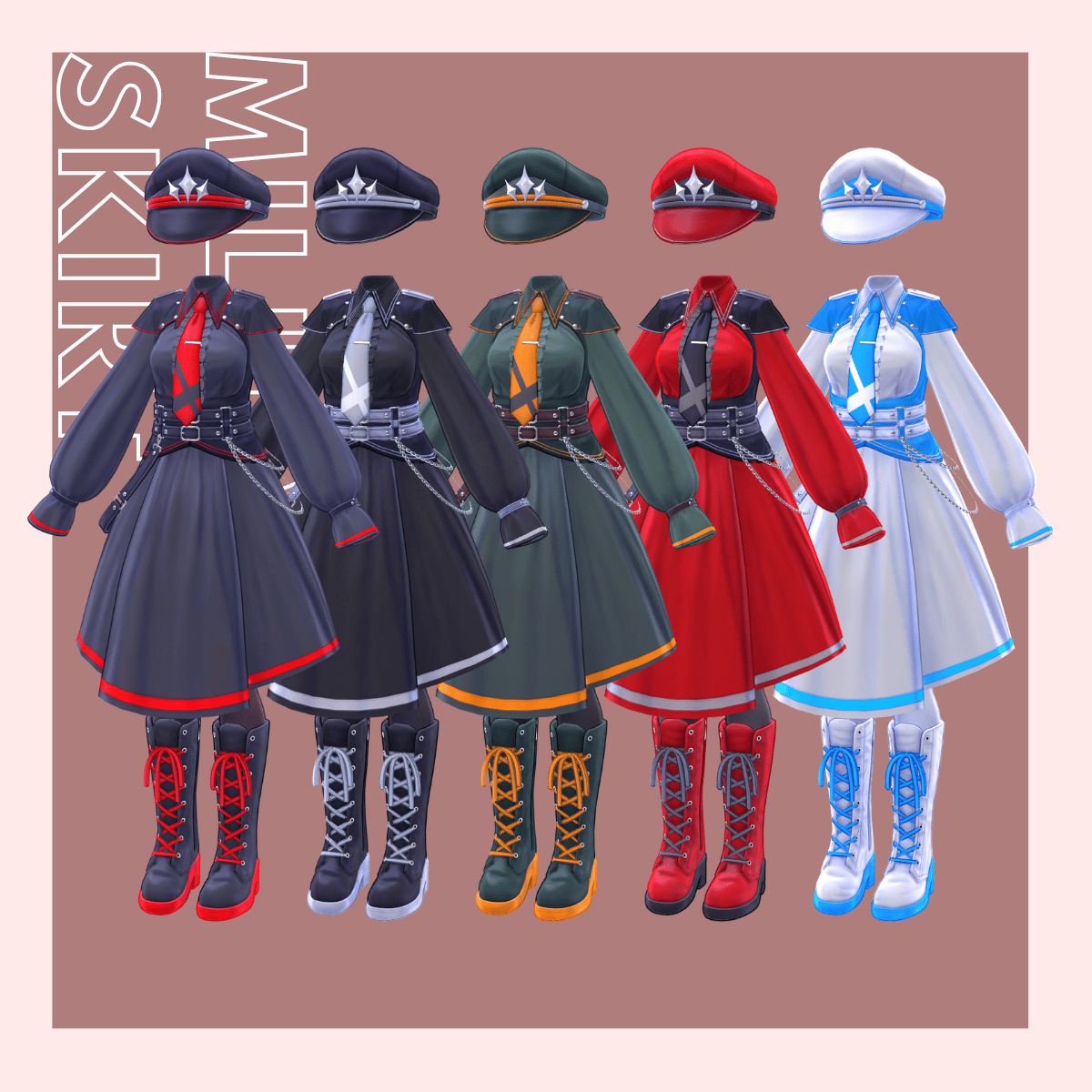
◆ Color Customization
Replace the materials located in:
Common > Material
You can also modify colors using the included PSD files.
◆ Gimmicks (Hat Interaction)
The hat has PhysBone settings allowing you to grab the brim.
While holding the PhysBone, you can adjust the angle of the hat.
Pulling your hand away while grabbing the PhysBone lets you lift the hat.
When released, the hat returns to its original position.
To Disable the Gimmick
Enable the hidden “Cap” object and set it to Untagged
Disable the default “Cap” object by hiding it and setting it to Editor Only
◆ Terms of Use
https://drive.google.com/drive/folders/1qRMXoIxM1ZgacBPfwOigQRtXP1vCbNMn?usp=sharing
Please also follow the Terms of Use of each base avatar model.
◆ Production Environment
Modeling: Blender Ver4.5.3 LTS
Texturing: CLIP STUDIO PAINT, Substance Painter
Setup: Unity Ver2022.3.22f1
VRChat SDK – Avatars Ver3.9.0 (VCC)
liltoon 2.3.1
ModularAvatar 1.14.3
◆ Credits
Ponderonium Laboratory
Shinano – Original 3D Model
https://booth.pm/ja/items/6106863
DOLOS art
Miltina – Original 3D Model
https://dolosart.booth.pm/items/6538026
STUDIO JINGO
Manuka – Original 3D Model
https://booth.pm/ja/items/5058077
Hisama
Lapwing
https://booth.pm/ja/items/4993931
IMR Gitaikoushou
Mass-Produced Norakko Plus (Masucat Plus) – Original 3D Model
https://booth.pm/ja/items/4360118
Sent From Space
Robust Weight Transfer for Blender
https://jinxxy.com/SentFromSpaceVR/robust-weight-transfer
◆ Creator
Yoneguri
X (Twitter): https://x.com/yoneguri_VR
Awatorie (Personal BOOTH): https://yoneguri.booth.pm/
Support Contact
https://discord.gg/bmw3PWE37M