
Product Description
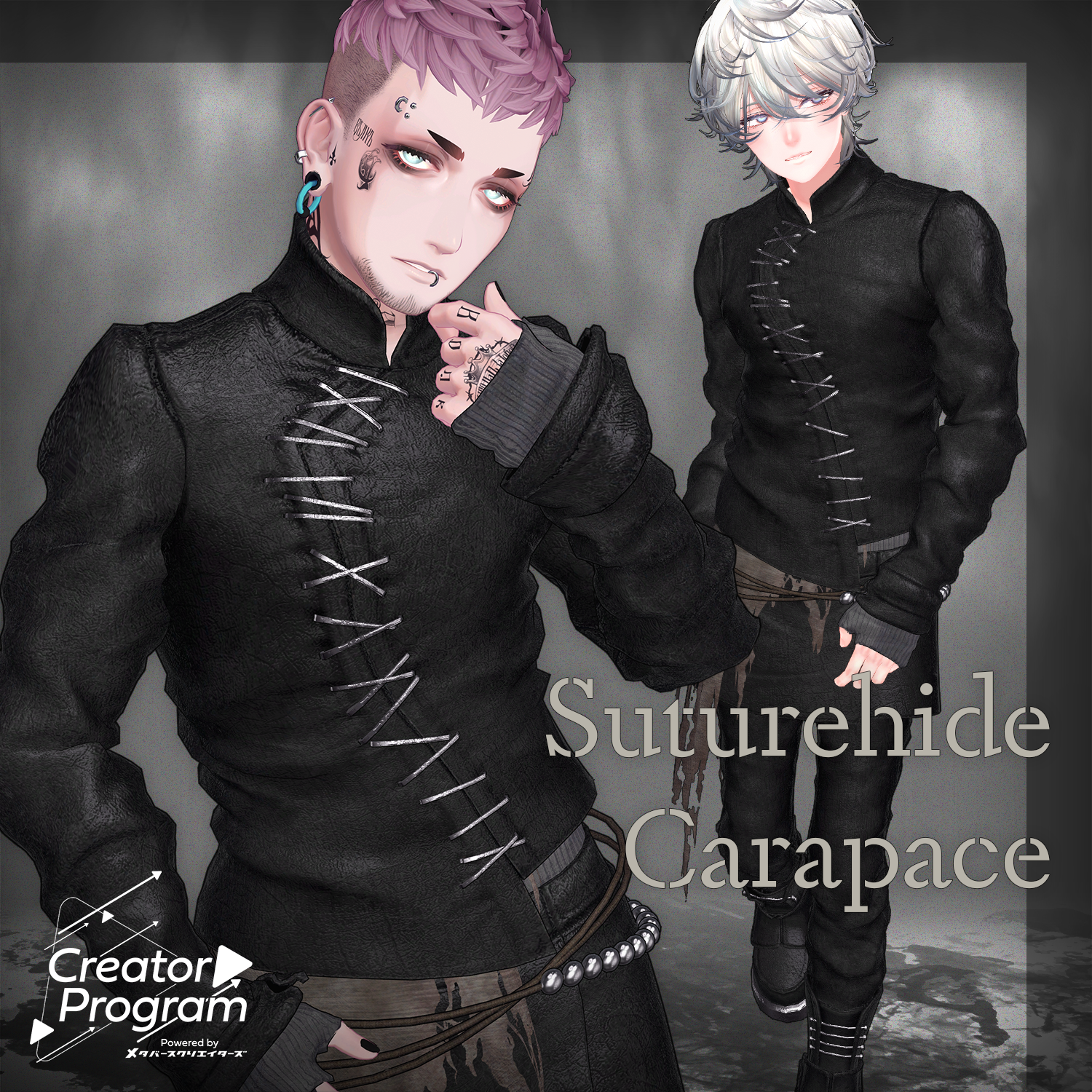
◆ Suturehide Carapace ◆
Creator: imya
This outfit was created as part of the Creator Program project.
A rugged set featuring heavy leather pieces for a wild, powerful look.
※ This product is a clothing model for VRChat avatars. The avatar itself is not included.
※ Due to the nature of digital downloads, returns and refunds are not available. Please review and agree to the product description and Terms of Use before purchasing.
◆ Item Overview
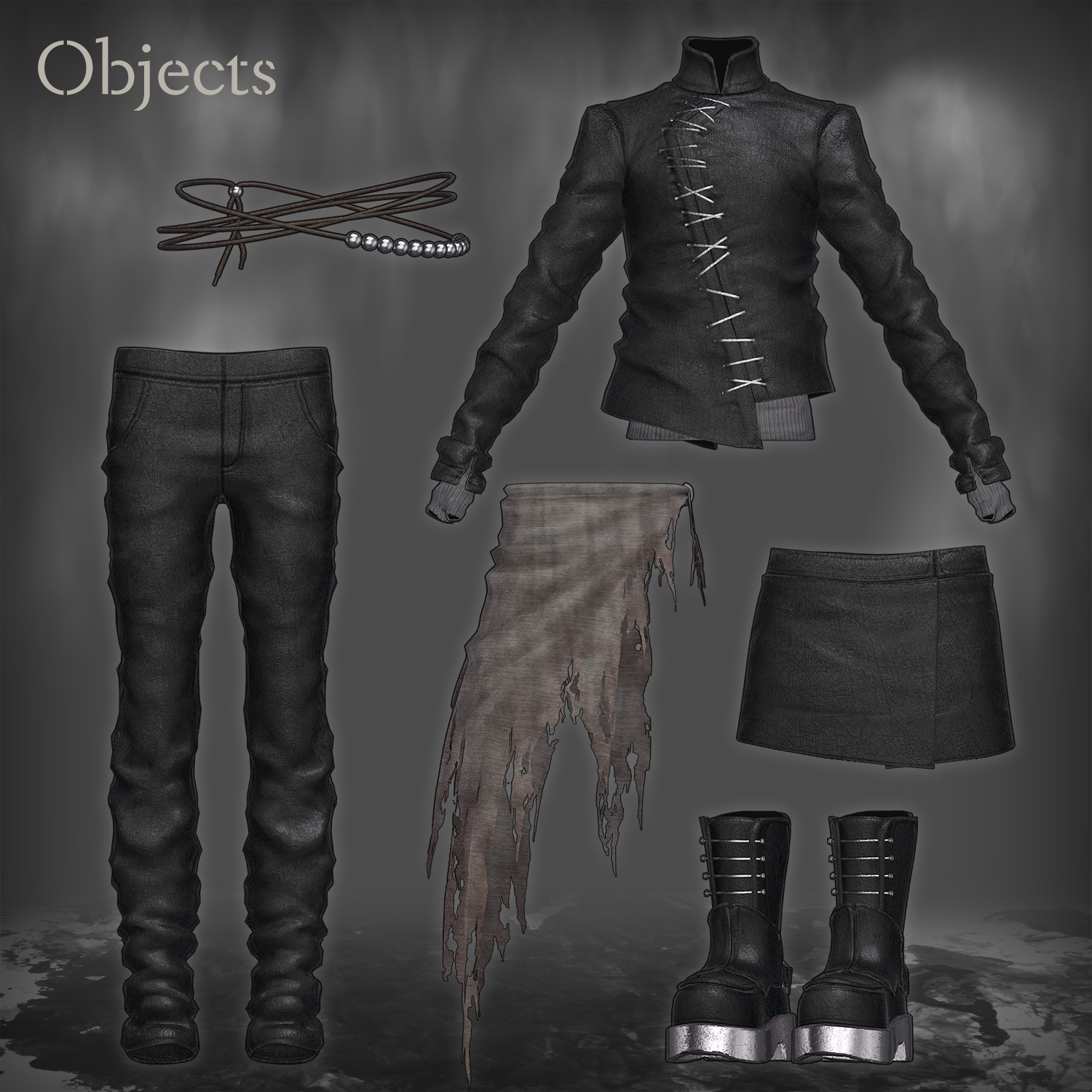
● Contents
- Suturehide Carapace_○○.Unitypackage (○○ indicates the variation name)
- PSD file for modifications
- ReadMe.txt (this document)
Shader Used
Required Assets
- Modular Avatar
https://modular-avatar.nadena.dev/ja/docs/intro
● Model Data
△ Total polygons: 42,462
- Code: 4,652 polygons
- Jacket: 17,038 polygons
- Pants: 10,148 polygons
- Shoes: 7,028 polygons
- Skirt: 1,138 polygons
- WaistCloth: 2,458 polygons
Mesh count: 6
Material count: 4
PhysBone components: 6
PhysBone colliders: 2
Constraints: 2
Import Folder
Assets > MetaverseCreators_CP > IMTHRA > Suturehide Carapace
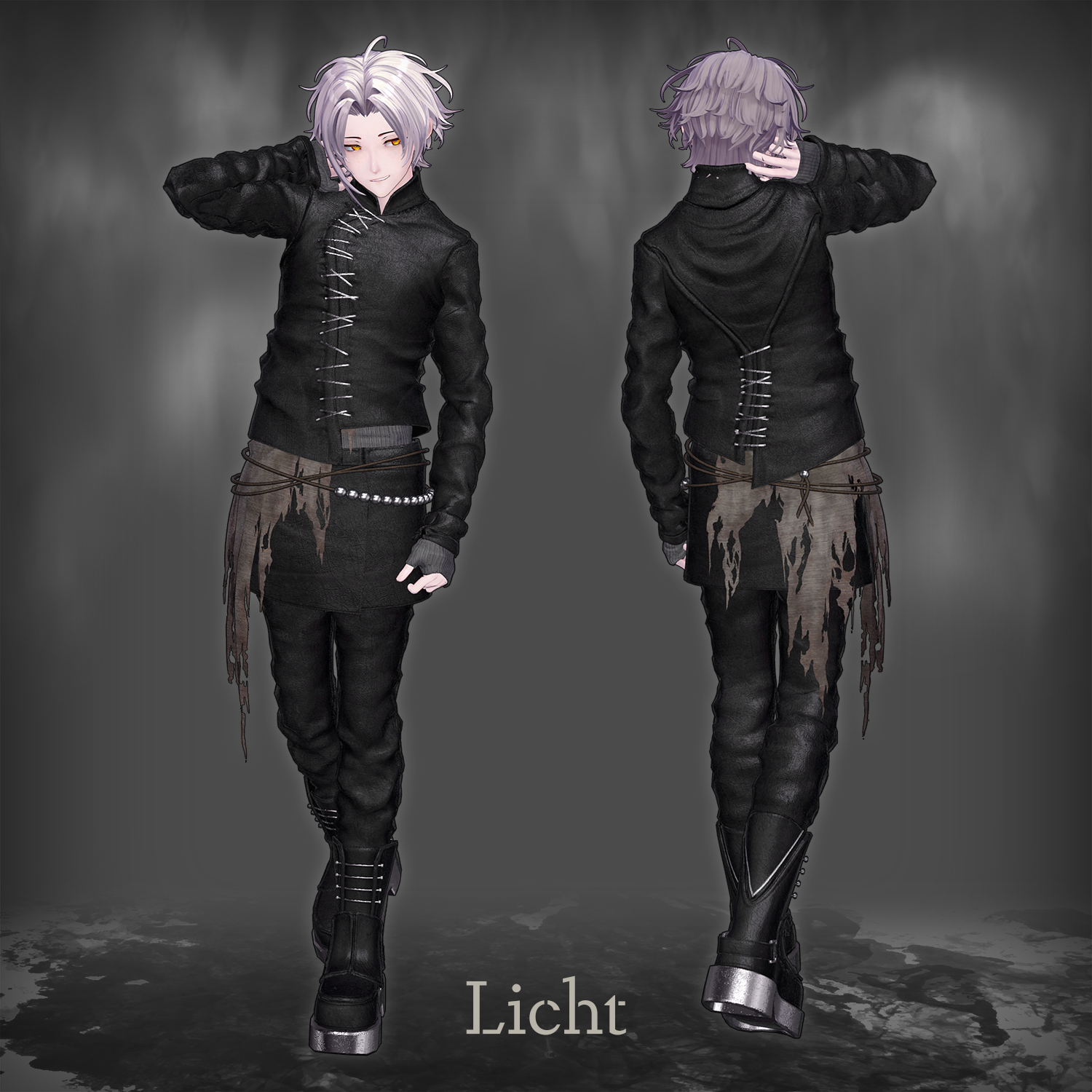
◆ Compatible Avatars
- Licht - Original VRChat Avatar #Licht3D / AC1
- jinxxy.com/MetaCre/jvXy4
※ When equipping the outfit, shapekeys that hide the avatar’s base body (turning it into a simplified form) will be applied.
◆ Installation Guide
- Install the latest VRC SDK using VCC.
- Install the required assets (liltoon, Modular Avatar) via VCC.
- Import the latest package of your chosen avatar.
- Import this product’s package.
- Drag your avatar (and any outfit/editable prefab) into the Scene Hierarchy.
- Hide or set to Editor Only any unnecessary clothing (default outfit, underwear, etc.).
- Drag Suturehide Carapace_For_[AvatarName].Prefab directly under the avatar.
- Upload the avatar using the VRC SDK.
Notes on Modular Avatar Functions
- This outfit uses MA Shape Changer.
When placed under the avatar, the avatar’s shapekeys automatically activate to slim the body or hide mesh regions that would otherwise clip with the clothing.
If you only want to use part of the outfit, remove unneeded Shape Changer entries on the outfit’s parent object. - PlusHead avatars:
Some avatars use different mesh naming conventions (this outfit uses PlusHead).
If components do not work correctly, rename your avatar’s mesh or manually adjust the shapekeys. - If any part of the avatar becomes unintentionally thin after dressing, reset the affected shapekey to 0 and check the base body’s appearance.
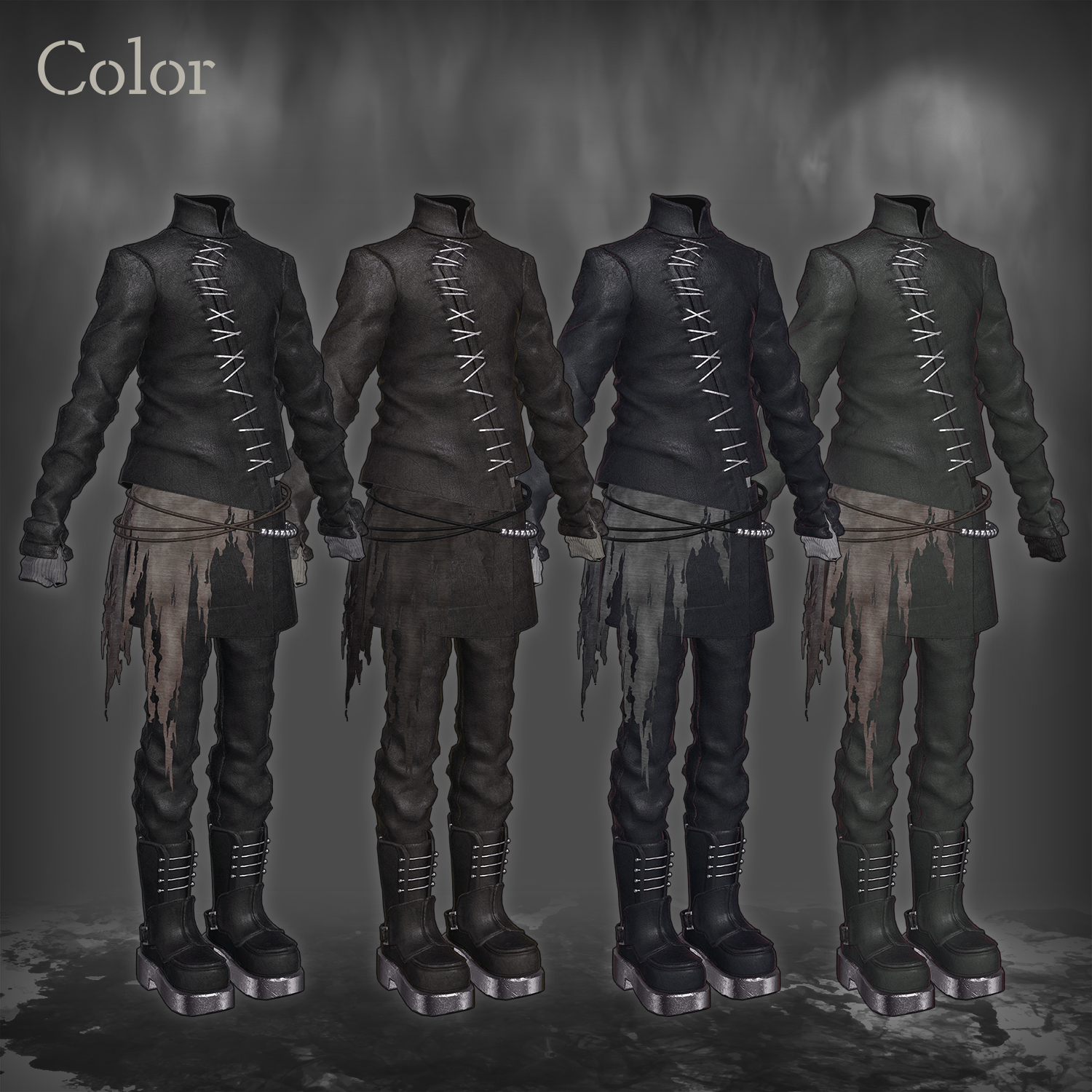
◆ Recoloring
Replace the material variations located in:Suturehide Carapace > Common > Material
You may also use the included PSD file to create your own color variations.
◆ Terms of Use
https://drive.google.com/drive/folders/1qRMXoIxM1ZgacBPfwOigQRtXP1vCbNMn?usp=sharing
※ Please also follow the Terms of Use of the base avatar used with this outfit.
◆ Production Environment
Modeling: Blender Ver. 4.2.8
Textures: Substance 3D Painter / Photoshop
Setup: Unity Ver. 2022.3.22f1
- VRChat SDK – Avatars Ver. 3.8.1 (VCC)
- liltoon 2.3.2
- ModularAvatar 1.14.3
◆ Credits
Creator: imya
X: https://x.com/i_16Ya8
BOOTH (personal): https://i16ya8.booth.pm/