
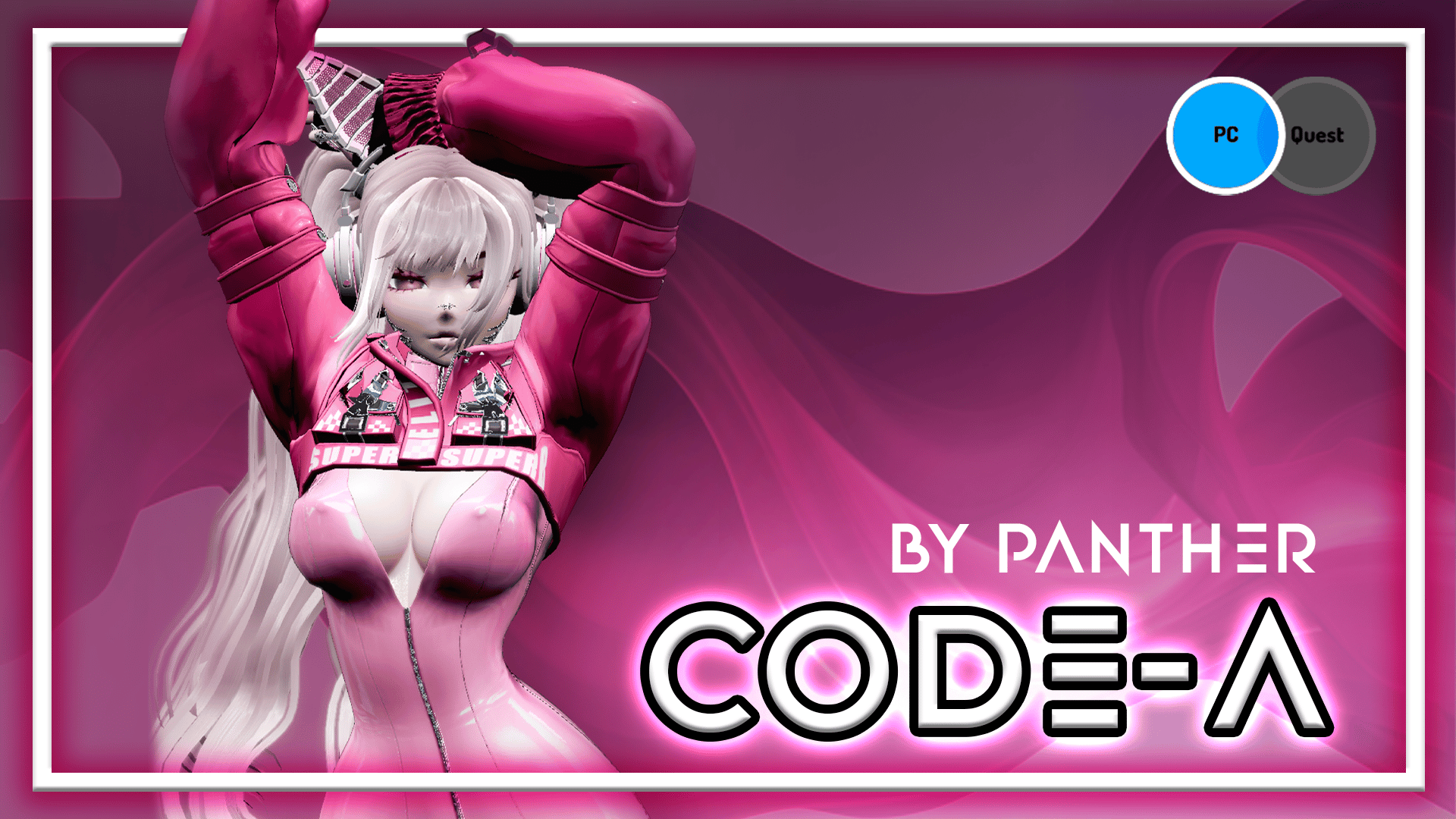
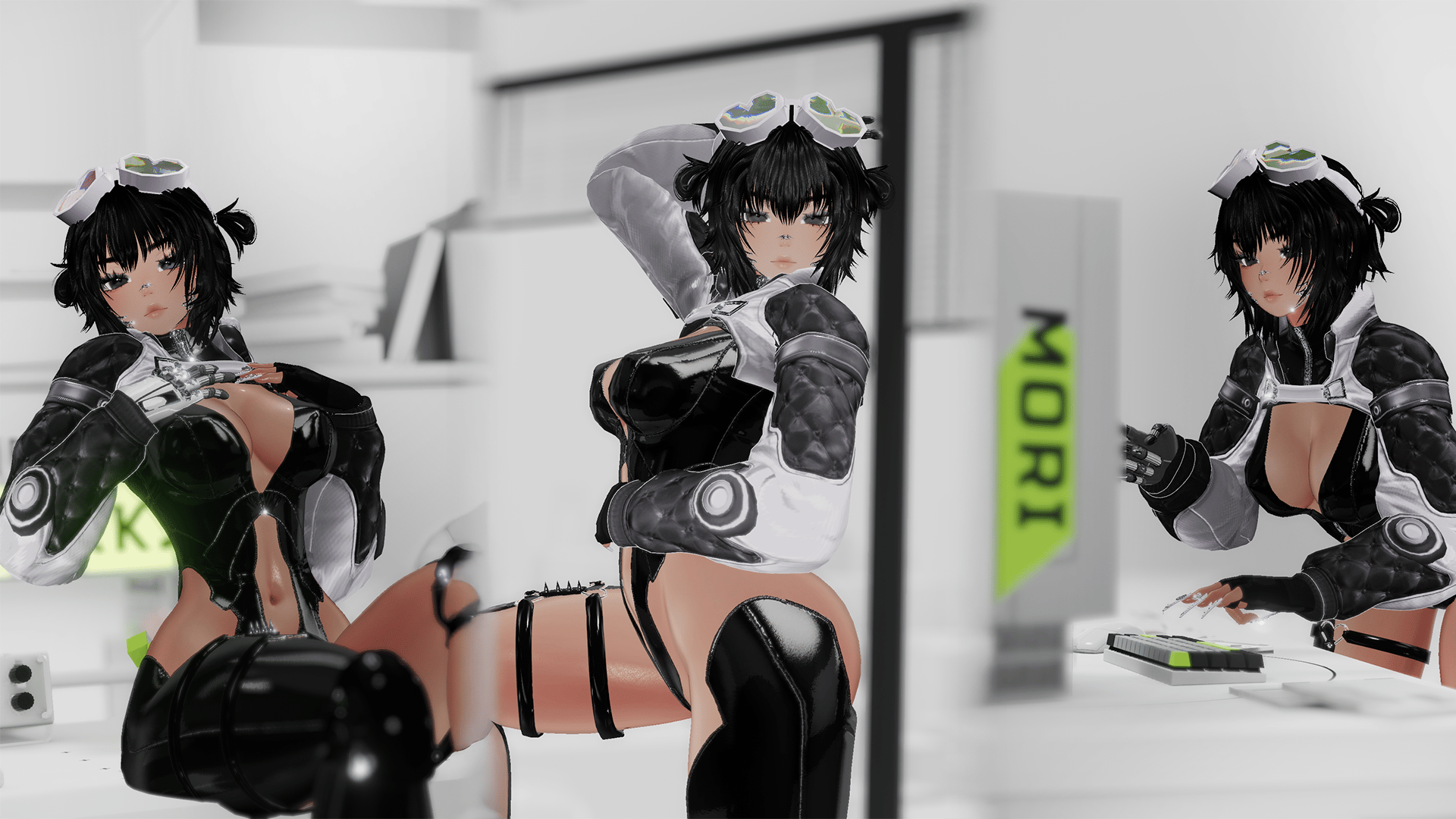
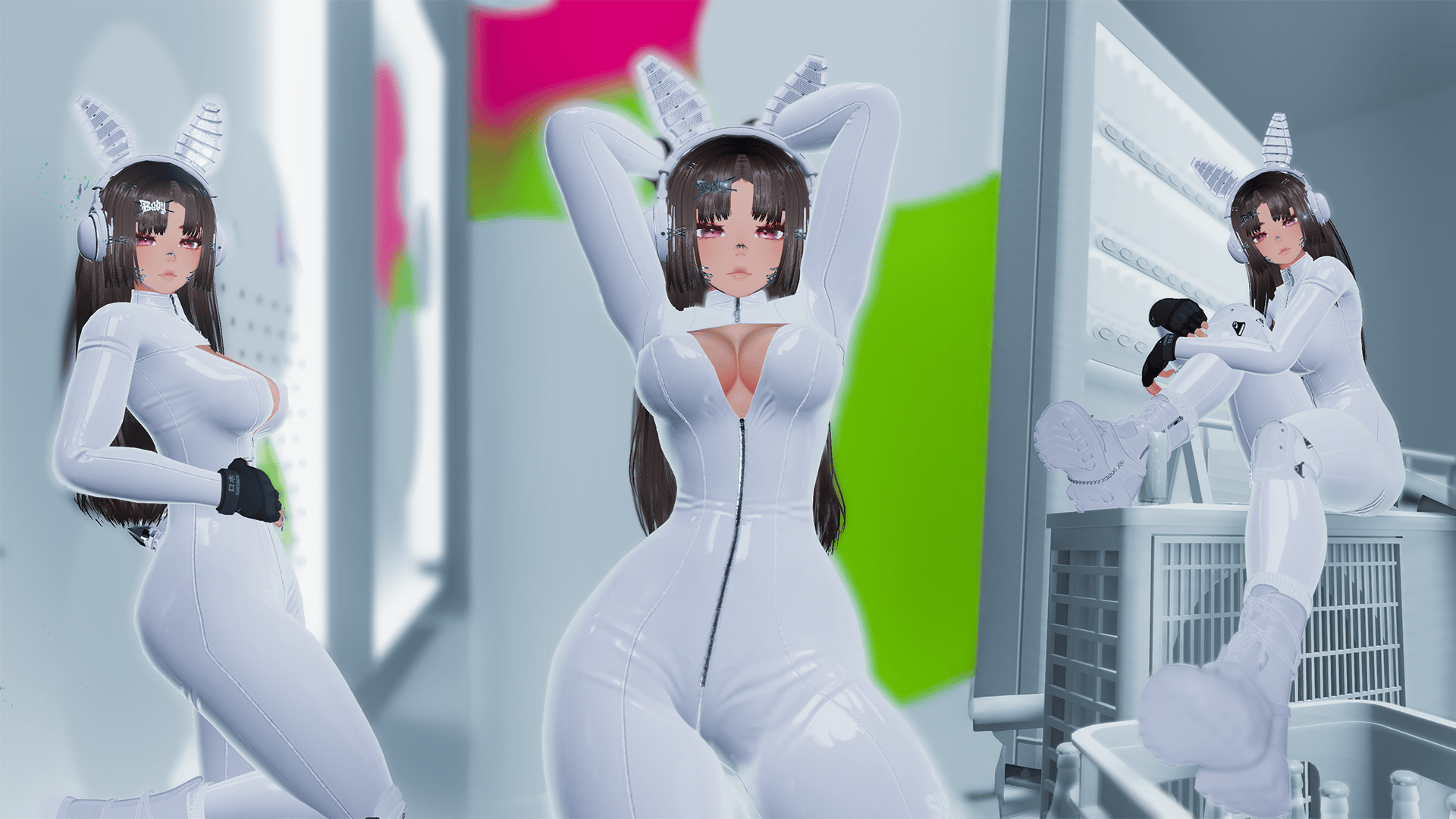
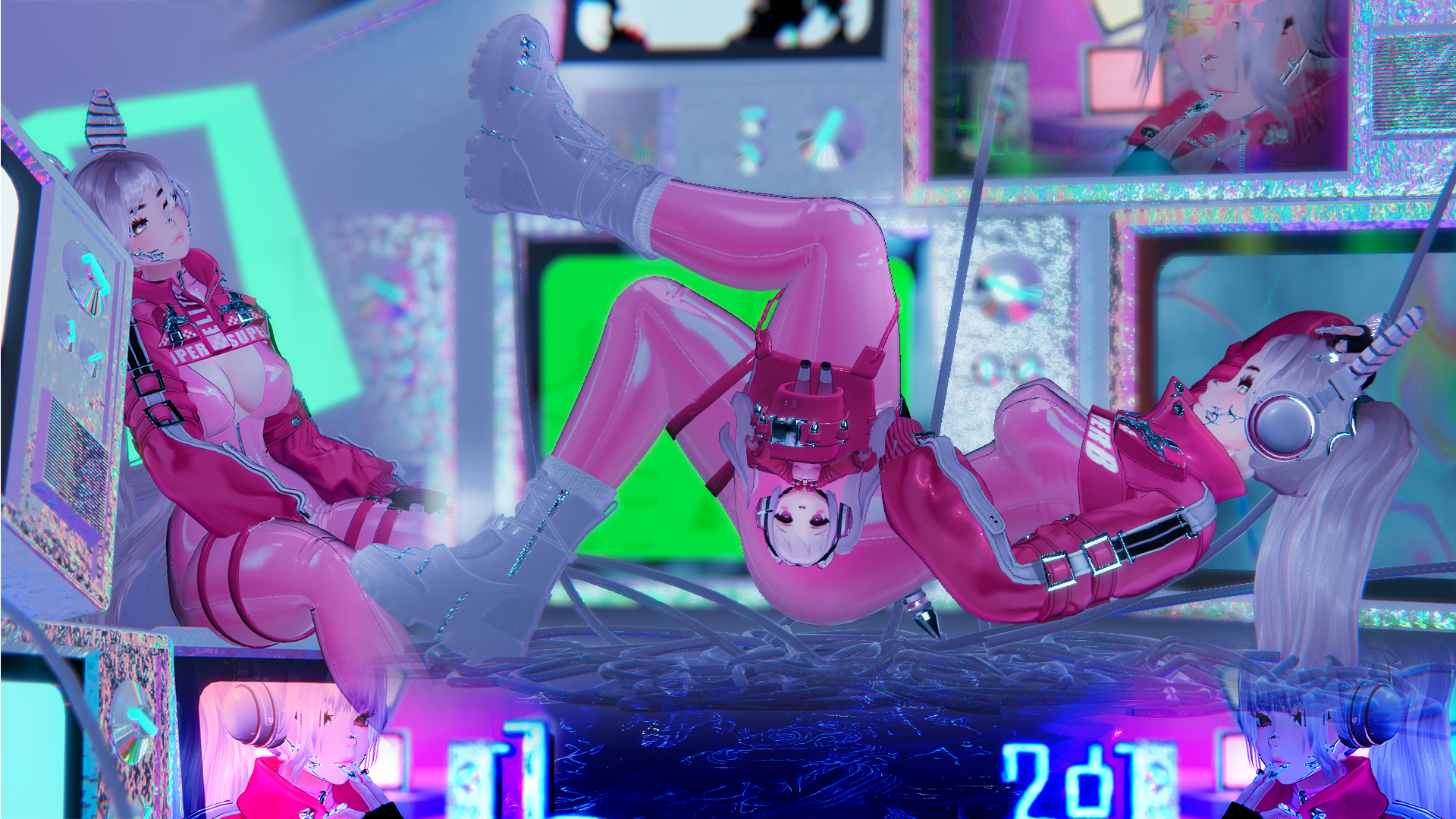
Product Description
𝗥𝗨𝗟𝗘𝗦:
- All models that you buy in my store are non-refundable!
- Do not make any of the avatars public.
- You can not share the package.
- Do not claim as yours.
- You can not re-use assets from my avatars, unless you have purchased them from the official creators.
- You can not use my edits by any chance.
- You may not use my edited body or head for personal or commercial use.
.-*' -. YOU CAN GET 3$ OFF ON MY DISCORD SERVER! DON'T MISS IT! .- '*-.
Must be include inside the package.
(Has to be ADDED ON VRChat Creator Companion):
· Poiyomi (Ver. 9.2.79)
· VRCFury (Ver. 1.1276.0)
· SPS (Ver. 2.0.11)
· GOGO (Ver. 1.8.6)
𝗛𝗼𝘄 𝘁𝗼 𝗨𝗽𝗹𝗼𝗮𝗱 CODE-A! (2 EASY-WAYS)
1.-
· Unpack the folder you downloaded.
· Open VCC (Unity 2022.3.22f1).
· Click Add → Existing Project.
· Select and open the unpacked folder.
· Manually add the following packages (very important):
· • Poiyomi Toon • VRC Fury • GoGoLoco • SPS • VRCFT (Jerry's Templates)
· Open the project in Unity.
· As a final step, open the folder called “CODE-A By Panther”, then open “OPEN ME PC!” (Unity icon).
· You ALL SET!
2.-
· Download the Unity package.
· Open VCC (Unity 2022.3.22f1).
· Create a new project.
· Manually add the following packages (very important):
· • Poiyomi Toon • VRC Fury • GoGoLoco • SPS • VRCFT (Jerry's Templates)
· Open the project in Unity.
· As a final step, open the folder called “CODE-A By Panther”, then open “OPEN ME PC!” (Unity icon).
· You ALL SET!
How to Upload the Quest Version (Android)
(This is the easiest way — and how I usually do it)
· First, upload the PC version of the avatar (CODE-A PC).
· Using the same Unity project, open the VRChat SDK.
· In Step 3, under “Platform(s)”, change it to Android only.
· In the Hierarchy, select “-❤ CODE-A ❤-”, then scroll down in the Inspector until you find Pipeline Manager (Script).
· Copy the Blueprint ID generated from the PC version and paste it into the “-❤ CODE-A ❤- QUEST (UPLOAD)” avatar.
· Final step: go back to the VRChat SDK and upload the avatar.
· You ALL SET!
UNITY VIEW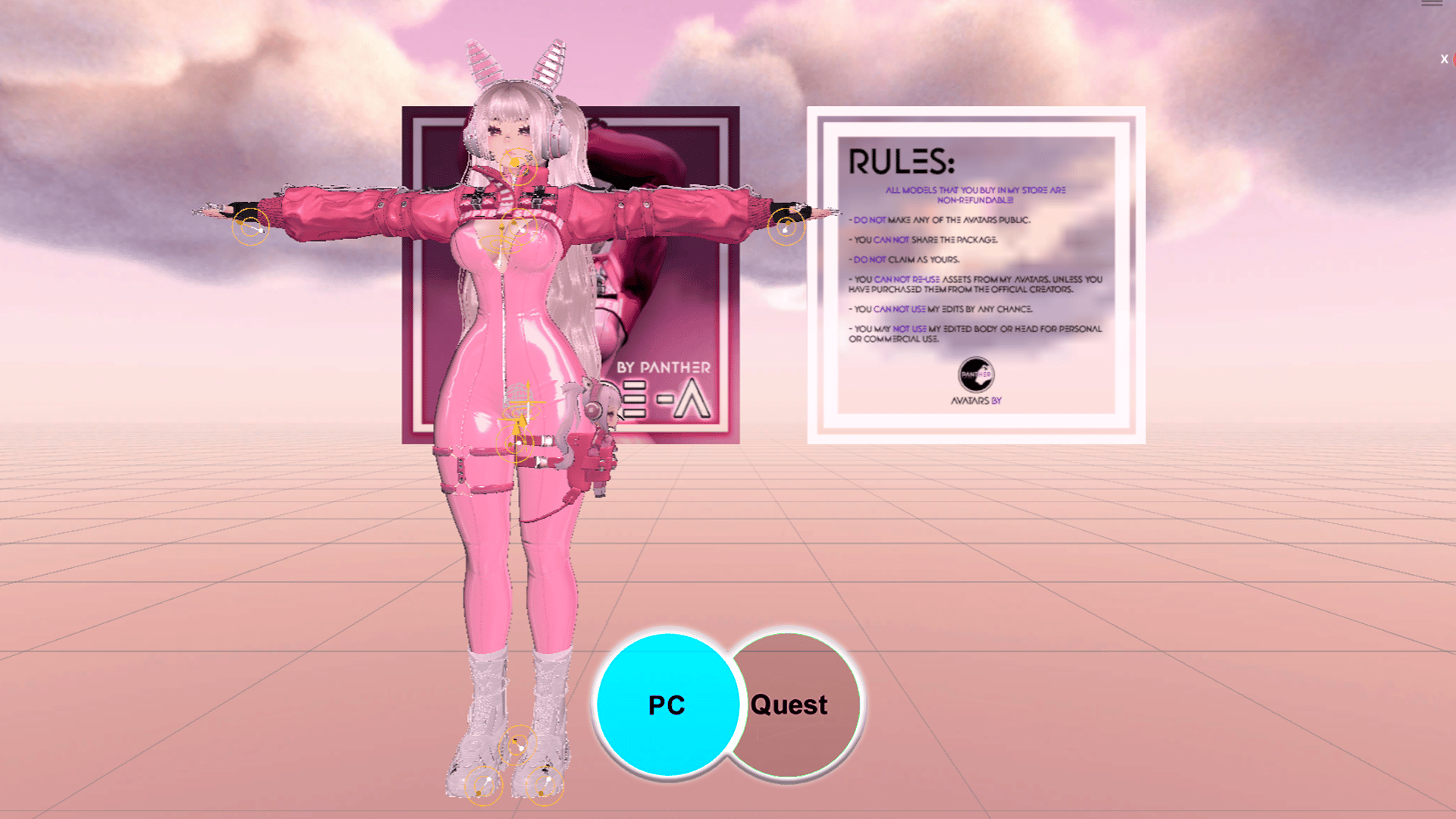
CODE-A'𝘀 included:
· Hairs: 3 different types of hair and two extentions.
· Clothes: Bikini, Body Suit, Body Suit Up, Bunny Hoodie, Crop Jacket, Cybord Arm, Shirt, Shorts, Tech Jacket, Boots, Heels, Socks.
· Accessories: Bunny x Tail Ears, Chain, Nose and Cheek Metal, Earrings, Garter, Googles, Headphones, Knee Pads, Leg Holster, Tact Gloves.
· Color Hue: Every clothes, accessories, hair, skin and metal jewelry.
𝗖𝗿𝗲𝗱𝗶𝘁𝘀:
DO NOT RE-USE ANYTHING THAT IS EDITED IN THIS PROYECT.
· Face (Sculped by me), Body (Sculped by me), Hair texture, Eyelashes, Bunny Ears x Tail, Necklace, Cheek x Nose Metal, Earrings, Garter, Googles, Headphones, Knee Pads, Leg Holster, Tact Gloves, Nails, Hair 1 (Azami's Cute Little Bun), Hair 2 (Uma0s Pigtails),Hair 3 (Morrigan's Hair V2), Headcap, Body Suit, Bunny Hoodie, Crop Jacket, Bra x Panty, Cyborg Arm, Shirt,Shorts, Tech Jacket, Boots, Heels, Chibi, Heart Particles.
Models: P a n t h e r
Pictures taken by: Demitruiș | P a n t h e r
If I forgot any credit in this project, let me know!