
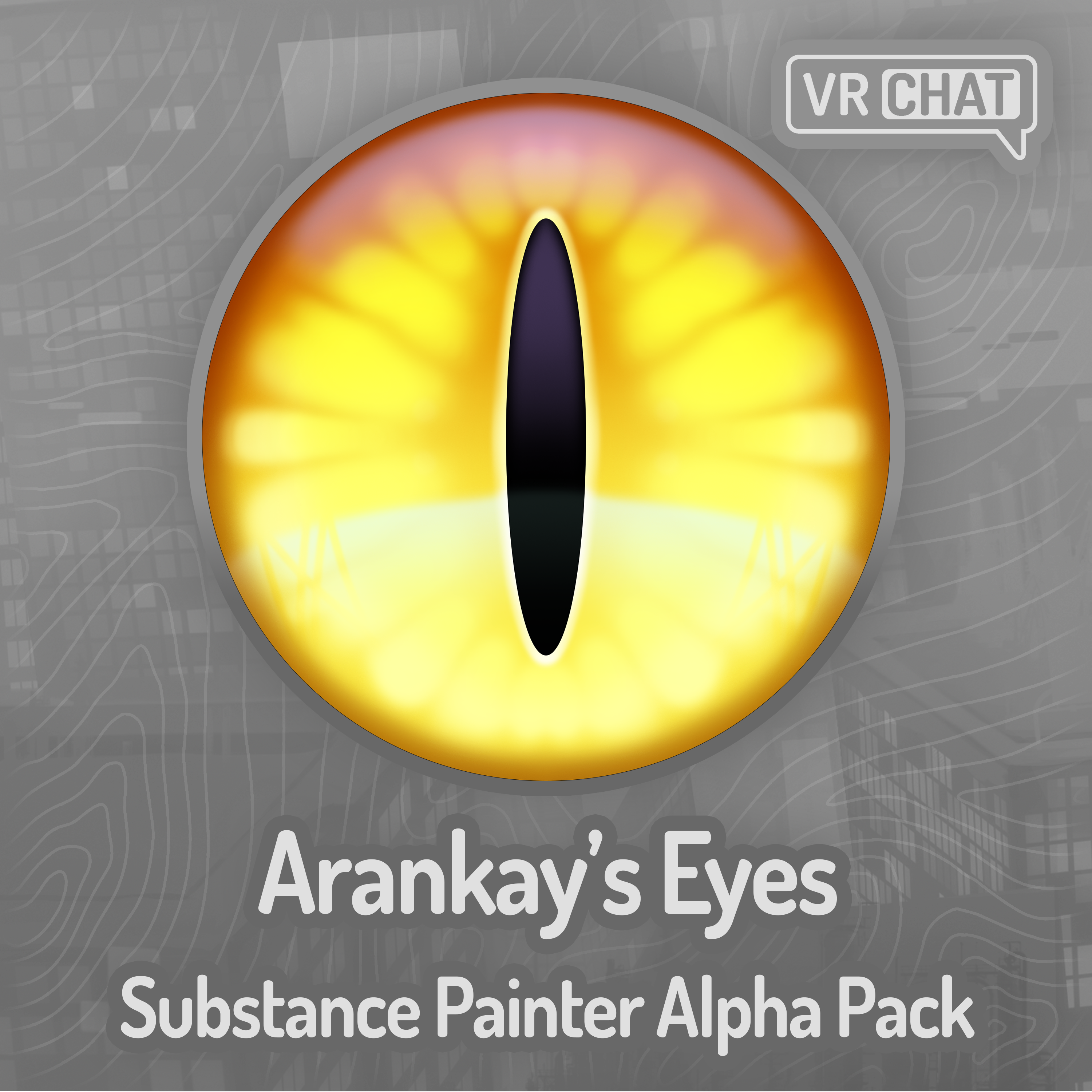
Arankay's Eyes Substance Painter Alpha Pack
Collaborators
Product Description
A pack of alphas for Substance Painter and other creative programs!
"Lookin' good!"
These were made because I got tired of making my eyes over and over again for my personal character. I like to make skins for every base I can get my hands on with my fursona's colors and design, but these will be extremely useful for anybody else who wants to add some cool scars to their character, so I decided to create an entire pack of them share them!
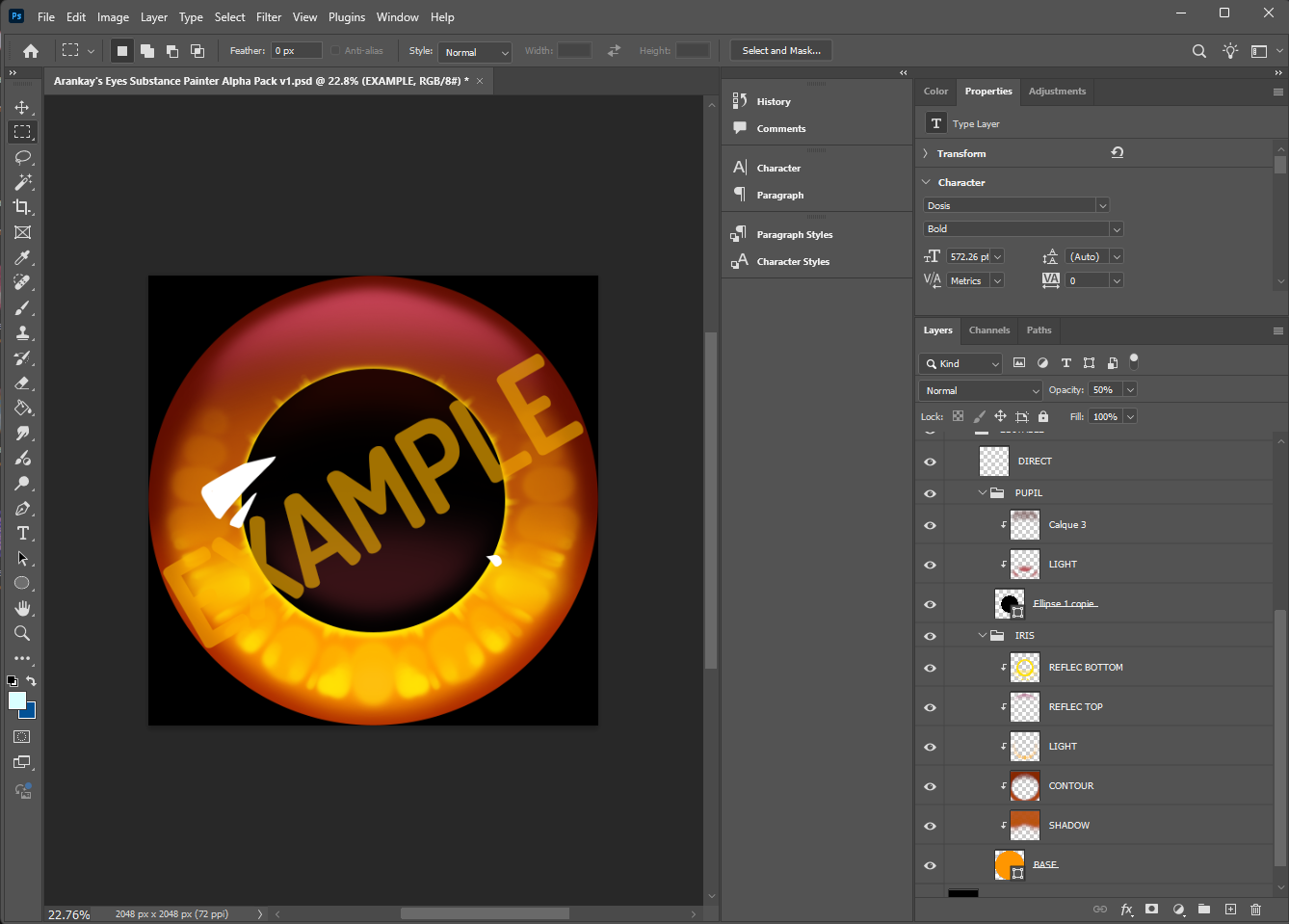
Every eye and their layers was hand drawn by Arankay, I just put this together, made the smart material, and exported everything from a .psd file correctly for Substance Painter's use.
This pack addresses a few issues that other eye texture packs have. Most of the time, when you buy or look online for eye textures, there's some nice ones out there even for free. However, they are the entire eye and not separated into individual layers. If you are traditionally projecting a texture in substance painter, especially for furry avatars, their models have have two meshes that separate the pupil and iris, which means you'd have to paint behind the pupil to fix the double projection on the eyes, and that can be a pain, especially for someone who isn't great at painting or just wants to quickly have their two-mesh eyes set up quickly. Or maybe, you just don't like the look of having the eye lens/flare when you already have a lens sphere around your eye.
Therefore, this pack of eyes has the source edit files and all the default eyes exported into multiple layers already for use on multi-mesh/layer eyes. You can even mix and match the different irises and pupils from all the different eyes together!
These are free to use commercially without attribution, though attribution is greatly appreciated, so you can add them to your Substance Painter library without having to worry about the licensing. Once you buy them, they're completely free to use, and I allow distribution of these within substance painter projects. Just don't directly share the files you download from Jinxxy, such as sending other people the .png or smart material files. That being said, you can use them freely for commissions! I still appreciate a link back to this page if you use it for another asset.
Installation
Add the alphas to your library folder in Substance Painter. By default this is at "C:\Users\user\Documents\Adobe\Adobe Substance 3D Painter\assets".
I recommend you drop all the .png files into the "alphas\labels" folder and the smart material into the "smart-materials" folder within your assets directory.
You can then use the smart material called "[Arankay] Eyes" after a relaunch\library rescan of Substance Painter, and replace the two mask files.
Here's a little video on the smart material!
Includes
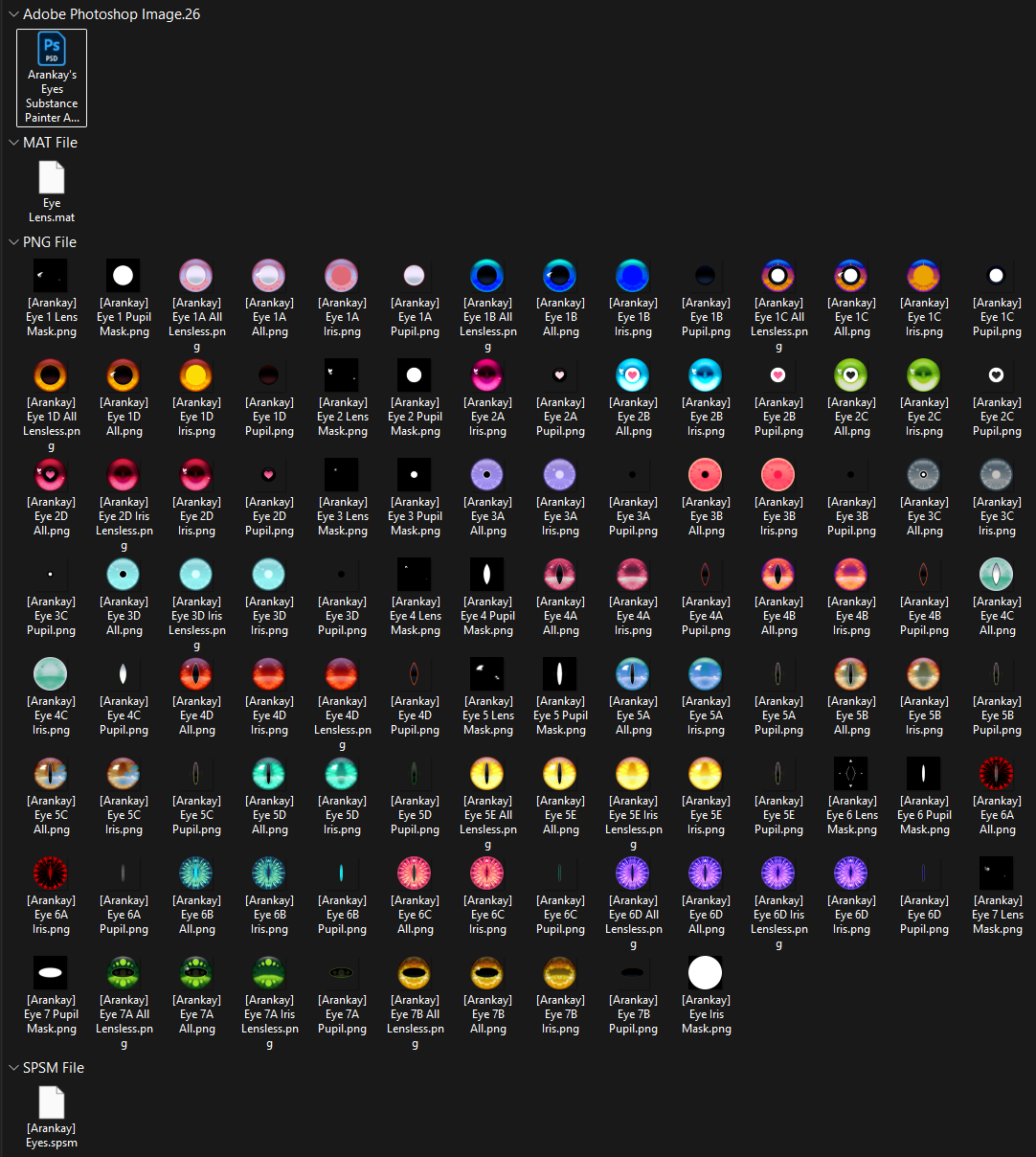
- 108 total pre-exported textures
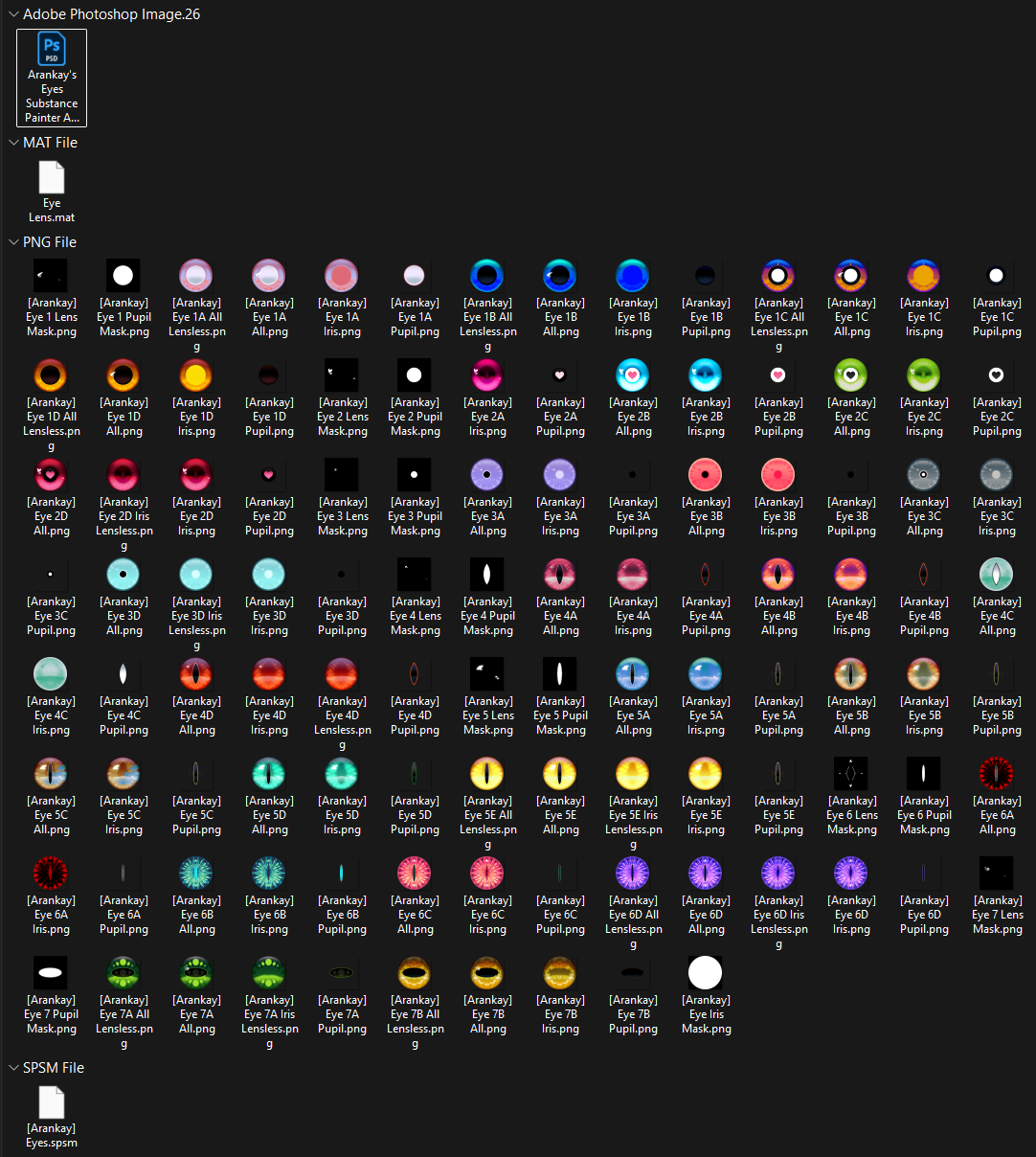
- 27 different eyes in different variations
- 7 entirely different eye designs
- Black/white masks for all the different eye types/layers
- Source .PSD file for making your own eyes
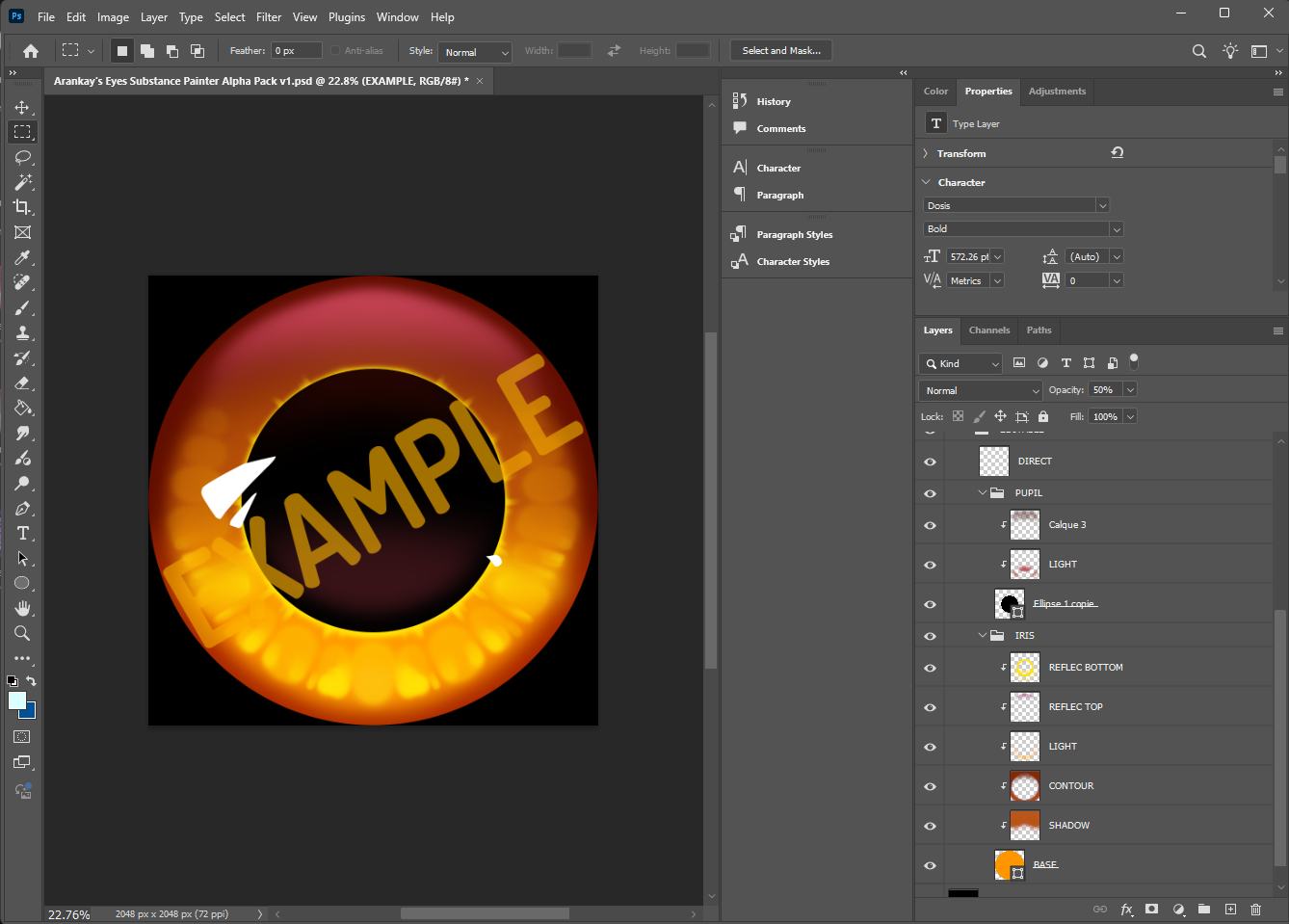
- A smart material you can use to apply the eyes, you just have to switch out the textures and move the mask positions around a bit!
- The smart material has different effects like emission and hue shifting!
- It's recommended to keep the eye material as flat/rough as possible with no reflection, metallic, and maximum roughness, and have a lens mesh around your eye for the reflection. For this reason, I have included a "Lens" material that uses Poiyomi Pro, though you can switch it to Poiyomi Toon. You will need to make a sphere around your eyes yourself if your model doesn't already have one.
Dependencies
This is what this asset will require for use.
- Adobe Substance Painter (https://store.steampowered.com/app/4329260/Substance_3D_Painter_2026/)
- Any other painting program such as Photoshop or Krita, that you would want to make use of!
- You can use this without substance painter or any editing program if you know how to use Poiyomi's decal system.
Terms of Use
https://docs.google.com/document/d/1g_IL1zrD3BRJoDi-pQPv3n4yv9OgoPO6DITg5O9Fbbs
By using any piece of this asset, you are deemed to have agreed to these Terms-of-Use as listed above. The original version in English shall prevail if any conflicts or inconsistencies exist between languages.
You must have purchased the "Commercial" version of this asset in order to use the "Commercial" license, otherwise you can only use the "Personal" license.