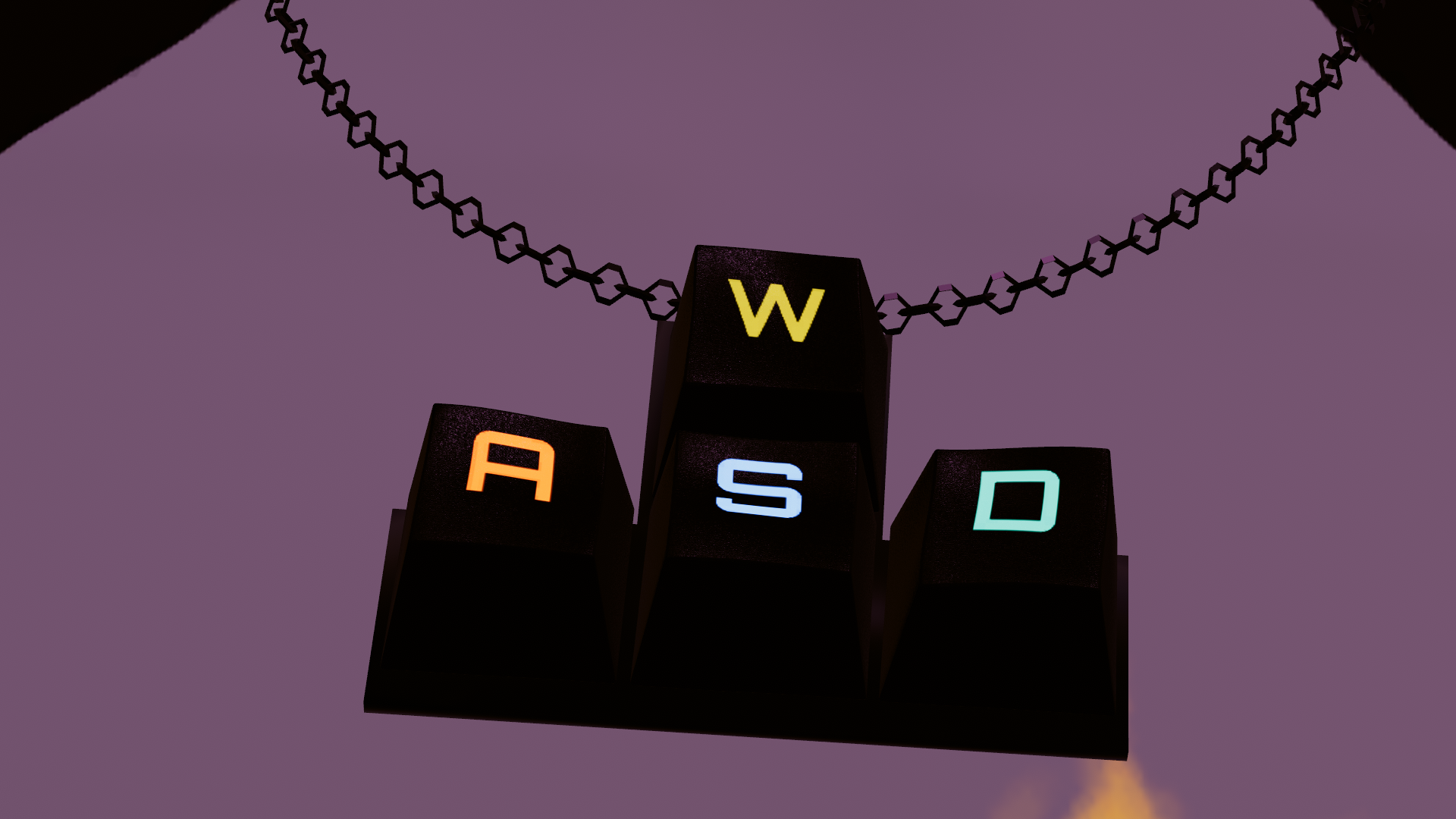
SmartCooLenshader + Glasses
Product Description
SmartCooLens Shader + Glasses
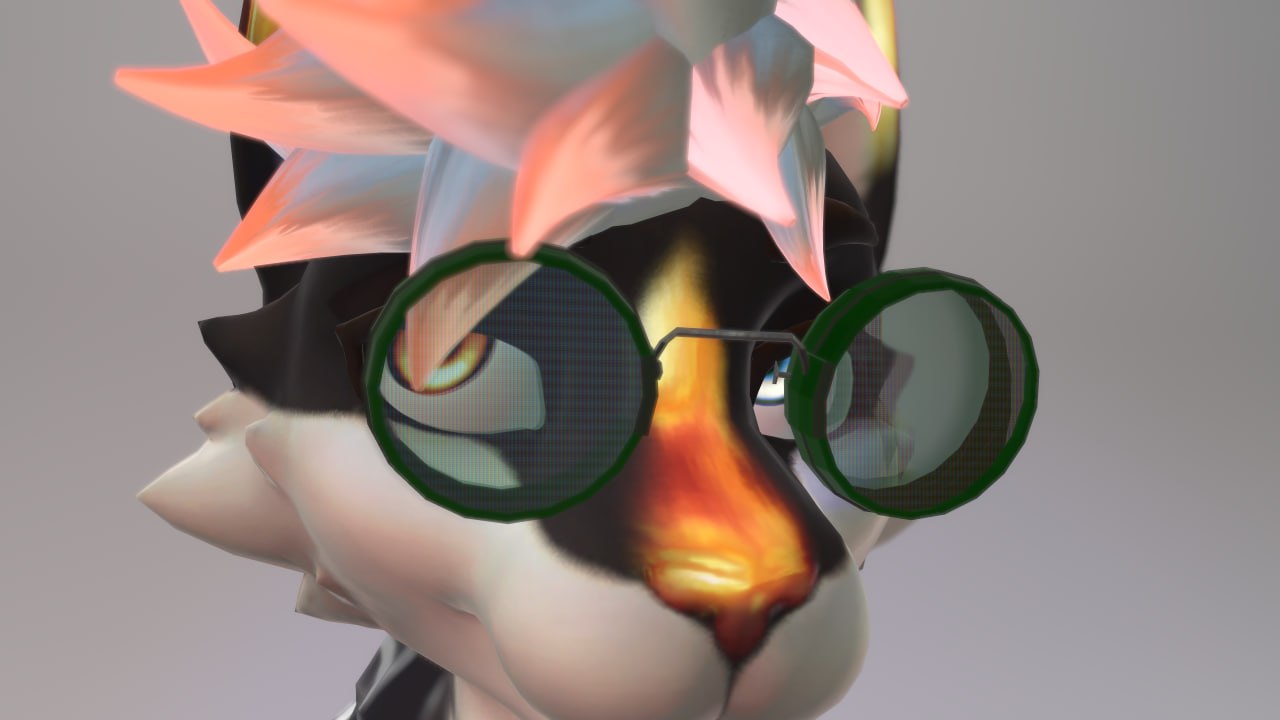
SmartCooLens Shader is a stylish shader effect that is reactive with universal eye tracking for PC.
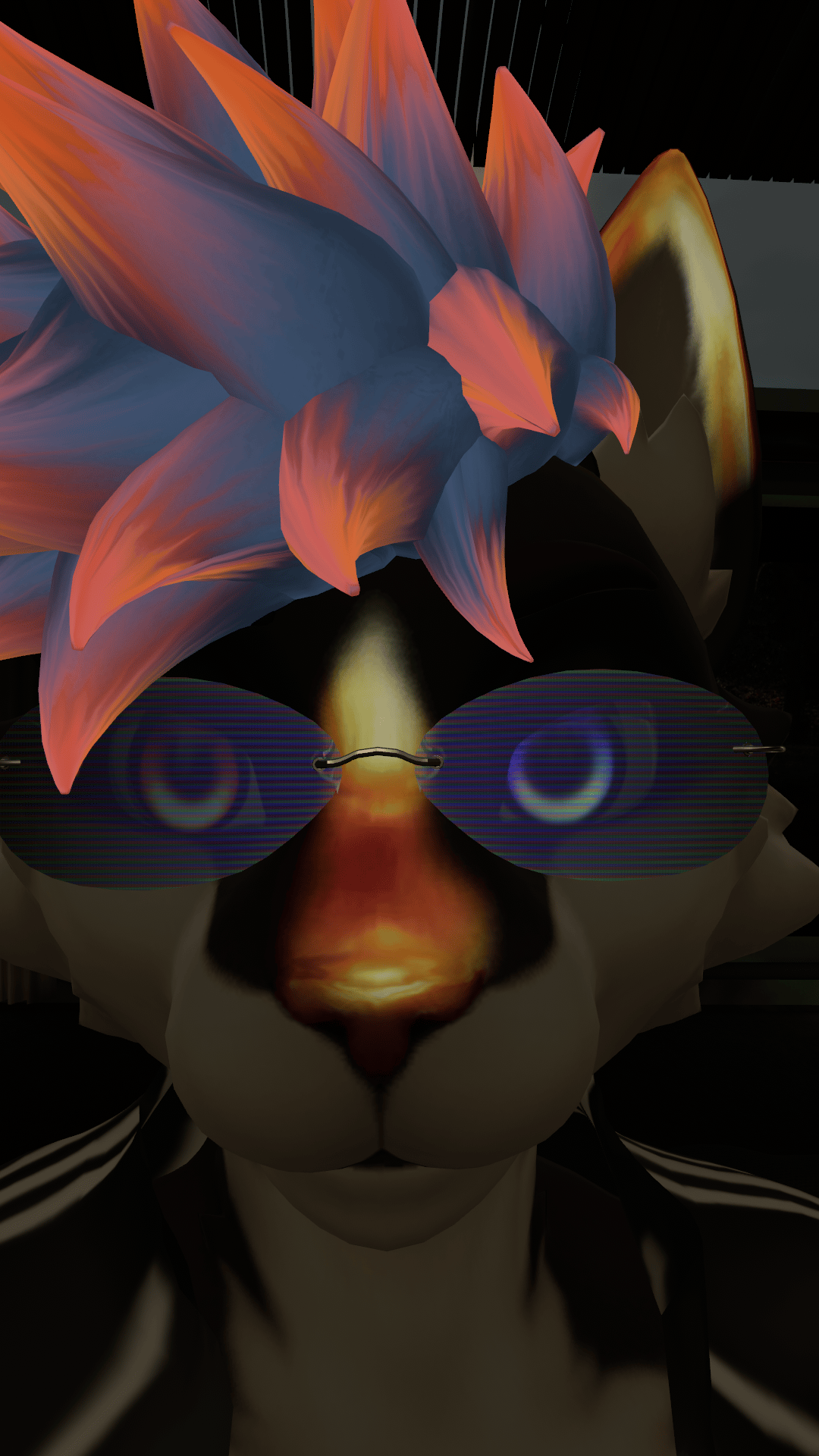
Glasses frames included 3 different options to fit some options from shader, featuring easy adjustment with size and width blendshapes to fit any avatar.
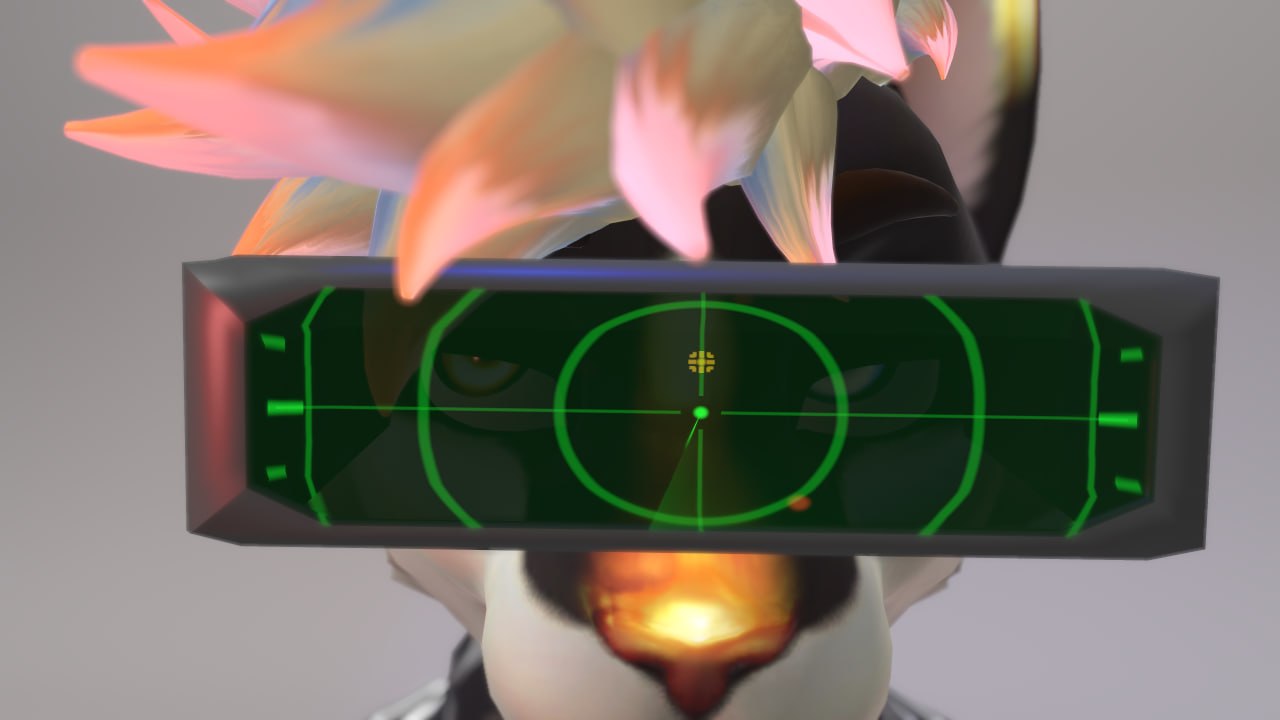
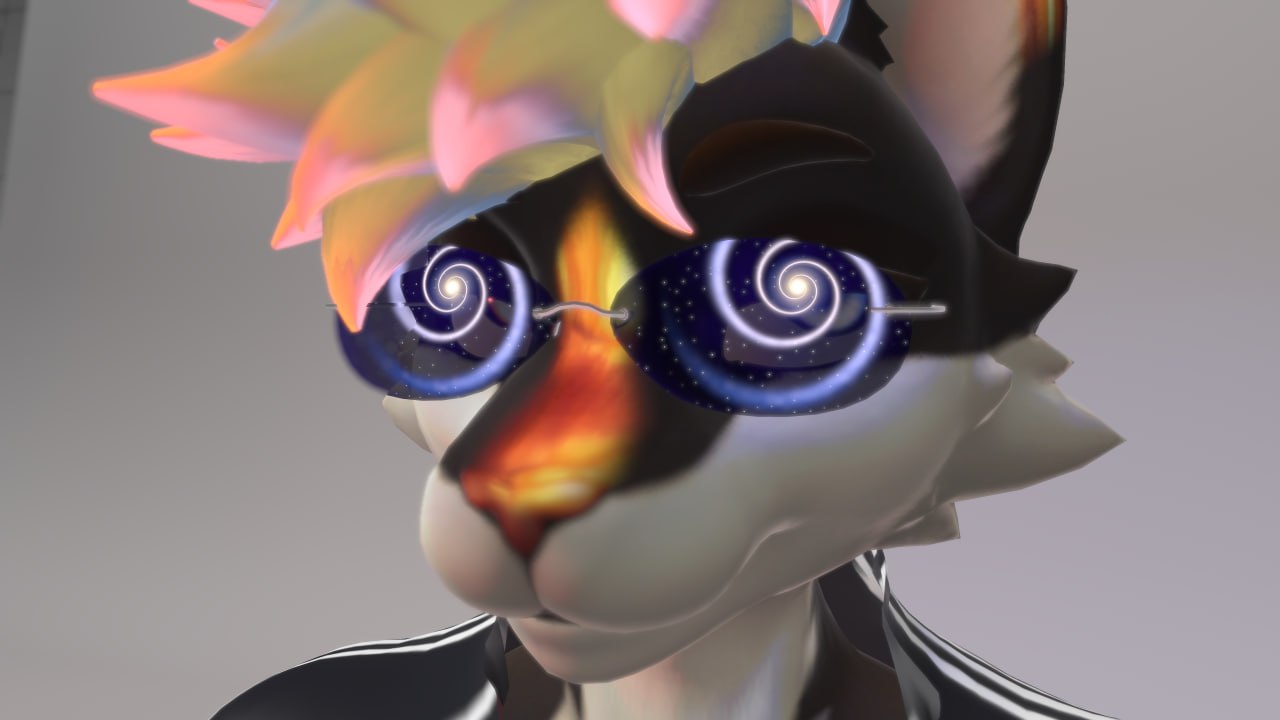
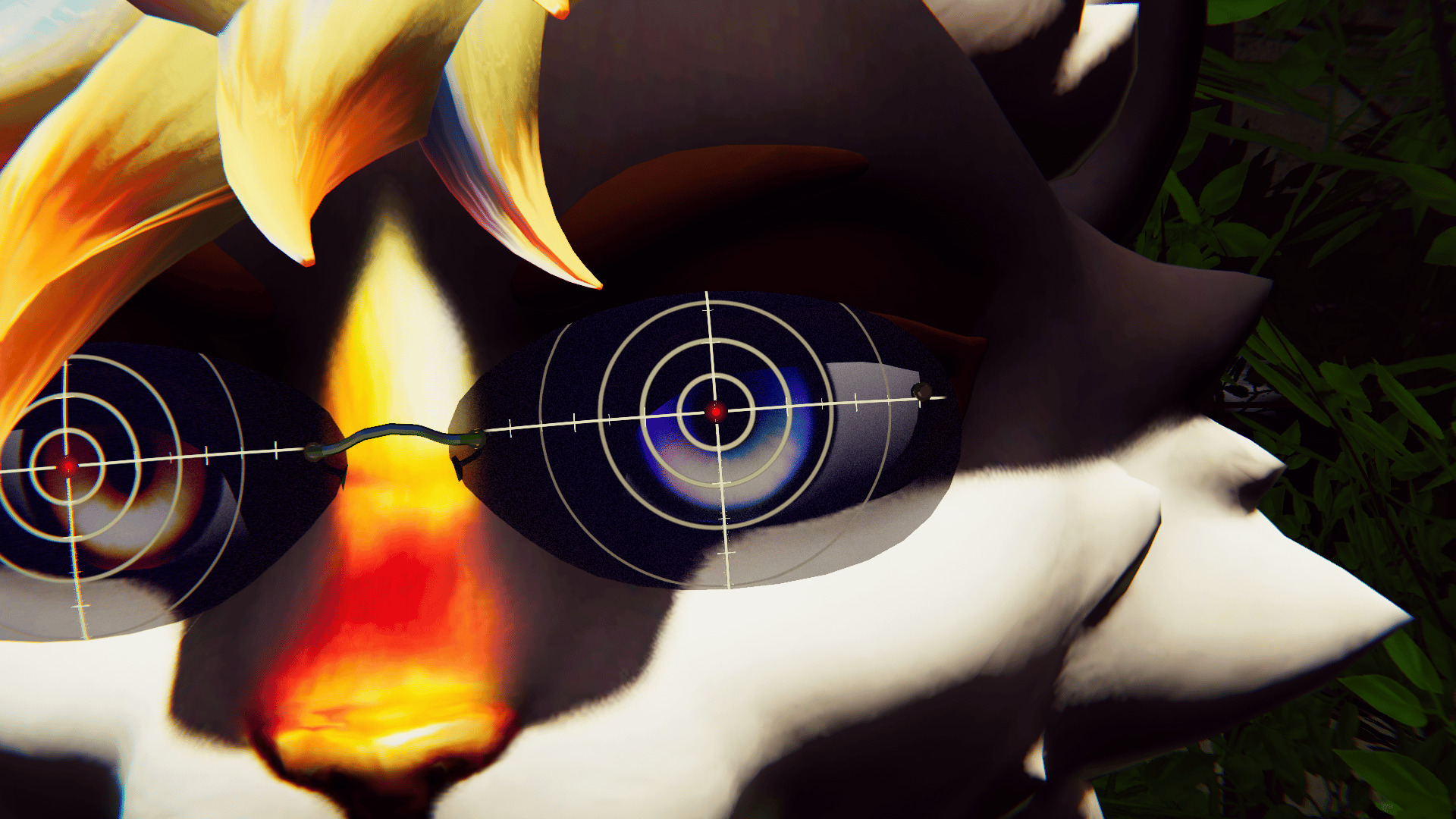
SmartLens Shader: focal point with 3 different styles for use: Sniper, Radar and Vortex
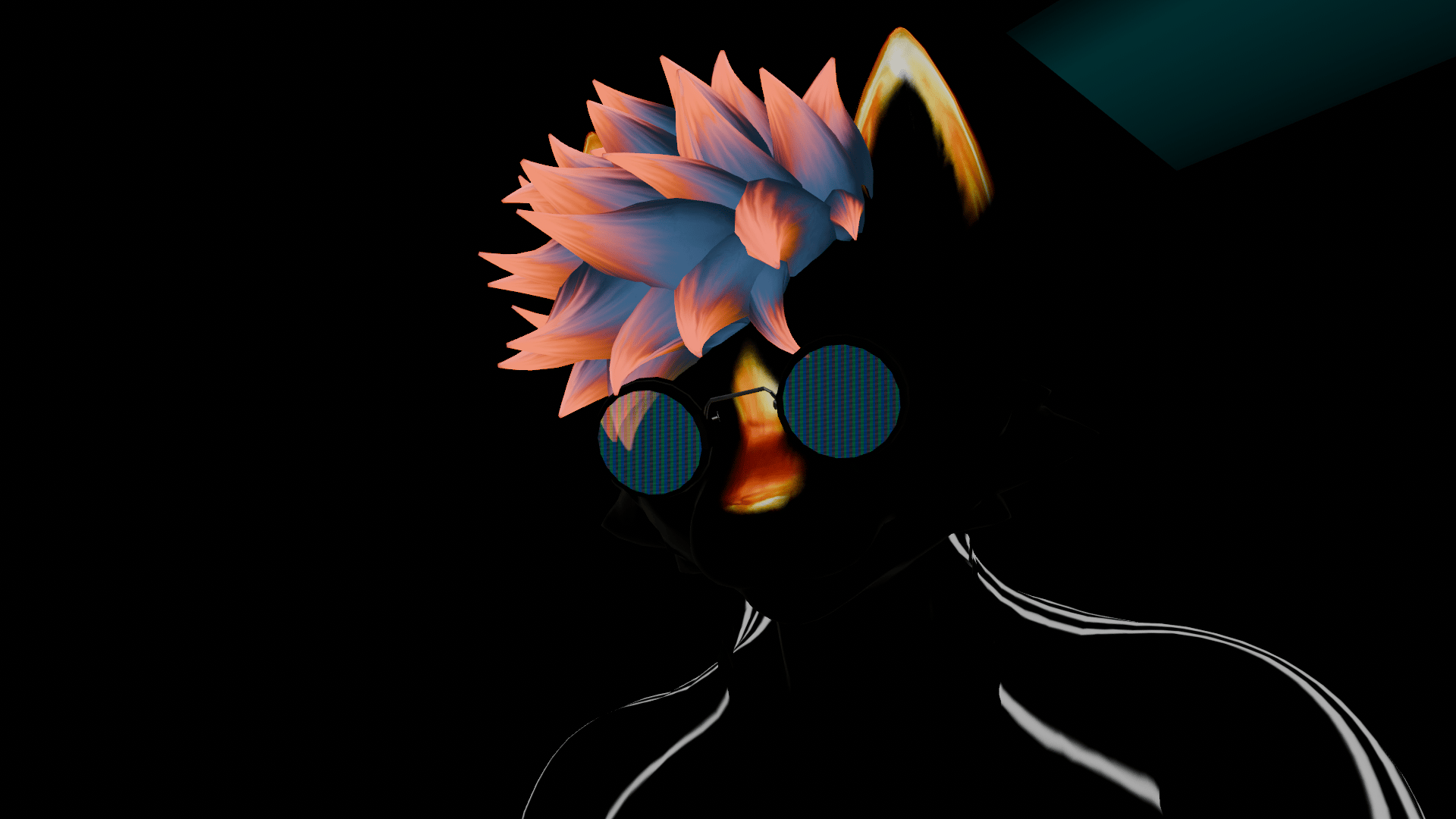
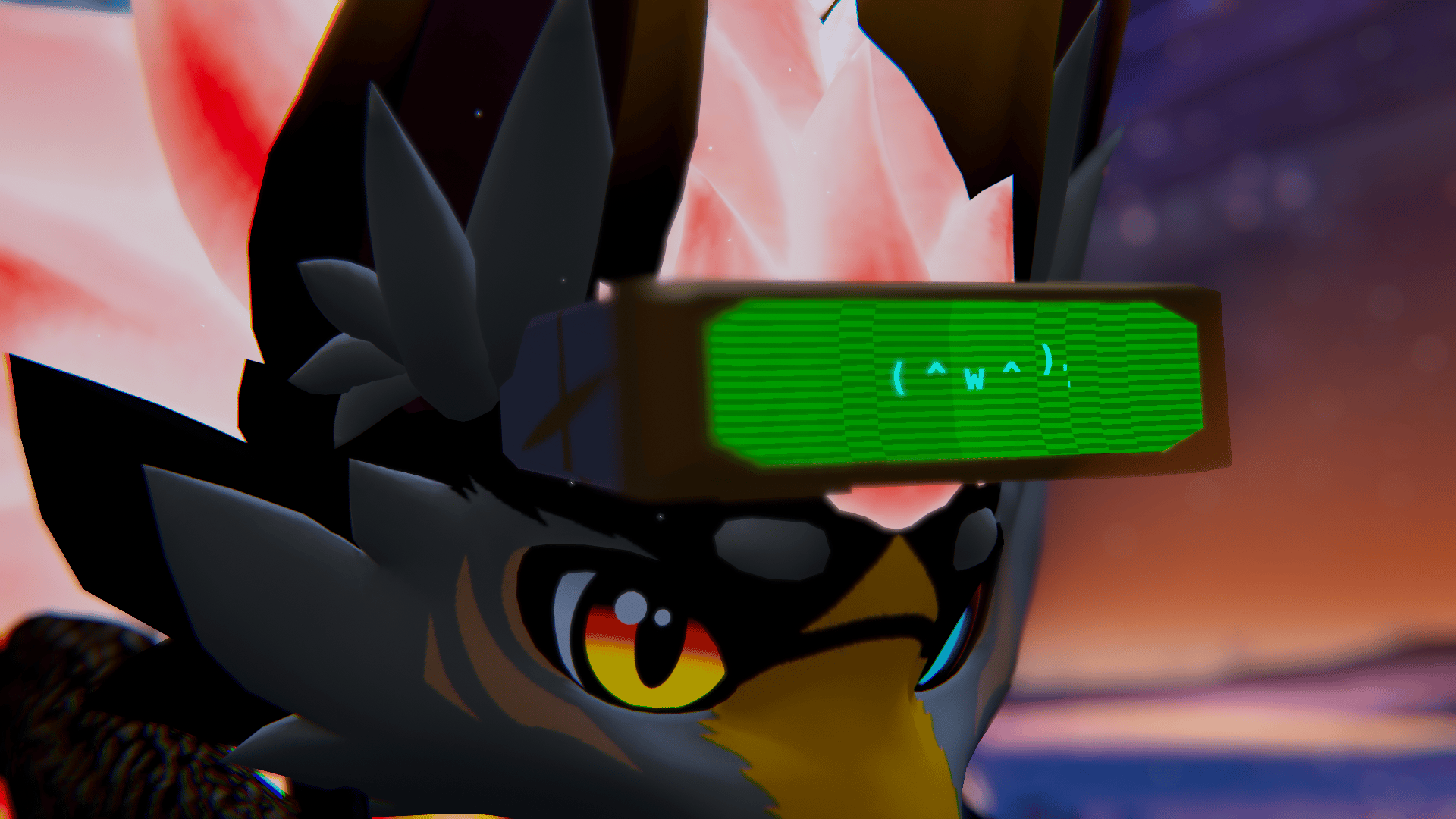
CooLens Shader: Lens effect with 3 different screens shader to use: Matrix, CRT-TV, Old Televisor
Audiolink compatible.
SmartLens Features:
Eye tracking:
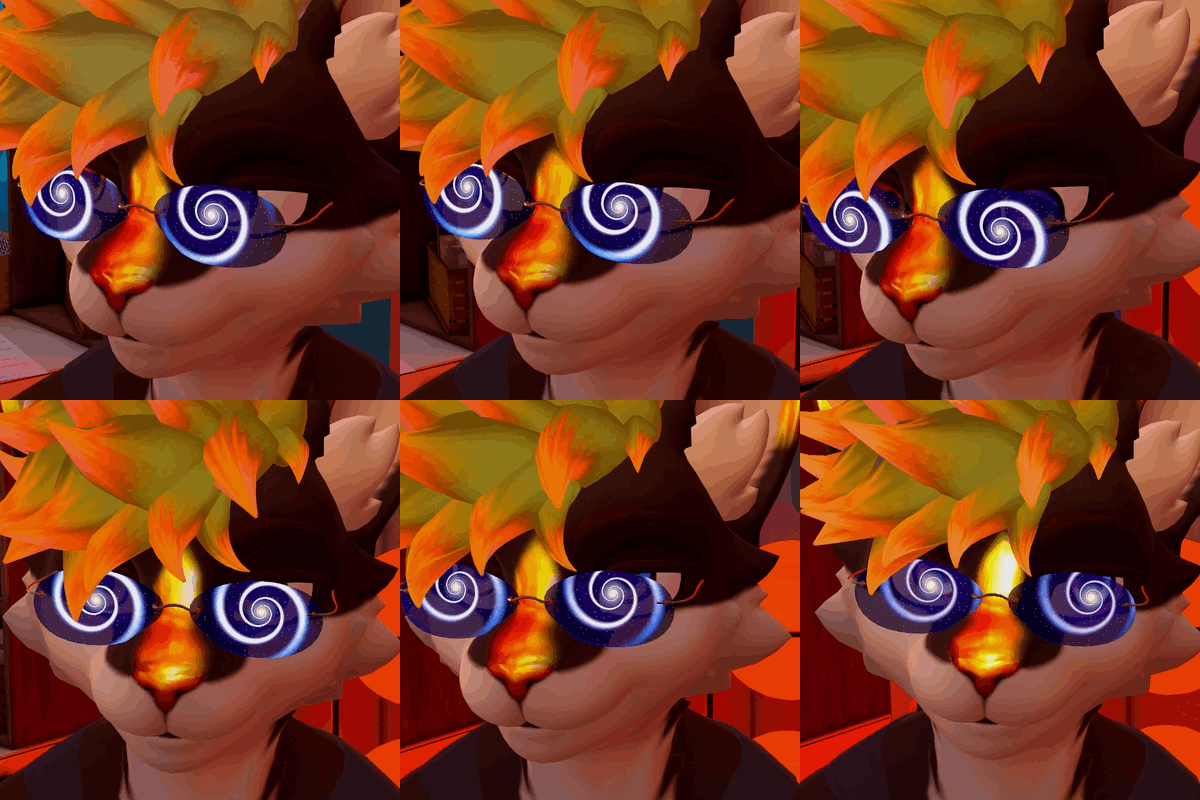
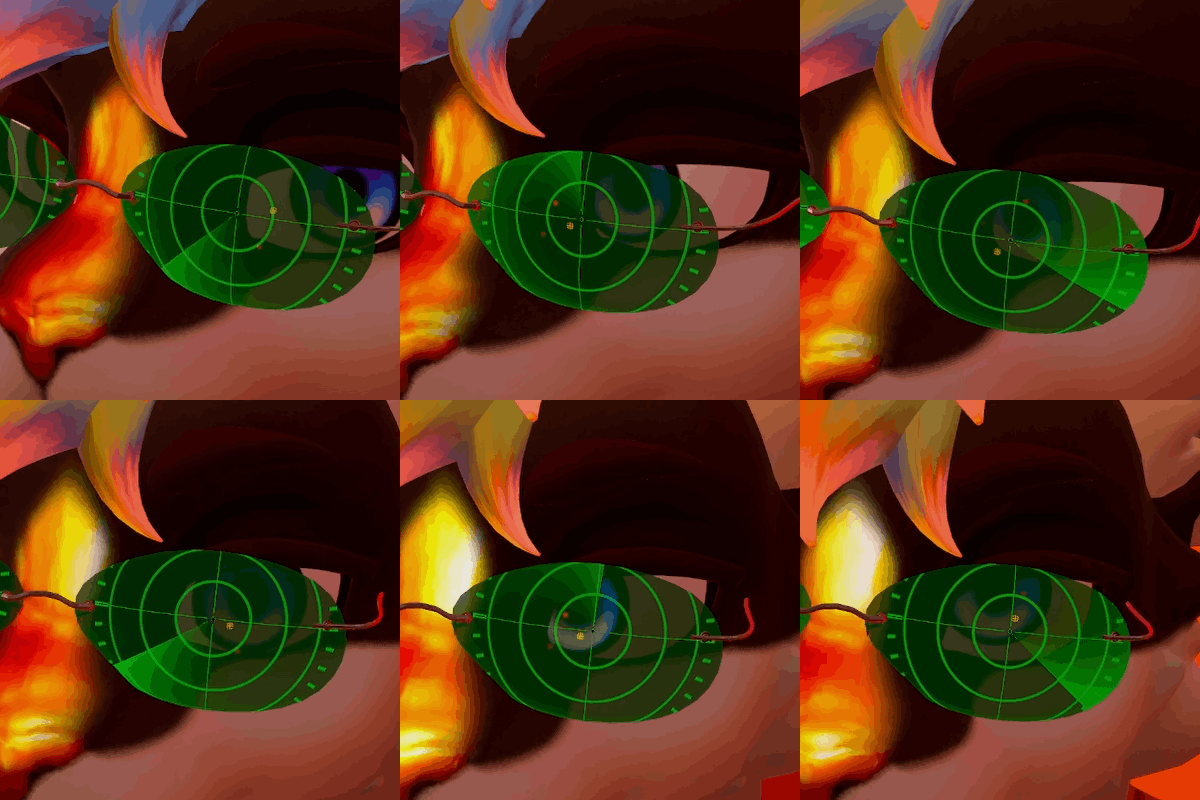
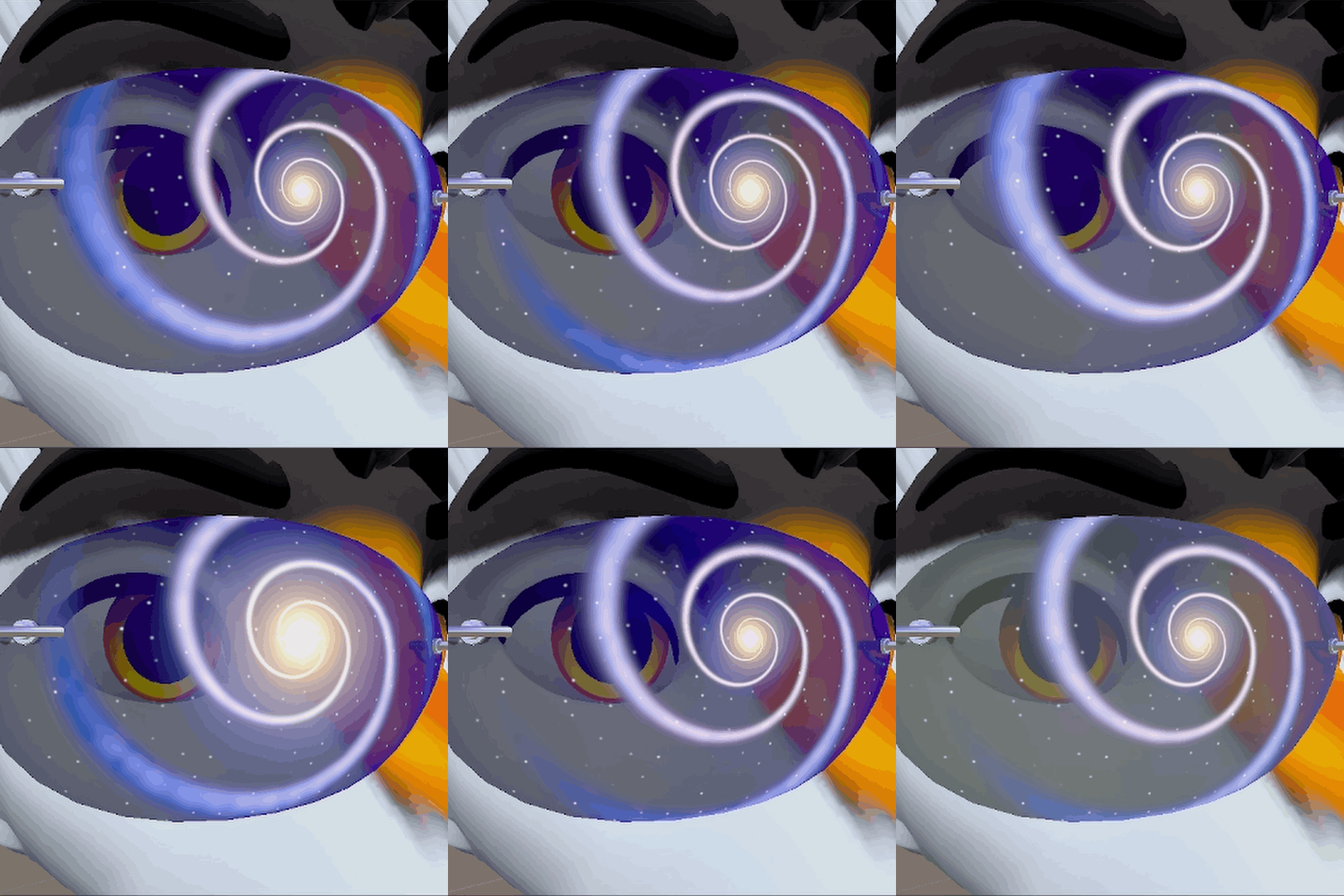
Vortex focal point:
- Eye tracking
- Spiral Size
- Spiral Speed
- Stars Density
- Core point Size
- Nebula Colors
- Space Colors
- Core Colors
- Audiolink customizable
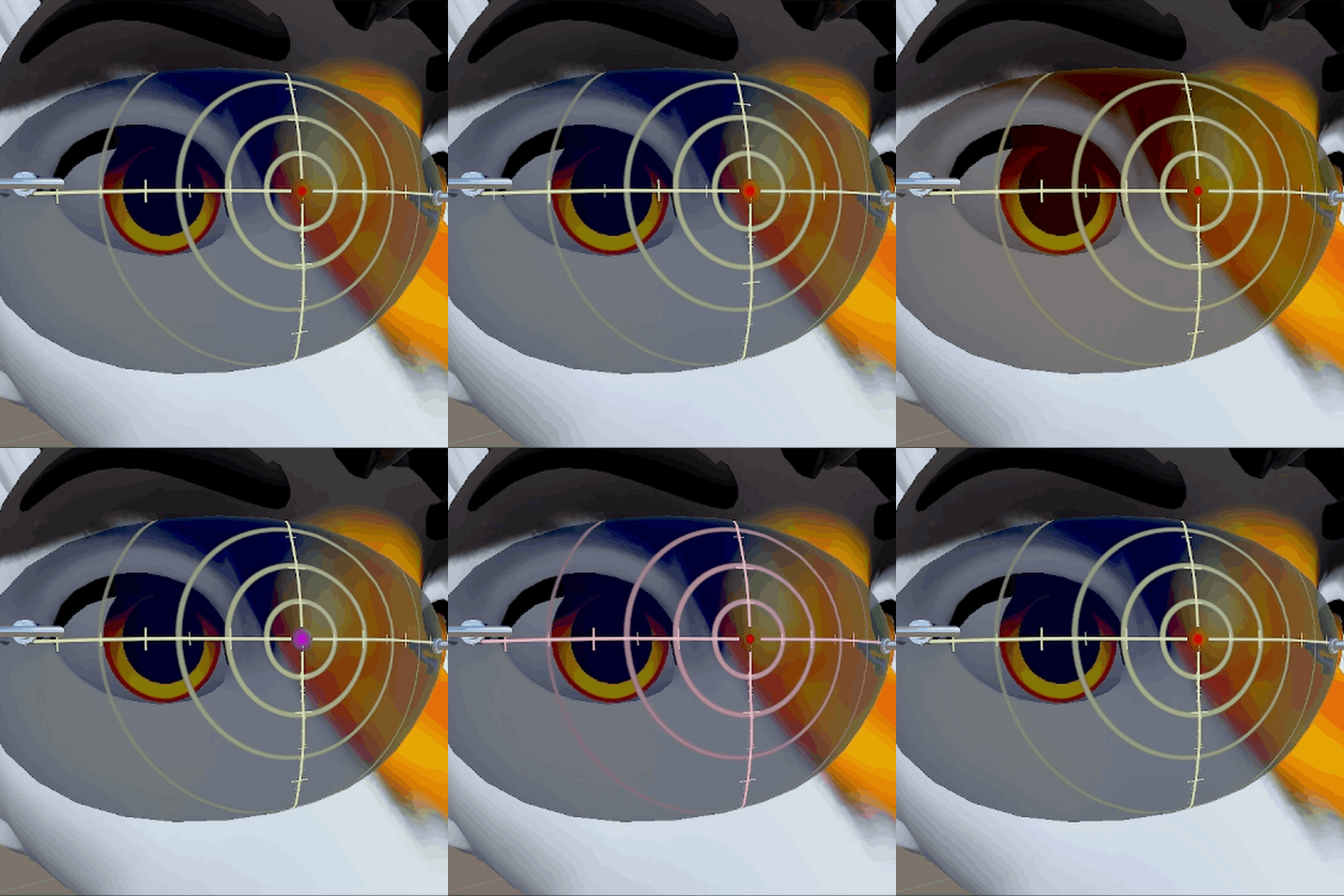
Sniper aim dot:
- Eye tracking
- Range marks distance
- Lines Thickness
- Dot pulse velocity
- Lines colors
- Dot colors
- Len colors
- Audiolink customizable
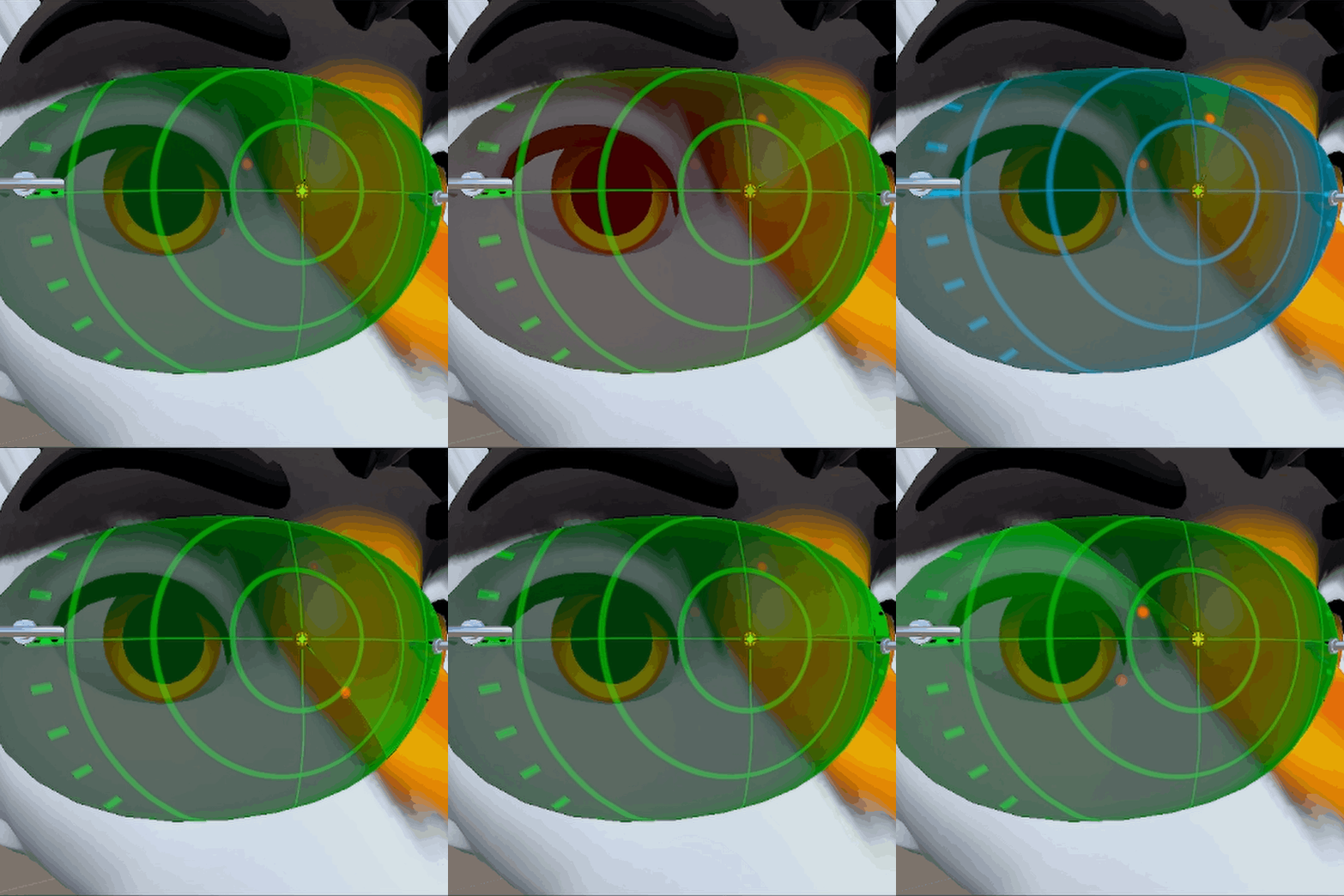 Radar:
- Eye tracking
- Scanning speed
- Lens/Vignette colors
- Lines colors
- Target colors
- Central dot aim colors
- Scanning line colors
- Audiolink customizable
CooLens Features:
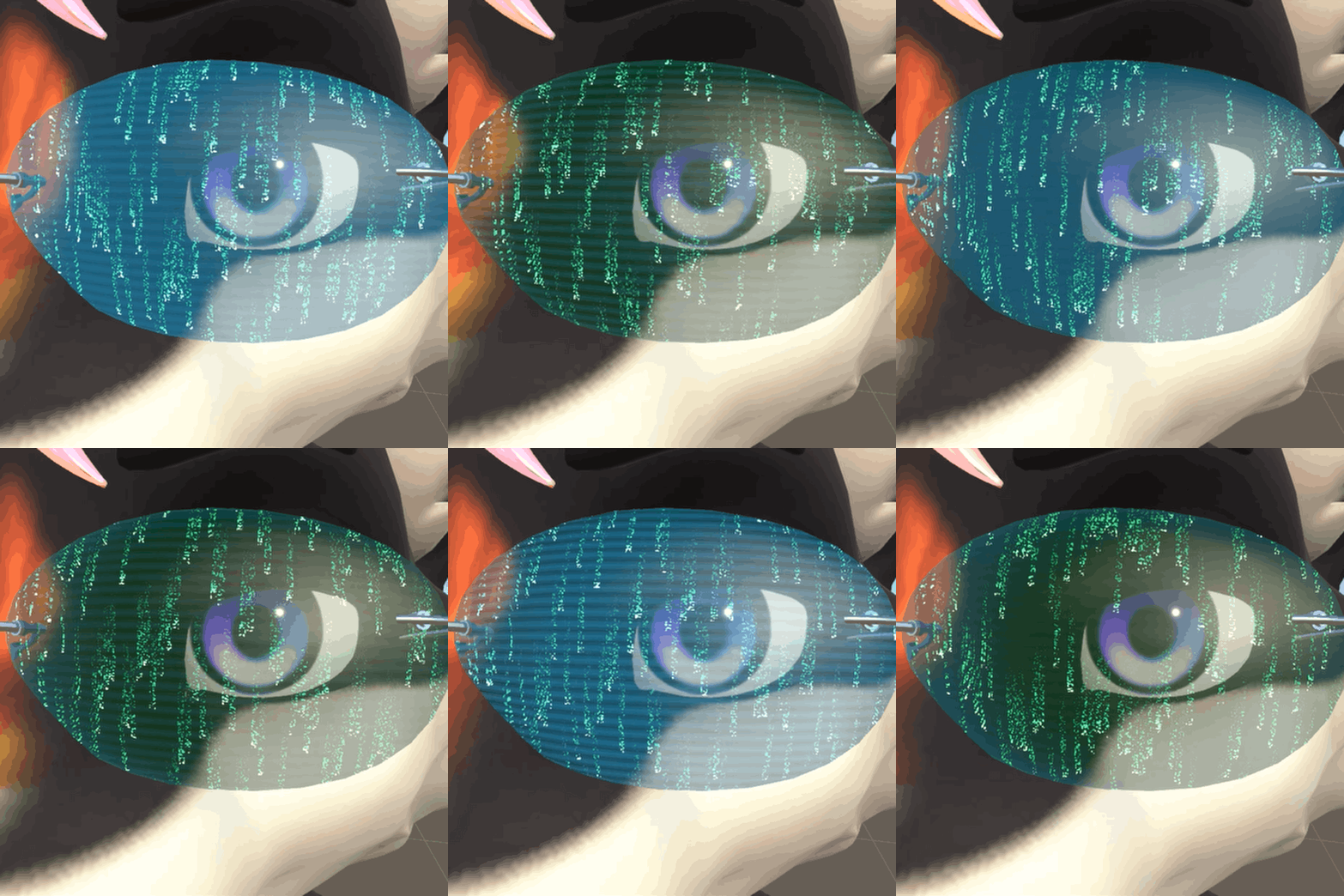 Matrix:
- Code rain density, distance and direction
- Color shift, pulse, emission
- Scanlines speed, ammount
- Glitchy effect
- Audiolink customizable
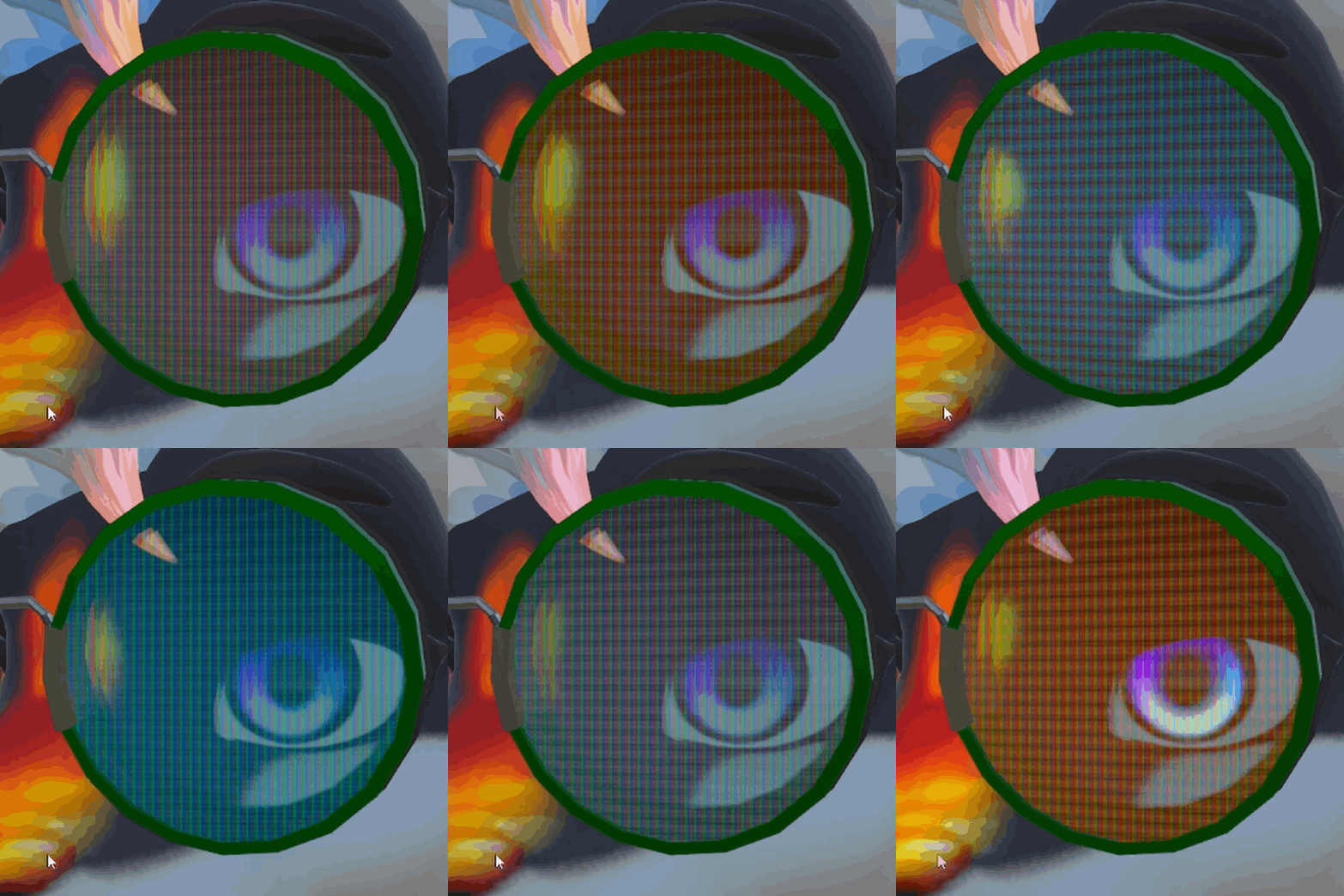
CRT-TV:
- RGB Pixels effect
- Scanlines pulse, velocity
- Color shift
- Vignette
- Lens Distortion
- Audiolink customizable
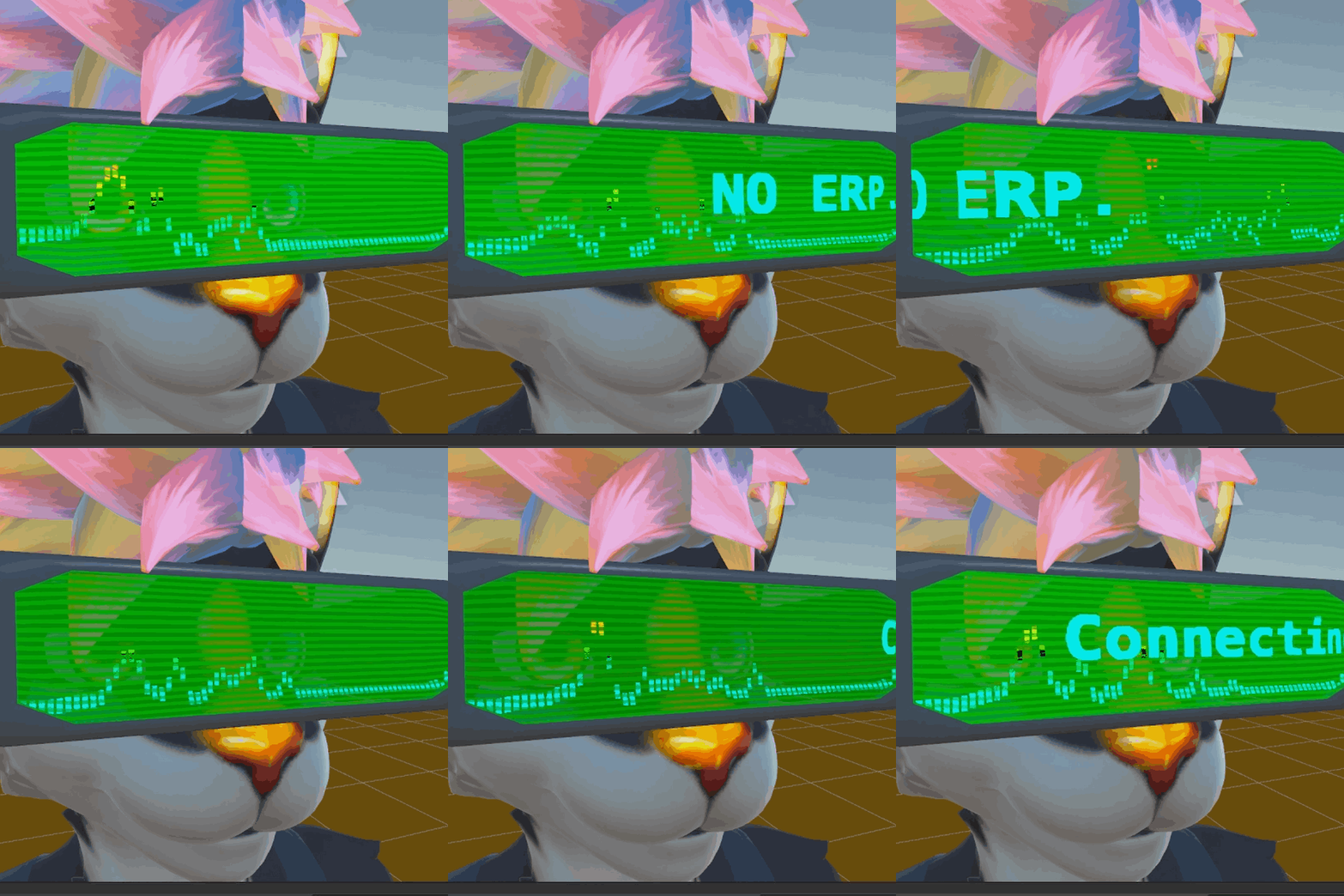 Old Televisor:
- Scanlines velocity, alpha, transparency
- Pulsing emission
- Text slide, customizable, direction, plenty of option already included: Mommy Issues, Daddy Issues, NO ERP, F4#K U, Lets Party, Happy Birthday, Connecting..., Loading... and ( ^ w ^ ).
- Ruben Spectrum coming from a second visor behind the main one using Poiyomi
- Scanlines Colors
- Screen background colors
- Audiolink customizable
Original glasses frames included: 3 Options
Steampunk:
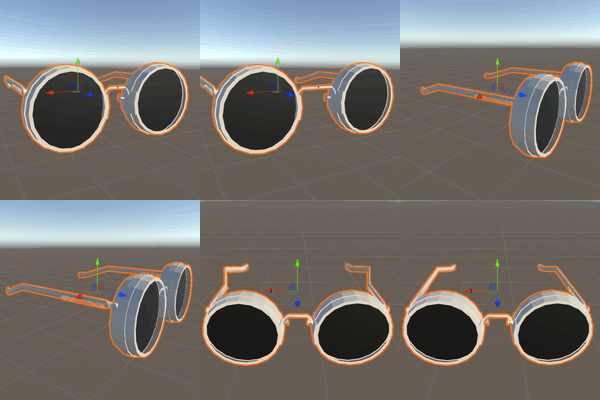 Blendshapes for adjustments.
Neo:
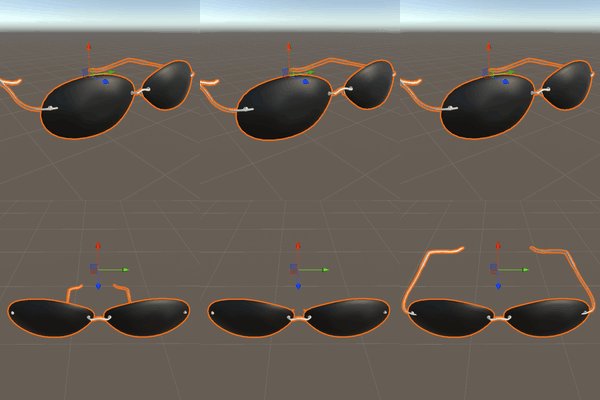 Blendshapes for adjustments.
TelevisorVR:
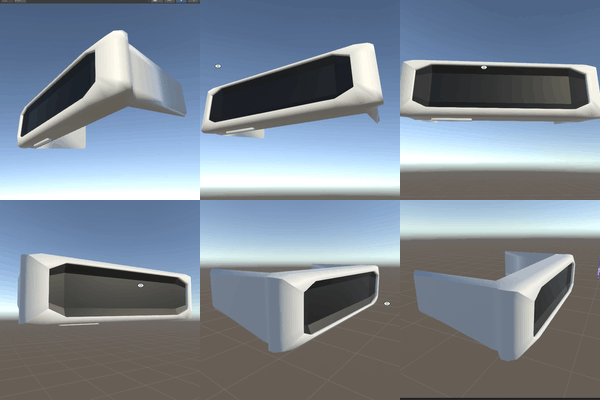
Installation:
- Install VRCFury and Poiyomi.
- Import the CooLens.unitypackage/SmartLens.unitypackage/SmartCooLens.unitypackage in your project.
- Go to "___TalSet/.." and chose the folder with the version you prefer "Neo/Steampunk/Televisor", then open, drag the "Neo.prefab/Steampunk.prefab/Televisor.prefab" and drag the prefab to your avatar.
- Scale and Rotate the prefab how much you'd like, go to the mesh inside the prefab Hyerarchy and use the blendshape to adjust the size and width to fit on the neck of your model
- Activate the Gizmos in the scene view, and inside the prefab that have the eyetracking (smartlens specific), make sure the Contact Receivers and Senders are properly positioned with the Sender (Little Yellow one in the Middle) is exatcly on the center of your Right Eye
- Publish your avatar and Have fun ^w^
Details:
Steampunk:
- Polygons: Around 19.000
- Materials: 2
- Sync Parameters: Around 4 (Only with eye tracking from smartlens option)
Neo:
- Polygons: Around 3.600
- Materials: 2
- Sync Parameters: Around 4 (Only with eye tracking from smartlens option)
Televisor:
- Polygons: Around 600
- Materials: 3
- Sync Parameters: Around 4 (Only with eye tracking from smartlens option)
Dependencies:
- VRCFury
- Poiyomi 10.0
Terms of Use:
- Sharing or selling -SmartCooLens Shader , whether modified or not, isn't not allowed.
This applies to prefab and shader or avatar containing one of them. - Modification of SmartCooLens Shader is allowed only for personal use.
- Uploading public avatars With -SmartCooLens Shader is allowed, and making them available in worlds is prohibited.
- The copyright of the -SmartCooLens Shader product belongs to TurokWolfy [TalSet].
Thanks
I want to thank my friends who helped me on development of my first asset, always encouraging and teaching me a lot.
- Dad -> . Many thanks for being the mind behind the whole shader, if it wasnt you, this product wouldnt even exist, thanks for be patient fixing and repairing the code with me, i love you so much!
- MiraNaJanela -> . Many thanks for being honest, seing some issues that would be good to fix, and also showing me a properly map to record the showcase video.
- CatOPanda -> . I really appreciate your dedication and willing to help me testing and recording with me the eye tracking feature.
- OgamiWK -> . You always so patient to help me to setup and fix all the VRCfury and Unity things, helping me to optimize and make the asset work properly.