Product Description
⭐ Enjoying it? A quick rating really helps a small creator get found. Questions or bugs? Come say hi on our Discord.
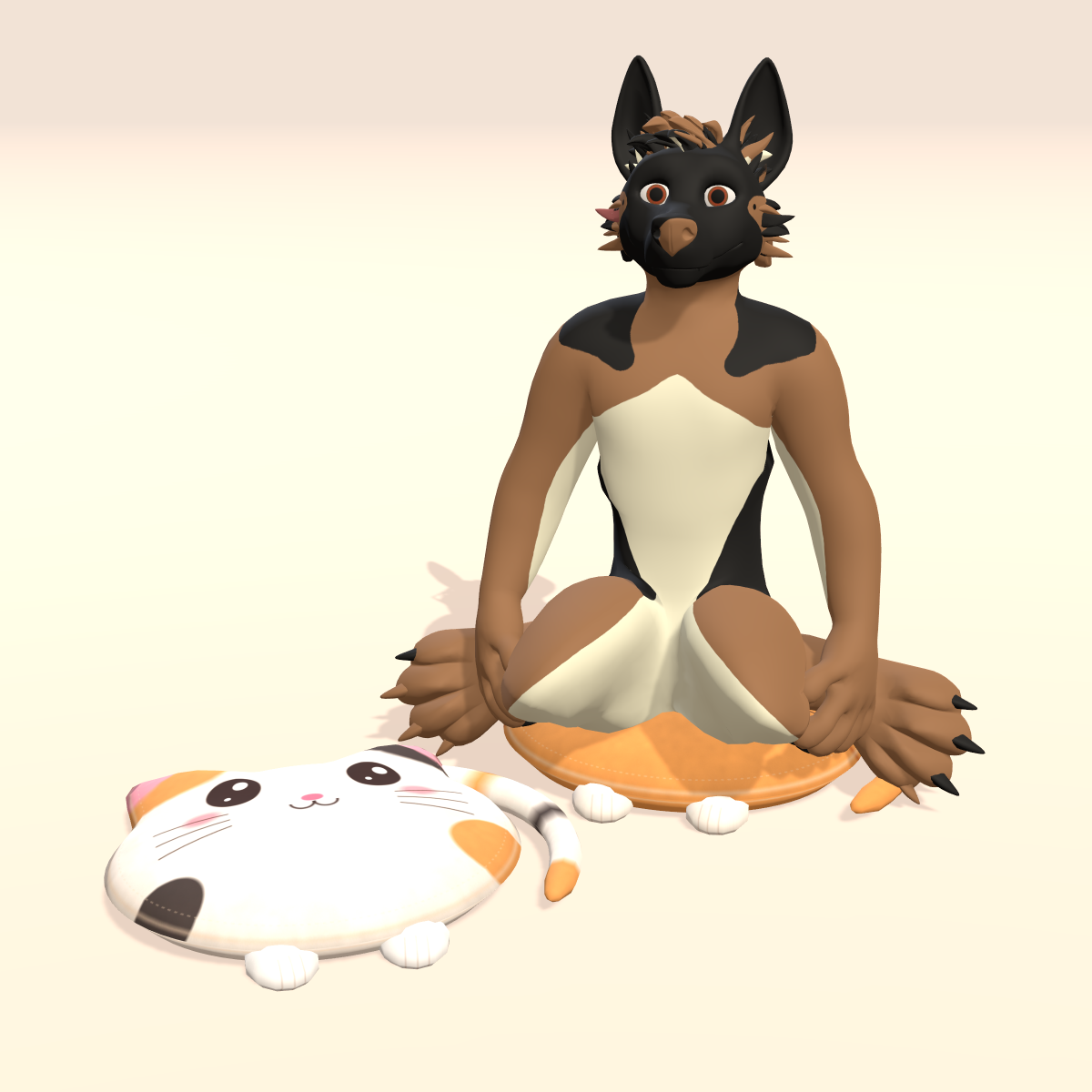
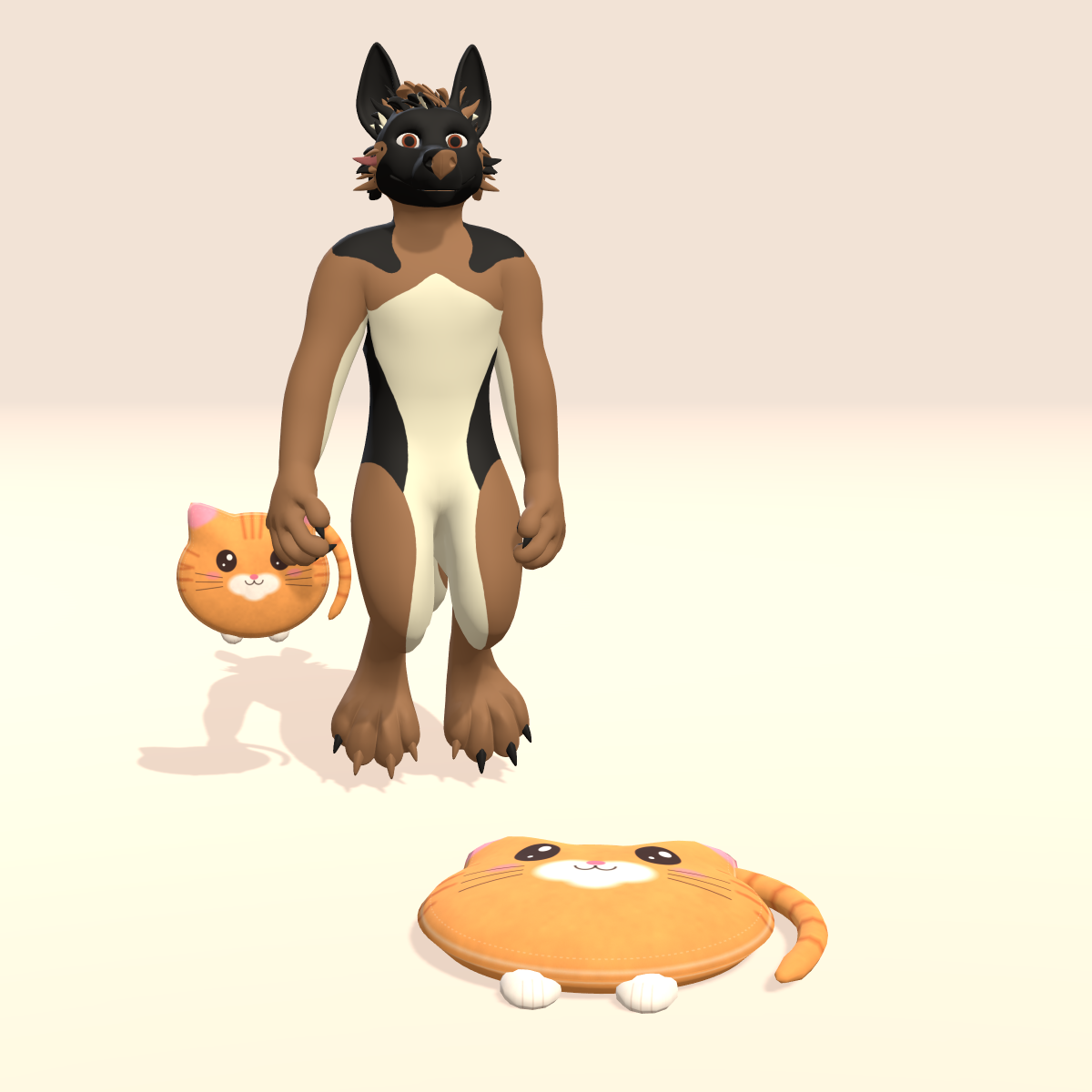
The party has been going for hours and every chair in the world is taken. Drop your cat cushion on the floor, click it, and sit cross-legged like you own the place. When you get up, a friend can take a turn.
Not sure yet? Try the free Cat Cushion Seat Lite first.
Carry, drop, sit
- Carry it – a small version hangs from your right hand.
- Drop it – it lands on the floor in front of you at full size and stays in the world while you walk around.
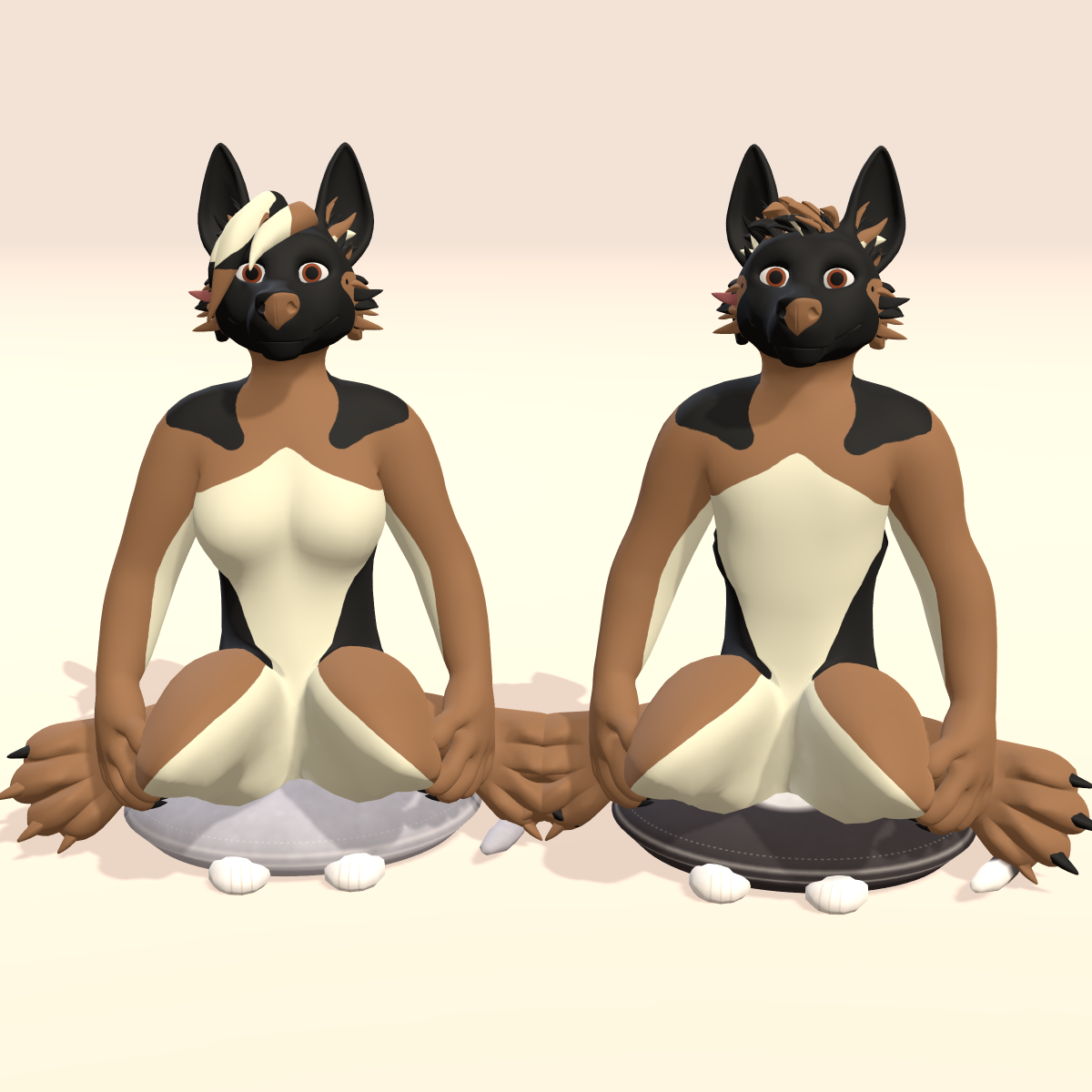
- Sit on it – click the placed cushion to sit in a relaxed cross-legged pose.
- Share it* – friends can click it and sit too, depending on their VRChat settings.
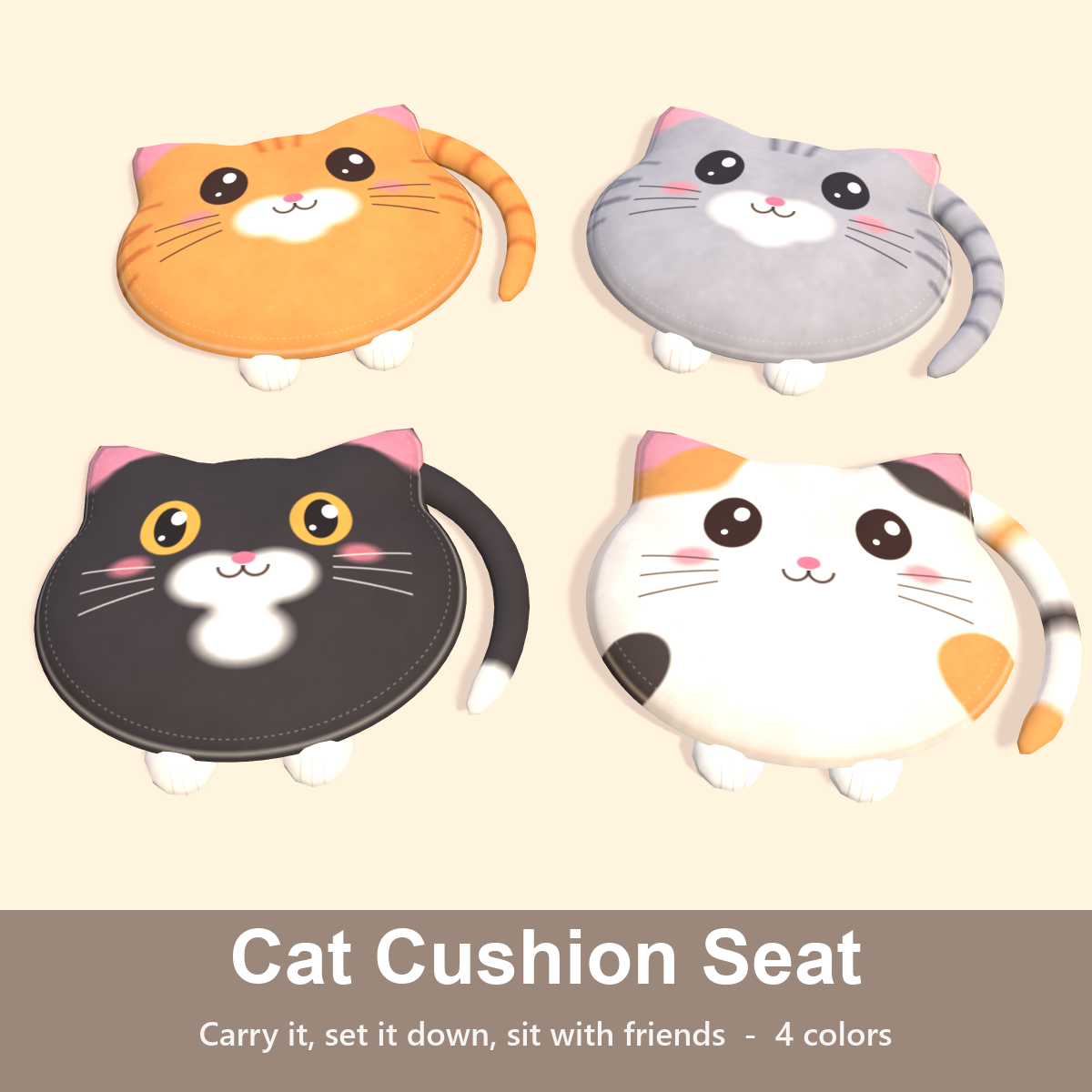
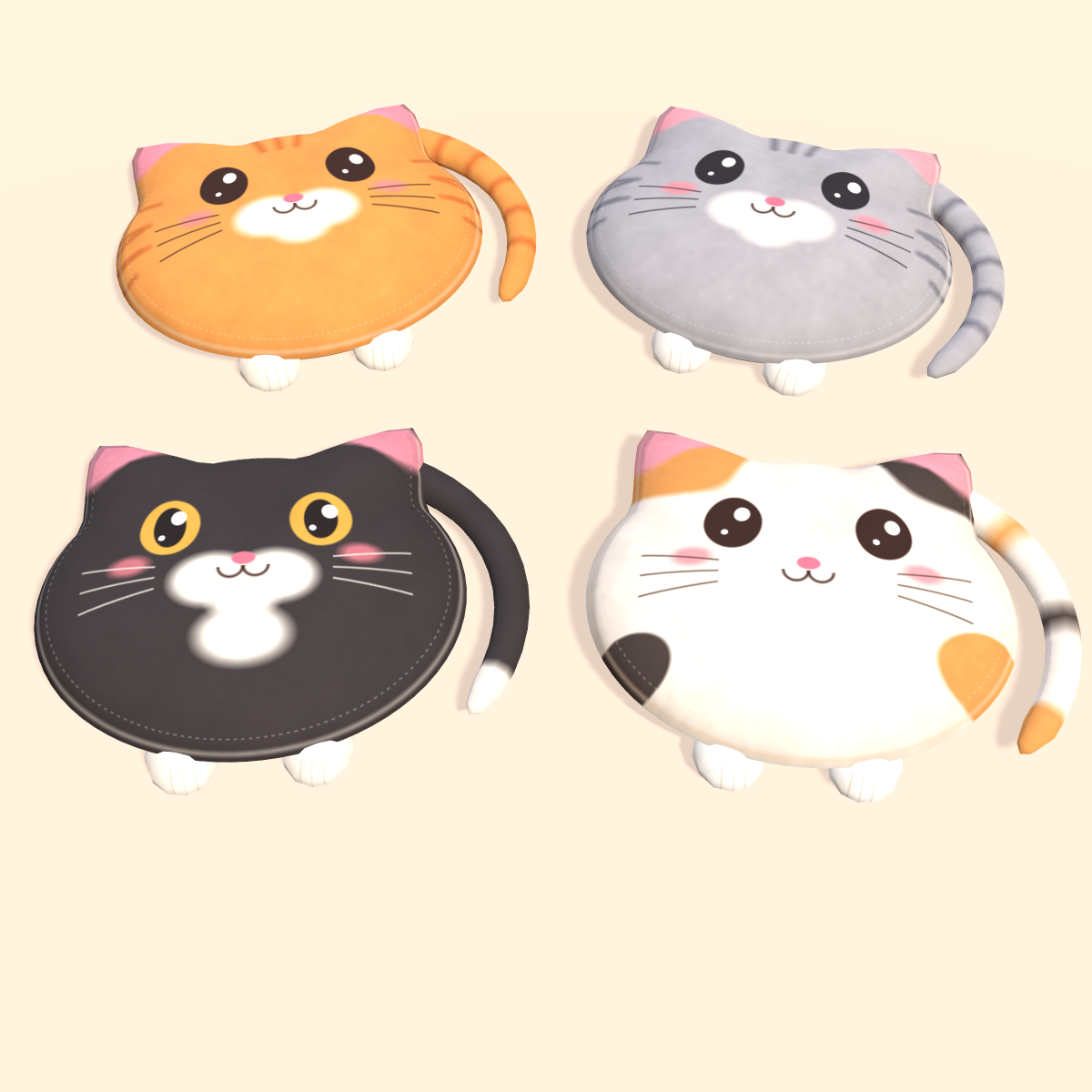
- Four coats – Ginger, Gray Tabby, Tuxedo and Calico, all in one package.
- Size slider – about 0.6x to 1.6x, so the seat height suits your avatar.
Setup
Install VRCFury (free, via VCC or ALCOM), import the unitypackage, drag the prefab onto your avatar root and upload. The menu and parameters are added for you.
Specs
- Humanoid avatars; the sitting pose is fitted on G-Shep.
- 2,992 tris · 1 material slot (4 fur materials) · 1024 textures · no lights · Unity Standard shader
- Uses 1 of the 6 seats VRChat allows per avatar · 18 synced parameter bits
- VRChat PC (Quest not tested)
- Unity package, EN/JP README and EN/JP VN3 license included.
* Tested in Unity play mode and with the VRChat SDK's local build; not yet in the live VRChat client, in VR, or with other players sitting (that also depends on VRChat's own seat settings). Anything look off? Tell us and we'll fix it.
License: VN3 – personal and commercial avatar use and edits are OK; no redistribution. Preview avatar: G-Shep by Atheo.
Support: [email protected] · More from KiraKobo